Free Google Meet scheduling for online appointments
Connect Google Meet to Koalendar and a video link is added to every booking. Share your booking page, and clients get their Meet link the moment they book.
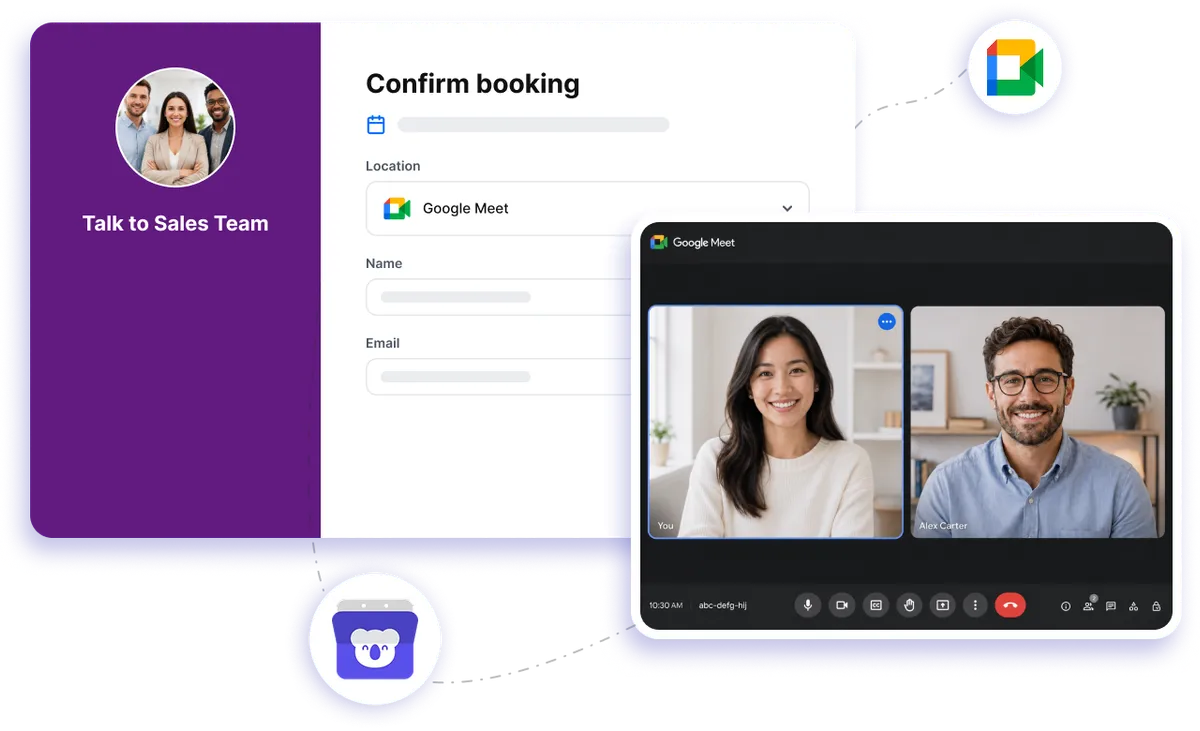
Native Google Meet integration
Turn every online booking into a ready-to-join video meeting
Your Google Meet scheduler handles the video call setup for you. Choose Google Meet as the meeting location, share your Koalendar booking page, and let invitees pick a time. Once they book, the meeting details are ready to go without you creating or sending a video link manually.
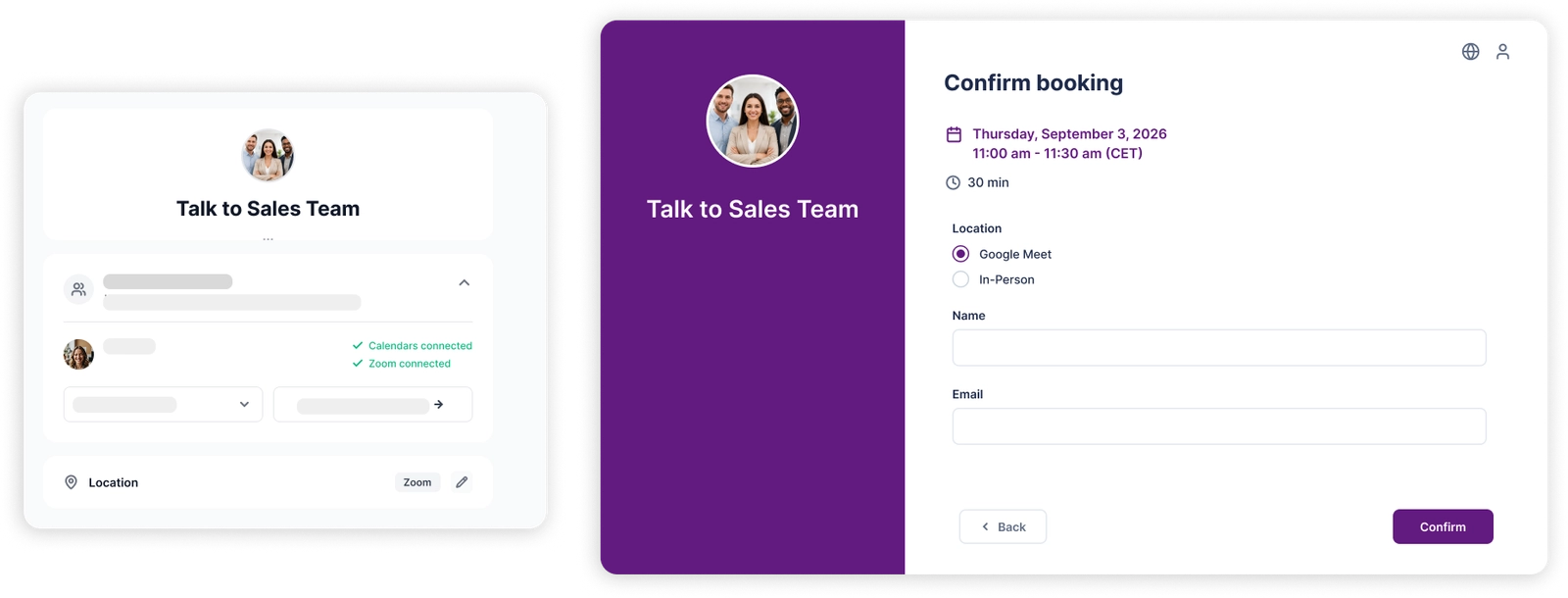
Make Google Meet scheduling feel effortless
Create the video link for every booking
No more opening Google Meet and creating links one appointment at a time. Koalendar can generate the meeting link automatically as part of your Google Meet booking workflow.
Give clients everything they need to join
Invitees receive their meeting details when they book, so there's less chance of last-minute messages asking where to join. Your Google Meet appointment scheduler keeps the next step clear from the start.
Spend less time setting up online calls
Share your booking page once and let Koalendar handle the repetitive setup. Your schedule fills up while the right Google Meet details are created behind the scenes.
Use one workflow for every kind of video appointment
Run consultations, interviews, lessons, discovery calls, coaching sessions, and demos through the same online meeting scheduler. Google Meet gives each appointment a simple place to happen online.
Start scheduling video meetings for free
Google Meet video conferencing is included with Koalendar's Free Forever plan, alongside unlimited 1:1 bookings. Start with the essentials and upgrade only when you need more advanced scheduling options.
Features
Add a Google Meet link to every booking automatically
From booking to video call, Koalendar keeps your Google Meet scheduling simple for you and your invitees.
Automatic Google Meet links

Select Google Meet as your meeting location and Koalendar handles the link creation when someone books. Your Google Meet scheduler removes one more repetitive task from every online appointment.
Meeting details sent automatically

Invitees get the information they need after booking instead of waiting for you to send a separate video URL. Google Meet booking feels smoother for everyone from the moment the appointment is confirmed.
Video links added to calendar events

Keep the meeting time and joining details together in the calendar event. When the appointment starts, you have one clear place to find the Google Meet link and join.
A booking page for online appointments

Share one simple scheduling link and let people choose a time that suits your availability. Your Google Meet appointment scheduler takes them from choosing a slot to receiving their video meeting details.
Automatic scheduling from booking to call

Cut out the manual steps between someone booking and the meeting being ready. Koalendar combines appointment scheduling and Google Meet link creation in one straightforward workflow.
Google Meet for team appointments

Use Google Meet for interviews, demos, consultations, and other appointments involving your team. Multi-host and shared team scheduling features are available with Koalendar Pro, while Google Meet itself is included on the free plan.
How it works
Set up your Google Meet scheduler in three simple steps
- 1
Choose Google Meet for your booking page
Set Google Meet as the location for the online appointment you want people to schedule.
- 2
Share your Koalendar booking link
Send your booking page to clients, candidates, students, prospects, or anyone else who needs to meet with you online.
- 3
Let Koalendar create the meeting
When someone books, Koalendar generates the Google Meet details automatically and includes them with the appointment, so both sides know where to join.
No copying meeting URLs. No separate setup after every booking. Your Google Meet scheduling workflow is ready as soon as the appointment is confirmed.

 Google Meet
Schedule your next online meeting without creating the Meet link yourself
It's free forever. No credit card required.
Try it now!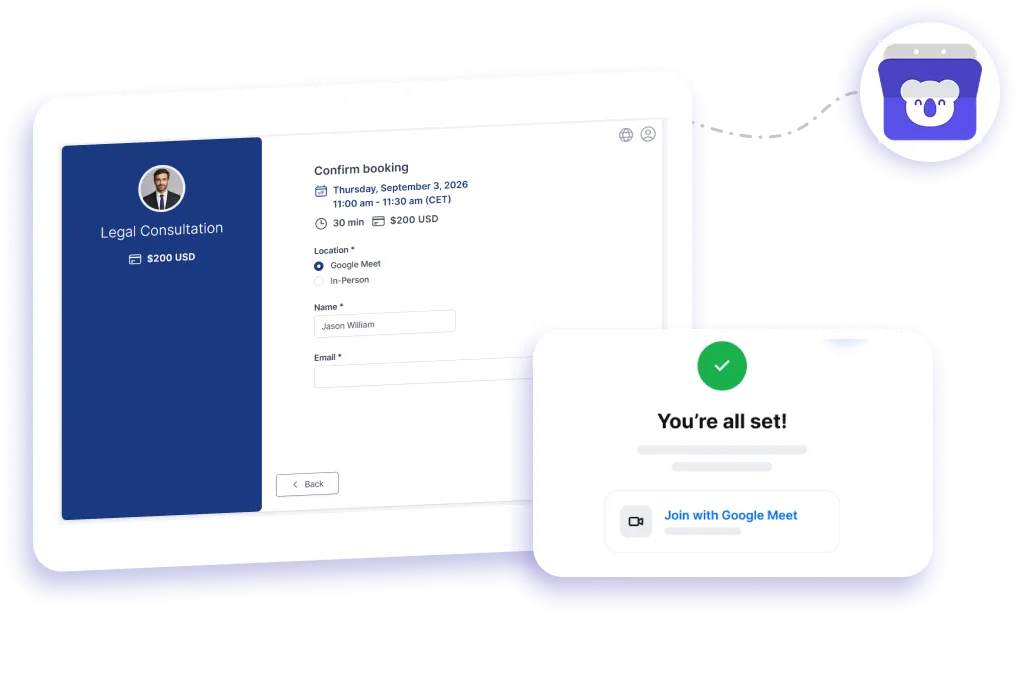
Testimonials
Online meetings are easier when the setup happens automatically
See why professionals use Koalendar to spend less time arranging calls and more time having useful conversations.
Connects your apps to Koalendar









Frequently asked questions
Have a different question and can't find the answer you're looking for? Reach out to our support team by sending us an email and we'll get back to you as soon as we can.
Share your booking page. When someone books, Koalendar creates a Google Meet link and adds it to the confirmation and calendar event.
Yes. Meet links are part of the free plan, with unlimited bookings and no per-meeting fees.
Each booking can carry a Google Meet link for interviews, demos, and consultations. Shared team booking pages are a Pro feature, but the Meet link itself is free.
Yes. Create a booking page for your online appointments, choose Google Meet as the location, and share your link. Invitees choose an available time and Koalendar handles the video meeting setup automatically.
No. That's the useful part of the Google Meet booking integration. Koalendar can create a meeting link automatically when an invitee books, so you don't need to prepare each call manually.
You can use it for client consultations, interviews, sales demos, coaching calls, lessons, support sessions, and other online appointments. If the conversation happens over video, your Koalendar booking page can make getting it scheduled much easier.
Yes. Share your Koalendar booking link and clients can choose from the times you make available. Once they book, they receive the meeting information they need, cutting out the usual back-and-forth.
Yes. Koalendar combines online appointment booking with automatic Google Meet link creation, so people can choose a time and receive their video meeting details in one simple flow.
Easier access, better productivity
Connect Koalendar to the tools you already use to streamline scheduling, keep everything in sync, and book more.
Try it for free