Appointment booking for WordPress
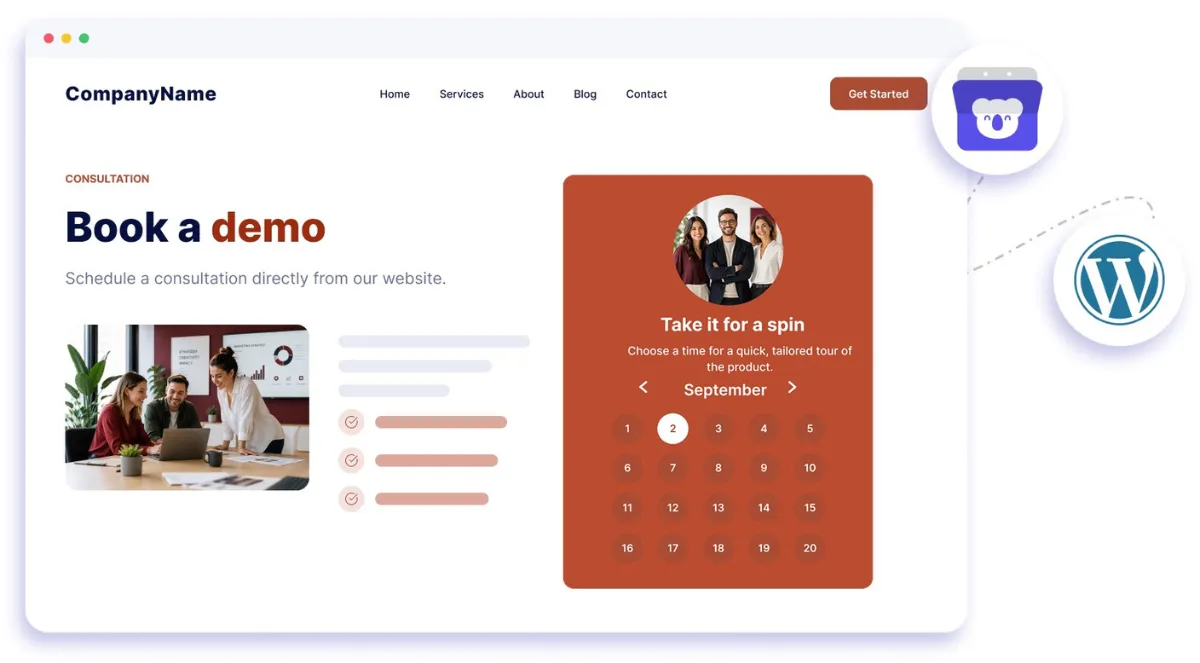
Embed Koalendar in your WordPress site and let visitors book appointments without leaving the page. It matches your site, works on any device, and syncs to your calendar.
WordPress booking integration
Free booking system for WordPress websites
Turn your website into a simple WordPress booking system without sending visitors somewhere else to schedule. Add Koalendar to a page or post, let people choose an available time, and keep every appointment synced with your calendar. Your WordPress calendar stays easy for visitors to use on desktop, tablet, or phone.
Appointment booking for WordPress without the back-and-forth
Let visitors book without leaving your website
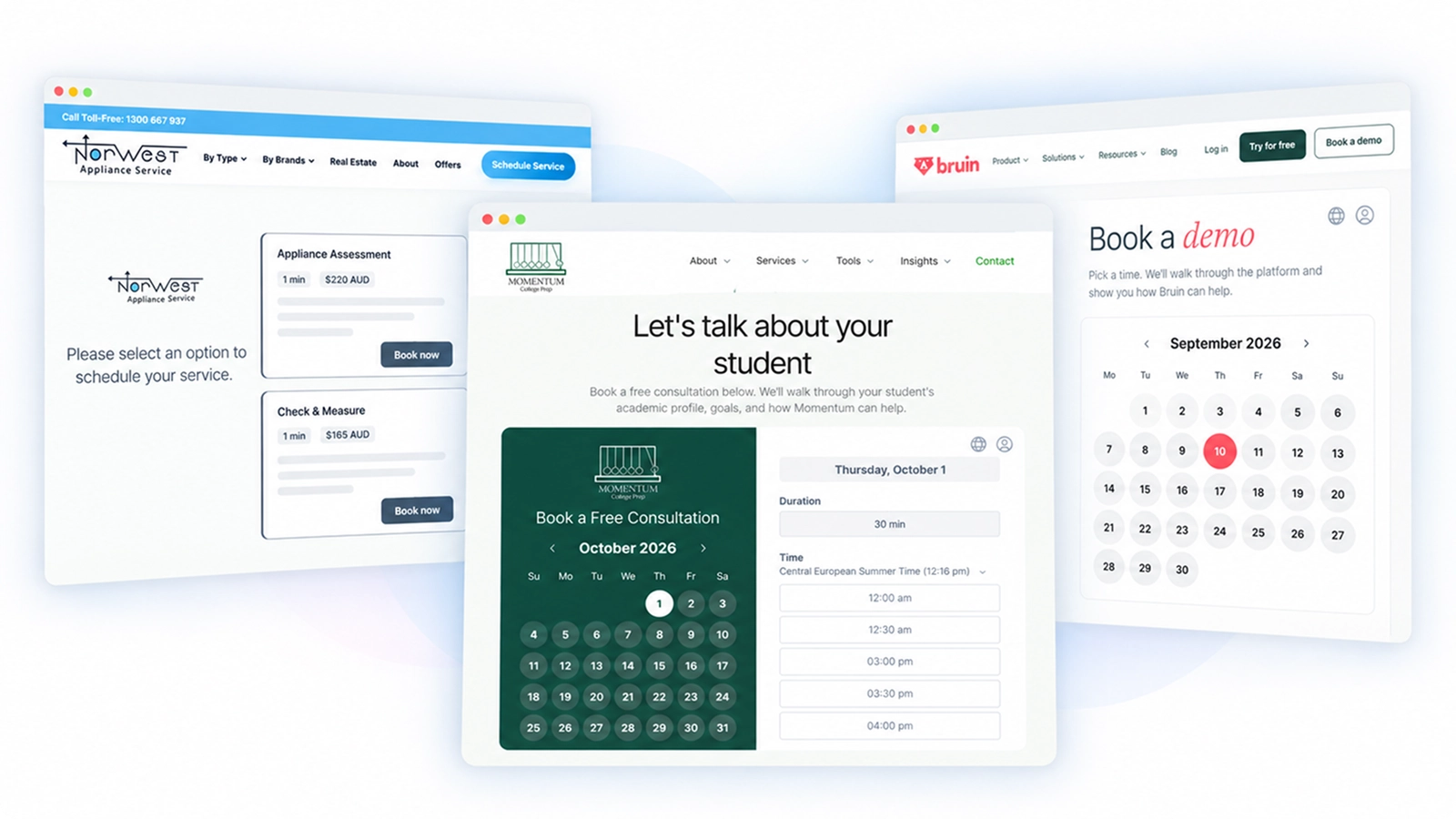
Embed Koalendar directly into a WordPress page or post so clients can check your availability and confirm an appointment right where they already are.
Make scheduling feel like part of your site
Customize your booking page with your logo, photo, colors, and booking details so your WordPress appointment booking experience feels consistent with your business.
Keep your calendar automatically up to date
Connect Google, Outlook, or Apple Calendar so confirmed appointments are added to your calendar and your availability stays accurate.
Give visitors an easy mobile booking experience
Your embedded booking page works across desktop, tablet, and phone, so clients can schedule whenever it suits them.
Start free and add more when you need it
Use Koalendar as a free booking system for WordPress, then add advanced scheduling, payments, automations, or team features if your needs grow.
Features
WordPress appointment booking that fits your website
Add a polished scheduling experience to your site while Koalendar handles availability, calendar sync, reminders, and booking details behind the scenes.
Inline WordPress booking

Add appointment booking for WordPress directly inside a page or post so visitors can choose a time without being sent to another website.
Calendar sync

Connect Google, Outlook, or Apple Calendar to keep your WordPress scheduling availability accurate and help prevent double bookings.
Custom booking page design

Adjust your logo, photo, colors, and booking page details so your WordPress booking experience feels like a natural part of your site.
Mobile-friendly booking

Give visitors a smooth WordPress appointment scheduler experience whether they book from a computer, tablet, or phone.
Flexible appointment types

Create booking pages for meetings, services, classes, or sessions with custom durations, availability, questions, and booking rules.
Automatic reminders

Send email reminders automatically after someone books, helping you spend less time following up and reducing missed appointments.
How it works
Add WordPress appointment booking in three steps
- 1
Create your Koalendar booking page
Set your availability, appointment length, calendar connection, and the details visitors should see when they book.
- 2
Add it to your WordPress site
Link a button to your booking page or use the Koalendar for WordPress plugin and shortcode to place the booking experience directly on a page or post.
- 3
Let visitors choose a time
Clients book from your site, Koalendar confirms the appointment, and your connected calendar stays in sync automatically.
Your booking system for WordPress is ready to work where your visitors already are. Share a direct link or keep the full booking experience on your website.


Testimonials
Loved by professionals booking through their websites
See how Koalendar users make website scheduling simple for themselves and their clients.
Connects your apps to Koalendar









Frequently asked questions
Have a different question and can't find the answer you're looking for? Reach out to our support team by sending us an email and we'll get back to you as soon as we can.
Embed your Koalendar booking page in any WordPress page or post using the embed code, or link to it directly. Visitors book without leaving your site.
You can embed your Koalendar booking page on WordPress in two easy ways: link a button or an inline embed with shortcode. This second option requires you to install Koalendar for Wordpress plugin.
Yes. The embed code drops into Elementor and other builders like any other embed block.
Yes. Embedding your Koalendar booking page on WordPress works on the free plan.
Yes. The booking page is responsive and works on desktop, tablet, and phone.
Easier access, better productivity
Connect Koalendar to the tools you already use to streamline scheduling, keep everything in sync, and book more.
Try it for free