Save booking files to Google Drive
Connect Google Drive to Koalendar and any file a client uploads when they book saves straight to your Drive, sorted by client and appointment date, so nothing gets lost.
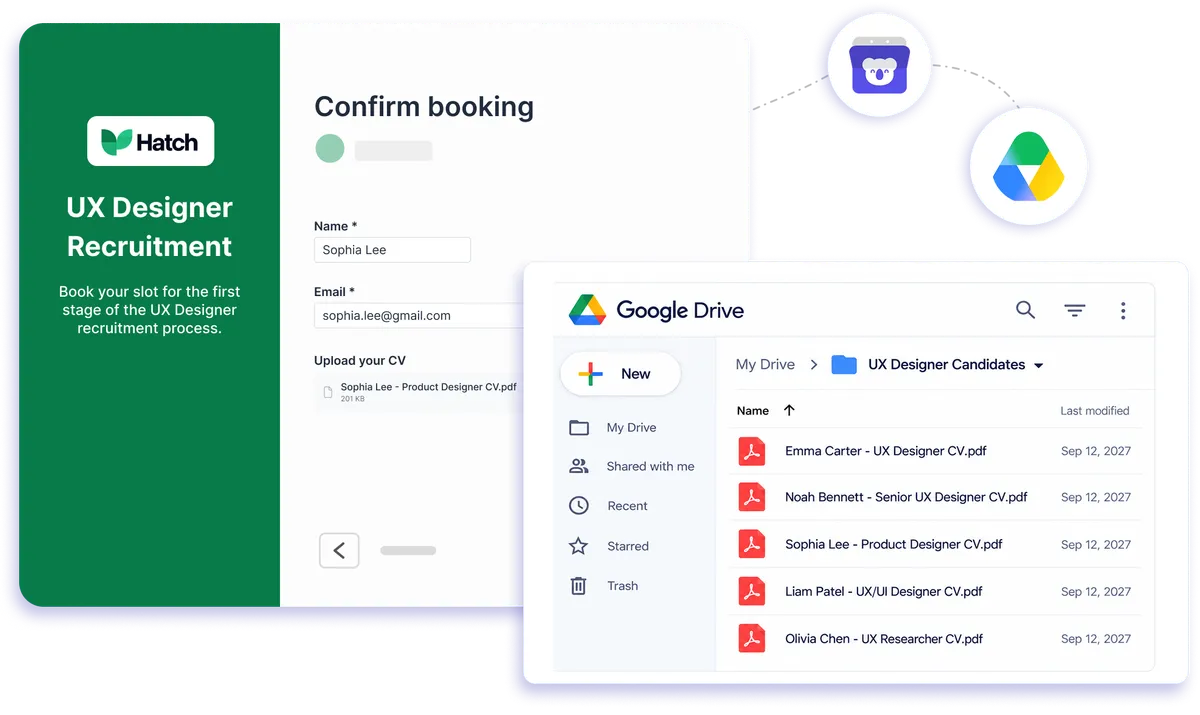
Native Google Drive integration
Free way to store booking files in Google Drive
Google Drive Scheduling keeps the documents clients send with their bookings connected to the appointment instead of scattered across emails, downloads, and folders. Add a file upload field to your Koalendar booking form and uploaded files save automatically to your connected Google Drive, organized by client and appointment date.
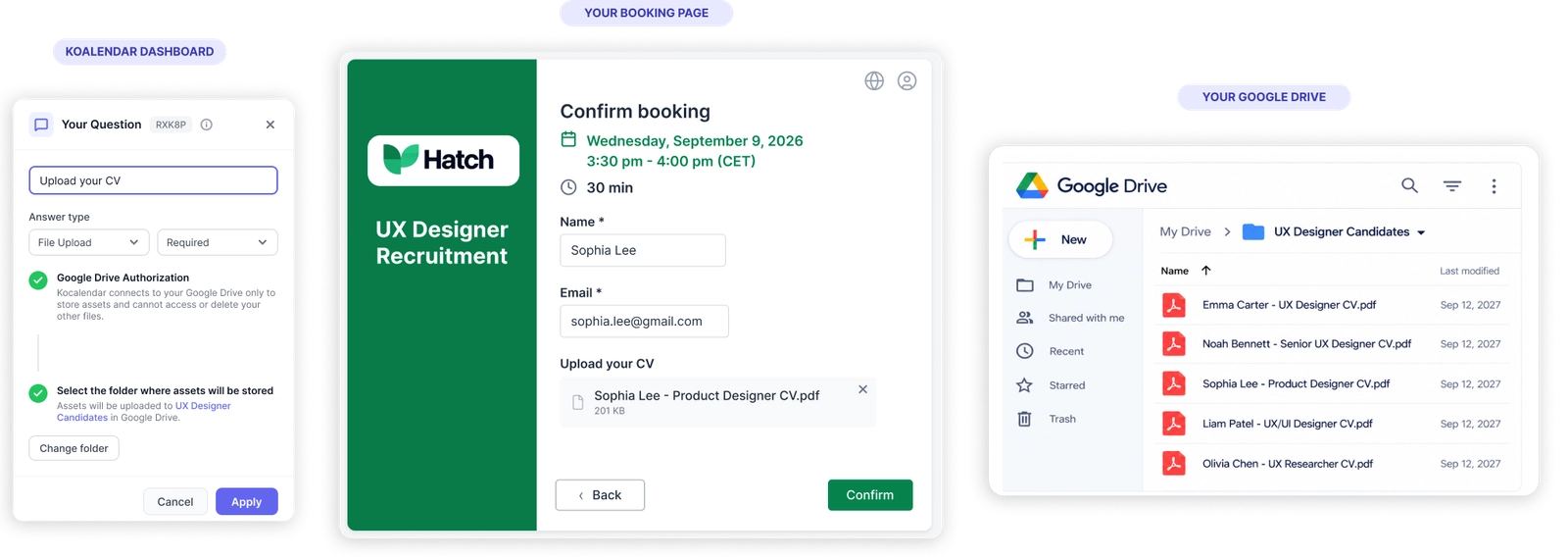
Google Drive Scheduling that keeps booking files organized
Stop hunting for booking attachments
Files uploaded during booking save straight to your connected Google Drive, so the documents you need are easier to find when appointment time comes.
Keep every client file in the right place
Your Google Drive booking system organizes uploaded files by client and appointment date, helping you keep booking documents tidy without sorting them manually.
Collect documents before the appointment
Add file uploads to your booking form so clients can send forms, briefs, photos, or supporting documents while choosing their time.
Save admin time after every booking
With Google Drive Scheduling, uploaded files move into Drive automatically. No downloading attachments, renaming files, or moving documents between tools after each booking.
Keep scheduling and storage working together
Koalendar handles the booking flow while Google Drive stores uploaded files. Your availability can still sync through Google Calendar to help prevent double bookings.
Features
A Google Drive booking system built for simpler file collection
Collect the information and documents you need during booking, then let Koalendar send uploaded files to Google Drive automatically.
File uploads on booking forms

Let clients attach the documents you need as part of the booking process instead of asking them to email files separately.
Automatic Google Drive storage

Google Drive Scheduling saves booking uploads to your connected Drive automatically, removing another manual step from your workflow.
Organized by client and appointment date

Keep uploaded booking files grouped by client and appointment date so you can find the right document without digging through downloads.
Custom booking questions

Collect useful context alongside uploaded files with custom text, dropdown, checkbox, or radio questions on your booking form.
Calendar conflict checking

Connect Google Calendar, Outlook, or Apple Calendar so Koalendar can check your availability and help prevent double bookings.
One connected workflow

Use Koalendar for scheduling and Google Drive for file storage, so appointments and client documents fit naturally into the tools you already use.
How it works
Save booking files to Google Drive in three steps
- 1
Connect Google Drive to Koalendar
Link the Google Drive account where you want booking uploads to be stored.
- 2
Add a file upload to your booking form
Ask clients for the documents you need while they choose an available appointment time.
- 3
Let Koalendar save every upload for you
When a client books and uploads a file, Koalendar sends it to your connected Google Drive and organizes it by client and appointment date.
Google Drive Scheduling handles the file handoff automatically, while Koalendar keeps your booking flow simple and your connected calendars up to date.

 Google Drive
Try the booking system with Google Drive
Try it free for 7 days. No credit card required.
Start Free Trial Now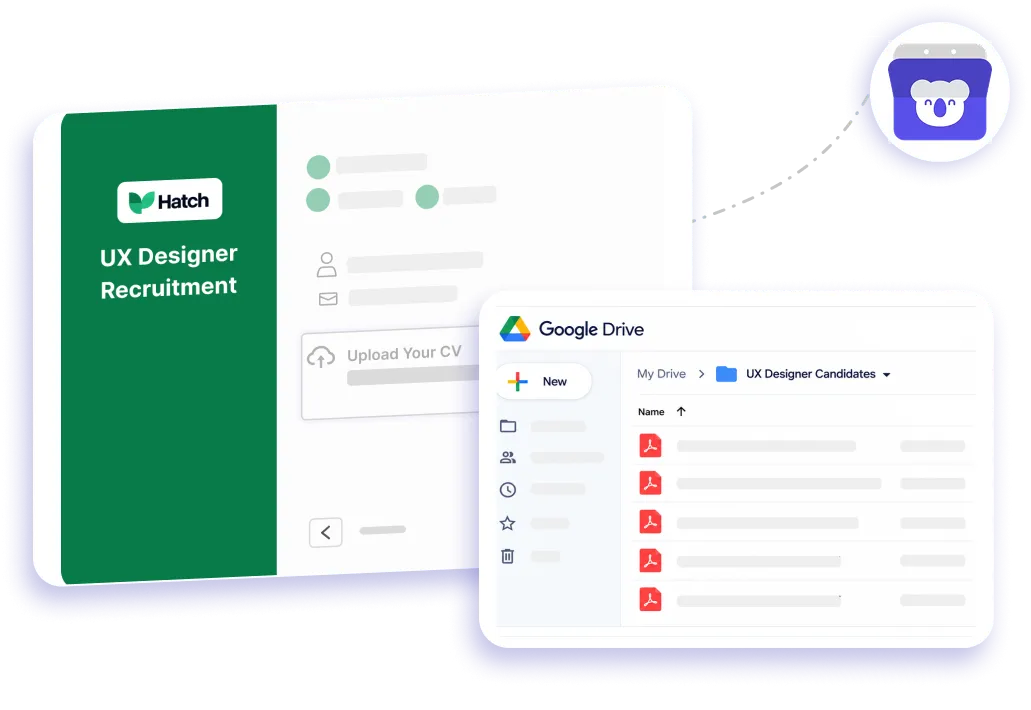
Testimonials
Loved by professionals who want less booking admin
From collecting documents to keeping calendars in sync, see how Koalendar makes the whole booking workflow easier.
Connects your apps to Koalendar









Frequently asked questions
Have a different question and can't find the answer you're looking for? Reach out to our support team by sending us an email and we'll get back to you as soon as we can.
When a client uploads a file during booking, Koalendar saves it to your connected Google Drive automatically, organized by client and appointment date.
No. Scheduling happens in Koalendar; Google Drive stores the files clients upload when they book. Your availability still syncs through Google Calendar.
Into your connected Google Drive account, grouped by client and appointment date.
Google Drive itself is not a scheduling tool. Koalendar provides the Google Drive booking system workflow by handling appointments and sending client file uploads to your connected Drive automatically.
Easier access, better productivity
Connect Koalendar to the tools you already use to streamline scheduling, keep everything in sync, and book more.
Try it for free