Medical appointment scheduling software that saves time for doctors and improves patient experience
From solo practitioners to busy clinics, Koalendar makes it easy for patients to self-schedule, reschedule, or cancel visits online — so your staff spends less time on the phone and more time caring for people.
Trusted by healthcare professionals and clinics worldwide for secure, privacy-first scheduling.





Solutions
Medical scheduling made easy for busy clinics and practitioners
Dentists
Give patients the freedom to book anytime — and let your staff focus on smiles, not phone calls.
Clinics
Keep your clinic running smoothly with easy online booking, automated reminders, and fewer no-shows.
Chiropractors
Simplify how patients book and manage visits — so you can spend more time helping them feel their best.
Home Care
Simplify visit scheduling for caregivers with quick online booking, clear availability, and reminders that help keep every appointment on track.
Physical Therapy
Help patients book their next session in seconds with easy, flexible scheduling designed for busy therapists.
Therapist
Give clients an easy way to book sessions anytime with flexible scheduling, automated reminders, and fewer interruptions to your workflow.
Vaccine
Streamline vaccination scheduling for individuals or large clinics — all in one simple, reliable tool.
Veterinary
Make pet care stress-free with effortless appointment scheduling, reminders, and calendar sync for your whole team.
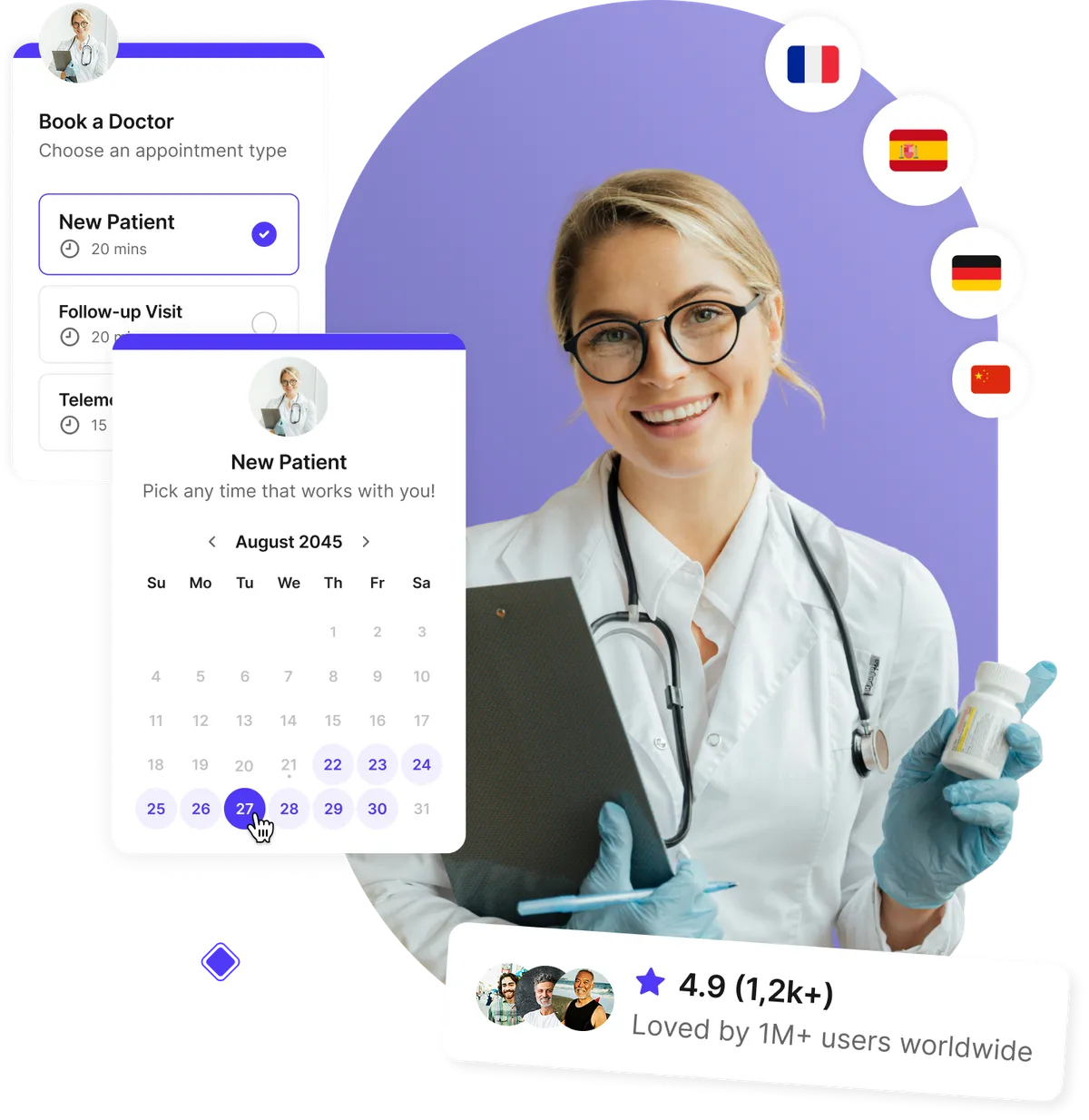
Let patients book appointments anytime
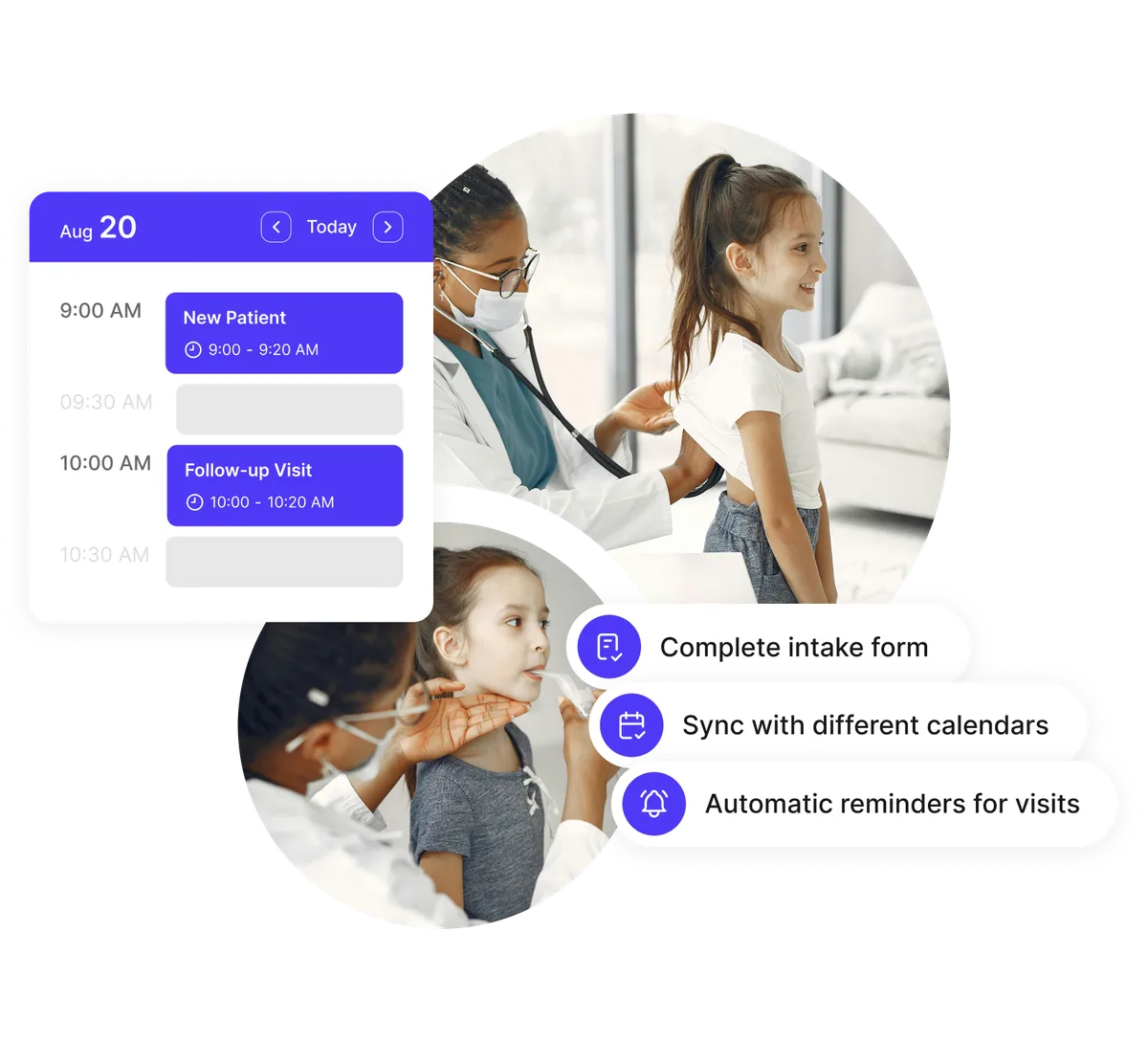
Give your patients the freedom to schedule visits 24/7 without calling your office. With our doctor appointment scheduling software, patients can pick the time that suits them best, while Koalendar automatically syncs with your calendar to prevent double-bookings.
- Patient self-scheduling on any device
- Automatic calendar sync with Google, Outlook, or iCloud
- Instant confirmations and rescheduling options
- Eliminate back-and-forth phone calls
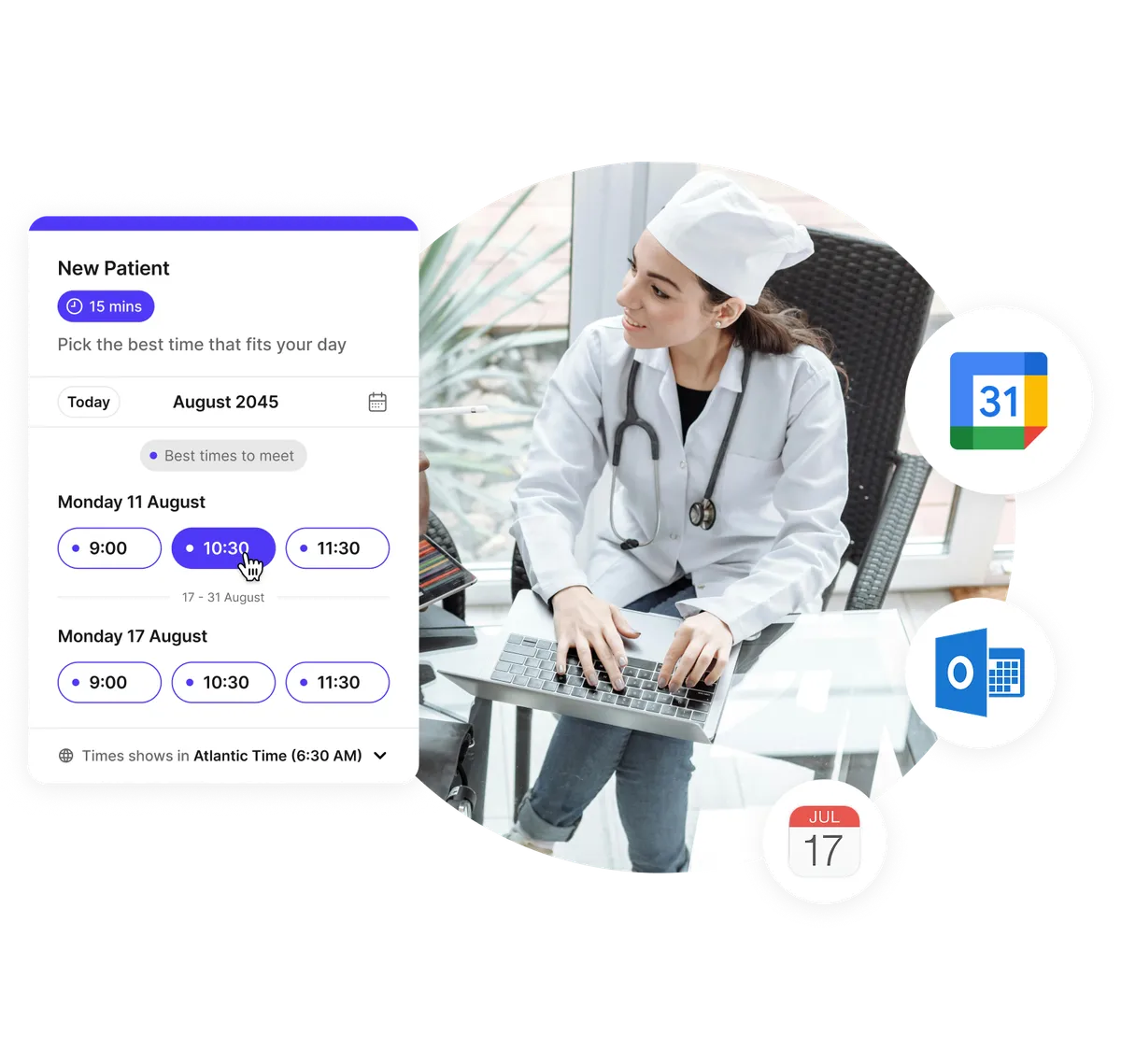
Collect patient details and forms before the visit
Skip the clipboard paperwork. Our pre-appointment forms let patients share medical details, upload insurance cards, or sign consent forms securely before their visit. Everything stays organized and easy to review in advance.
- Custom intake and pre-appointment forms
- Accept insurance information and uploads
- HIPAA-ready workflows for eligible healthcare teams
- Automate reminders for incomplete forms
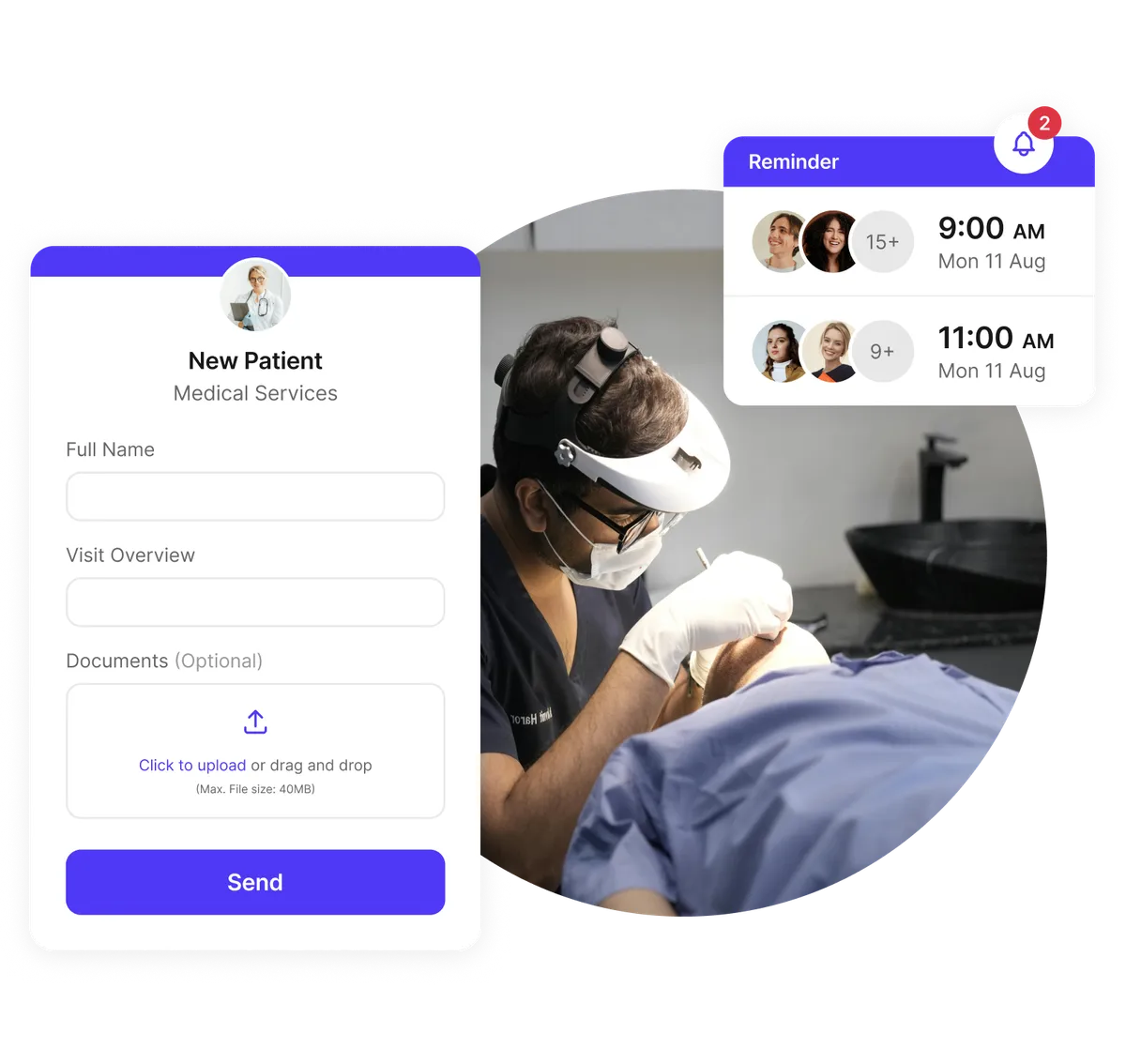
Reduce no-shows and last-minute cancellations
Automatic email and SMS reminders keep patients on track. If they need to reschedule or cancel, Koalendar handles it instantly — freeing up your staff and allowing you to refill time slots with ease.
- Automated patient reminders and confirmations
- Easy reschedule and cancellation workflows
- Follow-up messages for post-visit care
- Improved attendance and smoother schedules
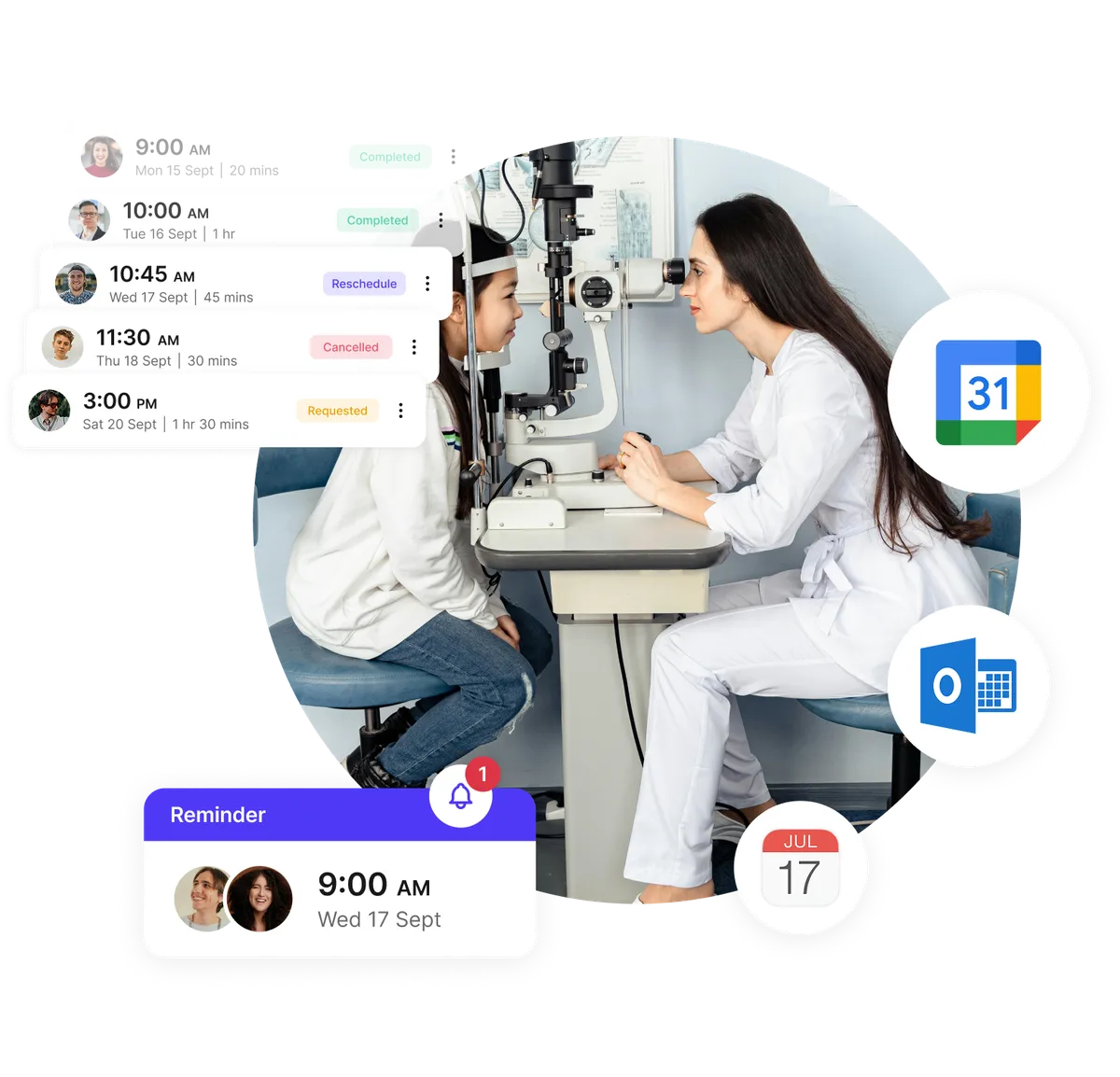
Manage multiple doctors, rooms, and telemedicine visits
Handle in-person and virtual visits seamlessly. Whether you manage a single doctor’s schedule or a multi-location medical office, Koalendar keeps calendars aligned across your team, rooms, and telemedicine sessions.
- Create schedules for multiple doctors or locations
- Integrate with Zoom, Google Meet, or Microsoft Teams for telemedicine
- Smart time zone detection for remote sessions
- Automatic updates and calendar notifications
Testimonials
Healthcare professionals ❤️ Koalendar
See how clinics, practitioners, and healthcare teams use Koalendar to simplify patient scheduling and deliver better care.


Everything your medical office needs in one secure scheduler
Built for healthcare: manage patient appointments, staff, and telemedicine with ease.
Secure and privacy-first

For healthcare teams that need it, Koalendar supports HIPAA-ready scheduling and offers a Business Associate Agreement (BAA) as an add-on. Patient data stays protected with encrypted communication and password-protected booking pages.
Automated patient reminders and follow-ups

Send personalized email and SMS notifications before and after appointments to reduce no-shows and improve patient satisfaction.
Custom pre-appointment forms and uploads

Gather essential medical history, insurance data, or consent forms through customizable booking forms with secure file upload support.
Telemedicine integration

Automatically include Zoom, Google Meet, or Microsoft Teams links for online consultations — perfect for remote care and virtual visits.
Flexible schedules for multiple doctors and rooms

Easily assign appointments to specific doctors, departments, or exam rooms. Round-robin or collective booking ensures patients are matched with available practitioners.
Payment collection via Stripe

Collect copays or consultation fees securely online using Stripe, with support for 20+ payment methods — and no commission fees.
Automatic calendar sync

Prevent double-bookings and sync appointments across Google, Outlook, and iCloud calendars for your entire medical team.
Easy website embedding

Add your booking page directly to your medical website, patient portal, or social profile so patients can book in seconds.
Multi-language and time zone support

Perfect for clinics serving international patients. Koalendar automatically detects language and adjusts times to each user’s local zone.
Automate your workflows with Zapier & Webhooksg

onnect Koalendar with thousands of healthcare tools using Zapier or webhooks. Automatically update patient records, trigger reminders, or send data to your EHR—no manual work required.
Integrations
Connect Koalendar with the healthcare tools you already use
Sync with Google Calendar, Zoom, Stripe, and hundreds of other tools through Zapier to automate patient communication, payments, and scheduling workflows.
















Frequently asked questions
Have a different question and can't find the answer you're looking for? Reach out to our support team by sending us an email and we'll get back to you as soon as we can.
Medical appointment scheduling software helps doctors, clinics, and healthcare staff manage patient bookings efficiently. It lets patients self-schedule, reschedule, and receive reminders automatically. Koalendar’s solution keeps data private while streamlining every appointment from booking to follow-up.
Yes. Koalendar works perfectly as a doctor scheduling software for multi-practitioner clinics. You can assign appointments to specific doctors, use round-robin booking for shared availability, and manage schedules for multiple rooms or departments — all from one dashboard.
Absolutely. Patients can self-schedule, cancel, or reschedule visits anytime from any device. Koalendar automatically updates your connected calendar and sends notifications to both patient and staff, reducing missed appointments and admin time.
Yes. Koalendar integrates seamlessly with Zoom, Google Meet, and Microsoft Teams, so your online consultations are automatically linked to patient appointments. It’s ideal for telemedicine and remote care workflows.
Yes. Koalendar lets you collect payments through Stripe, so you can charge for consultations, follow-ups, or other services directly from the booking page. It’s perfect for private practices or clinics offering paid appointments.
Yes. For eligible healthcare use cases, Koalendar supports HIPAA-ready scheduling. If your organization requires a Business Associate Agreement (BAA), contact support@koalendar.com to learn more.
Helpful tips for smoother medical scheduling
Learn how to automate your patient bookings, reduce no-shows, manage telemedicine efficiently, and give your staff more time to focus on care.

How to streamline vaccine appointment reminders through scheduling software
A practical guide to using general scheduling tools as vaccine appointment software to cut no-shows, fill more slots, and simplify clinic workflows
- Published
- Healthcare & Medical

Medical scheduling software: How to choose the right tool for your practice
Find your right scheduling software for healthcare, simplify bookings, and give patients faster, easier access to care
- Published
- Healthcare & Medical
Medical appointment scheduling made easy
Save hours every week with Koalendar’s intuitive appointment scheduling software for medical offices, doctors, and clinics.
Start free today