Schedule Zoom meetings from your booking page
Connect Zoom to Koalendar and a meeting link is created for every appointment. Share your booking page, and clients get their Zoom details the moment they book.
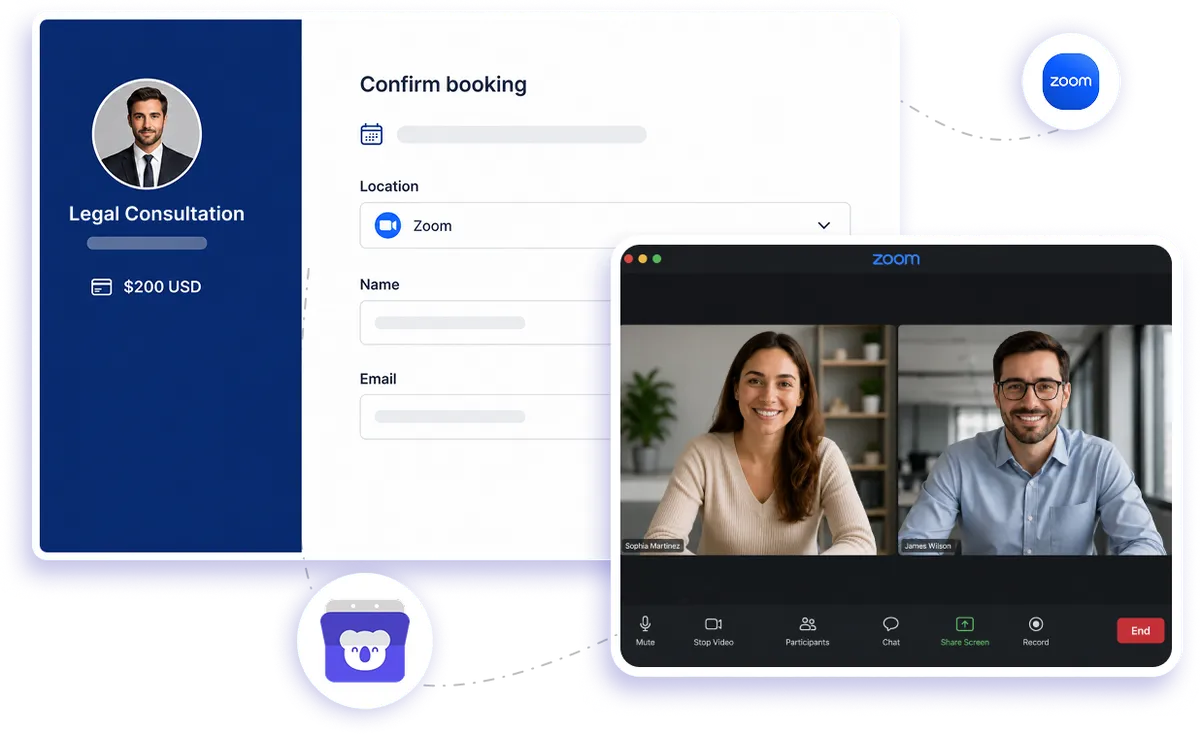
Native Zoom integration
Go from booked to Zoom-ready without the extra setup
Use Koalendar as your Zoom meeting scheduler and stop creating video rooms by hand. Clients choose an available time from your booking page, Koalendar creates the Zoom meeting, and the joining details are sent automatically so everyone knows exactly where to meet.
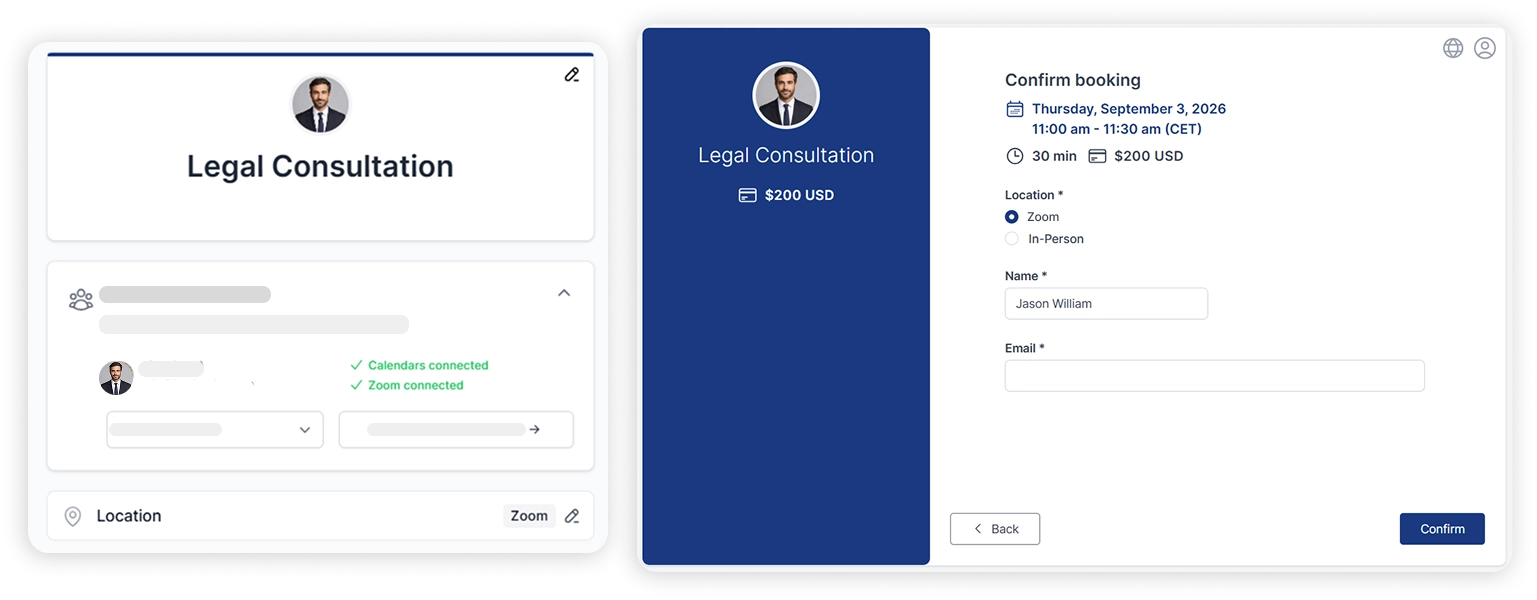
Spend less time setting up Zoom appointments
Create a fresh Zoom room automatically
No need to schedule a separate Zoom meeting after someone books. Koalendar creates the meeting for you, so your Zoom scheduling integration removes a repetitive step from every appointment.
Send joining details without lifting a finger
Clients receive their Zoom details as part of the booking flow. You don't have to hunt down meeting URLs or send a follow-up message before the call.
Let clients choose a time themselves
Share your booking page and let people pick from the availability you offer. Zoom appointment booking becomes self-service instead of another email conversation to manage.
Keep the booking and video call connected
The Zoom link is attached to the scheduled appointment, keeping the time and meeting room together. When it's time to join, the details are already where you expect them.
Run remote appointments your way
Use Zoom for consultations, interviews, coaching sessions, sales calls, lessons, and client meetings. One booking workflow can support all the online conversations on your calendar.
Features
Scheduling tool with Zoom integration
Connect booking and video conferencing in one simple flow, so every appointment is ready to join as soon as it's scheduled.
Automatic Zoom meeting creation

Choose Zoom as your booking location and Koalendar automatically creates a meeting for each new appointment. Your Zoom meeting scheduler handles the setup while you focus on the conversation.
Zoom links in booking confirmations

Give clients the meeting details they need without sending another email manually. The Zoom link is included with the booking information so joining the call feels straightforward.
Meeting details on your calendar

Keep your scheduled time and Zoom room together. Koalendar adds the meeting details to the calendar event, making it easy to open the appointment and join when the time comes.
Self-service Zoom appointment booking

Send one booking link and let clients choose a suitable time themselves. Your Zoom appointment scheduler turns availability into confirmed online appointments without the back-and-forth.
Automatic booking-to-call workflow

Move from an available slot to a ready-to-join Zoom meeting without copying URLs between tools. Koalendar takes care of the repetitive steps automatically.
Zoom meetings for team workflows

Use Zoom for interviews, demos, consultations, and other team appointments. Koalendar Pro also supports collective and round-robin scheduling when your booking workflow involves multiple hosts.
How it works
Start scheduling Zoom appointments in three steps
- 1
Connect your Zoom account
Authorize Zoom in Koalendar, then choose Zoom as the location for the booking page you want to use for video appointments.
- 2
Share your booking page
Send your Koalendar link to clients, candidates, students, prospects, or anyone else who needs to schedule time with you.
- 3
Let Koalendar prepare the meeting
When someone books, Koalendar creates the Zoom meeting and includes the joining details with the appointment, ready for both sides.
One booking link gets the appointment scheduled and the Zoom room ready. No separate meeting setup and no video links to copy and paste.

 Zoom
ZoomPut your Zoom meeting setup on autopilot
Try Koalendar Pro free for 7 days. No credit card required.
Try Pro Free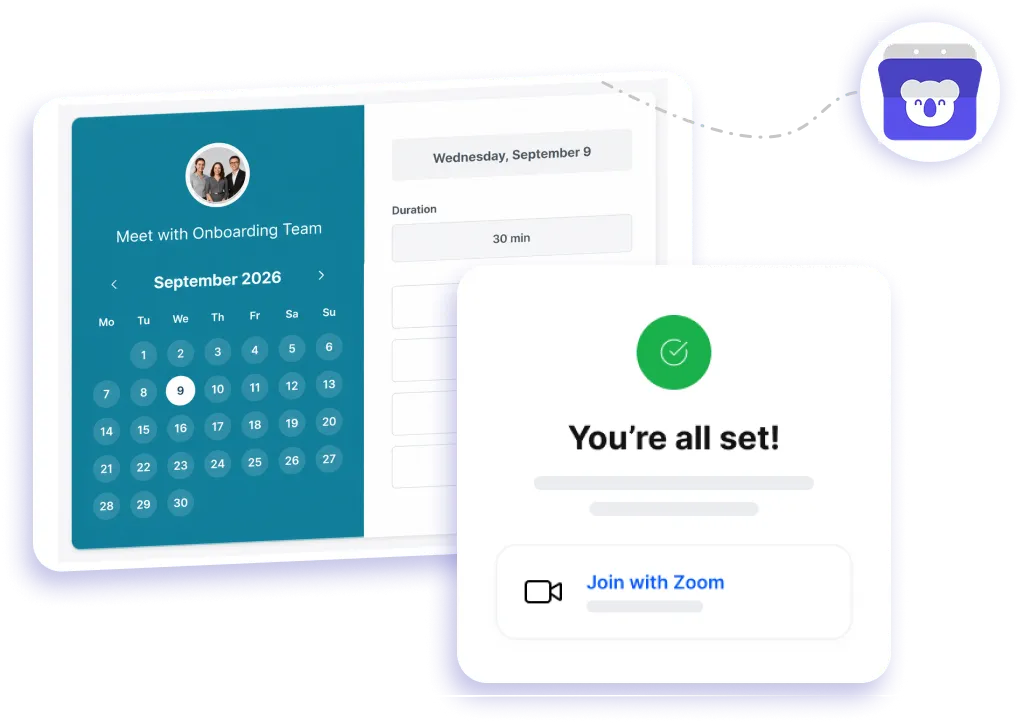
Testimonials
Less Zoom setup. Smoother appointments.
See how Koalendar users save time by connecting their booking flow with Zoom.
Connects your apps to Koalendar








Frequently asked questions
Have a different question and can't find the answer you're looking for? Reach out to our support team by sending us an email and we'll get back to you as soon as we can.
Share your booking page. When someone books, Koalendar creates a Zoom meeting and adds the link to the confirmation and calendar event.
Koalendar's scheduling is free, but the Zoom integration is a Pro feature. The free plan includes Google Meet video links; Zoom and Microsoft Teams are on Pro.
Yes. On Pro, Koalendar adds a Zoom link to each booking automatically, so you run appointments over Zoom without manual setup.
No. The integration works with a free or paid Zoom account – the paid tiers just add Zoom's own features like longer group calls. The integration itself is a Koalendar Pro feature.
Yes. Clients self-book on your page and get a Zoom link with their confirmation, so every appointment has a ready meeting room.
Koalendar includes the Zoom details in booking notifications and the calendar event, so both you and your invitee can find the joining link when you need it.
Yes. Zoom works well as the meeting location for interviews, sales demos, consultations, coaching calls, lessons, and other online appointments scheduled through your Koalendar page.
Yes. Koalendar can automatically generate a Zoom meeting link for each new booking, so you don't need to reuse a room or create the meeting manually.
Easier access, better productivity
Connect Koalendar to the tools you already use to streamline scheduling, keep everything in sync, and book more.
Try it for free