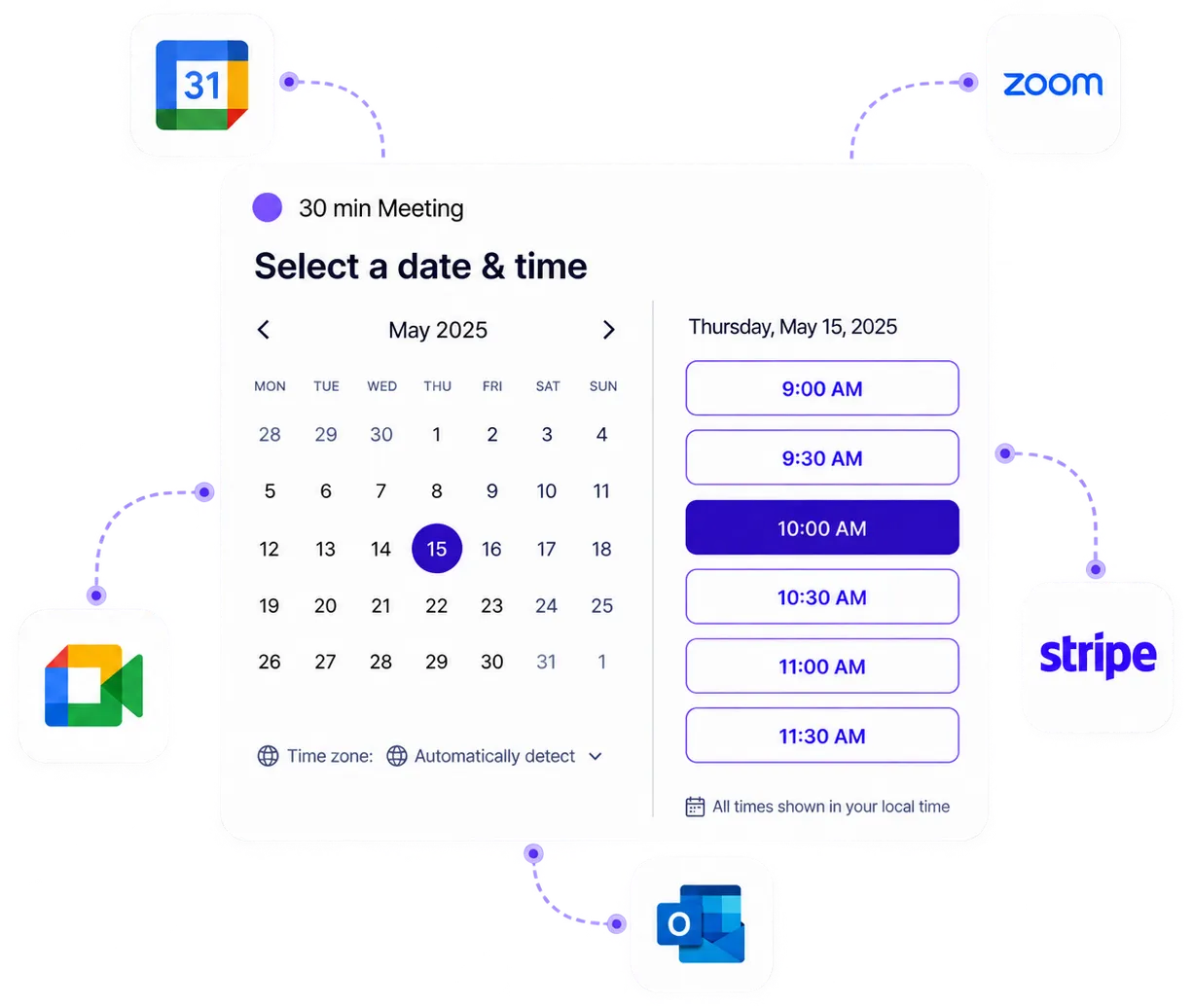
Connect with your essential tools
Integrate your appointment scheduler with your website, video conference software, and a growing list of the world's most popular apps.
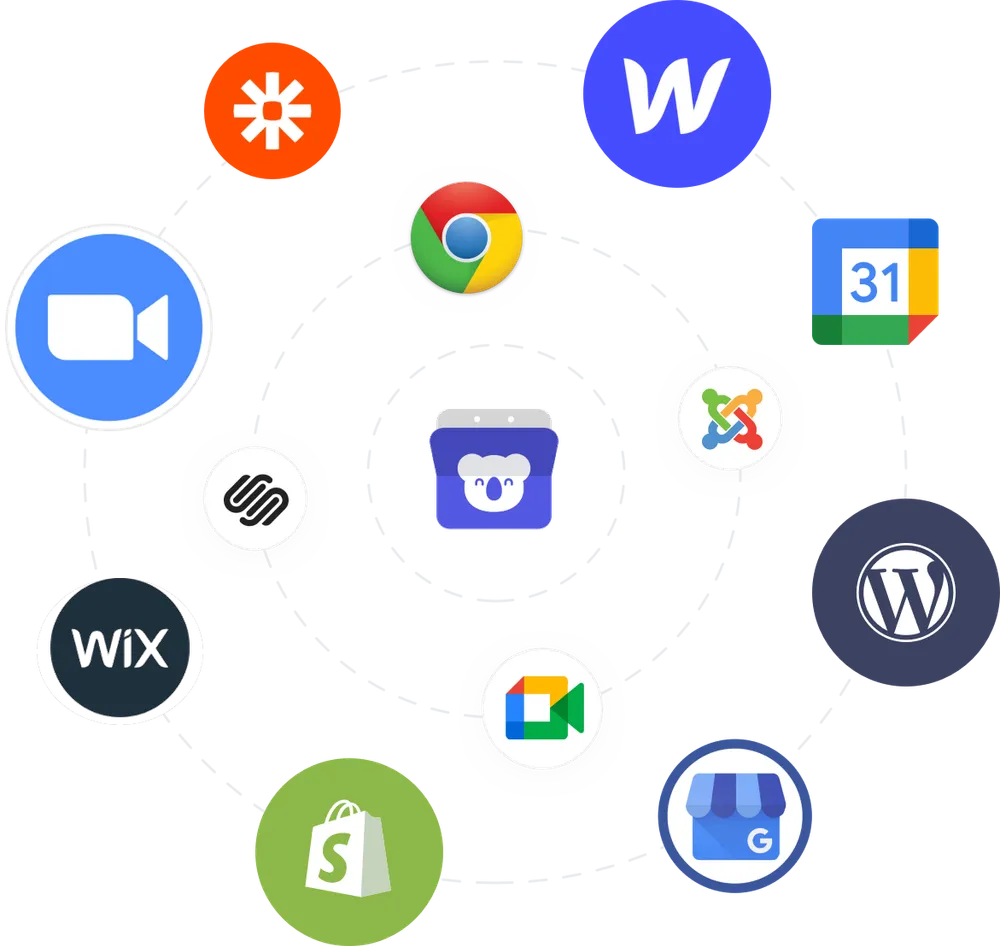
Powerful Scheduling Apps & Integrations
Koalendar works seamlessly with the tools you use every day.
Don't see the integration you're looking for?

Google Calendar
Sync with Google Calendar to prevent double bookings and manage availability.

Outlook Calendar
Connect Outlook Calendar for professional business scheduling.

iCloud Calendar
Integrate with iCloud Calendar for Apple ecosystem scheduling.

Google Meet
Automatically generate Google Meet links for video appointments.

Microsoft Teams
Create Microsoft Teams meetings automatically for business appointments.

Zoom
Generate unique Zoom meeting rooms for professional video calls.

Stripe
Accept credit card payments when clients book your services.

PayPal
Request PayPal.me payment after clients book an appointment.

Apple Pay
Enable one-touch payments with Touch ID and Face ID.
Google Pay
Process fast mobile payments with Google Pay integration.

Zapier
Connect Koalendar to 8,000+ apps with automated workflows.

Webhooks
Send real-time booking data to your own systems.

HubSpot
Send bookings to HubSpot through Zapier to update your CRM automatically.

Zendesk
Create or update Zendesk tickets automatically when someone books.

QuickBooks
Pass booking details to QuickBooks through Zapier for accounting updates.

Chrome Extension
Quick access to booking links with Chrome browser extension.

WordPress
Add appointment booking to your WordPress website.

Gmail
Send appointment emails from your Gmail account for better deliverability.

Google Drive
Automatically save client files from booking forms to Google Drive.

Meta Pixel
Track appointment conversions from Facebook and Instagram ads.

Google Analytics
Monitor appointment booking performance with Google Analytics 4.

Telegram
Receive instant appointment notifications via Telegram messages.

Slack
Post booking alerts to Slack so your team sees every schedule change.

Wix
Integrate appointment scheduling with your Wix site.

Squarespace
Add professional booking functionality to Squarespace.

Add professional booking links to your LinkedIn profile.

Add your booking link to your Facebook Page, posts, and messages.

Share your booking link from Instagram bio, Stories, and DMs.

Other automations
Connect Koalendar with Make, Integrately, N8N, and Pabbly automation tools.

Koalendar for Edge
Microsoft Edge extension for instant booking page access.

Koalendar for Brave
Privacy-focused Brave browser extension for booking access.

Android
Manage bookings and share scheduling links from the Koalendar Android app.

iPhone
Manage bookings and share scheduling links from the Koalendar iPhone app.

Add to any website
Embed appointment booking widget on any website.

Google Sites
Add a booking widget to your Google Sites page.

Shopify
Embed appointment booking in your Shopify store.

Joomla
Embed appointment booking on your Joomla website.

Webflow
Add a booking page to your Webflow site with an embed.

WooCommerce
Add appointment booking alongside products in your WooCommerce store.
Ask us anything
Talk with us if you have any questions about Koalendar functionalities or pricing.

I absolutely LOVE this!! For someone who is very basically computer illiterate, this was one of the easiest tools to download and use.

Have really enjoyed the flexibility of Koalendar. It is simple to use, clean to present and very easy to setup for Google Meet or Zoom.

I've been using Koalendar for 4 months and I find it very helpful. Works perfectly with Google Calendar. It saves me a lot of time.
Frequently asked questions
Have a different question and can't find the answer you're looking for? Reach out to our support team by sending us an email and we'll get back to you as soon as we can.
No, Koalendar does not store your bookers' credit card details. Card payments are handled securely via Stripe. PayPal payments go through your PayPal.me link, so clients pay you on PayPal.
Yes. While Koalendar doesn't integrate natively with all CRMs, you can use Zapier, Make, Integrately, Pabbly, or webhooks to connect with popular tools like HubSpot, Salesforce, Mailchimp, ActiveCampaign, and others. This allows you to automatically add new bookers to your CRM, trigger email sequences, or update customer records.
When you connect your Google or Microsoft calendar, Koalendar requests only the minimum permissions needed to perform calendar‐related tasks, such as reading your calendars and writing events. This ensures that appointments you accept or schedule via Koalendar sync correctly without over-broad access.
Yes. Koalendar supports integrations with analytics and tracking tools so you can measure the effectiveness of your campaigns. You can connect Meta Pixel to track how visitors from your ads interact with your booking page and optimize your ad spend, while Google Analytics 4 lets you follow the full user journey, from page visits to selecting a time and completing a booking.
Yes. Koalendar supports embedding on many website platforms. Some examples: WordPress, Squarespace, Wix, and Unbounce. There are guides in the Help Center for specific platforms. If yours isn't listed, embedding can often be done via copying embed code (widget or iframe) or linking directly to the booking page.
No. Most integrations are no-code and can be enabled directly from your Koalendar settings. For advanced workflows, you can use Zapier, Make, or webhooks, which still don't require programming knowledge, just configuration of triggers and actions.
Easier access, better productivity
Connect Koalendar to the tools you already use to streamline scheduling, keep everything in sync, and book more.
Try it for free