Schedule Microsoft Teams meetings automatically
Connect Koalendar to Microsoft Teams and a join link is created for every appointment. Share your booking page and invitees get their Teams details the moment they book.
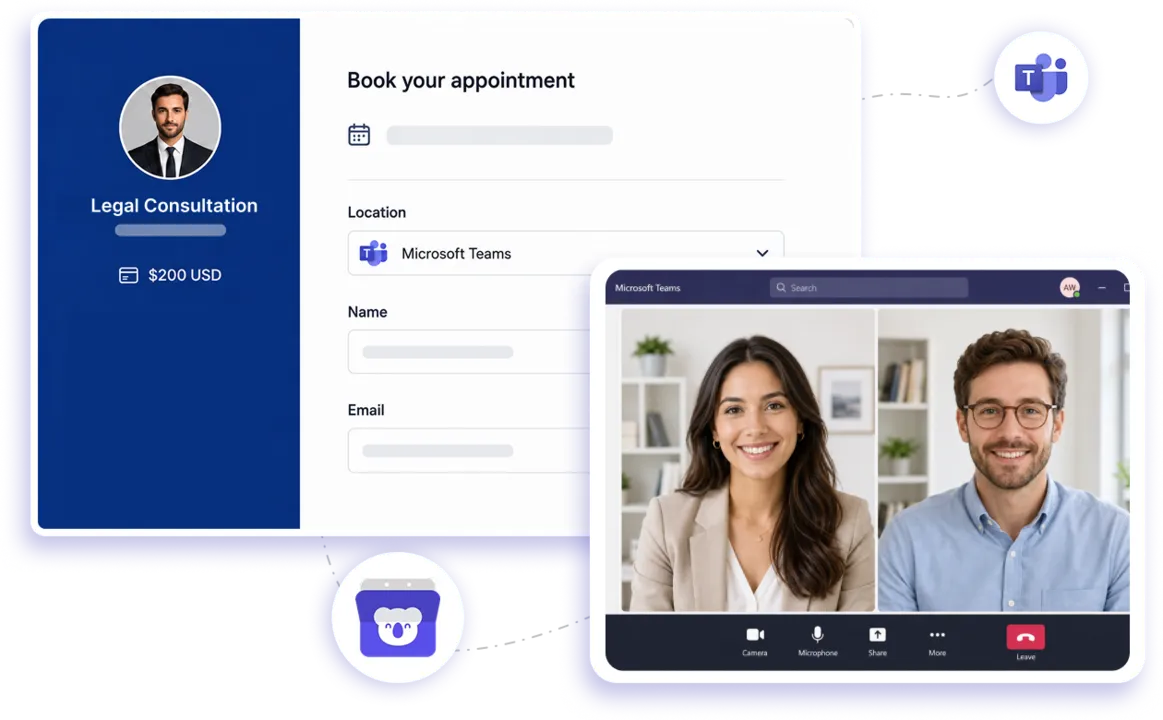
Native Microsoft Teams integration
Turn every booking into a ready-to-join Teams meeting
Koalendar connects scheduling and Microsoft Teams in one smooth flow. Share your booking page, let invitees choose an available time, and automatically create a Microsoft Teams meeting for each booking. The meeting link is included with the scheduled event, so you spend less time setting up calls and more time having useful conversations.
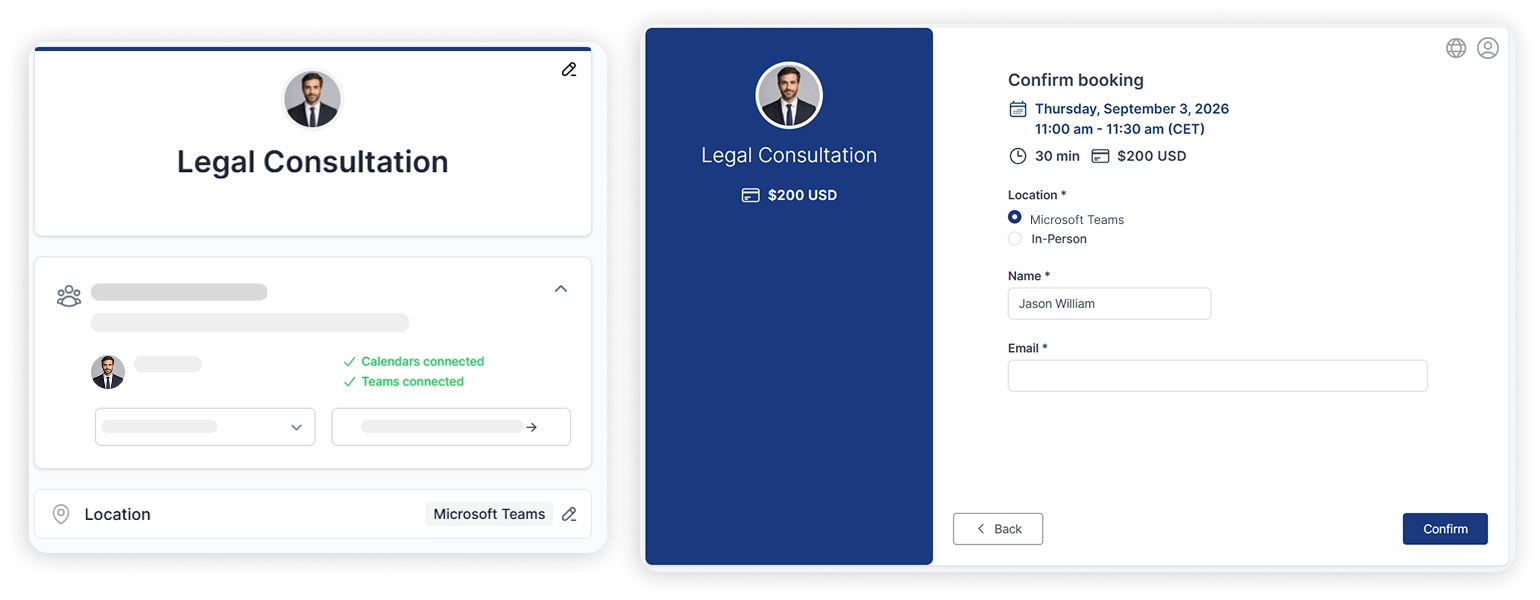
Schedule Microsoft Teams integration without the manual setup
Create Teams links automatically
Choose Microsoft Teams as your meeting location and Koalendar creates the video meeting link for each new booking. No copying links or setting up meeting rooms by hand.
Cut out scheduling back-and-forth
Share one booking page and let invitees choose a time that works. Your meeting booking app for Microsoft Teams handles the scheduling while Teams gives everyone a familiar place to meet.
Keep every meeting easy to find
Each scheduled meeting comes with its Microsoft Teams link attached, making it simple for you and your invitees to know where to join when meeting time arrives.
Avoid calendar conflicts
Connect your calendar so Koalendar can check your availability before showing bookable times. Your schedule Microsoft Teams integration workflow stays organised without accidental double-bookings.
Give clients a professional booking experience
Let clients, candidates, prospects, or colleagues choose a convenient time themselves, then automatically send them into a professional Microsoft Teams meeting workflow.
Spend less time preparing meetings
Koalendar handles the booking and Microsoft Teams handles the call. Together, they remove repetitive setup from interviews, consultations, sales demos, client calls, and internal meetings.
Features
Microsoft Teams integration for online appointments
From availability to the final meeting link, Koalendar keeps your scheduling flow simple so you can focus on the conversation instead of the setup.
Automatic Microsoft Teams meeting links

Set Microsoft Teams as your meeting location and Koalendar automatically creates a unique Teams link when someone books.
Real-time calendar availability

Connect your calendar and Koalendar checks your existing events before offering times, helping you prevent conflicts and double-bookings.
Simple self-scheduling

Share your booking link and let invitees choose from the times you make available. This scheduling software that integrates with Microsoft Teams removes the usual email ping-pong.
Automatic confirmations and reminders

Keep invitees informed with booking confirmations and reminders, so they have the meeting details they need before the call starts.
Time zone-friendly scheduling

Koalendar detects time zones and displays available times clearly for invitees, making Teams meetings easier to arrange across locations.
Team scheduling options

Schedule interviews, sales calls, consultations, and collaborative meetings with multi-host scheduling options that help the right people join at the right time.
How it works
Create Microsoft Teams meetings in three simple steps
- 1
Connect Microsoft Teams
Open your Koalendar and connect your Microsoft account, then choose Microsoft Teams as the meeting location for your booking page.
- 2
Share your booking page
Send your Koalendar link to clients, candidates, prospects, or teammates and let them choose an available time.
- 3
Meet on Microsoft Teams
When someone books, Koalendar automatically creates the Teams meeting so everyone has the link they need to join.
Once connected, your schedule Microsoft Teams integration workflow runs automatically. You choose when you're available, invitees choose a time, and Koalendar takes care of creating the Microsoft Teams meeting.

 Microsoft Teams
Try easier scheduling with Microsoft Teams
It's free. No credit card required.
Start Free Trial Now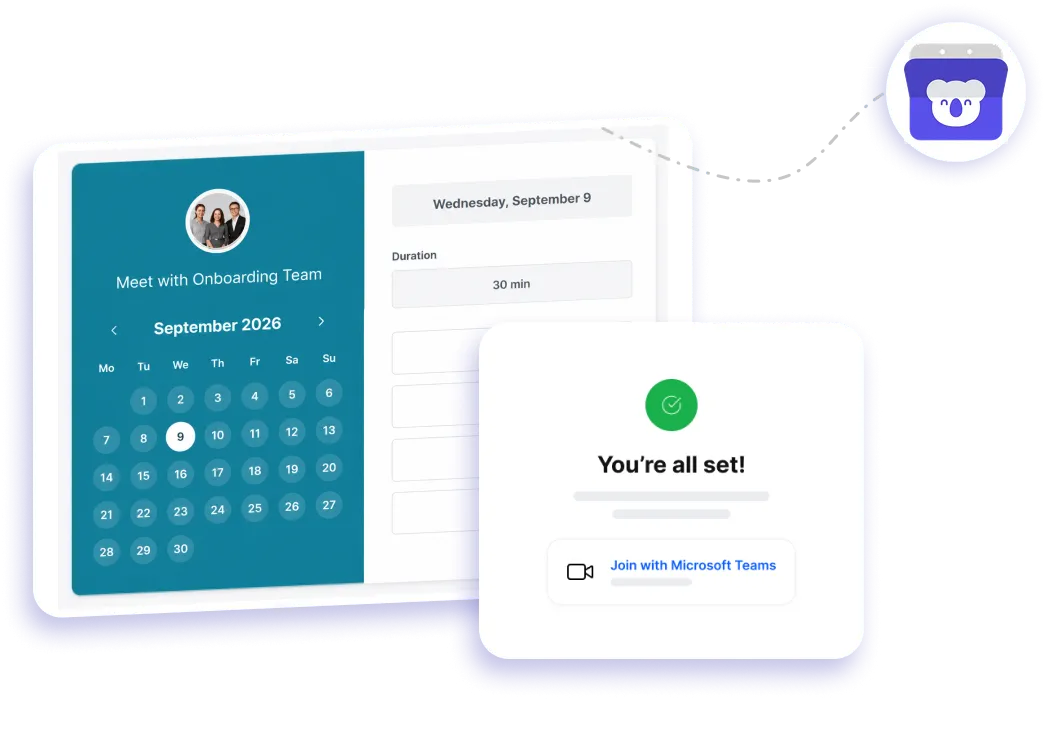
Testimonials
Loved by professionals who want simpler Teams scheduling
See why busy professionals choose Koalendar to spend less time organising meetings and more time connecting.
Connects your apps to Koalendar









Frequently asked questions
Have a different question and can't find the answer you're looking for? Reach out to our support team by sending us an email and we'll get back to you as soon as we can.
When someone books through your Koalendar page, Koalendar creates a Microsoft Teams meeting and adds the join link to the confirmation and the calendar event. You don't set up the meeting or send the link by hand.
Koalendar's scheduling is free, but automatic Microsoft Teams links are a Pro feature. The Free plan includes Google Meet links; Zoom and Teams are on Pro.
Koalendar doesn't sync a separate "Teams calendar." The Teams join link is added to the event on your connected Google, Outlook, or iCloud calendar, so the meeting appears on the calendar you already use.
Yes, through your connected calendar. Koalendar checks Google, Outlook, or iCloud for conflicts before showing times; the Teams link is added once a slot is booked.
Yes, on Pro. Teammates connect their calendars and Koalendar adds a Teams link to shared bookings for interviews, demos, and consultations
Easier access, better productivity
Connect Koalendar to the tools you already use to streamline scheduling, keep everything in sync, and book more.
Try it for free