Booking system that takes PayPal payments
Connect your PayPal.me link to Koalendar so clients can book a time, then pay you through PayPal. Koalendar adds the booking amount and currency to the payment link, and you confirm the payment before approving the appointment.
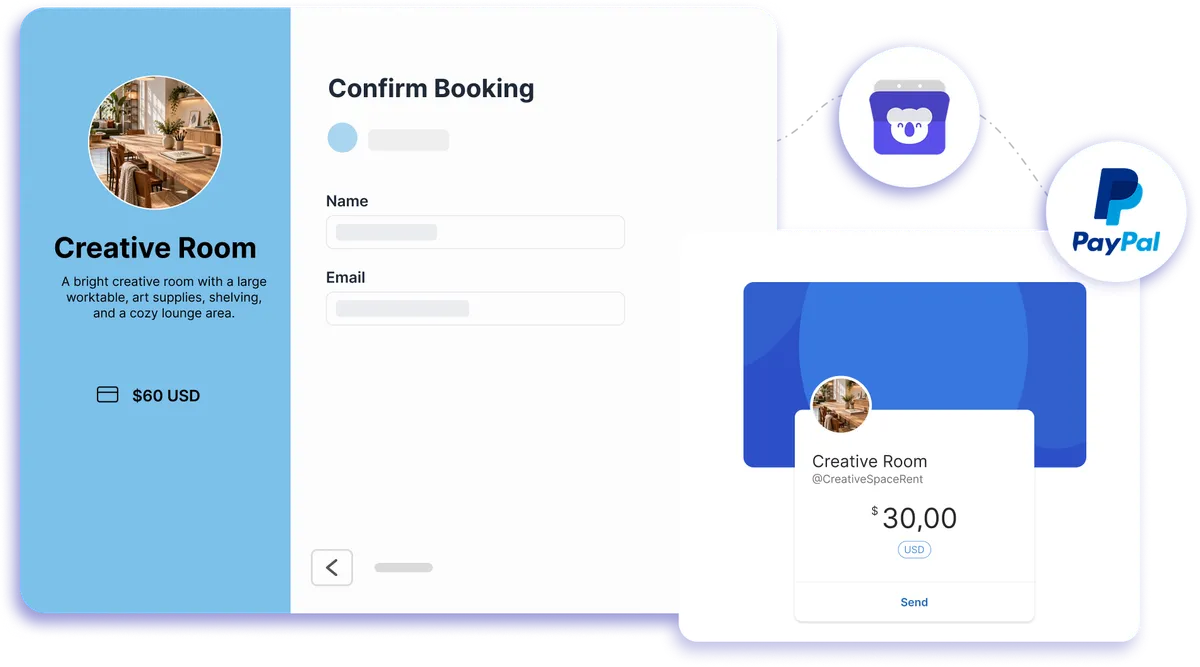
Request PayPal payments after clients book
Take PayPal payments for appointments
Koalendar adds PayPal appointment scheduling to your booking flow without processing the money itself. Clients choose an available time first, then get your PayPal.me link with the booking total already filled in. You check the payment in PayPal, mark the booking as paid in Koalendar, and approve it if Require Approval is enabled.
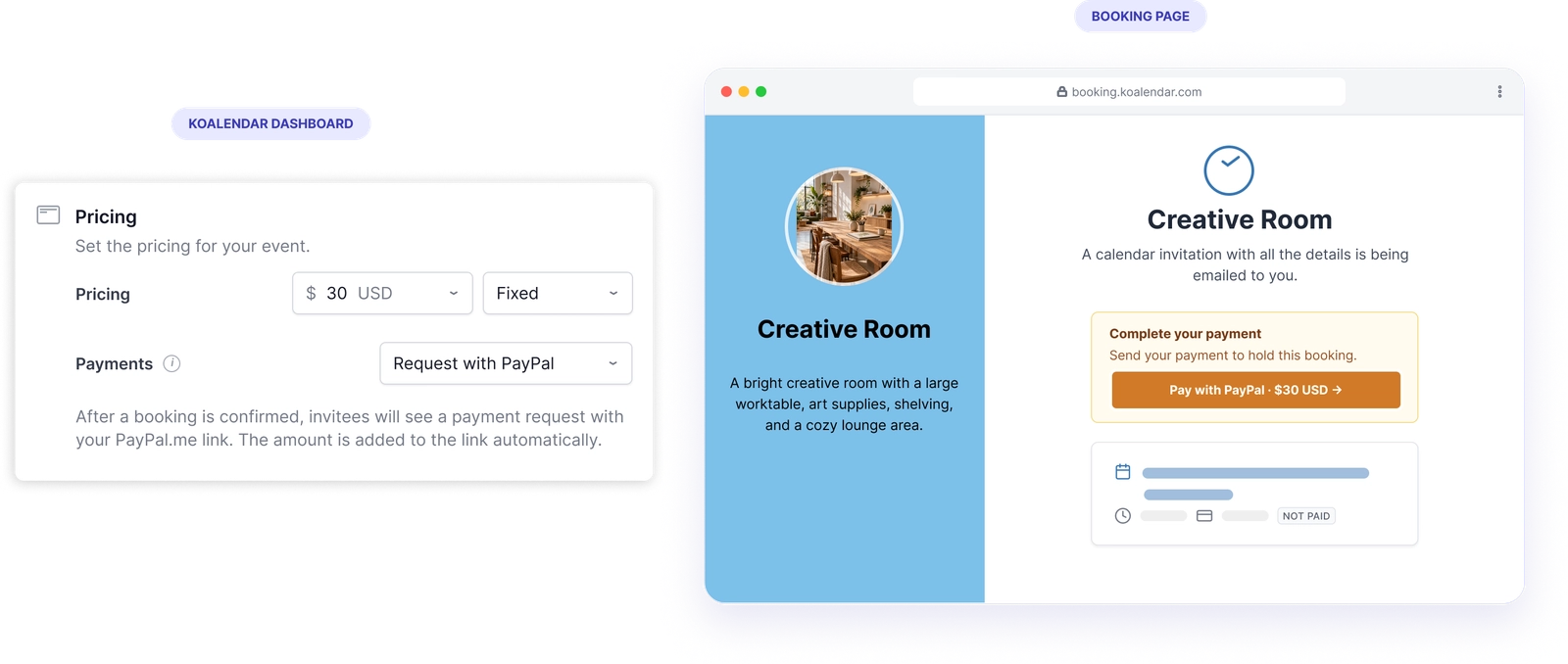
Make PayPal booking easier to manage
Send the right amount automatically
Koalendar calculates the booking total and adds the amount and currency to your PayPal.me link, so clients do not need to enter the price themselves.
Keep unpaid bookings under control
Turn on Require Approval to hold the time while you check PayPal, then approve the appointment only after payment is confirmed.
Give clients a clear payment step
After booking, clients see a Pay with PayPal link on the confirmation page and in their confirmation email.
Price services your way
Use fixed, hourly, or per-attendee pricing, and let Koalendar calculate the total before sending the PayPal request.
Keep payment management in PayPal
Money goes directly to your PayPal account, while Koalendar handles availability, appointment details, and paid-status tracking.
Features
PayPal appointment scheduling with flexible pricing
Use Koalendar to manage the booking, calculate the price, and send a PayPal.me payment request after the appointment is submitted.
PayPal.me payment requests
Connect a PayPal.me link and Koalendar adds the calculated booking amount and currency automatically.
Fixed, hourly, or per-attendee pricing

Choose one flat fee, charge according to meeting duration, or calculate the price based on the number of attendees.
Require Approval for paid bookings

Keep the time slot pending while you verify payment in PayPal, then mark the booking as paid and approve it.
Payment reminders after booking

Clients receive the PayPal payment link on the confirmation page, in the confirmation email, and in the calendar event details.
Discount codes

Offer coupon codes and Koalendar uses the discounted booking total when generating the PayPal.me link.
Manual payment status

Once you see the payment in PayPal, mark the booking as paid from the booking email, desktop app, or mobile app.
How it works
Set up PayPal booking in three steps
- 1
Connect your PayPal.me link
Go to Profile → Integrations in Koalendar, open PayPal, paste your PayPal.me link, and save it.
- 2
Set your price and payment option
Open the Booking Page Editor, go to Pricing, set the amount and currency, choose Request via PayPal, and select fixed, hourly, or per-attendee pricing.
- 3
Let clients book, then confirm payment
Clients submit the booking first, then follow the PayPal.me link with the amount already filled in. Check the transfer in PayPal, mark the booking as paid in Koalendar, and approve it if Require Approval is turned on.
Koalendar sends the PayPal payment request but does not process the money or detect payment automatically. Refunds and payment confirmation are handled in PayPal.

 PayPal
Try the booking system with PayPal
Try it free for 7 days. No credit card required.
Start Free Trial Now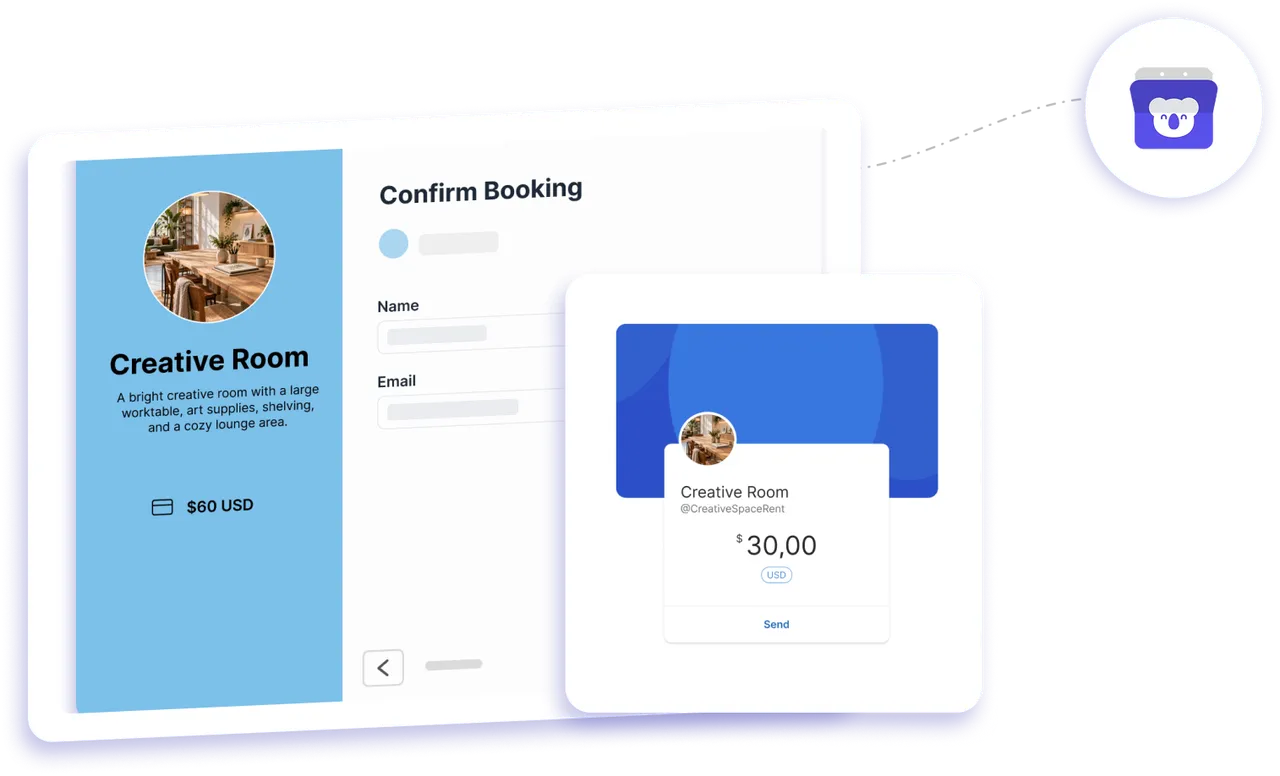
Testimonials
Loved by professionals who take payments for bookings
See how Koalendar users simplify paid appointments, pricing, and payment workflows.
Connects your apps to Koalendar









Frequently asked questions
Have a different question and can't find the answer you're looking for? Reach out to our support team by sending us an email and we'll get back to you as soon as we can.
Clients choose a time in Koalendar and submit the booking first. Koalendar then shows your PayPal.me link with the booking amount and currency filled in. The client pays you in PayPal, and you mark the booking as paid in Koalendar after confirming the transfer.
Create a PayPal.me link if you do not already have one. In Koalendar, go to Profile → Integrations → PayPal, paste the link, and save it. Then open your booking page, go to Pricing, set the amount and currency, and select Request via PayPal.
Koalendar sends clients to PayPal through your PayPal.me link. Whether PayPal offers a guest payment option depends on the PayPal account, transaction, country, and the options PayPal makes available.
Koalendar sends the calculated booking total through PayPal.me and supports fixed, hourly, and per-attendee pricing. The current PayPal setup does not include a separate built-in deposit option, so you would need to set the booking price to the amount you want clients to pay.
Yes, but the refund is issued from PayPal rather than Koalendar. Canceling or declining the booking in Koalendar does not automatically refund the PayPal payment.
No. Koalendar cannot see whether the PayPal payment went through. Check your PayPal account, then mark the booking as paid in Koalendar.
Easier access, better productivity
Connect Koalendar to the tools you already use to streamline scheduling, keep everything in sync, and book more.
Try it for free