Scheduling extension for Brave
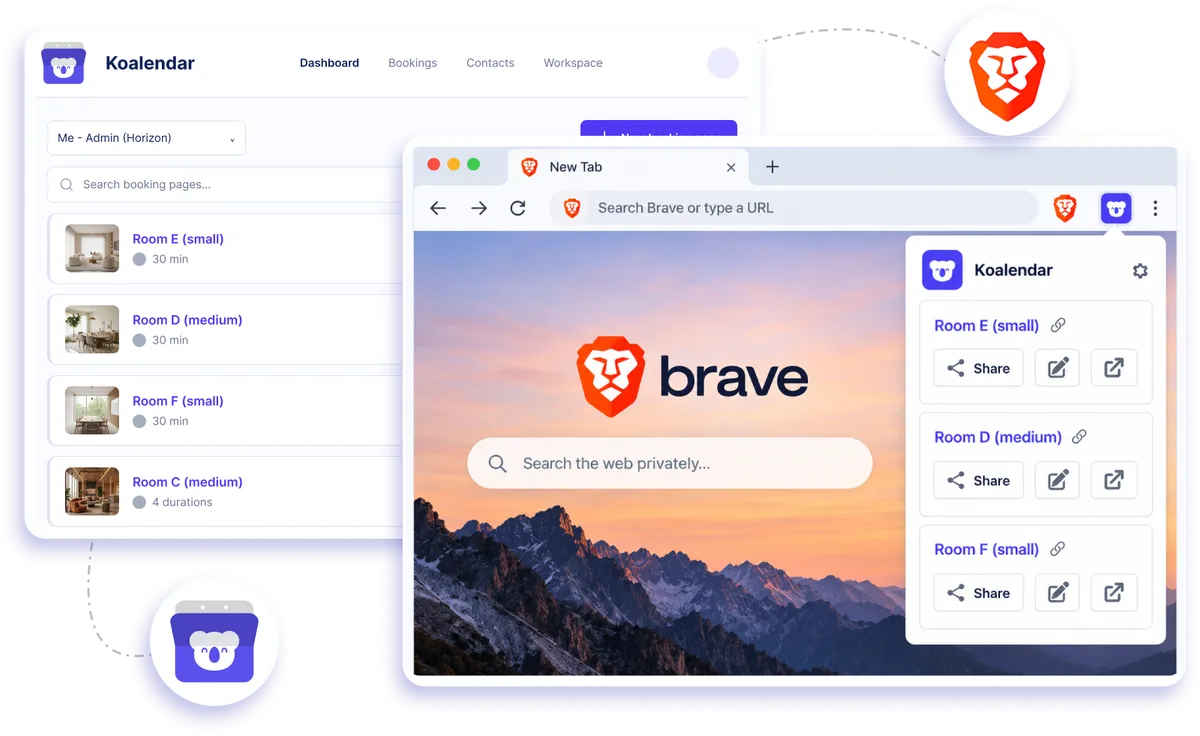
Install Koalendar's Brave extension and reach your booking pages from any tab. Grab the right link, prefill it, and share it in a click, without leaving what you're doing.
Brave browser extension
Free booking extension for the Brave browser
Keep your Koalendar booking pages close while you work in Brave. Open the extension from your browser toolbar, choose the right scheduling link, prefill invitee details when useful, and share it without switching away from the page you're on.
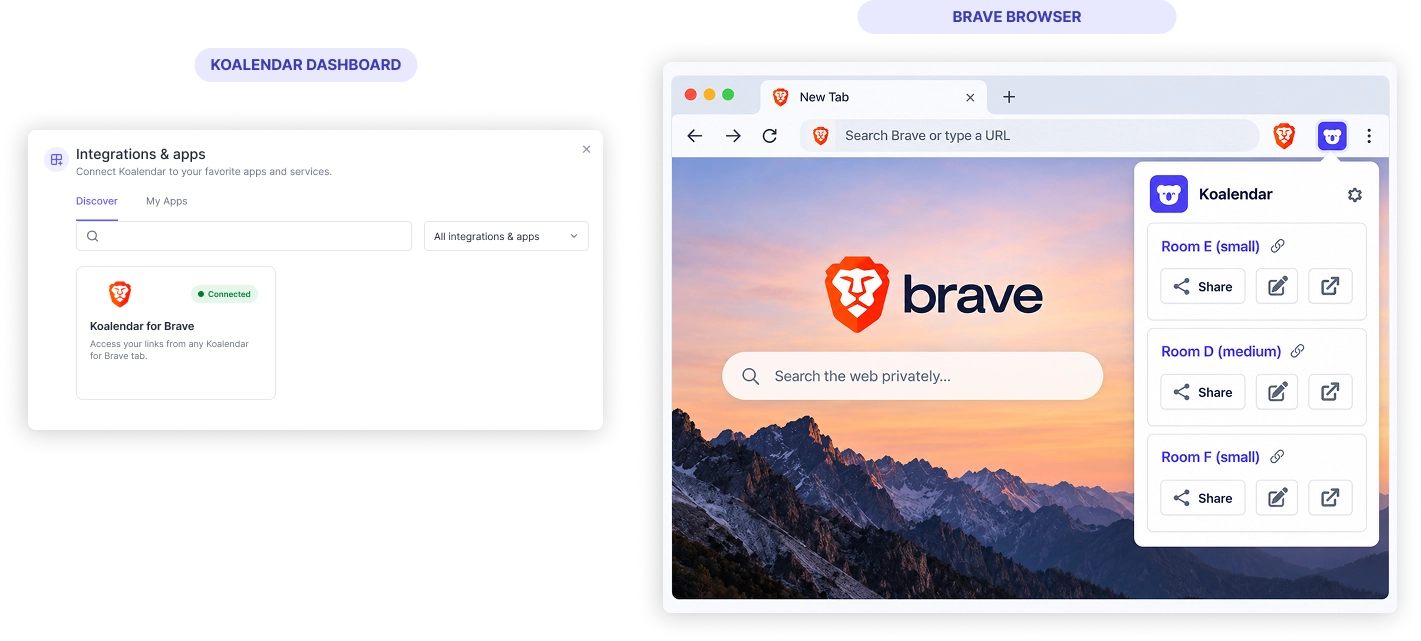
Share your availability without slowing down your workflow
Find the right booking link faster
Keep your Koalendar booking pages within reach in Brave instead of opening your dashboard or searching through saved links.
Reply to scheduling requests in less time
Share availability while you're already working in email, chat, CRM tools, or other browser-based apps.
Make booking easier for invitees
Prefill details before sharing a link so clients can get through the booking form with fewer steps.
Stay focused on what you're doing
Handle scheduling from the browser toolbar without interrupting your current task to open another tab.
Cut down on back-and-forth messages
Send the right booking page straight away so people can choose an available time without a long scheduling conversation.
Features
Everything you need to share booking links from Brave
Open Koalendar from your browser toolbar, choose a booking page, personalize the link, and share it from the tab you're already using.
Booking pages in your browser toolbar

Open your Koalendar booking pages from Brave without searching bookmarks or typing URLs.
Copy and share booking links

Grab the right booking link and paste it into email, chat, CRM tools, or any other browser-based workflow.
Prefill invitee details

Add information before sharing a link so parts of the booking form are already filled in when your invitee opens it.
Access all your booking pages

Choose the right Koalendar page for each meeting, service, or appointment from the extension.
Works from any Brave tab

Use the extension without opening Koalendar in a separate browser tab first.
Connected calendar availability

Shared booking pages still use the availability from calendars connected to Koalendar, helping prevent double bookings.
How it works
Start sharing booking links from Brave in three steps
- 1
Install the Koalendar extension
Add Koalendar from the Chrome Web Store. Brave supports Chrome extensions, so it runs in your Brave browser.
- 2
Sign in to your Koalendar account
Your booking pages appear in the extension so you can reach them from your browser toolbar.
- 3
Choose, prefill, and share
Pick the booking page you need, add invitee details if useful, then copy and send the link from the tab you're already using.
Koalendar for Brave keeps your booking links close to the work you're already doing, so sharing availability takes a few clicks instead of a trip back to your dashboard.


Testimonials
Loved by professionals who schedule from their browser
See how Koalendar users save time with browser extensions, faster booking links, and easier ways to share availability while they work.
Connects your apps to Koalendar









Frequently asked questions
Have a different question and can't find the answer you're looking for? Reach out to our support team by sending us an email and we'll get back to you as soon as we can.
One-click access to your booking links, plus prefill and share for faster booking.
Brave supports Chrome Web Store extensions, so you can add Koalendar there and it runs in Brave.
Yes. Sign in and your booking pages appear in the extension.
Easier access, better productivity
Connect Koalendar to the tools you already use to streamline scheduling, keep everything in sync, and book more.
Try it for free