Multi-calendar sync
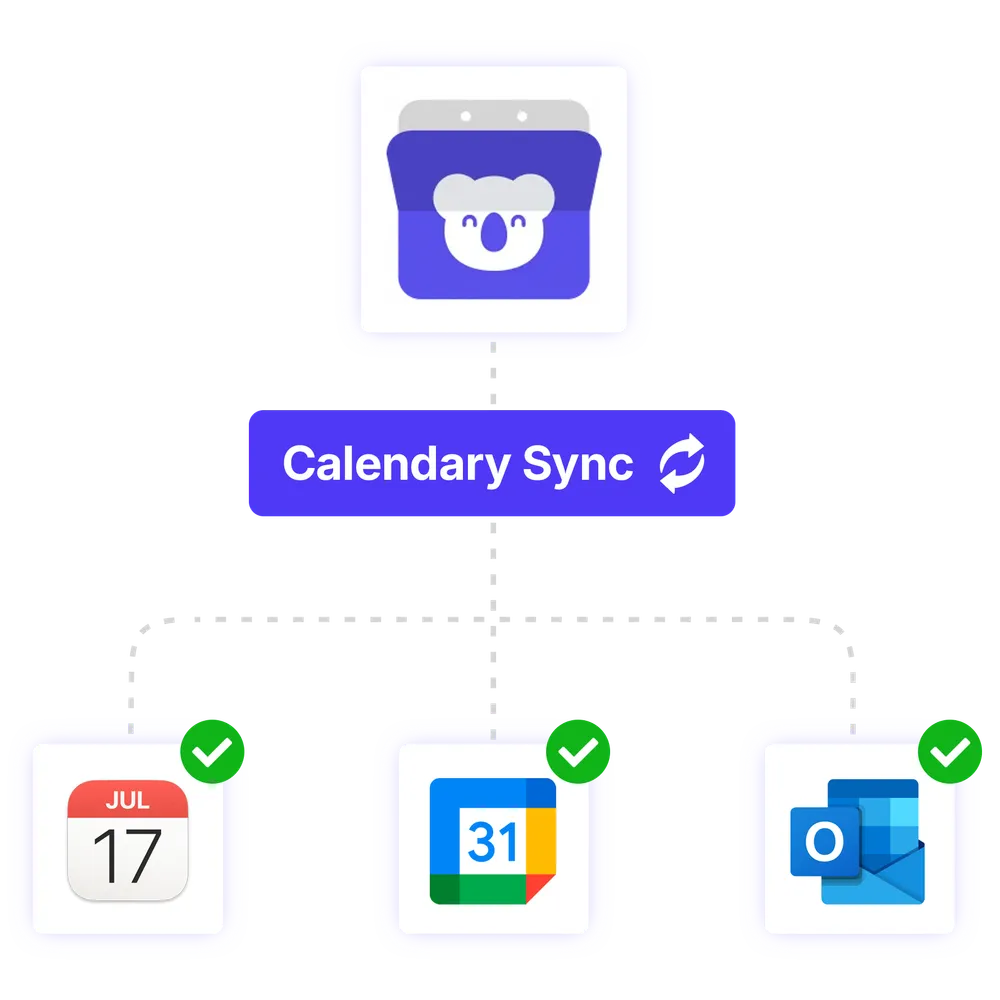
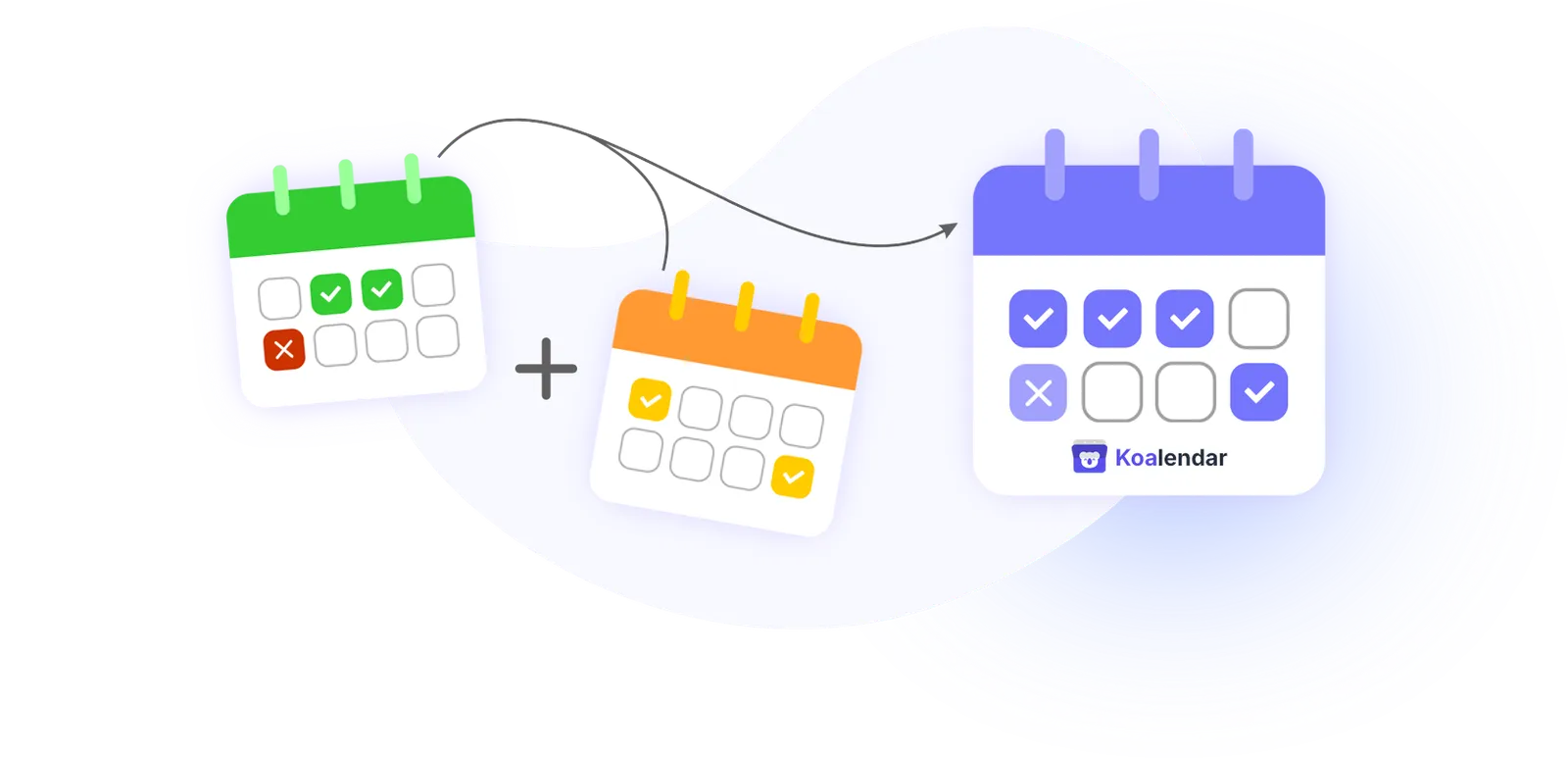
Koalendar automatically syncs all your calendars into one source of truth, preventing conflicts, missed appointments, and scheduling errors.
Keep your availability always up to date
Sync your calendars so Koalendar only shows times when you are actually free.
Avoid double bookings automatically
Block busy times from Google, Outlook, or Apple Calendar to prevent scheduling conflicts.
Manage work and personal calendars together
Connect multiple calendars so your booking page reflects your real schedule.





All your calendars, working as one
Link your calendars and let Koalendar handle availability automatically. Every booking reflects your real schedule across all calendars, so conflicts disappear and nothing slips through the cracks.
Integrations
Integrate our multi-calendar software platform with your favorite tools
Connect seamlessly to Google Calendar, Outlook, Zoom, Gmail, Stripe and thousands more through Zapier, keeping scheduling, communications and payments perfectly in sync














Features
Everything you need for reliable calendar sync
Real-time availability across calendars

Koalendar continuously checks all connected calendars and updates availability instantly, so bookings always reflect your real schedule, no matter where events are created.
Multi-calendar conflict prevention

When multiple calendars are connected, Koalendar blocks overlapping time slots automatically, preventing double bookings and scheduling errors before they reach customers.
Centralized availability rules

Apply buffers, booking limits, and availability logic once. Koalendar enforces these rules across every connected calendar, removing the need for manual adjustments.
Team resource blocking

When teams share resources (rooms, equipment, facilitators), Koalendar can block availability centrally so that a resource isn't double-booked across calendars.
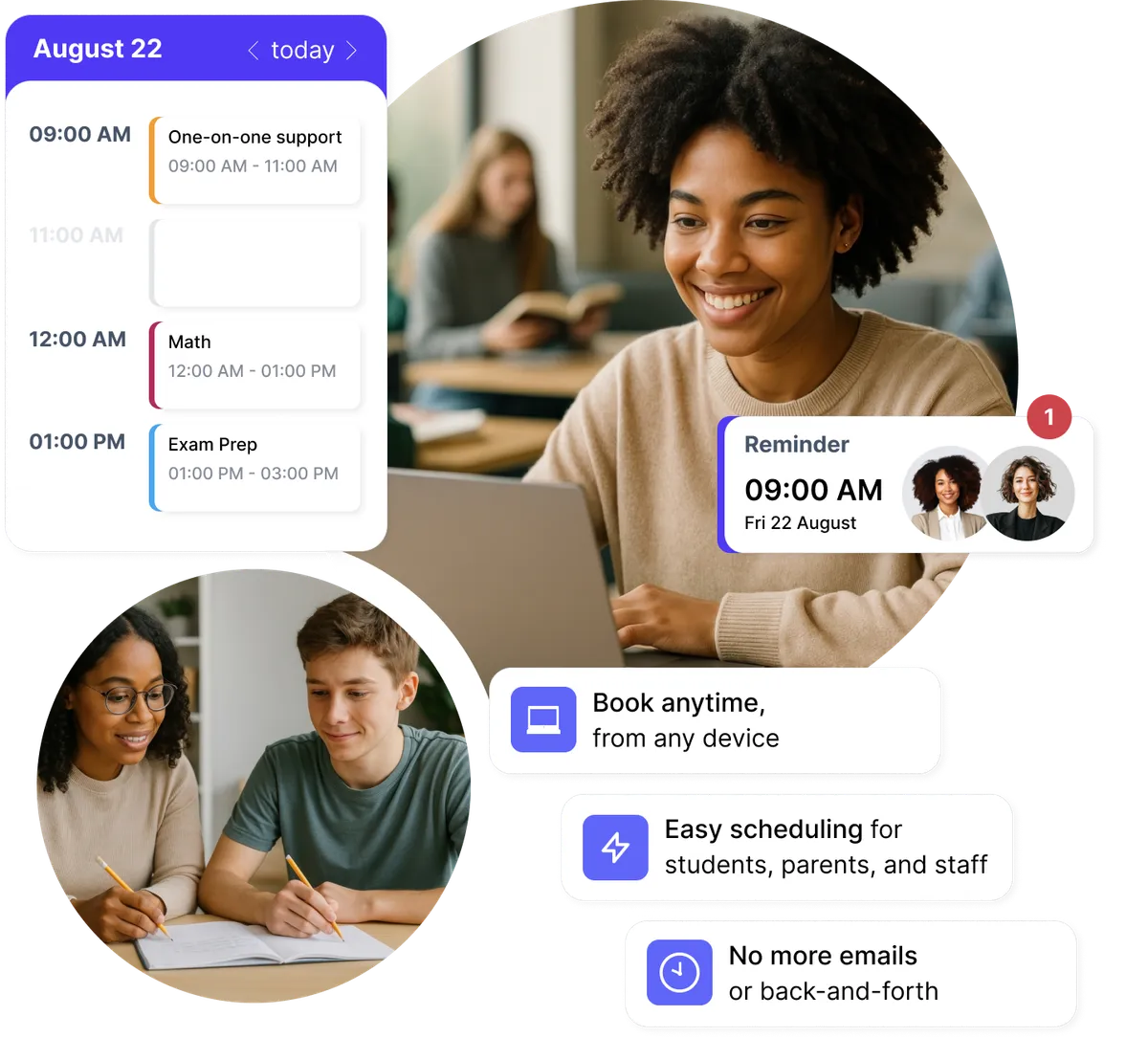
Stay perfectly in sync across all your calendars
Every external meeting is taken into account automatically, so overlaps are prevented without you checking calendars manually.
- Two-way sync with Google, Outlook and iCloud
- Existing events instantly block bookable time
- Updates happen in real time
- One availability layer across all calendars
Scale scheduling without added complexity
As bookings increase, your availability logic stays centralized, consistent, and easy to manage from one place.
- Fewer manual adjustments
- Consistent setup across use cases
- Easy to maintain as volume grows
- Spend less time managing availability
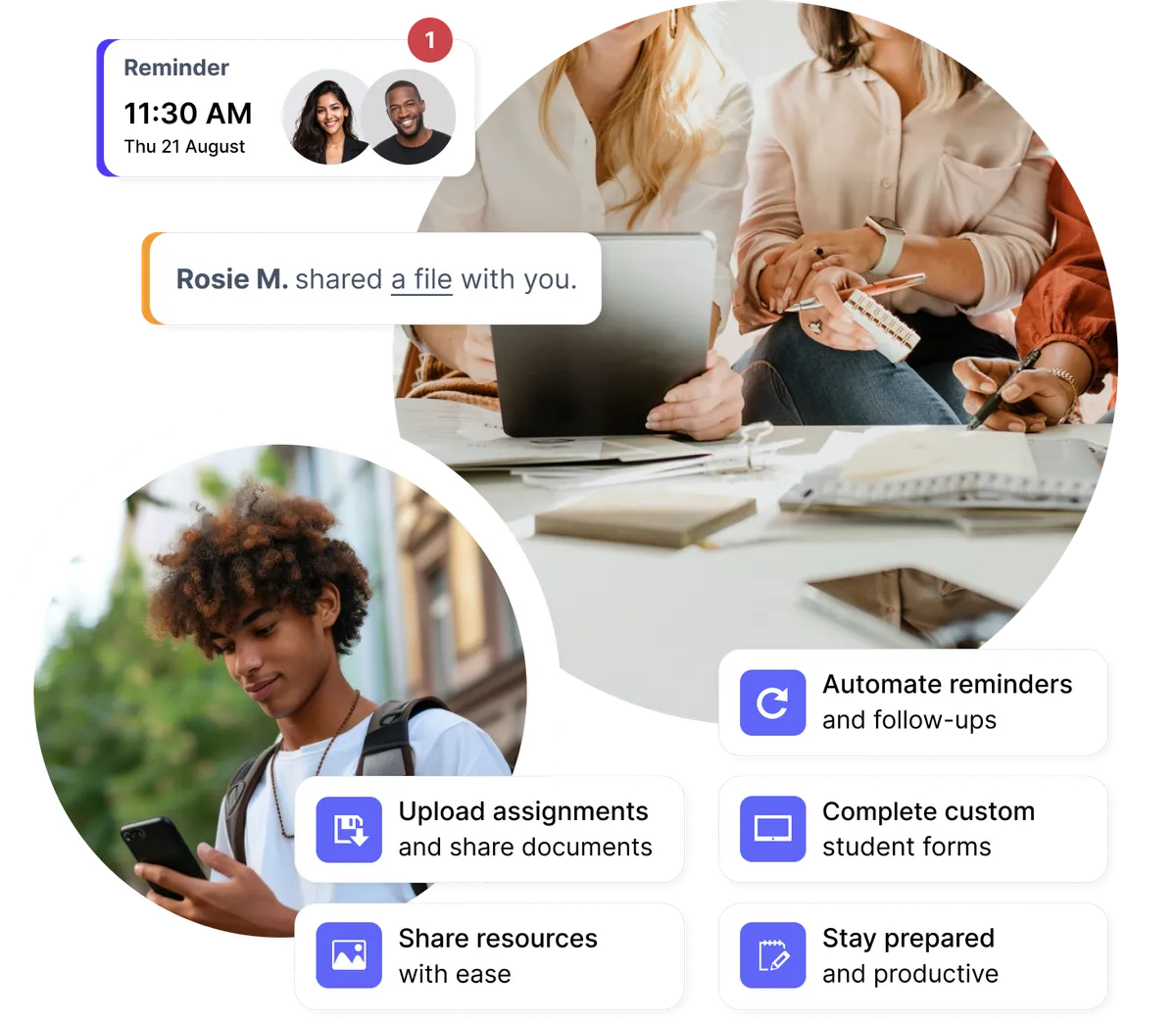
Automatically block time from any calendar event
Events created in any connected calendar immediately block availability, even if they weren't booked through Koalendar.
- Google, Outlook, and iCloud events respected
- Personal and private events included
- Real-time updates across calendars
- Zero overlap, guaranteed
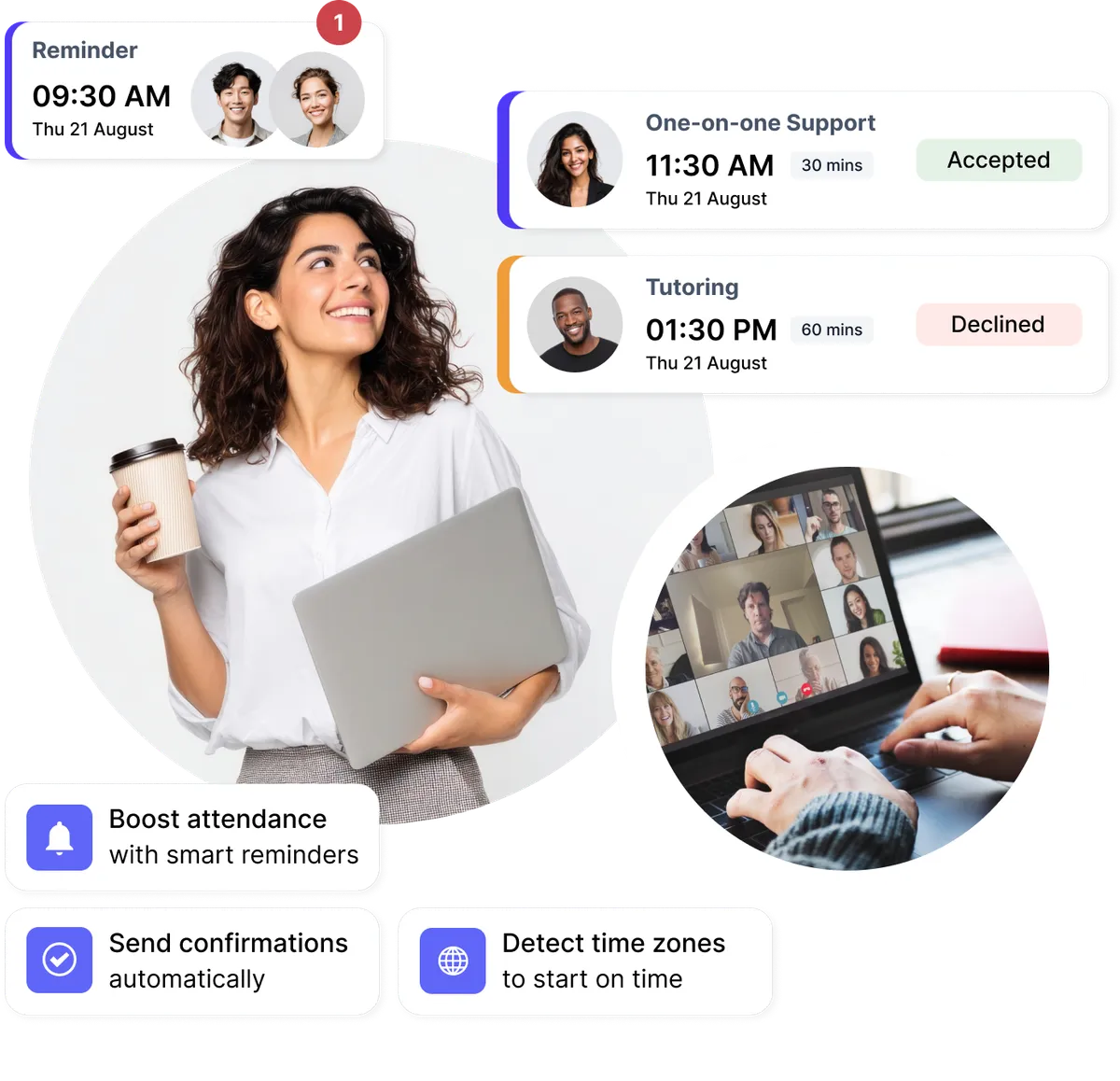
Testimonials
Professionals ❤️ Koalendar
See how professionals are using our calendar sync software to save time and grow their business.
“We’ve doubled our attendance rates and number of bookings, reduced the time we spent on scheduling by like 12 hours per person, per week, and everything is completely customized with our school’s colors and logo.”


“I use Koalendar to schedule tutoring session with students. I was able to get it set up and sent to students in about 5 minutes. Support was extremely friendly and is a real person rather than a robot or outsourced.”
“I was looking for a free, easy manageable and customisable calendar app for ages. Koalendar offers all that. So I have recommended the app already to 2 of my colleagues.”
“Koalendar has made scheduling meetings and calls so much easier. I no longer have to send over an email with all of the dates/times I am free. I just simply send a link and they can see the times I have open. I love it!”
“This has been a great tool to schedule virtual appointments with my students. I am able to easily provide a link under my signature in my email and on Google Classroom. Students can easily set up an appointment that works for them. This has been a tool for keeping appointments organized.”
“When Doodle dropped their calendar sharing support, I tried different tools but they all didn't provide the features I was looking for. Eventually I found Koalendar and it's exactly what I need. It has a free version, it's easy but flexible to configure and people wanting to book a meeting with me can do it fast and easy.”
“This software has changed the way I hire and interview new hires. With Koalendat it allows the candidates to self-schedule themselves for the interview day.”


Frequently asked questions
Have a different question and can't find the answer you're looking for? Reach out to our support team by sending us an email and we'll get back to you as soon as we can.
You can connect multiple calendars per user, including Google, Outlook, and iCloud. Koalendar merges all connected calendars into a single availability layer, so every event is considered when showing bookable time slots.
Any event added to a connected calendar immediately blocks availability in Koalendar. This applies even if the meeting wasn't booked through a Koalendar booking page, ensuring your schedule stays accurate.
Yes. Global availability and booking rules, such as buffer times, minimum notice, and booking limits, are applied on top of all connected calendars. This ensures consistent scheduling behavior regardless of where events are created.
Yes. Koalendar allows you to define a single global availability schedule that automatically applies across all booking pages, eliminating the need to manage availability separately for each page.
Yes. By continuously syncing all connected calendars in real time and enforcing global availability rules, Koalendar ensures that overlapping bookings cannot occur.
Ready to dive in?Start your free account today.
When you let clients self-book their appointments on your Koalendar scheduling page, you'll save hours of time spent on unnecessary emails.
Sign up for free