Accept Apple Pay for appointments
Koalendar collects payments through Stripe, and Stripe offers Apple Pay as a one-touch option. Clients on an eligible Apple device can pay with Apple Pay the moment they book.
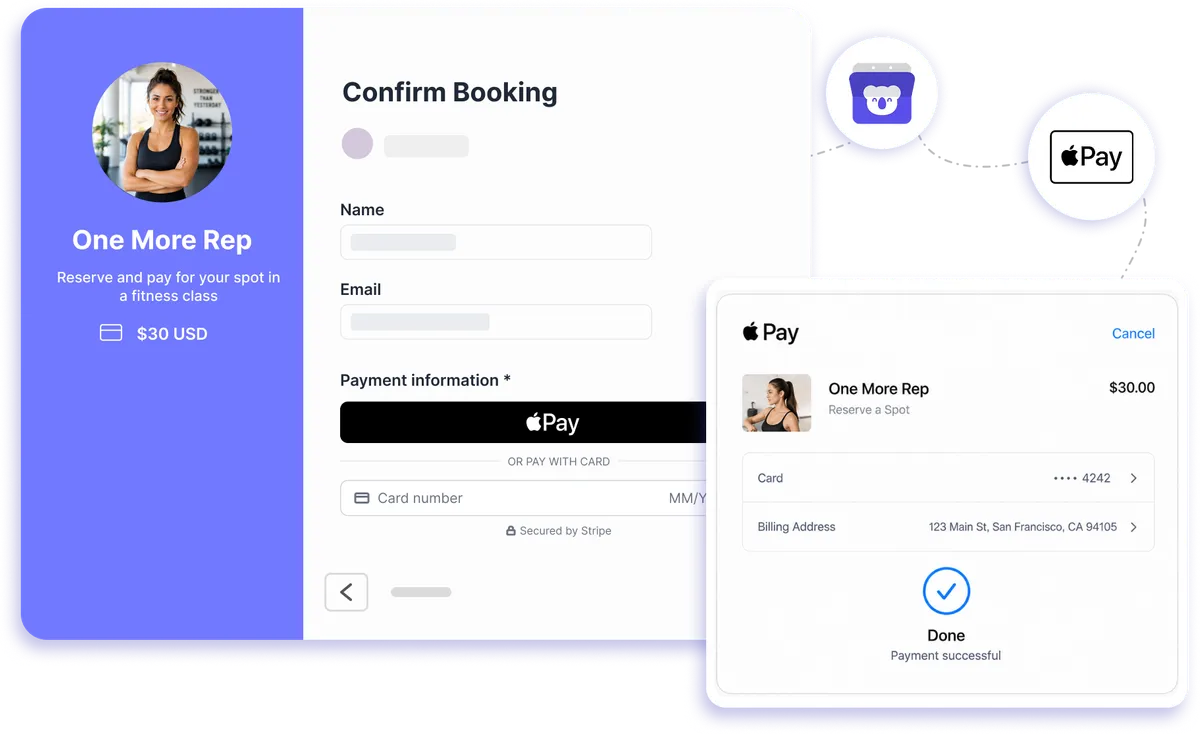
Apple Pay payments through Stripe
Make paying for an appointment as easy as booking one
Give clients a faster way to confirm paid appointments from an eligible Apple device. Koalendar collects the payment during booking through Stripe, so clients can choose Apple Pay when available instead of typing card details every time.
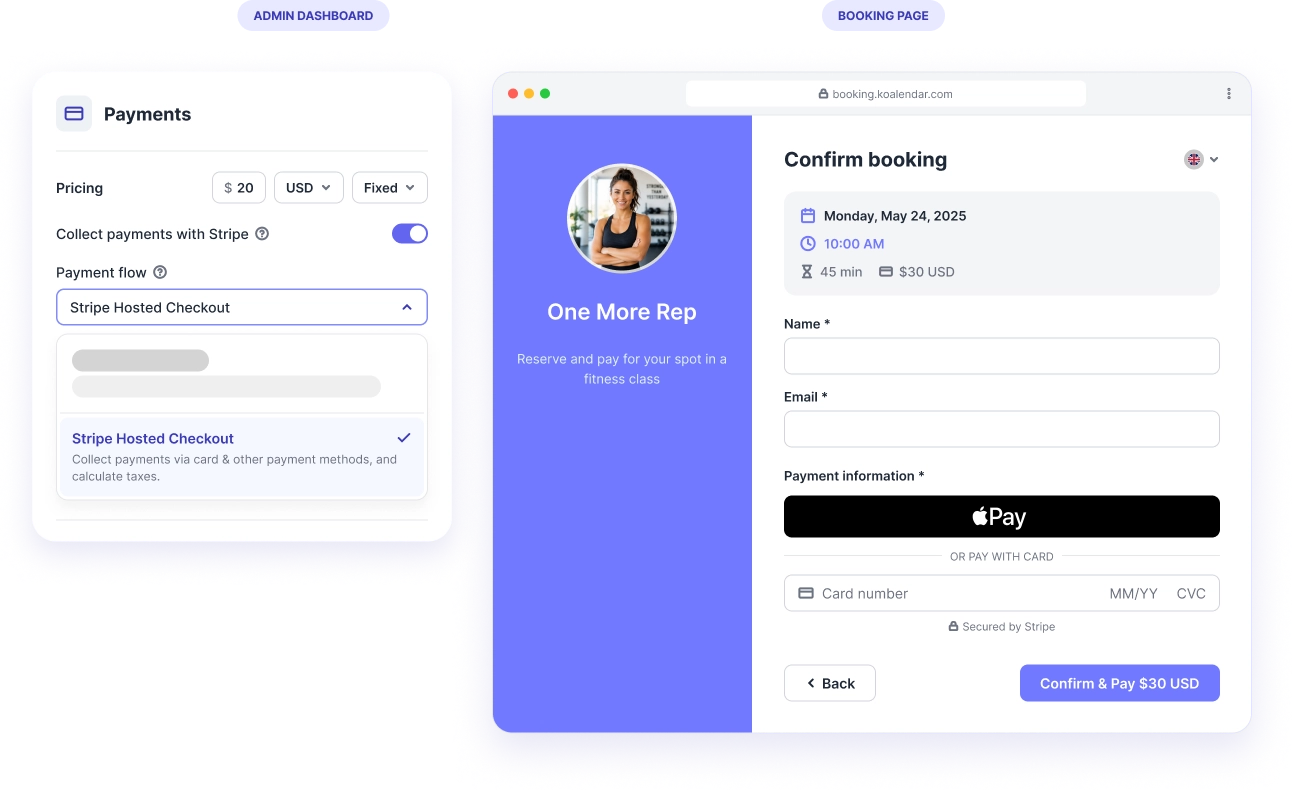
Get paid at booking with less checkout friction
Let clients pay in the booking flow
There is no separate invoice or payment link to chase after the appointment is scheduled. Koalendar collects payment through Stripe while your client books, keeping the whole experience in one place.
Give Apple users a faster way to pay
When Apple Pay is available on the client's device and browser, they can use the payment method they already know instead of manually entering their card details.
Confirm paid appointments upfront
Collecting payment before the booking is completed helps you know the appointment is paid for before it lands on your schedule and reduces no-shows.
Keep Stripe as your payment hub
Payments are processed through your connected Stripe account, so you can keep using Stripe to manage transactions while Koalendar handles the booking experience.
Offer more than one way to pay
Apple Pay can appear alongside other Stripe-supported payment methods when available, giving clients a checkout option that suits their device and setup.
Features
Take Apple Pay payments when clients book
Turn your booking page into a simple paid checkout, with Stripe handling payments and Apple Pay available on eligible devices.
Apple Pay at appointment checkout

Clients can choose Apple Pay when it is available on their device and browser, making it quicker to complete a paid booking without typing card details.
Stripe payment processing

Koalendar uses Stripe to process appointment payments, so Apple Pay sits inside the same payment setup you use for cards and other supported methods.
Payment collected before confirmation

Require payment as part of the booking flow so clients complete checkout before the appointment is confirmed.
Automatic booking and payment flow

Clients choose a time, enter their details, and pay in one connected experience. You spend less time switching between scheduling and payment tools.
Payment settings you control

Connect your Stripe account and manage the payment methods available to your customers through your payment setup.
Secure wallet checkout

Apple Pay lets eligible clients use payment credentials already stored in their wallet, while Stripe handles the payment processing behind the scenes.
How it works
Start accepting Apple Pay in three steps
- 1
Connect your Stripe account
Connect Stripe to Koalendar and turn on payments for the booking page where you want clients to pay upfront.
- 2
Set the price for your appointment
Choose what clients need to pay when they book, then publish and share your booking page as usual.
- 3
Let eligible clients choose Apple Pay
When Apple Pay is available on their device and browser, clients can select it at checkout and complete payment as part of the booking flow.
One booking flow handles the appointment and the payment, while Stripe takes care of processing Apple Pay and your other enabled payment methods.

 Apple Pay
Try the booking system with Apple Pay
It's free. No credit card required.
Start Free Trial Now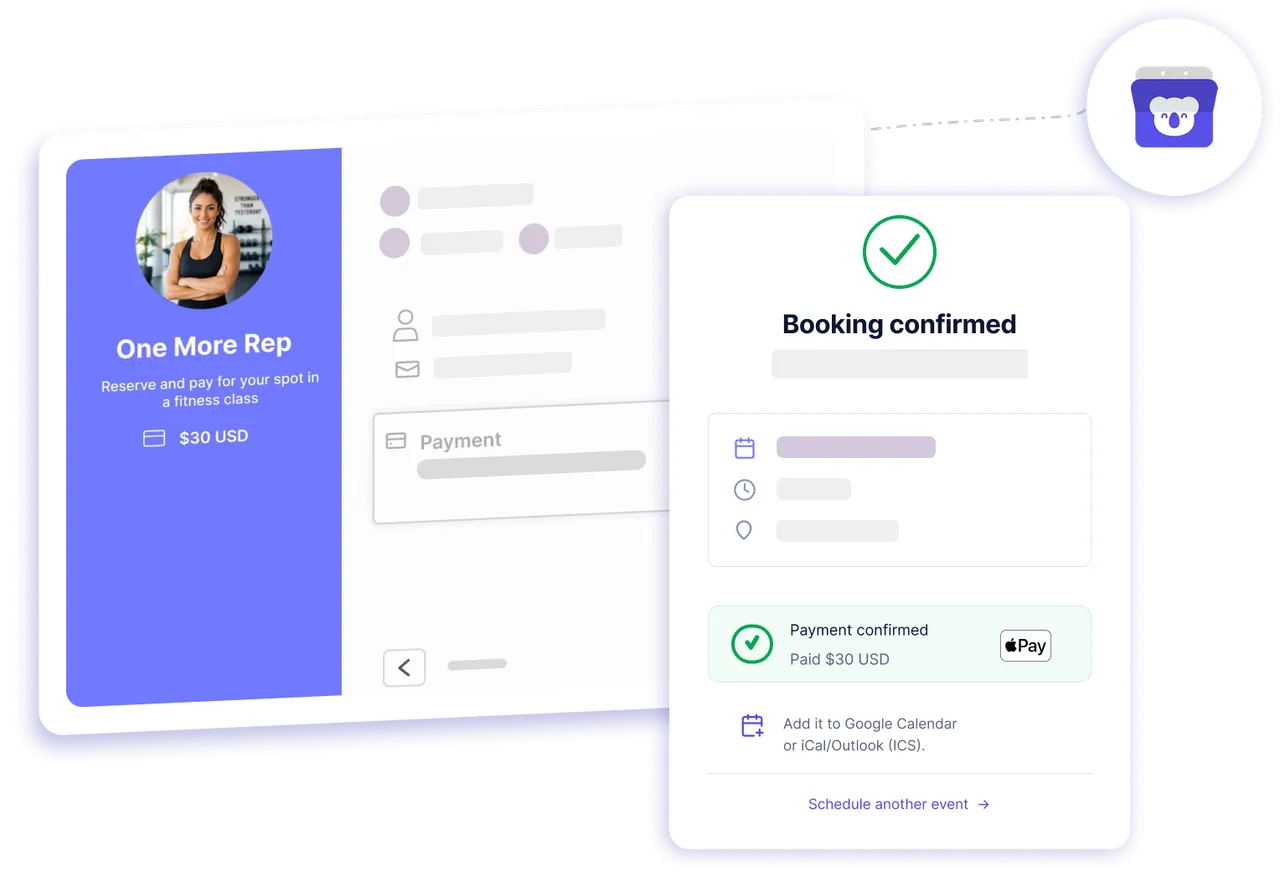
Testimonials
Get bookings and payments without the extra admin
See how Koalendar users simplify paid appointments with Stripe and an easier booking experience.
Connects your apps to Koalendar









Frequently asked questions
Have a different question and can't find the answer you're looking for? Reach out to our support team by sending us an email and we'll get back to you as soon as we can.
Yes. Koalendar collects payments through Stripe, and Stripe offers Apple Pay. Clients on a supported Apple device can pay in one touch when they book.
Yes. Koalendar processes payments only through Stripe. Connect a Stripe account, enable Apple Pay in your Stripe dashboard, and it appears at checkout on eligible devices.
Taking payments (including Apple Pay) is a Koalendar Pro feature. Stripe also charges its standard per-transaction fee; Koalendar takes no extra commission.
Yes, on Pro. Clients book and pay in one flow, and Apple Pay is one of the Stripe methods available at checkout.
Apple Pay shows only on eligible devices and browsers (for example, Safari on an Apple device) and must be turned on in your Stripe payment settings. On other devices, clients pay by card or another enabled method.
Yes. If you collect payment for a booking page through Stripe, eligible clients can use Apple Pay when it is available at checkout. That works well for consultations, lessons, coaching sessions, services, and other paid appointments.
Koalendar does not add a commission to the appointment payment. Your payment is processed through Stripe, so Stripe's normal transaction pricing applies.
The payment is completed through Stripe as part of the booking flow, and the client can finish confirming the appointment without needing a separate payment step.
Easier access, better productivity
Connect Koalendar to the tools you already use to streamline scheduling, keep everything in sync, and book more.
Try it for free