Free booking system for your Facebook Page
Add your Koalendar booking link to your Facebook Page, posts, and messages. Followers pick a time from your real availability, and the booking lands on your calendar.
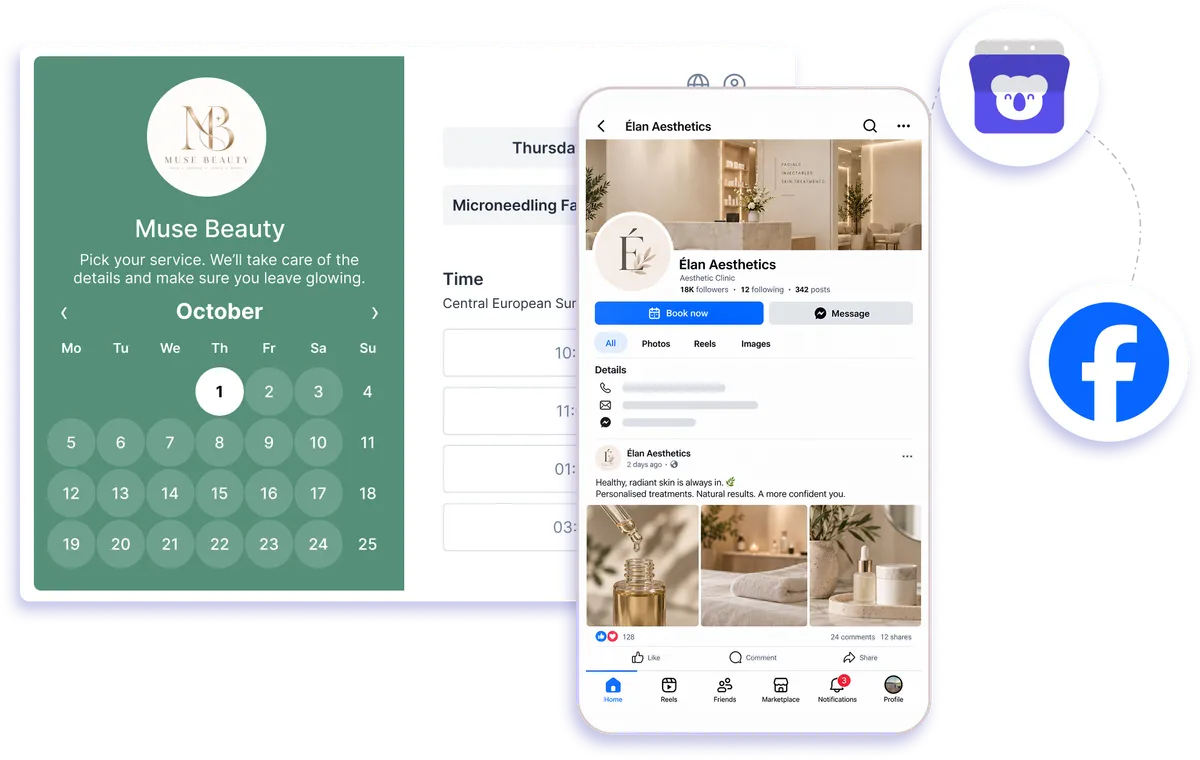
Facebook booking link setup
How to take appointment bookings on Facebook
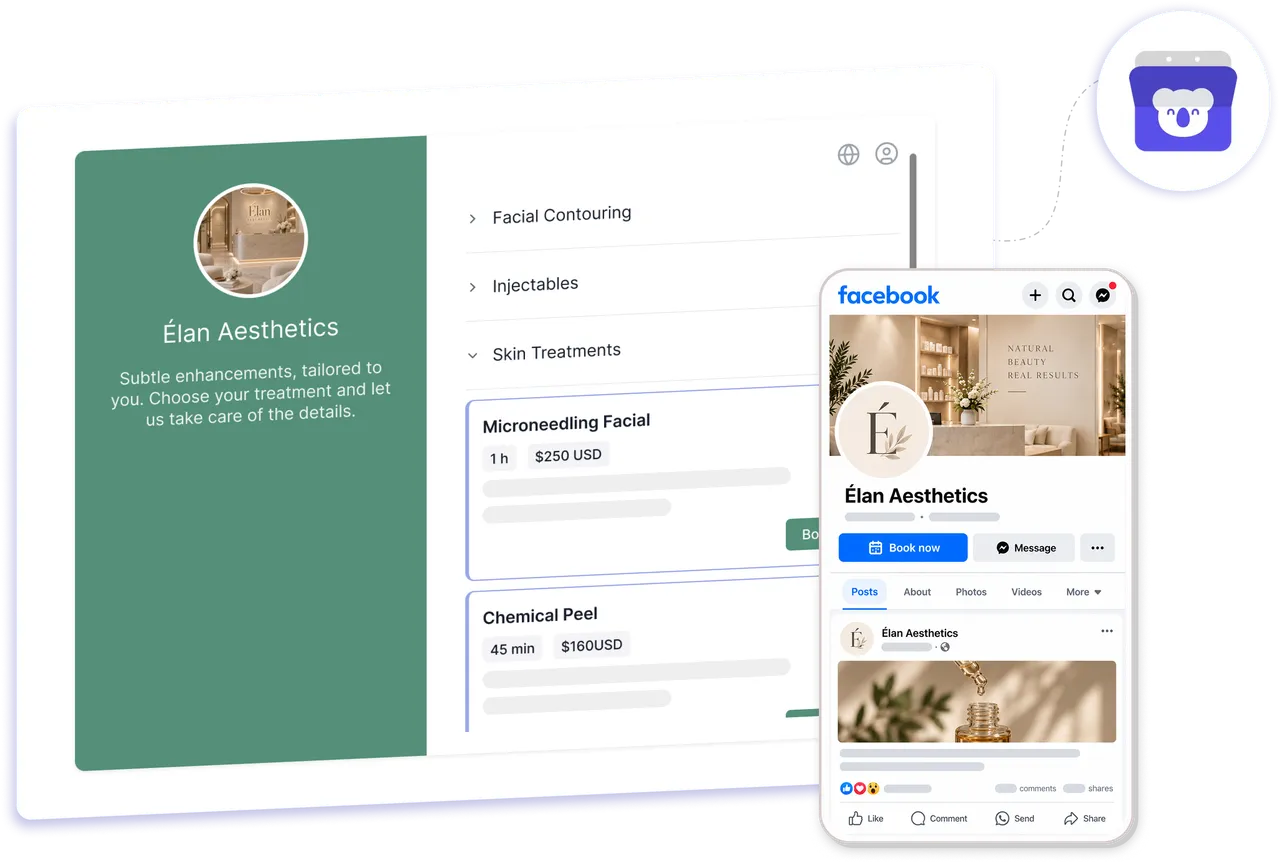
Use Koalendar as a simple Facebook booking system by sharing one booking link across your Page, posts, and messages. Followers can open your booking page, choose from your live availability, and schedule without the usual back-and-forth.
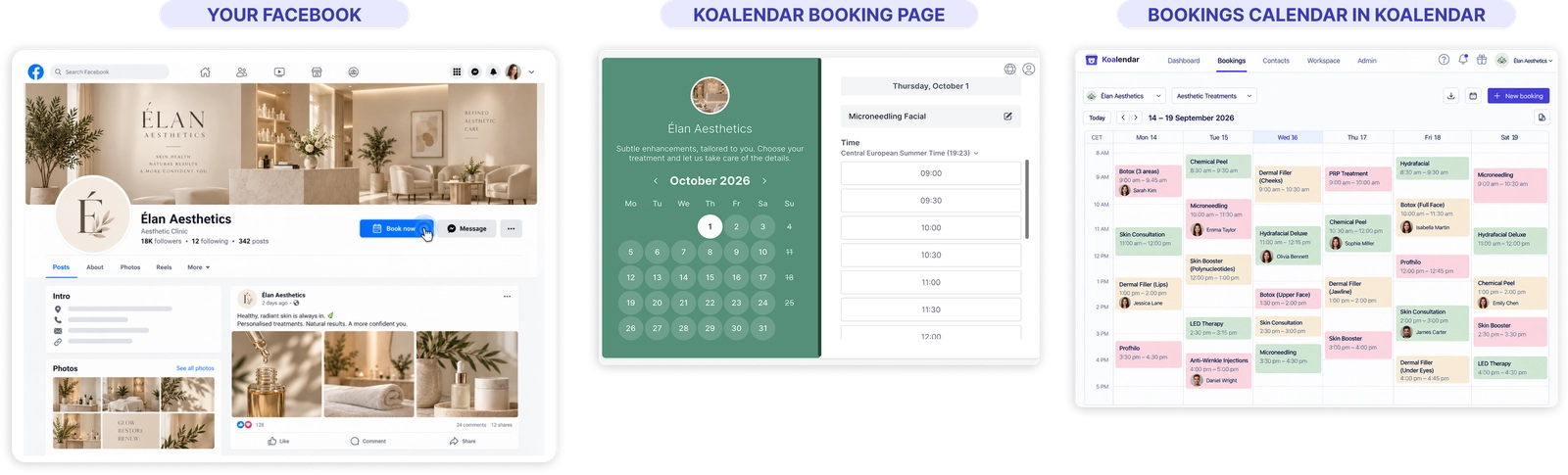
Turn Facebook interest into booked appointments
Give followers a clear next step
Make it easy for people who discover your business on Facebook to move from browsing to booking.
Cut down on scheduling messages
Share one link instead of going back and forth in Messenger about available times.
Capture interest while it’s fresh
Add your booking link to posts, pinned content, or conversations so followers can act when they’re ready.
Keep your availability accurate
Koalendar checks your connected calendar before showing times, helping prevent double-bookings.
Use one booking page across Facebook
Share the same Facebook booking app link from your Page, posts, and messages without rebuilding your setup each time.
Features
A simple Facebook appointment booking setup
Create your booking page once, then share it wherever Facebook followers are ready to schedule.
Booking link for your Page

Add your Koalendar URL to your Facebook Page intro or website field so followers can reach your booking page easily.
Link-style call-to-action button
Point a Page call-to-action button to your Koalendar booking page for a one-click route to scheduling.
Booking links in posts

Share your Koalendar link in regular or pinned posts so followers can book from their feed.
Booking links in messages

Send your booking page in Messenger when a conversation is ready to move to an appointment.
Connected calendar availability
Sync Google, Outlook, or Apple Calendar so your Facebook appointment scheduler only shows times you want to offer.
Custom booking pages
Create different pages for consultations, calls, services, or sessions and share the right one for each Facebook conversation.
How it works
Set up booking on Facebook in three steps
- 1
Create your Koalendar booking page
Set your availability, appointment details, and the connected calendar you want Koalendar to use.
- 2
Copy your booking link
Grab the URL for the booking page you want Facebook followers to use.
- 3
Share it on Facebook
Add the link to your Page, use it in posts, or send it in Messenger when someone is ready to book.
Koalendar gives you a simple way to handle Facebook appointment scheduling with one shareable link and live calendar availability.


Testimonials
Loved by professionals who share booking links online
See how Koalendar users turn online interest, social media activity, and client conversations into easier scheduling.
Connects your apps to Koalendar









Frequently asked questions
Have a different question and can't find the answer you're looking for? Reach out to our support team by sending us an email and we'll get back to you as soon as we can.
Copy your Koalendar booking link and add it to your Page's intro or website field. You can also set a call-to-action button that points to it, and drop the link into posts.
With Koalendar, you use a link-style button and your booking link so followers get a one-click way to book.
Create a free Koalendar booking page, set your availability, then link it from your Facebook Page. Followers open it, pick a time, and the booking syncs to your calendar.
Yes. Add your booking link to a post or a pinned post, so followers can book straight from their feed.
Yes. Koalendar checks your connected calendar before showing times, so followers only book slots you're actually free.
Easier access, better productivity
Connect Koalendar to the tools you already use to streamline scheduling, keep everything in sync, and book more.
Try it for free