Free booking system for Google Sites
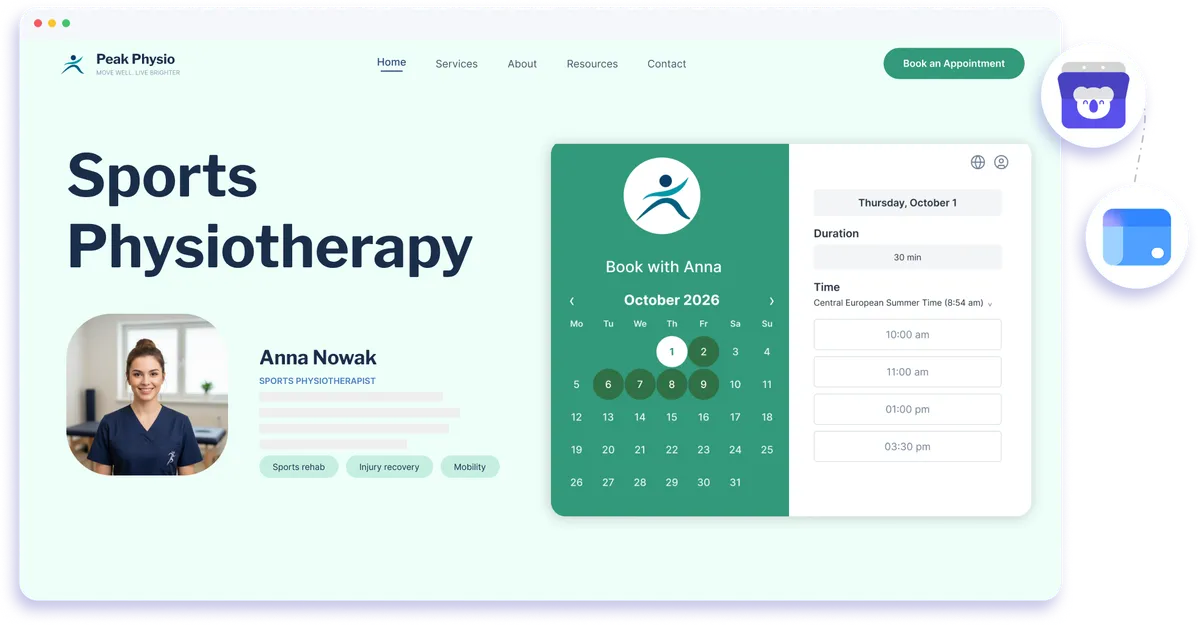
Embed Koalendar in your Google Sites page and let visitors book appointments right there. It matches your site, works on any device, and syncs to your calendar.
Google Sites embed integration
A free booking system for Google Sites
Add Koalendar directly to your Google Sites page and let visitors choose a time without being sent elsewhere. Your booking widget sits inside the page, stays mobile-friendly, and works with your connected calendar so your availability is easier to manage.
Turn your Google Site into a simple place to book
Keep visitors on your site
Let people book appointments inside your Google Sites page instead of sending them to a separate scheduling website.
Make it easier to turn interest into appointments
Place booking next to your services, contact details, or information pages so visitors can choose a time when they are ready.
Keep the booking experience consistent
Style your Koalendar booking page so it fits more naturally with the look of your Google Sites page.
Reduce manual scheduling
Give visitors access to your available times without the usual back-and-forth over email or messages.
Keep appointments connected to your calendar
Koalendar can sync with Google Calendar so bookings made from your site fit into the rest of your schedule.
Features
A flexible booking widget for Google Sites
Embed Koalendar with Google Sites' built-in tools, customize the booking experience, and keep appointments connected to your calendar.
Built-in Google Sites embed

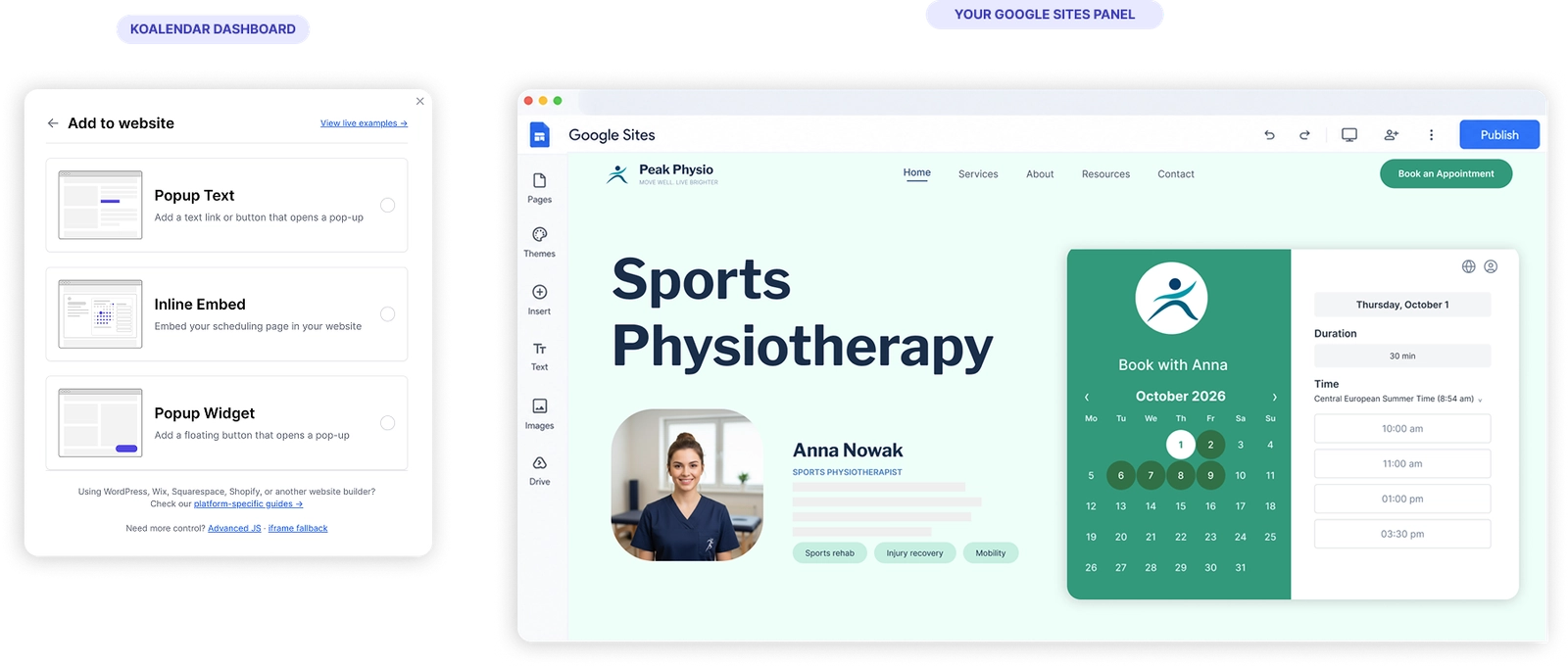
Add your Koalendar booking page with Google Sites' embed option, with no coding required.
Responsive booking widget

Give visitors a booking experience that works across desktop, tablet, and phone.
Custom colors and branding

Adjust the look of your booking page so it fits your Google Sites design more naturally.
Google Calendar sync

Connect Google Calendar so Koalendar can use your availability and help prevent double bookings.
Google Meet for online appointments

Add Google Meet details to bookings when you use Koalendar's Google Meet integration.
Google Drive file storage

Save files uploaded through booking forms to Google Drive when that integration is connected.
How it works
Add appointment booking to Google Sites in three steps
- 1
Create your Koalendar booking page
Set your availability, appointment details, and the calendar you want Koalendar to use.
- 2
Embed Koalendar in Google Sites
Use the built-in embed option in Google Sites and add your Koalendar booking page.
- 3
Let visitors book on your page
People choose an available time without leaving your site, and the appointment is added to your connected scheduling workflow.
No code is required. Google Sites handles the embed, while Koalendar handles availability, booking, and your connected calendar.


Testimonials
Loved by professionals who add booking to their websites
See how Koalendar users make it easier for website visitors to choose a time and book without extra back-and-forth.
Connects your apps to Koalendar








Frequently asked questions
Have a different question and can't find the answer you're looking for? Reach out to our support team by sending us an email and we'll get back to you as soon as we can.
Use the embed option in Google Sites to drop in your Koalendar booking page. Visitors can then book appointments without leaving your site.
Yes. Your bookings sync with Google Calendar, and you can add Google Meet links and save uploads to Google Drive when those are set up.
Yes. You can style the embedded booking page to fit your Google Sites design.
No. You add it with Google Sites' built-in embed feature, no code required.
Easier access, better productivity
Connect Koalendar to the tools you already use to streamline scheduling, keep everything in sync, and book more.
Try it for free