Track your booking pages in Google Analytics
Connect Google Analytics 4 to Koalendar to see how visitors move through your booking pages, where they drop off, and which channels bring the most bookings.
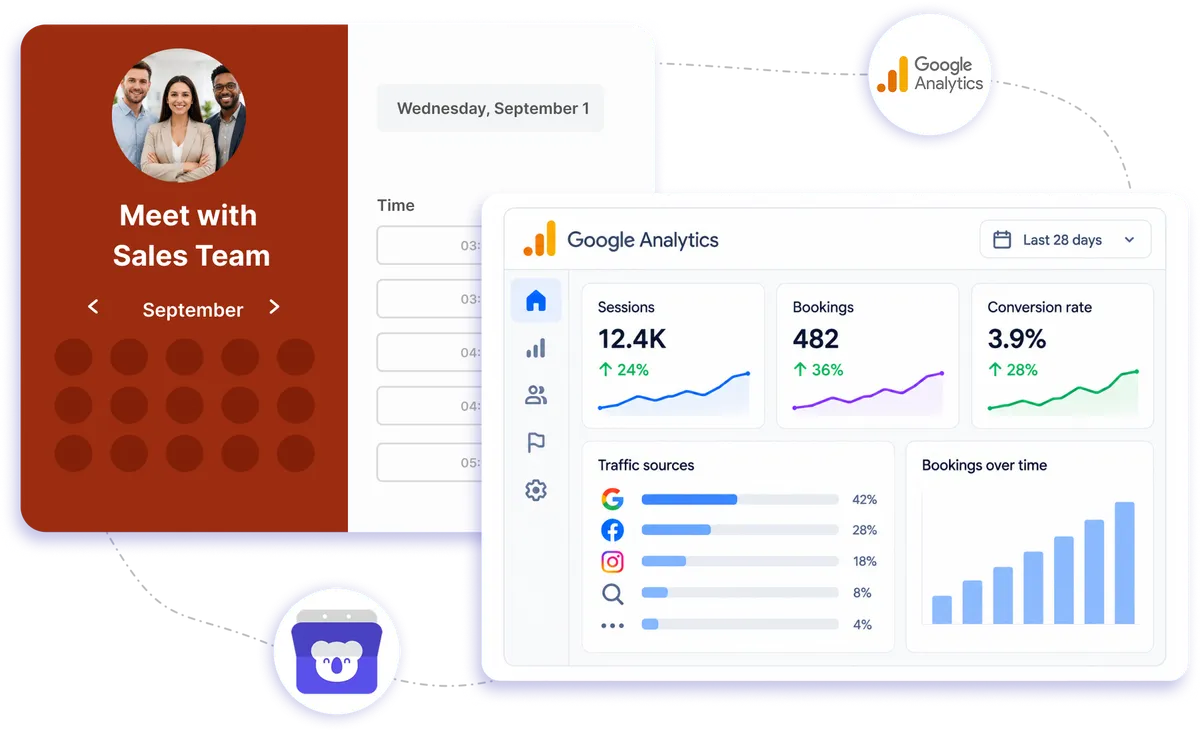
Native Google Analytics 4 integration
Free way to track bookings in Google Analytics
Your schedule Google Analytics integration connects Koalendar booking activity with Google Analytics 4, giving you a clearer view of how visitors use your booking page. See where people arrive from, how they move through the page, where they drop off, and which channels are bringing completed appointments.
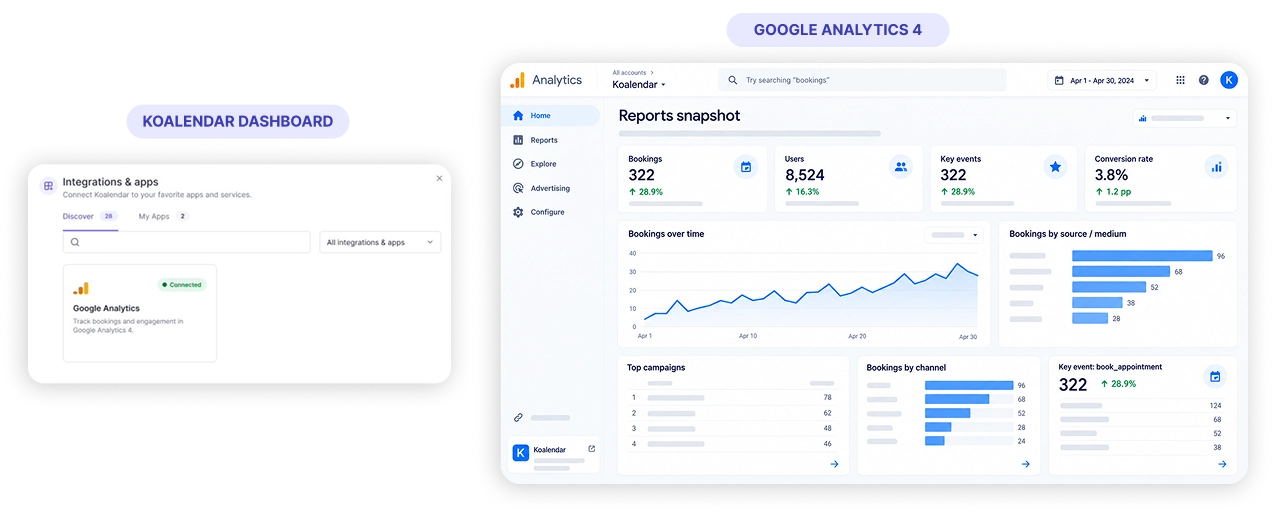
Understand what drives bookings with your schedule Google Analytics integration
See which channels bring bookings
Connect Koalendar with GA4 to understand which traffic sources and channels are sending visitors who go on to book an appointment.
Spot where visitors drop off
Follow booking-page activity in Google Analytics so you can see where people leave before completing a booking and identify areas worth reviewing.
Track completed bookings as conversions
When a booking event is sent to GA4, you can mark it as a conversion and include completed appointments in your Google Analytics reporting.
Look beyond page views
A schedule Google Analytics integration helps connect booking-page traffic with meaningful actions, so you can focus on the visits that lead to appointments.
Keep measurement in one familiar place
View Koalendar booking-page activity alongside the rest of your website data in Google Analytics 4, without adding another analytics dashboard to your day.
Features
Google Analytics booking tracking made simple
Add your GA4 measurement ID to Koalendar and turn booking-page activity into useful insights about traffic, drop-off, and completed appointments.
GA4 booking-page tracking

Connect Koalendar to Google Analytics 4 with your measurement ID and start tracking activity in the analytics platform you already use.
Booking conversion measurement

Use booking events in GA4 to measure completed appointments as conversions and include them in your reporting.
Traffic source insights

See which channels bring visitors to your booking page and understand which sources are associated with more appointments.
Booking journey visibility

Use your schedule Google Analytics integration to see how visitors move through your booking page and where they leave before booking.
Website-ready booking pages

Share or embed Koalendar on your website so visitors can schedule while you keep booking activity connected to your broader analytics workflow.
Simple setup

Add your Google Analytics 4 measurement ID to your integration in Koalendar and keep your scheduling and reporting connected.
How it works
Set up Google Analytics booking tracking in three steps
- 1
Find your GA4 measurement ID
Open your Google Analytics 4 property and copy the measurement ID you want to use with Koalendar.
- 2
Add it to Koalendar
Paste your measurement ID into your Google Analytics integration in Koalendar to connect scheduling activity with Google Analytics.
- 3
Start measuring booking activity
Use GA4 to review booking-page visits, visitor journeys, drop-off points, traffic channels, and booking events.
Once your schedule Google Analytics integration is connected, you can use GA4 to understand how people reach your booking page and which journeys end in an appointment.

 Google Analytics
Try the booking system with Google Analytics
Try it free for 7 days. No credit card required.
Start Free Trial Now
Testimonials
Loved by professionals who book through their website
See how Koalendar helps businesses turn website visits, campaigns, and online interest into a smoother scheduling experience.
Connects your apps to Koalendar









Frequently asked questions
Have a different question and can't find the answer you're looking for? Reach out to our support team by sending us an email and we'll get back to you as soon as we can.
Add your Google Analytics 4 measurement ID to the account integration, and GA4 starts tracking all booking-pages activity.
Booking-page visits, how visitors move through the page, where they drop off, and which channels drive bookings.
Yes, if a booking event is sent to GA4 you can mark it as a conversion.
Easier access, better productivity
Connect Koalendar to the tools you already use to streamline scheduling, keep everything in sync, and book more.
Try it for free