Centralized admin controls for team management
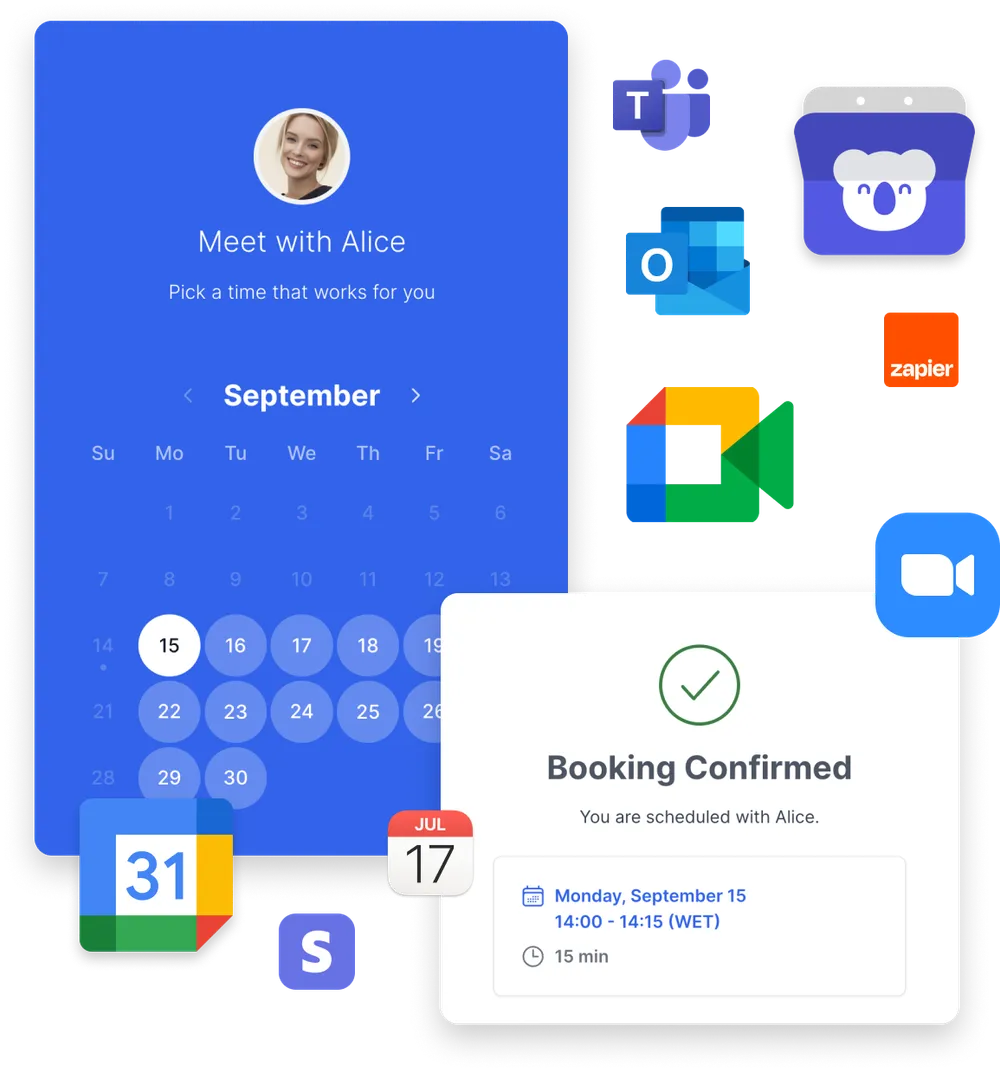
Set up scheduling rules once and apply them across teams, hosts, or departments. Koalendar gives admins the control to standardize how booking works, reduce setup noise, and keep teams aligned as usage grows.
Manage your team from one place
Control users, roles, permissions, and scheduling access across your organization.
Protect important settings
Give admins control over billing, booking pages, team access, and account-level configuration.
Scale scheduling without losing control
Let teams manage their own bookings while admins keep visibility and structure across the workspace.





Stop reconfiguring scheduling for every team
Koalendar's admin controls let you define availability, booking limits, hosts, and resources centrally, then roll those rules out across teams or departments instantly. No duplicate setups, no conflicting calendars, just consistent scheduling that works the same way for everyone.
Integrations
Integrate admin controls with the tools your teams already use
Connect Koalendar with your calendars and internal tools, while keeping scheduling rules centralized and consistent across teams, hosts, and departments.

















Features
Manage people, time, and availability in one place
Centralized availability defaults

Admins can define default working hours and booking rules once, so every team member and booking page follows the same setup automatically.
Global booking limits and safeguards

Set clear limits on how many appointments can be booked, how far in advance, or with how much notice. Koalendar applies these rules consistently to avoid overbooking.
People and shared asset scheduling

Manage availability for team members and shared assets like rooms or equipment, ensuring nothing gets double-booked as usage grows.
User role and permission control

Admins can assign roles or restrict who can adjust availability and booking rules, so only appropriate team members make changes and scheduling remains consistent and mistake-free.
Default availability inheritance for new users

Admins can define default working hours that are automatically applied when new team members or hosts are added, reducing setup time and preventing inconsistent schedules.
Smart assignment without manual coordination

Let bookers choose who or what they're meeting with, while admins stay in control of how assignments work behind the scenes.
Grow your team operations with Koalendar
Everything teams need to stay aligned as they grow, without scheduling chaos.
Maintain control as scheduling volume grows
As bookings increase, admins stay in control without adding complexity. Rules, availability, and assignments scale cleanly without turning scheduling into a management burden.
- Central oversight without micromanagement
- Stable operations as demand increases
- Less time fixing issues
- More confidence in the system
Reduce setup noise for new users
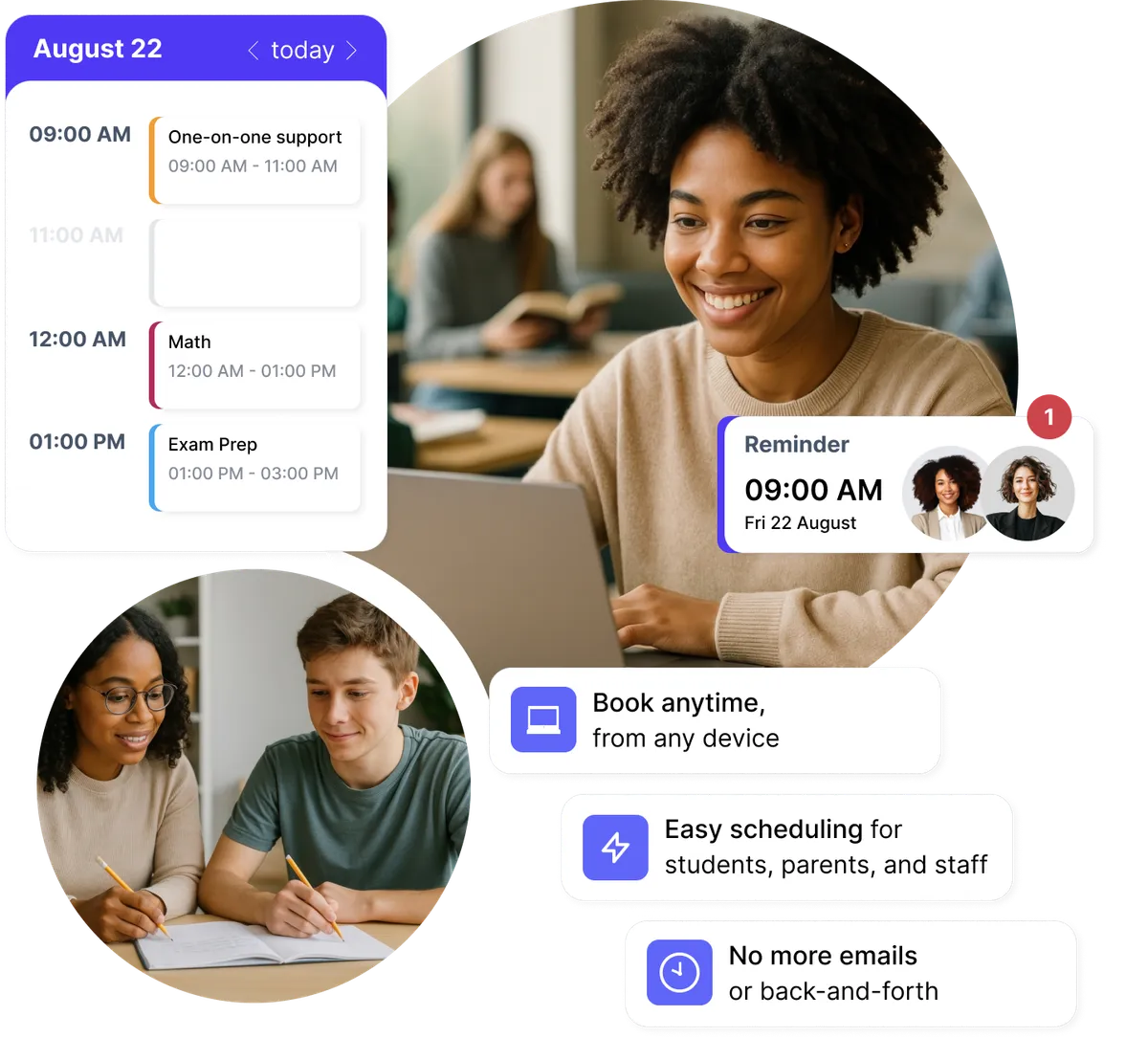
New team members don't need to learn scheduling rules from scratch. Admin-defined defaults ensure everyone starts with the right availability and limits from day one.
- Faster onboarding
- No training required to get it right
- Fewer corrections after setup
- Less back-and-forth with admins
Prevent overbooking and operational overload
Global booking limits and safeguards protect your team's time automatically. Koalendar enforces caps and notice rules so scheduling never exceeds what your operations can handle.
- Built-in protection against overbooking
- Clear boundaries for availability
- Fewer last-minute fixes
- More reliable day-to-day operations
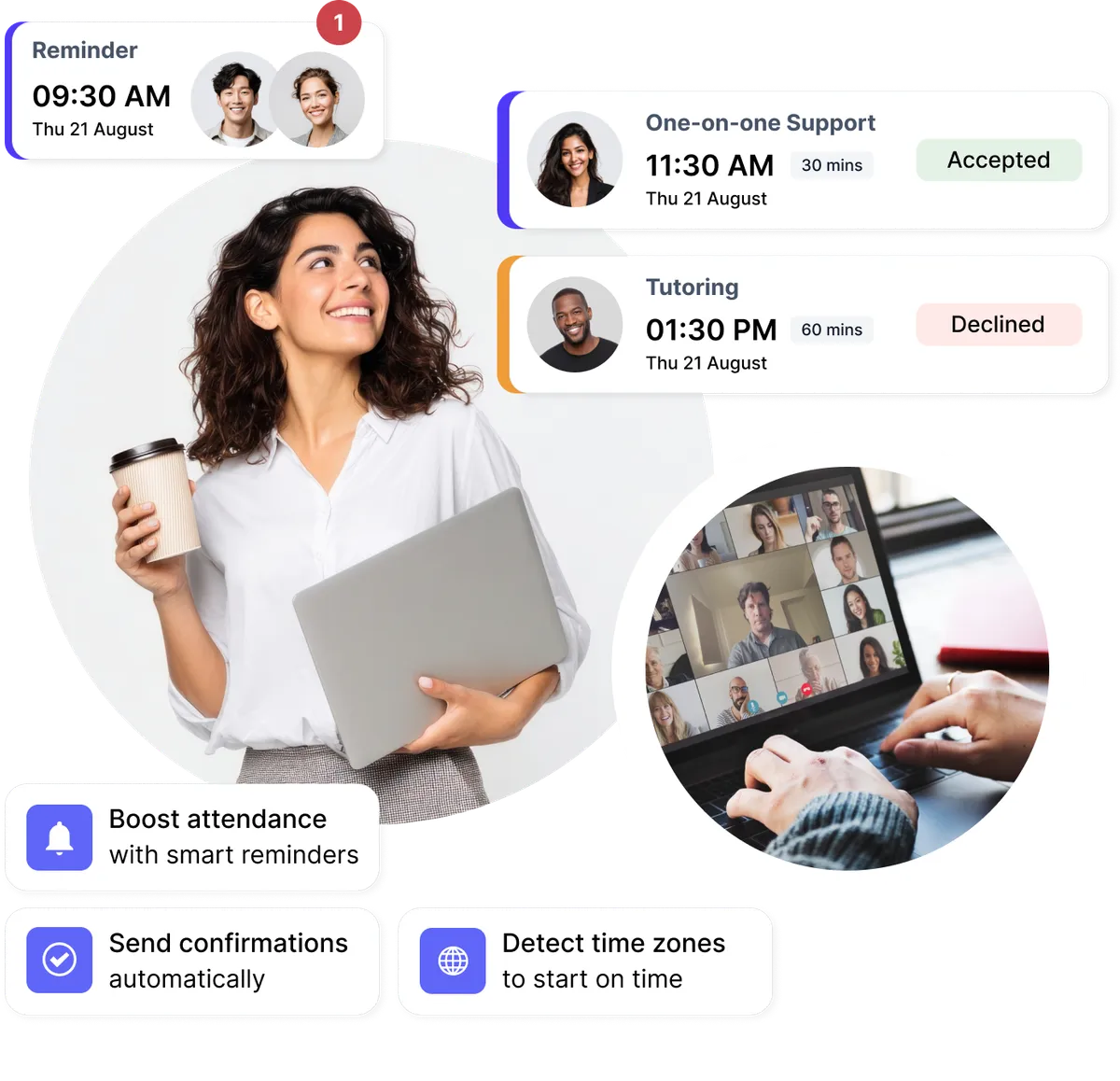
Manage people and shared assets without conflicts
Control availability for team members and shared assets like rooms or equipment from one place. Koalendar ensures nothing gets double-booked as usage grows.
- Clear ownership of schedules
- Accurate use of shared resources
- Less manual coordination
- Fewer scheduling conflicts

Testimonials
Professionals ❤️ Koalendar
See how professionals are using our admin controls to save time and grow their business.
“We’ve doubled our attendance rates and number of bookings, reduced the time we spent on scheduling by like 12 hours per person, per week, and everything is completely customized with our school’s colors and logo.”


“I use Koalendar to schedule tutoring session with students. I was able to get it set up and sent to students in about 5 minutes. Support was extremely friendly and is a real person rather than a robot or outsourced.”
“I was looking for a free, easy manageable and customisable calendar app for ages. Koalendar offers all that. So I have recommended the app already to 2 of my colleagues.”
“Koalendar has made scheduling meetings and calls so much easier. I no longer have to send over an email with all of the dates/times I am free. I just simply send a link and they can see the times I have open. I love it!”
“This has been a great tool to schedule virtual appointments with my students. I am able to easily provide a link under my signature in my email and on Google Classroom. Students can easily set up an appointment that works for them. This has been a tool for keeping appointments organized.”
“When Doodle dropped their calendar sharing support, I tried different tools but they all didn't provide the features I was looking for. Eventually I found Koalendar and it's exactly what I need. It has a free version, it's easy but flexible to configure and people wanting to book a meeting with me can do it fast and easy.”
“This software has changed the way I hire and interview new hires. With Koalendat it allows the candidates to self-schedule themselves for the interview day.”


Frequently asked questions
Have a different question and can't find the answer you're looking for? Reach out to our support team by sending us an email and we'll get back to you as soon as we can.
Koalendar's admin controls are designed for teams, coordinators, and operations managers who need consistent scheduling across multiple people, calendars, or departments, without managing individual setups one by one.
Team scheduling focuses on booking together. Admin controls focus on governing how scheduling works — setting rules, defaults, and limits so teams follow the same structure automatically.
New users start with admin-defined defaults for availability and booking limits, so they can begin booking immediately without learning complex rules or risking misconfiguration.
Admins can manage shared assets centrally, ensuring that rooms, equipment, or other resources are never double-booked as scheduling volume increases.
Yes. Admins can configure availability and rules per host or resource, allowing flexibility where needed while still maintaining centralized oversight and consistency.
Ready to dive in?Start your free account today.
When you let clients self-book their appointments on your Koalendar scheduling page, you'll save hours of time spent on unnecessary emails.
Sign up for free