Accept Google Pay for appointments
Koalendar collects payments through Stripe, and Stripe offers Google Pay as a tap-to-pay option. Clients on a supported Android device or Chrome browser can pay with Google Pay when they book.
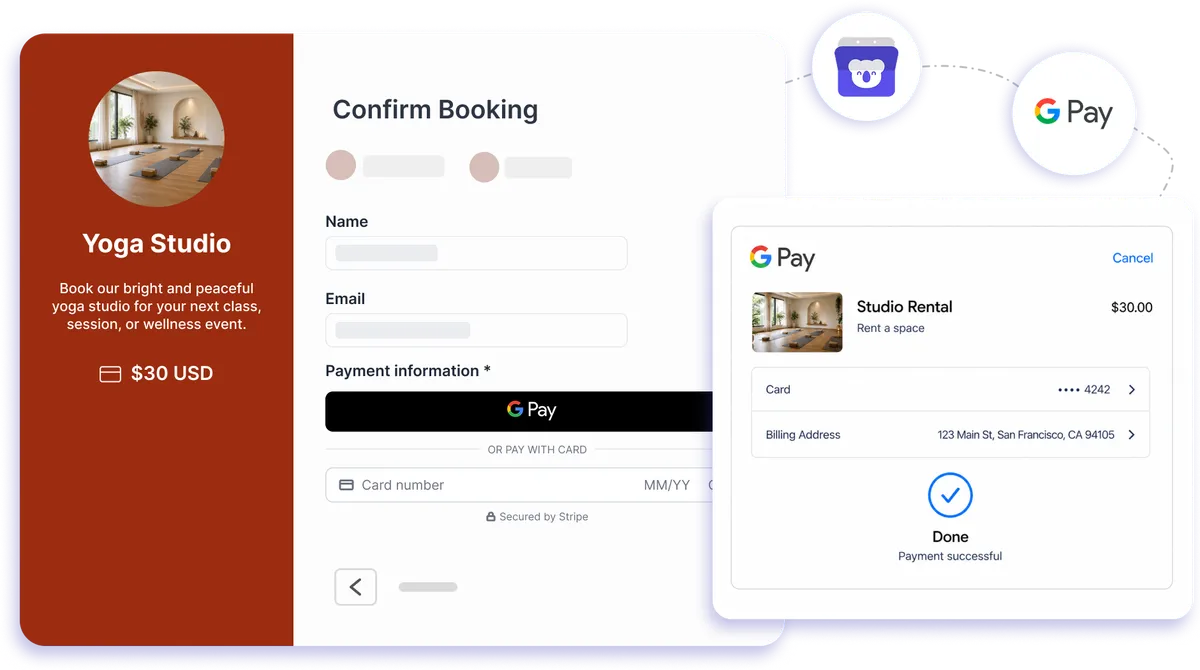
Third-party payment option through Stripe
Make appointment checkout faster with Google Pay
Give clients a quick way to book and pay in one flow. Koalendar sends appointment payments through Stripe, where Google Pay can appear as a wallet option on eligible devices and browsers. That means less typing for clients, a smoother checkout, and payment collected before the appointment is confirmed.
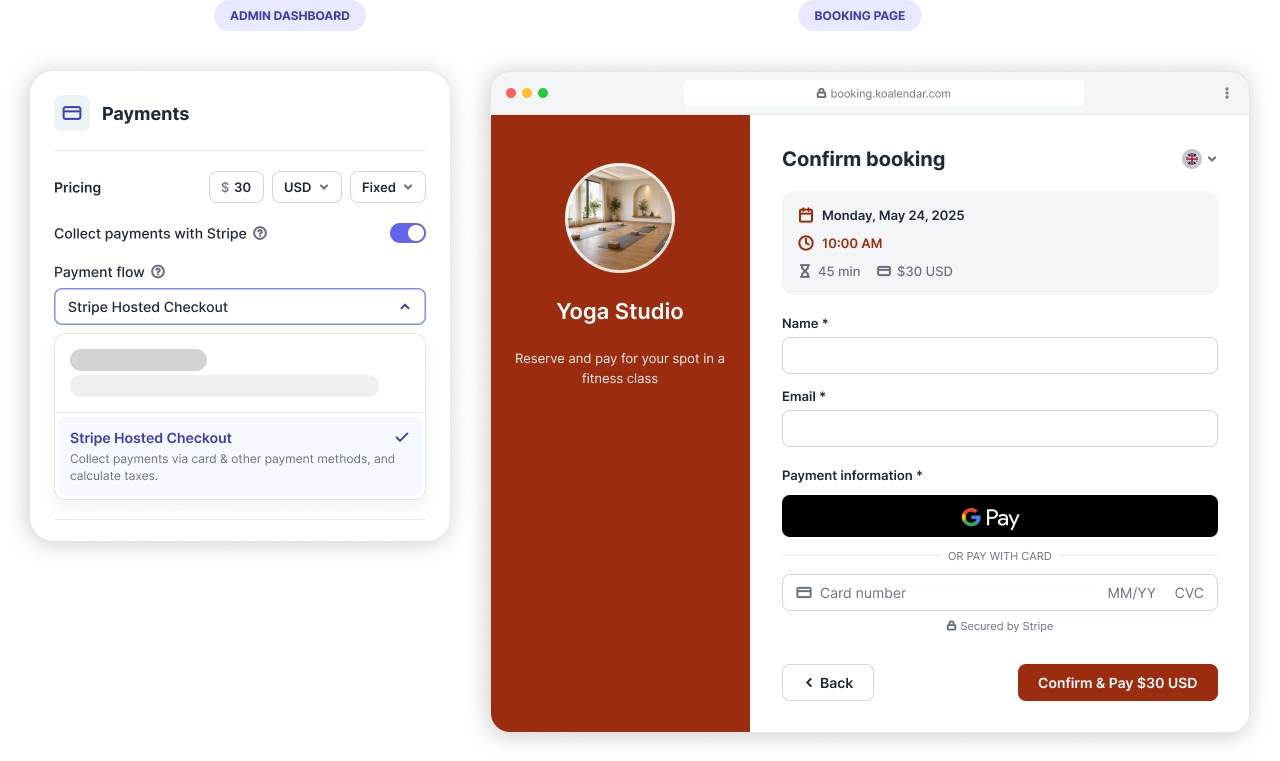
Take Google Pay payments when clients book
Make checkout quicker for clients
Eligible clients can choose Google Pay at Stripe checkout and pay with saved payment details, helping them complete their appointment booking with less friction.
Collect payment before the appointment
Add payment to your booking flow so clients schedule and pay at the same time, helping you confirm paid appointments without separate invoices or payment links.
Reduce payment admin
Koalendar handles the booking while Stripe processes the payment, so you can spend less time chasing payments and more time serving clients.
Offer a familiar mobile payment option
Google Pay gives supported Android and Chrome users a recognizable wallet option at checkout, making it easier to pay from the device they already use.
Reduce no-shows
Get the full amount or a deposit in advance and ensure customers will actually show up.
Features
A smoother way to book and pay online
Use Koalendar with Stripe to offer Google Pay alongside flexible appointment pricing and payment tools built for busy professionals.
Google Pay at checkout

Let eligible clients pay through Google Pay when it is enabled in Stripe and available on their device or browser.
Stripe-powered payment processing

Koalendar routes appointment payments through your connected Stripe account, keeping payment processing and payout management in Stripe.
Flexible appointment pricing

Set pricing for your services using fixed prices, hourly rates, or per-attendee pricing to match the way you work.
Discounts and promo codes

Create coupon codes with custom rules, limits, and expiry dates when you want to reward clients or run a promotion.
Multiple currencies

Charge clients in supported currencies through Stripe, making paid appointment booking easier for an international client base.
No extra Koalendar commission

Koalendar does not add a commission to the payments you collect. Stripe's standard transaction fees still apply.
How it works
Start accepting Google Pay in three steps
- 1
Connect Stripe to Koalendar
Link your Stripe account from Koalendar's integrations panel so your booking pages can collect payments.
- 2
Enable Google Pay in Stripe
Turn on Google Pay in your Stripe payment settings and set the price you want clients to pay on your Koalendar booking page.
- 3
Clients book and pay in one flow
On eligible Android devices or Chrome browsers, clients can choose Google Pay at checkout and complete payment as they book.
Google Pay appears only when the client's device, browser, saved payment method, and your Stripe payment settings are eligible. Payments are processed through Stripe and managed from your Stripe account.

 Google Pay
Try the booking system with Google Pay
It's free. No credit card required.
Start Free Trial Now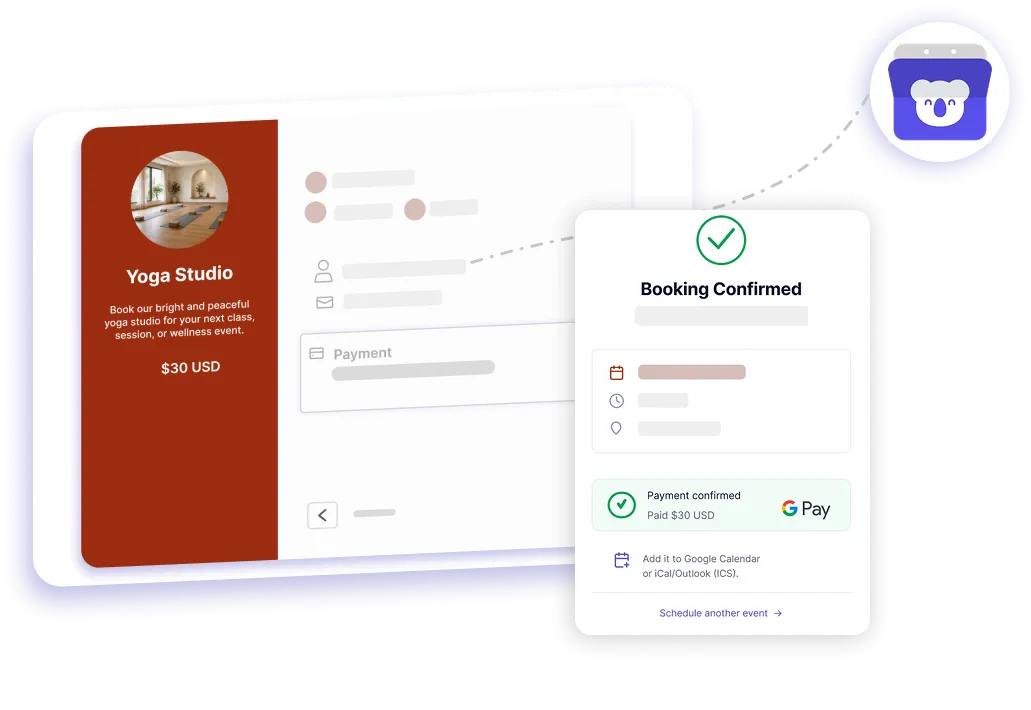
Testimonials
Loved by professionals who take payments online
See how businesses use Koalendar to make booking and payment easier for their clients.
Connects your apps to Koalendar









Frequently asked questions
Have a different question and can't find the answer you're looking for? Reach out to our support team by sending us an email and we'll get back to you as soon as we can.
Yes. Koalendar collects payments through Stripe, and Stripe offers Google Pay. Clients on a supported Android device or Chrome browser can pay in a tap when they book.
Yes. Koalendar processes payments only through Stripe. Connect a Stripe account, enable Google Pay in your Stripe dashboard, and it appears at checkout on eligible devices.
Taking payments (including Google Pay) is a Koalendar Pro feature. Stripe also charges its standard per-transaction fee; Koalendar takes no extra commission.
Yes, on Pro. Clients book and pay in one flow, and Google Pay is one of the Stripe methods available at checkout.
Google Pay shows only on eligible devices and browsers (for example, Chrome or an Android device with a saved card) and must be turned on in your Stripe payment settings.
Easier access, better productivity
Connect Koalendar to the tools you already use to streamline scheduling, keep everything in sync, and book more.
Try it for free