Koalendar for mobile
Stay on top of client appointments, personal meetings, and room bookings without going back to your laptop.
'%3e%3cpath%20d='M10.158%2011.4653L0.0898438%2022.0136C0.205434%2022.4126%200.41003%2022.7801%200.688229%2023.0886C0.966428%2023.397%201.31098%2023.6383%201.69594%2023.7943C2.0809%2023.9503%202.49624%2024.017%202.91068%2023.9892C3.32512%2023.9615%203.72787%2023.8401%204.08859%2023.6341L15.4171%2017.1821L10.158%2011.4653Z'%20fill='%23EA4335'%20/%3e%3cpath%20d='M20.3351%209.6716L15.4361%206.86572L9.92188%2011.7047L15.4586%2017.1664L20.3201%2014.3906C20.6306%2014.2292%2020.9062%2014.008%2021.1309%2013.7398C21.3557%2013.4716%2021.5252%2013.1616%2021.6298%2012.8277C21.7344%2012.4937%2021.7719%2012.1424%2021.7403%2011.7939C21.7087%2011.4454%2021.6085%2011.1066%2021.4455%2010.797C21.1912%2010.3179%2020.7992%209.92593%2020.3201%209.6716H20.3351Z'%20fill='%23FBBC04'%20/%3e%3cpath%20d='M0.0900286%201.99561C0.0301235%202.22078%20-0.000141397%202.45281%204.96621e-07%202.68582V21.3216C-0.000141397%2021.5547%200.0301235%2021.7867%200.0900286%2022.0119L10.5033%2011.7336L0.0900286%201.99561Z'%20fill='%234285F4'%20/%3e%3cpath%20d='M10.233%2012.0047L15.4396%206.86563L4.12611%200.383601C3.70035%200.134661%203.21636%200.002664%202.72317%200.000981928C2.12747%20-0.000198571%201.54772%200.193438%201.0723%200.552374C0.596876%200.91131%200.25186%201.41586%200.0898438%201.9891L10.233%2012.0047Z'%20fill='%2334A853'%20/%3e%3c/g%3e%3cdefs%3e%3cclipPath%20id='clip0_1930_7698'%3e%3crect%20width='21.7493'%20height='24'%20fill='white'%20/%3e%3c/clipPath%3e%3c/defs%3e%3c/svg%3e)
Trusted by 10,000+ of the world's leading organizations





Manage bookings from the Koalendar mobile app
Manage client appointments, customer bookings, personal meetings, and room reservations from your phone. See what's coming up, review invitee details, share your booking link, update appointments, and get push notifications for new bookings, cancellations, reschedules, and reminders.
Get push notifications for every booking change
Know instantly when someone books, cancels, or reschedules, and get reminders before your next appointment, even when you are away from your laptop.
- Get notified when a new booking comes in
- See cancellations as soon as they happen
- Hear about reschedules without opening your laptop
- Get reminders before your next appointment

Share your booking link anywhere
When someone asks when you're free, send your booking link straight from your phone and let them choose a time that works.
- Copy your booking link in seconds
- Share it by email or text
- Send it through WhatsApp or DMs
- Share availability while on the go
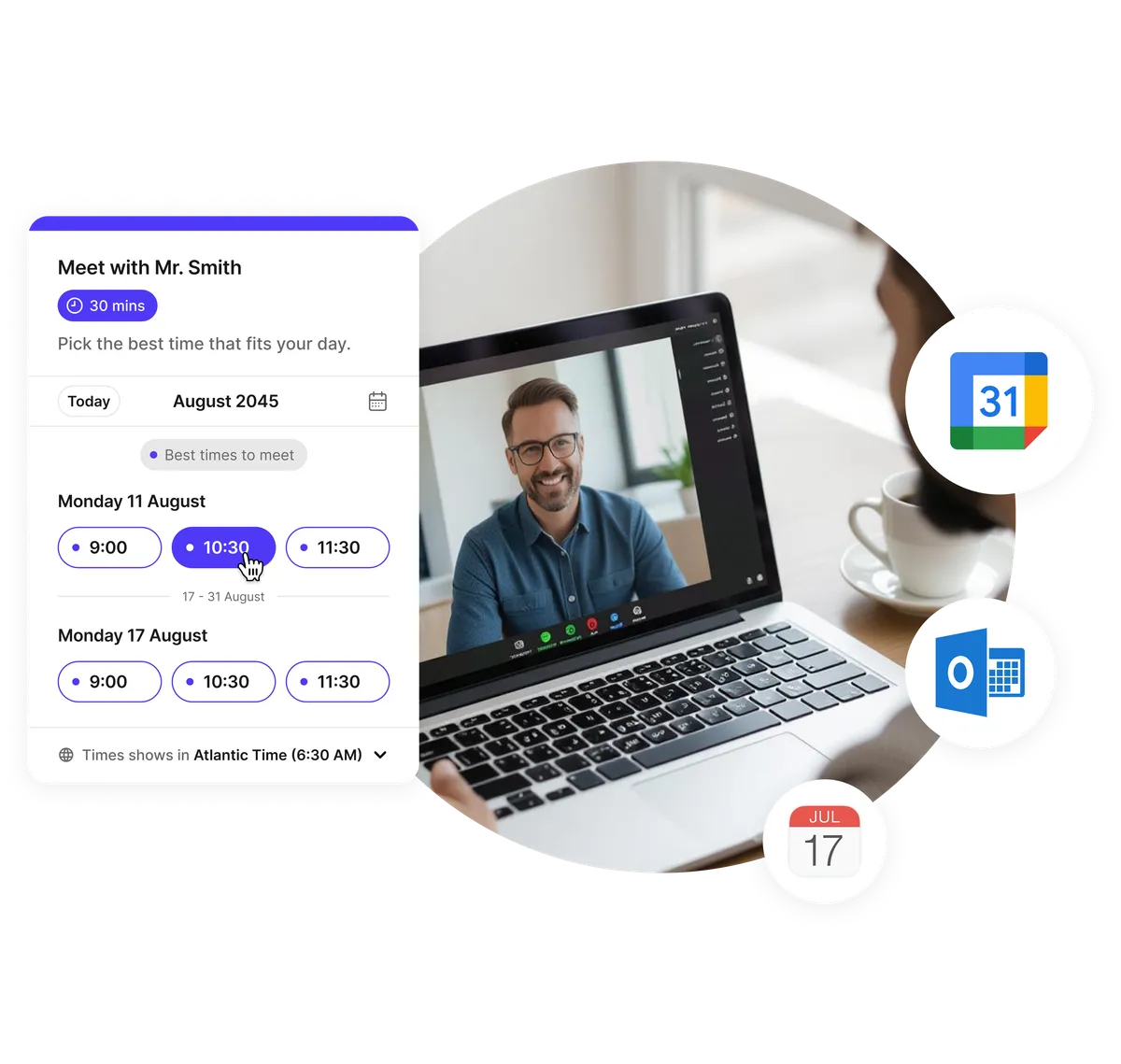
Go straight to your next meeting
Open a booking and quickly get where you need to go, whether it's an online meeting, a phone call, or an in-person appointment.
- Join video calls in one tap
- Call your invitee directly
- Open the meeting location
- Access booking details before you meet
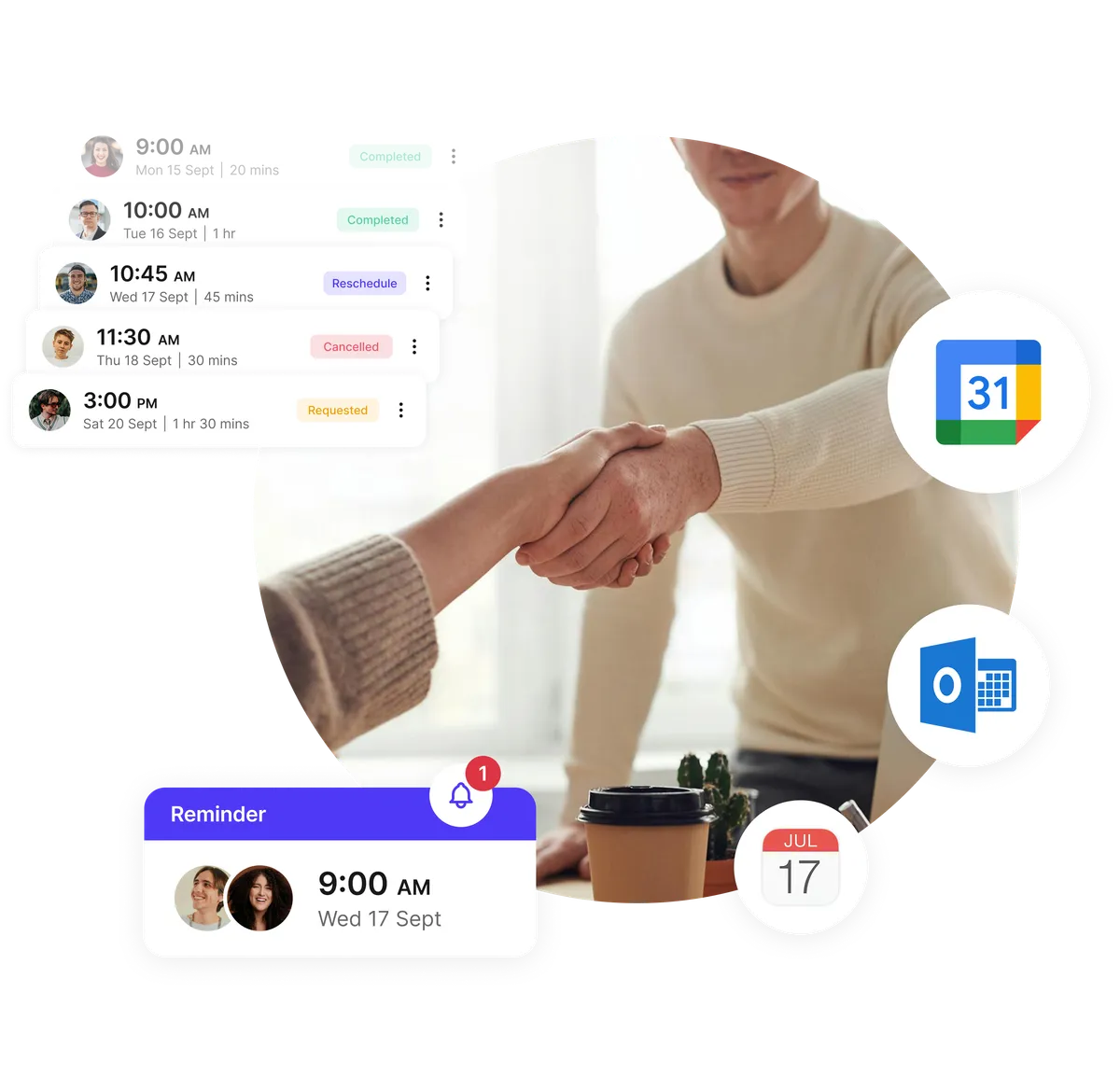
Make last-minute changes from anywhere
Your day doesn't always go as planned. Manage last-minute changes from your phone and keep your schedule up to date.
- Reschedule client appointments
- Cancel bookings when needed
- Make changes for your invitee
- Update your schedule from anywhere

Keep your day moving without your laptop
Koalendar app helps you manage the parts of scheduling that happen between meetings, appointments, and locations, when you're away from your desk.
- Check what's next while on the move
- Manage bookings between appointments
- Respond to schedule changes immediately
- Keep client and room bookings within reach
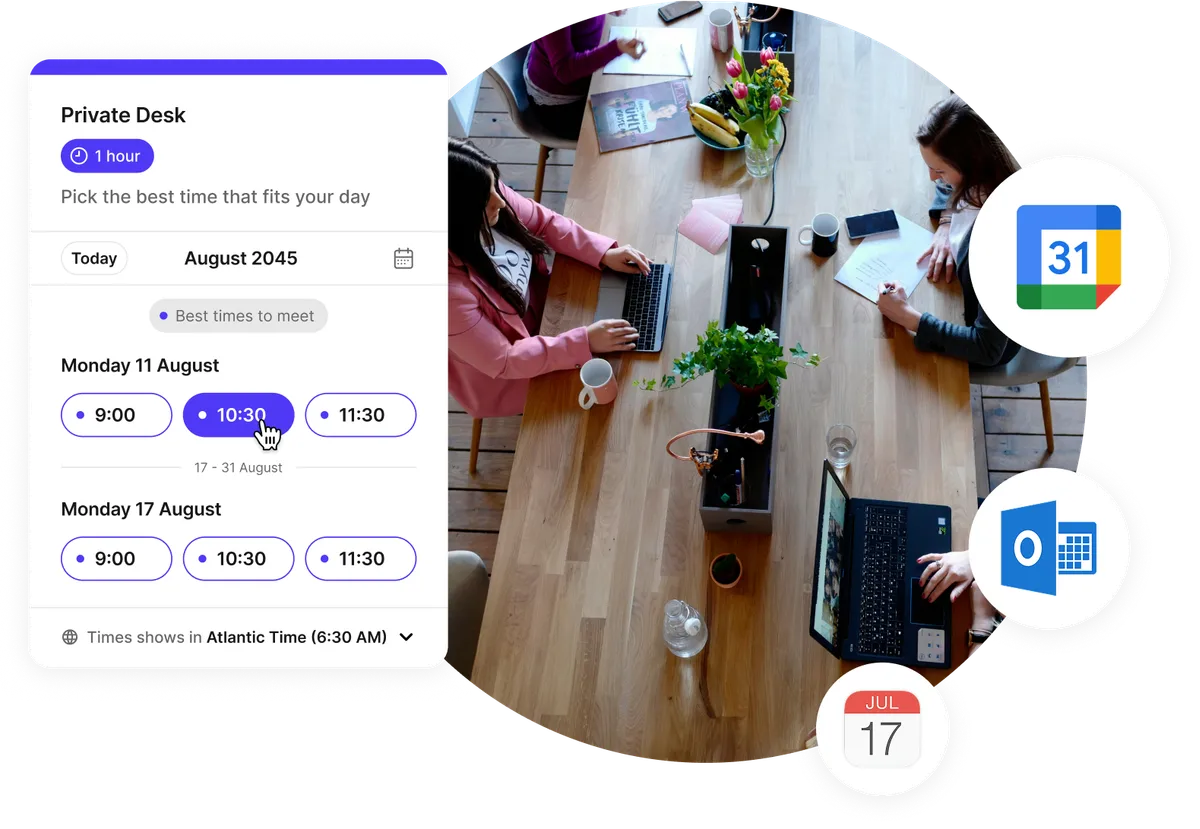
Scheduling for people who work away from a desk
Keep your schedule moving between meetings, appointments, and locations, all from your phone.
Therapists and clinics
Stay on top of patient appointments without going back to your desk. Review upcoming bookings and make schedule changes when your day shifts.
about Therapists and clinicsFor therapists and clinics →Coworking spaces and offices
Stay on top of room bookings and shared spaces throughout the day. Check reservations, review details, and manage changes as they happen.
about Coworking spaces and officesFor coworking spaces →Real estate agents
Keep viewings, consultations, and client meetings organized while you're out in the field. Check what's next, review booking details, and manage changes between appointments.
about Real estate agentsFor real estate agents →Sales reps
Manage calls and meetings while you're away from your laptop. Check your schedule, review booking details, share your link, and jump into the next conversation.
about Sales repsFor sales reps →Beauty salons and barbers
Keep client appointments close throughout the day. See who's next, review booking details, and handle last-minute changes without going back to the front desk.
about Beauty salons and barbersFor beauty salons →Ready to dive in?Start your free account today.
When you let clients self-book their appointments on your Koalendar scheduling page, you'll save hours of time spent on unnecessary emails.
Sign up for free
Frequently asked questions
Have a different question and can't find the answer you're looking for? Reach out to our support team by sending us an email and we'll get back to you as soon as we can.
Yes. The Koalendar app is available for mobile, giving you an easier way to manage your schedule when you're away from your laptop. You can check upcoming bookings, review invitee details, share your booking link, update appointments, and get push notifications for new bookings, cancellations, reschedules, and reminders.
You can download the Koalendar mobile app directly from the Apple App Store or Google Play. The app is available for both iPhone and Android devices, so you can access and manage your bookings wherever your day takes you.
With Koalendar mobile, you can view upcoming appointments and bookings, check the information invitees submitted, share your scheduling link, join meetings, and reschedule or cancel bookings. You also get push notifications for new bookings, cancellations, reschedules, and reminders, so you stay on top of your schedule without opening your laptop.
Yes. The Koalendar mobile app sends push notifications when someone books, cancels, or reschedules, and it can remind you before an upcoming appointment. You stay informed without checking your email or opening your laptop.
Yes. You can use the Koalendar app to manage client appointments, personal meetings, and room bookings from your phone. See what's coming up, review booking details, and reschedule or cancel appointments when your plans change during the day.
No. Your clients and invitees do not need to download the Koalendar app to book time with you. They can simply open your Koalendar booking link in their browser, choose an available time, and complete their booking without installing an app or creating an account.
Yes. The Koalendar mobile app lets you check upcoming room bookings and shared-space reservations from your phone. You can review booking details, see what's reserved next, and stay on top of changes without needing to go back to your desk.