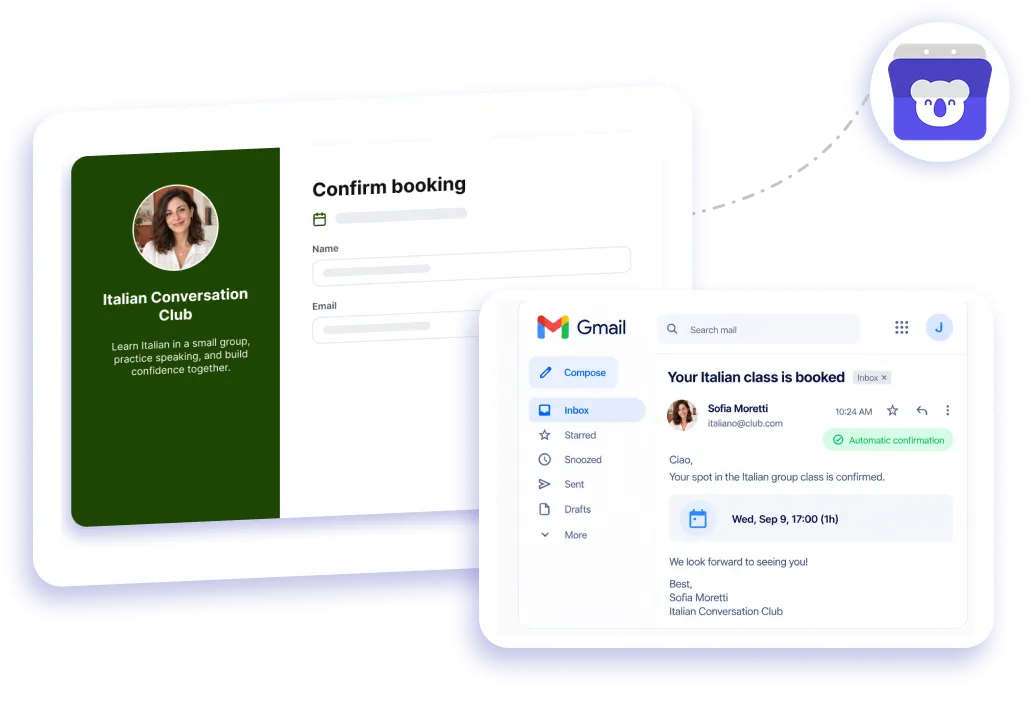
Gmail booking and scheduling integration

Connect Gmail to Koalendar and every booking confirmation, reminder, and update goes out from your own address, so clients recognize your business and replies land in your inbox.
Rated 4.9 stars by over 790 users
Gmail integration with Koalendar

Native Gmail integration

Free Gmail booking system for appointment emails

Use Koalendar as a Gmail booking calendar that keeps client communication familiar from the first confirmation. Connect your Gmail account and send booking emails from your own address, while Koalendar handles confirmations, scheduling details, and connected calendar updates. It gives you a simple Gmail appointment scheduler without adding another inbox to manage.
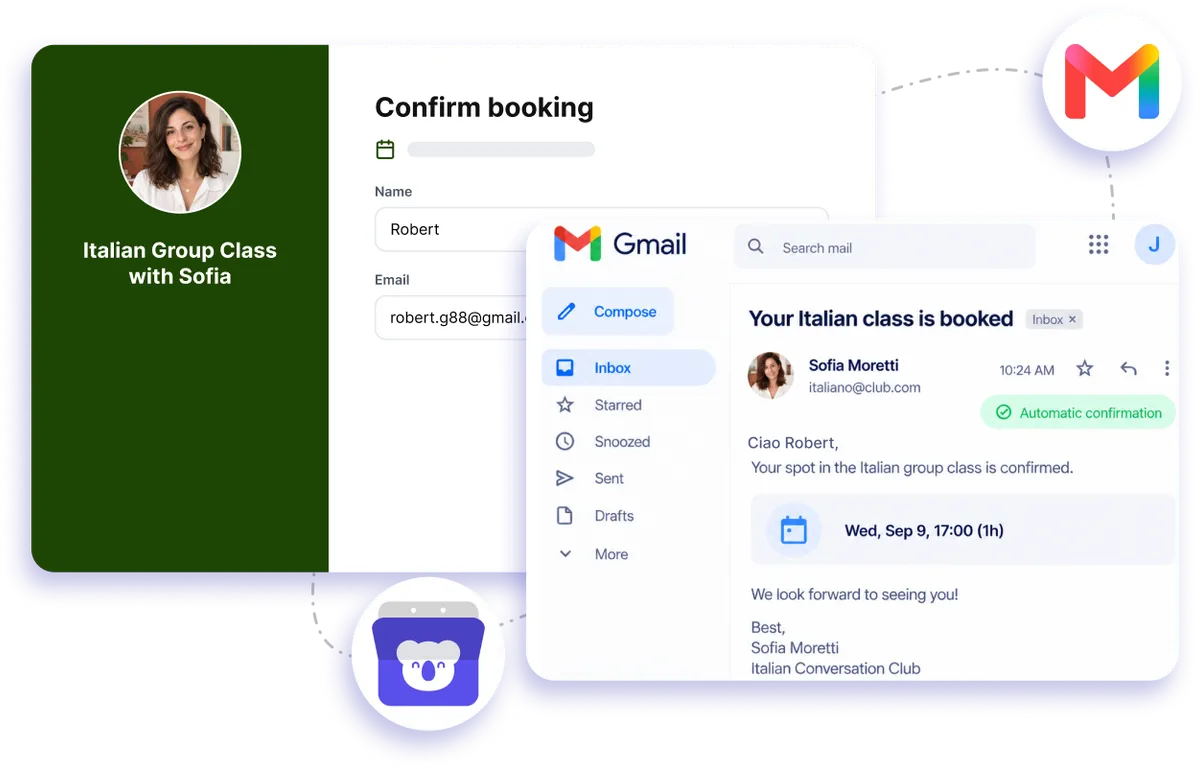
Send booking confirmation emails from your own Gmail

Keep every booking email personal and recognizable

Send confirmations from your own Gmail address

Clients hear from an email address they already recognize, helping your Gmail booking calendar feel like a natural extension of your business.

Keep client replies in your inbox

When booking emails come from your Gmail account, replies stay with you instead of creating another place to check.

Make appointment emails feel more personal

Use your own sender address for booking communication so confirmations and updates feel consistent with the conversations your clients already have with you.

Spend less time sending routine updates

Koalendar handles booking confirmations automatically, giving you a Gmail scheduling workflow that keeps clients informed without manual follow-up.

Keep scheduling and your calendar connected

Pair Gmail with your connected calendar so bookings are added to your schedule while client emails go out automatically.

Features

Gmail booking calendar for smoother client communication

Send booking emails from your own Gmail address while Koalendar keeps appointments, calendar updates, and client communication organized.

Send from your Gmail address

Connect Gmail so booking confirmation emails come from your own address.

Automatic booking confirmations

Let your Gmail booking system send confirmations automatically after someone books, so clients know their appointment is secured.

Calendar-connected scheduling

Keep appointments in sync with your connected calendar, making Gmail scheduling easier to manage alongside the rest of your day.

Recognizable sender identity

Use the Gmail address your clients already know, helping every booking email feel consistent with your business communication.

Replies come back to you

Keep conversations simple by letting clients reply directly to the Gmail address that sent their booking email.

Appointment reminders on Pro

Add automated reminders when you upgrade to Pro, helping your Gmail appointment scheduler keep upcoming meetings on clients' radar.

How it works

Connect Gmail booking emails in three steps

  1. 1

    Connect your Gmail account

    Link Gmail to Koalendar so your booking emails can be sent from your own address.

  2. 2

    Let clients book a time

    Share your booking page and let clients choose an available appointment without the usual back-and-forth.

  3. 3

    Koalendar sends the booking email

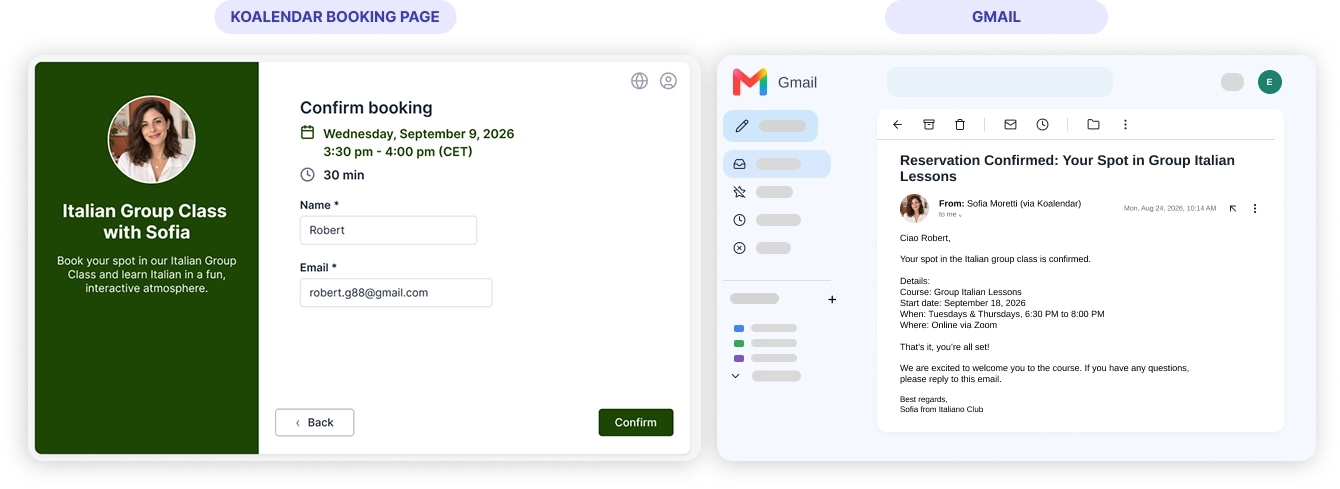
    Confirmations go out from your Gmail address, while the booking is added to your connected calendar.

Once Gmail is connected, Koalendar takes care of routine booking communication for you. Clients get familiar, professional emails and you keep the conversation in your own inbox.

KoalendarKoalendar
Gmail

Try the booking system with Gmail

It's free. No credit card required.

Start Free Now

Testimonials

Loved by professionals who schedule with Gmail

See how Koalendar users save time by keeping booking, email, and calendar workflows connected.

  • "I’m very happy I came across the Koalendar app. A colleague recommended it to me, and I really appreciate using tools that have already been tried and tested. I don’t have the time or energy to figure out complicated systems, so I love how easy Koalendar is to use. Another huge plus is its integration with Gmail; my Google Calendar syncs perfectly, which saves me so much time. I prefer automated systems whenever possible, and Koalendar helps me achieve exactly that. It’s simple, efficient, and genuinely makes scheduling easier. Highly recommend!"

    Christelle PretoriusKoalendar
  • "Gmail integrated easy to use calendar booking software to enable my clients to choose available slots in my calendar without having to provide options manually and spend a few wasted emails trying to get a meeting booked. I was looking for Gmail integrated easy to use calendar booking software and Koalendar was free and was able to meet my criteria."

    Jerome N.Capterra
  • "I am customer facing, it was not gotten the adoption I expected. It was super easy to setup and integrates with Gmail, GCalandar, and G-Meets"

    Bill C.Capterra
  • "Each person in our company has a unique Koalendar link included under their email signature and available to share with clients as the need for a meeting arises. We save TONS of time using Koalandar and no longer waste time checking calendars, adjusting time zones, emailing back and forth, receiving responses after the proposed dates have passed, worrying we might double book, asking for phone numbers or addresses, etc. When a client schedules through koalendar, the event appears in Gmail with the location included. Everything we need "magically appears" without us having to lift a finger. Great asset to our work life and productivity!"

    Nathan BielmannChrome Web Store
  • "I came across this software on another user's email, and clicked on it out of curiosity. I was impressed with the ease of customization and really liked the Chrome extension that made it super simple for me to grab a link to a meeting for a messenger or email I was sending out. I ended up purchasing the application and replacing Calendly Integration into Gmail; ability to use the Chrome Extension to quickly pull an appointment link; editing the look and feel extremely easy"

    Andrew S.Capterra
  • "I’m very happy I came across the Koalendar app. A colleague recommended it to me, and I really appreciate using tools that have already been tried and tested. I don’t have the time or energy to figure out complicated systems, so I love how easy Koalendar is to use. Another huge plus is its integration with Gmail; my Google Calendar syncs perfectly, which saves me so much time. I prefer automated systems whenever possible, and Koalendar helps me achieve exactly that. It’s simple, efficient, and genuinely makes scheduling easier. Highly recommend!"

    Christelle PretoriusKoalendar
  • "Gmail integrated easy to use calendar booking software to enable my clients to choose available slots in my calendar without having to provide options manually and spend a few wasted emails trying to get a meeting booked. I was looking for Gmail integrated easy to use calendar booking software and Koalendar was free and was able to meet my criteria."

    Jerome N.Capterra
  • "I am customer facing, it was not gotten the adoption I expected. It was super easy to setup and integrates with Gmail, GCalandar, and G-Meets"

    Bill C.Capterra
  • "Each person in our company has a unique Koalendar link included under their email signature and available to share with clients as the need for a meeting arises. We save TONS of time using Koalandar and no longer waste time checking calendars, adjusting time zones, emailing back and forth, receiving responses after the proposed dates have passed, worrying we might double book, asking for phone numbers or addresses, etc. When a client schedules through koalendar, the event appears in Gmail with the location included. Everything we need "magically appears" without us having to lift a finger. Great asset to our work life and productivity!"

    Nathan BielmannChrome Web Store
  • "I came across this software on another user's email, and clicked on it out of curiosity. I was impressed with the ease of customization and really liked the Chrome extension that made it super simple for me to grab a link to a meeting for a messenger or email I was sending out. I ended up purchasing the application and replacing Calendly Integration into Gmail; ability to use the Chrome Extension to quickly pull an appointment link; editing the look and feel extremely easy"

    Andrew S.Capterra

Frequently asked questions

Have a different question and can't find the answer you're looking for? Reach out to our support team by sending us an email and we'll get back to you as soon as we can.

Easier access, better productivity

Connect Koalendar to the tools you already use to streamline scheduling, keep everything in sync, and book more.

Try it for free

Koalendar booking page connected to calendar, video, and payment tools