Appointment booking for your Joomla site
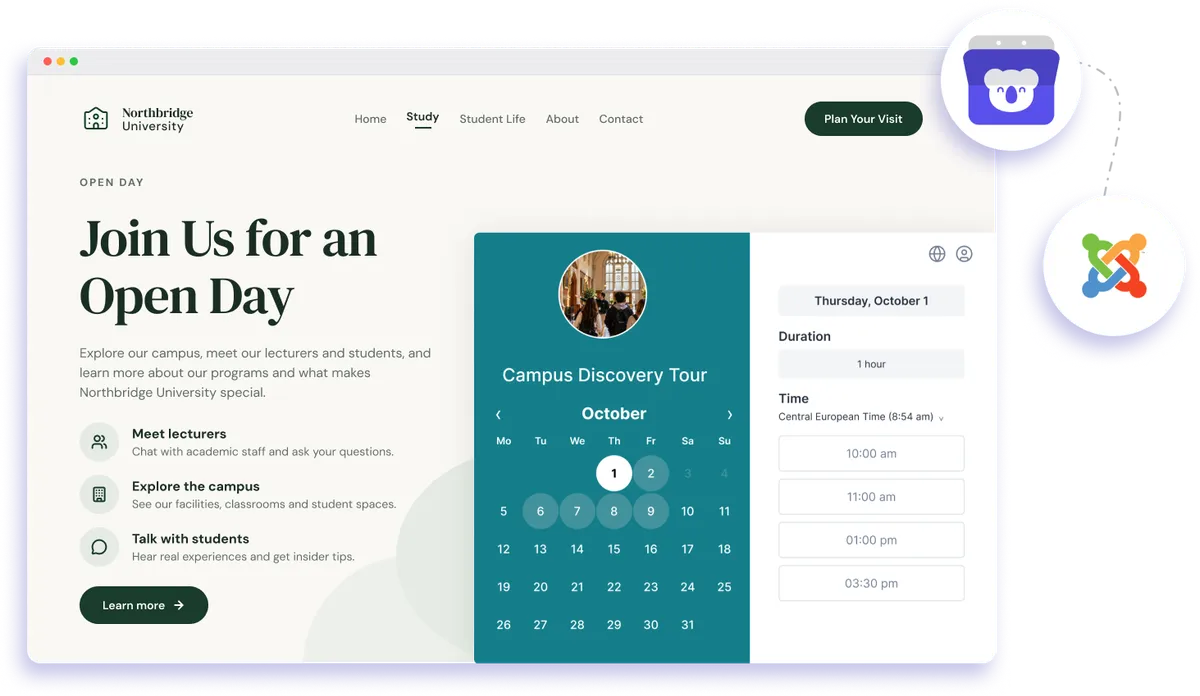
Embed Koalendar in your Joomla site and let visitors book appointments without leaving the page. It matches your site, works on any device, and syncs to your calendar.
Joomla website integration
Free booking system for Joomla websites
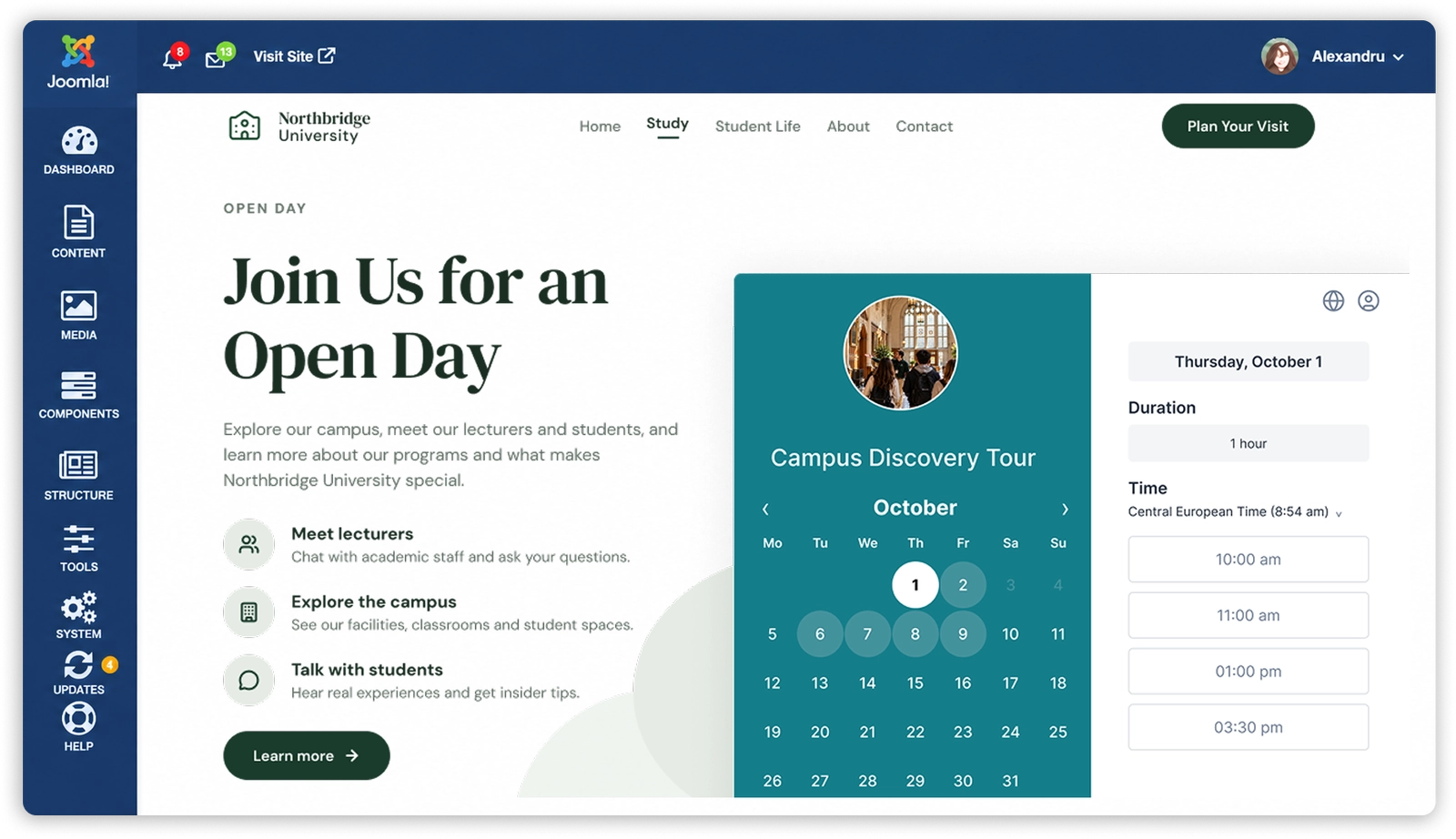
Add a Joomla booking system directly to your website with Koalendar. Embed your booking page in an article or module, then let visitors choose an available time without leaving your site. Your calendar stays synced behind the scenes, so bookings fit into the rest of your schedule.
Make appointment booking easier on your Joomla website
Keep visitors on your site
Let people book appointments from the page they are already viewing instead of sending them to a separate scheduling website.
Turn website interest into confirmed appointments
Place booking next to your services, contact details, or calls to action so visitors can choose a time when they are ready.
Cut out scheduling back-and-forth
Give clients access to your real availability so you spend less time coordinating appointments by email or phone.
Keep the experience consistent with your brand
Style your Koalendar page to fit your Joomla site's design and make the move from browsing to booking feel smoother.
Stay organized as bookings grow
Appointments made through your Joomla site sync with your connected calendar, helping you keep your schedule accurate.
Features
A flexible Joomla appointment booking setup
Embed Koalendar in Joomla, customize the booking experience, and keep appointments connected to the calendars and workflows you already use.
Embed in articles or modules

Add your Koalendar page to Joomla using an iframe or embed code so visitors can book directly on your site.
Mobile-responsive booking

Give visitors a booking experience that works across desktop, tablet, and phone.
Custom colors and branding

Adjust your booking page styling so it fits the look and feel of your Joomla website.
Calendar availability sync

Connect Google, Outlook, or Apple Calendar so Koalendar reflects your availability and helps prevent double bookings.
Custom booking form questions

Collect the details you need before an appointment with text, dropdown, checkbox, or radio questions.
Multiple services and appointment types

Use one Joomla booking system for different services, meetings, classes, or sessions with their own durations and settings.
How it works
Add Joomla appointment booking in three steps
- 1
Create your Koalendar booking page
Set your availability, appointment details, booking questions, and the calendar you want Koalendar to use.
- 2
Add Koalendar to Joomla
Paste your embed or iframe code into a Joomla article or module, or link to your booking page directly.
- 3
Let visitors book on your site
Clients choose an available time from your Joomla page, and the appointment is added to your connected scheduling workflow.
Koalendar gives you a simple way to add appointment booking to Joomla without installing a dedicated scheduling extension.


Testimonials
Loved by professionals who add booking to their websites
See how Koalendar users make it easier for website visitors to choose a time and book without extra back-and-forth.
Connects your apps to Koalendar









Frequently asked questions
Have a different question and can't find the answer you're looking for? Reach out to our support team by sending us an email and we'll get back to you as soon as we can.
Add your Koalendar booking page to a Joomla article or module using the embed code, or link to it directly. Visitors can then book without leaving your site.
No. You embed Koalendar with an embed or iframe code, or link to your booking page. No dedicated extension required.
Yes. You can style the embedded booking page to fit your site's design.
Yes. The booking page is responsive and works on desktop, tablet, and phone.
Yes. Embedding your Koalendar booking page on Joomla works on the free plan.
Easier access, better productivity
Connect Koalendar to the tools you already use to streamline scheduling, keep everything in sync, and book more.
Try it for free