Customer service scheduling software to manage calls, appointments, and client requests effortlessly
Streamline support operations and simplify bookings for your entire service team. With Koalendar’s all-in-one scheduling tool, you’ll delight customers and free up valuable time.
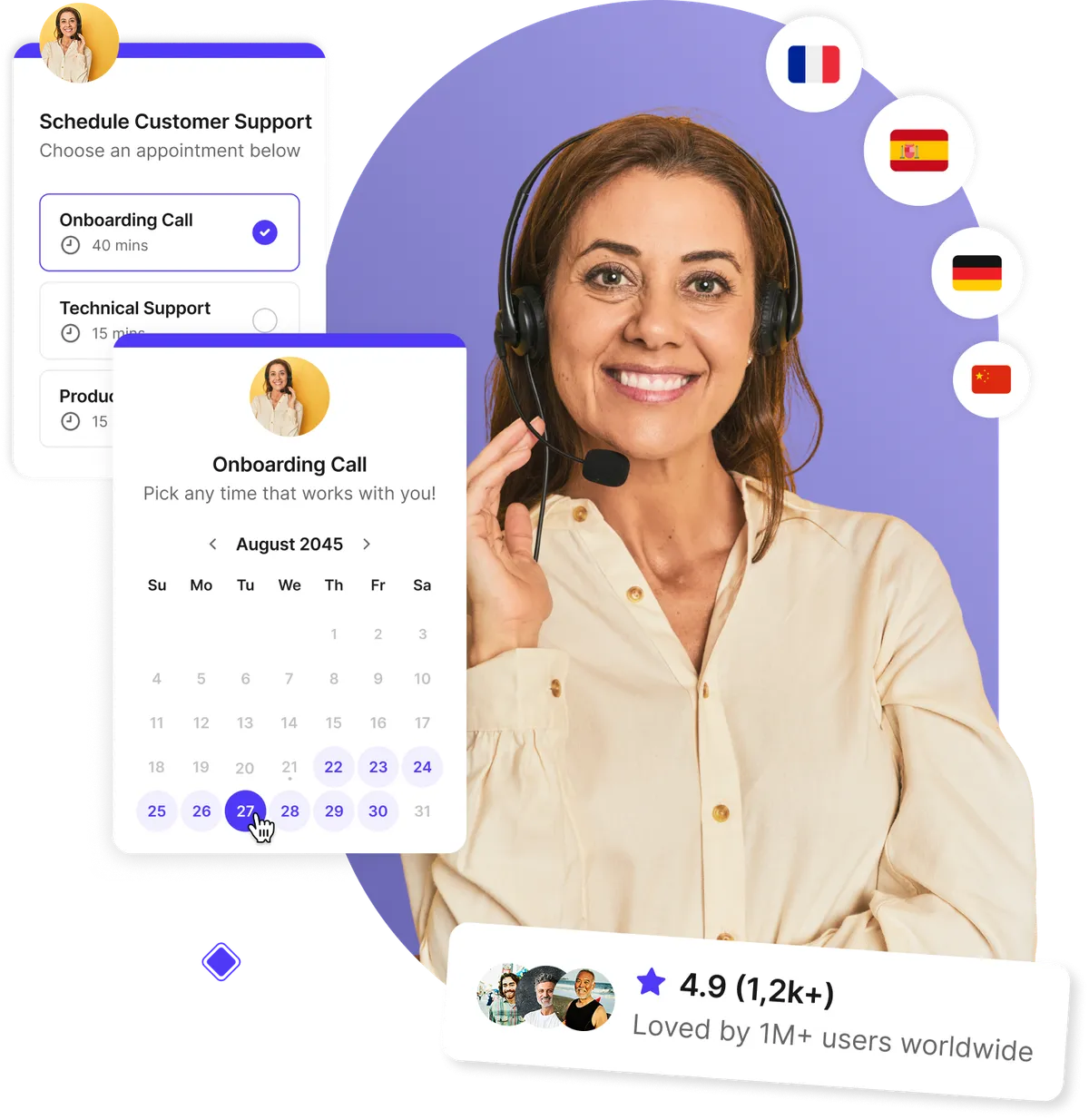
Trusted by customer support, help desk, and service teams around the world to deliver faster, smoother scheduling experiences





Let customers book support calls anytime
End the endless email ping-pong. Give customers a link to book support calls, consultations, or troubleshooting sessions on their own time. With our customer service scheduling software, every interaction starts smoothly—no confusion, no waiting.
- 24/7 self-service booking on any device
- Automatic confirmations and rescheduling options
- Instant notifications for both customers and staff
- Reduce response times and customer frustration
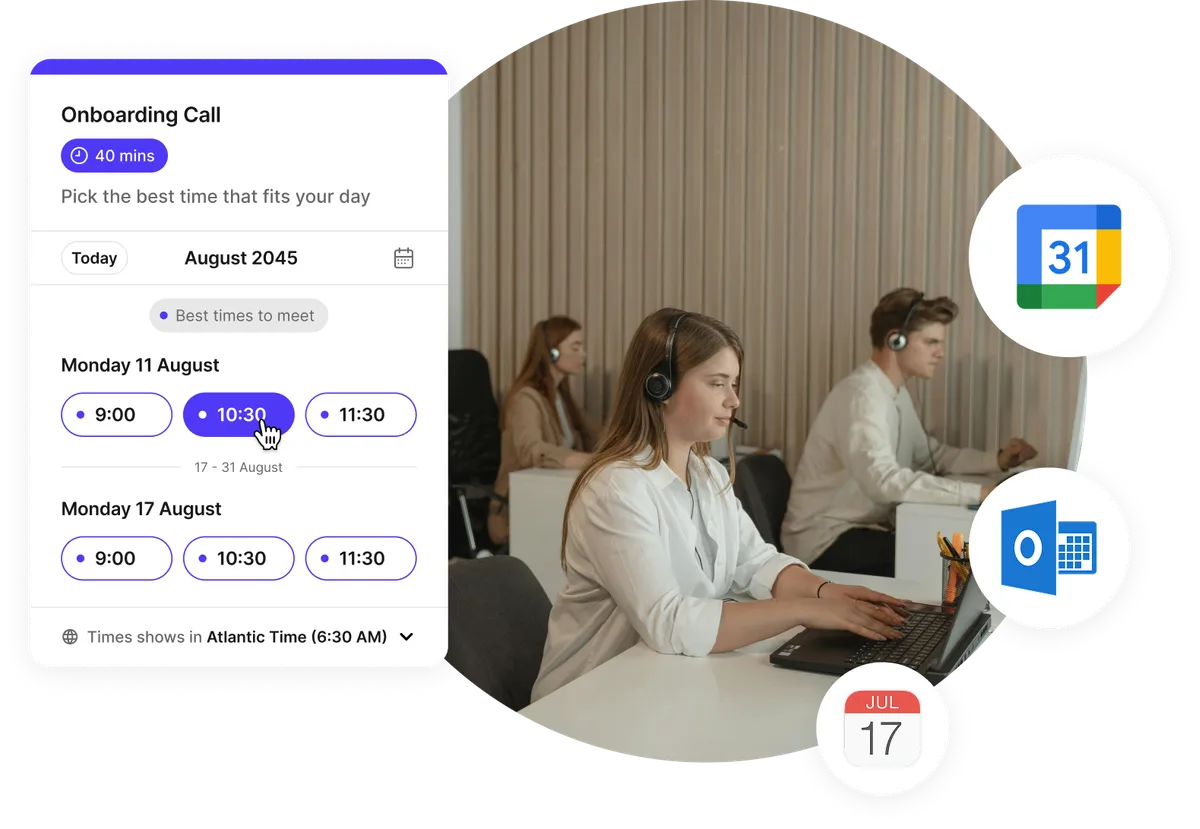
Stay organized and never miss a client appointment
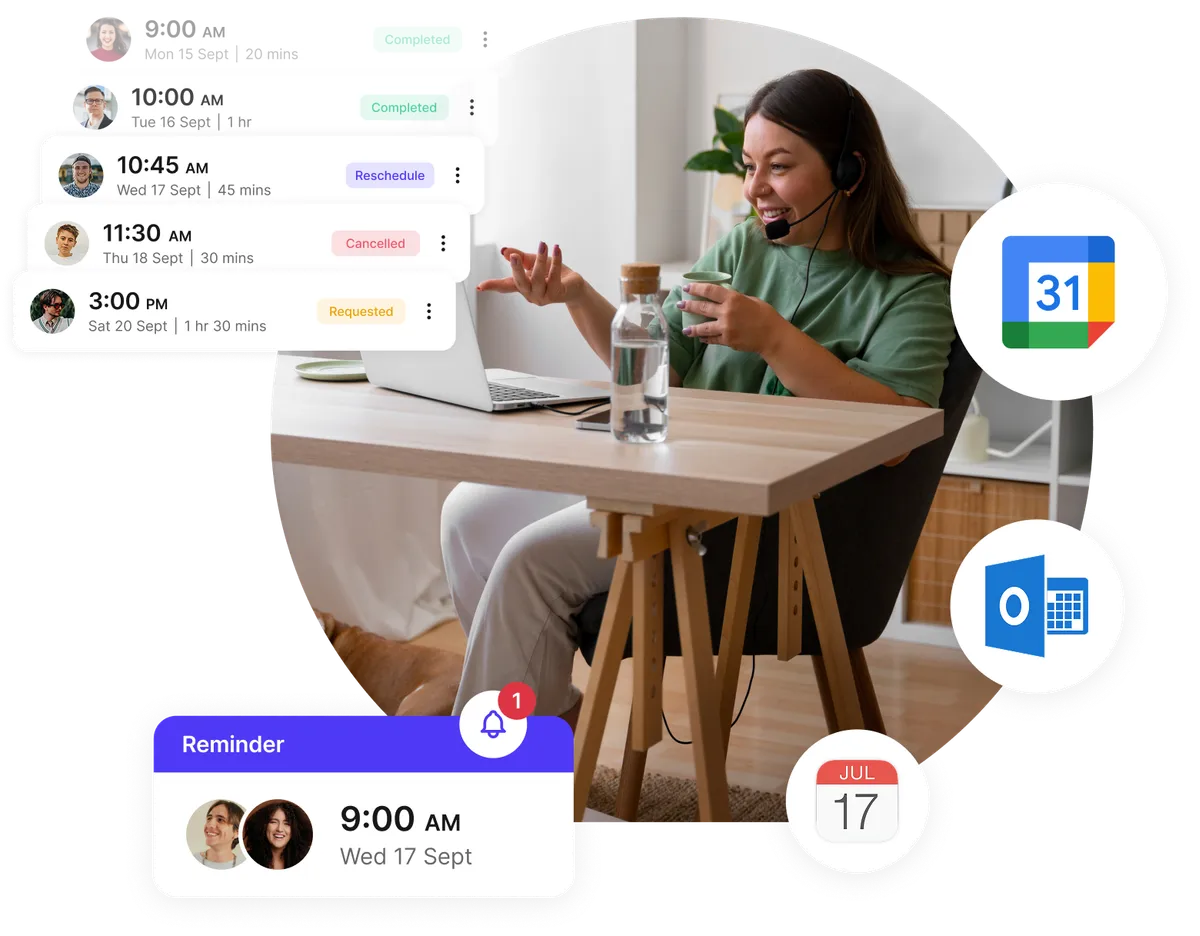
Support teams thrive on precision. Koalendar syncs all your customer service bookings directly to your calendar, so you always know what’s next. Automatic reminders and follow-ups reduce no-shows and keep customers in the loop.
- Smart reminders by email or SMS
- Two-way sync with Google, Outlook, and iCloud
- Custom time slot settings per agent or service type
- Real-time updates for every booking
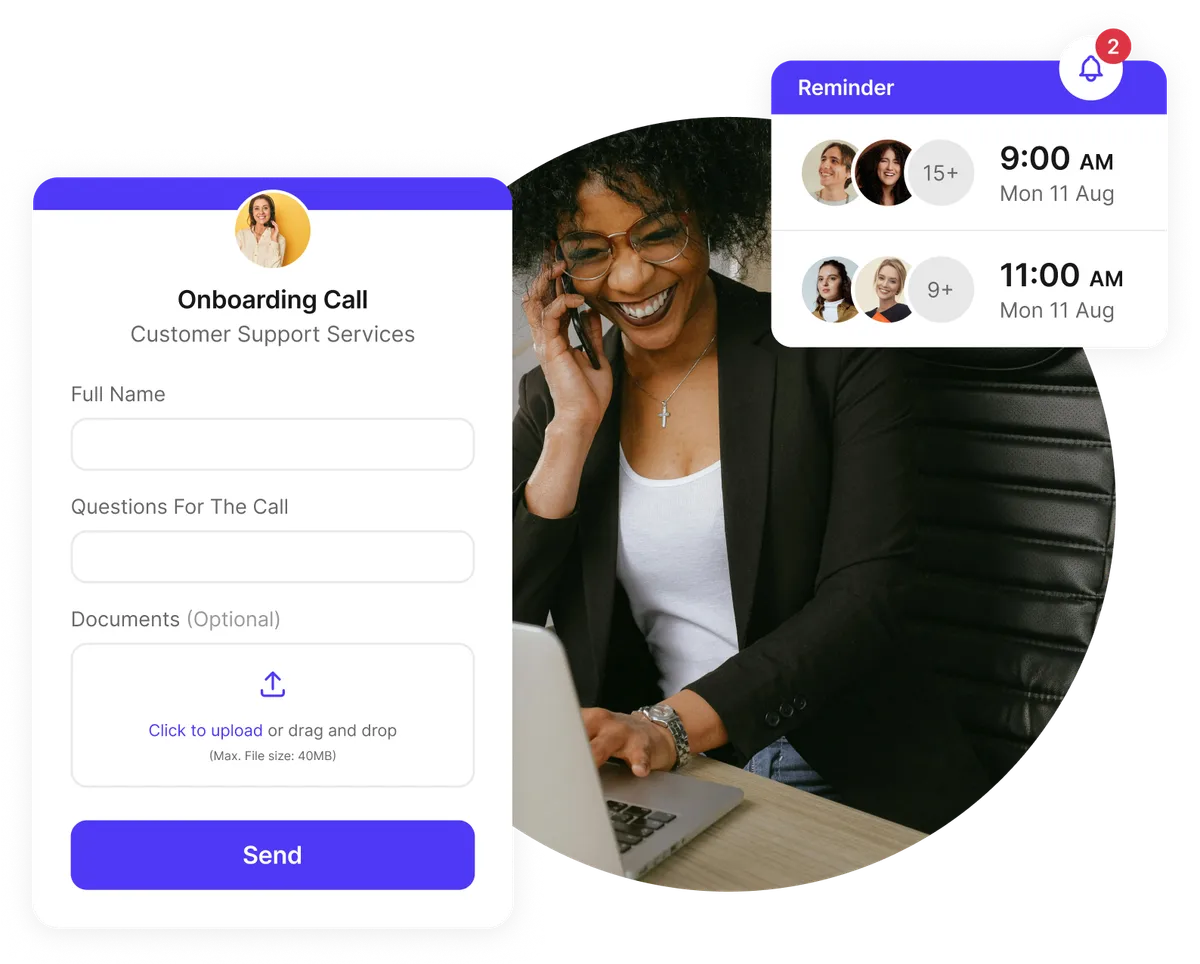
Prepare smarter for every client conversation
Collect the right information before each appointment so your agents are fully prepared. From custom intake forms to file uploads, your customer support scheduling system ensures every call starts with context and ends with satisfaction.
- Customizable booking forms and questionnaires
- File sharing for screenshots or documents
- Customer feedback follow-up automation
- Faster resolution times and improved satisfaction
Coordinate teams, shifts, and service requests easily
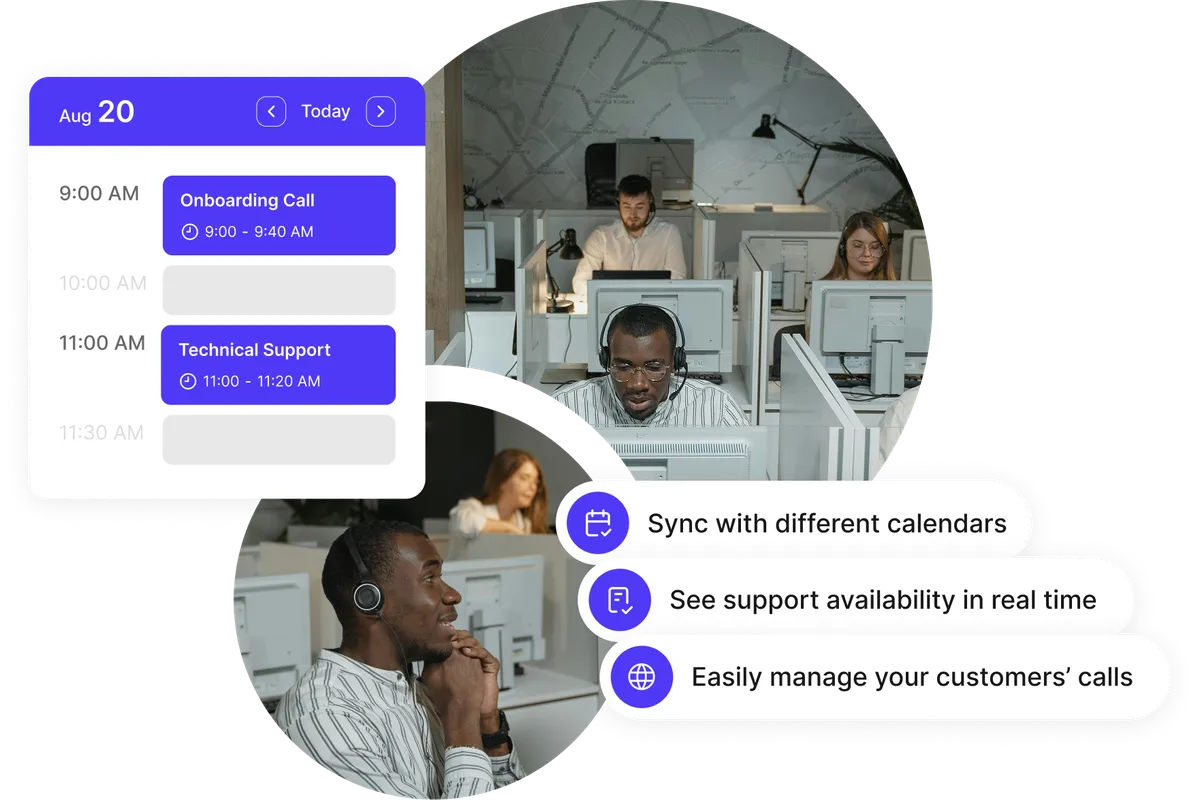
Assign the right agent to each customer request and manage multiple team calendars at once. Koalendar’s service scheduling software supports team scheduling, staff assignment, and multi-user permissions so everything runs smoothly.
- Manage multiple staff calendars from one dashboard
- Automatic staff assignment or round-robin distribution
- Flexible availability and working hours per agent
- Built-in time zone support for global teams
Testimonials
Customer service teams ❤️ Koalendar
See how support and service departments use Koalendar to automate bookings, reduce wait times, and deliver exceptional customer experiences.


Everything support teams need in one powerful platform
Built for customer service teams: simple, fast, and flexible scheduling that just works.
Automate confirmations, reminders, and follow-ups

Reduce no-shows with branded confirmations, SMS/email reminders, and automated customer feedback follow-ups after each appointment.
Smart staff assignment & permissions

Assign appointments to the right representative automatically with round-robin logic or let customers choose who they meet. Manage multiple user permissions securely.
Integrate with the tools your team already uses

Connect Koalendar to Zoom, Google Meet, Microsoft Teams, Stripe, Zapier, and more. Keep calls, payments, and workflows perfectly in sync.
Custom booking forms for better context

Add custom questions or file uploads so customers can share details ahead of time. Perfect for troubleshooting or onboarding support.
Advanced time zone and language support

Never miss a beat with automatic time zone adjustments and language detection for global customer bases.
Branded booking pages for your team

Showcase your company’s logo and colors, protect private pages with passwords, and offer a polished experience from first click to follow-up.
Detailed analytics and performance tracking

Track customer booking activity, response times, and show rates to continually improve your service delivery.
Sync calendars and prevent double-booking

Two-way sync with Google, Outlook, or iCloud ensures everyone stays updated and no one is overbooked.
Embed scheduling anywhere

Add Koalendar to your help center, website, or chat widget so customers can schedule without leaving the page.
Collect payments with ease

Use Stripe to charge for premium support sessions or consultations securely in 150+ currencies—no commission fees.
Integrations
Sync your customer service scheduling system with your favorite tools
Connect Koalendar with Google Calendar, Zoom, Gmail, Stripe, and hundreds more through Zapier—so your team’s workflow, communication, and billing stay perfectly aligned.

















Frequently asked questions
Have a different question and can't find the answer you're looking for? Reach out to our support team by sending us an email and we'll get back to you as soon as we can.
Customer service scheduling software automates the booking process for support calls, consultations, and appointments. It helps teams manage availability, assign agents, and send automatic reminders, all while syncing with your existing calendars and tools.
Yes. Koalendar’s service industry scheduling software supports staff assignment, multi-user permissions, and round-robin bookings. Each agent gets personalized availability while managers retain full visibility.
Absolutely! You can embed Koalendar directly into your help desk, website, or chatbot so customers can book support time instantly without leaving the page.
Yes. Koalendar automatically detects each customer’s local time and adjusts availability accordingly. Ideal for global customer support and remote teams.
Yes. You can automatically send a follow-up form or survey after each session to gather customer feedback and improve your service experience.
Yes! Koalendar’s free plan includes unlimited bookings, calendar sync, and reminders—ideal for small customer service teams. Upgrade anytime for advanced features like branding, payments, and staff management.
Tips for improving your customer service operations
Explore best practices for scheduling, team coordination, and customer experience management. Learn how automation can help your support team deliver better service in less time.

Free appointment confirmation email templates to reduce no-shows
Free, customizable templates to confirm, remind, and reduce no-shows, perfect for clinics, schools, and local services.
- Published
- Productivity

Best time management tools for busy professionals in 2026
Save hours each week with the best 2026 apps for planning, time tracking, focus, and team coordination
- Published
- Productivity

Effective meeting strategies: How to run a meeting that actually delivers
Reduce scheduling chaos and deliver value with these effective meeting techniques
- Published
- Productivity
Customer service scheduling software made simple
Empower your support team to deliver faster, friendlier service. Start free with Koalendar and simplify customer scheduling today.
Start free today
Individuals
Stress free scheduling software for individuals.
Interviews
Ensure quality and quantity in recruitment efforts by streamlining your appointment booking process.
Marketing
Let clients book meetings with your marketing team quickly and without stress.
Meeting Rooms
Let your team focus on what matters. Leave the scheduling to us.
Sales
Revolutionize your appointment scheduling process with Koalendar.
Webinar
Host, schedule, and manage your webinars effortlessly with Koalendar.