Webinar scheduling software for registration and reminders
Use Koalendar as your webinar booking system. Share a registration link, show attendees the session in their local time, and send joining details by email.
Trusted by teams, coaches, and educators





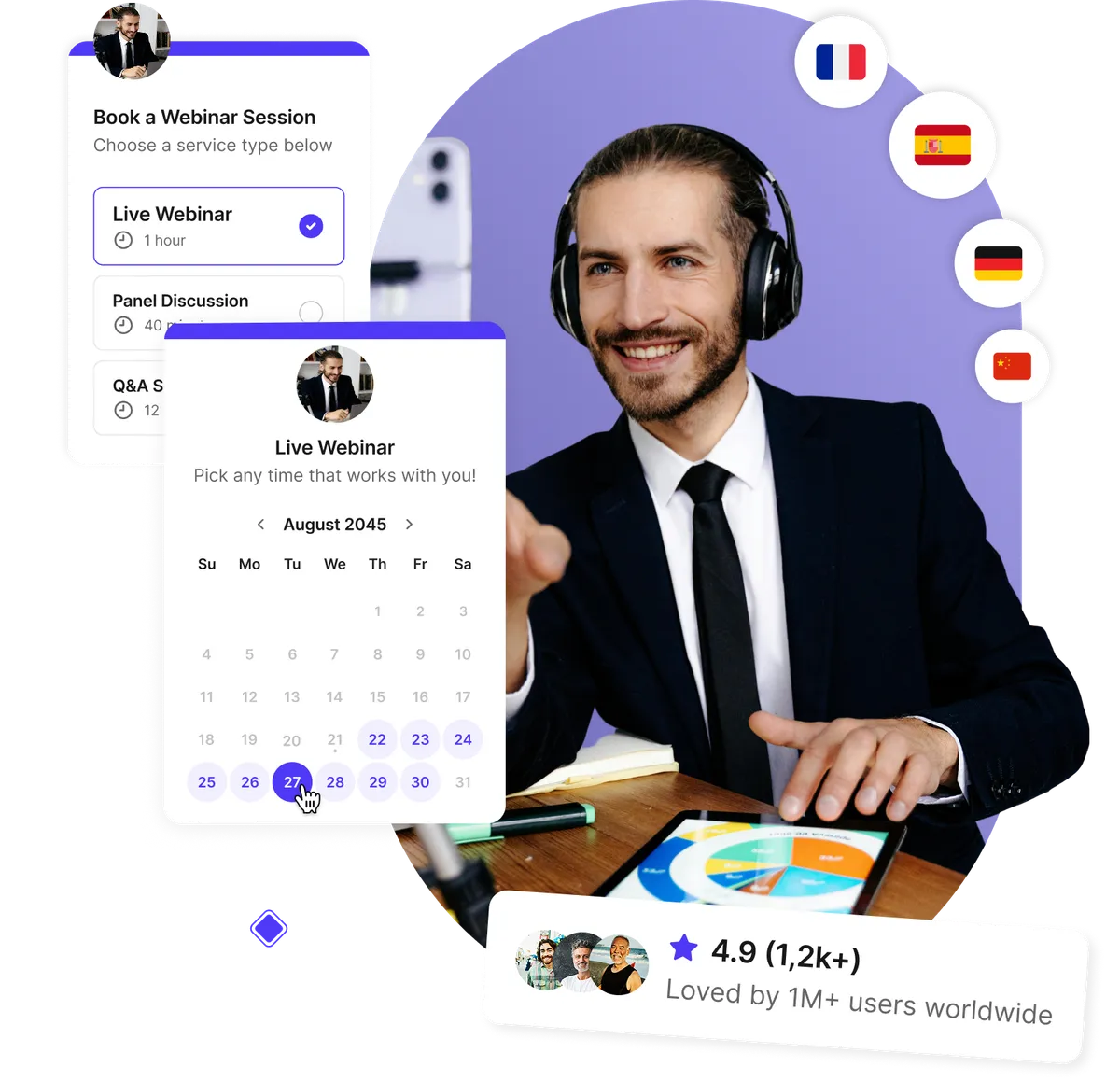
Simple registration for your webinars
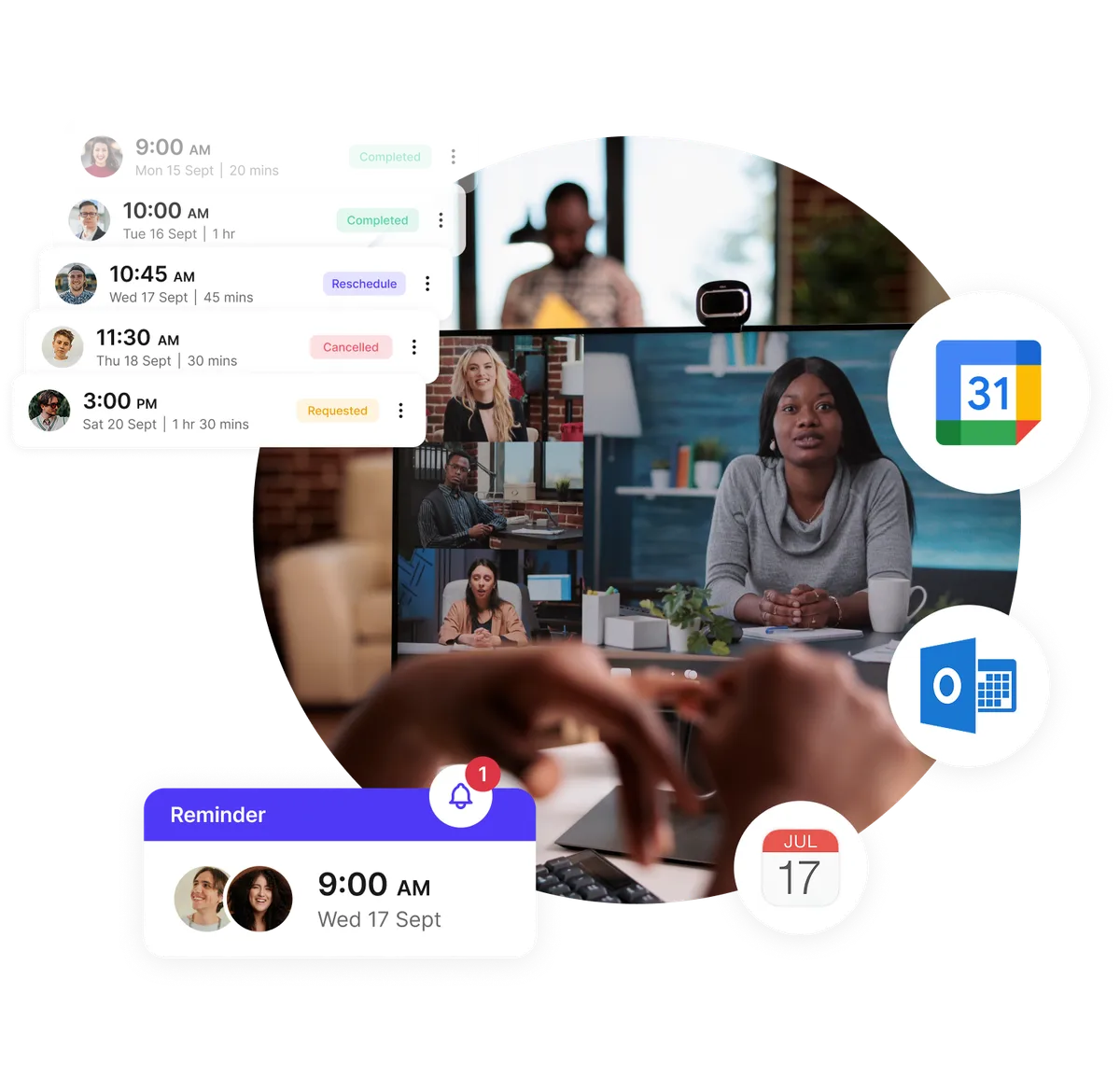
Skip the manual sign-ups. Share your booking link so participants can register anytime. Koalendar automatically syncs with your Google, Outlook, or Apple Calendar to prevent double bookings and confusion.
- 24/7 online registration access
- Instant confirmation emails
- Automatic calendar sync
- Supports recurring or one-time webinars
Custom registration forms and reminders
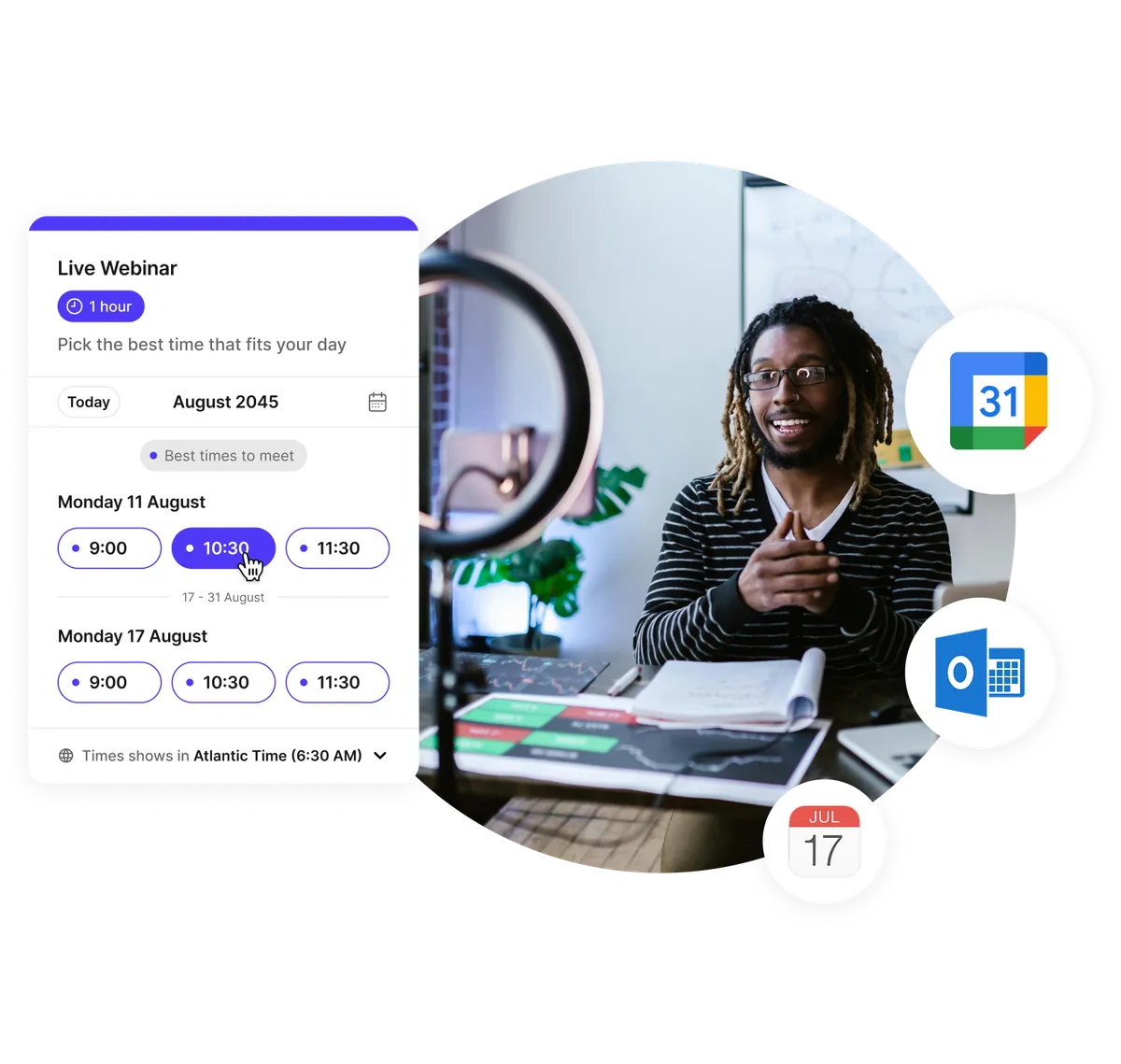
Collect attendee details with personalized forms. Add questions, file uploads, or coupon fields. Send automatic confirmations and schedule reminders before the session.
- Branded registration pages
- Automated confirmation & reminder emails
- Custom questions and file uploads
- Follow-ups sent automatically
Scheduling webinars across time zones
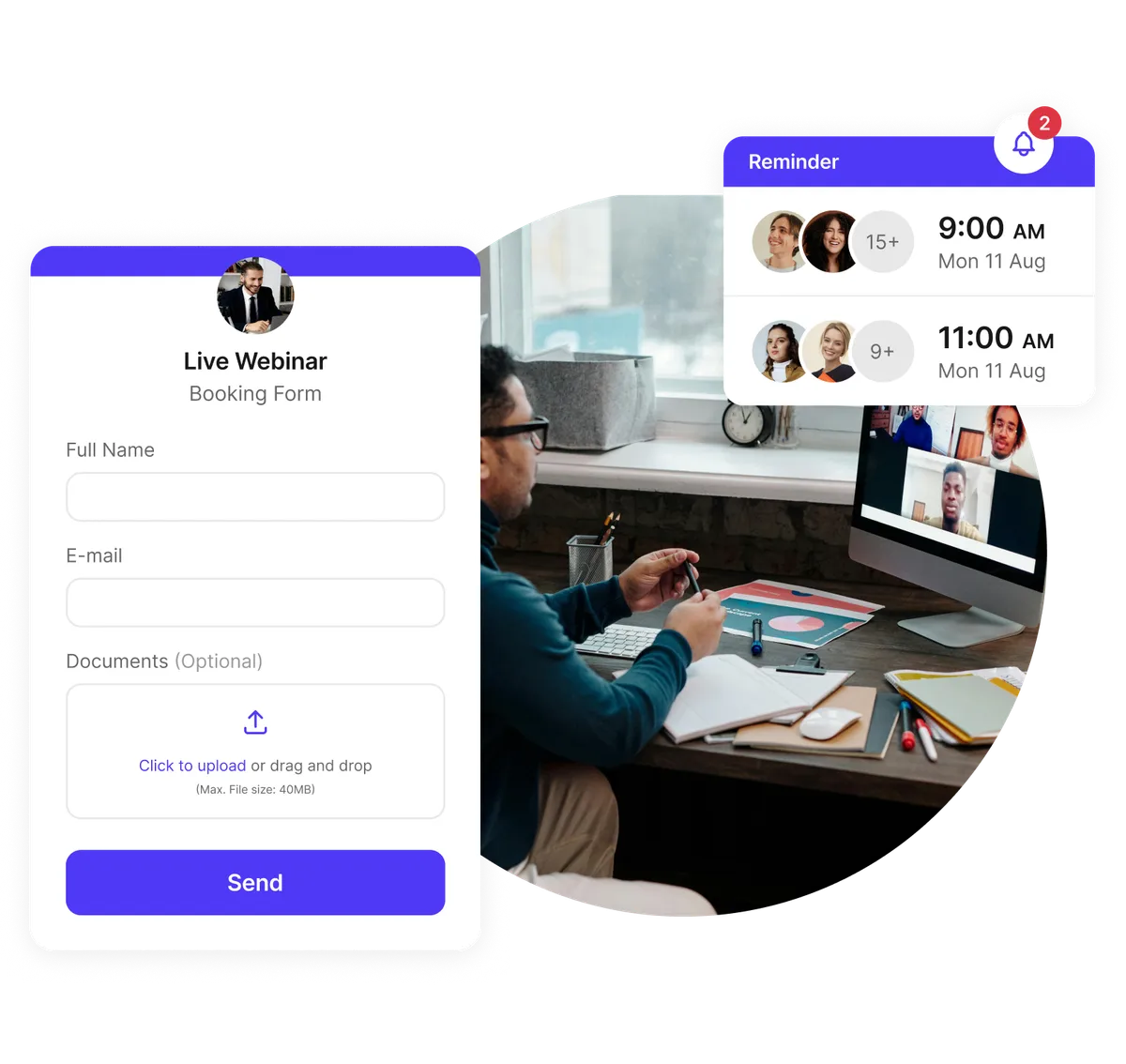
Set your webinar dates and times. With automatic time zone detection enabled, attendees see each session in their local time, without having to convert it themselves.
- Smart time zone detection
- Agenda and calendar sync
- Multi-session webinar support
- Easy rescheduling options
Send automatic webinar reminders by email and SMS
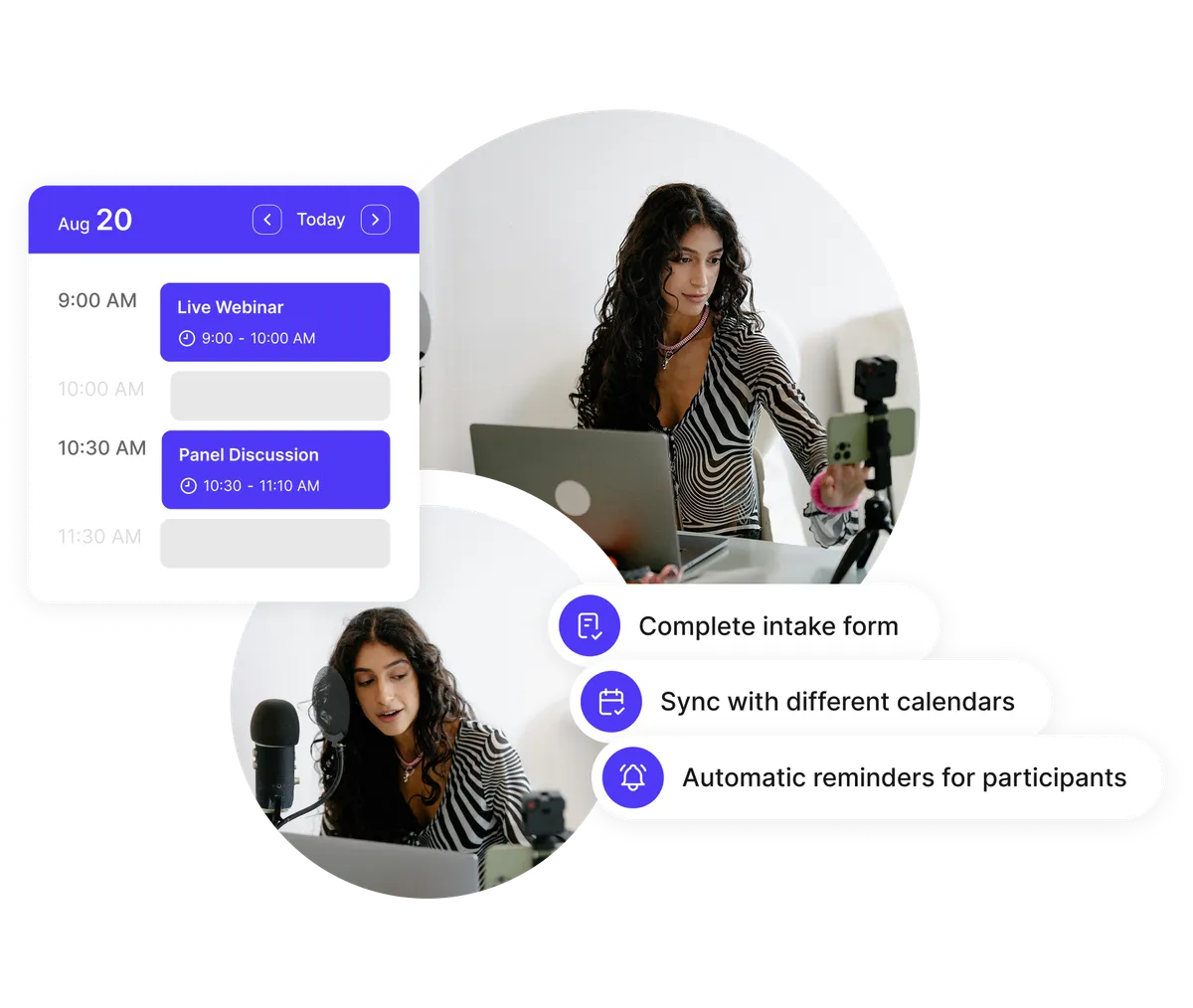
Schedule email and SMS reminders before your webinar, with the session time and joining link. Send a follow-up email afterward with resources or a feedback form.
- Automated email & SMS notifications
- Zoom, Google Meet & Microsoft Teams integration
- Registration tracking with Google Analytics
- Post-webinar follow-ups
Testimonials
Webinar hosts ❤️ Koalendar
See how professionals and small teams use Koalendar to automate webinar scheduling, improve attendance, and save hours each week.
“We’ve doubled our attendance rates and number of bookings, reduced the time we spent on scheduling by like 12 hours per person, per week, and everything is completely customized with our school’s colors and logo.”


“I use Koalendar to schedule tutoring session with students. I was able to get it set up and sent to students in about 5 minutes. Support was extremely friendly and is a real person rather than a robot or outsourced.”
“I was looking for a free, easy manageable and customisable calendar app for ages. Koalendar offers all that. So I have recommended the app already to 2 of my colleagues.”
“Koalendar has made scheduling meetings and calls so much easier. I no longer have to send over an email with all of the dates/times I am free. I just simply send a link and they can see the times I have open. I love it!”
“This has been a great tool to schedule virtual appointments with my students. I am able to easily provide a link under my signature in my email and on Google Classroom. Students can easily set up an appointment that works for them. This has been a tool for keeping appointments organized.”
“When Doodle dropped their calendar sharing support, I tried different tools but they all didn't provide the features I was looking for. Eventually I found Koalendar and it's exactly what I need. It has a free version, it's easy but flexible to configure and people wanting to book a meeting with me can do it fast and easy.”
“This software has changed the way I hire and interview new hires. With Koalendat it allows the candidates to self-schedule themselves for the interview day.”


Tools for webinar registration and scheduling
Manage webinar registration, reminders, and follow-ups
Calendar and video integrations

Connect Koalendar with Zoom, Google Meet, or Microsoft Teams to create and manage webinar links automatically.
Custom registration pages

Design branded registration pages, add custom fields, and collect attendee information securely.
Automated reminders and follow-ups

Send branded confirmations and reminders before your webinar and follow-up messages after it.
Registration analytics

Connect Google Analytics to track registration-page visits and completed bookings.
Payment collection

Collect payment at registration through Stripe, or send a PayPal payment link after booking. Koalendar takes no commission; payment processor fees apply.
Embed anywhere

Add your webinar registration page to your website, social media, or email signature in seconds.
Smart time zone and language detection

Automatically adjusts for each attendee’s time zone and preferred language for a global experience.
Automation workflows

Use Zapier, Webhooks, or Make to automate tasks like adding attendees to your CRM or sending feedback forms.
Privacy and security

Password-protect your webinar pages and send messages from your own domain for a professional, secure experience.
Integrations
Connect your webinar tools easily
Connect directly with Zoom, Google Meet, Microsoft Teams, and Stripe. Use Zapier to send registration details to thousands of other apps.
















Frequently asked questions
Have a different question and can't find the answer you're looking for? Reach out to our support team by sending us an email and we'll get back to you as soon as we can.
Webinar scheduling software handles registration, calendar invitations, and reminders. With Koalendar, attendees register through your booking page and receive confirmation with the session details. You run the webinar in your video conferencing tool.
Yes. Small teams and solo hosts can use Koalendar to collect registrations, sync scheduled sessions with their calendars, and send confirmations. Group registration, reminders, and follow-ups require a paid plan.
Yes. Set up a group session and choose how many attendees can register for each time slot. Registration closes when the session reaches capacity. Group sessions require a paid plan.
Yes. With automatic time zone detection enabled, Koalendar shows the session in each attendee’s local time on the registration page and in confirmation emails. Attendees can also choose a different time zone on the booking page.
Yes. Connect Google, Outlook, or iCloud Calendar to add scheduled sessions to your calendar automatically. Attendees receive a confirmation email when their registration is confirmed. If you enable manual approval, confirmation is sent after you approve the registration.
Yes. Add your branding, ask registration questions, let attendees upload files, or password-protect the page. Available options depend on your plan.
Yes. Connect your video conferencing account and select it as the booking page’s meeting location to generate meeting links automatically. Google Meet is available on the free plan; Zoom and Microsoft Teams require a paid plan.
Yes. On a supported paid plan, you can schedule reminder emails before the webinar and follow-up emails afterward. Use follow-ups to share resources, a recording link, or a feedback form.
Learn how to host better webinars
Explore guides on webinar engagement, analytics, and automation to maximize your impact and save time.

How to add appointment booking to any website with Koalendar
Add appointment booking to your website in minutes with simple embed options—no code, no rebuild, no hassle
- Published
- Scheduling Tips

Free appointment confirmation email templates to reduce no-shows
Free, customizable templates to confirm, remind, and reduce no-shows, perfect for clinics, schools, and local services.
- Published
- Productivity
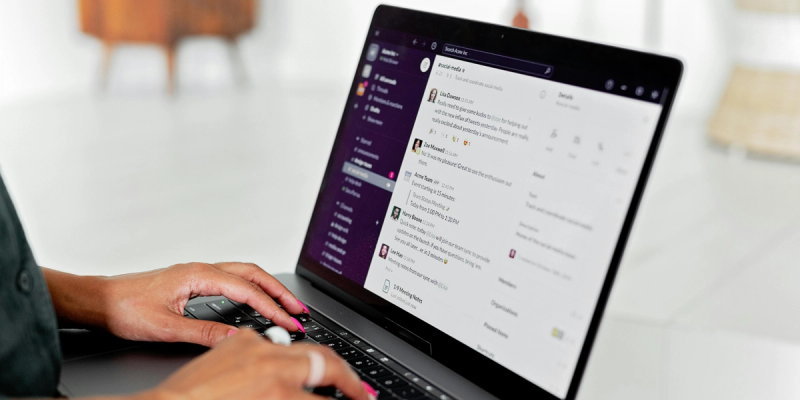
Best free calendar app for Microsoft Teams: 2026 guide
Find a free Microsoft Teams scheduler that cuts email back-and-forth, syncs with Outlook, and gives clients a simple booking link
- Published
- Scheduling Tips
Set up webinar registration today
Open registration for your next webinar and schedule automatic reminders for attendees.
Start free today
Customer Service
Simplify and automate your customer service scheduling workflow.
Individuals
Stress free scheduling software for individuals.
Interviews
Ensure quality and quantity in recruitment efforts by streamlining your appointment booking process.
Marketing
Let clients book meetings with your marketing team quickly and without stress.
Meeting Rooms
Let your team focus on what matters. Leave the scheduling to us.
Sales
Revolutionize your appointment scheduling process with Koalendar.