Get booking alerts in Telegram
Connect Telegram to Koalendar and a message lands in your chat the moment someone books, cancels, or reschedules, so you know about every change without checking your dashboard.
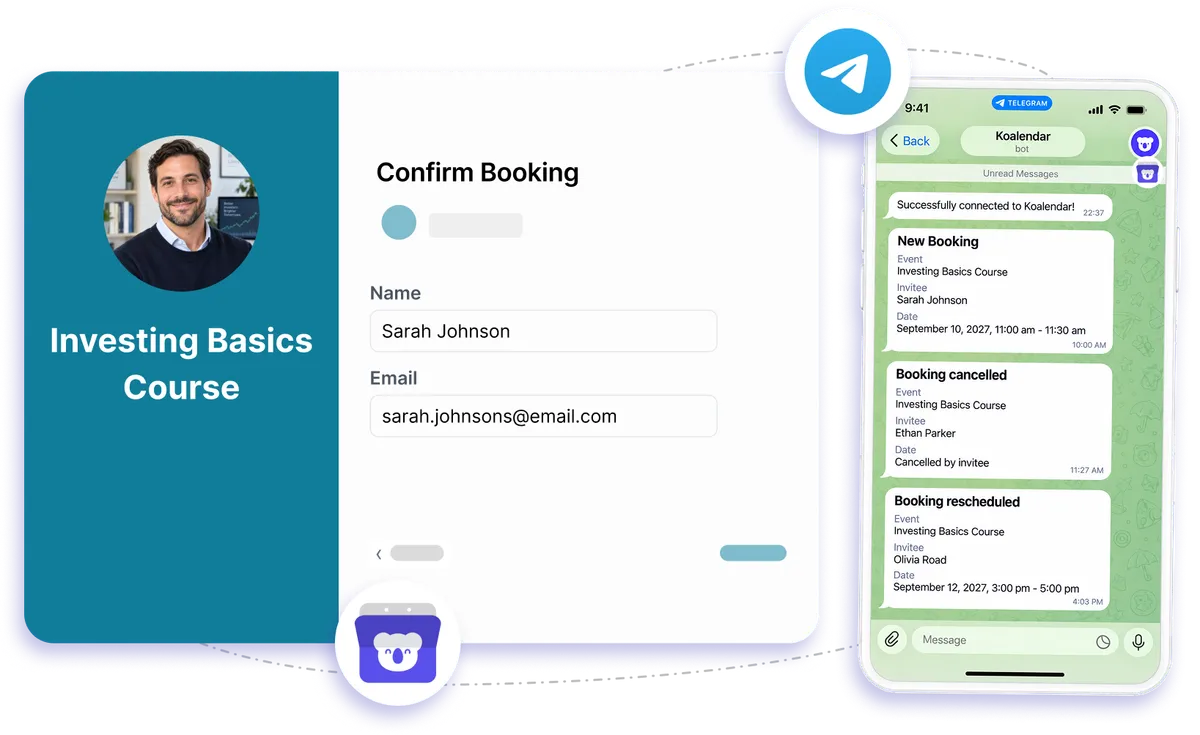
Telegram notification integration
Free booking notifications in Telegram
Telegram booking notifications help you stay on top of schedule changes without repeatedly checking Koalendar. When someone books, cancels, or reschedules, a message can reach your Telegram chat so you know what changed and can act quickly.
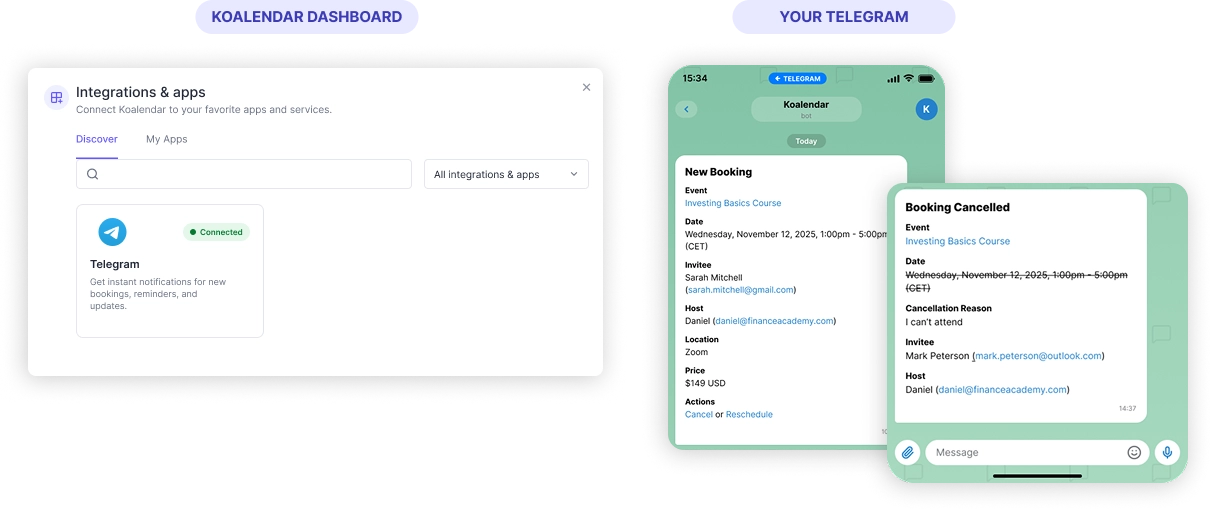
Stay updated on bookings without checking your dashboard
Know about new bookings right away
Get a Telegram message when someone books so you can stay informed wherever you already manage conversations.
Never miss a cancellation
Telegram booking notifications can alert you when an appointment is canceled, helping you spot newly opened time quickly.
Keep up with reschedules
When a booking moves, your Telegram chat can reflect the change so you are not working from an outdated schedule.
Reduce constant dashboard checks
Let booking updates come to you instead of refreshing Koalendar throughout the day.
Keep your team in the loop
Send alerts to a Telegram group so multiple teammates can see important booking changes in one shared conversation.
Features
Booking alerts that fit naturally into Telegram
Bring scheduling updates into the chat app your team already checks, so new bookings and changes are easier to notice.
New booking alerts

Receive a Telegram message when a new appointment is booked, so important schedule changes do not get buried.
Cancellation notifications

Get notified when someone cancels so you know a time slot has opened up.
Reschedule updates

See when an invitee changes their appointment time without needing to open your booking dashboard.
Group notifications

Send booking alerts to a Telegram group so teammates can stay aware of the same schedule changes.
Automated booking messages

Let Koalendar trigger Telegram alerts automatically when booking activity changes.
Calendar-aware scheduling

Keep Koalendar synced with your connected calendar while Telegram handles the alerts, giving you an easier way to stay informed.
How it works
Get Telegram booking alerts in three steps
- 1
Connect Telegram to Koalendar
Link Telegram with your Koalendar account so booking activity can trigger chat notifications.
- 2
Choose where alerts should go
Send notifications to your own Telegram chat or a group your team uses.
- 3
Let booking updates come to you
When someone books, cancels, or reschedules, Koalendar sends the update to Telegram automatically.
Once connected, Telegram booking notifications help you keep up with scheduling changes without adding another dashboard check to your day.

 Telegram
Try the booking system with Telegram
Try it free for 7 days. No credit card required.
Start Free Trial Now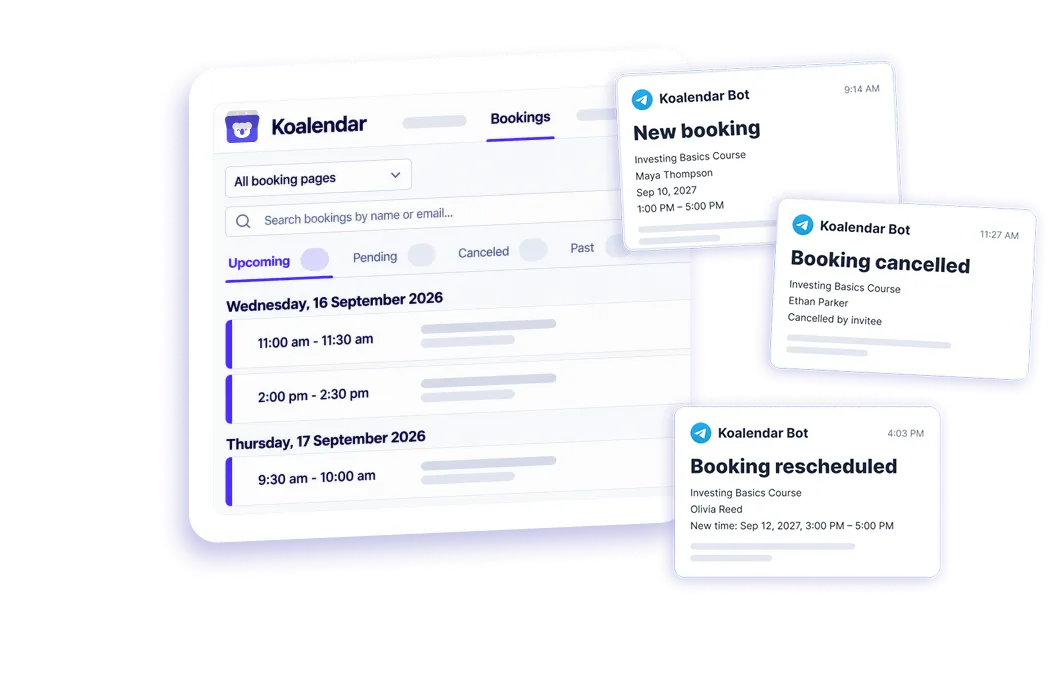
Testimonials
Loved by professionals who value fast booking updates
These Senja reviews mention messaging, SMS, notifications, reminders, or similar ways professionals stay on top of their schedules.
Connects your apps to Koalendar









Frequently asked questions
Have a different question and can't find the answer you're looking for? Reach out to our support team by sending us an email and we'll get back to you as soon as we can.
Connect Telegram to Koalendar and it sends a message to your chat whenever a booking is made, canceled, or rescheduled.
Yes. Every change to your booking calendar can trigger a Telegram message, so your chat stays in step with your schedule.
Yes. Send notifications to a Telegram group so multiple people see new bookings.
Easier access, better productivity
Connect Koalendar to the tools you already use to streamline scheduling, keep everything in sync, and book more.
Try it for free