Scheduling software that works with QuickBooks
Koalendar connects to QuickBooks through Zapier. When a client books, the details can flow into QuickBooks automatically, so your scheduling and your accounting stay in step without manual entry.
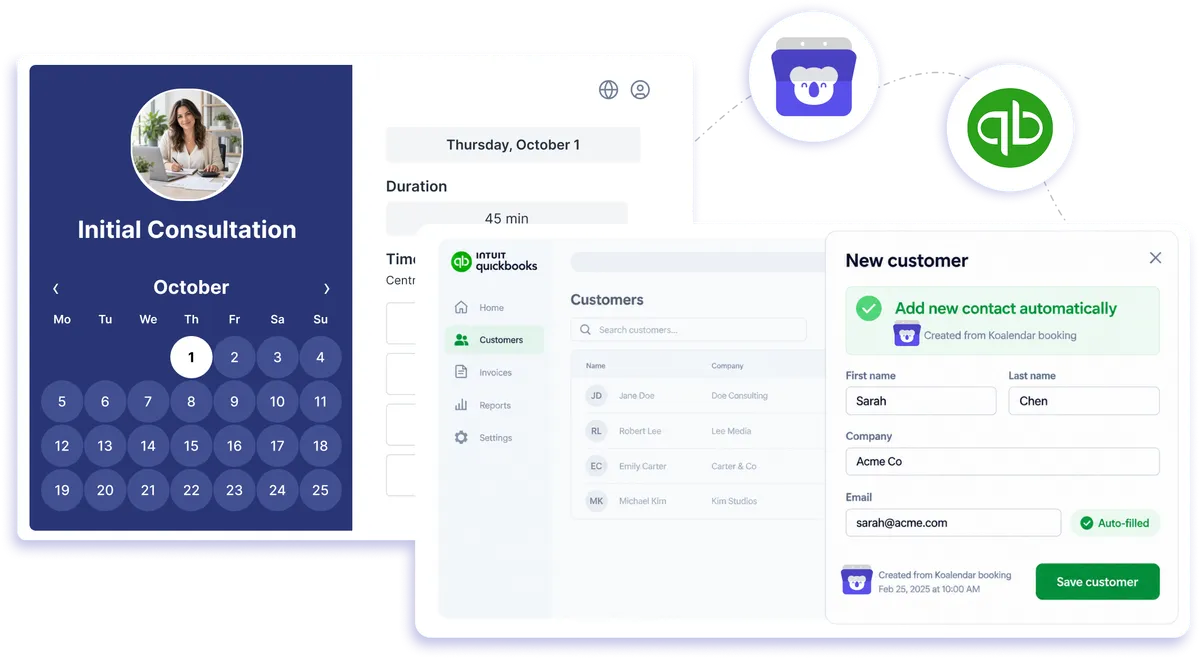
QuickBooks connection through Zapier
How Koalendar works with QuickBooks
Use scheduling software that integrates with QuickBooks to keep client and appointment details moving into your accounting workflow. When someone books in Koalendar, Zapier can pass the information into QuickBooks Online so you spend less time re-entering details by hand.
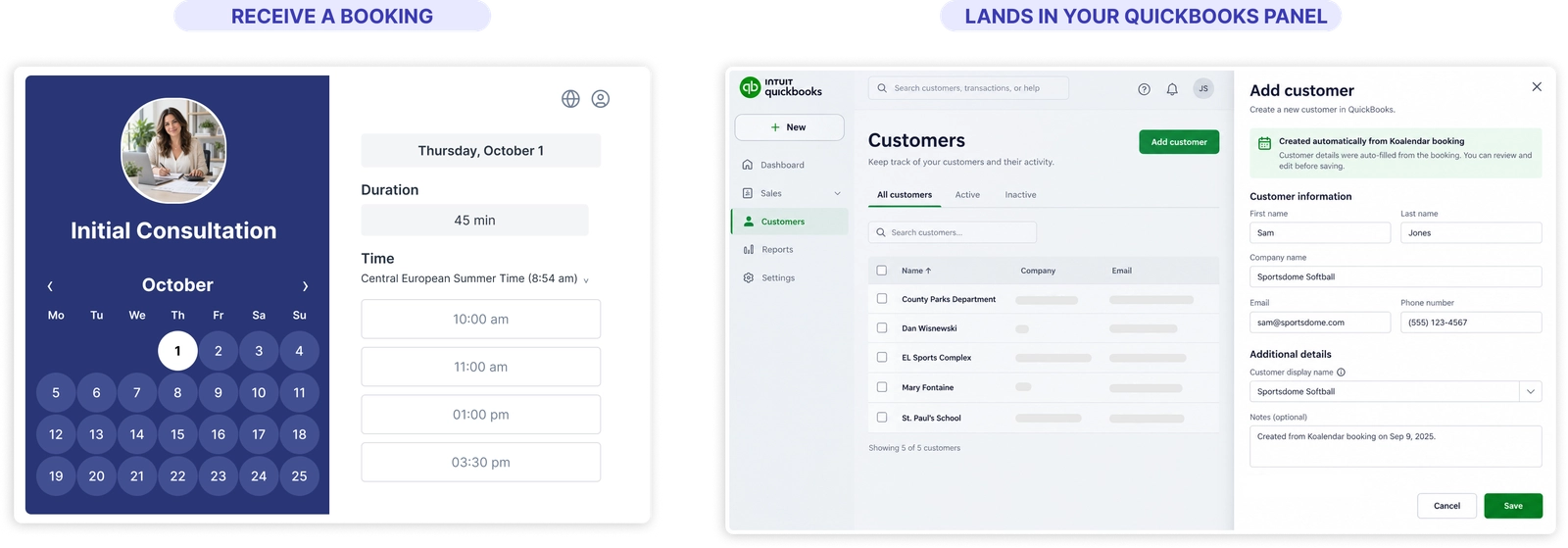
Keep scheduling and accounting in step
Cut out repetitive data entry
Let booking details move from Koalendar into QuickBooks automatically instead of copying client and appointment information by hand.
Keep customer records more complete
Use each booking as a trigger to create or update the accounting records your workflow needs.
Reduce admin after every appointment
QuickBooks scheduling automation helps your team spend less time moving information between your calendar and accounting tools.
Build a workflow around your service business
Use service scheduling software for QuickBooks to connect appointments with the accounting steps that follow them.
Keep your existing tools
Koalendar handles appointment scheduling while QuickBooks handles accounting, with Zapier connecting the two.
Features
Flexible QuickBooks appointment scheduling automation
Use Zapier to pass booking details from Koalendar into QuickBooks Online and build the accounting workflow that fits your business.
New booking triggers

Start a Zap whenever a new appointment is booked in Koalendar.
Client details passed to QuickBooks
Map details such as name, email, and appointment information into the QuickBooks fields used by your Zap.
Create or update records

Use QuickBooks Online actions in Zapier to create or update the record your accounting workflow needs.
Appointment data for follow-up workflows

Use booking information as part of downstream invoicing, customer, or service workflows you configure in Zapier.
Connected calendar availability

Keep Google, Outlook, or Apple Calendar connected to Koalendar while QuickBooks receives the booking data you choose to send.
QuickBooks Online via Zapier

Build your QuickBooks online scheduling workflow with Zapier and customize the exact actions that happen after a booking.
How it works
Connect Koalendar to QuickBooks in three steps
- 1
Set Koalendar as your Zapier trigger
Log in to Zapier, create a new Zap, choose Koalendar as the trigger app, and select trigger event like New Booking.
- 2
Choose what QuickBooks should do
Set QuickBooks Online as the action app and choose an action such as Create Customer or Create Invoice. Map booking details like client name, email, and meeting date to the matching QuickBooks fields.
- 3
Test the Zap and turn it on
Run a test to confirm the booking data transfers correctly, then turn the Zap on so future Koalendar bookings trigger the QuickBooks action automatically.
Set it up once, and your QuickBooks scheduling workflow can keep client and appointment details moving into your accounting process automatically.

 QuickBooks
Try the booking system with QuickBooks
Try it free for 7 days. No credit card required.
Start Free Trial Now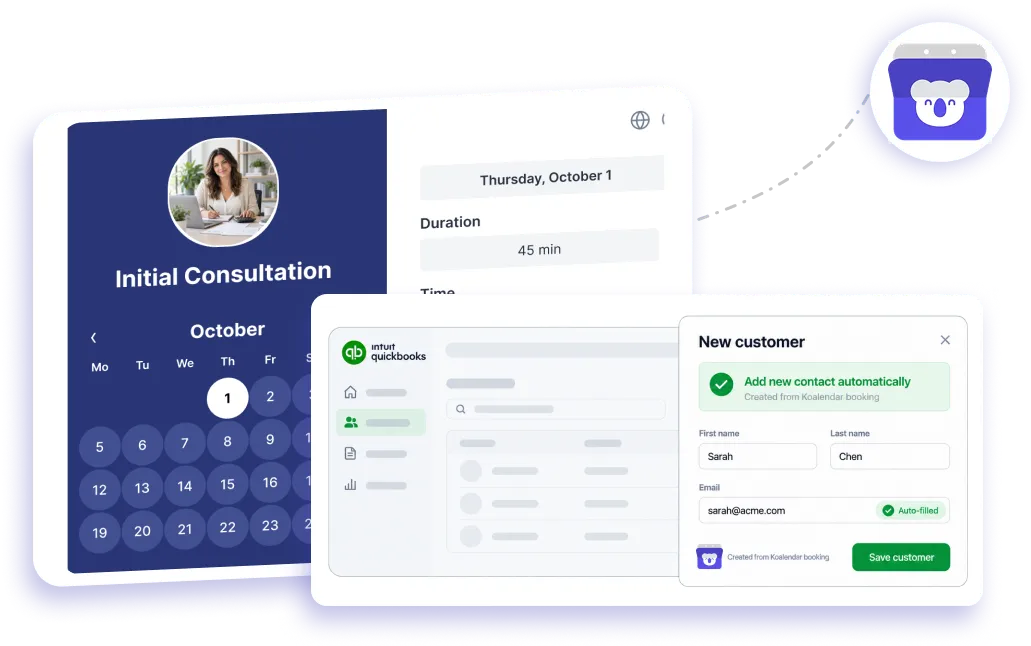
Testimonials
Loved by professionals who connect scheduling to business workflows
See how Koalendar users simplify integrations, payments, client management, and the admin that happens around every booking.
Connects your apps to Koalendar









Frequently asked questions
Have a different question and can't find the answer you're looking for? Reach out to our support team by sending us an email and we'll get back to you as soon as we can.
When someone books in Koalendar, Zapier passes the booking details to QuickBooks, where it can create or update a record automatically. You set up the connection once and it runs on every booking.
Turn new bookings into QuickBooks records so client and appointment details reach your accounting without re-typing them. The exact steps depend on the Zap you build.
QuickBooks doesn't include appointment scheduling on its own. Koalendar adds that layer: clients self-book on your page, and the booking connects to QuickBooks through Zapier.
The Zapier connection works with QuickBooks Online. QuickBooks Desktop isn't supported through Zapier the same way.
Using Zapier with Koalendar is a Pro feature. The free plan covers core scheduling; connecting to QuickBooks through Zapier needs Pro.
Easier access, better productivity
Connect Koalendar to the tools you already use to streamline scheduling, keep everything in sync, and book more.
Try it for free