Free appointment booking app for iPhone
Manage your bookings, check your schedule, and access your Koalendar account from the Koalendar iPhone app, wherever your day takes you.
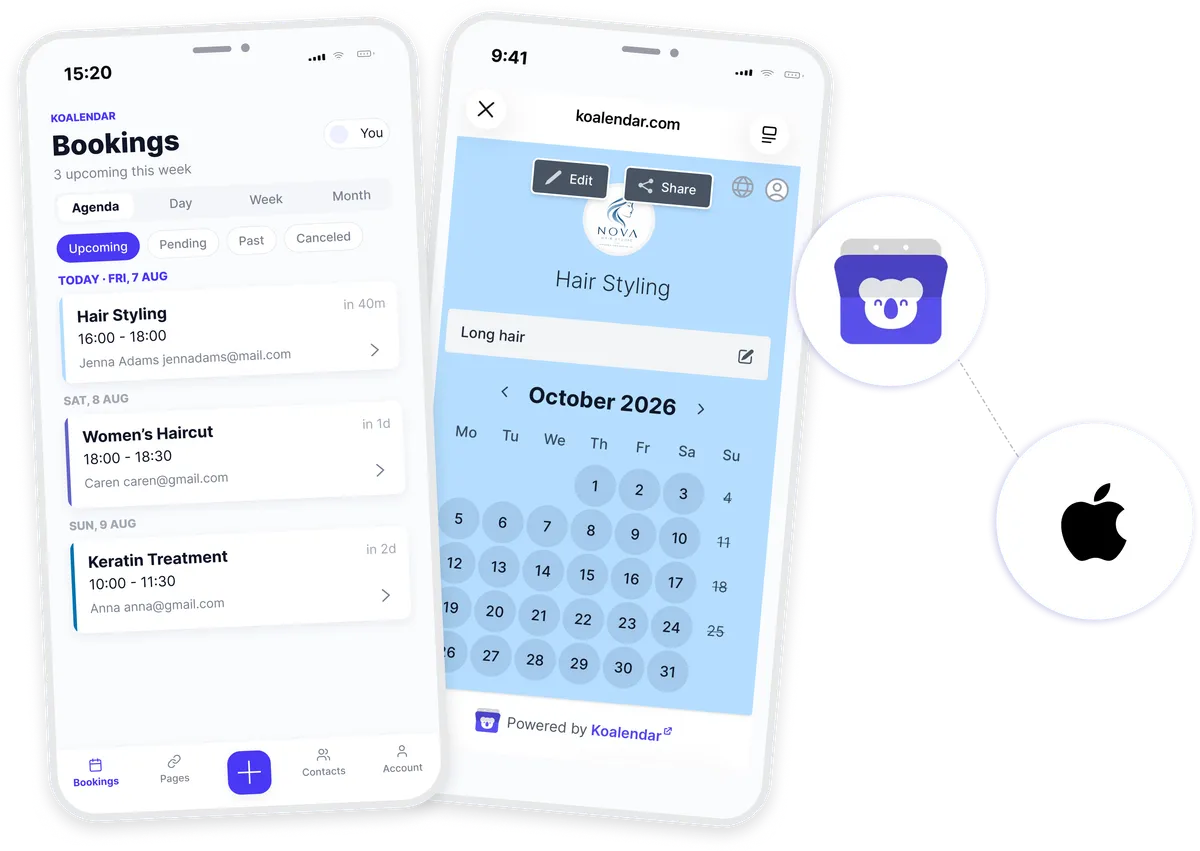
Koalendar app for iPhone
Manage appointments from the Koalendar iPhone app
Take your scheduling with you. Open the Koalendar app on your iPhone to access your booking pages, check upcoming appointments, and manage your schedule without needing to be at your computer.
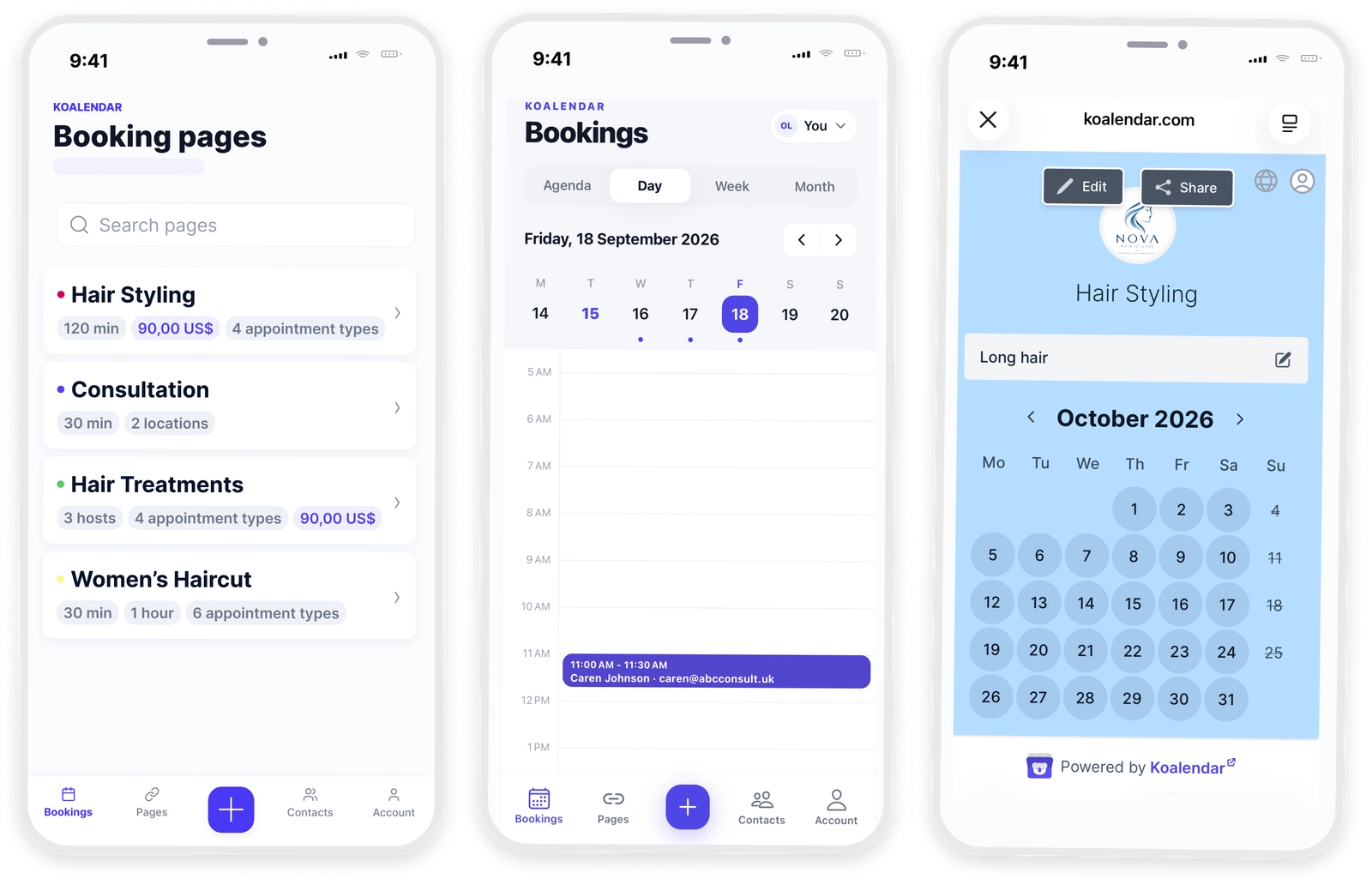
Keep appointment booking within reach on your iPhone
Access Koalendar wherever you are
Open the iPhone app whenever you need to check your bookings or manage your schedule while you are away from your computer.
Manage scheduling on the go
Review upcoming appointments and stay on top of your schedule directly from your iPhone.
Share booking links faster
Access your booking pages from the app and share the right link with clients while you are on the move.
Keep your schedule in your pocket
Instead of waiting until you are back at your desk, use the Koalendar iPhone app whenever you need to check or manage a booking.
Stay connected to your booking pages
Keep the booking pages you use every day easily accessible from the Koalendar app on your iPhone.
Features
Everything you need for iPhone appointment booking
Use the Koalendar iPhone app to manage appointments, access booking pages, and stay connected to your schedule wherever you work.
Access Koalendar from the iPhone app

Open Koalendar directly from your iPhone whenever you need to manage your scheduling.
Manage your schedule on mobile

Check upcoming appointments and keep track of your schedule without opening Koalendar on a desktop computer.
Access your booking pages

Open the booking pages you use to schedule clients directly from the Koalendar app.
Share booking links from your phone

Find the right booking page in the app and send it to a client while you are on the go.
Stay up to date with your bookings

See your latest scheduling information in the app so you can keep track of new and upcoming appointments.
Keep your connected availability in sync

Koalendar continues to use the availability from the calendars connected to your account when clients book with you.
How it works
Start using Koalendar on iPhone in three steps
- 1
Download the Koalendar iPhone app
Install Koalendar on your iPhone and open the app to get started.
- 2
Sign in to your Koalendar account
Log in with your Koalendar account to access your booking pages and schedule.
- 3
Manage your bookings from your phone
Open the app whenever you want to check appointments, access booking pages, or manage your schedule on the go.


Testimonials
Loved by professionals who schedule from anywhere
See how Koalendar users value mobile access, quick scheduling, and easy booking when they are away from their desks.
Connects your apps to Koalendar









Frequently asked questions
Have a different question and can't find the answer you're looking for? Reach out to our support team by sending us an email and we'll get back to you as soon as we can.
Yes. You can use the Koalendar iPhone app to access your Koalendar account and manage your scheduling from your phone.
You can access your booking pages, check your schedule, manage appointments, create contacts, and share booking links from your iPhone.
Yes. Sign in with your Koalendar account to access your booking pages and scheduling information from the iPhone app.
Easier access, better productivity
Connect Koalendar to the tools you already use to streamline scheduling, keep everything in sync, and book more.
Try it for free