Get booking alerts in your Slack channel
Koalendar connects to Slack through Zapier and webhooks. When someone books, cancels, or reschedules, a message posts to the Slack channel you choose, so your whole team stays on the same page.
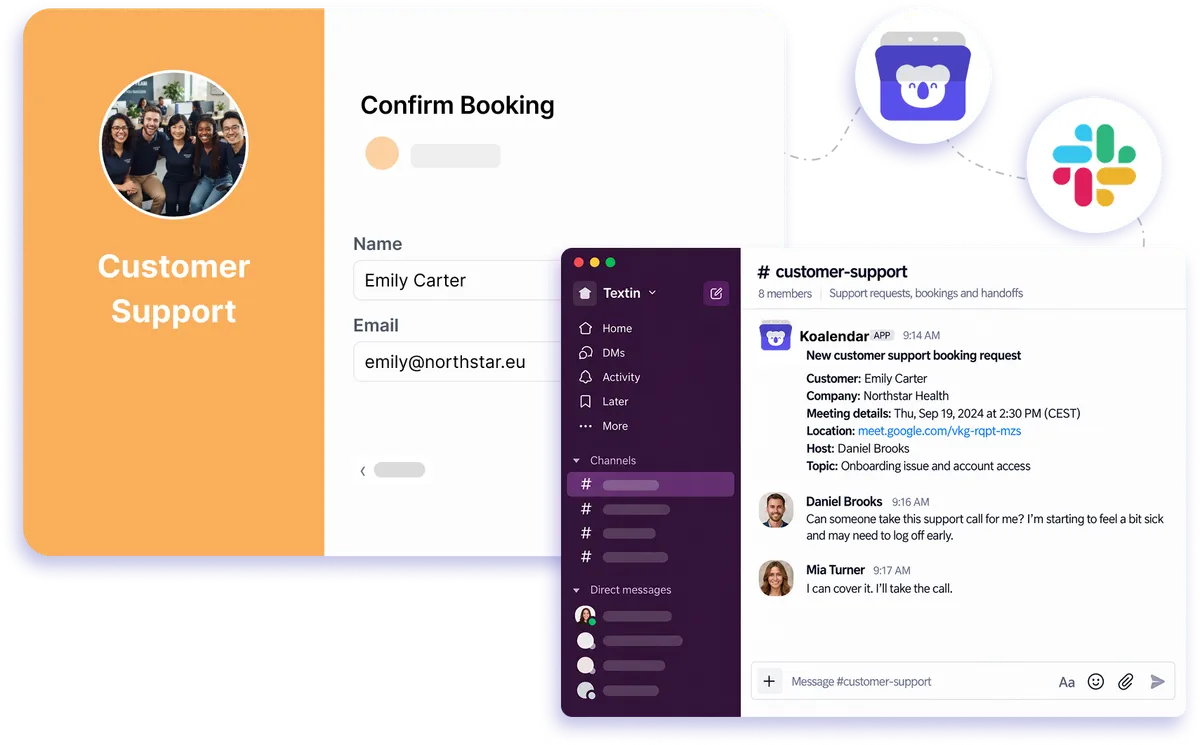
Slack connection through Zapier and webhooks
How Koalendar works with Slack
A schedule Slack integration keeps your team informed without asking everyone to check another dashboard. When a booking changes in Koalendar, Zapier or a webhook can post the details into Slack so your team sees the update where they already work.
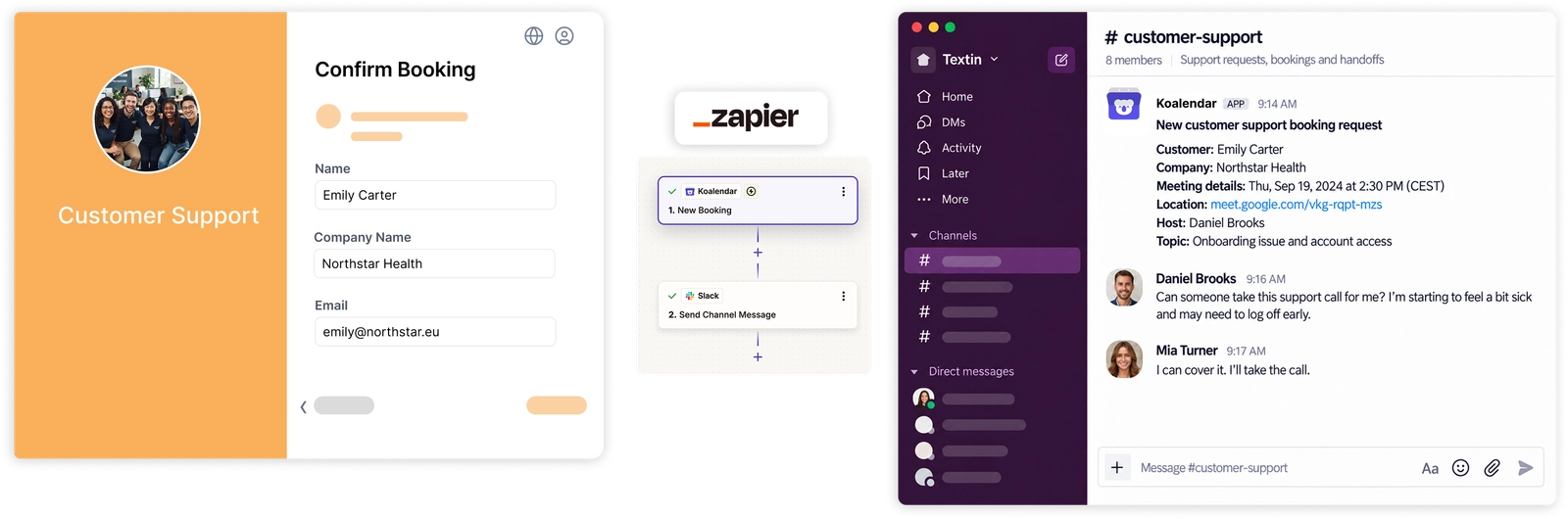
Keep your team updated without extra coordination
Share booking changes with the whole team
Post new bookings, cancellations, and reschedules into a shared channel so everyone who needs visibility sees the same update.
Cut down on internal status messages
Let Slack notifications handle routine booking updates instead of manually telling teammates what changed.
React faster to new appointments
Give sales, support, recruiting, or service teams a real-time signal when someone books so the next step can happen sooner.
Keep scheduling activity close to daily work
Bring booking notifications into the channels your team already checks instead of adding another place to monitor.
Keep availability and team visibility separate
Koalendar handles scheduling and connected-calendar availability, while Slack gives your team a simple shared view of booking activity.
Features
Flexible Slack scheduling notifications for your team
Use Zapier or webhooks to decide which Koalendar booking events should post to Slack and where each alert should go.
New booking notifications

Post booking details to Slack when someone schedules an appointment in Koalendar.
Cancellation and reschedule alerts

Keep your channel current when an existing booking is canceled or moved.
Shared channel delivery

Send alerts to a Slack team calendar channel so everyone who needs booking visibility can follow the same updates.
Person or group notifications

Use your automation workflow to alert a specific teammate or group when a booking needs attention.
Custom automated messages

Control the text and booking details sent into Slack through the Zapier or webhook workflow you configure.
Connected calendar availability

Keep Google, Outlook, or Apple Calendar connected to Koalendar while Slack handles the team notifications.
How it works
Connect Koalendar to Slack in three steps
- 1
Create a new Zap with Koalendar as the trigger
Log in to Zapier, create a new Zap, choose Koalendar as the trigger app, and select the booking event you want to send to Slack.
- 2
Choose Slack as the action
Connect your Slack workspace, choose the channel or recipient, then map the Koalendar booking details you want to include in the message.
- 3
Test the Zap and turn it on
Run a test to make sure the Slack message looks right, then switch the Zap on so future booking events post automatically.
Set it up once, and your Slack scheduling integration can keep the right channel updated whenever booking activity changes.

 Slack
SlackTry the booking system with Slack
Try it free for 7 days. No credit card required.
Start Free Trial Now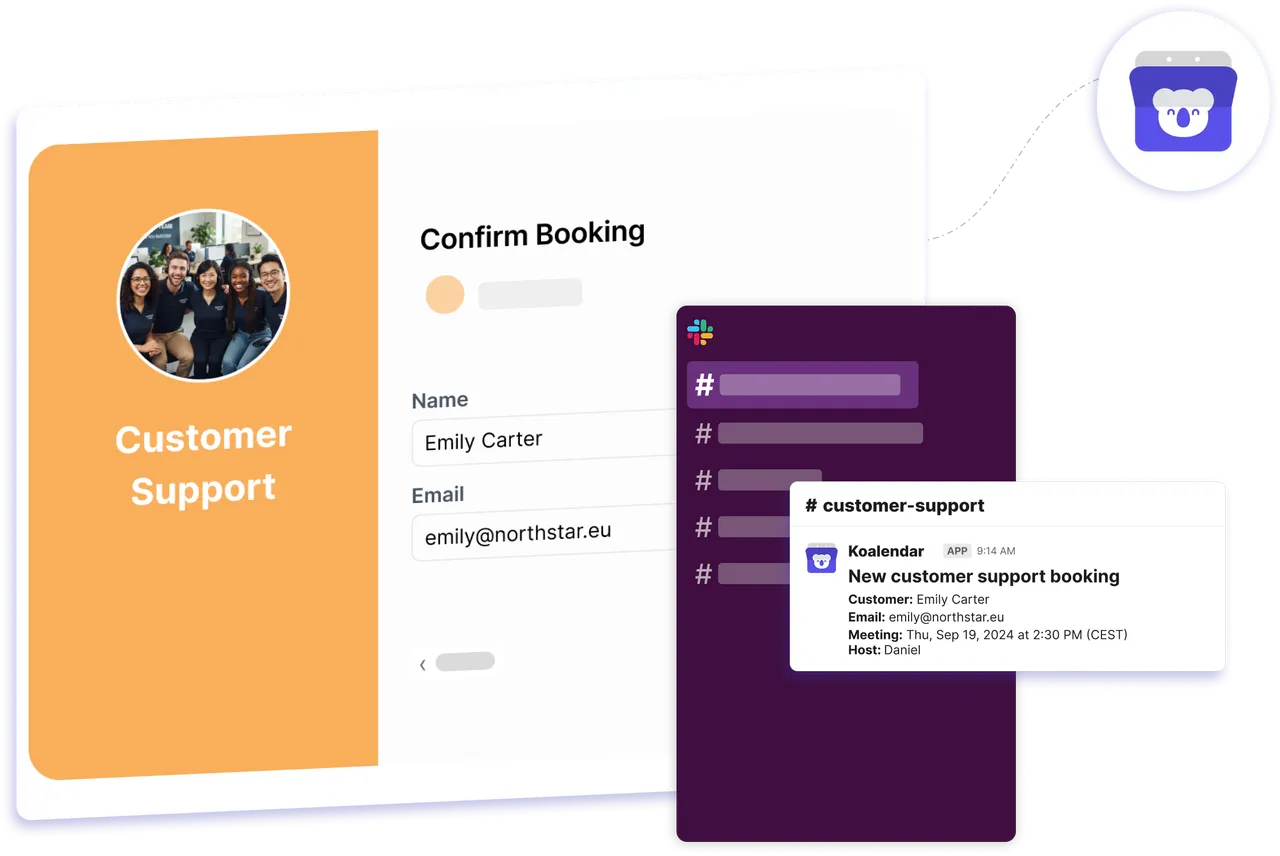
Testimonials
Loved by teams who want scheduling to fit their workflow
See how Koalendar users simplify team coordination, integrations, and booking updates around the tools they already use.
Connects your apps to Koalendar









Frequently asked questions
Have a different question and can't find the answer you're looking for? Reach out to our support team by sending us an email and we'll get back to you as soon as we can.
A booking in Koalendar triggers a Zap that posts to Slack with the details, so your team knows the moment a customer books, cancels, or reschedules.
Yes. Point the Zap at any channel your team follows so everyone sees new bookings in one place.
Slack doesn't have a built-in booking calendar. Koalendar handles the scheduling and posts each booking to Slack, so your team tracks bookings in a channel while your availability lives in Koalendar.
Post new bookings to a channel, alert a specific person or group, and send reminders about upcoming appointments.
Using Zapier or webhooks with Koalendar is a Pro feature. The free plan covers core scheduling; connecting to Slack needs Pro.
Easier access, better productivity
Connect Koalendar to the tools you already use to streamline scheduling, keep everything in sync, and book more.
Try it for free