Appointment booking for your WooCommerce store
Koalendar adds a booking page to your WooCommerce store: install the WordPress plugin or paste an embed, and customers can book appointments right on your site.
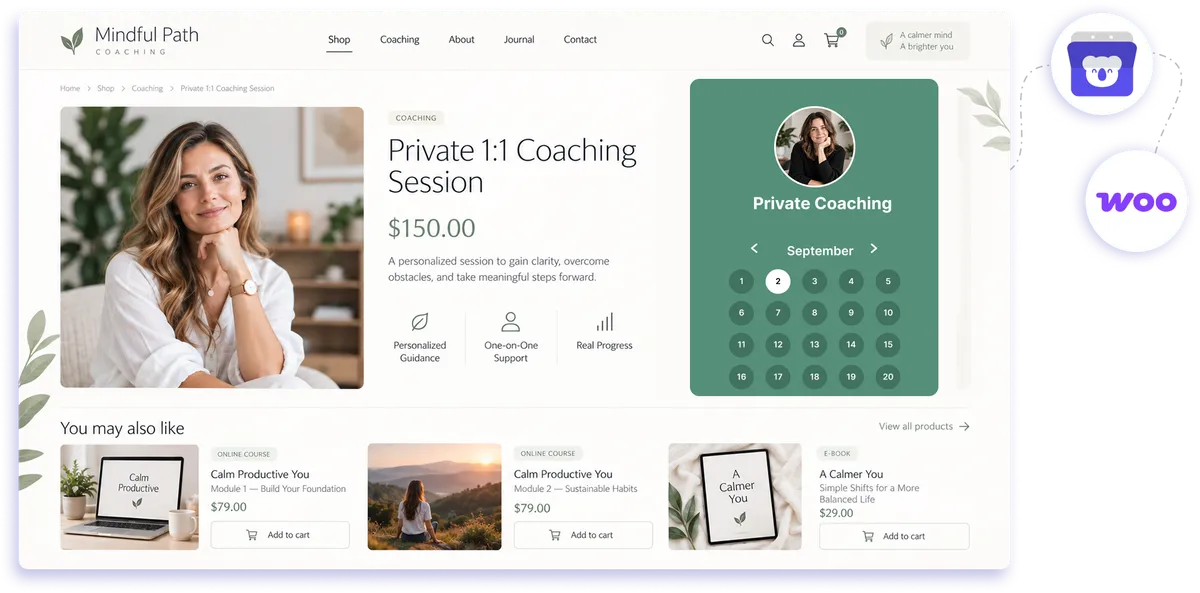
WooCommerce booking setup through WordPress
Add a booking calendar to your WooCommerce site
Use Koalendar for WooCommerce appointment booking without replacing the store you already have. Add your booking page with the WordPress plugin, shortcode, or embed, then let customers choose an available time alongside the products and services they already browse.
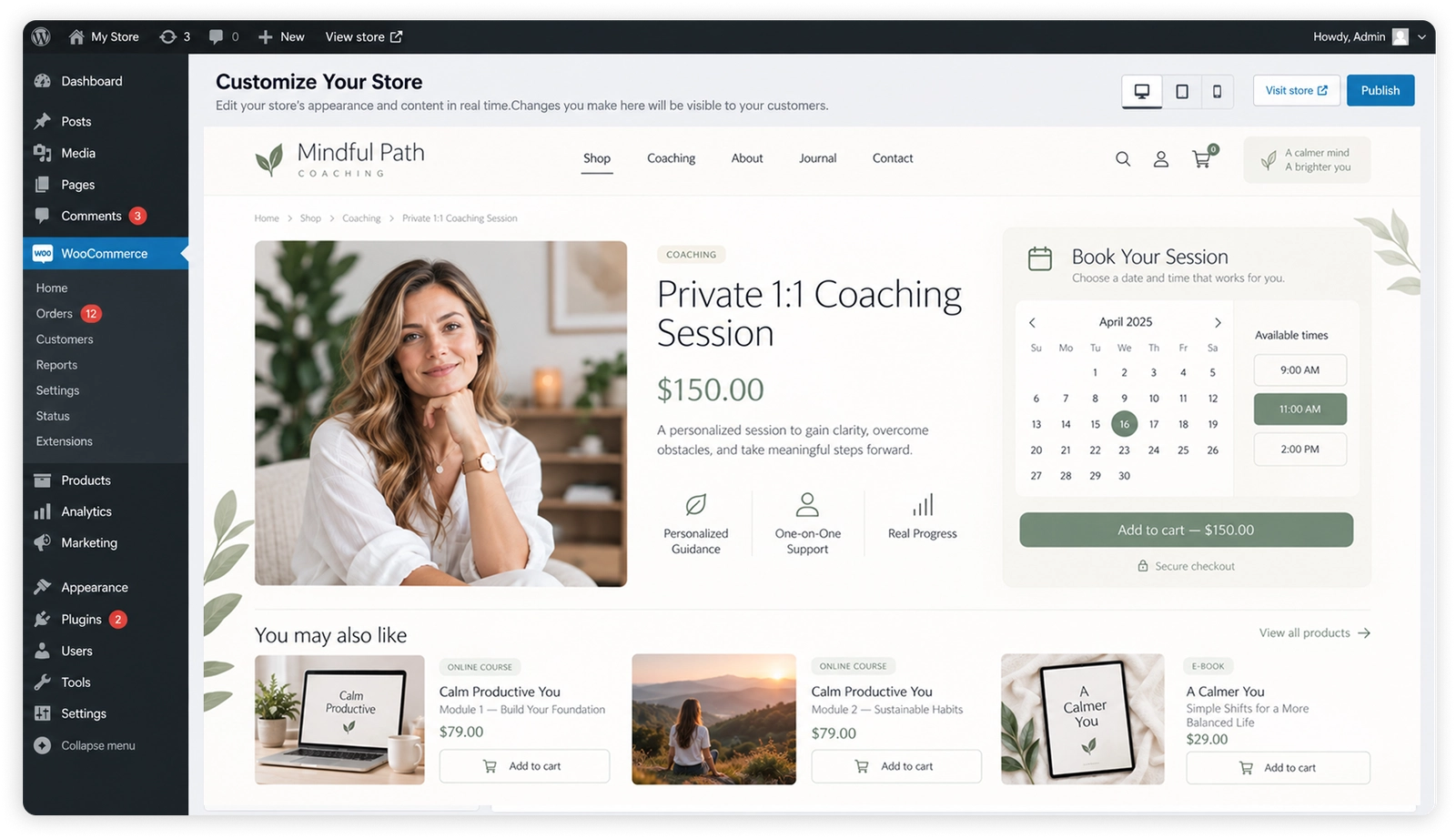
Sell products and take appointments on the same site
Keep shopping and booking together
Let customers buy products through WooCommerce and book services through Koalendar without sending them to a completely separate website.
Turn store visits into appointments
Add booking next to your services, product pages, or calls to action so customers can choose a time while they are already engaged.
Cut down on scheduling messages
Show your real availability so customers can self-book instead of asking for open times by email, phone, or chat.
Keep your store experience consistent
Style the booking page to fit your WooCommerce theme so moving from browsing to booking feels natural.
Keep appointments organized
Your WooCommerce booking calendar can stay separate from product checkout while Koalendar syncs booked times to your connected calendar.
Features
Flexible booking for WooCommerce stores
Add Koalendar to WordPress, customize the booking experience, and keep appointments separate from your WooCommerce checkout.
WordPress plugin and shortcode

Install the Koalendar WordPress plugin and place your booking page on a WooCommerce site with a shortcode.
Embeddable booking page

Paste an embed into a page or section of your store so customers can book without leaving your site.
Custom branding

Adjust colors and booking-page styling so the experience fits your WooCommerce theme and brand.
Calendar availability sync

Connect Google, Outlook, or Apple Calendar so Koalendar shows your real availability and helps prevent double bookings.
Paid appointment booking

On the Pro plan, collect payment through Koalendar when a customer books a service, separately from the WooCommerce cart.
Multiple services and appointment types

Use booking for WooCommerce to offer consultations, classes, sessions, or services with their own durations and settings.
How it works
Add appointment booking to WooCommerce in three steps
- 1
Create your Koalendar booking page
Set your availability, service details, booking questions, and connected calendar.
- 2
Add Koalendar to your WordPress site
Install the Koalendar WordPress plugin and use the shortcode, or paste an embed into the WooCommerce page where you want customers to book.
- 3
Publish and start taking appointments
Customers can choose a time on your site while WooCommerce continues handling product sales and Koalendar handles appointment booking.
Koalendar gives you a simple WooCommerce booking calendar without moving appointment scheduling into the WooCommerce cart.

 WooCommerce
Try the booking system with WooCommerce
Try it free for 7 days. No credit card required.
Start Free Trial Now
Testimonials
Loved by professionals who add booking to their websites
See how Koalendar users make website scheduling easier with WordPress, embeds, mobile-friendly booking, and calendar sync.
Connects your apps to Koalendar









Frequently asked questions
Have a different question and can't find the answer you're looking for? Reach out to our support team by sending us an email and we'll get back to you as soon as we can.
WooCommerce doesn't include appointment booking by default. You can add it with Koalendar, embedded the same way you'd add a booking page to any WordPress site.
Install the Koalendar WordPress plugin and add the shortcode, or paste an embed, onto a page in your WooCommerce store. Customers then book appointments on your site.
No, bookings are handled by Koalendar, not the WooCommerce cart. It sits alongside your store, not inside the checkout.
Yes. WooCommerce keeps handling product sales while Koalendar handles appointment booking on the same site.
Yes, on the Pro plan. Koalendar collects payment at booking through its own checkout, so paid appointments are confirmed upfront. Payment for the booking is handled by Koalendar, not WooCommerce.
Yes. You can style the embedded booking page to fit your WooCommerce theme and branding.
Easier access, better productivity
Connect Koalendar to the tools you already use to streamline scheduling, keep everything in sync, and book more.
Try it for free