TLDR
If you want the fastest path to fewer conflicts and faster meeting setup, start with the shortlist below based on the most common needs.
- Best overall for hybrid workplaces: Robin
- Best for advanced rules and preventing scheduling conflicts: Skedda
- Best for visitor management plus room booking: Envoy
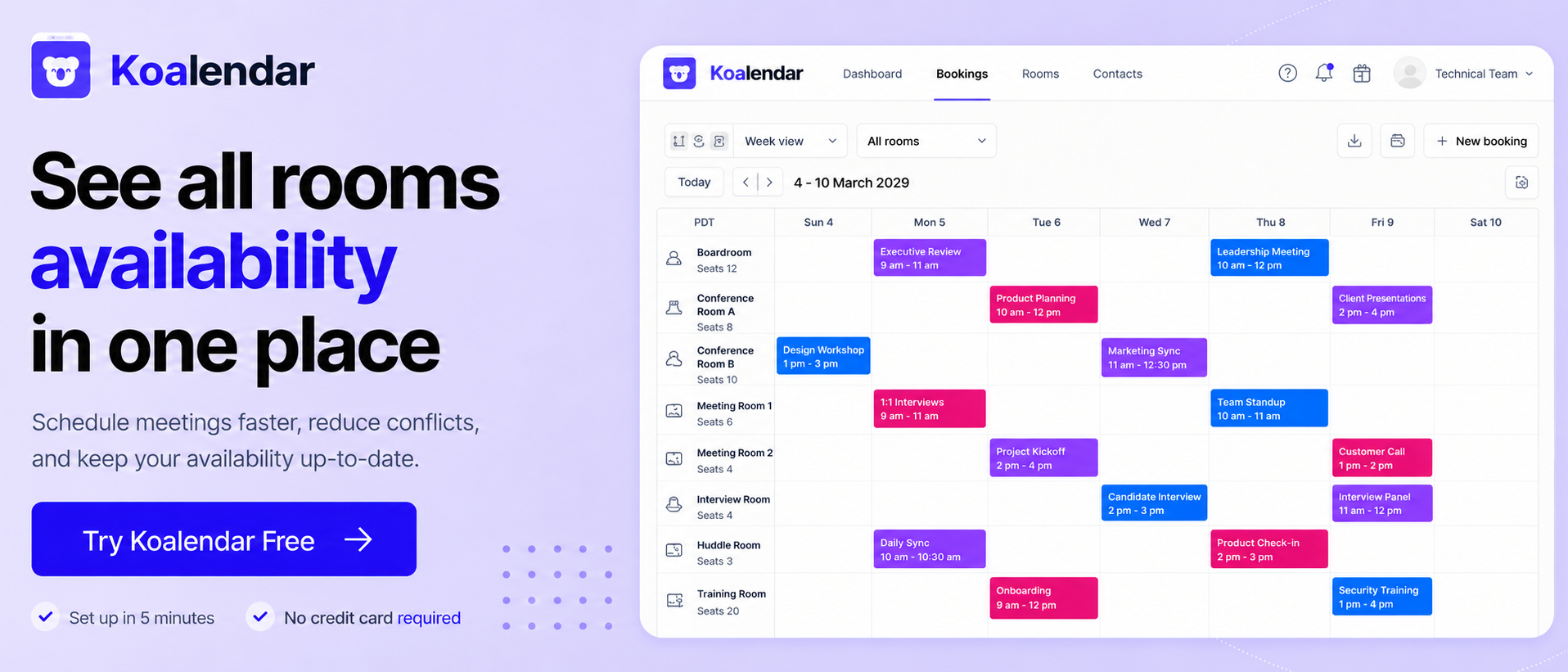
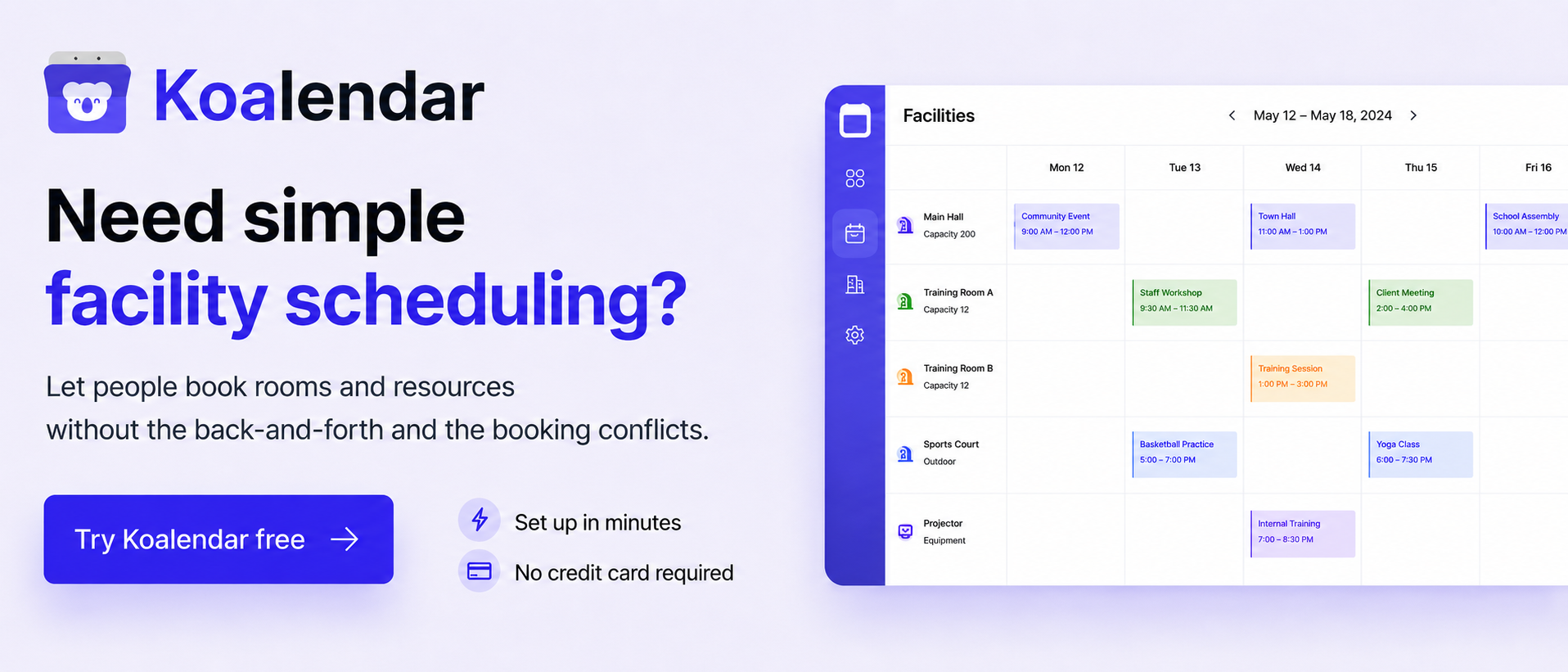
- Best simple, easy to use alternative, for room, meetings, and service scheduling: Koalendar
- Best built in option for Microsoft 365: Microsoft Outlook room finder
- Best built in option for Google Workspace: Google Calendar with add-ons
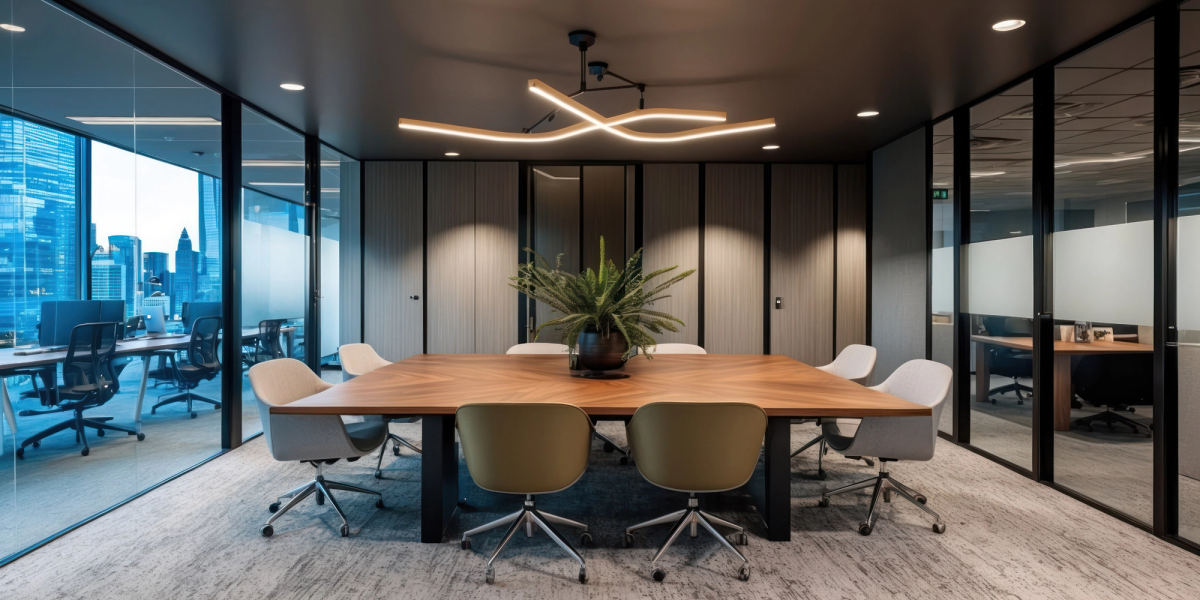
If you are comparing the best meeting room booking software this year, you are probably trying to solve the same three problems every workplace team runs into sooner or later: double bookings, no real visibility into what is actually free, and a booking flow that feels harder than it should.
This guide is built for that exact search intent. You will get a clear comparison chart, the key features that matter in a modern meeting room booking system, and practical trade offs so you can pick the right room scheduling software for your organization without overbuying.
 | Joan | Robin |  | Envoy |  | Eptura (Formerly Teem) | Kadence | Microsoft Outlook room finder | Google Calendar with add ons | OfficeSpace |  | |
| Best for | Teams who want to solve any scheduling issues: rooms, meetings, appointments…. Easy to use booking for smaller teams that want speed and simplicity | Offices that want room displays plus room booking and resource booking | Hybrid workplaces that want room booking plus desk booking and workplace experience workflows | Teams that want a flexible room reservation system with strong rules and integrations | Companies that want room booking plus visitor management and workplace operations | Small to mid size teams that want simple real time booking with low setup time | Enterprises that want a mature room scheduling product tied to facilities workflows | Hybrid teams that want desk, room, and visitor workflows in one workplace app | Organizations on Microsoft 365 that want “good enough” room booking inside outlook | Google workspace teams that want lightweight room booking using calendar resources | Teams that want workplace management plus strong space and utilization reporting | Organizations that want room booking, desk booking, and workplace management with multi language support |
| Pricing and trial info | Free forever plan. Paid is $6.99 per seat per month (billed annually) | Starts from about €49 per month, 30 day free trial listed | Custom quote via request pricing | Starts at $99 per month, free trial available | Get price, free trial and free version listed | Starts at $12 per month, free trial and free version listed | Contact vendor, free trial not listed | Starts at $4 per user per month, free trial available | Included with Microsoft 365, depends on exchange setup | Included with Google workspace, add ons vary by provider | Contact vendor, no free trial listed | Tiered plans, free trial listed on capterra |
| Reviews score (capterra) | 4.9 | 4.7 | 4.7 | 4.8 | 4.8 | 4.6 | 4.4 | 4.6 | 4.5 | 4.8 | 4.9 | 4.6 |
What is meeting room booking software?
Meeting room booking software is a room reservation program that lets people find available spaces in real time, book them instantly, and keep that reservation synced across the tools your team already uses. Think of it as the layer that sits on top of your calendars and workplace resources, built specifically to avoid double bookings and make room scheduling feel effortless.
A modern meeting room booking system typically includes a web app, mobile access, calendar sync, and often room displays outside each space. Many platforms also extend into room and resource scheduling software, meaning you can reserve not just a room, but also equipment, layouts, and services that make the meeting actually work.
Why room scheduling matters today
Hybrid work made room booking harder, not easier. On any given day, you can have people coming in for collaboration blocks, teams trying to book a video enabled room for cross site meetings, and leaders asking whether the office footprint is being used efficiently.
When room scheduling software works well, it does three things immediately:
- It helps avoid double bookings and awkward “who booked this” moments
- It supports faster meeting setup because people can see availability and room details without asking around
- It can boost productivity by removing the small friction that turns scheduling into a time sink
Just as important, the data behind a conference room booking system can show which rooms are truly used, which layouts are in demand, and whether you have the right mix of small focus rooms versus larger collaboration rooms.
How it works (real time availability, booking flow)
Most conference room booking software follows a similar flow:
- The system connects to your calendars (often outlook, google calendar, and sometimes teams). The goal is calendar and calendar sync, so the “source of truth” stays consistent.
- Rooms are defined as bookable resources with properties like capacity, location, features, and permitted booking rules.
- Users search and book by time, room attributes, or location. Availability is shown in real time booking views that update instantly as someone books or cancels.
- The tool writes the reservation back to the calendar and often triggers confirmations, reminders, or check in rules.
- Optional automation kicks in such as releasing a room if nobody checks in, or preventing long recurring holds without approval.
If you use built in options, the mechanics are similar. For example,Outlook room finder is designed to help users find available rooms and relies on rooms being set up as exchange resource mailboxes.
For Google Workspace, admins can set up calendar resources like rooms and equipment, and users book them by adding the resource to an event.
Key features to look for
Not everyone has the same needs and not every tool that calls itself “space scheduling software” will solve your real problems. Use this checklist to stay focused on what reduces conflicts and improves adoption.
Calendar and calendar sync (Google, Outlook, Teams)
This is the make or break feature for any office meeting room booking system.
Look for:
- Two way sync with your primary calendar so edits and cancellations never get out of sync.
- Support for both Google and Microsoft ecosystems if you have mixed environments.
- Microsoft teams considerations if your booking flow often starts with “make this a Teams meeting,” and you want the room booking to follow naturally.
- Resource mailboxes or resource calendars support so rooms behave like true resources, not personal calendars.
If your team lives in Microsoft 365, Outlook room finder can be a solid baseline because it is already in the scheduling flow. If you are on Google Workspace, calendar resources are the baseline.A dedicated tool becomes valuable when you need advanced rules, better search, check in, displays, analytics, and cross device booking.
Mobile and cross-device access
Adoption depends on how quickly someone can book, change, or cancel.
Prioritize:
- Mobile apps for quick booking and check ins
- Cross-device consistency so the same availability appears on desktop, mobile, and room displays
- On the spot booking support, especially if people walk up to a room and claim it
If the interface is clunky, you will see shadow systems appear again, like whiteboards, chat messages, and personal workarounds that bring scheduling conflicts back.
Resource management (equipment, capacity, layout)
Depending on your company’s size and what you do, you might need to manage alternative resources, like equipment. If this is you, the best conference room booking system for you is not only about a time slot. It is about booking the right space for the meeting.
Key capabilities:
- Capacity controls to prevent booking a 4 person room for a 12 person meeting.
- Equipment tags like video conferencing, whiteboards, displays, and conference phones.
- Layout selection such as boardroom, classroom, theater, or workshop.
- Linked resources such as “room plus projector” or “room plus catering request.”
This is the difference between a basic room reservation system, which might be enough for smaller companies, and true room utilization software that improves the meeting experience.
Analytics and reporting
If you need to get your rooms under control, chances are you would benefit from analytics to help you understand and plan what you’re dealing with.
Look for:
- Utilization metrics by room, time of day, day of week, and location.
- No show and ghost meeting insights especially if you plan to add check in rules.
- Demand indicators such as “most searched room features” or “peak booking times.”
- Exportable reports for facilities, finance, or leadership.
Analytics is where “meeting room manager” tools can justify their cost because you can stop guessing about real usage.
Best meeting room booking software. Reviews and comparison
Below is a practical review of each conference room booking software option on your comparison list. Each section includes who it is best for, top features, trade offs, and the typical pricing model so you can match the tool to your needs.
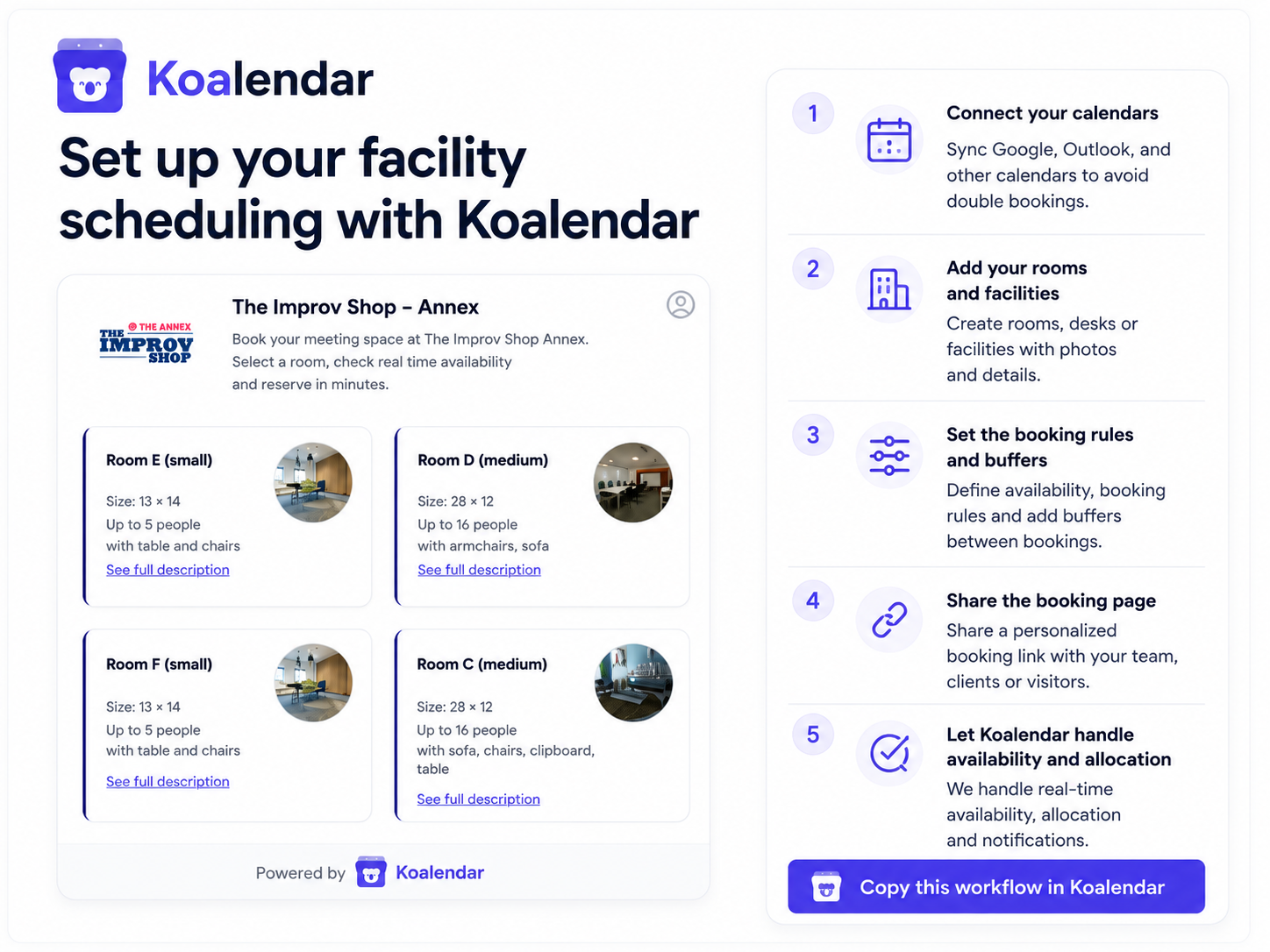
Best for: Small and medium-sized companies looking to solve all their scheduling problems: meeting rooms, video meetings, and appointments. Easy to use scheduling when you want speed, clean UX, and a lightweight path to better room reservations.
Top features:
- Very high ease of use rating on Capterra, which is usually the biggest driver of adoption.
- Good for smaller teams that want a meeting room booking system that feels simple rather than “enterprise heavy.”
- You can use it to book rooms, online meetings, or services.
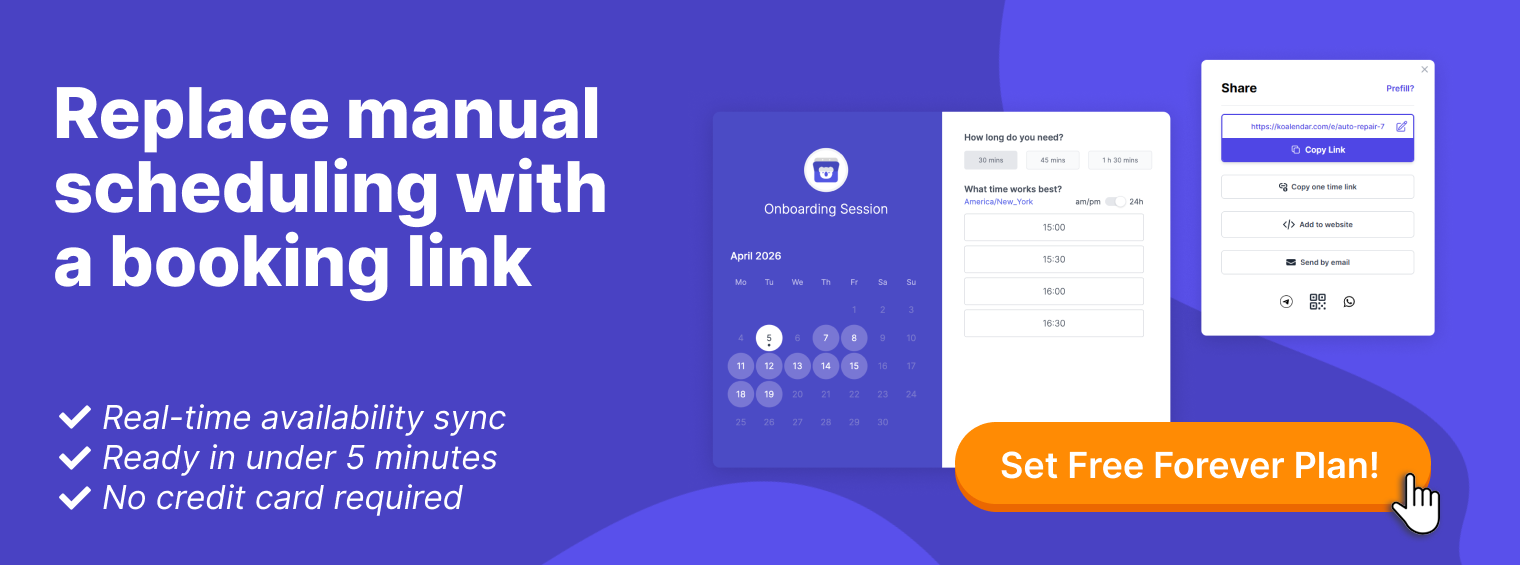
- Includes a free Forever version, which makes it easy to start and expand.
Trade offs:
- If you need deep workplace management, advanced governance, or large scale analytics, you may still prefer a platform built specifically for enterprise space management.
Pricing models: Free forever plan available (1 calendar), which makes it easy to test it out. Pro version with reminders and payments, is $6.99 per seat per month (billed annually).
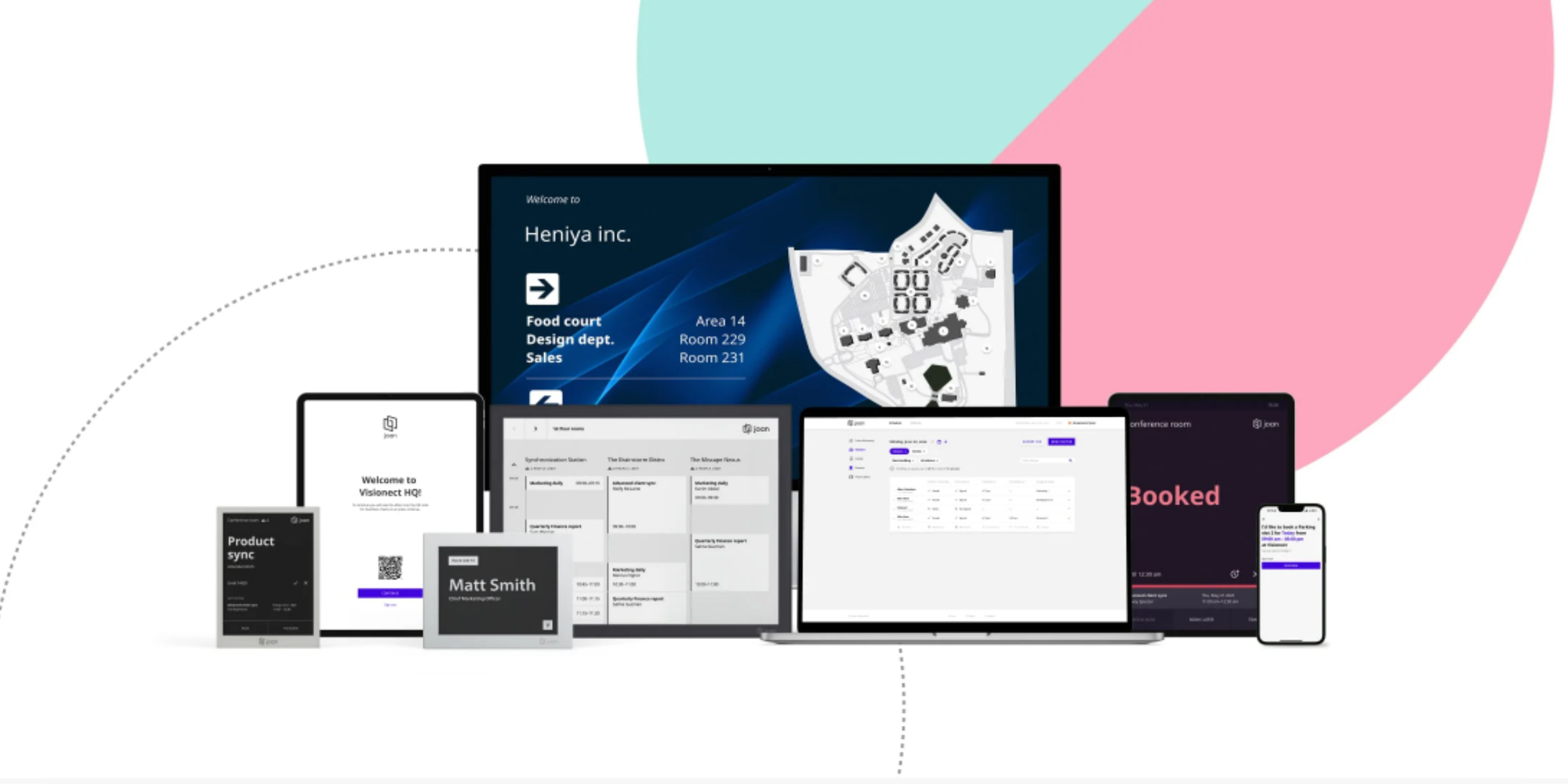
Best for: Teams that want room displays outside meeting rooms plus a booking platform that also covers desks and other resources.
Top features:
- Room display experience designed for “walk up and book” workflows.
- Resource booking beyond rooms, which can reduce side channel coordination.
- Integrations commonly positioned around google workspace and microsoft 365.
Trade offs:
- If you only want a lightweight room reservation program without displays, the platform can be more than you need.
- You will want to confirm the pricing model and what is included per plan, because room display hardware strategy influences total cost.
Pricing models: Starting from about €49 per month, free trial available (no information regarding duration). Quote-based pricing.
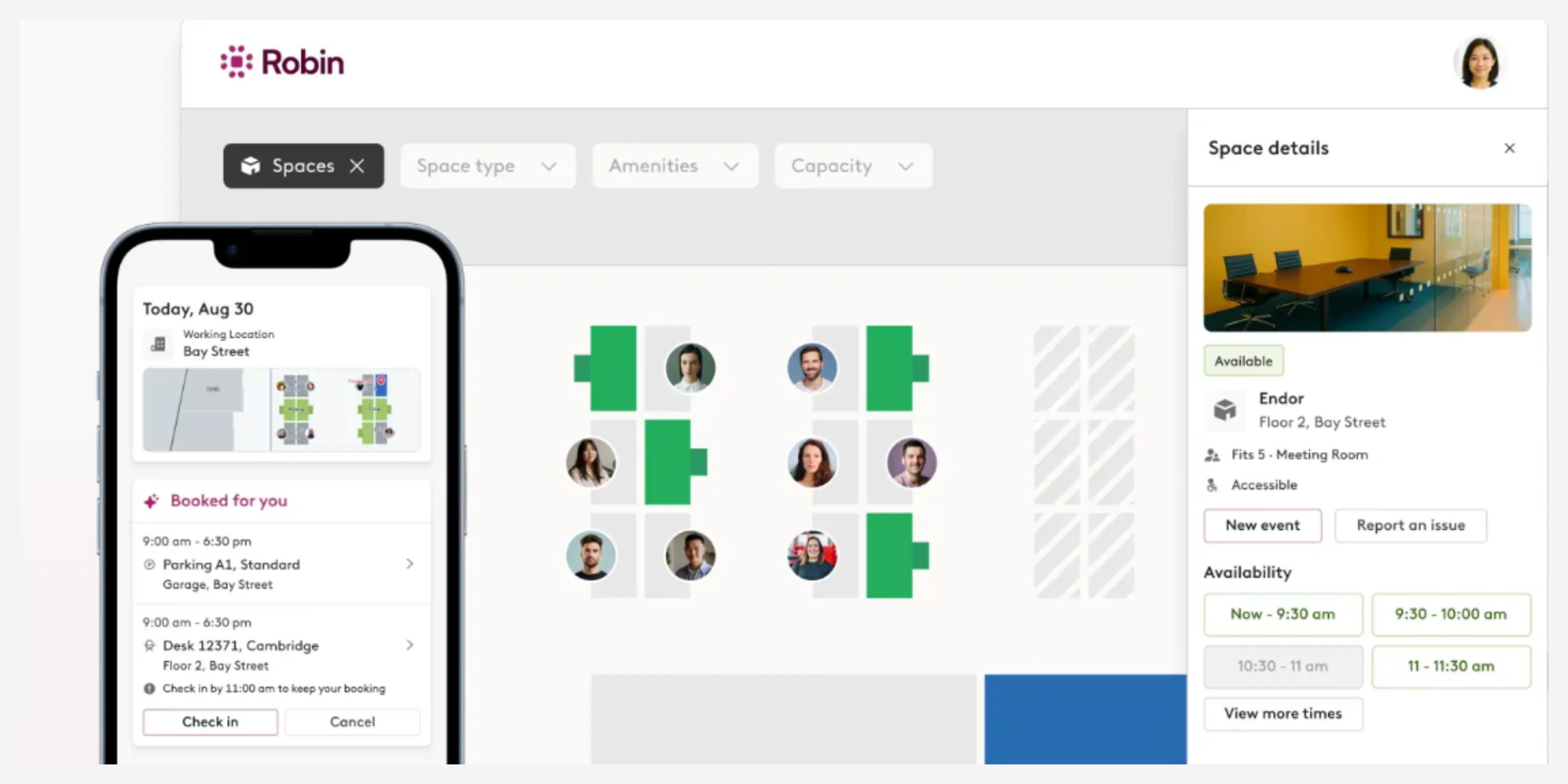
Best for: mid-size to enterprise hybrid offices that want a workplace experience layer, not just room scheduling.
Top features:
- Strong for multi location coordination, desk and room booking, and office workflows.
- Often used when teams want maps, wayfinding, and better coordination of “who is in office.”
Trade offs:
- Pricing is typically quote based, so it can be harder to estimate quickly.
- If your main pain point is only to avoid double bookings, you may not need the broader platform depth.
Pricing models: Custom quote via request pricing.
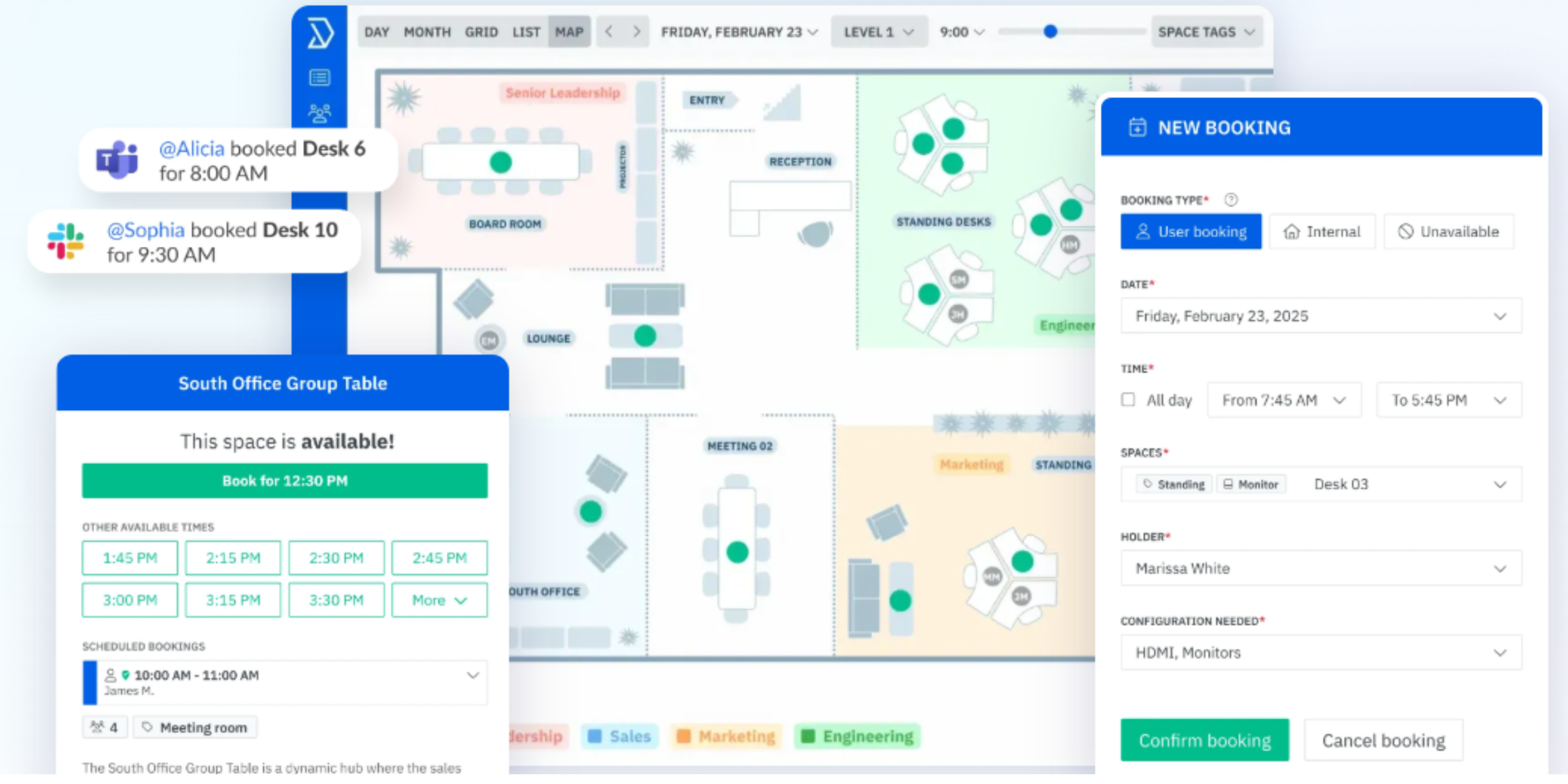
Best for: organizations that want robust booking rules, approvals, and flexibility, including complex room and resource scheduling software setups.
Top features:
- Strong availability search and booking controls.
- Good fit for teams that need policies like buffers, approvals, and recurring booking governance.
- Free trial is available, which helps drive adoption testing before rollout.
Trade offs:
- With highly configurable systems, you may spend more time on initial setup to match your booking policies.
- If you want a super minimal interface for casual users, you may want to validate the user experience with a pilot group.
Pricing models: Starts at $99 per month (usage based). free trial available.
Best for: Offices that want room booking combined with workplace operations, especially visitor management and front desk workflows.
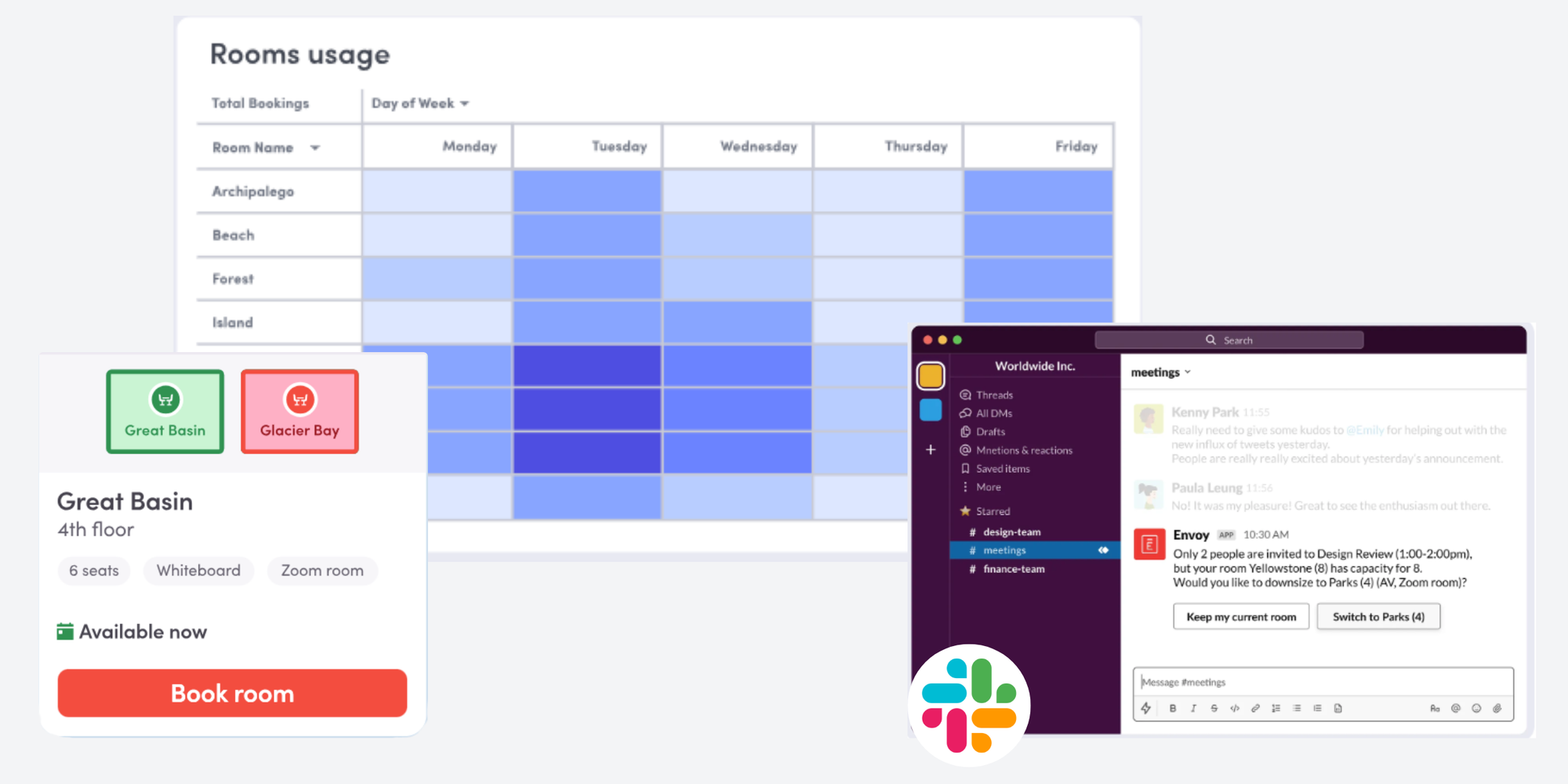
Top features:
- Strong for visitor management and workplace security workflows, with booking layered in.
- Good when you want one vendor to cover multiple workplace operations areas.
- Capterra indicates a free trial and a free version are available.
Trade offs:
- If you only need conference room booking software, the broader platform can be more expensive than a dedicated room scheduler.
- Feature packaging can matter. Validate that the room booking module includes what you need, such as check ins, maps, or analytics.
Pricing models: Free with limited features for small businesses with basic visitors needs. Premium is $4,345 per location/year (billed annually). Enterprise is custom pricing.
Best for: small to mid size teams that need a straightforward meeting room scheduler with fast setup.
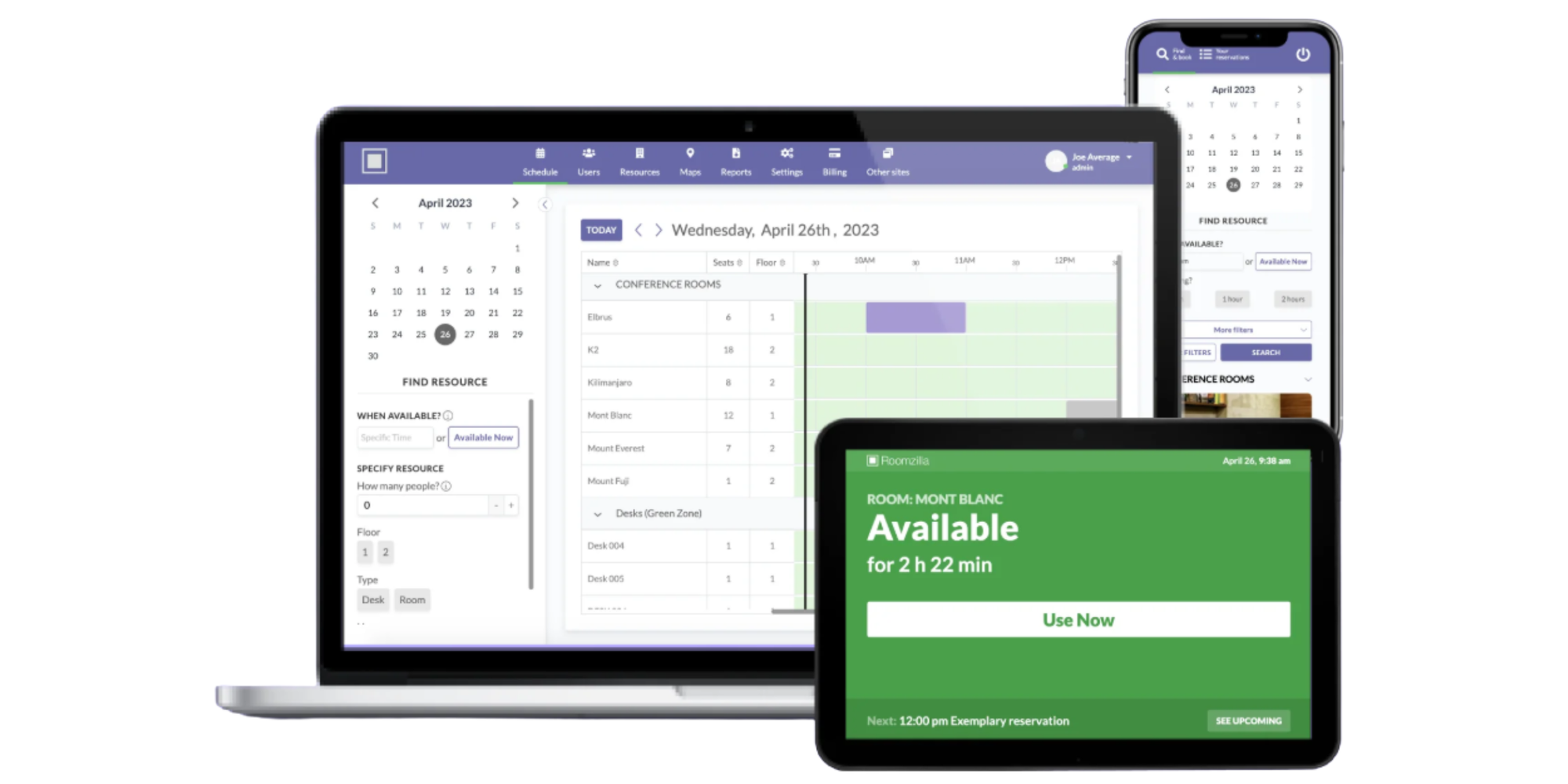
Top features:
- Simple interface that supports quick booking and viewing availability.
- A free version for up to 3 resourcesl, which makes it easy to test with a few rooms.
- Good fit if your main goal is to stop scheduling conflicts without heavy process change.
Trade offs:
- If you need deep workplace analytics, advanced policy controls, or enterprise governance, you may outgrow it.
- Validate the quality of calendar sync for your specific environment, since that is the core of avoiding double bookings.
Pricing models: Free plan available for up to 3 resources. Standard is $10 per resource/ month (billed annually), Business plan is $17 per room and $10 per desk/equipment (billed annually).
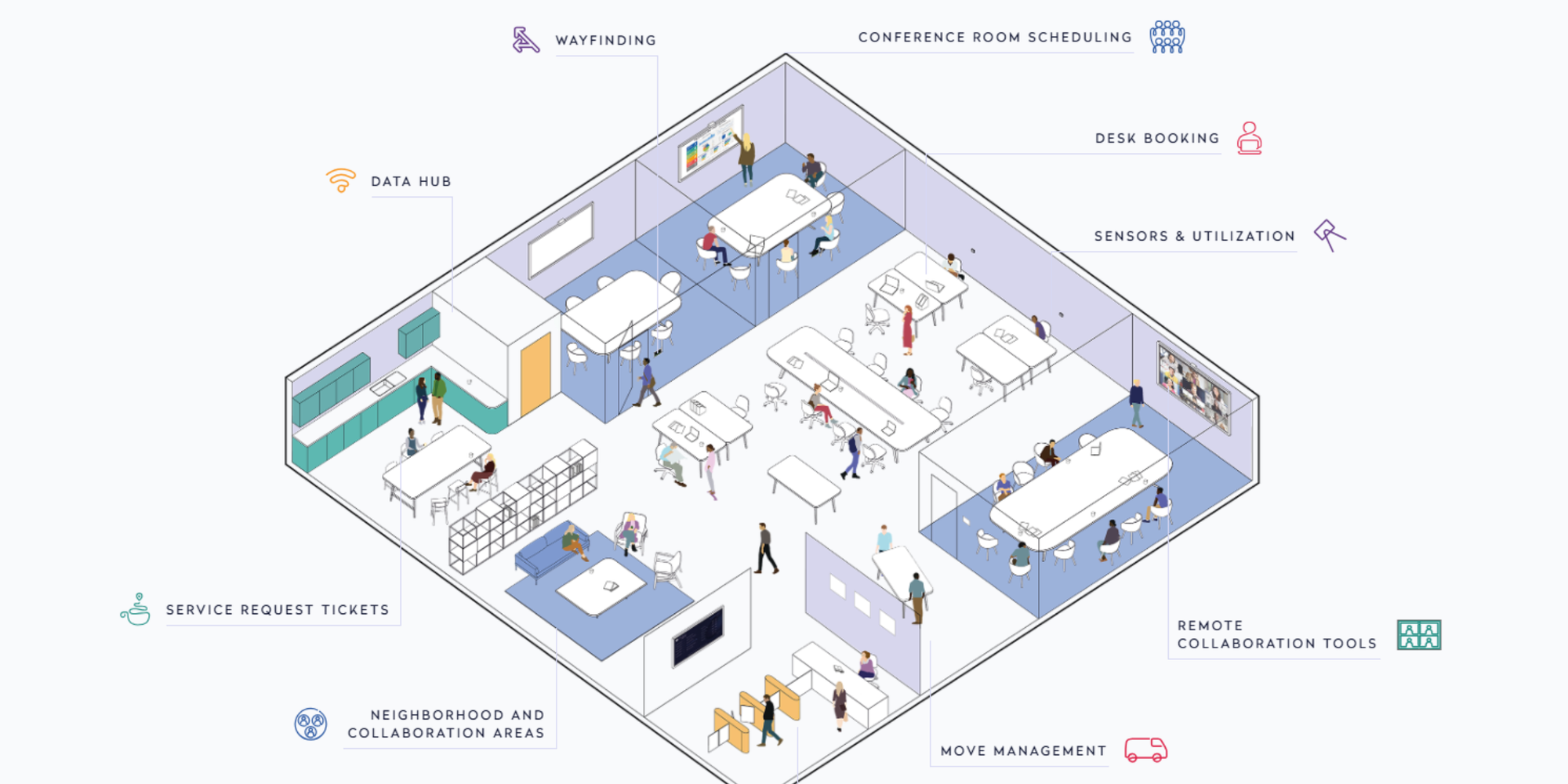
Best for: Larger organizations that want room scheduling tied into facilities management and enterprise workplace operations.
Top features:
- Mature scheduling approach that can work well for complex office environments
- Often evaluated alongside broader facilities toolsets
Trade offs:
- No free trial available so evaluation tends to be demo-based
- For smaller teams, the setup and contract process can be heavier than needed
Pricing models: Quote-based pricing.
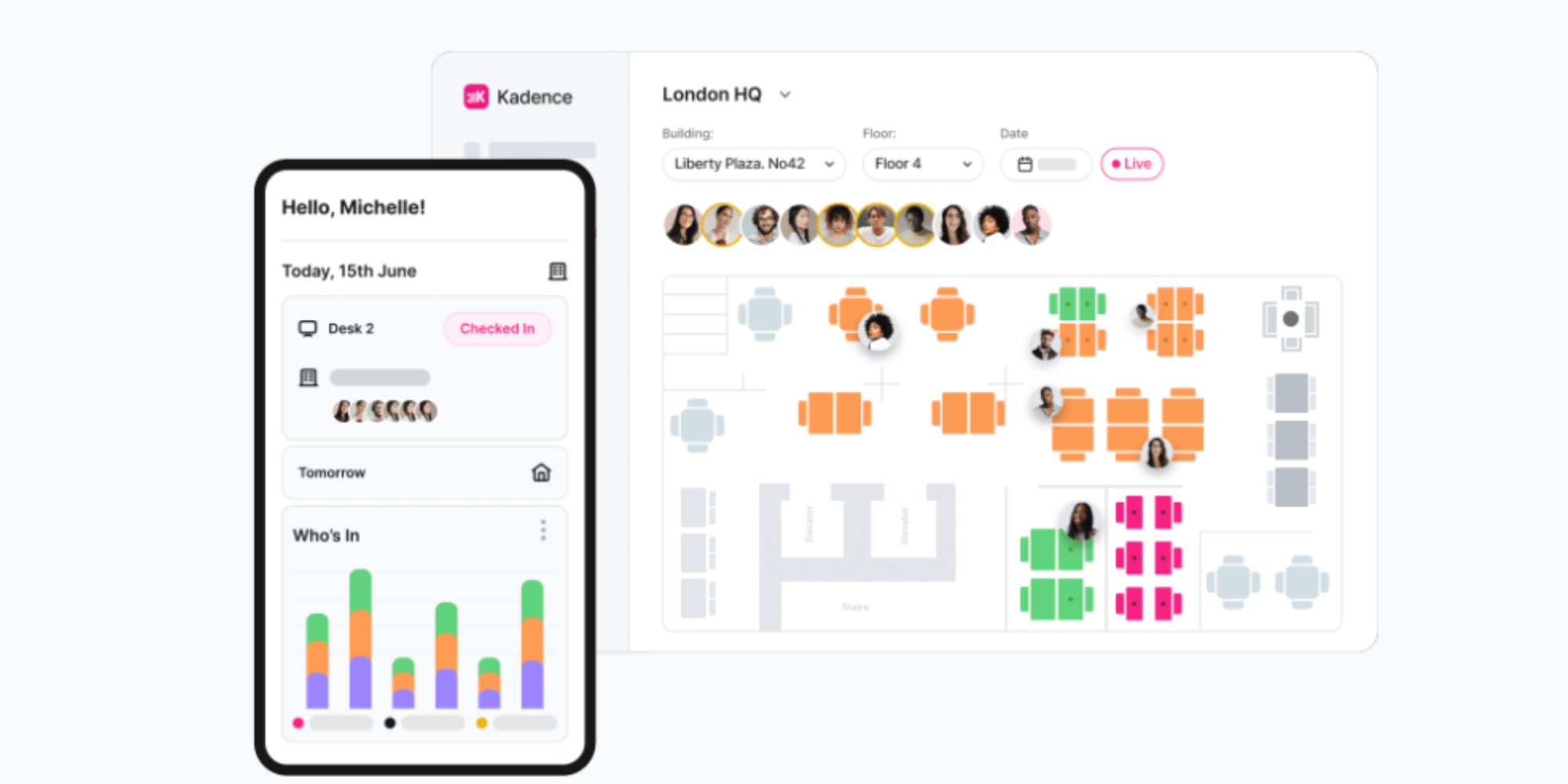
Best for: Hybrid organizations that want a unified workplace app for rooms, desks, and visitor flows with a modern interface.
Top features:
- Strong for cross device access and day to day employee experience
- A good option when you want room reservation systems plus desk workflows in one place
- Capterra lists a starting price and free trial availability, which helps pilots
Trade offs:
- If you only want a basic conference room booking system, the broader platform may feel like extra surface area
Pricing models: Quote-based pricing for both Standard and Enterprise plans.
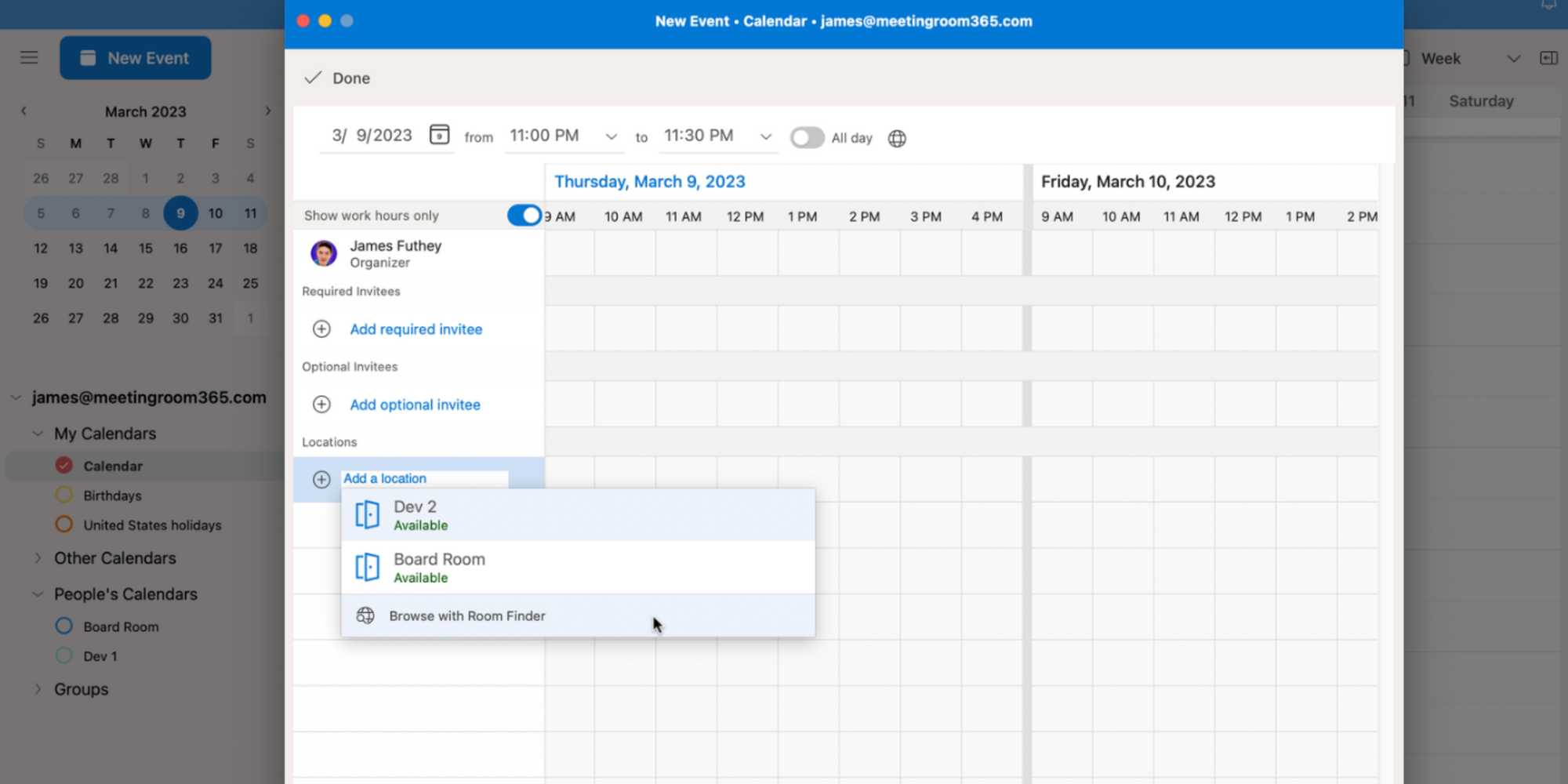
Best for: Microsoft 365 organizations that want a lightweight room scheduling solution built into the calendar experience.
Top features:
- It is embedded in the meeting creation flow, so user adoption is often easier
- Outlook room finder is designed to help users find available meeting rooms and workspaces
- Works with exchange room and workspace mailboxes, so governance can be centralized
Trade offs:
- It is not a full room utilization software solution. You may miss advanced analytics, check in automation, room displays, and richer search.
- The admin setup matters. If rooms are not configured correctly, the room finder experience can feel inconsistent.
Pricing models: Included as part of microsoft 365 and exchange setup. Microsoft business plans show paid subscriptions and offer “try for free” on plan pages, with prices varying by plan.
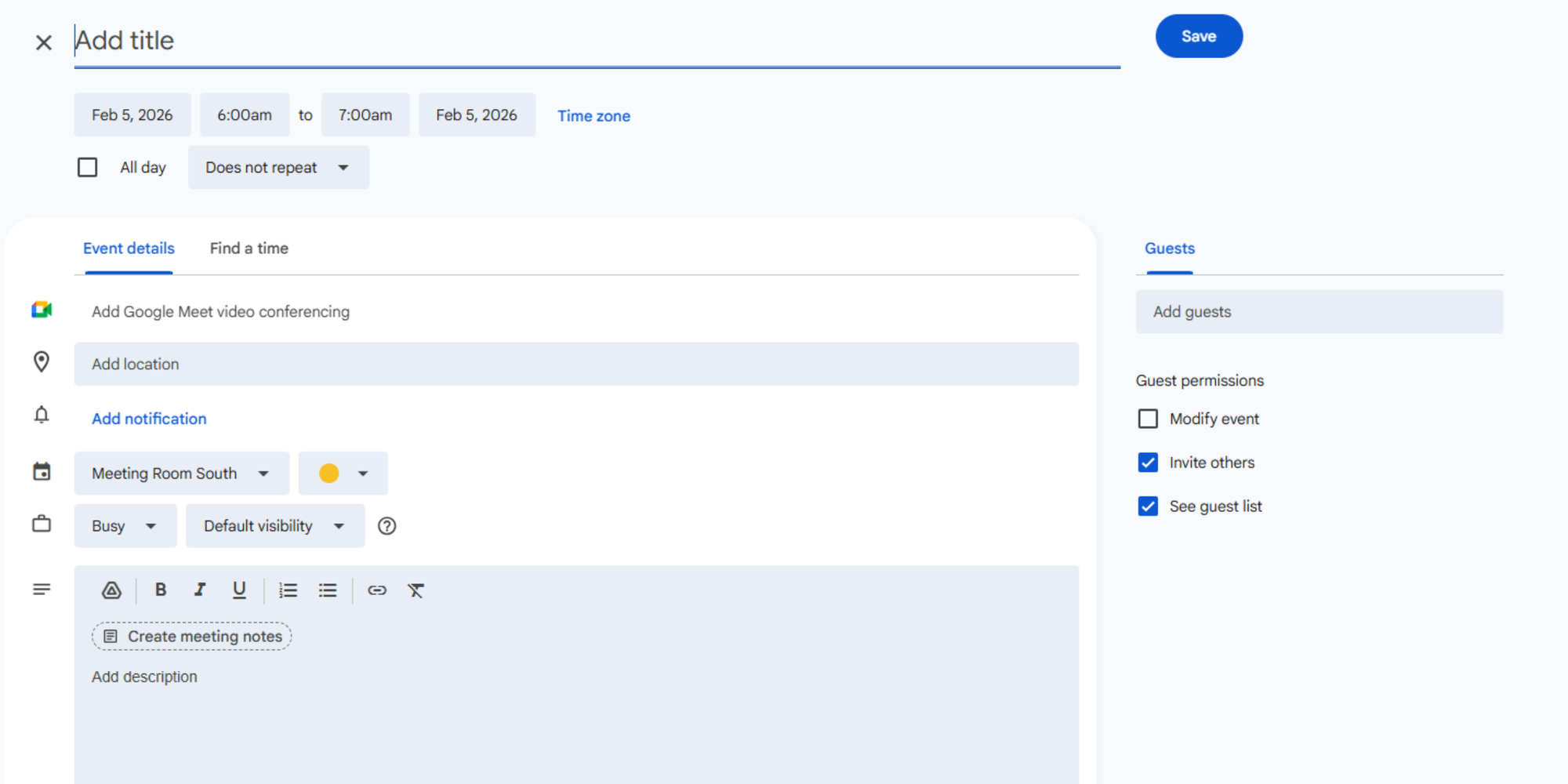
Best for: Google Workspace teams that want a basic room reservation program without adding a new platform right away.
Top features:
- Google admin can set up “calendar resources” such as rooms and equipment, and users can book them for events.
- Lightweight and familiar user experience, which can speed adoption.
- Often enough for very small offices or teams with simple booking needs.
Trade offs:
- As your workplace grows, you may want better policy controls, advanced search by equipment and layout, and stronger analytics.
- Add ons can help, but once you rely on multiple add ons, governance and support can get messy.
Pricing models: Included with Google Workspace plans. The Google Workspace pricing page shows Business Starter at $7 per user per month with a 1 year commitment and includes a trial option.
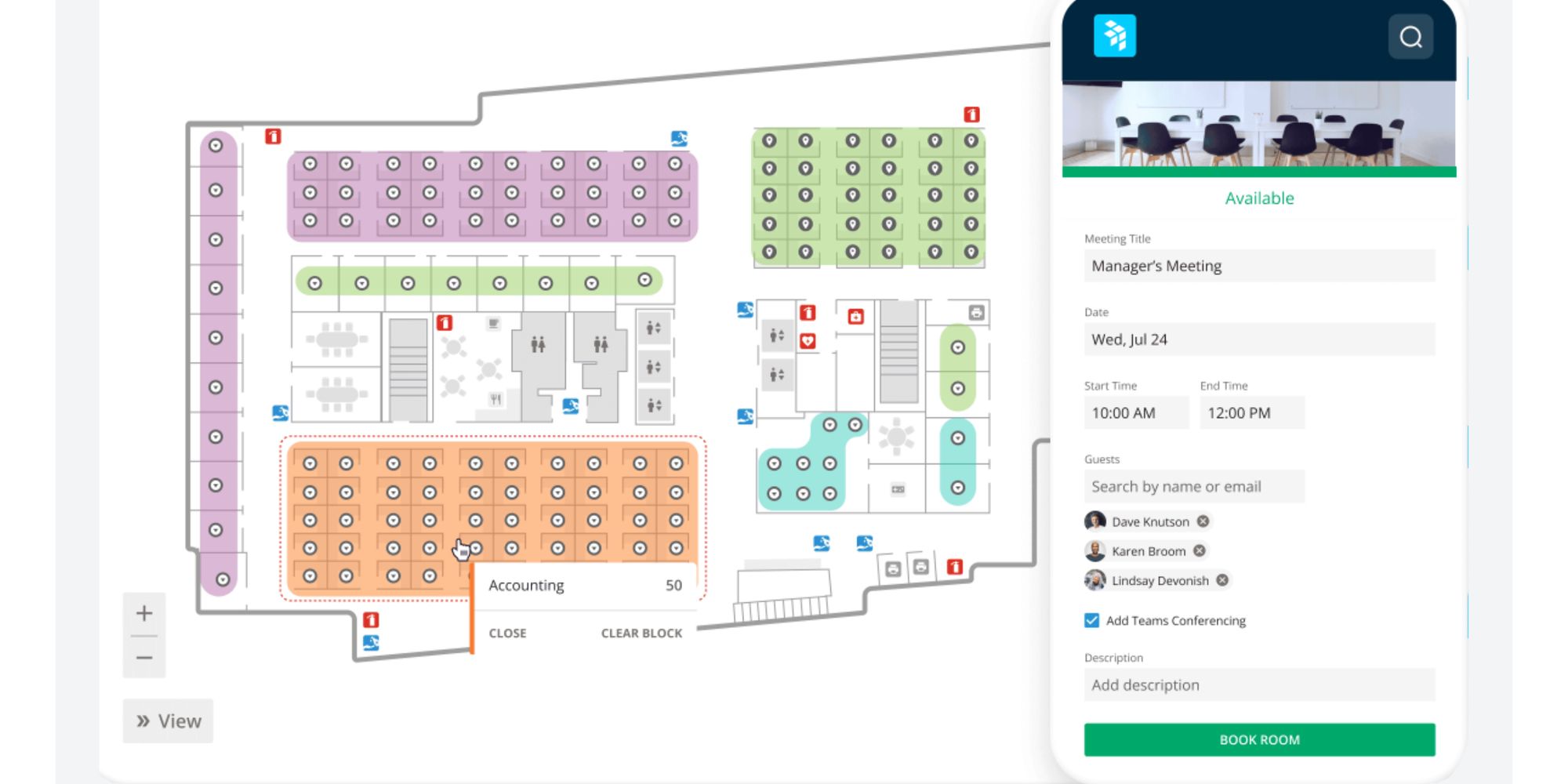
Best for: Teams that want workplace management with strong reporting and planning capabilities, beyond only booking.
Top features:
- Often chosen for workplace visibility and planning alongside booking
- Strong ratings on Capterra suggest high customer satisfaction
Trade offs:
- Their page indicates contact-vendor pricing and no free trial available, so evaluation is more sales-led
- If your only goal is to avoid double bookings, it may be broader than required
Pricing models: Contact vendor.
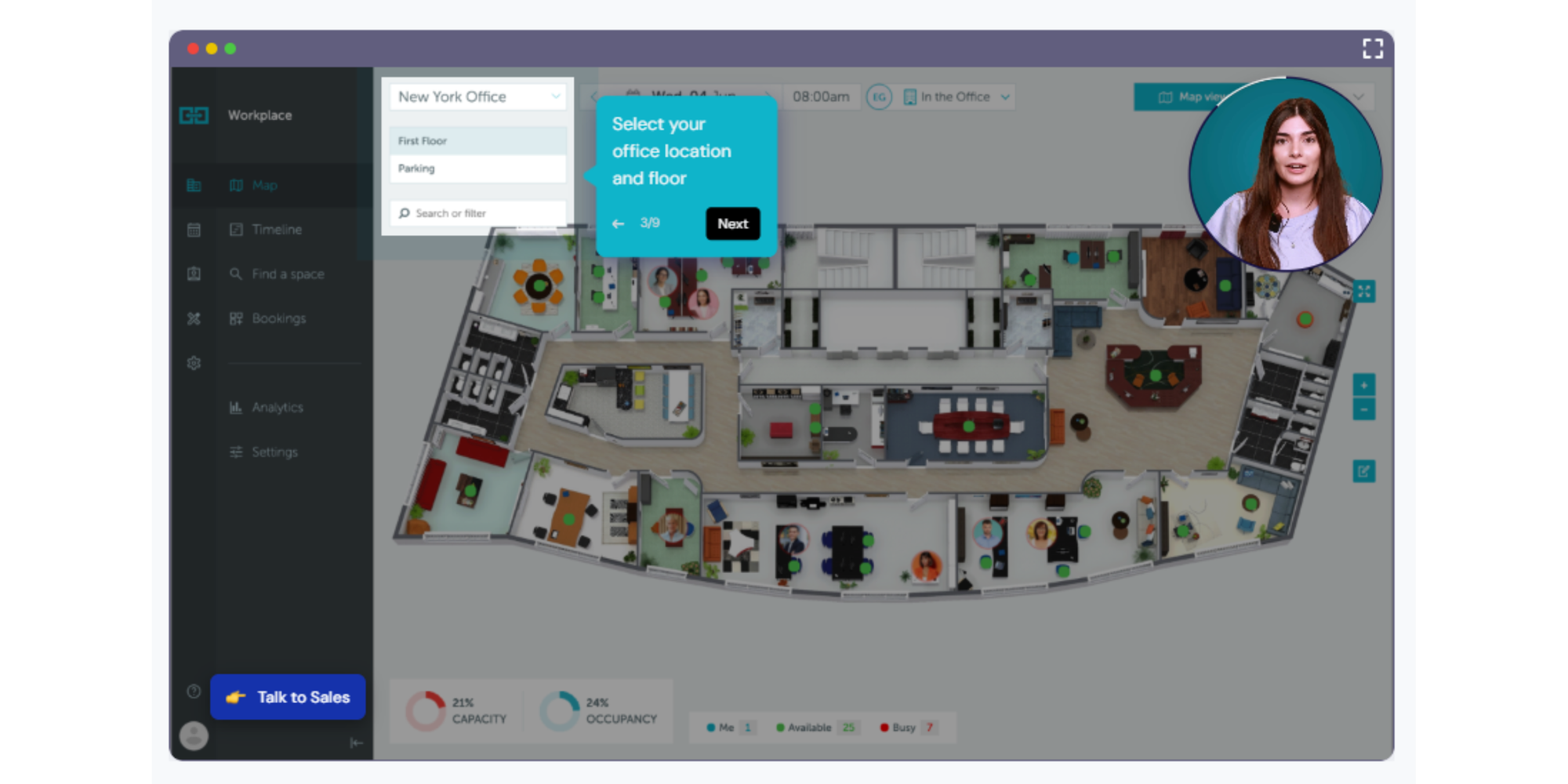
Best for: Organizations that want a full workplace scheduling suite, often spanning rooms, desks, and visitor workflows.
Top features:
- Strong for multi language needs and broader workplace management.
- Good fit when you want space scheduling software that can scale across teams and locations.
Trade offs:
- As with many broader platforms, you will want to confirm which features are included per tier to avoid paying for unused modules.
Pricing models: Tiered monthly plans, Starter from $99/month, Business from $399/month, and Enterprise from $899/month, when billed annually.
How to choose the right system for your organization
The fastest way to choose the best conference room booking software is to match your selection criteria to your organization size, complexity, and where scheduling happens today.
For small teams
If you are under roughly 50 people or you manage only a handful of rooms, your priority should be adoption and simplicity.
A practical approach:
- Start with what you already have if it is working. google calendar resources or outlook room finder can be enough when needs are basic.
- Choose a dedicated tool when you regularly see double bookings, no shows, or confusion about room capacity and equipment.
- Prefer a tool that offers a free trial and a low friction setup, so you can test real workflows in a week, not a quarter.
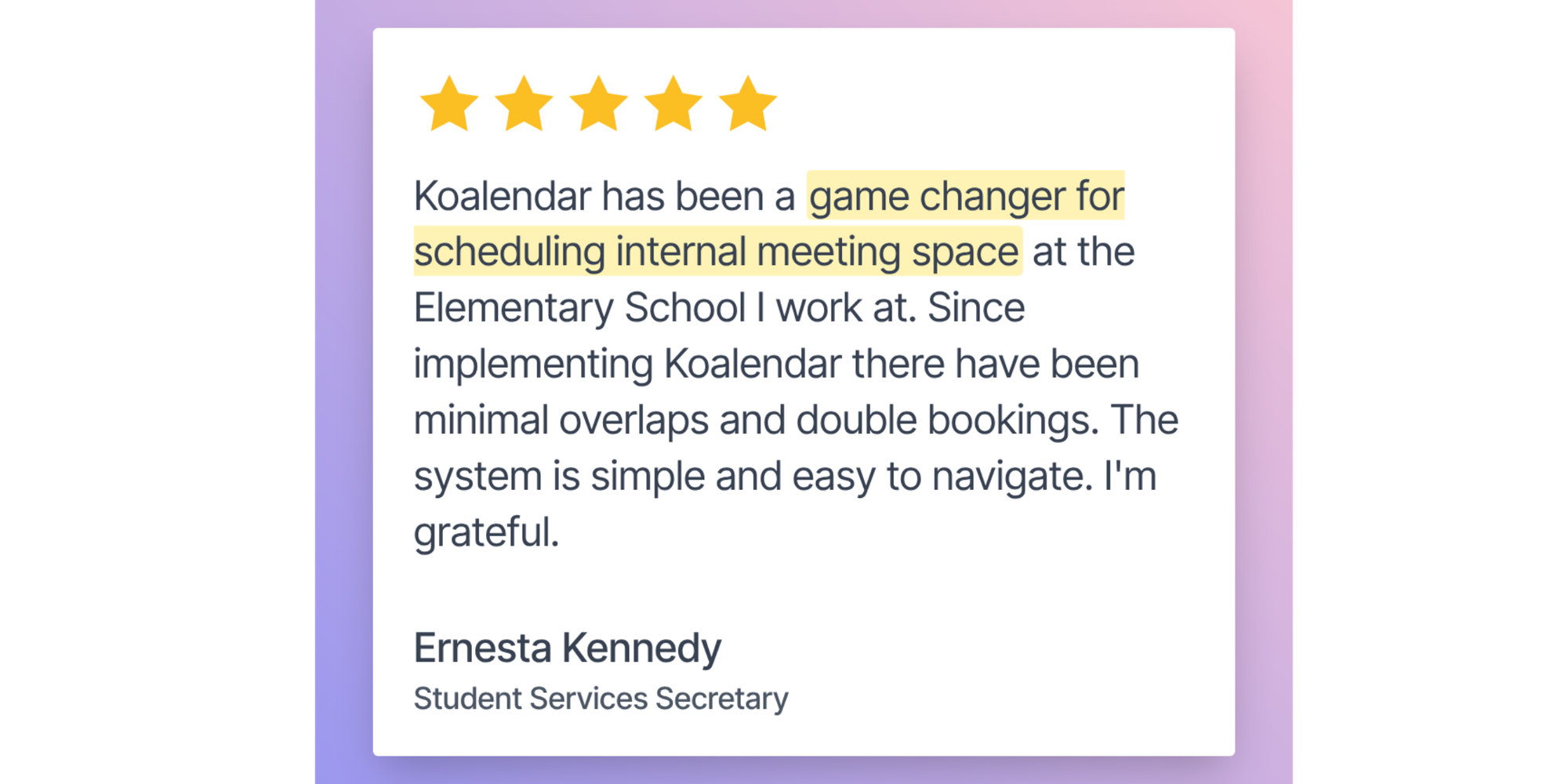
In this category, tools like Roomzilla and Koalendar can be appealing because they focus on getting you to real time booking quickly without heavy rollout.
For mid size companies
Mid size companies often hit the “coordination wall.” You have enough people that scheduling conflicts hurt, but not enough admin bandwidth to run a complex system.
What to prioritize:
- Strong calendar sync across google, outlook, and teams where needed.
- Mobile and cross device access so people can book rooms in the moment.
- Resource management that actually reflects how your rooms are used, including capacity and AV requirements.
- Analytics that show room utilization patterns so you can fix the real problem, not just the symptom.
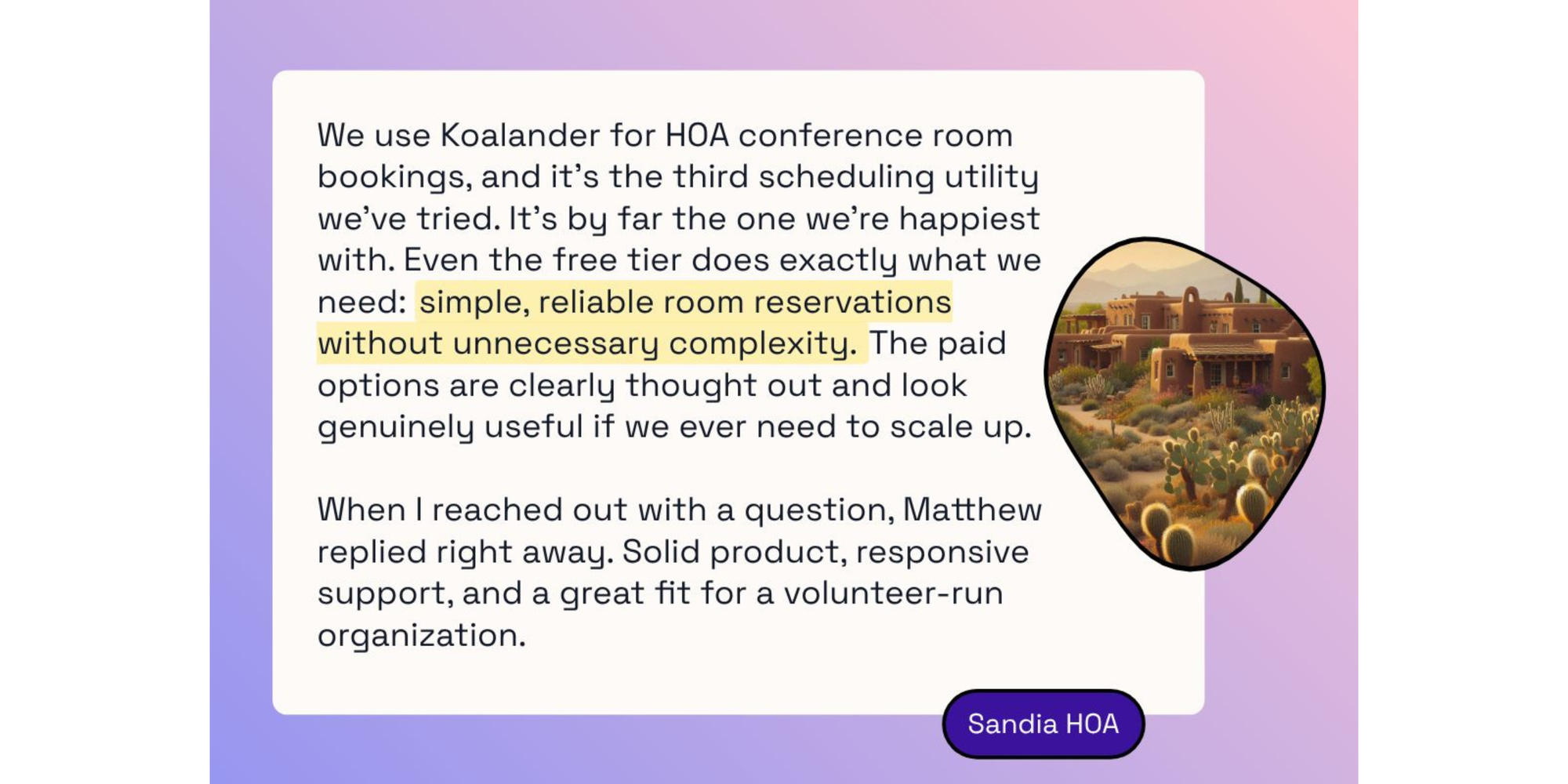
In this segment, Koalendar, Skedda, Kadence, and Joan are often compared because they cover room scheduling software while also supporting broader workplace workflows depending on what you need.
For enterprise and hybrid work
Enterprise and heavily hybrid workplaces should treat room and resource scheduling software as infrastructure, not a nice to have.
Selection criteria that matter most:
- Governance: permissions, approval workflows, and policy rules.
- Scalability: multi location, multi building, and standardized room attributes.
- Security and identity: SSO, directory integration, and admin controls.
- Utilization and insights: the reporting you need to plan space, reduce waste, and improve employee experience.
- Integrations: not just calendar sync, but workplace tools such as visitor workflows, ticketing, and automation.
If you want a full workplace platform, Envoy, Officespace, and Eptura tend to enter the conversation because they go beyond a basic room reservation system into broader workplace operations.
If your goal is to stop double bookings and get people to use your system, the simple next step is to pick 2 to 3 tools from the chart, then run a pilot with your real rooms and real booking behavior for two weeks. The best meeting room booking system software is the one your team will actually use every day, because adoption is what truly eliminates scheduling conflicts and keeps rooms running smoothly.