If Microsoft Bookings feels a little too “Microsoft-first,” you’re not imagining it. Bookings is a Microsoft 365 app designed to work smoothly with Outlook and Teams, great for some companies, limiting for others.
In this guide, we’ll compare appointment scheduling software that works for modern teams, whether you run a consultancy, clinic, agency, school, internal IT desk, or a global enterprise. We’ll also cover what to look for when you’re weighing Microsoft Bookings alternatives: pricing, calendar flexibility, payments, customization, and team scheduling.
 |  |  |  | Google Calendar appointment scheduling |  |  | |
| Starting price (USD) | Included with Microsoft 365 (Business plans from $6/user/mo annual) | Free Forever plan (unlimited bookings/pages + calendar sync), paid from $6.99/seat/mo | Free; paid from $10/seat/mo (annual) | Free; paid from $9/mo | Basic booking page free; premium in Workspace plans | From $20/mo | Free; paid plans available |
| Calendar integrations | Microsoft 365/Outlook | Google Calendar + Outlook, iCal | Google/Outlook | Google, Microsoft, Apple calendars | Google Calendar | Calendar sync supported (setup-dependent) | Outlook, iCloud + others |
| Payment support | Limited vs dedicated tools | Stripe via Koalendar payments (no commission from Koalendar) | Stripe/PayPal (plan dependent) | Paid plans support payments Stripe | Stripe (eligible plans) | Stripe/Square/PayPal (paid) | Stripe integration |
| Team features | Best inside Teams/org setup | Round-robin, group meetings | Round-robin + routing (Teams paid plan) | Highly customizable booking flows | Best for Google Workspace teams | Multi-staff + multi-calendar options by tier | Great for group scheduling + availability polls |
| Best use case | Microsoft-first SMEs | Simple, affordable scheduling for SMEs, service business, and paid appointments | High-volume team scheduling | Custom booking flows + forms | Simple Google-first booking | Service businesses + paid appointments | Fast group scheduling |
Quick shortcut: If you want one link that works across teams, clients, and calendars, start for free with Koalendar, upgrade only if you need to. If you run a service business with payments and packages, Acuity is usually the fastest fit.
Why companies look for alternatives to Microsoft Bookings
Microsoft Bookings can be a solid choice, especially if your company already lives inside Microsoft 365. Microsoft describes Bookings as a Microsoft 365 app with a web booking calendar, Outlook integration, and automated notification emails.
But organizations often start searching for MS Bookings competitors when they need:
- More flexibility than “Microsoft-only” scheduling (mixed calendars, contractors, shared inbox teams)
- A smoother customer experience (cleaner pages, fewer clicks, clearer confirmation flows)
- Payments, deposits, or pre-qualification (so your team stops chasing invoices and no-shows)
- More customization (branding, forms, reminders, routing rules)
- A pricing model that fits (not necessarily tied to a full suite subscription)
And one practical reason? Scheduling back-and-forth still eats time. Harvard Business Review has cited a McKinsey analysis that the average professional spends 28% of the workday reading and responding to email—exactly where “what time works?” threads tend to live.
What to look for in scheduling tools like Microsoft Bookings
If you’re comparing booking software alternatives, focus on these five “make or break” areas:
1) Calendar sync that matches real life
Look for conflict checks, buffer times, time zones, and support for the calendars your teams actually use.
2) Booking page experience
A good booking page feels effortless: clear times, clear expectations, and the right amount of info.
3) Automations that reduce no-shows
Reminder messages aren’t just a “nice extra.” As we covered in the past, email reminders and SMS help reduce no-show appointments, (And while your company might not be a hospital, the same human behavior applies: people forget, schedules change, inboxes explode.)
4) Payments (if you sell time)
If you charge for calls, training, sessions, or services, requiring payment at booking can protect your time and stabilize revenue.
5) Team scheduling and routing
Round-robin, pooled availability, and role-based assignment become essential the moment scheduling stops being a “solo task.”
The best Microsoft Bookings alternatives for companies
1) Koalendar: Best all-around value for modern booking pages
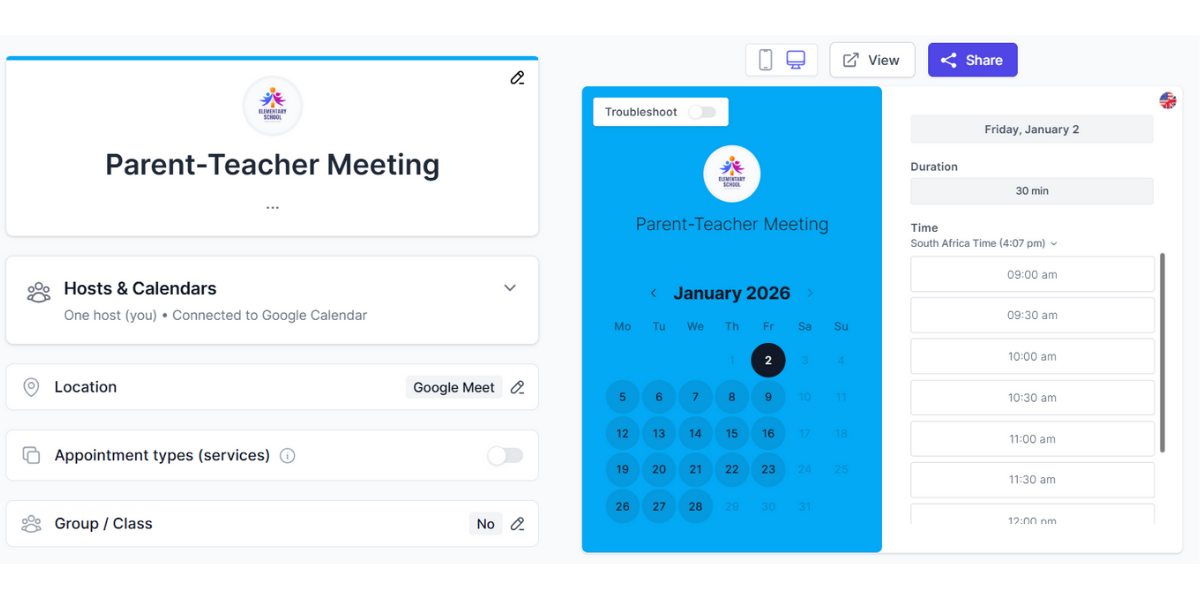
Koalendar is ideal when you want one clean scheduling link that works for meetings and appointments, without making your setup feel like a project.
Standout features
- Free plan with unlimited bookings and scheduling pages, plus calendar sync (so you can start without overthinking it)
- Support for major calendar ecosystems including Apple calendars
- Booking pages that look like your brand (custom links, logo, colors, mobile-friendly)
- Custom forms + qualification questions (so you collect the right details upfront)
- Email + SMS reminders and follow-ups to cut no-shows
- Payments via Stripe (plan dependent) for paid sessions, deposits, or “value my time” policies
- Team scheduling with round robin (fair distribution) and collective scheduling (find a time that works for everyone)
- Recurring meetings and multiple meeting locations (online, phone, in-person)
- Built-in integrations like automatic Zoom room creation
Best for
- Companies that want a simple scheduling tool that feels premium
- Professional services, customer service, education, internal teams, and any org booking repeat appointments
Good to know
Koalendar’s positioning leans toward value early and upgrades only when you need advanced features.
2) Calendly: Best for meeting-heavy teams and routing
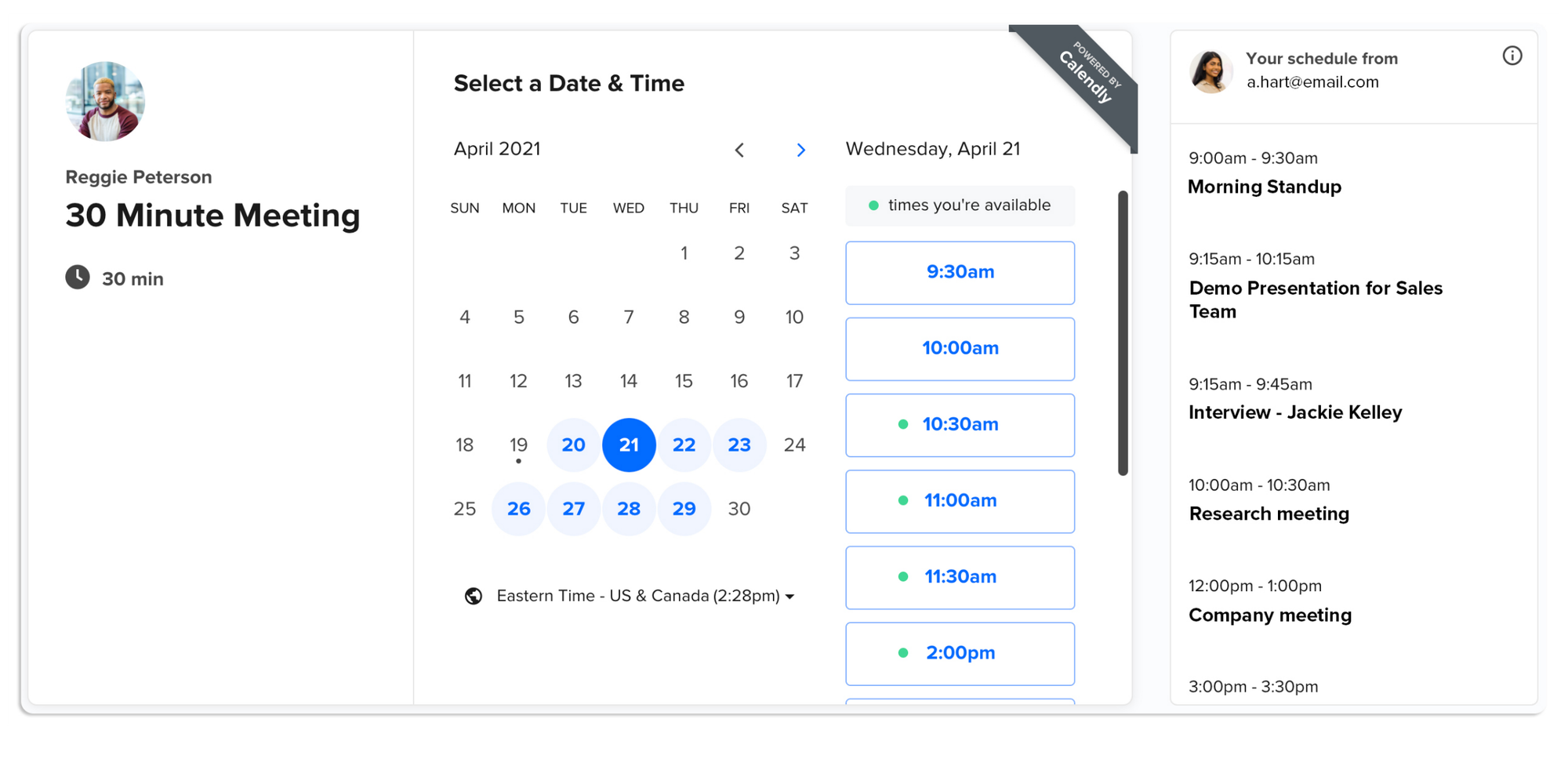
Calendly is built for companies where meetings drive revenue or operations, think sales, recruiting, customer success, partnerships, and internal stakeholder scheduling.
Standout features
- Round robin and collective scheduling for teams
- Routing forms to send people to the right rep or workflow
- Strong integrations ecosystem (Microsoft, Google, video tools, CRMs, automation platforms)
- Payments via Stripe or PayPal on eligible plans
Best for
- Teams that need lead routing, standardized meeting types, and admin controls
- Companies that want scheduling embedded into forms, funnels, and websites
Good to know
Calendly’s pricing and feature access varies by tier—great when you’ll use the advanced team tools, less great if you just want a simple booking page.
3) YouCanBookMe: Best for customization-heavy booking flows
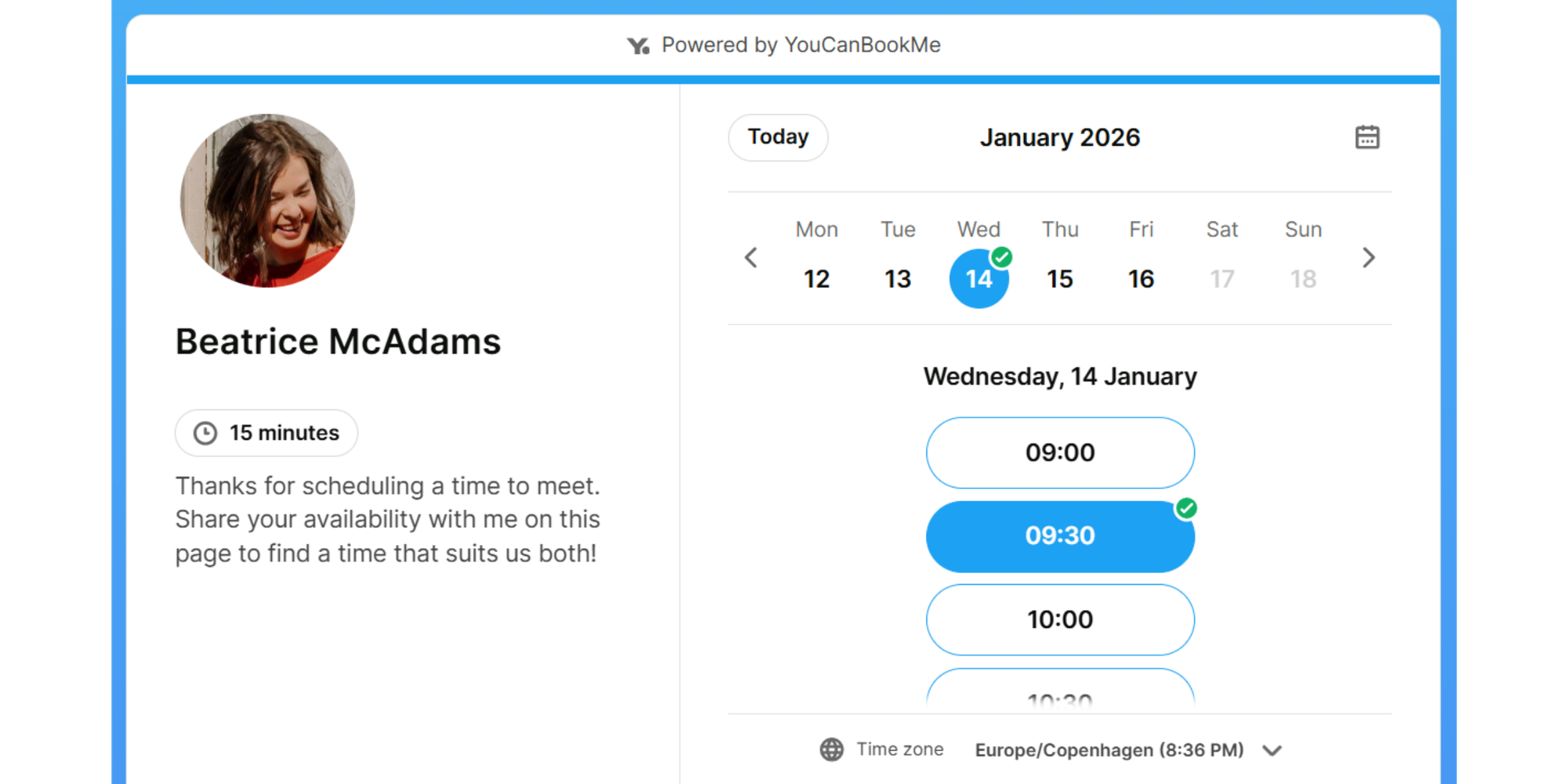
YouCanBookMe is for companies that want their booking flow to feel very “them”: Branding, forms, and messaging that match how you actually operate.
Standout features
- Highly customizable booking pages and sharing options (links, embeds, QR codes)
- Automation around confirmations, reminders, rescheduling, and follow-ups
- Stripe payments support
- Support for major calendar ecosystems including Apple calendars
Best for
- Brands that care about client experience and need more control over wording, steps, and forms
- Companies running intake-heavy workflows (applications, consultations, onboarding)
Good to know
Plans include a free tier (with limits) and a trial, great for testing whether the customization level matches your needs.
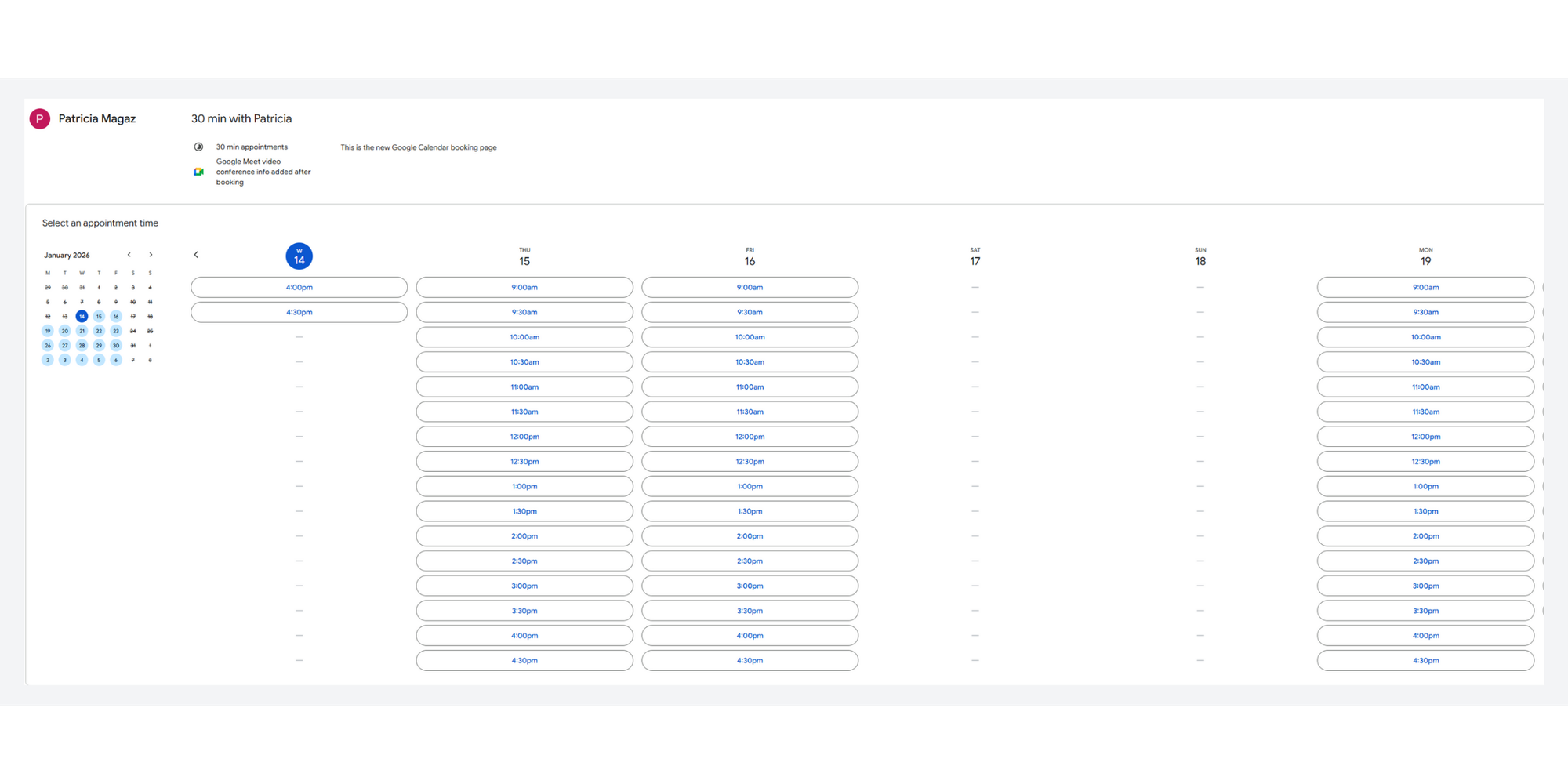
4) Google Calendar appointment scheduling: Best if your company is all-in on Google
If you’re Google Workspace-first and want fewer tools to manage, Google Calendar appointment scheduling can be a clean choice.
Standout features
- Create professional booking pages and, in eligible tiers, connect Stripe for payments and automate email reminders
- Admin controls for enabling paid appointment schedules
Best for
- Companies standardized on Google Calendar that want “built-in” scheduling
- Teams that don’t need heavy routing logic, but want reliable booking pages
Good to know
Feature depth depends on your Workspace edition, worth checking what your plan includes before you commit or checking the best Google Calendar alternatives.
5) Acuity Scheduling: Best for service businesses, packages, and paid appointments
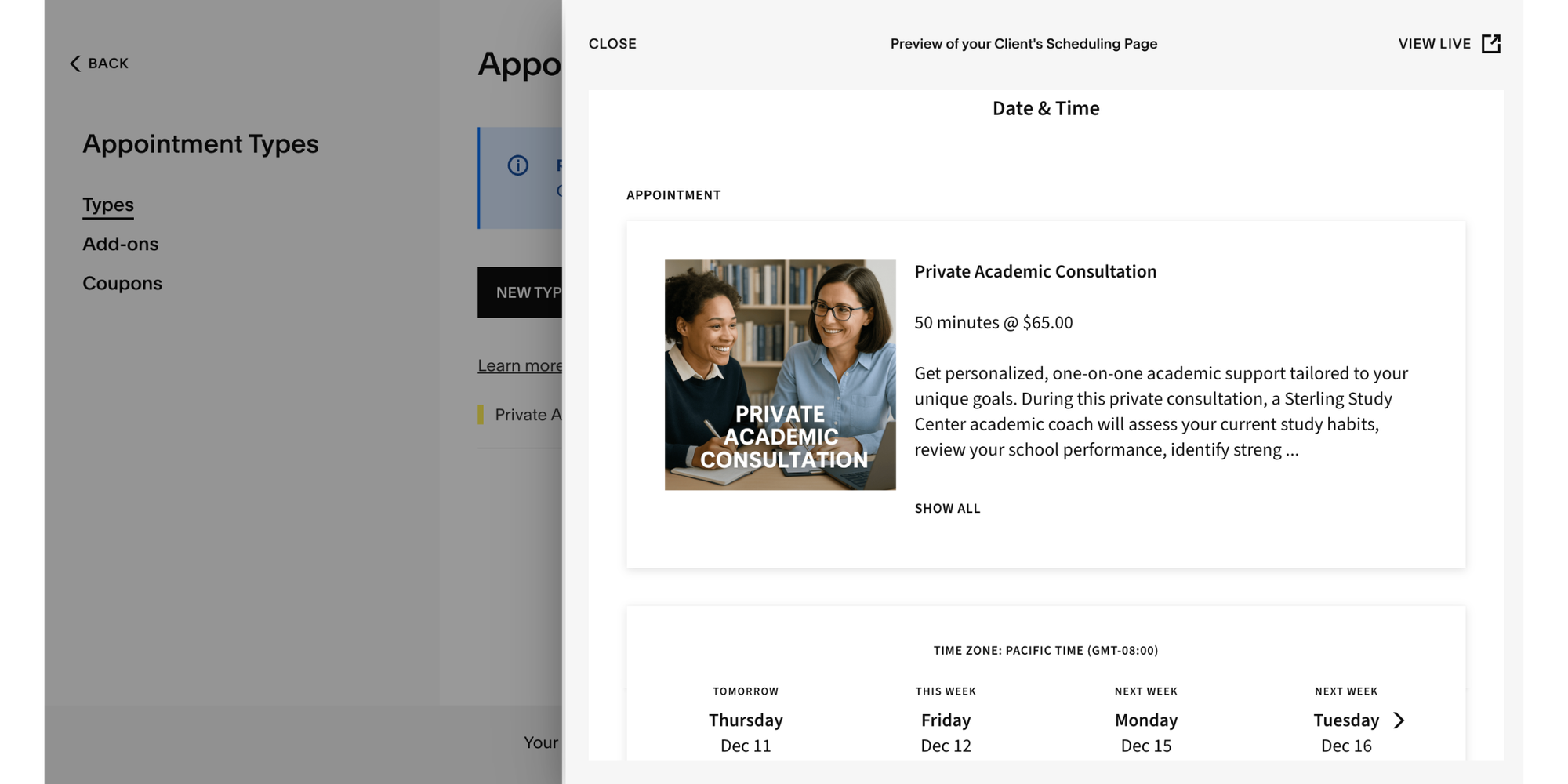
Acuity is appointment-first (not “meeting-first”), which matters when you sell services, handle multiple locations, or need robust intake and payment workflows.
Standout features
- Payments, deposits, invoicing, plus automated notifications
- “Complete scheduling solution” positioning with reminders and payment processor integrations
- Clear pricing page for tiers (Starter listed at $20/mo, or $16/mo billed annually)
- Multi-location and service menu support (strong fit for “choose a service, pick a time, pay”)
Best for
- Clinics, wellness, salons, coaching, training, and any business where appointments are the product
- Teams that need service catalogs and more operational scheduling
Good to know
Acuity is powerful, but it can feel heavier than a “simple scheduling link” tool: Perfect if you’ll use the depth, overkill if you won’t.
6) Doodle: Best for group scheduling and fast “find a time”
Doodle is the go-to when your main problem is coordination: Polls, sign-ups, and quick decisions across multiple people.

Standout features
- Free plan includes group polls, sign-up sheets, and a booking page; Doodle also supports Stripe payments
- Team plans designed for groups (Doodle lists team pricing structures and plan sizes in its help docs)
- Helpful for cross-company scheduling, interviews, committees, panels, and workshops
Best for
- Companies coordinating multiple internal attendees regularly
- Teams that want “quick consensus” without endless email threads
Good to know
Doodle is good for groups but if your main need is a polished client booking journey with forms + automation, you may prefer a dedicated appointment scheduler.
How to choose the right Microsoft Bookings replacement
Use this shortcut:
Choose a Microsoft-native setup if…You’re already standardized on Microsoft 365 + Teams, and Bookings is mostly internal or tied to that ecosystem.
Choose a standalone scheduler if…
- You have mixed calendars (Google + Outlook + contractors)
- You want payments, forms, and branding without fuss
- You need team scheduling that works across departments
Pick based on your “scheduling shape”
- Meetings drive revenue? Calendly is built for routing and scale.
- Appointments are the product? Acuity is purpose-built for service operations.
- Customization is everything? YouCanBookMe gives you lots of control.
- Google-first and minimal tools? Google Calendar scheduling is tidy and native.
- Group coordination pain? Doodle solves that fast.
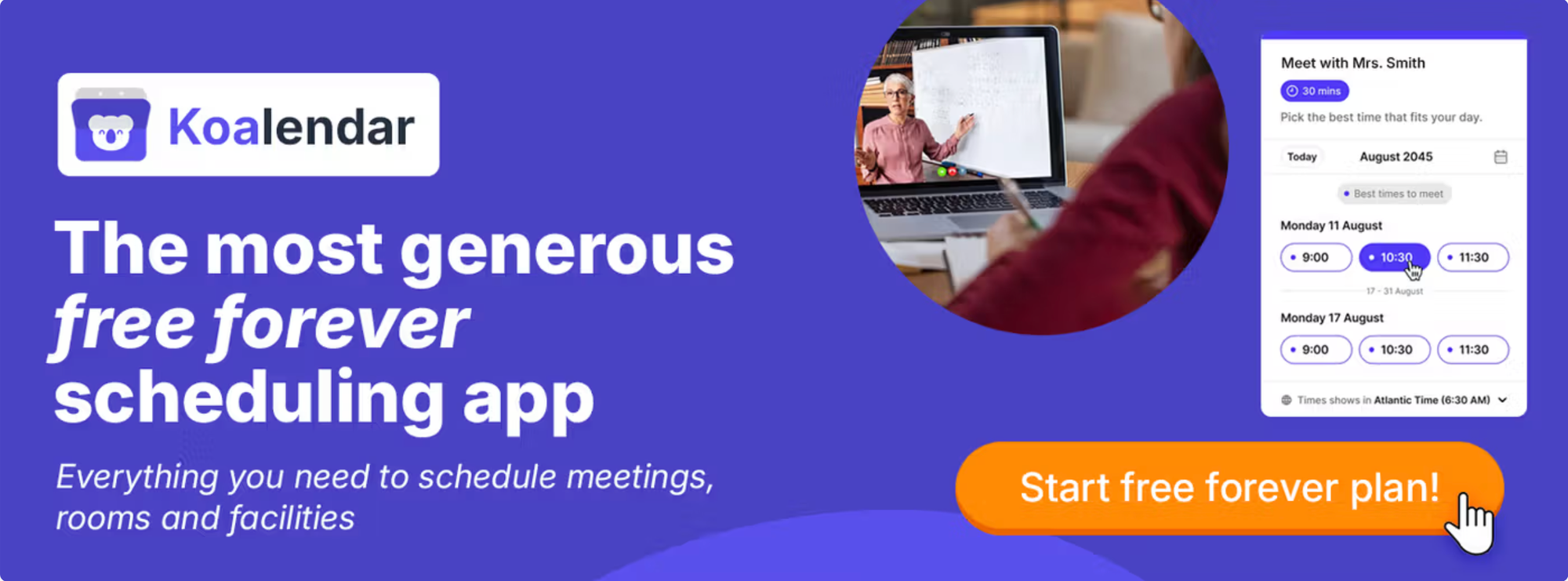
- Want simple, modern, great value? Koalendar is a strong default.
Conclusion: the “best” tool is the one people actually use
Most companies don’t fail at scheduling because they picked the “wrong” feature list, they fail because the tool is clunky, hard to roll out, or awkward for customers.
If you’re choosing between Microsoft Bookings alternatives, start with your real workflow (meetings vs appointments vs groups), then pick the tool that removes friction. And if you want a simple, modern scheduling experience with a genuinely useful free plan, Koalendar is an easy place to begin, and a strong, affordable, long-term option as your needs grow.