Massage booking software for independent therapists and studios
Let clients choose a session length and book an available time through your website or booking link. Paid plans add therapist selection, intake questions, reminders, and deposits.
Trusted by professionals and teams





Let clients book massages anytime
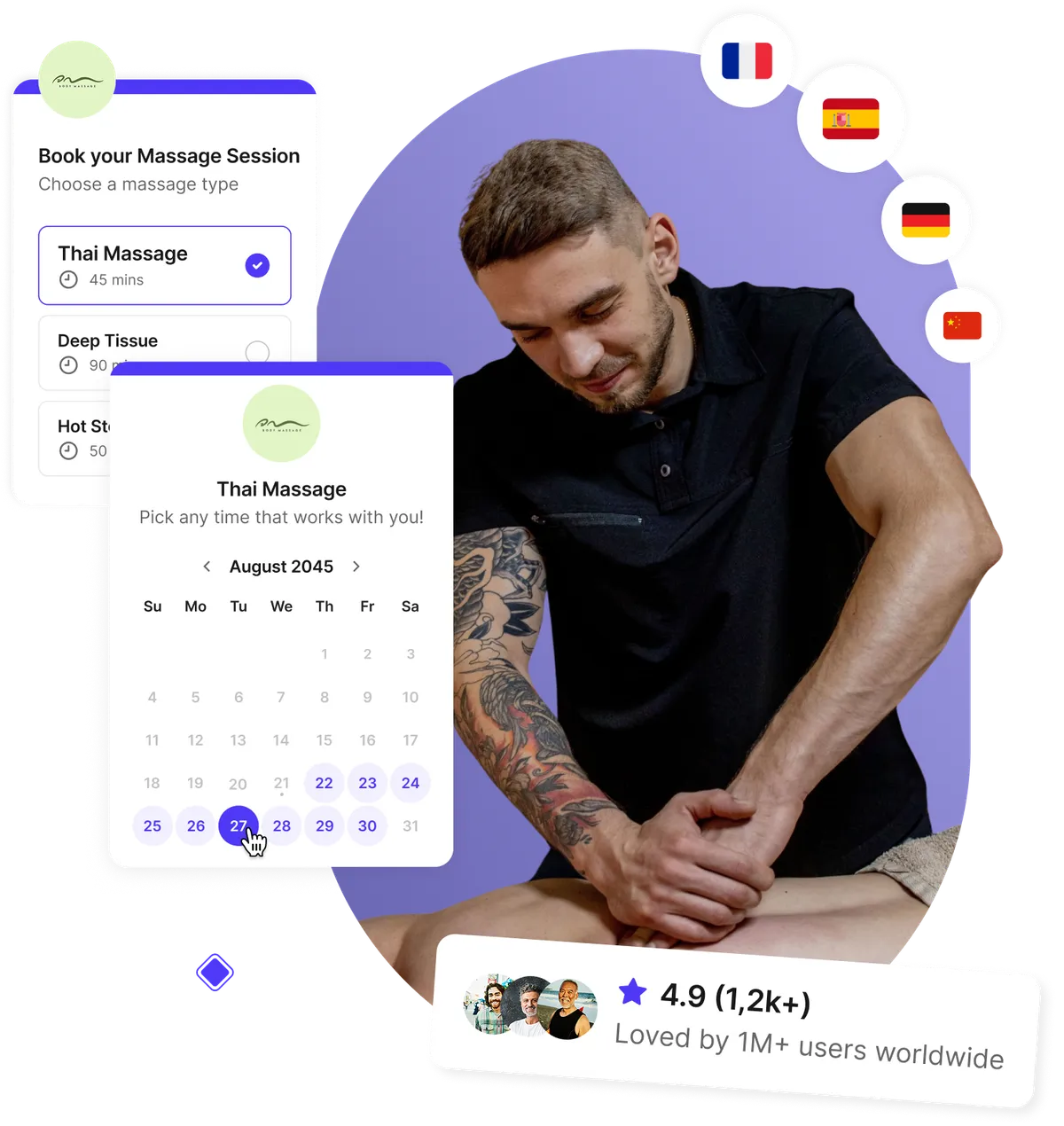
Clients can book their next massage online, even when your studio is closed. Set up booking options for your services and session lengths, and connect your calendar to check availability. Paid team features let clients choose their therapist.
- Client self-scheduling from any device
- Automatic calendar sync prevents double-booking
- Offer different session types and durations
- Instant confirmations for every appointment
Manage appointments across your massage studio
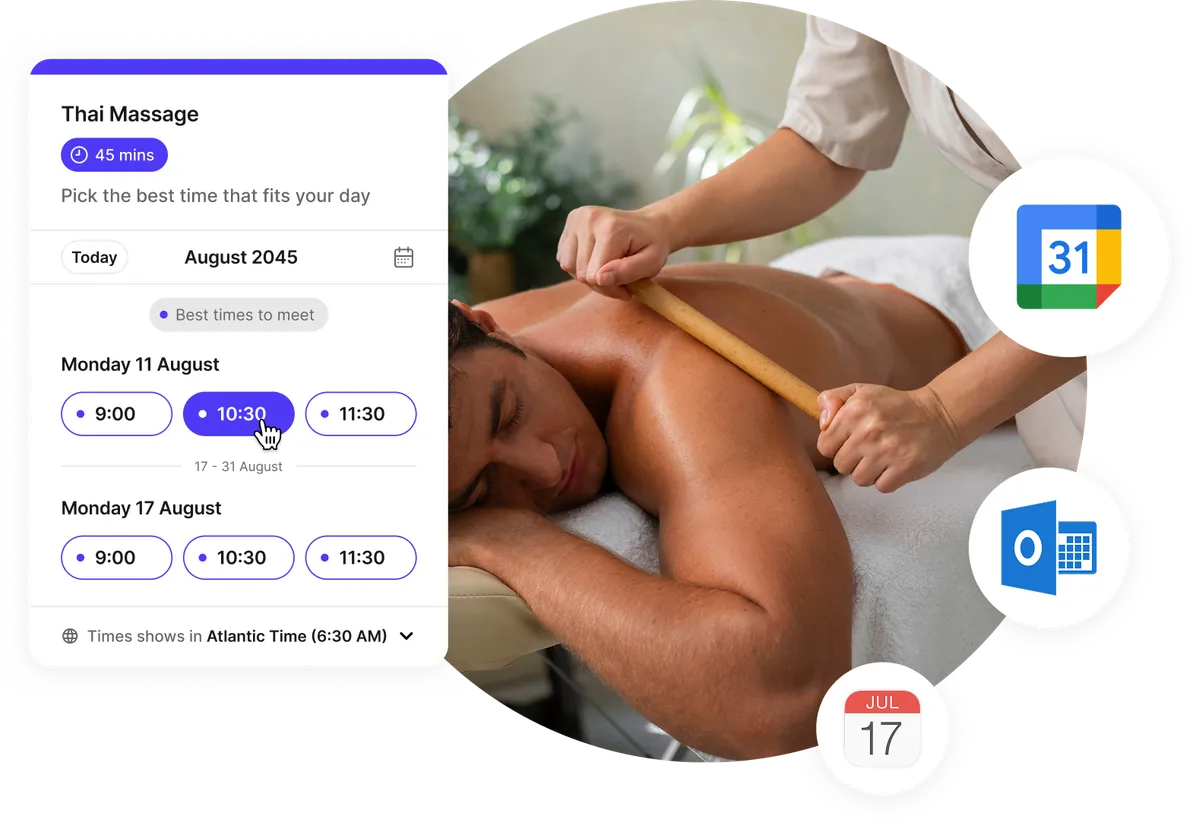
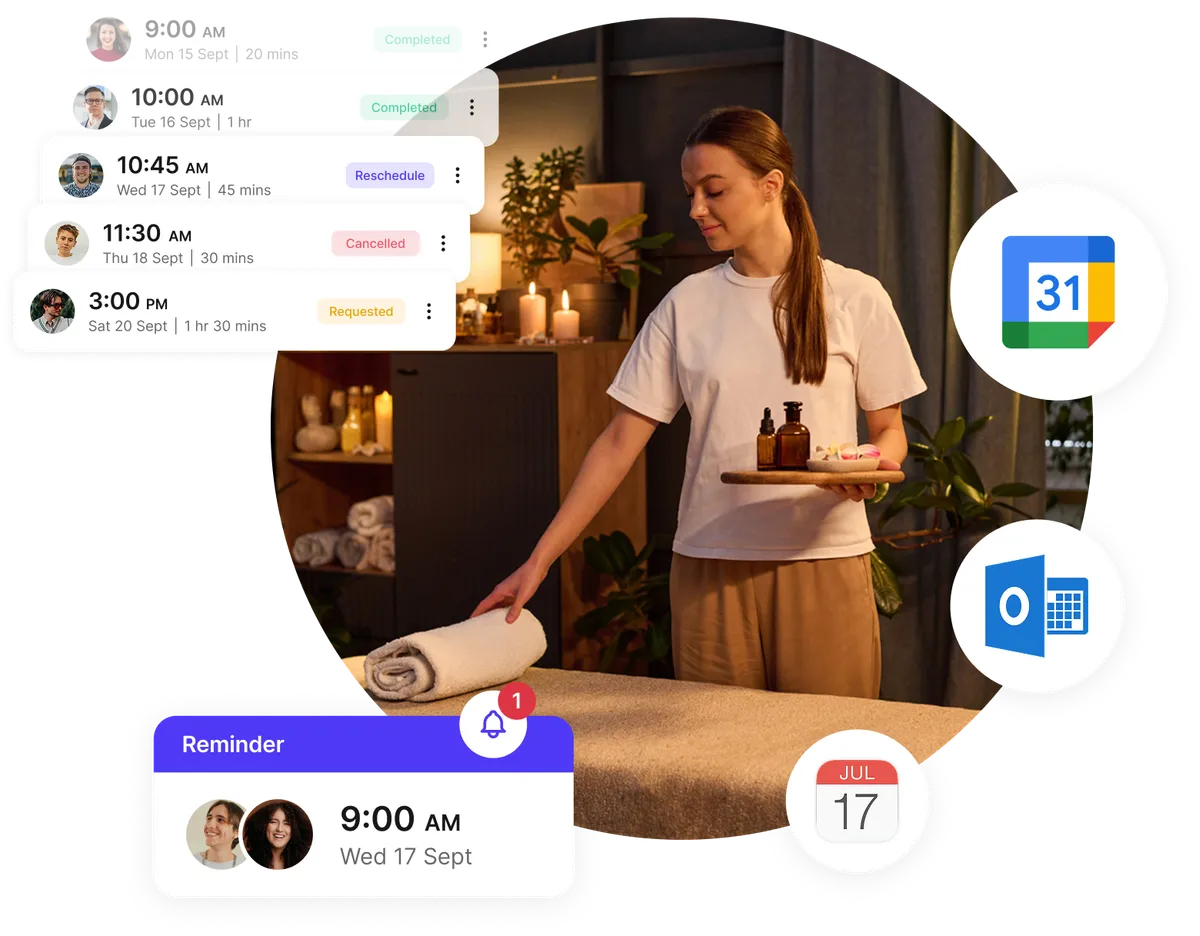
Manage appointments for your own practice or a team of therapists. Connect calendars to check for scheduling conflicts, set each therapist’s availability, and add buffer time between sessions for room preparation and breaks.
- Manage multiple therapists easily
- Sync all calendars to avoid conflicts
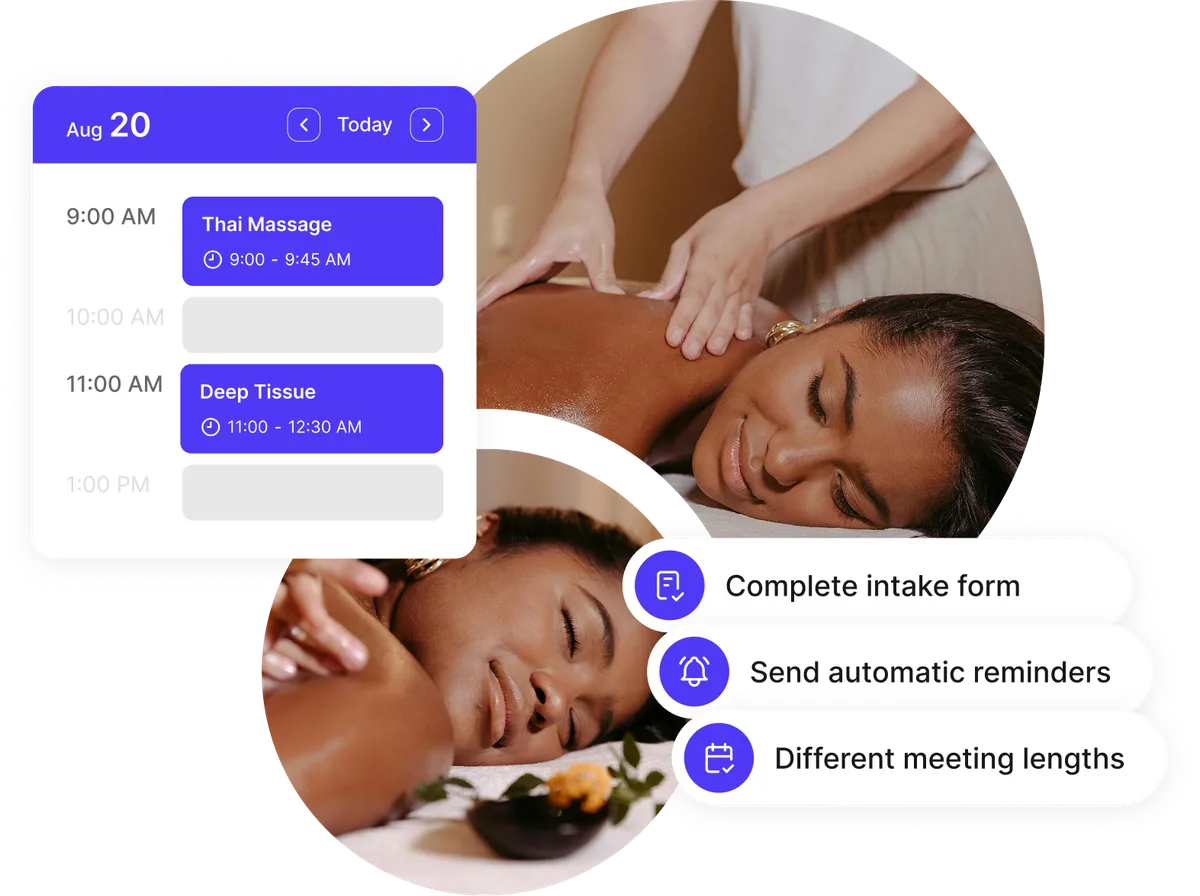
- Send automatic appointment reminders
- Flexible rescheduling for clients
Collect client preferences before each session
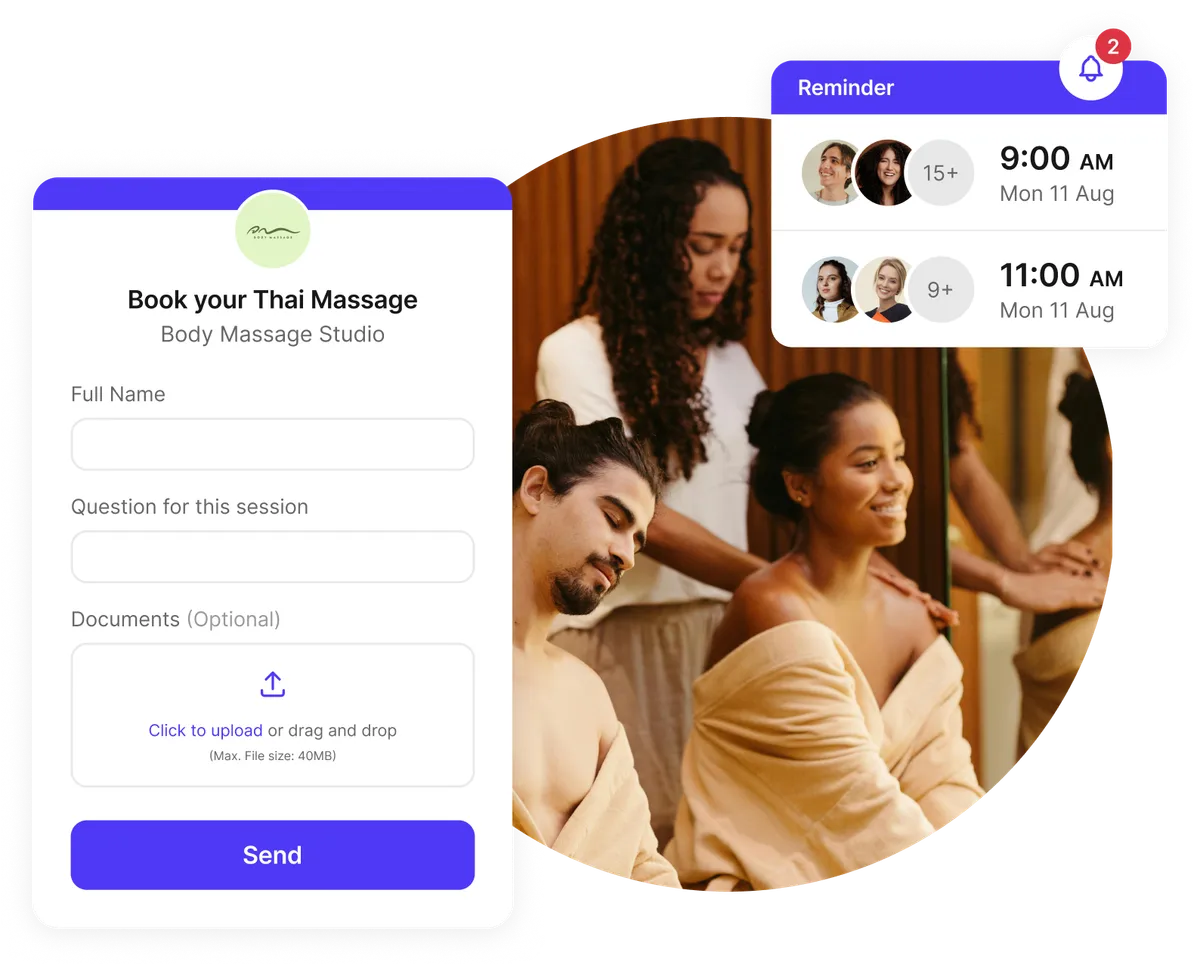
Add questions to your booking form so clients can share their session preferences before they arrive. On supported paid plans, you can also request file uploads and require clients to acknowledge your cancellation policy.
- Custom questions about session preferences
- Upload files or questionnaires in advance
- Require acknowledgment of your cancellation policy
- Data encrypted in transit and at rest
Help reduce no-shows with appointment reminders
Send booking confirmations and set up email or SMS reminders with the session time, studio address, and preparation instructions. Include a rescheduling link so clients can change their appointment when plans change.
- Automatic reminders via email or SMS
- Prepayment options through Stripe
- Built-in cancellation and reschedule links
- Share appointment details before each session
Testimonials
Massage therapists ❤️ Koalendar
See how customers use Koalendar to manage appointments and spend less time arranging bookings.


Tools for everyday appointment scheduling
Booking tools for massage therapists and studios
Create booking pages for each service or therapist

Create booking pages for services such as deep tissue or hot stone massage. With team scheduling, assign services to the therapists who offer them and let clients choose an available appointment.
Collect client information before appointments

Ask clients about their preferred pressure, session goals, or other preferences when they book, so you can review their answers before the appointment.
Automate confirmations and reminders

Customize booking confirmations and set up reminders before appointments. On a plan that includes follow-up emails, send a thank-you message or a link to book another session.
Accept online payments and deposits

Collect a deposit or full payment when clients book through Stripe. Koalendar takes no commission.
Manage multiple therapists and rooms

Assign therapists and room resources to your services, and connect the relevant calendars to check availability before accepting bookings.
Add booking to your website and social profiles

Embed your booking page on your website, or share its link in your Instagram bio and Google Business Profile.
Sync with your favorite apps

Connect Google Calendar, Outlook, or iCloud to sync appointments. Use integrations such as Gmail and Zapier to connect scheduling with your other tools.
Automate workflows and save time

Use Zapier to send booking details to your CRM or email platform. Set up workflows there to request feedback or organize client contacts.
Protect booking information

Koalendar encrypts data in transit and at rest. For practices that require HIPAA support, a separate HIPAA add-on and Business Associate Agreement are available.
Offer flexible session durations

Offer 30-, 60-, or 90-minute sessions so clients can choose the length they need.
Integrations
Connect your massage studio booking software with tools you already use
Sync appointments with your calendar, collect payments through Stripe, and connect other apps through Zapier.

















Frequently asked questions
Have a different question and can't find the answer you're looking for? Reach out to our support team by sending us an email and we'll get back to you as soon as we can.
Massage scheduling software lets clients book available sessions online and helps therapists manage their appointments. With Koalendar, you can create booking pages, offer different session lengths, connect your calendar, and send booking confirmations. Paid plans add features such as reminders, intake questions, payments, and team scheduling.
Yes. With a plan that includes team scheduling, you can add therapists, assign them to the services they offer, and let clients choose who to book with. Each therapist can connect their calendar so existing appointments are checked when showing availability.
Yes. Koalendar connects with Google Calendar, Outlook, and iCloud. Confirmed bookings are added to your selected calendar. Events marked busy block availability when their calendar is selected for conflict checking.
Yes. On a supported paid plan, you can add booking questions about preferred pressure, session goals, or other preferences. You can make questions required and, where file uploads are included, ask clients to attach documents before their appointment.
Yes. Embed your Koalendar booking page on your website so clients can book there. For Instagram, add your booking link to your bio so clients can open the page and choose an appointment.
Yes. With a paid plan and a connected Stripe account, you can collect a deposit or full payment when clients book. Koalendar takes no commission; Stripe’s processing fees apply.
Yes. On a plan that includes follow-up emails, you can choose when an email is sent after the appointment and customize its message. Add a thank-you note, feedback request, or link to book another session. Plans that support recurring bookings also let clients schedule a series of appointments, subject to availability.
Yes. Koalendar’s free plan includes unlimited one-on-one bookings and booking pages, calendar sync with Google, Outlook, or iCloud, and booking confirmations. You can share your booking link or embed the page on your website. Reminders, payments, custom booking questions, and team scheduling require paid plans; availability varies by plan.
Grow your massage practice with smart scheduling tips
Learn how to streamline bookings, reduce no-shows, personalize sessions, and grow your client base with proven tools and best practices for massage studios.

Three high-converting handyman web designs you can learn from
See what works, why it works, and how to build your own booking-friendly site
- Published
- Service Businesses

Beauty salon cancellation policy: Free template and best practice
Create a professional cancellation policy that protects your time, reduces no-shows, and builds client trust
- Published
- Service Businesses

Best apps for coaches in 2026: Top scheduling & management tools
Discover the best coaching management software and scheduling tools to reduce your time wasted on admin
- Published
- Service Businesses
Start taking massage bookings online
Create your free booking page and start taking massage appointments online. Upgrade when you need reminders, deposits, or scheduling for multiple therapists.
Start free today
Barber
Smarter scheduling for barbers who value time and loyal clients.
Beauty Salons
Simplify your beauty salon scheduling and boost bookings effortlessly.
Bridal Salon
Simplify bridal appointments and keep your boutique running smoothly.
Nail Salons
Be your clients’ favorite nail salon by polishing your booking process.
Spa
Relax your bookings with effortless, stress-free scheduling for spas and wellness centers.
Tattoo Studio
Simplify and streamline your tattoo studio's scheduling system.