Art class registration software that books your slots
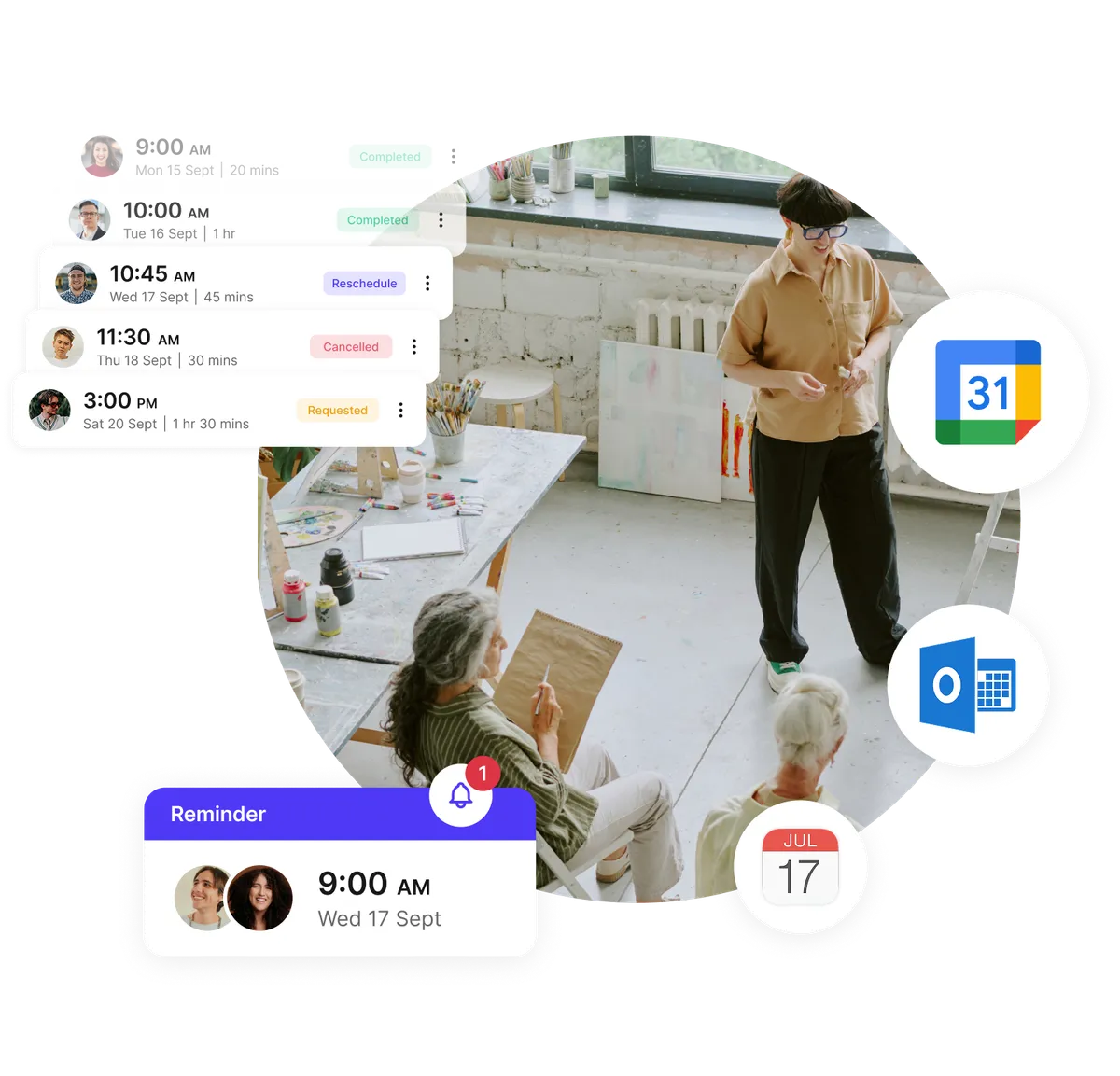
Easily manage your art class bookings. Students can sign up and pay for lessons online at any time. You set the class sizes, and automatic reminders help prevent no-shows.
Independent art instructors, studios, and schools trust Koalendar to keep creativity flowing without the scheduling chaos.





“We’ve doubled our attendance rates and number of bookings, reduced the time we spent on scheduling by like 12 hours per person, per week, and everything is completely customized with our school’s colors and logo.”
It used to be a very manual back-and-forth process and now we’re empowering students by giving them the autonomy to go in and book themselves. As soon as someone book, they have the option to select Zoom or in-person. So it's totally seamless. It automatically appears on the Google calendar. Everything is great.

“We’re saving 10 hours, per teacher, per Parent-Teacher Conference — and attendance is up 50%!”
The booking process between teachers and parents is much more clear. This is really important for us because we really value providing a great experience.
Because it’s so much easier for parents to book meetings with every teacher, parents can now get a full picture of how their child is developing and that’s priceless.

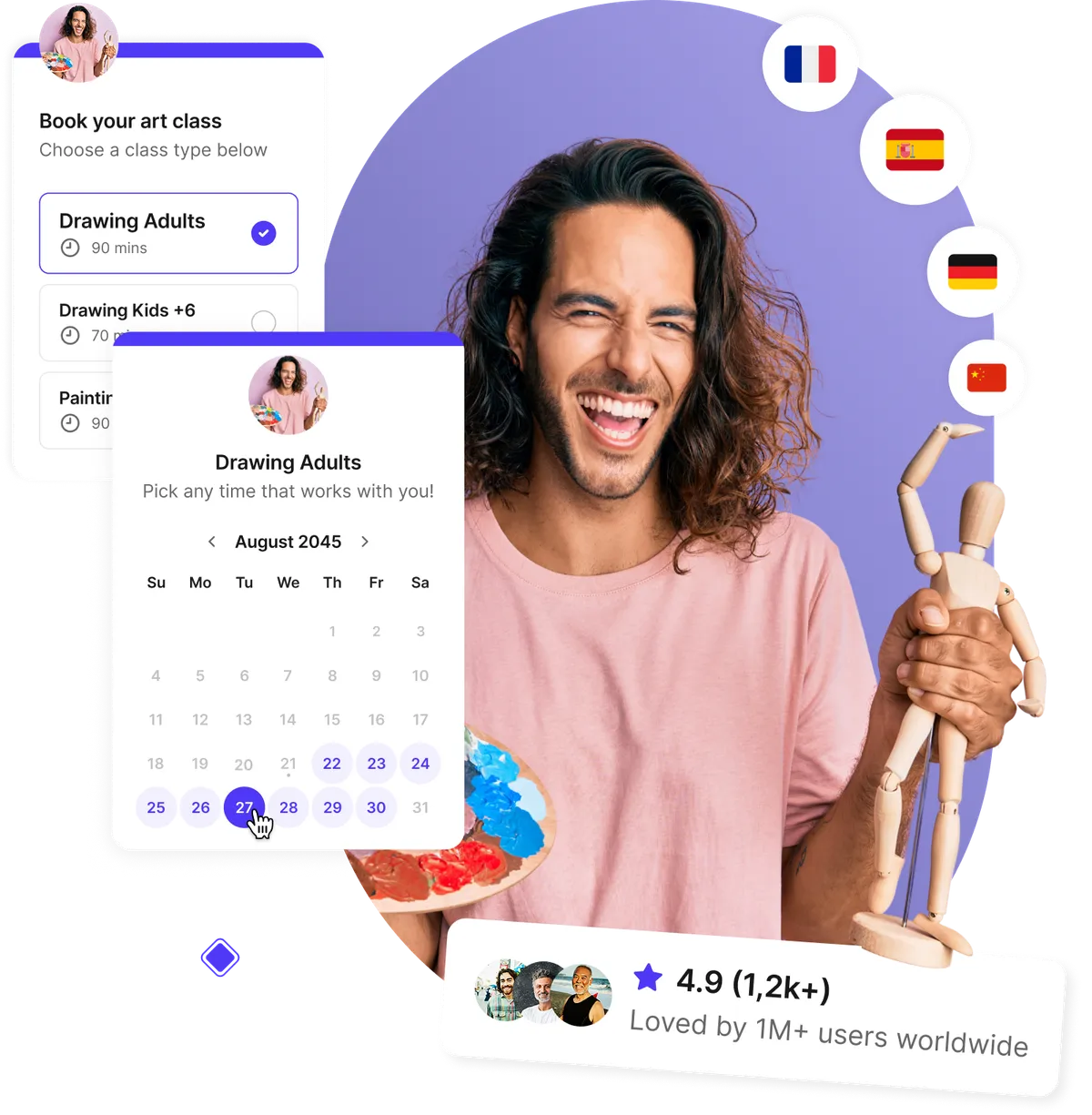
Let students book art lessons anytime
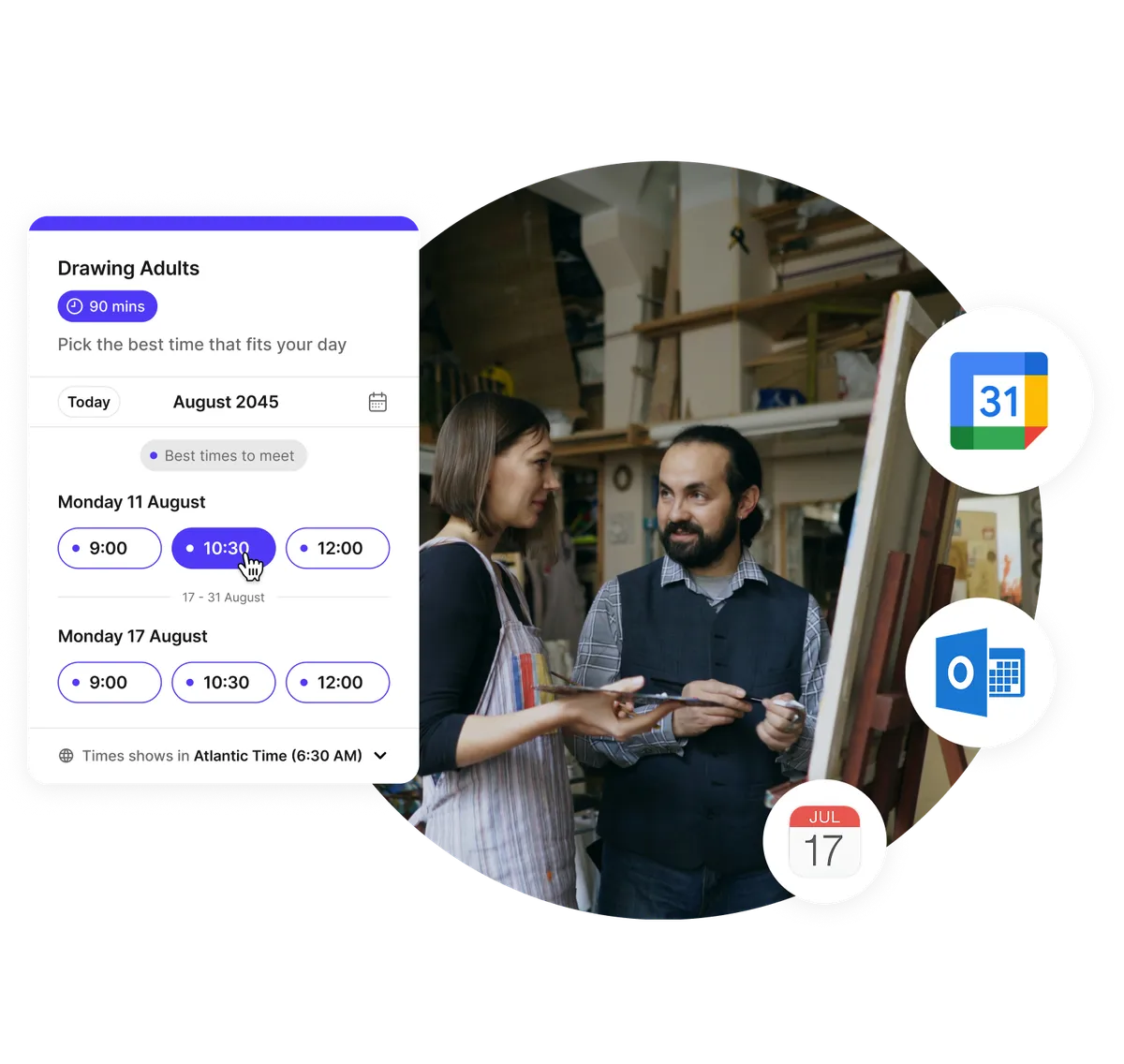
Stop managing sign-ups through texts or DMs. With our art class booking system, students and parents can book 24/7 from your website or social media. Automatic confirmations and real-time availability keep your schedule organized and classes full.
- 24/7 online art class booking for any type of lesson or workshop
- Instant confirmations reduce confusion and follow-ups
- Syncs with Google, Outlook, or iCloud calendars
- Perfect for adult, kids, or after-school programs
Custom registration forms that capture student needs
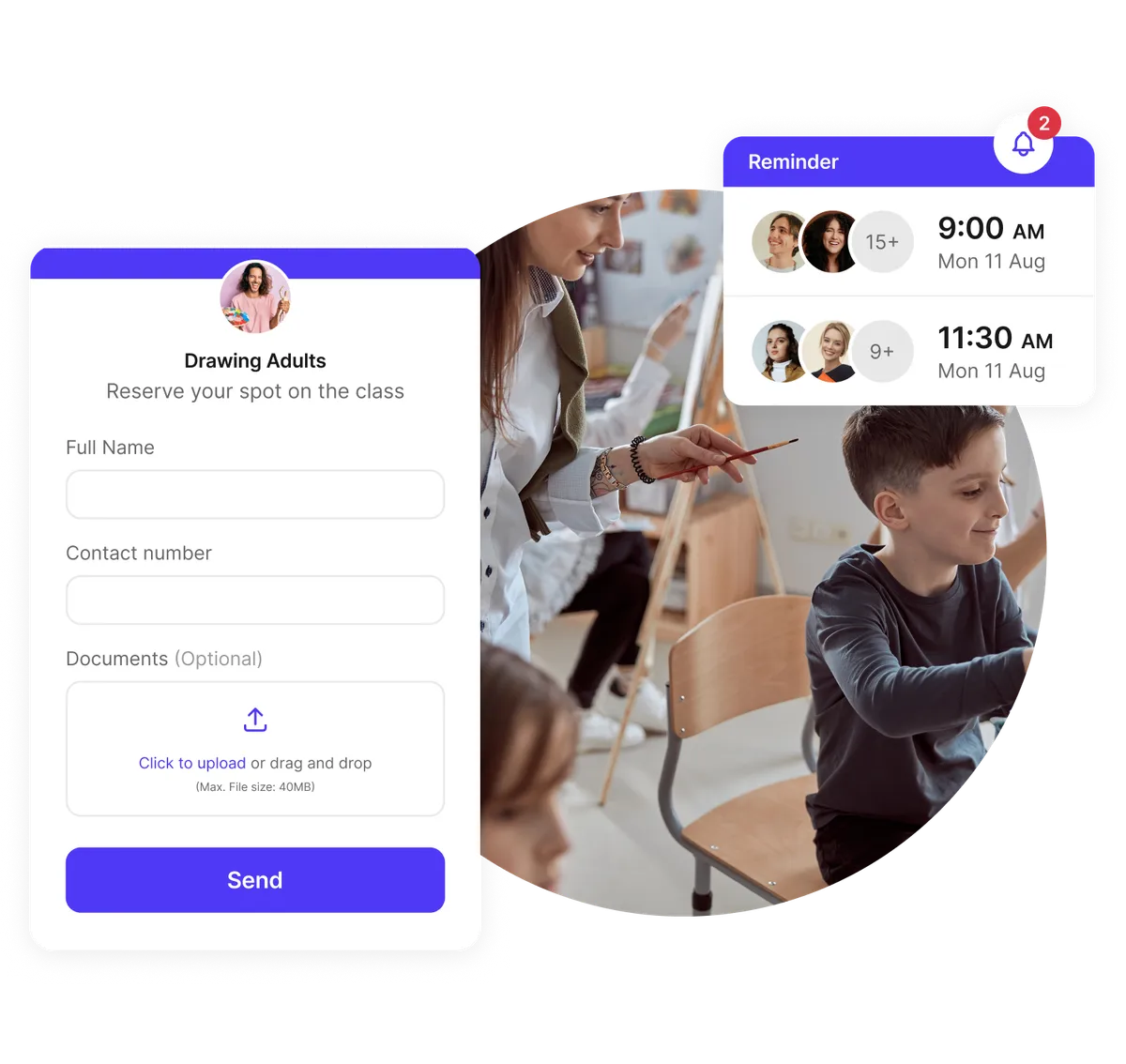
Every student is different. With Koalendar, you can gather materials preferences, experience levels, or project goals before class begins. Attach resources or collect files so you’re ready to teach the moment they arrive.
- Customizable booking forms for art students
- Collect file uploads (photos, sketches, permission slips)
- Share supply lists and materials automatically
- Automated reminders for lessons and workshops
Manage your weekly studio schedule with ease
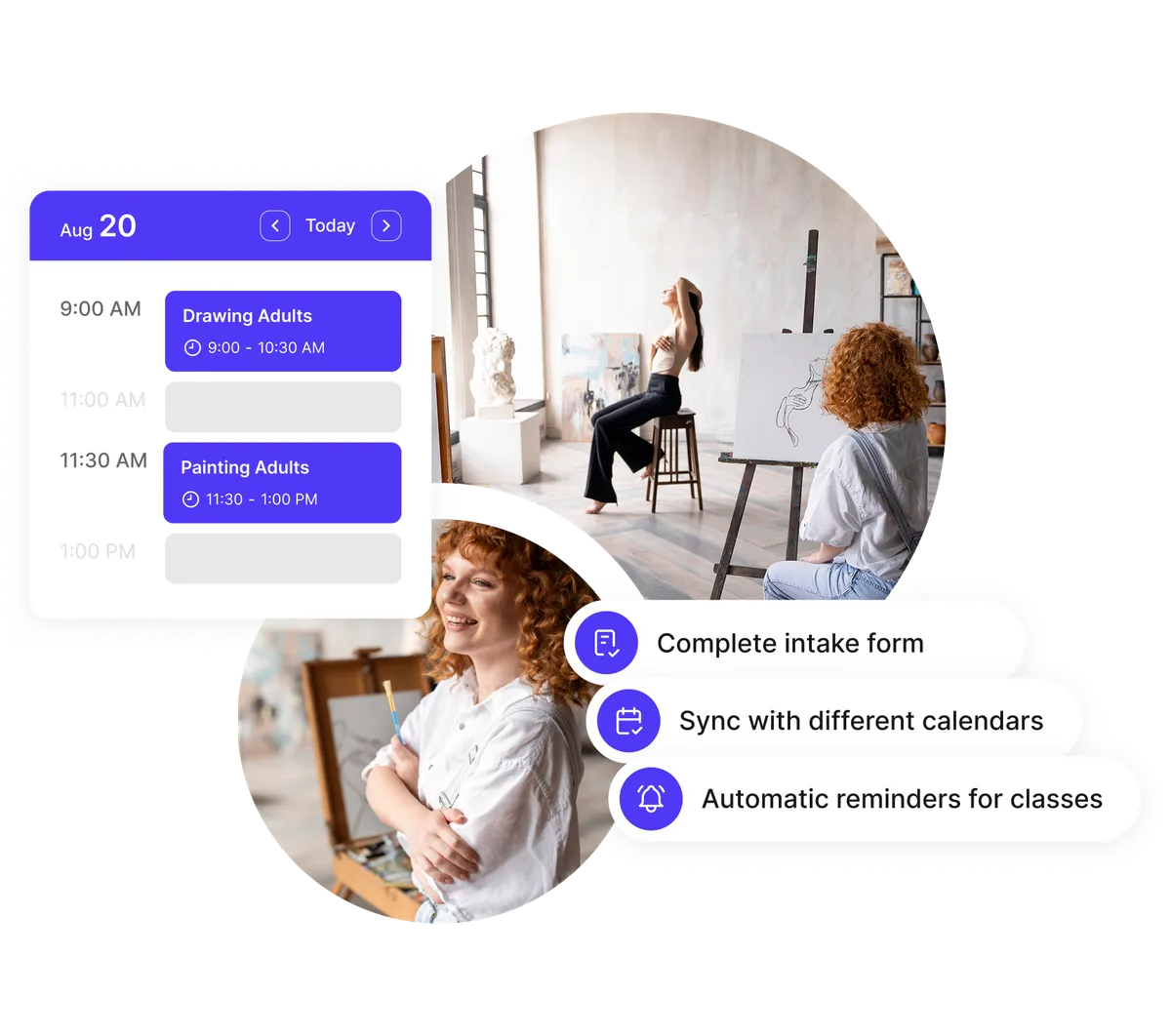
Whether you’re teaching one-on-one or group classes, Koalendar gives you a clear view of your studio timetable. Avoid overbooking, manage recurring classes, and keep every instructor and student aligned.
- Visual timetable for classes and instructors
- Manage recurring or one-off workshops
- Group class capacity limits to prevent overbooking
- Automatic sync with all connected calendars
Boost attendance and reduce no-shows
Automated reminders and confirmations help you minimize missed lessons. Whether it’s a kids’ art class or adult pottery session, you can send branded notifications that keep everyone on track — and your classes full.
- Automated class reminders and follow-ups
- Branded confirmations via email and SMS
- Time zone auto-detection for traveling students
- Flexible rescheduling and cancellation policies
Testimonials
Art instructors ❤️ Koalendar
Artists, art studio owners, and art educators love how Koalendar simplifies bookings, payments, and reminders so they can focus on creativity instead of coordination.
“It's an easy way for my students to sign up for virtual tutoring. After sharing Koalendar with my teammates, they use it for tutoring as well because of how well it worked. We even implemented it to have parents sign up for virtual conferences on Parent Teacher Conference Night. It worked extremely well.”


“I trialled the free version of Koalendar for staff to book meeting with the Head teacher and found it really simple and easy to integrate into our Google suite of apps. We as a school wanted more flexibility to book shorter appointments for virtual parents' evenings, so I purchased and upgraded version for staff. The customer service through out this process was exceptional. I was able to make enquiries on the chat facility of the website that were followed up with email communication that were clear, prompt and helpful. Once staff opened their Koalendar accounts, the customer service team upgraded the account automatically and I was able to pay for all subscription on one invoice. Great value, great service, great product.”
“I use Koalendar to schedule tutoring session with students. I was able to get it set up and sent to students in about 5 minutes. Support was extremely friendly and is a real person rather than a robot or outsourced.”
“I use this app to schedule my office hours for distance learning. It is so much easier to have a streamlined system for appointments than simply sitting on zoom and hoping someone shows up. I have multiple classes that I am in charge of, so on this app, I am able to have students state which class and projects they need to talk about. I love how I can set my availability at the beginning of the week, but then as I make various appointments on google calendar, the app recognizes those and does not double-book me.”
“I like how I can personalize my sign up times for student and parent appointments both for distance learning and conferences. It is easy for students and parents to navigate and create an appointment during available times. It is nice to allow others to sign up for the appointment they feel is best for them rather than going back and forth trying to find an available time.”
“I absolutely am very fond of the ease of setting up the appointments, and I have had no complaints with students or parents on how easy it is for them to access and use the appointment page.”
“It's been a great tool to use and eliminates the back and forth of seeing when I'm available for meetings. When someone books, I get a notice, and it automatically populates on my calendar and the guest gets a notice for the meeting as well. This add on is so user friendly. Even my parents who are not used to technology are able to schedule their own appointments with me. I have shared it with many on my staff and they allow their students to schedule appointments for face to face time during the Pandemic. It's been a lifesaver. Literally.”


Everything art teachers need to simplify scheduling
From registration to payments — one platform for all your art classes.
Create booking pages for each art class or instructor

Set up pages for painting workshops, pottery sessions, or private lessons. Each page shows live availability and class capacity limits, making enrollment simple for everyone.
Collect payments and deposits online

Accept full payments or deposits for your art lessons through Stripe. Reduce missed payments and handle cancellations with clear refund policies.
Automate confirmations and reminders

Save time with branded emails and SMS reminders that go out automatically — helping you minimize no-shows and keep your studio organized.
Customizable registration forms

Gather the info that matters most — art experience, preferred media, or class project ideas — with custom intake questions and file uploads.
Integrate with the tools you already use

Sync effortlessly with Google Calendar, Outlook, Zoom, and Stripe. Connect hundreds of apps through Zapier to automate tasks and communications.
Embed booking links on your website or social media

Add your art class booking widget directly to your site, Instagram bio, or Facebook page so students can register without leaving your profile.
Group class scheduling and attendance tracking

Manage multiple students in one class with capacity limits, automated reminders, and easy exportable attendance lists.
Recurring class scheduling

Easily schedule weekly art sessions or seasonal workshops that repeat automatically — no need to recreate your booking links each time.
Privacy and control

Password-protect your booking pages or set private classes for select students. Ideal for one-on-one coaching or special art events.
Analytics and reporting

Track bookings, revenue, and attendance trends so you can optimize your schedule and grow your art business with confidence.
Integrations
Connect your art class booking software with your favorite tools
Koalendar syncs with Google Calendar, Zoom, Stripe, and more — so your art class scheduling, payments, and reminders all work perfectly together.

















Frequently asked questions
Have a different question and can't find the answer you're looking for? Reach out to our support team by sending us an email and we'll get back to you as soon as we can.
Art class registration software helps studios and instructors manage class sign-ups, schedules, and payments. With Koalendar, students can book online, pay securely, and receive automated reminders — so you spend less time on admin and more time teaching.
Yes. Koalendar supports both one-on-one and group bookings. You can set capacity limits for group classes or offer private sessions with flexible scheduling options.
Absolutely! You can embed your art class booking form directly on your website, portfolio page, or social media. Students can book without leaving your page — it works perfectly on desktop and mobile.
Yes. You can collect full payments or deposits for your classes using Stripe. Perfect for art instructors who want to secure spots and handle cancellations professionally.
Yes. Koalendar’s team scheduling lets you manage multiple instructors, rooms, or locations — all from one account. You can assign pages to teachers and track their availability in real time.
Yes. Koalendar offers a free forever plan with unlimited booking pages, calendar sync, and automated reminders. Upgrade anytime for advanced features like payment collection, branding, and analytics.
Creative ways to manage your art studio smarter
Learn how to boost revenue, fill every class, and simplify scheduling with tips designed for art educators, studio owners, and creative entrepreneurs.

Three high-converting handyman web designs you can learn from
See what works, why it works, and how to build your own booking-friendly site
- Published
- Service Businesses

Best free AI tools for teachers in 2026
Discover the best free AI tools for teachers in 2026 that save time, cut admin stress, and keep your classroom engaging
- Published
- Education

Automation in education: How to apply it, benefits & tips
A practical guide to applying automation in schools: explore benefits, tools, and real-world tips to streamline your school’s workflows
- Published
- Education
Art class scheduling software made simple
Join thousands of art teachers and studios using Koalendar to fill classes faster, collect payments easily, and stay organized — all in one place.
Start free today
Casting
Assemble your dream cast with Koalendar.
Music Lessons
Keep your music lessons organized and your students engaged.
Photographers
Get your shots while Koalendar organizes your schedule.
Podcasting
Build rapport with your guests and co-hosts without letting logistics get in the way.
Recording Studio
Simplify your studio’s bookings, sessions, and equipment management.