How to use this template
- Add your logo and weekly available times
- Add your Instagram, phone, and email
- Share the pages on social or by message
- Collect requests with the Google Form
Share your available appointment times and collect booking requests. Includes an available times page, a message-to-book page, and an appointment request form.
Free to download No sign-up needed
Managing bookings for your business? Meet Koalendar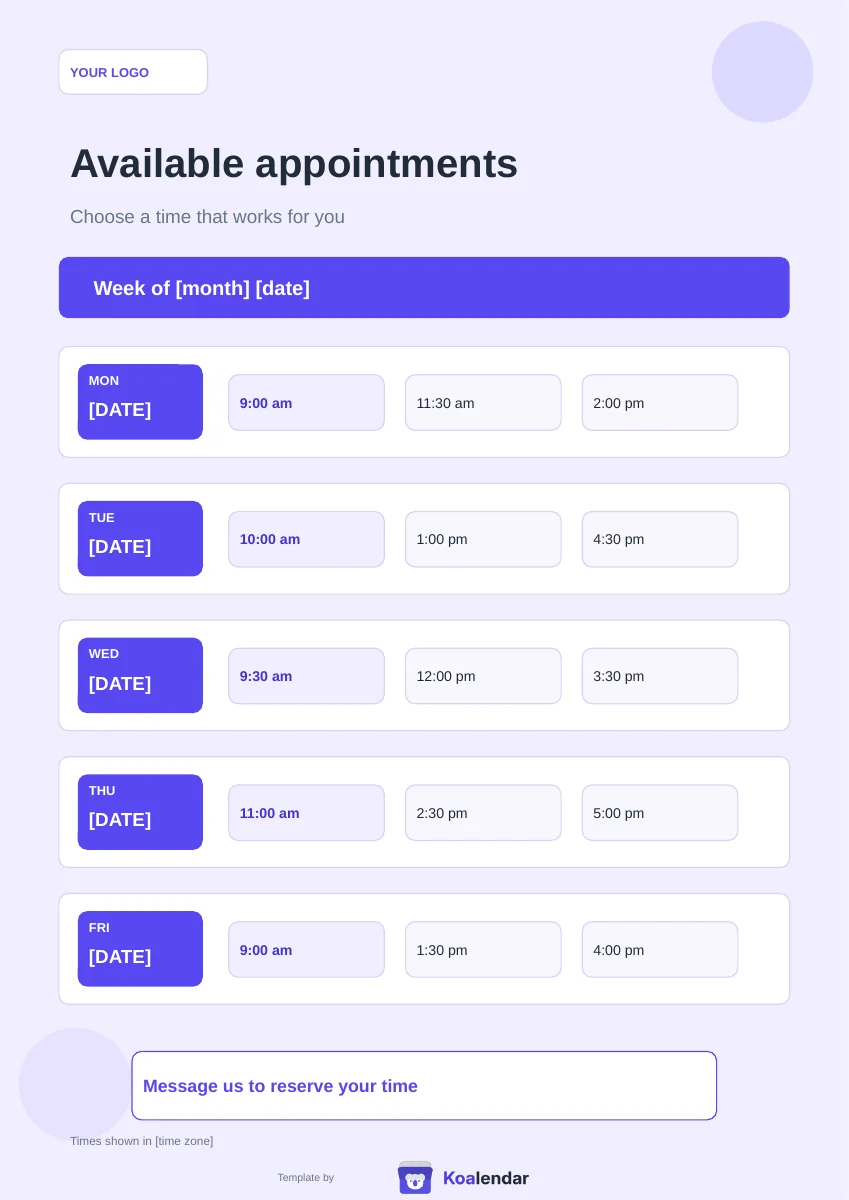
Share your times. Collect requests. Confirm by message.
Less admin. More time for people.
Connect your calendar, share one booking link. People choose a time you're free, and the booking is added automatically to your calendar.
| With a manual template | With Koalendar |
|---|---|
Post available times by hand | Live availability from your calendar |
Read and answer each request | People book instantly |
Confirm by message | Confirmations are sent automatically |
Remind people yourself | Automate reminders on a paid plan |
Update the list after each booking | Booked times disappear automatically |
Free plan available. No credit card needed.
About this template
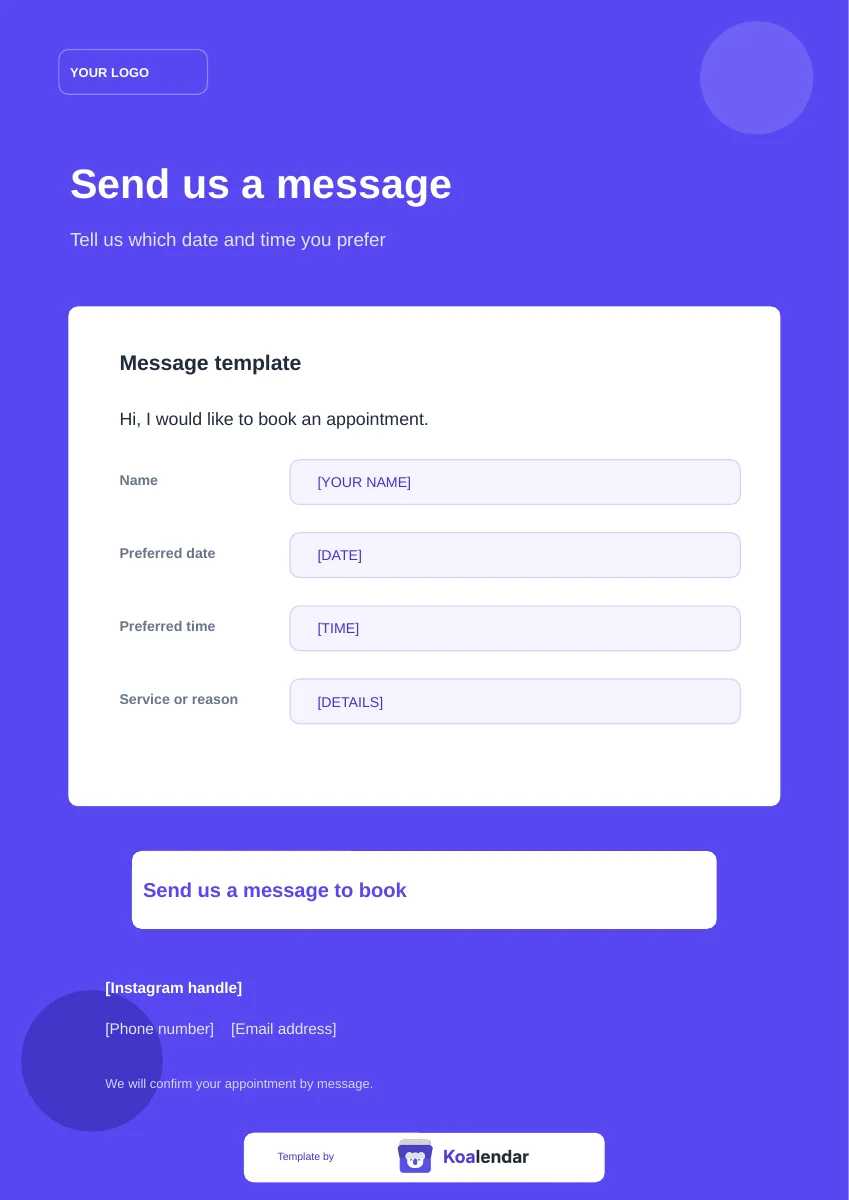
The first page lists your available appointments for the week, with three times per day and space for your logo and time zone. The second page tells people how to book by message and includes a message template for their name, preferred date, preferred time, and service. Pair them with the Google Forms appointment request form to collect requests in one place.
Download the Word file to edit the text, or upload the PowerPoint file to Canva to match your brand before posting it on Instagram or sending it to clients. Make a copy of the Google Form to get your own appointment request form and responses.
Posting your available times and taking requests works when you have a few clients. As requests increase, you still need to check each one against your calendar, reply to confirm, and update the list so nobody asks for a time that has gone.
A Koalendar booking page does this automatically. People see only the times you are free, choose one, and get a confirmation straight away, while your calendar updates on its own.
Ready to stop managing appointments manually?
Let people book your available times themselves. Koalendar checks your connected calendars, prevents conflicts, and handles confirmations automatically.
Create your free booking pageStudio Maya
Lash lift
Select a date & time
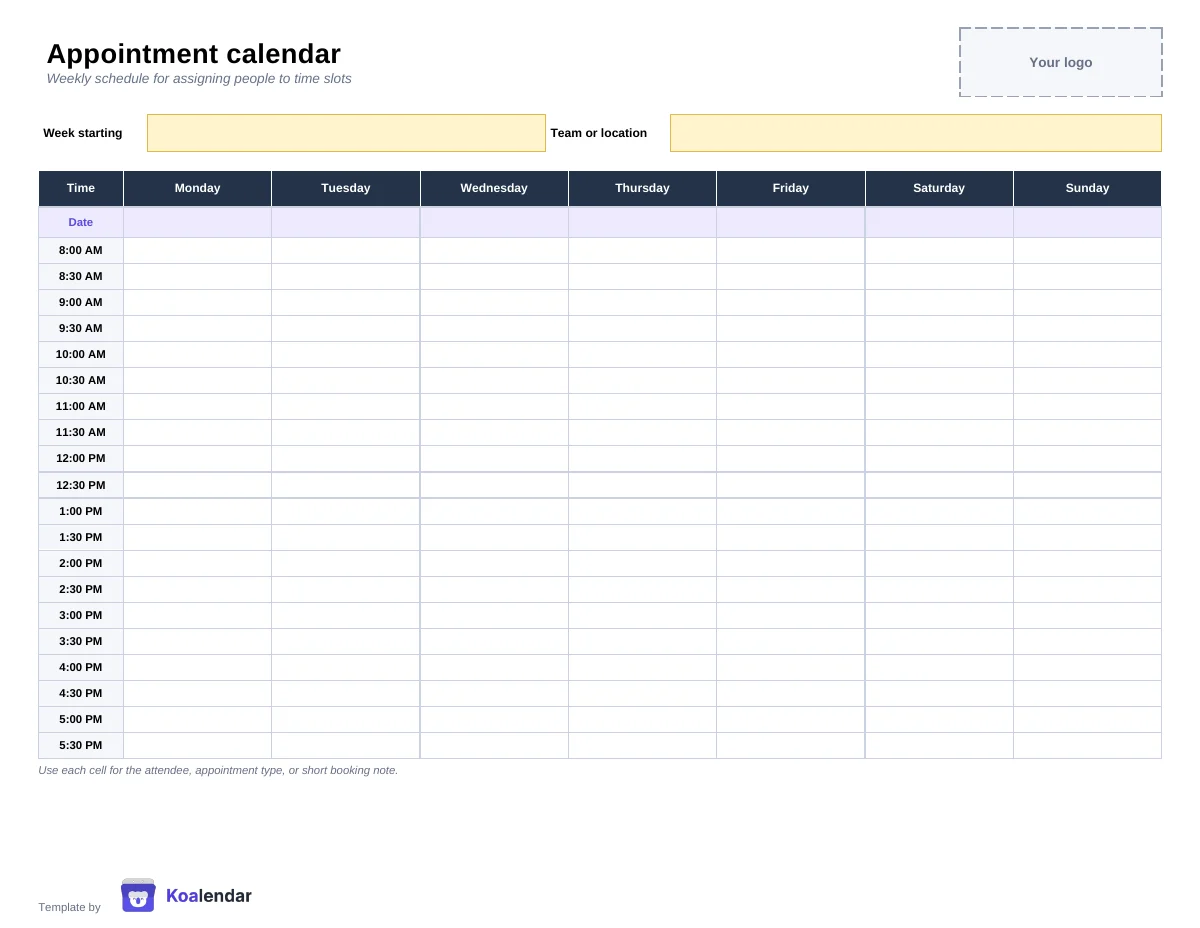 Schedule
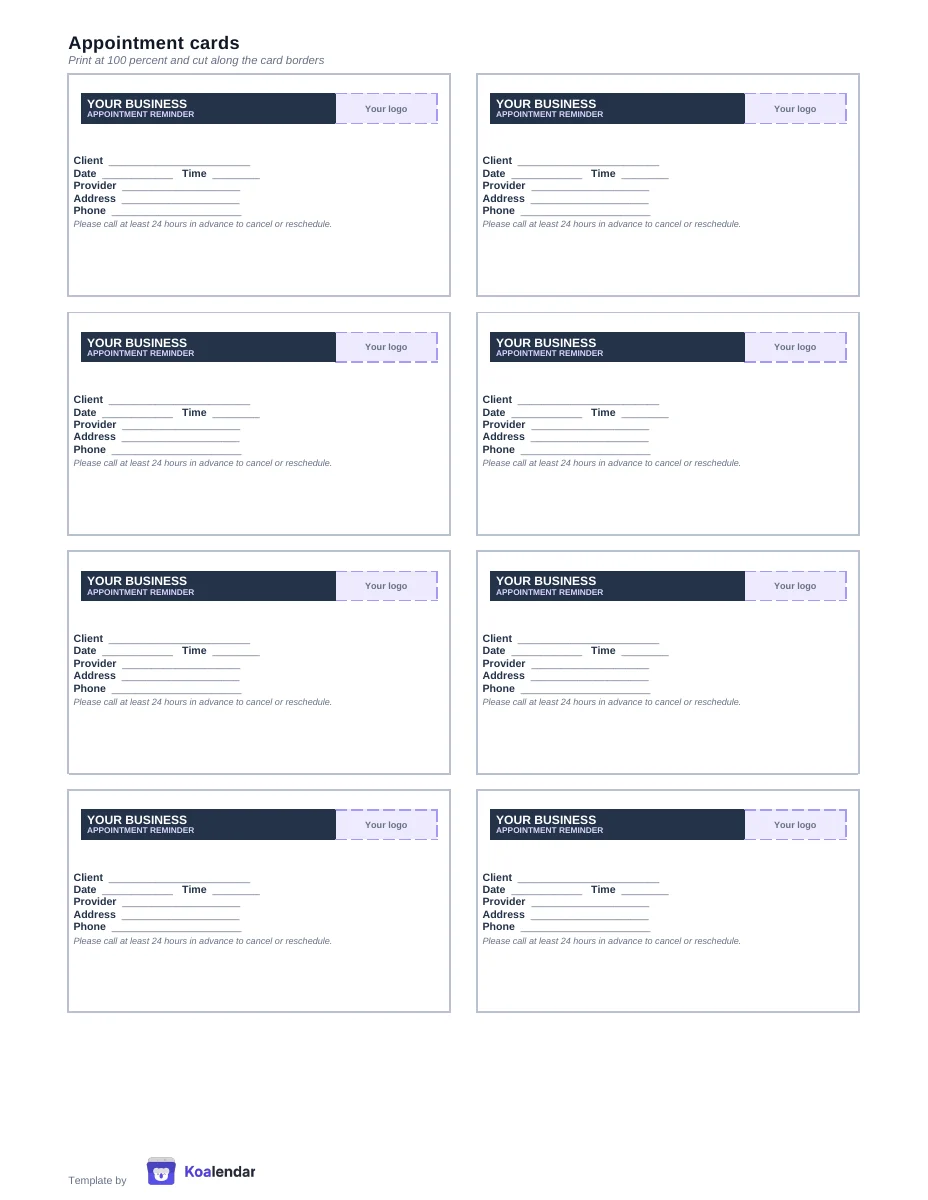 Printable card
 Policy wording