How to use this template
- Open it in Google Sheets or download Excel
- Add the week, your team, or location
- Write each appointment in its time slot
- Log details and status on the second page
A free appointment schedule template with a weekly time-slot calendar and a detailed appointment log. Edit it in Google Sheets, Excel, or Word, or print it.
Free to download No sign-up needed
Taking bookings for your business? Meet Koalendar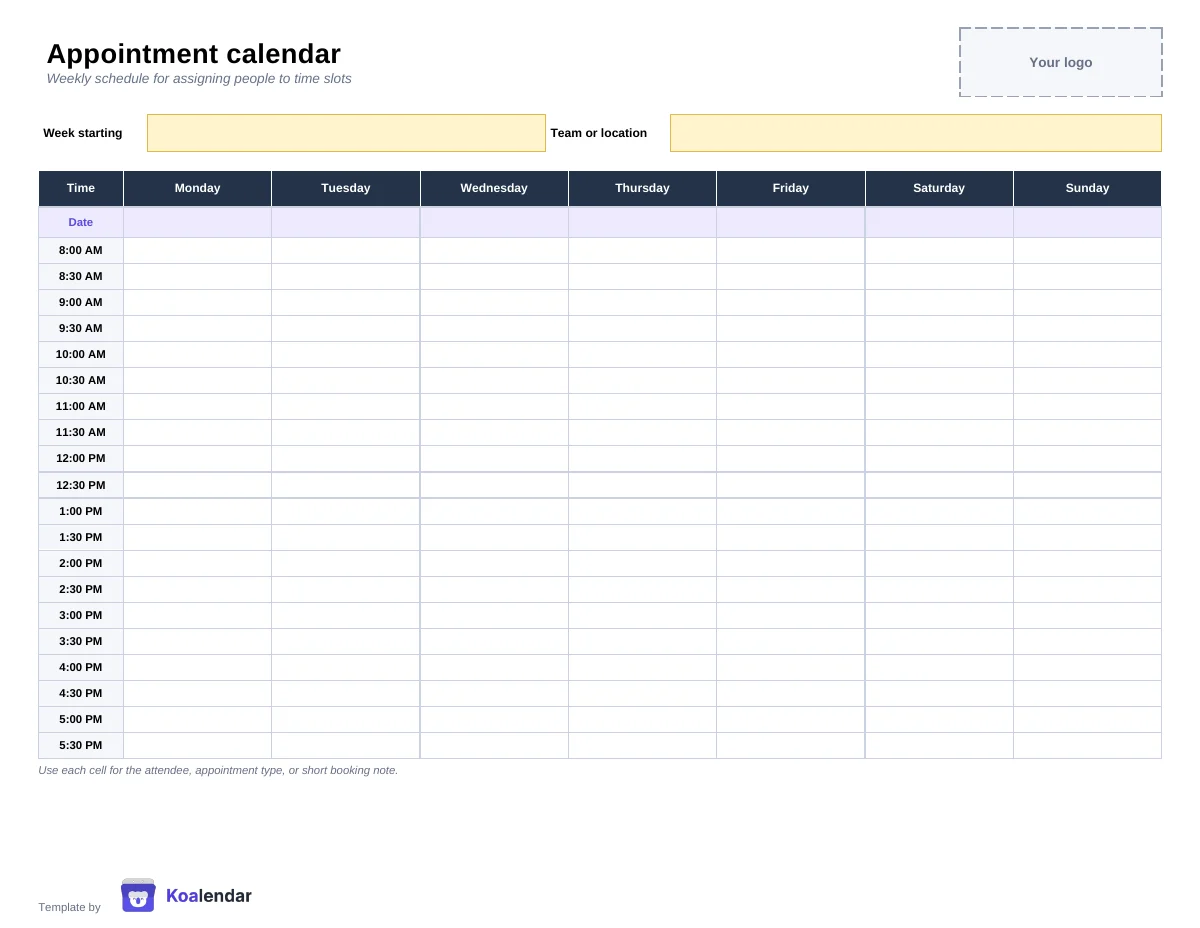
Every time slot, every booking. On one sheet.
Less admin. More time for people.
Connect your calendar, share one booking link. People choose a time you're free, and the booking is added automatically to your calendar.
| With a manual template | With Koalendar |
|---|---|
Update availability manually | Availability updates automatically |
Record bookings yourself | People self-book online |
Check for double bookings | Busy times are automatically unavailable |
Send confirmations yourself | Confirmations are sent automatically |
Maintain the file | No spreadsheet to maintain |
Free plan available. No credit card needed.
About this template
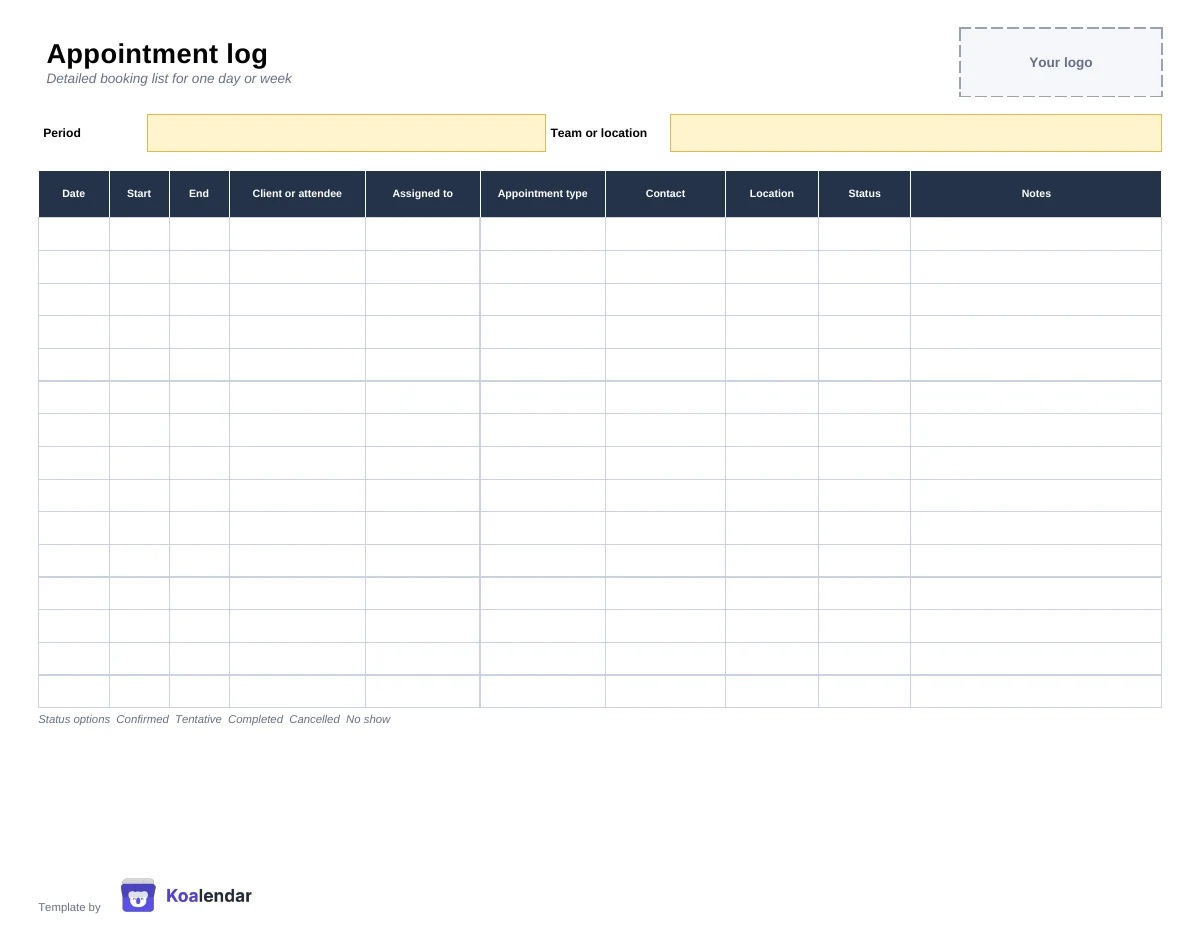
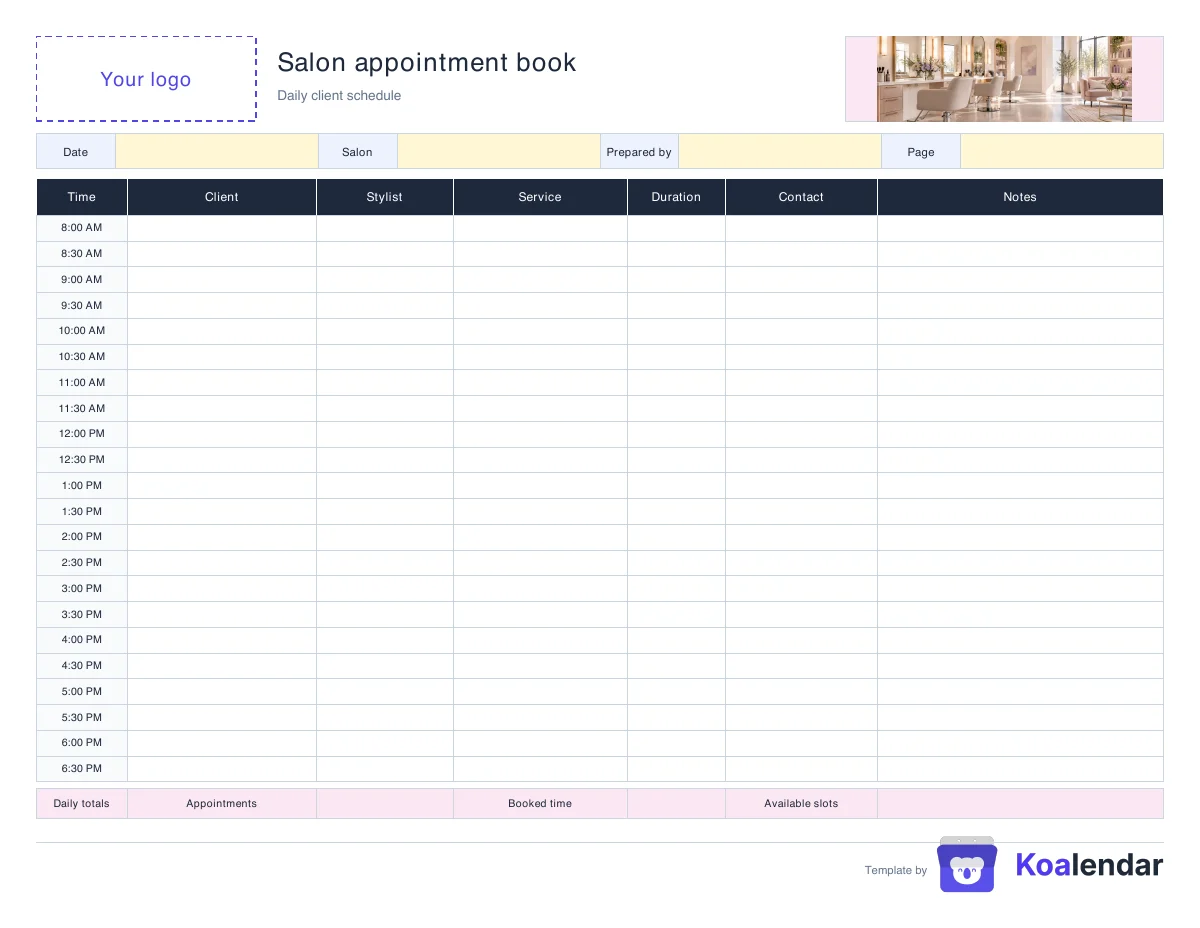
The template has two parts. The weekly appointment calendar is a grid of days and half-hour time slots, so you can assign people to times at a glance. The appointment log is a detailed list for one day or week with the date, start and end time, client or attendee, who the appointment is assigned to, appointment type, contact, location, status, and notes.
Open the spreadsheet in Google Sheets to edit it online, or download the Excel file. The Word version is easy to adapt with your logo, and the PDF is ready to print as a daily or weekly appointment calendar.
A spreadsheet works well when you only have a few bookings to organize. As bookings increase, you still need to check availability, update the sheet, and make sure two people have not booked the same slot.
Koalendar does this automatically. Clients see your live availability, choose a time, and get a confirmation, while your connected calendars update on their own.
Ready to stop managing appointments manually?
Let people book your available times themselves. Koalendar checks your connected calendars, prevents conflicts, and handles confirmations automatically.
Create your free booking pageRiverside Studio
Consultation
Select a date & time
 Booking template
 Room schedule
 Salon book