How to use this template
- Add your rooms or resources in Setup
- Set the week and available hours
- Record each reservation in the grid
- Update the sheet when bookings change
A free room schedule template for meeting rooms, conference rooms, and shared spaces. See every room's week at a glance and keep booking details together.
Free to download No sign-up needed
Managing shared rooms for a team? Meet Koalendar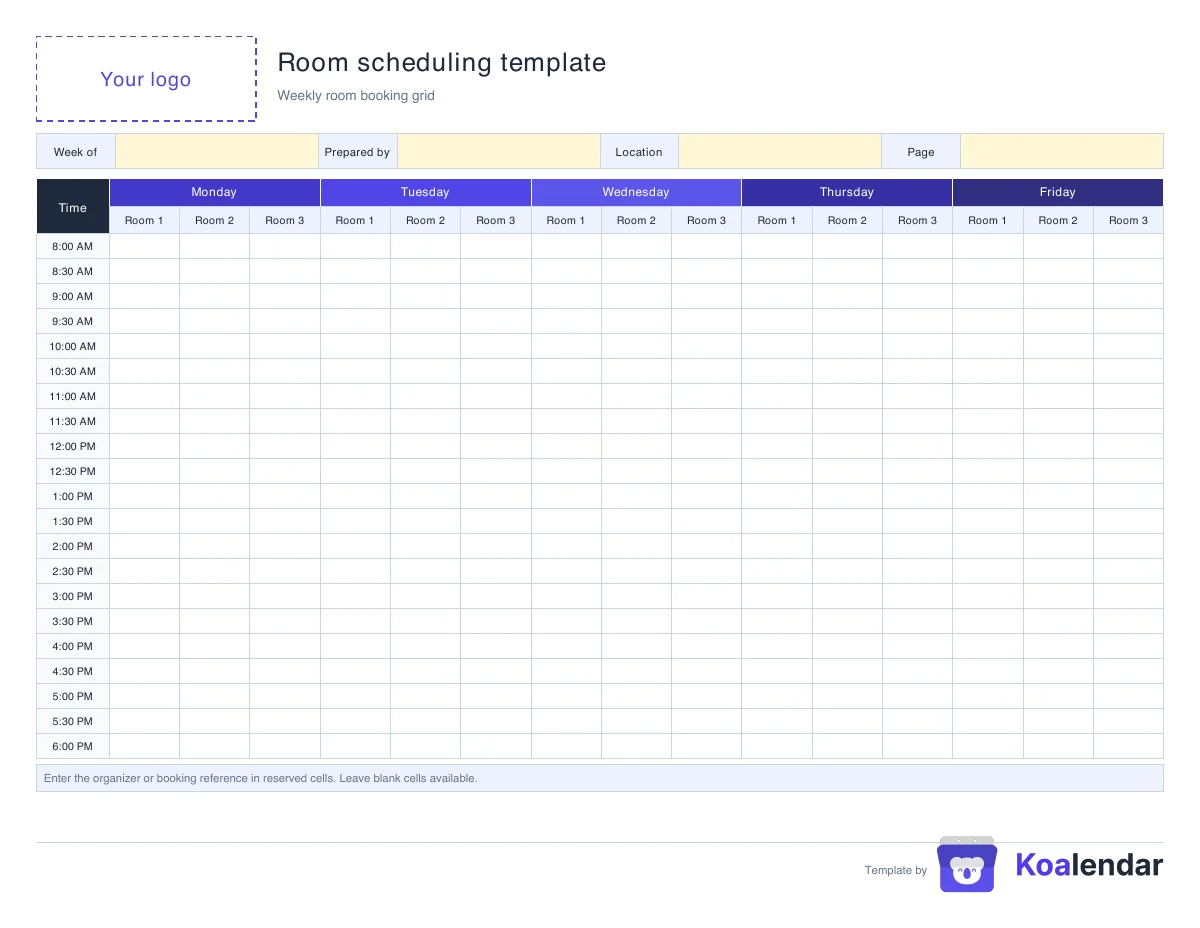
Every room, every hour. No more double bookings.
Less admin. More time for people.
Connect your calendar, share one booking link. People choose a time you're free, and the booking is added automatically to your calendar.
| With a manual template | With Koalendar |
|---|---|
Update availability manually | Availability updates automatically |
Record bookings yourself | People self-book online |
Check for double bookings | Busy times are automatically unavailable |
Send confirmations yourself | Confirmations are sent automatically |
Maintain the file | No spreadsheet to maintain |
Free plan available. No credit card needed.
About this template
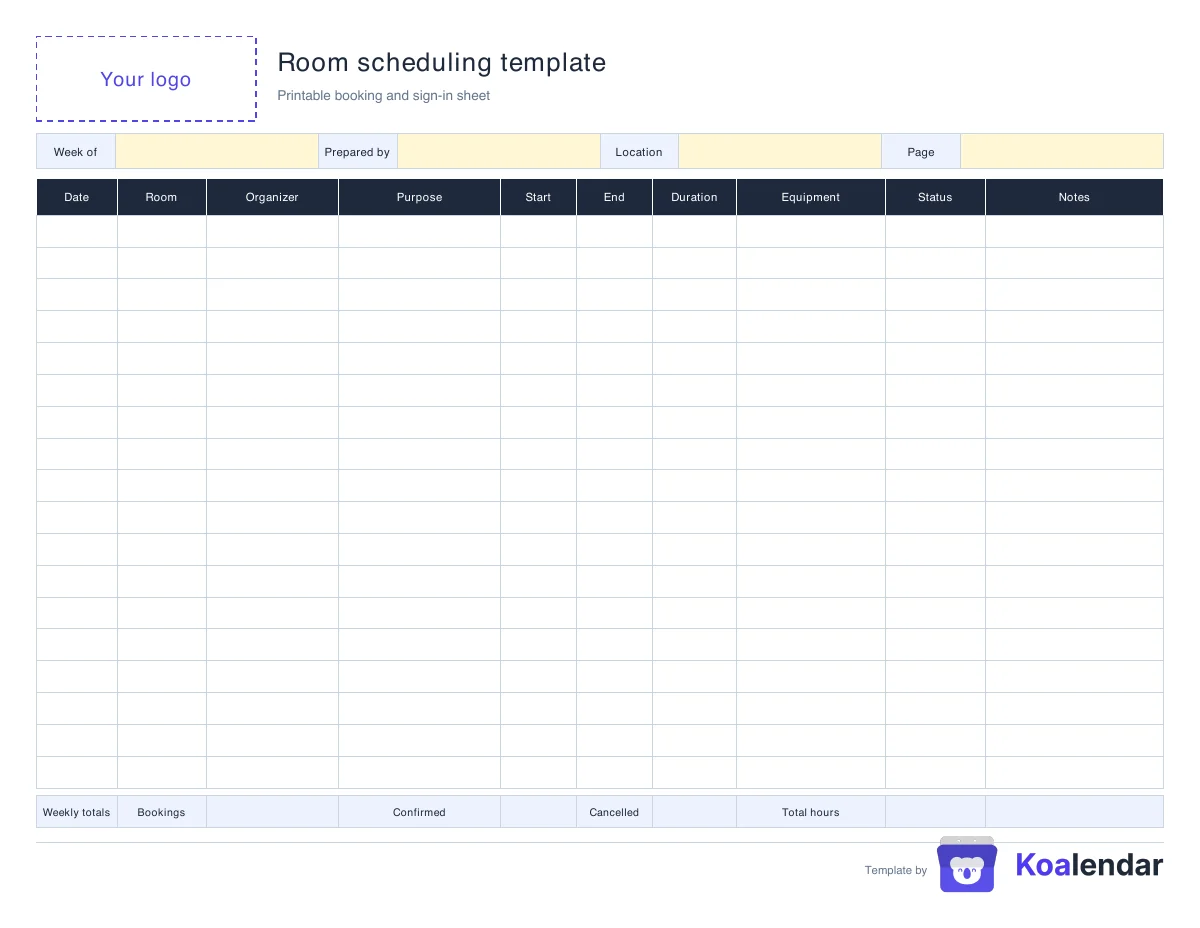
Page one is a weekly room booking grid: rows are times, and each weekday is split into columns for your rooms. Write the organizer or booking reference in a reserved cell and leave free cells blank. Page two is a booking and sign-in sheet with the date, room, organizer, purpose, start and end time, duration, equipment, status, and notes, plus weekly totals.
Open the workbook in Google Sheets so your whole team can see the same schedule, or download it for Excel. Print the PDF to post a weekly schedule outside each room, or edit the Word version with your logo.
A shared sheet works while a few people book a few rooms. As bookings increase, someone still has to check which rooms are free, update the grid, and sort out two teams that booked the same slot.
With Koalendar, each room gets its own booking page. People pick a free time, the booking is confirmed, and the room's calendar blocks that slot for everyone else.
Ready to stop managing room bookings manually?
Let people reserve rooms from a booking page. Koalendar checks each room's calendar, prevents conflicts, and confirms every booking automatically.
Create your free booking pageHarbor Office
Book a meeting room
Select a date & time
 Schedule
 Booking template
 Policy wording