How to use this template
- Add your providers, rooms, and appointment types in Setup
- Enter the practice, date, and coordinator
- Fill in each patient's time slot
- Update the status as patients arrive
A free daily practice schedule for clinics and front desks. Allocate patients to providers, rooms, and time slots, then track each appointment's status.
Free to download No sign-up needed
Booking patients for a practice? Meet Koalendar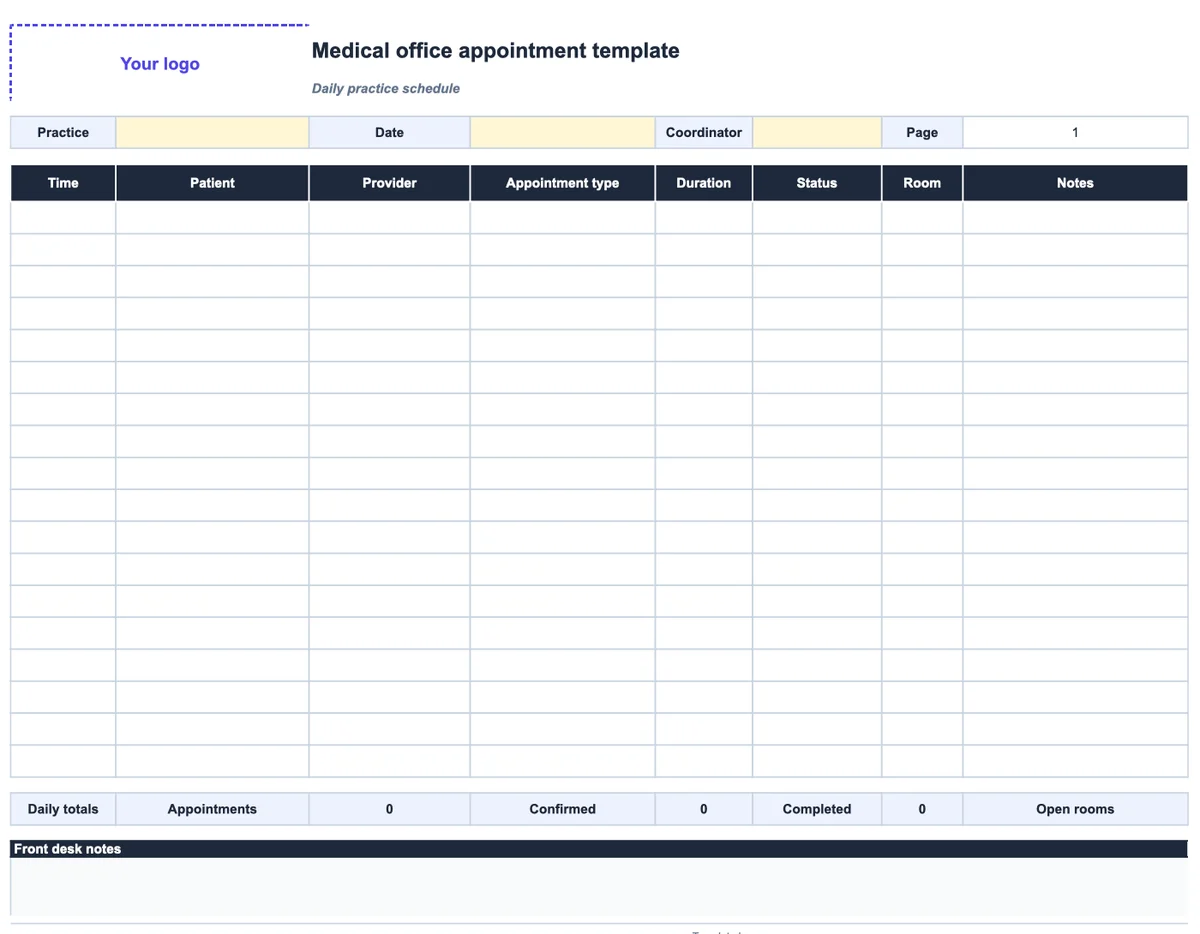 Daily practice schedule
 Patients, providers, and rooms. One clear day.
Less admin. More time for people.
Connect your calendar, share one booking link. People choose a time you're free, and the booking is added automatically to your calendar.
| With a manual template | With Koalendar |
|---|---|
Check provider availability by hand | Availability updates automatically |
Take every booking by phone | Patients self-book online |
Send confirmations yourself | Confirmations are sent automatically |
Call patients with reminders | Automate reminders on a paid plan |
Maintain the spreadsheet | No spreadsheet to maintain |
Free plan available. No credit card needed.
About this template
This medical office appointment scheduling template is built for the people who run the day: receptionists, practice managers, and care coordinators. Each row is a time slot with the patient, provider, appointment type, duration, status, room, and notes. Daily totals show how many appointments are booked, confirmed, and completed, and which rooms are still open. Patients tracking their own visits should use the doctor appointment template instead.
The main workbook has a Schedule tab and a Setup tab for your providers, rooms, and appointment types. A separate printable workbook fits one day on a page, and the Word version is there if you prefer to fill it in by hand.
A daily schedule keeps the front desk organized. But every phone booking, cancellation, and reschedule still has to be checked against provider availability and entered by hand.
Koalendar lets patients book an available time with the right provider online. Confirmations go out automatically, and each provider's connected calendar stays up to date.
Ready to stop booking patients by phone?
Let patients book available times themselves. Koalendar checks your connected calendars, prevents conflicts, and handles confirmations automatically.
Create your free booking pageMaple Family Clinic
New patient visit
Select a date & time
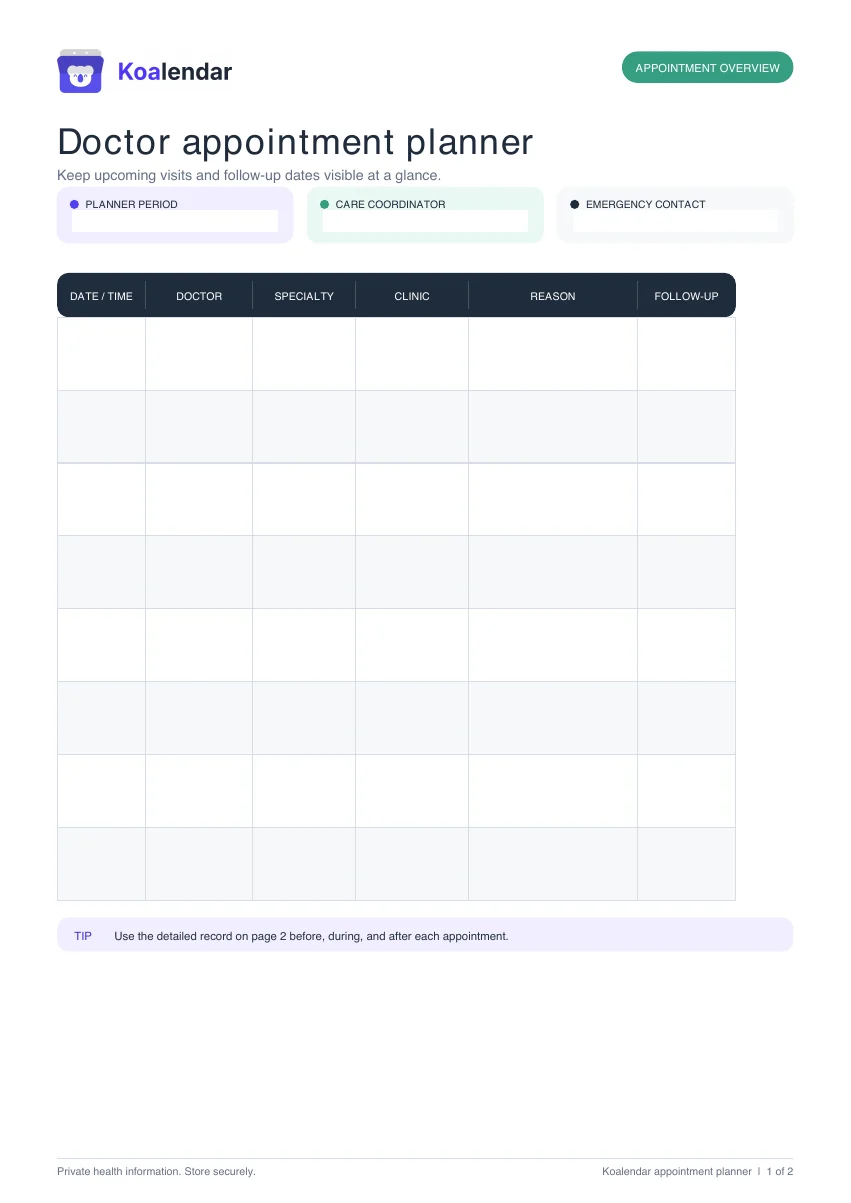 Medical schedule
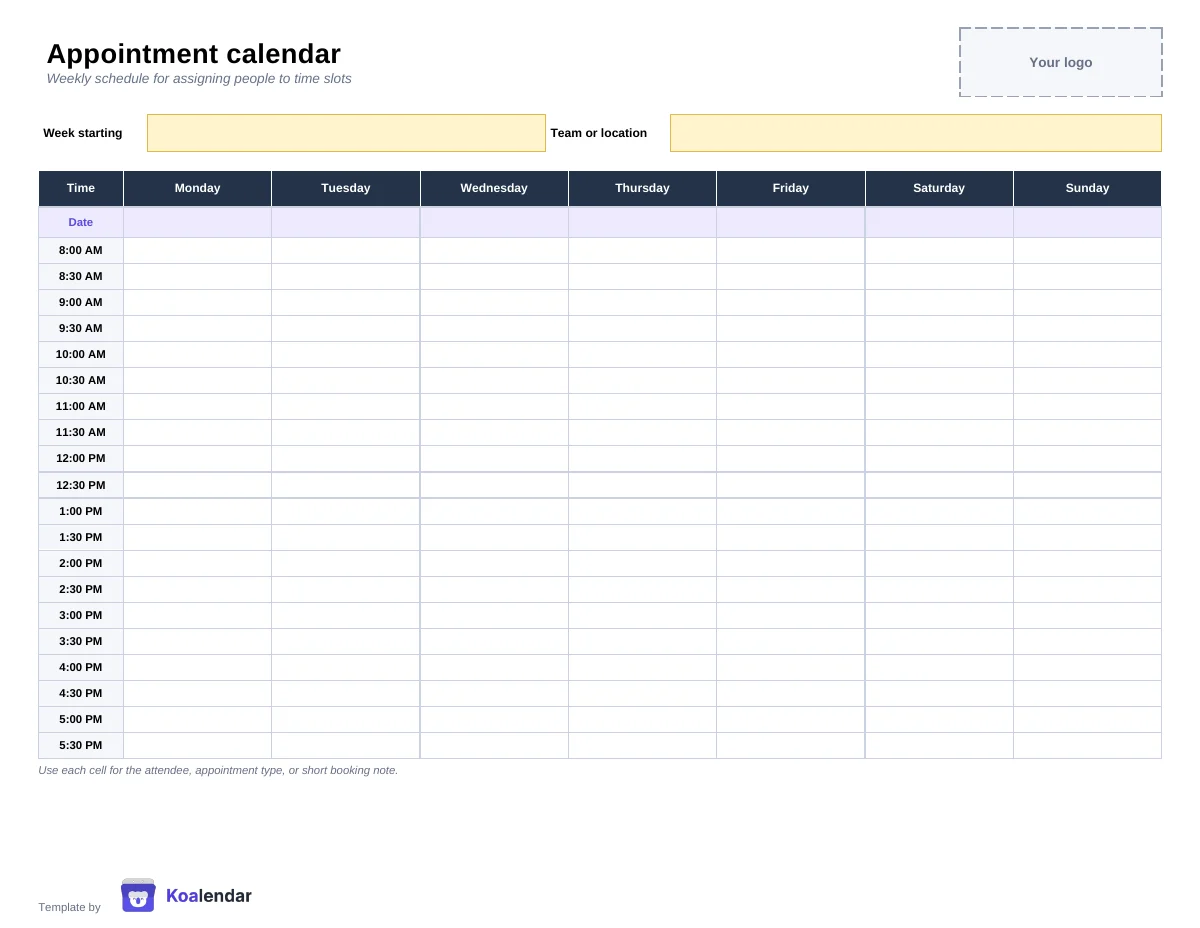 Schedule
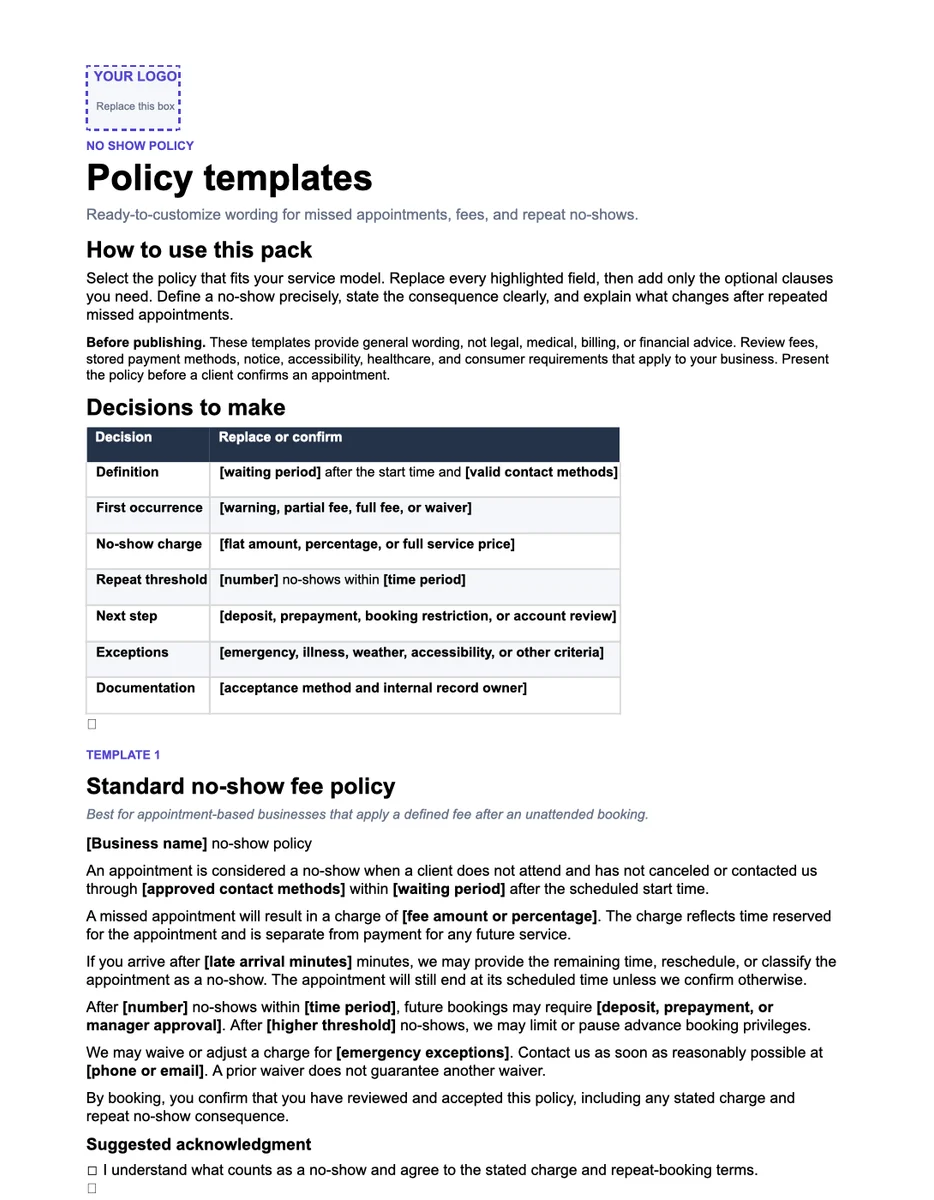 Policy wording