

TL;DR
- Koalendar is the best choice for teams that want powerful scheduling without the learning curve.
- Google Calendar and Microsoft Outlook Calendar work well for internal scheduling when your team already uses Google Workspace or Microsoft 365.
- Calendly is a strong option for larger sales organizations that need advanced lead routing and CRM workflows.
- Motion and Reclaim AI are better suited to teams that want AI to plan tasks, protect focus time, and rearrange schedules.
- Teamup is best for highly visual shared calendars, while Vimcal is designed for executives and executive assistants managing meeting-heavy schedules.
The most important distinction is simple: some platforms help you view calendars, while others actively automate how meetings are scheduled.
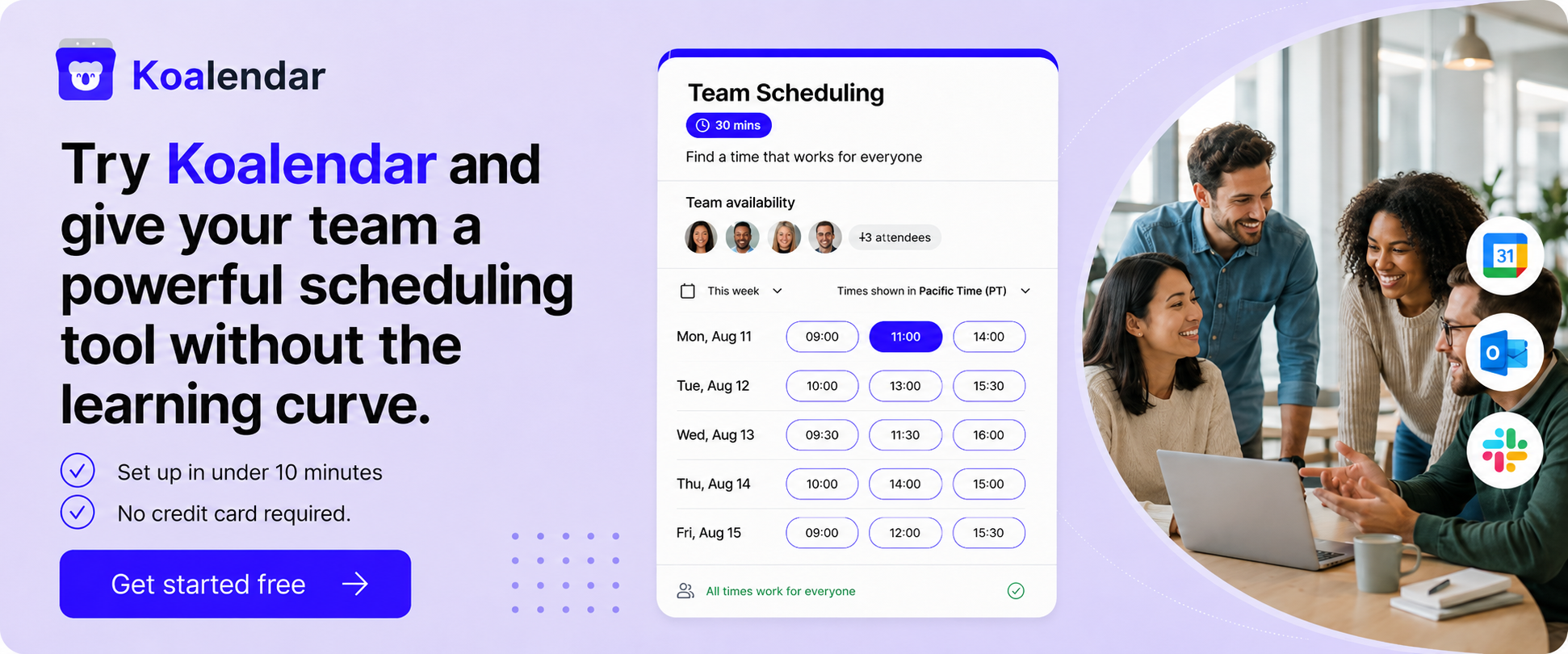
Coordinating a team should not require ten emails, three Slack messages, and a last-minute apology for double-booking someone.
The best team calendar software gives everyone a clear view of availability, prevents scheduling conflicts, and handles routine coordination automatically. The right platform can also connect your calendars, booking pages, video calls, reminders, and business tools in one smoother workflow.
This guide compares 12 leading platforms, from shared calendars such as Google Calendar to AI planning tools such as Motion and dedicated scheduling software such as Koalendar. You’ll see which features each tool offers, where it works best, and how to choose the right option for your team.
What makes the best team calendar software?
The best platform removes coordination work rather than creating another system your team needs to maintain.
At a minimum, look for shared availability, reliable calendar synchronization, automated booking, reminders, sensible permissions, and integrations with the tools your team already uses.
Shared team availability
Shared availability lets people find a suitable time without asking every participant individually.
For internal meetings, this may mean viewing coworkers’ free and busy times. For client-facing scheduling, it may mean combining several team members’ calendars into one booking page.
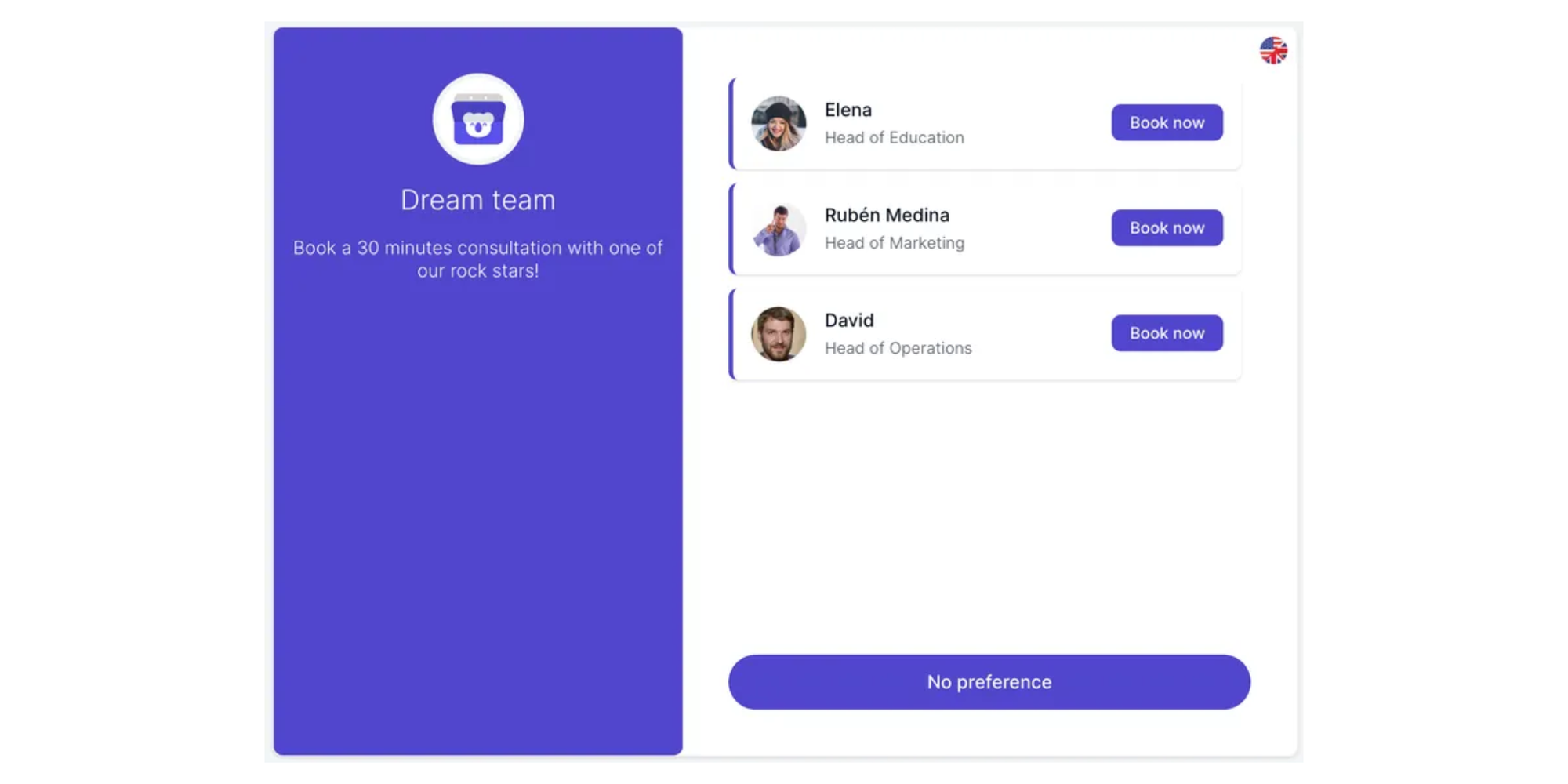
A useful shared calendar should help your team:
- See who is available without exposing private event details
- Combine several hosts’ availability
- Assign meetings through round-robin scheduling
- Require multiple hosts to attend the same meeting
- Set different working hours, buffers, and booking limits
- Account for time zones automatically
This visibility can reduce scheduling conflicts and help managers coordinate remote, hybrid, and cross-functional teams more efficiently.
Calendar synchronization
Two-way calendar sync is essential for preventing double bookings.
When someone schedules a meeting, the platform should add it to the correct calendar and block that time from future bookings. Changes and cancellations should update automatically too.
Koalendar connects with Google Calendar and Microsoft Outlook, allowing teams to keep using the calendars they already know while adding a more flexible scheduling layer. Google Calendar can also create shareable appointment schedules, while Outlook’s Scheduling Assistant shows attendee and room availability inside Microsoft 365.
Before choosing a tool, check whether it supports:
- Google Calendar
- Microsoft Outlook
- Multiple connected calendars
- Personal and work calendar conflict checking
- Real-time event updates
- Time-zone detection
Automated scheduling
Automated scheduling lets people book time with you based on the availability, meeting length, and booking rules you set. Instead of coordinating by email, the system checks your calendar, offers suitable time slots, and adds confirmed bookings automatically.
For a team, this means that, instead of suggesting times over email, your team shares a booking page with their available times so people can book only when they truly are free.
Useful controls include:
- Minimum notice periods
- Daily or weekly booking limits
- Buffers before and after meetings
- Custom availability for each meeting type
- Round-robin host assignment
- Collective scheduling for meetings requiring several hosts
- Automatic confirmation, cancellation, and rescheduling
The result is 24/7 online booking without giving invitees unrestricted access to your calendar.
Team collaboration features
Team collaboration features help everyone coordinate availability, share booking responsibilities, and stay aligned without extra admin. Teams can use shared calendars, pooled availability, round-robin scheduling, permissions, and automatic notifications to reduce admin and avoid double-bookings.
Shared calendar views are useful, but businesses often need more control as they grow. Managers may need to create standardized meeting types, manage hosts, update booking rules, or restrict who can change settings.
Good admin controls for team scheduling allow administrators to define availability, hosts, booking limits, and scheduling resources centrally. That makes it easier to roll out consistent processes across teams or departments.
Other collaboration features to consider include:
- Role-based permissions
- Shared booking pages
- Centralized meeting templates
- Group scheduling
- Department-level calendar views
- Reporting and booking analytics
- Resource or room scheduling
Integrations with existing tools
The right team calendar software should fit into your workflow instead of forcing your team to rebuild it.
Start with your calendar and video conferencing tools. Then look at the platforms your sales, recruitment, customer success, or operations teams use every day.
Common integrations include:
- Zoom
- Google Meet
- Microsoft Teams
- HubSpot
- Salesforce
- Zapier
- Stripe
- PayPal
- Slack
- Project management software
Integrations matter because disconnected systems create duplicate work. A meeting booked through your website should be able to create the calendar event, generate the video link, update the customer record, and notify the right person without someone copying information between tools.
Best team calendar software compared
The right choice depends on whether your main priority is client booking, internal visibility, AI planning, or executive calendar management.
The comparison below focuses on practical team scheduling capabilities rather than the number of features each product advertises.
 |  | Microsoft Outlook Calendar |  |  | Reclaim AI | Teamup | Notion Calendar | Vimcal | Morgen | Sunsama |  | |
| Shared team calendars | ✅ | ✅ | ✅ | ✅ | ✅ | ✅ | ✅ | ✅ | Limited | Limited | Limited | ✅ |
| Round robin | ✅ | ❌ | ❌ | ✅ | ❌ | ✅ | ❌ | ❌ | ❌ | ❌ | ❌ | ❌ |
| Group scheduling | ✅ | Limited | Limited | ✅ | ✅ | ✅ | ✅ | Limited | ✅ | ✅ | Limited | Limited |
| Automated reminders | ✅ | Limited | Limited | ✅ | ✅ | ✅ | Limited | Limited | Limited | Limited | Limited | Limited |
| Ease of setup | Very easy | Very easy | Easy | Easy | Moderate | Moderate | Easy | Easy | Moderate | Moderate | Moderate | Easy |
| Best for | Straightforward team and client scheduling | Google Workspace teams | Microsoft 365 organizations | Sales routing and enterprise workflows | AI task and calendar planning | Protecting focus time with AI | Visual schedules and resource coordination | Teams already using Notion | Executives and executive assistants | Combining multiple calendars and tasks | Guided daily planning | Apple-focused teams |
Feature availability can vary by plan and change over time. Confirm any essential requirement with the provider before rolling software out across your organization.
12 Best team calendar software platforms
1. Koalendar: Best for easy team scheduling
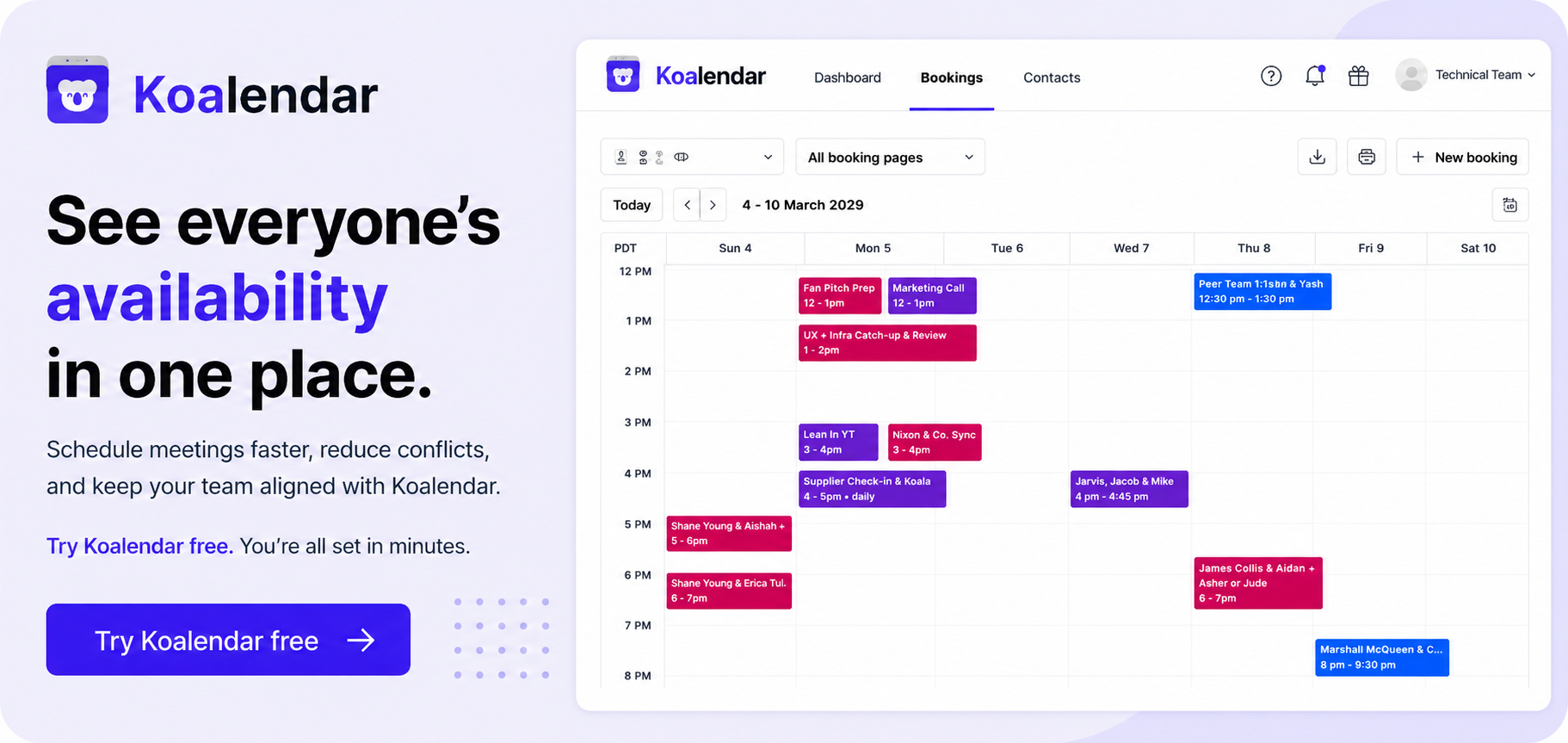
Koalendar is the best team calendar software option for teams that want powerful scheduling without a complicated setup.

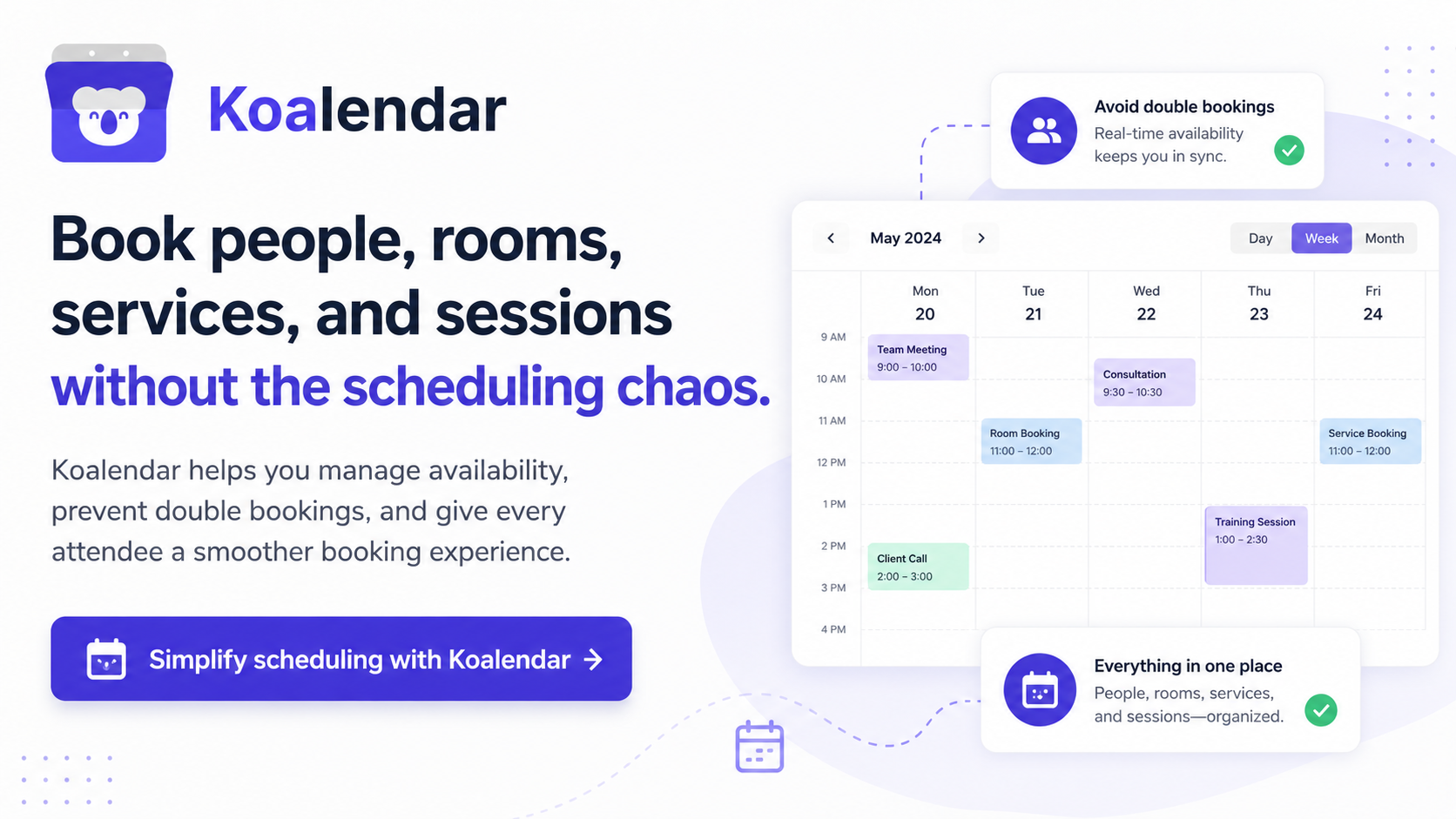
Your team can create custom booking pages, connect Google or Outlook calendars, combine host availability, and let people schedule meetings online at any time. Automated confirmations and reminders help keep everyone informed without manual follow-up.
Koalendar is particularly useful for small and growing businesses because the booking experience stays simple for both administrators and invitees. You can create different pages for sales calls, interviews, customer onboarding, consultations, or internal meetings without asking your team to learn a complex new calendar system.
Key features:
- 24/7 online booking
- Google and Outlook calendar synchronization
- Shared team availability
- Round-robin and multi-host scheduling
- Automated email and SMS reminders
- Custom booking pages
- Branding and customization
- Admin controls
- Video conferencing and business integrations
- Free plan with unlimited bookings
Koalendar’s free offering includes unlimited one-to-one appointments, while the Pro plan ($6.99/seat/month billed annually) adds capabilities for growing teams. Clients praise its user experience, affordability, helpfulness and value for money.
Best for: Small businesses, sales teams, recruiters, customer-facing teams, consultants, and organizations that value ease of use.
Potential limitation: Teams looking for a full project management suite or AI task planner may need to connect Koalendar to a separate productivity tool.
2. Google Calendar: Best for Google Workspace teams
Google Calendar is a practical shared calendar for teams already working in Gmail and Google Workspace.
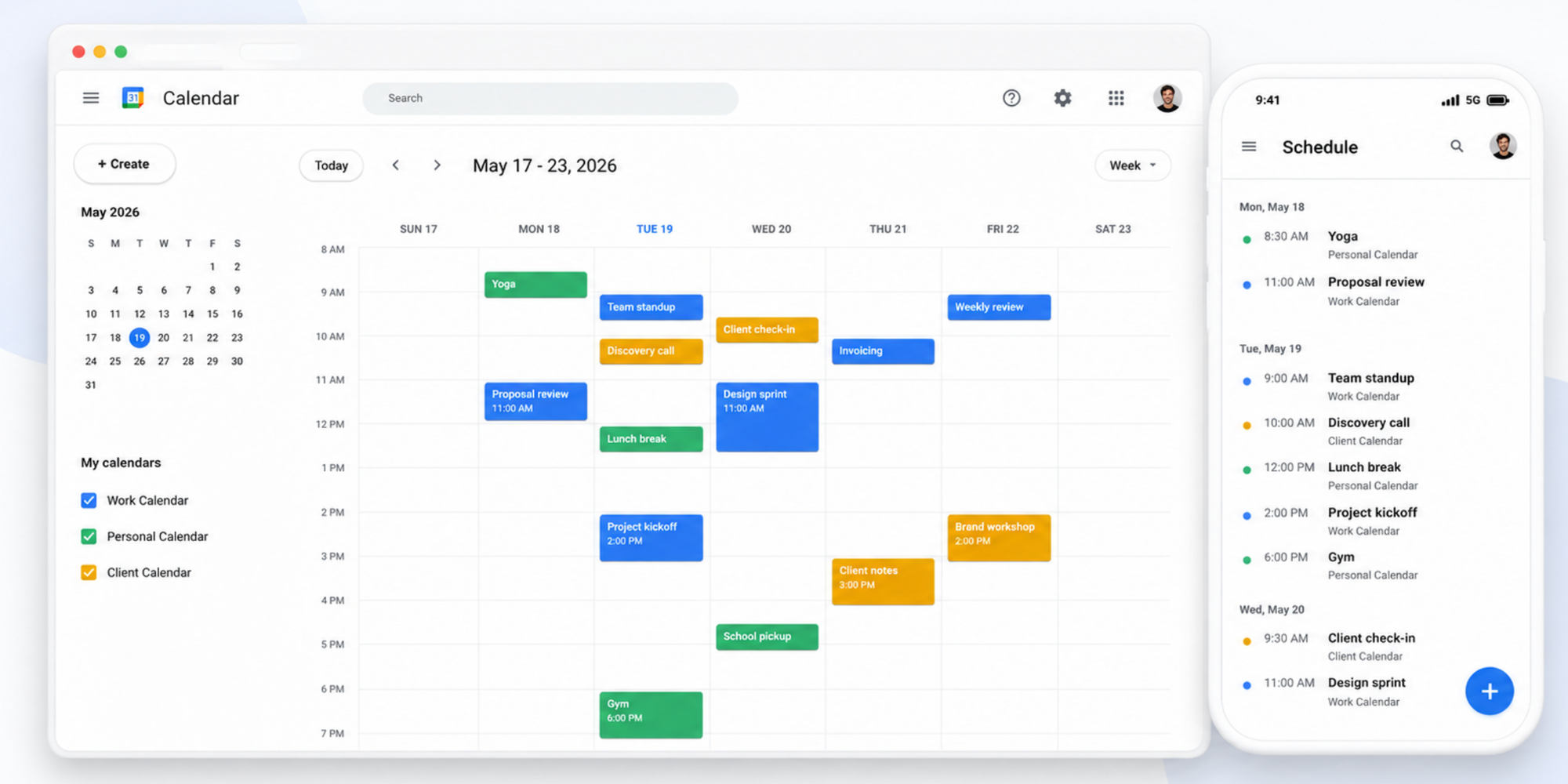
Employees can share calendars, view coworker availability, create events, invite attendees, and add Google Meet links. Google’s appointment schedules also let users create a booking page, define availability, and share or embed the resulting link.
Its biggest advantage is familiarity. Most Google Workspace users can start coordinating internal meetings with little or no training.
Best for: Internal scheduling, simple shared calendars, and teams heavily invested in Google Workspace.
Potential limitation: Google Calendar is primarily a calendar. Its native team booking, routing, branding, reminder, and administrative capabilities are less specialized than those of dedicated scheduling software.
3. Microsoft Outlook Calendar: Best for Microsoft 365 organizations
Microsoft Outlook Calendar is a strong internal scheduling option for companies using Microsoft 365.
Each Microsoft 365 Group can have a shared calendar where members create, edit, and view team events. Outlook’s Scheduling Assistant also displays attendee availability and can help users find open meeting rooms.
It works particularly well in organizations where email, contacts, calendars, Microsoft Teams, and room resources are already managed within Microsoft’s ecosystem.
Best for: Corporate teams, shared internal calendars, room scheduling, and Microsoft 365 users.
Potential limitation: External booking experiences and team distribution workflows may require Microsoft Bookings or separate scheduling software.
4. Calendly: Best for advanced sales routing
Calendly is a mature scheduling platform with strong routing and enterprise sales features.
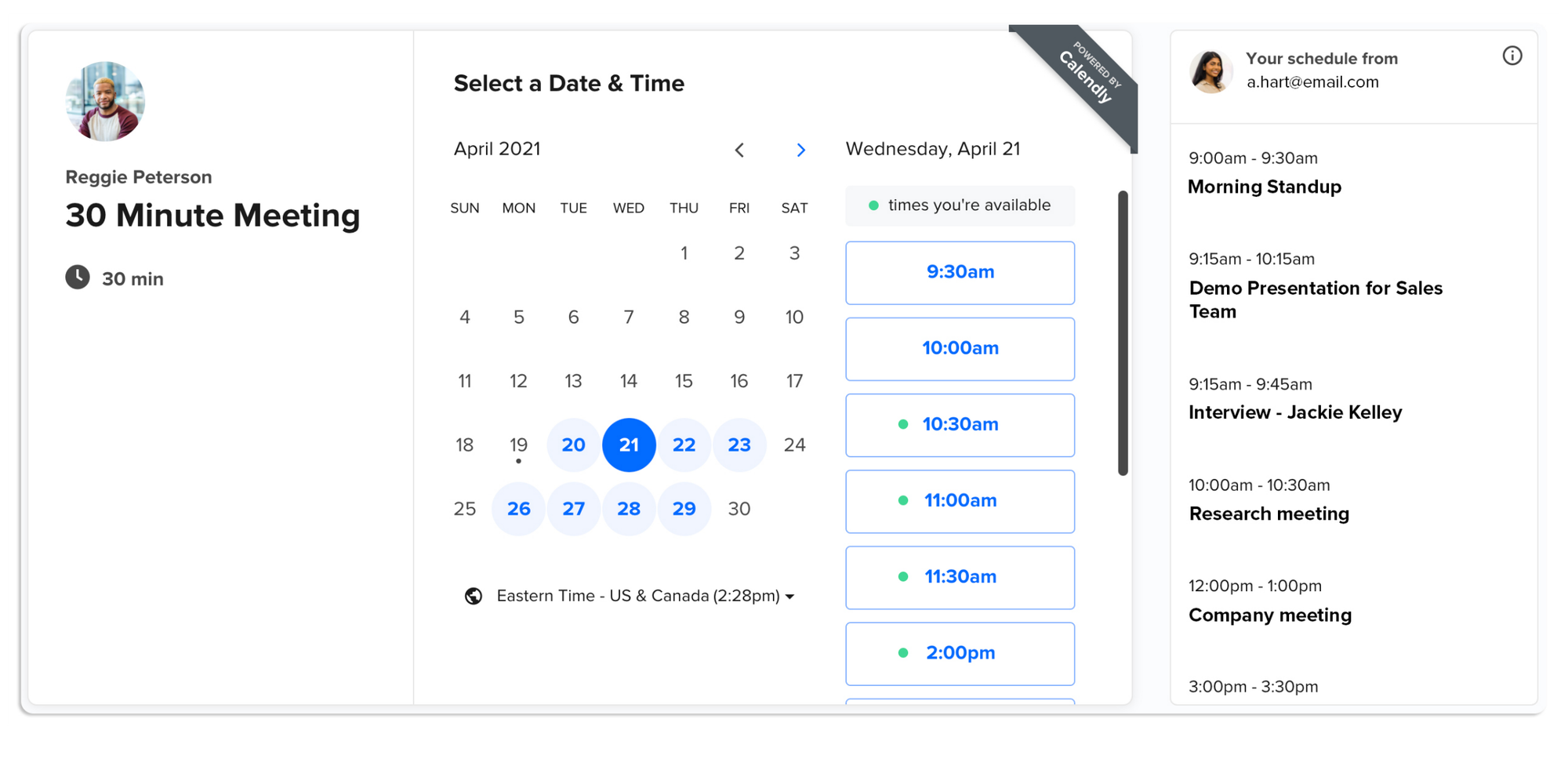
Like Koalendar, it supports booking links, connected calendars, automated reminders, collective meetings, and round-robin scheduling. Calendly’s round-robin logic can prioritize the next available person or distribute meetings more evenly across a team.
Its Teams plan also supports lead qualification and routing, alongside integrations for platforms such as Salesforce, HubSpot, Marketo, and Pardot.
Calendly Enterprise adds Salesforce lookup routing, Microsoft Dynamics integration, SAML SSO, SCIM user provisioning, domain control, audit logs, a data deletion API, and dedicated account support for large-scale scheduling governance.
Best for: Large organizations that need advanced routing, centralized governance, CRM workflows, identity management, and scheduling across multiple teams.
Potential limitation: Teams Plan starts at $16/seat/month. The most advanced team features are available in the Enterprise plan, which can be more complex and costly than smaller teams need, particularly when the main requirement is a simple shared booking page. Its Enterprise plan uses custom pricing and currently starts at $15,000 per year.
5. Motion: Best for AI-powered work planning
Motion combines calendar management, task planning, and project scheduling in one AI-powered workspace.
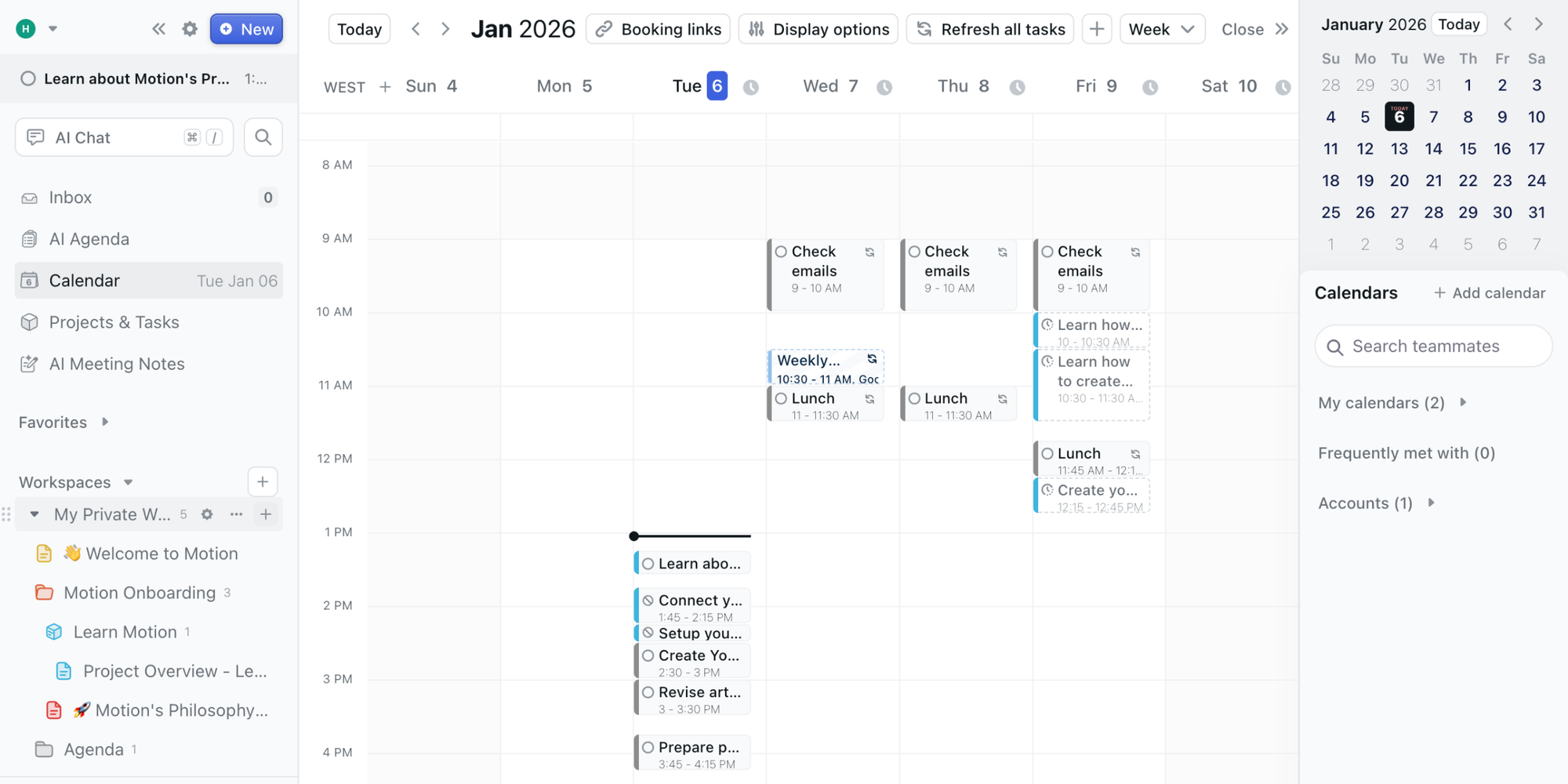
Rather than focusing only on booking meetings, Motion prioritizes tasks and places them into the calendar automatically. It can then reorganize the schedule as priorities, deadlines, and meetings change.
Its Team Schedule view provides a weekly overview of team members’ tasks, commitments, and workload capacity.
Best for: Teams that want AI-assisted task planning and workload visibility.
Potential limitation: Motion may be more software than a team needs when the main goal is simply to let clients or colleagues schedule meetings.
6. Reclaim AI: Best for protecting focus time
Reclaim AI is designed to fit meetings, tasks, habits, breaks, and focus time into busy calendars.
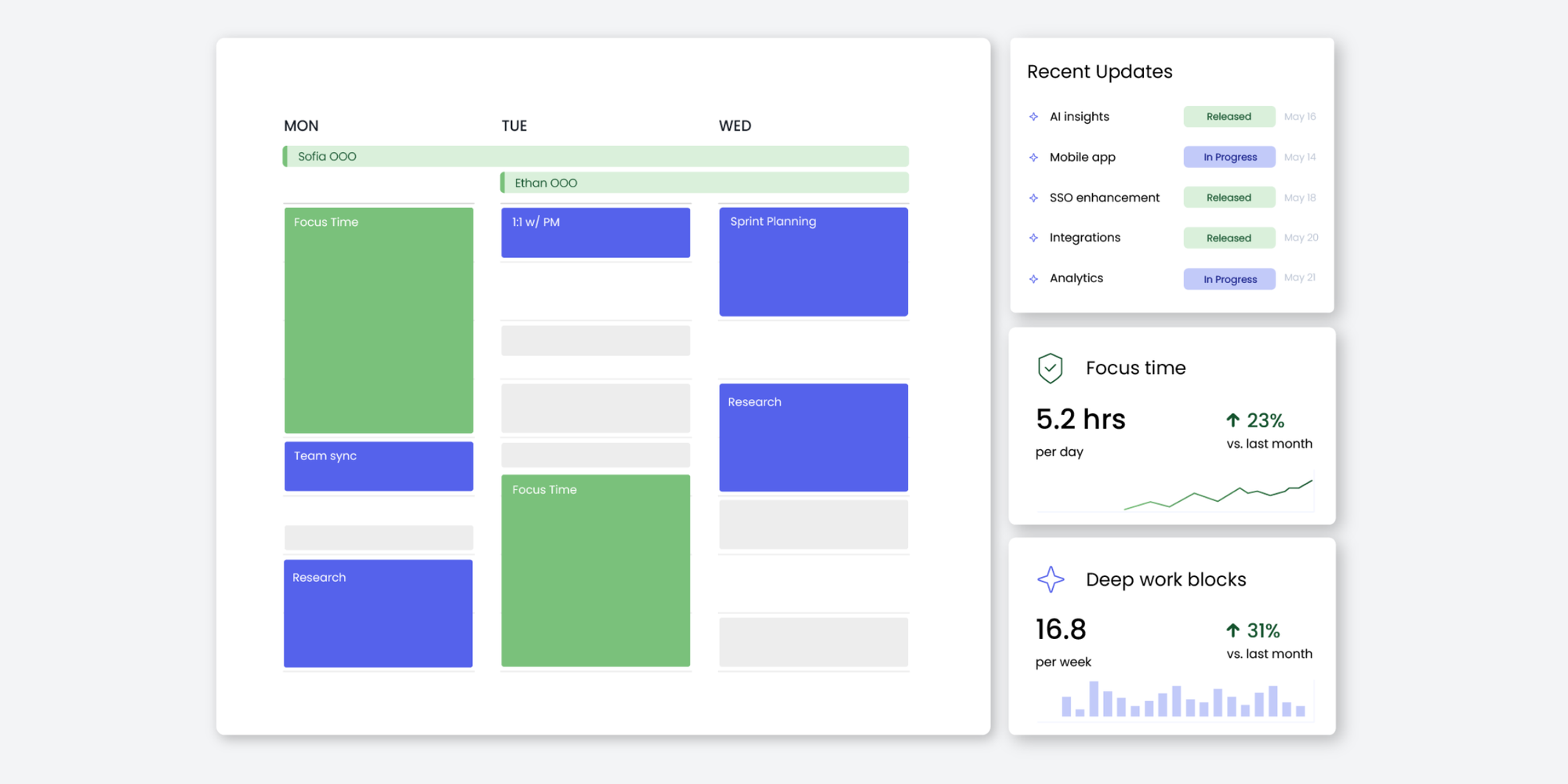
Its scheduling tools work with Google Calendar and Outlook. Team Links can combine several coworkers’ calendars so invitees can find a suitable time across the group.
Reclaim can also manage recurring Smart Meetings and reschedule them when conflicts arise, accounting for availability and time zones.
Best for: Knowledge workers, remote teams, and organizations trying to control meeting overload.
Potential limitation: The platform’s AI-driven approach may require more setup and adjustment than a straightforward booking tool.
7. Teamup: Best for visual shared calendars
Teamup gives teams one highly customizable calendar for people, locations, resources, and events.
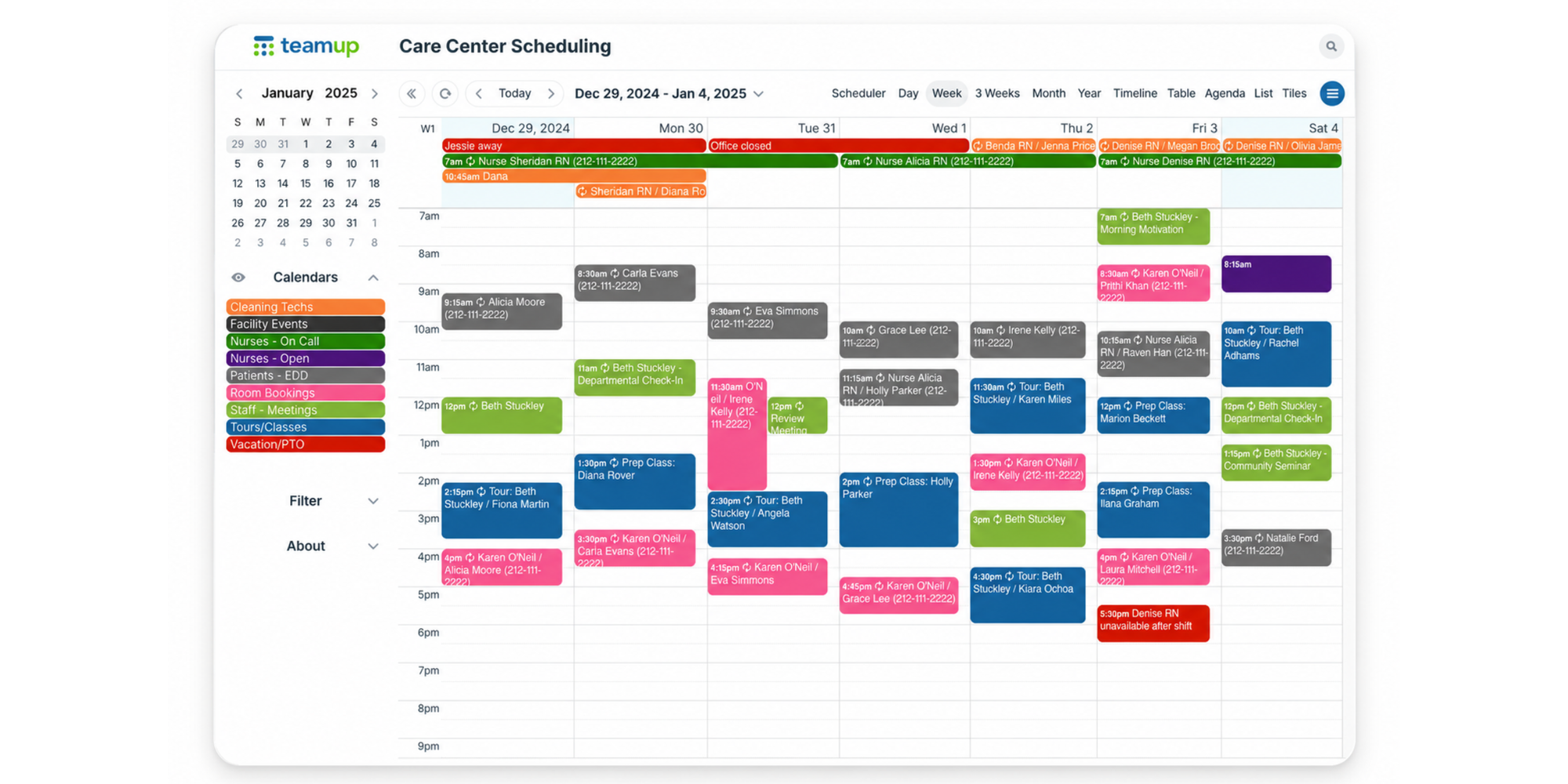
Its color-coded sub-calendars can represent employees, departments, projects, rooms, equipment, regions, or event categories. Teams can also create different access permissions for different users.
This makes Teamup useful when visibility and operational coordination matter more than external appointment booking.
Best for: Operations teams, field services, events, shared resources, facilities, and multi-location organizations.
Potential limitation: It is less focused on automated sales appointment routing and polished client booking pages.
8. Notion Calendar: Best for teams using Notion
Notion Calendar connects meetings, project dates, documents, and Notion databases in one interface.
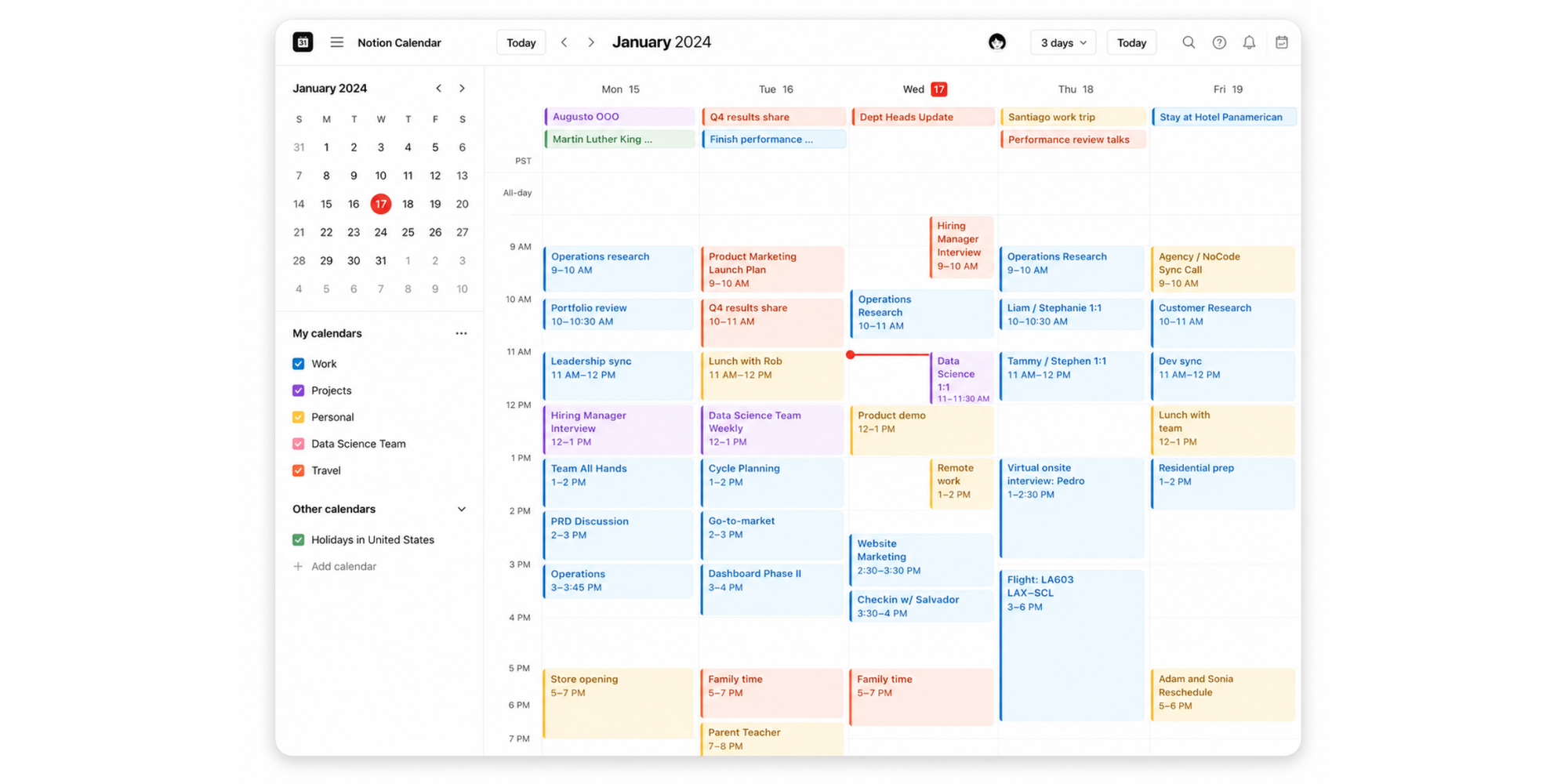
Users can bring together Google Calendar, Apple iCloud calendars, and Notion database dates. Scheduling links are available for sharing availability, and event records can connect to Notion pages or AI Meeting Notes.
For Google Workspace teams, Notion Calendar can also help coworkers view availability and find time to collaborate.
Best for: Product, creative, and startup teams already managing work in Notion.
Potential limitation: It is not a full substitute for dedicated round-robin scheduling or advanced appointment automation.
9. Vimcal: Best for executives and executive assistants
Vimcal is built for people who manage meeting-heavy calendars and need to schedule quickly.
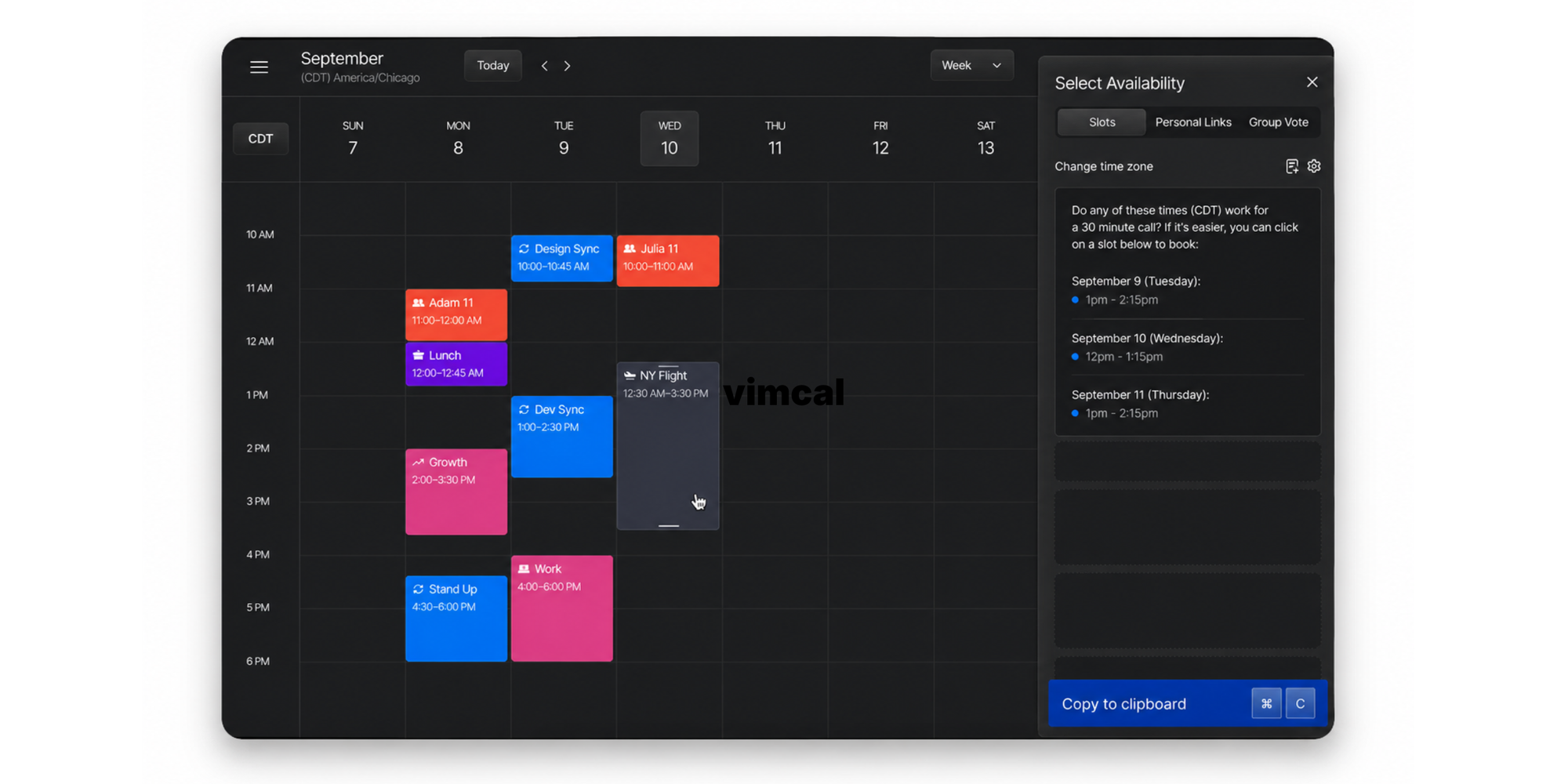
The platform offers reusable booking links, selected availability slots, time-zone tools, and features for executive assistants. Vimcal EA adds calendar holds, group meeting polls, calendar audits, scheduling history, and preferences for different executives.
Its workflow is especially useful when an assistant coordinates meetings across multiple executives, organizations, or time zones.
Best for: Founders, executives, investors, chiefs of staff, and executive assistants.
Potential limitation: It is a specialist calendar productivity product rather than a general-purpose team booking platform.
10. Morgen: Best for combining calendars and tasks
Morgen brings multiple calendars, task lists, and scheduling workflows into one planning environment.
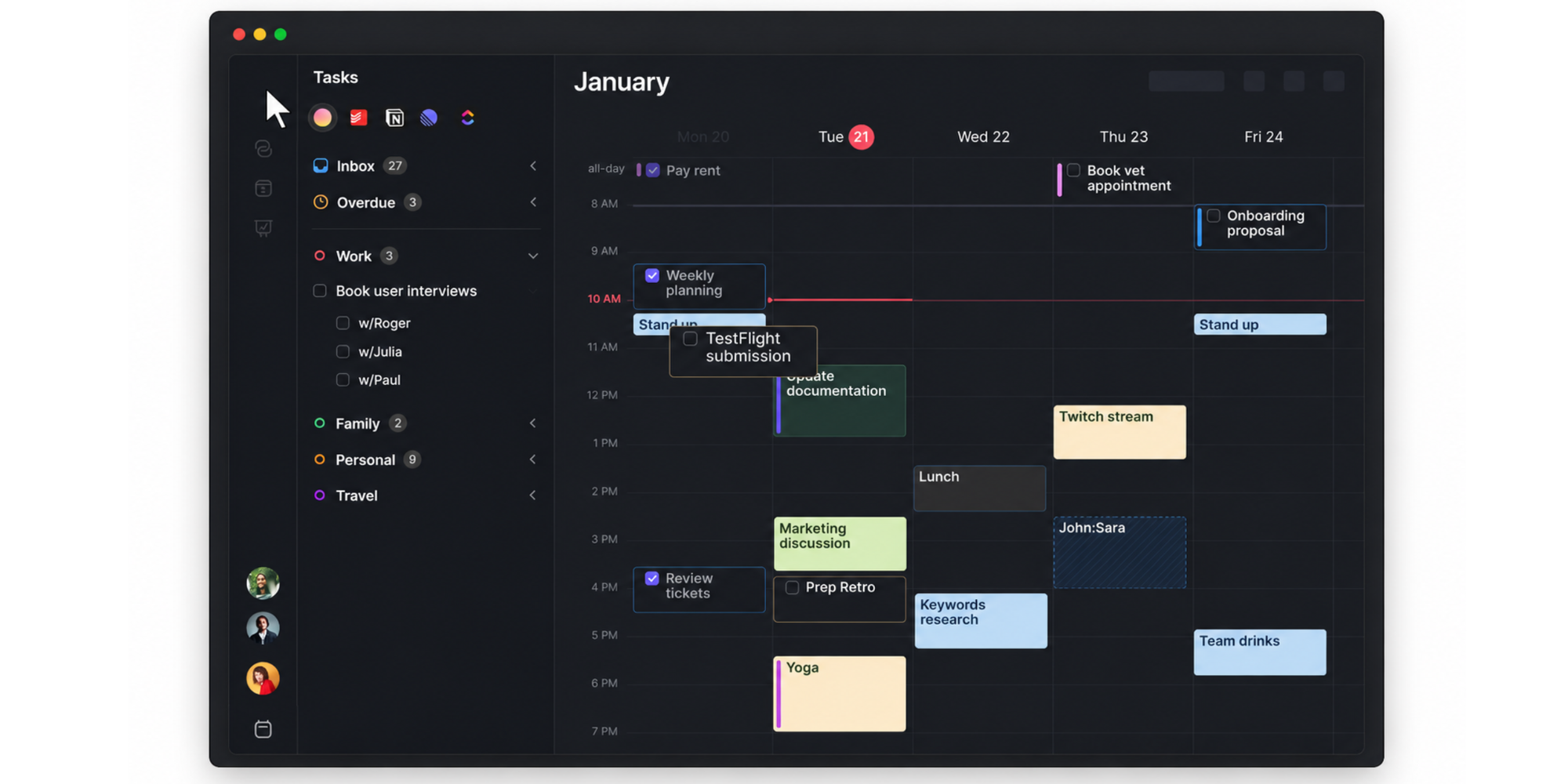
Its appeal is consolidation. Users can manage commitments from several accounts without repeatedly switching between separate calendar and task applications.
Morgen’s own evaluation framework emphasizes cross-platform synchronization, integrations, AI or automation, and ease of use as core calendar management requirements.
Best for: Professionals balancing multiple calendars, task systems, and areas of responsibility.
Potential limitation: Its strongest features focus on personal planning and calendar consolidation rather than team-wide client scheduling.
11. Sunsama: Best for guided daily planning
Sunsama helps individuals build realistic daily plans by combining tasks, meetings, and time estimates.
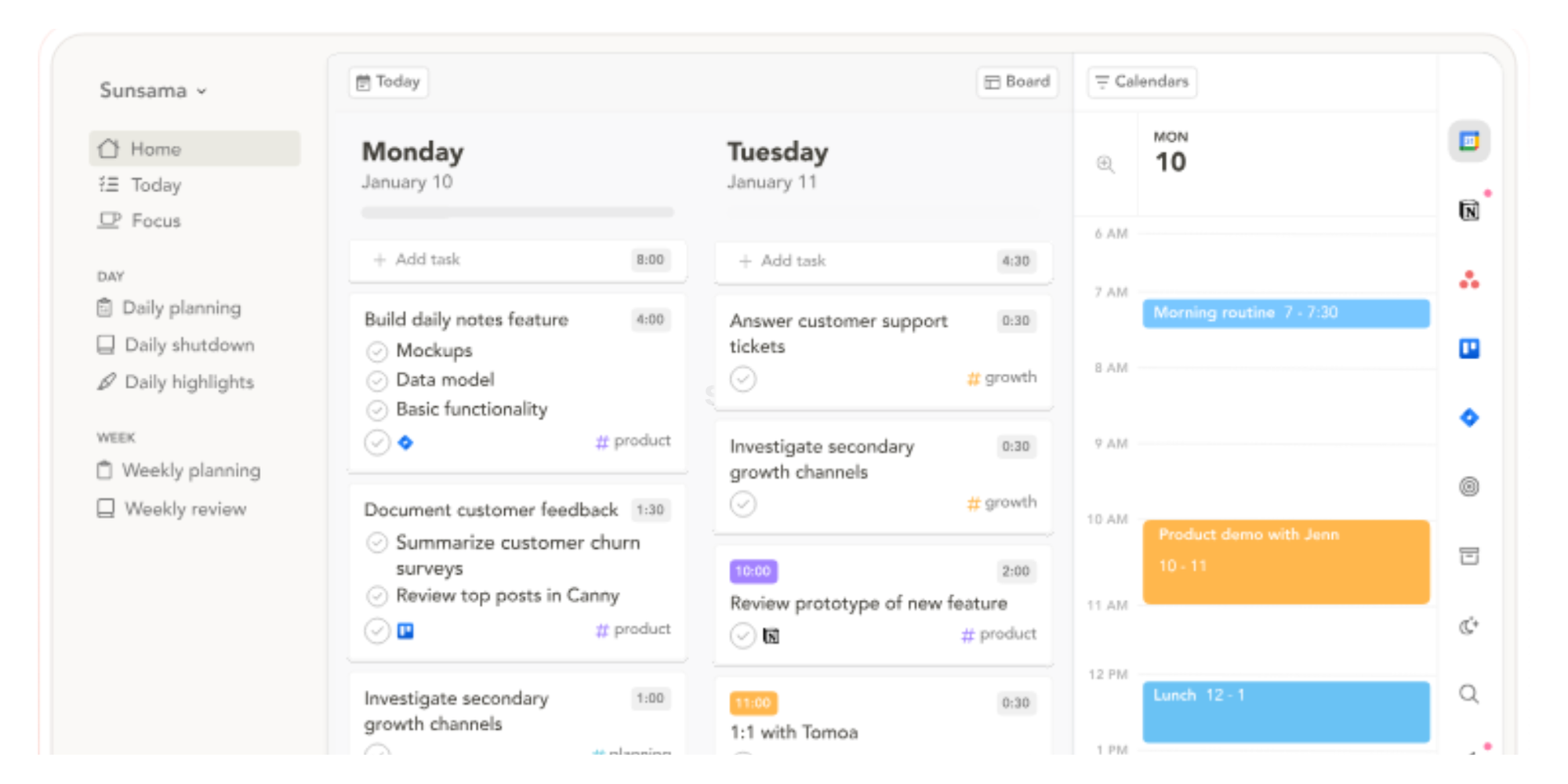
It encourages users to review their workload, choose daily priorities, and timebox tasks on the calendar. This structured approach can help people notice when meetings and commitments exceed their actual capacity.
Best for: Managers and professionals who want a calmer, more intentional daily planning routine.
Potential limitation: Sunsama is primarily a personal productivity tool, so it is not the strongest choice for shared booking pages, round-robin scheduling, or centralized team administration.
12. Fantastical: Best for Apple-focused teams
Fantastical offers a polished calendar experience across Apple devices.
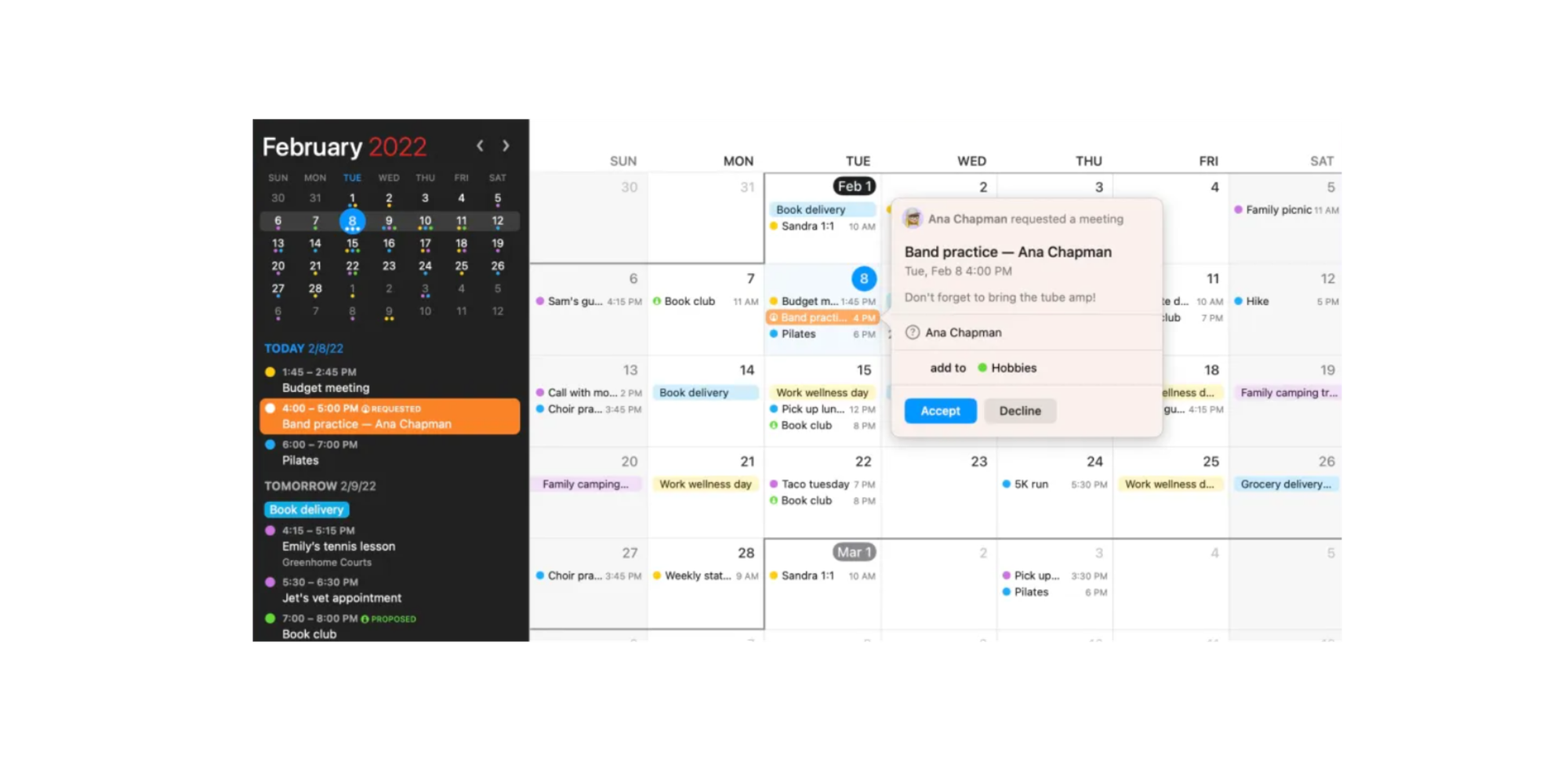
It is known for natural-language event creation, multiple calendar views, time-zone support, and an interface that brings different calendar accounts together.
Fantastical can be a strong upgrade for individuals who live in the Apple ecosystem and want a more refined calendar interface. It is also regularly recommended for its design, while Google Calendar and Outlook tend to lead general calendar comparisons for their respective ecosystems.
Best for: Mac, iPhone, iPad, and Apple Watch users.
Potential limitation: It is more suited to personal calendar management than centralized team scheduling operations.
Best team scheduling tool by use case
There is no universal winner for every organization, but each use case has a clear front-runner.
Best for small businesses
Koalendar is the best choice for most small businesses because it combines a generous free plan with straightforward team scheduling.
A small company can create booking pages, connect calendars, automate reminders, and begin accepting meetings without investing in a complex enterprise system.
That simplicity matters. The best team scheduling tool should save administrative time from day one, not demand training sessions before anyone can schedule a call.
Best for remote teams
Reclaim AI is a strong choice for remote teams that need to coordinate time zones while protecting focus time.
It can schedule recurring meetings around real availability and help reorganize calendars when conflicts appear. Koalendar is the better option when the remote team’s main goal is external booking rather than AI calendar planning.
“We chose Koalendar because of the setting up, the linking, and its ease of use. I’m busy, and anything that saves me time, or is easy for my team to adapt to, is really important.”

Bibi Boucher
Global Operating Officer
Best for sales teams
Calendly suits large sales organizations with advanced lead routing, while Koalendar is a simpler and more affordable option for growing teams.
Calendly offers powerful Salesforce and marketing automation workflows. Koalendar gives sales teams scheduling software for sharing booking links, assigning meetings, syncing calendars, and reducing manual follow-up without unnecessary complexity.
A service business that connected Koalendar, Zapier, and HubSpot reported saving substantial scheduling administration each week, showing how a connected workflow can remove repetitive coordination. Read the full Koalendar, Zapier, and HubSpot client scheduling case study.
Best for client-facing teams
Koalendar is the strongest fit for teams that want a professional booking experience with minimal setup.
Custom booking pages, reminders, calendar sync, branding options, and flexible meeting types make it suitable for customer success, recruitment, consulting, and service teams.
The invitee sees available times and chooses one. Koalendar handles the calendar event and follow-up behind the scenes.
Best free option
Koalendar offers the most practical free option for teams focused on online scheduling.
Its free plan includes unlimited bookings and core scheduling capabilities, while Google Calendar and Notion Calendar are strong free choices for calendar visibility and basic availability sharing. Compare the available features in Koalendar’s free scheduling plan vs Pro plan guide.
How to choose the best calendar software for team scheduling
Choose software around the problem you need to solve, not the longest feature list. The best calendar software for team scheduling should match your team size, scheduling complexity, integration needs, and budget while reducing conflicts and manual coordination.
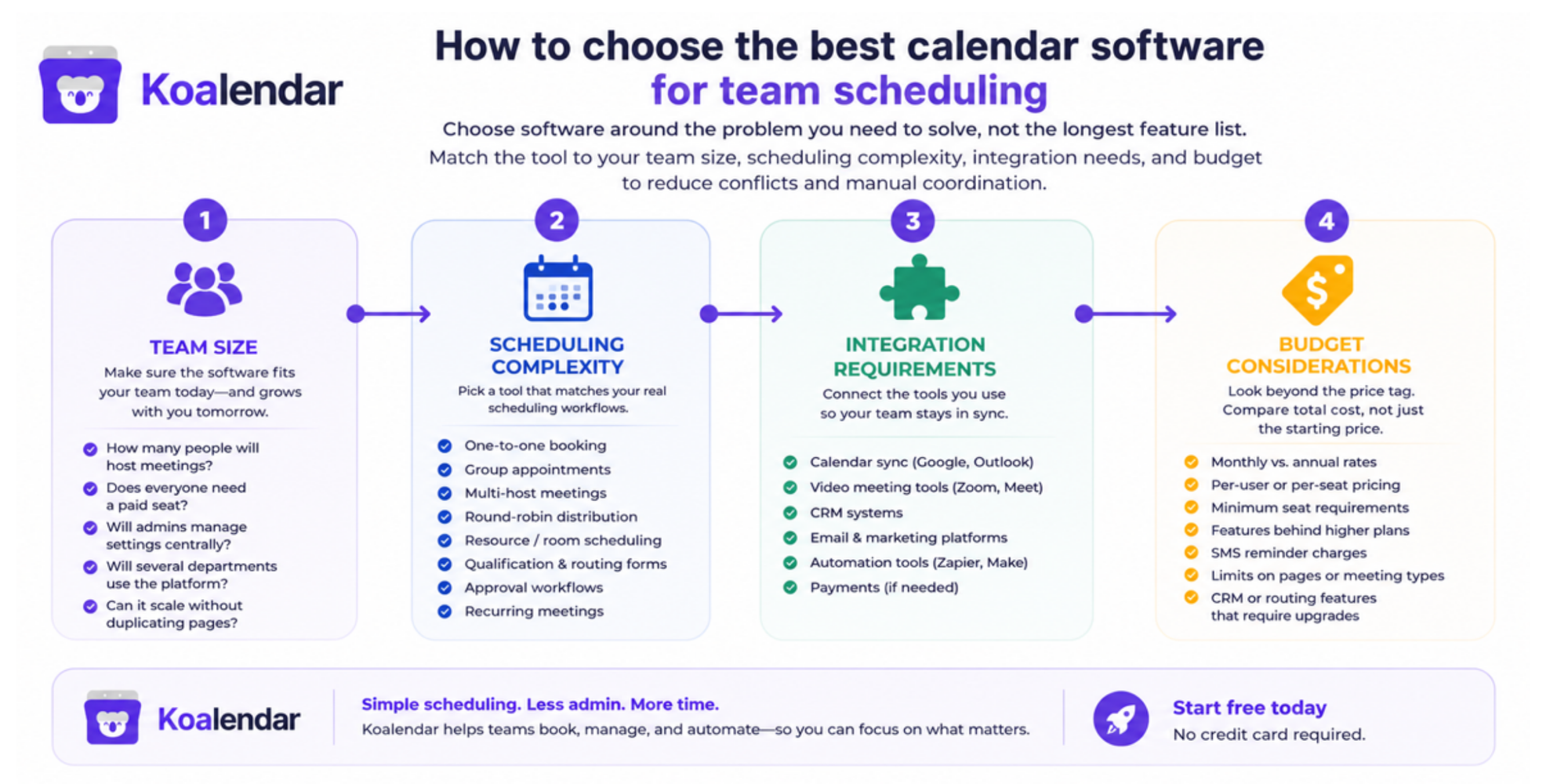
Team size
A five-person team may only need shared booking pages and basic permissions. A 50-person team may need centralized templates, multiple departments, round-robin assignment, reporting, and stricter admin control.
Ask:
- How many people will host meetings?
- Does everyone need a paid seat?
- Will administrators manage settings centrally?
- Will several departments use the platform?
- Can the system scale without duplicating every booking page manually?
Scheduling complexity
Map your real scheduling workflows before comparing products.
A simple one-to-one meeting requires different features from a sales demo that can go to any available representative. Similarly, an interview panel may require several hosts to be available at once.
Consider whether you need:
- One-to-one booking
- Group appointments
- Collective multi-host meetings
- Round-robin distribution
- Resource or room scheduling
- Qualification and routing forms
- Approval workflows
- Recurring meetings
This distinction prevents you from paying for advanced automation you will never use—or choosing a basic calendar that cannot support your process.
Integration requirements
List the systems that should exchange information with your scheduling software.
At a minimum, verify calendar and video meeting integrations. Client-facing and sales teams should also look at CRM, payment, email marketing, and automation platforms.
The best calendar software for team scheduling should reduce the number of tools employees update manually. A disconnected calendar may improve visibility while leaving the wider administrative burden untouched.
Budget considerations
Compare total cost rather than the price shown on the homepage.
Check:
- Monthly versus annual rates
- Per-user or per-seat pricing
- Minimum seat requirements
- Features restricted to higher plans
- Charges for SMS reminders
- Limits on booking pages or meeting types
- CRM or routing features that require upgrades
Calendly’s published annual pricing, for example, lists Standard at $10 per seat per month and Teams at $16 per seat per month, with enterprise pricing starting significantly higher. Koalendar positions its paid plan as an affordable step up from a free tier, making it easier for smaller teams to add scheduling features gradually.
Why teams choose Koalendar
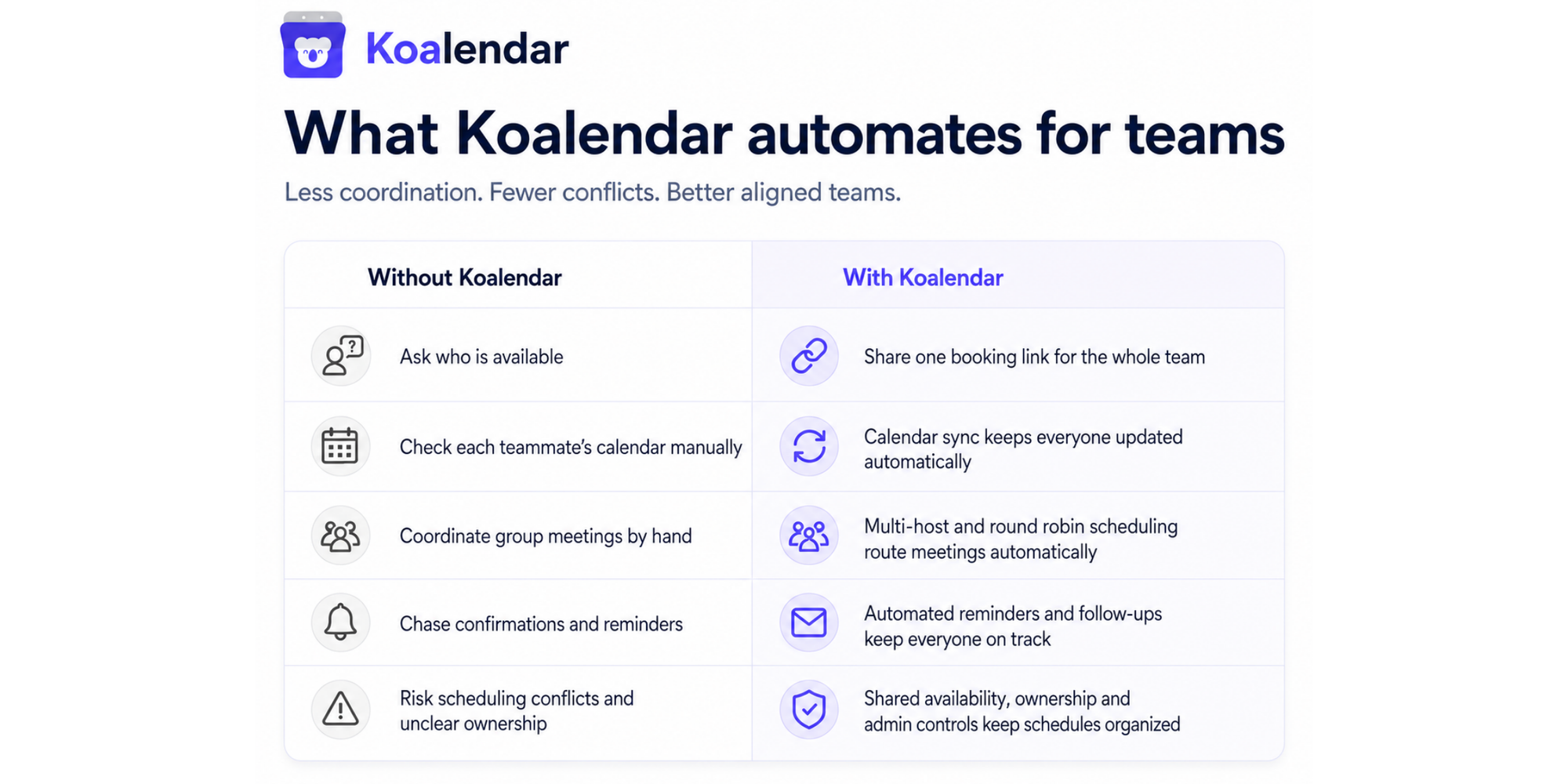
Teams choose Koalendar because it solves everyday scheduling problems without making the software itself another problem to manage.
Easy setup
You can connect your calendar, define your availability, create a booking page, and start sharing it quickly.
There is no need to replace Google Calendar or Outlook. Koalendar works alongside the calendar your team already uses.
Shared scheduling
Koalendar supports scheduling software for teams, including shared availability and multi-host meeting options.
That means one booking link can coordinate several calendars. Depending on the meeting type, Koalendar can assign an available host or find a time when everyone required can attend.
Automated reminders
Automated confirmations and reminders reduce the need for manual follow-up and give invitees fewer opportunities to forget the meeting.
Teams that need more control can use appointment reminder software to keep attendees informed before a scheduled call or appointment.
Google and Outlook integrations
Calendar synchronization helps ensure confirmed meetings appear in the right place and existing commitments are not offered as available times.
Your team keeps its familiar calendar. Koalendar handles the scheduling experience around it.
Affordable scaling
Koalendar’s combination of free scheduling, unlimited bookings, and paid team capabilities makes it accessible to small businesses while still supporting growing organizations.
Administrators can introduce shared rules and controls without turning every scheduling change into a manual update across dozens of pages.
Stop chasing schedules
The best team calendar software should make availability clearer, meetings easier to arrange, and scheduling conflicts less common. It should also fit your existing workflow, whether your team works in Google Workspace, Microsoft 365, Notion, HubSpot, Salesforce, or a combination of tools.
Google Calendar and Outlook are dependable choices for internal visibility. Motion and Reclaim AI offer deeper AI planning. Calendly supports sophisticated sales routing. Teamup provides highly visual shared calendars.
For most small and growing teams, Koalendar offers the most balanced solution: quick setup, shared team scheduling, Google and Outlook sync, automated reminders, custom booking pages, and room to scale without unnecessary complexity.

.png?w=800&fit=max&auto=format)
