

TL;DR
The best scheduling software for lawyers depends on where you want scheduling to sit in your firm’s workflow.
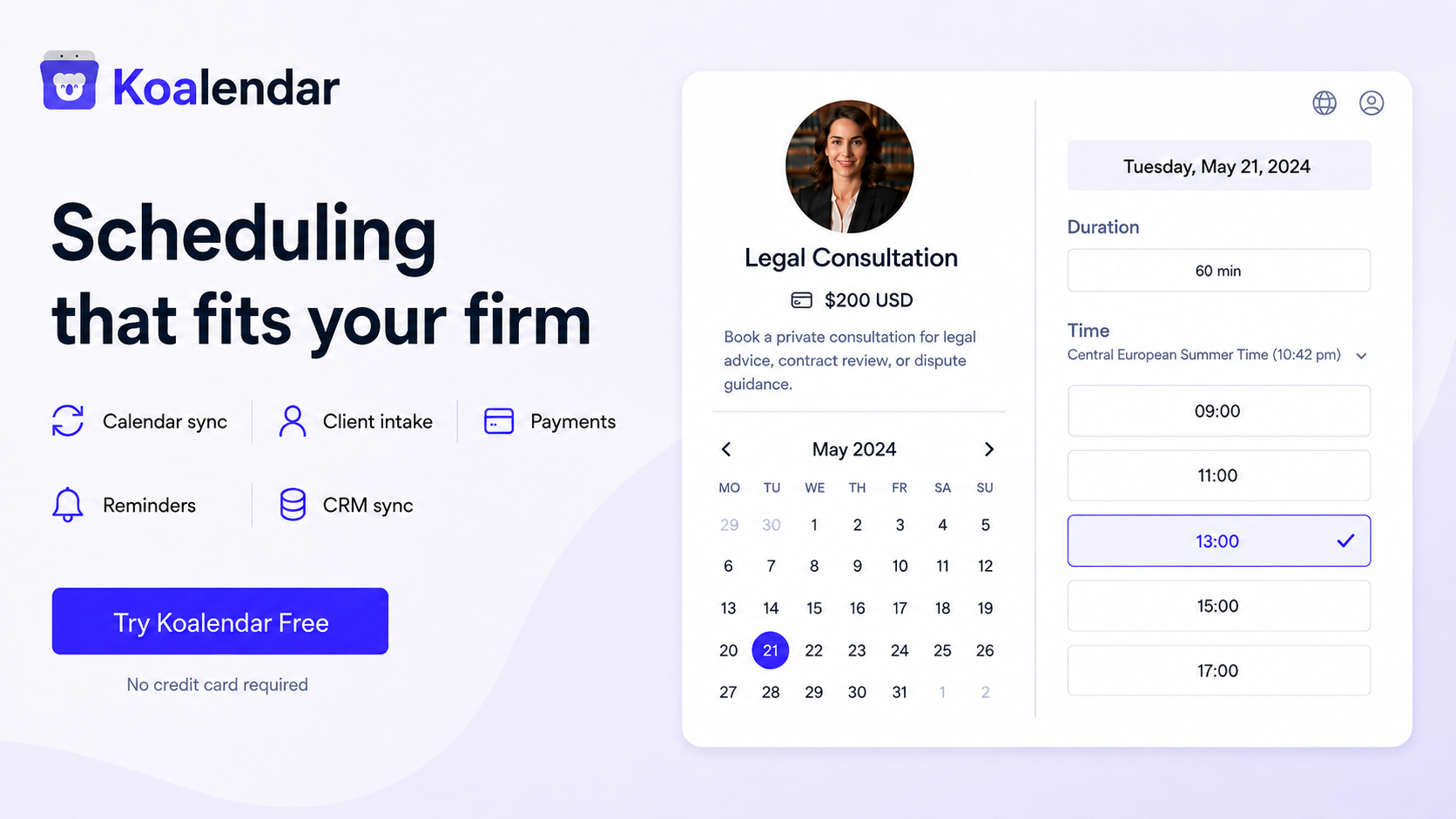
For solo, small, and medium-sized firms that prioritize an easy client booking experience while still needing powerful intake, payment, automation, and integration options, Koalendar is the top choice. Clients can schedule online, complete intake questions, pay for consultations through Stripe, and receive automated reminders. Meanwhile, Koalendar can connect appointment data with CRMs and other business tools through Zapier, Make, webhooks, and other integrations.
That makes Koalendar a strong client-facing scheduling layer even for firms with sophisticated legal tech stacks. You can keep your existing CRM, practice-management, matter-management, billing, or document systems and use Koalendar to make the journey from prospect → intake → payment → consultation easier.
If you want the scheduling tool itself to manage legal matters, billing, case documents, or court deadlines, broader legal platforms such as Clio, MyCase, PracticePanther, CosmoLex, or Bill4Time may make more sense.
| If you need… | Start with… |
| Client booking + intake + payments | Koalendar |
| Scheduling connected to your CRM | Koalendar |
| Multiple-lawyer or round-robin scheduling | Koalendar |
| Full legal practice management | Clio or MyCase |
| Advanced legal CRM and intake automation | Lawmatics |
| Matters, billing, and calendars together | PracticePanther |
| Practice management plus accounting | CosmoLex |
| Matter-based calendaring and time tracking | Bill4Time |
| Automated court or jurisdiction deadlines | Specialist legal calendaring software |
Law firm scheduling hardly stops at picking a time.
A new client may need to explain what they need help with, choose the right consultation, pay a fee, receive meeting instructions, and have their details passed into the firm’s wider workflow. Your attorneys, meanwhile, need those appointments to respect court appearances, internal meetings, personal commitments, and the calendars they already use.
That’s why good legal calendaring software and client appointment software aren’t necessarily the same thing.
Some firms need a strong appointment scheduling for lawyers workflow that connects booking, intake, payment, reminders, calendars, and CRM automation. Others want scheduling built directly into matter management, billing, documents, or court-deadline systems.
The right choice starts with knowing which workflow you want to improve.
The best scheduling software for lawyers should make it easy for clients to schedule, provide the information you need, pay where required, and receive reminders—while keeping your attorneys’ existing calendars and business systems in sync. Koalendar is a strong option for firms that want a capable client-facing scheduling workflow without replacing the specialist legal tools they already use.
Appointment scheduling software ≠ court-deadline calendaring software
This guide focuses primarily on consultations, client appointments, intake, and meetings. If you need software that calculates filing deadlines using court or jurisdiction rules, you need specialist rules-based legal calendaring functionality.
Best scheduling software for lawyers at a glance
Koalendar stands out when your priority is managing the client journey into the consultation, while legal practice-management platforms go further into what happens after that consultation becomes a matter.
That difference is more useful than separating products into “simple” and “advanced.”
Koalendar can support a sophisticated workflow. Its role is simply different.
A firm might use Koalendar for:
New lead → booking page → intake form → Stripe payment → calendar → reminder → consultation → CRM
Then use its legal practice-management platform for:
Matter → tasks → documents → time tracking → billing → court deadlines
Those workflows can complement each other.
 | Clio | Lawmatics | MyCase | PracticePanther | CosmoLex | Bill4Time | |
| Best for | Effective client scheduling (intake, payments + workflow integration available) | All-in-one legal practice management | Legal CRM and intake automation | Small-firm practice management | Matters, billing + scheduling | Practice management + accounting | Legal calendaring + time tracking |
| Client booking | ✅ | ✅ | ✅ | ✅ | Calendar | Calendar | Calendar |
| CRM / integrations | ✅ Zapier, Make, webhooks + integrations | Built-in legal ecosystem | Built-in legal CRM | Legal ecosystem | Legal ecosystem | Legal ecosystem | Integrations |
| Intake | ✅ | ✅ | Extensive | ✅ | ✅ | ✅ | Limited |
| Payments | ✅ Stripe | ✅ | ✅ | ✅ | ✅ | ✅ | Billing |
| Legal workflows | Complements legal systems | Extensive | Extensive intake workflows | Extensive | Extensive | Extensive | Extensive |
Koalendar supports custom booking forms, Stripe payments, advanced team scheduling, calendar sync, and automated email and SMS reminders on its Pro offering. Its integration options can also connect booking data with CRMs such as HubSpot and Salesforce through automation tools including Zapier, Make, Integrately, Pabbly, and webhooks.
Koalendar focuses on client booking, confirmation, payment, and the workflow around getting the right client onto the right attorney’s calendar.
The 7 best scheduling software options for law firms
Koalendar — Best for easy, no-fuss online booking
Best for: Law firms that want the easiest way to let clients book appointments online, with fast setup, no technical knowledge required, and automatic calendar sync to only show times attorneys are actually available.
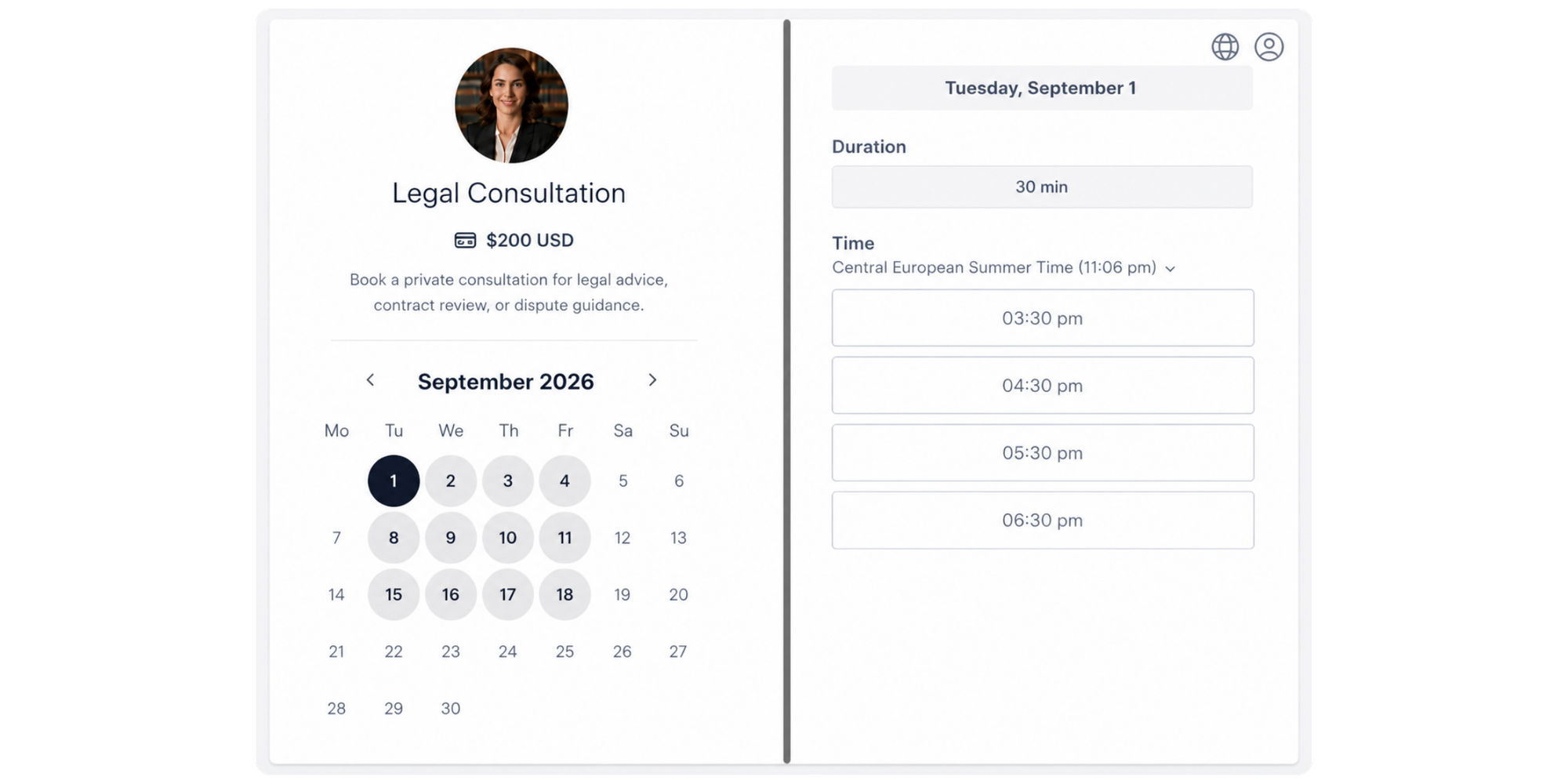
Koalendar is built around one simple idea: make it incredibly easy for clients to book you without creating more admin for your firm.
You can create a professional booking page without coding or technical setup, connect your existing calendars, choose exactly when you want to be available, and share the link with clients. Koalendar automatically checks your connected calendars, so clients only see times you’re actually free.
That gives prospective clients a straightforward experience: open the page, choose an available time, answer any intake questions, pay for the consultation if required, and get an automatic confirmation.
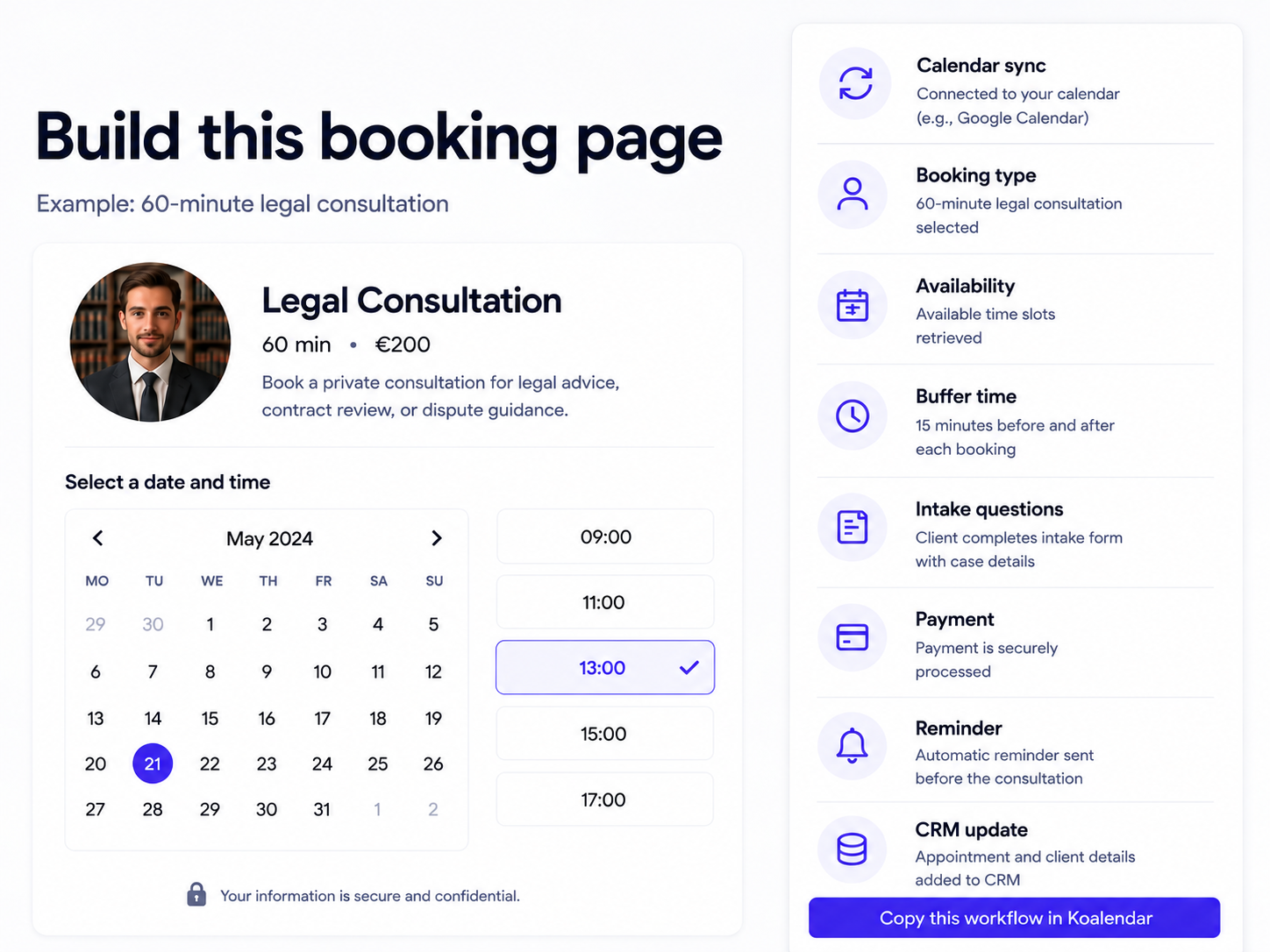
For the law firm, the setup stays simple while the workflow can go much further. You can add custom intake questions, collect payments through Stripe, automate reminders, coordinate multiple attorneys, and connect booking data with CRMs and other tools.
Top Koalendar features for lawyers:
- Quick, no-code setup: Create a professional booking page without technical knowledge, coding, or a lengthy implementation process.
- Real-time calendar sync: Connect Google, Outlook, or iCloud so clients only see times when you’re actually available.
- Client self-scheduling: Share your booking link or embed it on your law firm website so prospects can schedule consultations 24/7.
- Client intake forms: Add custom questions to collect useful information before the consultation.
- Consultation payments: Accept payment through Stripe as part of the booking process.
- Automated reminders: Send customizable email and SMS reminders to reduce manual follow-up and missed consultations.
- Team scheduling: Use round-robin and collective scheduling when several lawyers can take appointments.
- CRM and workflow integrations: Connect bookings with CRMs and other tools through Zapier, Make, webhooks, and other integrations.
To keep in mind:Koalendar focuses on making client scheduling, intake, and appointment automation easy. It isn’t a legal practice-management platform, so it doesn’t calculate court deadlines or replace matter management, legal billing, or document-management software. That can be an advantage if you already have those systems and simply want a better client-facing scheduling experience.
Trustpilot review score: 4.9/5 from 287 reviews. Trustpilot’s recent review summary specifically highlights Koalendar’s simple setup, straightforward booking process, calendar integrations, and ease of use. Capterra review score 4.8/5 from 153 reviews.
Starting price: Free Forever. The free plan includes unlimited bookings and scheduling links plus 2 calendar sync. Pro is listed at $6.99 per seat/month with annual billing.
2. Clio — Best for all-in-one legal practice management
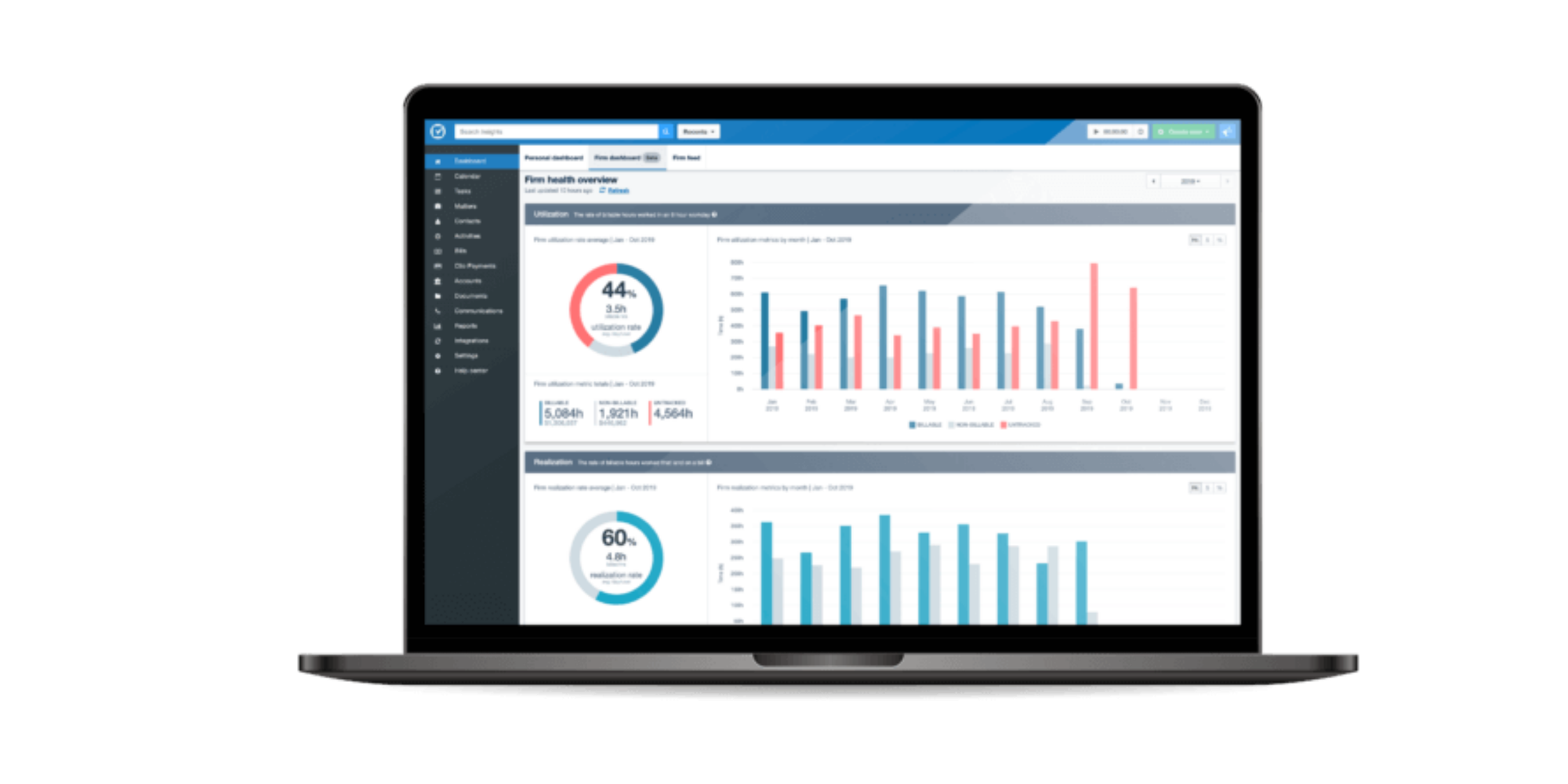
Clio is designed to manage far more of a law firm’s operations than appointment scheduling alone. Its current plans combine practice-management functionality with progressively deeper automation, reporting, and workflows.
Top features for lawyers:
- Legal matter and contact management
- Calendars, tasks, and workflows connected to legal matters
- Client intake and CRM capabilities through the wider Clio ecosystem
- Online appointment booking with Clio Scheduler
- Time tracking, billing, and online payments
- Document management
- Client portal and communications
- Large ecosystem of legal integrations
To keep in mind:Clio makes the most sense when you want scheduling to be part of a wider practice-management system. If you already have a legal CRM, billing platform, or matter-management system you’re happy with and mainly want an easier way for clients to book consultations, implementing a broader platform may be unnecessary.
Trustpilot review score: 4.0/5 from 285 reviews. Capterra 4.7 from 1742 reviews.
Starting price: From $49 per user/month. Clio currently offers Starter, Core, Signature, and Elite plans, with additional products available depending on the firm’s needs.
3. Lawmatics — Best for advanced legal intake and CRM automation
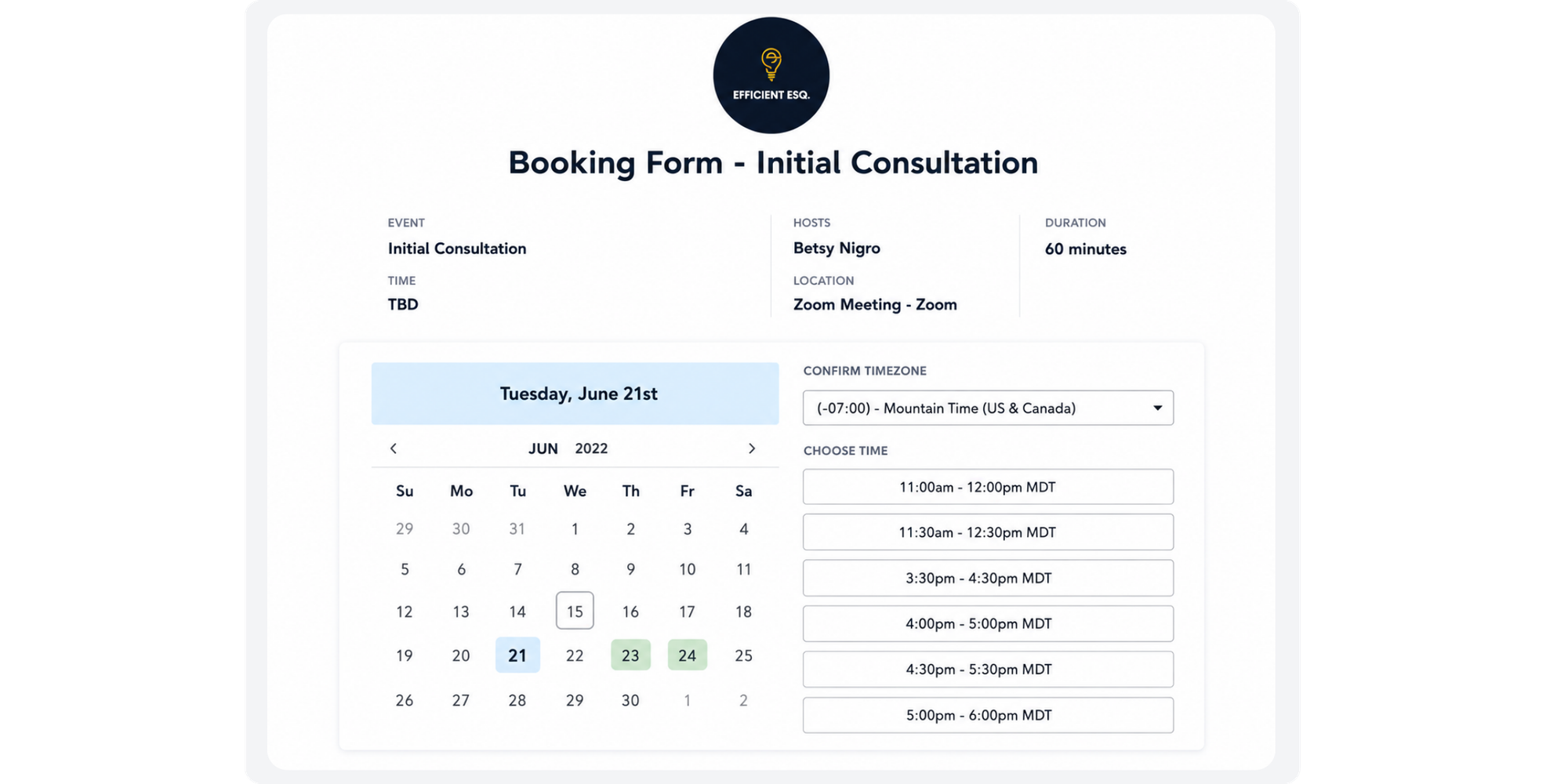
Lawmatics is built around client acquisition and legal intake, making it particularly relevant to firms with large lead volumes or more complex processes between the initial enquiry and becoming a client. Its Essential plan already includes intake, lead management, calendaring, forms, e-signatures, SMS, and task management.
Top features for lawyers:
- Legal-specific CRM and lead management
- Client intake forms
- Online appointment booking
- E-signatures and document automation
- SMS and client communications
- Workflow and marketing automation
- Round-robin scheduling on higher plans
- Conflict-checking functionality
- Reporting, dashboards, and lead-conversion analytics
- Payment functionality through LMPay
To keep in mind:Lawmatics is a much broader legal CRM rather than a dedicated scheduling tool. That depth can be valuable for intake-heavy firms, but it also means more functionality to implement if your main priority is creating an easy booking experience and connecting it with a CRM you already use.
Its entry plan also currently has a three-user minimum.
Trustpilot review score: 3.0/5, but from only 2 reviews, a sample far too small to treat the score as a reliable picture of overall customer sentiment. Capterra rates Lawmatics with a 4.6 (50 reviews).
Starting price: Custom quote. Lawmatics does not currently publish a fixed dollar starting price and asks firms to request pricing based on their requirements.
4. MyCase — Best for small firms that want practice management in one place
MyCase is designed to take the client beyond the initial appointment and manage much of the subsequent legal workflow. Its Basic plan includes case management, billing, payments, document storage, and a limited client portal; Pro adds client intake, legal CRM functionality, workflows, and communications.
Top features for lawyers:
- Case and contact management
- Legal calendars
- Time tracking and invoicing
- Trust accounting
- Online payments
- Client portal
- Document storage
- Client intake forms and legal CRM on higher plans
- Automated workflows
- E-signatures and document generation
- Two-way client communications
To keep in mind:Some of the capabilities most relevant to this comparison—particularly client intake forms and legal CRM functionality—aren’t included in the entry-level Basic plan. Firms primarily trying to improve client scheduling should therefore compare the plan they would realistically need, rather than only looking at the headline starting price.
Trustpilot review score: 2.5/5 from 322 reviews. Trustpilot also notes that MyCase has no recent history of asking customers for reviews, so its profile may not be representative of its entire customer base. Capterra grants MyCase 4.6 (807 review)
Starting price: $50 per user/month when billed annually, or $60 per user/month on monthly billing for MyCase Basic.
5. PracticePanther — Best for managing matters, billing, and calendars together
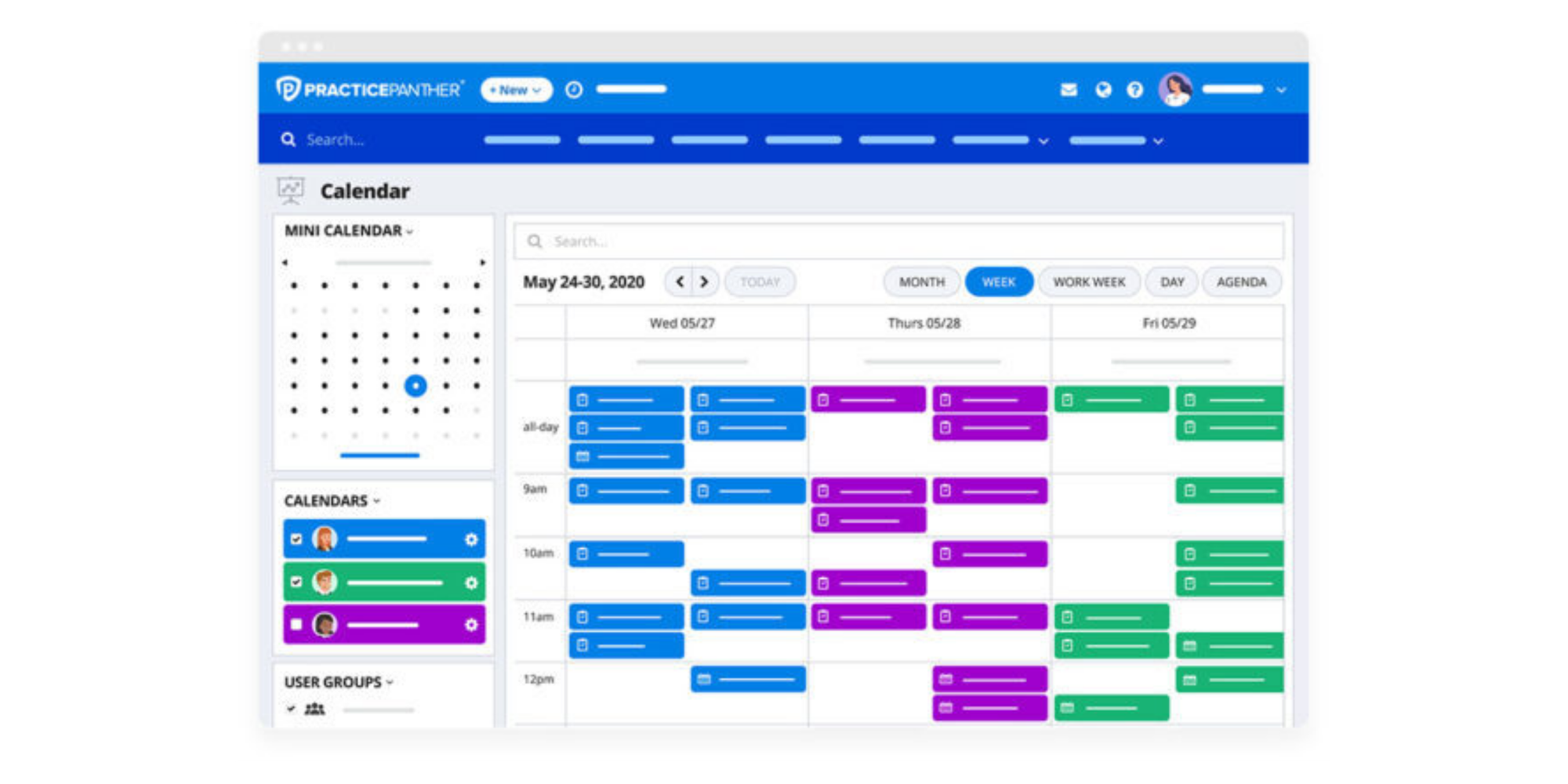
PracticePanther positions its calendar inside a much broader matter-management workflow. Calendar events, client information, billing, tasks, and case activity can live in one legal system.
Top features for lawyers:
- Contact and matter management
- Legal calendaring
- Task and event workflows
- Billable time and expense tracking
- Invoicing and payment processing
- Secure client portal
- Calendar sync with Google, Outlook, Exchange, and mobile calendars
- Zapier and API integrations
- Custom intake forms on higher plans
- E-signatures and two-way texting on higher plans
- Trust and operating accounting through Business Pro
To keep in mind:The entry-level Solo plan doesn’t include every feature a firm may want for client intake. Custom intake forms, native e-signatures, and two-way texting currently appear on the Business tier, so compare the cost of the relevant plan rather than only the starting price.
It’s also a practice-management purchase rather than simply a scheduling decision.
Trustpilot review score: 3.8/5 from 73 reviews. Capterra: 4.7 (529 reviews)
Starting price: From $49 per user/month. Higher tiers currently rise to $69, $89, and $114 per user/month depending on the functionality required.
6. CosmoLex — Best for practice management with built-in legal accounting
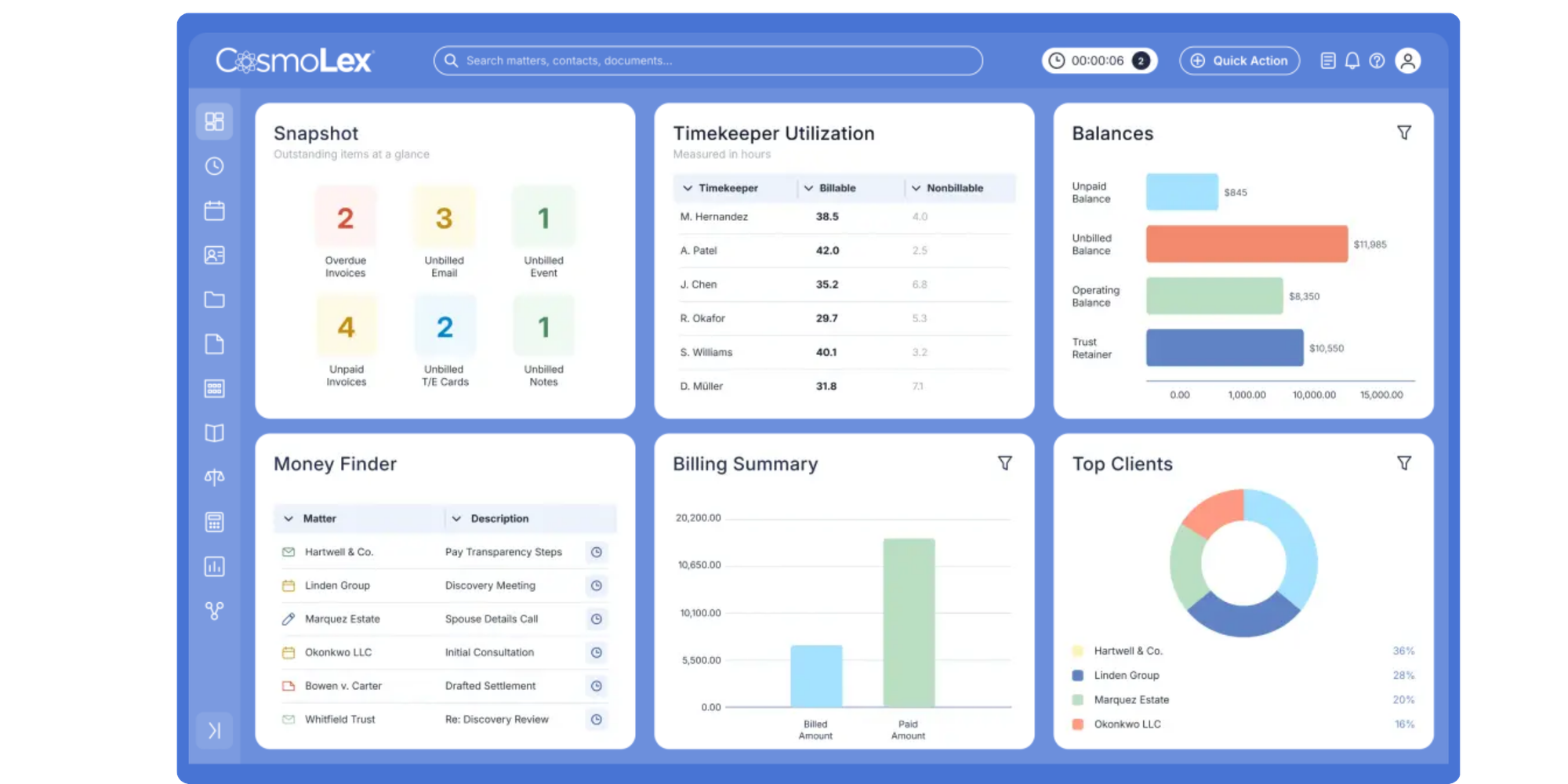
CosmoLex’s biggest differentiator is that it brings legal practice management and accounting into the same platform. Its current plans include trust accounting, billing, matter-related financial management, and legal workflow functionality.
Top features for lawyers:
- Matter management
- Legal calendaring and tasks
- Time and expense tracking
- Legal billing and invoicing
- Built-in trust accounting
- General ledger and business accounting
- Online payments
- Compliance and reconciliation reporting
- Document management
- Email and legal workflow management
To keep in mind:CosmoLex is designed for firms looking to manage considerably more than client appointments. Its accounting capabilities are a strength when you want an integrated legal operating system, but they add little value if the problem you’re trying to solve is simply getting prospects onto attorneys’ calendars more easily.
Trustpilot review score: 4.1/5 from 5 reviews. The score looks positive, but the sample is extremely small, so it shouldn’t carry much weight in a buying decision. Capterra: 4.6 (344 reviews)
Starting price: From $99 per user/month on yearly billing for CosmoLex Core. Pro currently starts at $129 per user/month on yearly billing.
7. Bill4Time — Best for legal time tracking, billing, and matter calendaring
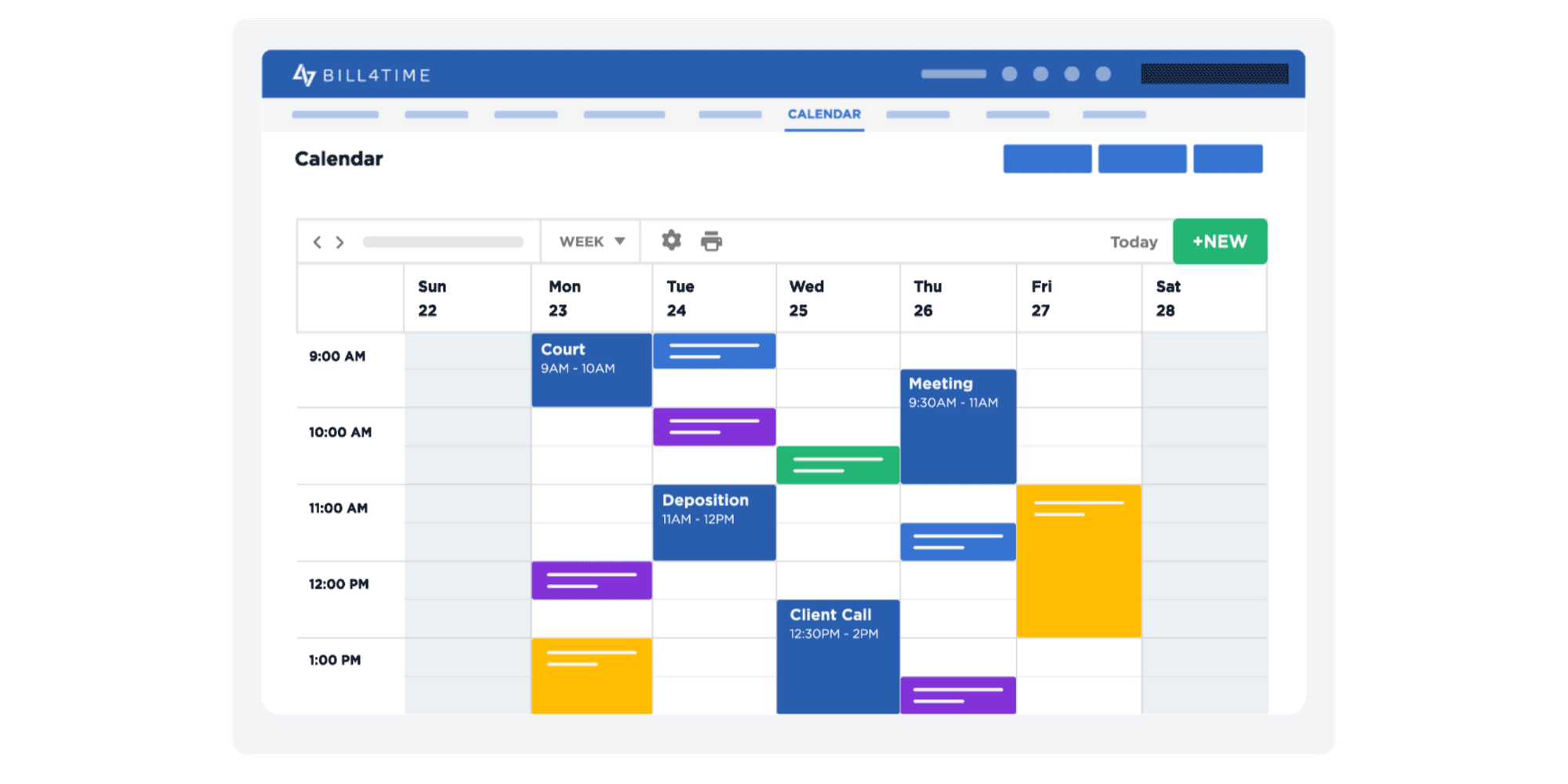
Bill4Time is particularly relevant for firms looking for legal office calendaring software tied to billable work. Calendars sit alongside time tracking, matters, client management, invoicing, and reporting rather than functioning primarily as a public client-booking experience.
Top features for lawyers:
- Time and expense tracking
- Matter and client management
- Task management
- Calendar sync
- Client portal
- Invoicing and online payment processing
- Reporting
- Document management
- QuickBooks integration
- Trust accounting on Legal Pro
- Conflict checking on Legal Pro
- Contingency billing
- Legal task workflows
- LEDES and UTBMS support
To keep in mind:
The lowest-priced Bill4Time plan is its general Time & Billing package. Law firms wanting legal-specific functionality such as trust accounting, conflict checking, contingency billing, and LEDES support need Legal Pro, which has a higher starting price.
And if your primary goal is letting prospective clients choose an available consultation time themselves, Bill4Time’s strengths sit elsewhere.
Trustpilot review score: 4.0/5 from 7 reviews. Trustpilot notes that there have been no reviews in the last 12 months, so this is another score that should be interpreted cautiously. Capterra: 4.8 (210 reviews)
Starting price: $27 per user/month when billed annually for Time & Billing. For law firms, Legal Pro starts at $45 per user/month when billed annually and includes the legal-specific features above.
What should appointment scheduling for lawyers include?
Good appointment scheduling for lawyers should manage the steps around the meeting, not just offer an empty time slot.
Here’s what to prioritize.
An easy client booking experience
A prospective client should be able to understand what they’re booking, find a suitable time, and confirm it without calling reception.
That convenience matters especially outside office hours, when someone may be researching several law firms at once.
Client intake before the consultation
Your scheduler should help you understand who you’re meeting and why.
Custom intake questions can gather useful preliminary information as part of the booking process.
That gives the attorney more context before the meeting and avoids sending the prospect through a completely separate administrative process.
Koalendar supports custom forms and booking questions within its Pro feature set.
Payments built into scheduling
If you charge consultation fees, payment shouldn’t need to become another disconnected task.
With Stripe payment collection, Koalendar can bring scheduling and payment into the same workflow.
Calendar sync to prevent conflicts
Your scheduling tool needs to reflect when attorneys are actually available.
Koalendar supports Google, Outlook, and iCloud calendar connections, helping firms use the calendars they already rely on rather than maintaining availability manually in a separate system.
Automated consultation reminders
Every manual reminder is another small admin task.
Automated email and SMS reminders can keep the process consistent while reducing the amount your team has to chase appointments manually. Koalendar Pro includes customizable email and SMS reminders.
Simple rescheduling
Clients’ circumstances change.
Give them a clear way to reschedule without starting another chain of calls and emails.
Team scheduling for growing firms
When more than one attorney can handle a consultation, routing matters.
Round-robin and other team scheduling options can help distribute appointments according to availability instead of asking staff to manually compare calendars.
Koalendar Pro includes advanced team scheduling, collective bookings and round-robin.
CRM and workflow integrations
The booking shouldn’t become a dead end.
If your CRM drives lead management, follow-up, or reporting, look for ways to pass scheduling information into it automatically.
Koalendar can connect with CRM and business platforms through Zapier, Make, other automation tools, and webhooks.
Virtual meeting integrations
Remote consultations should be as straightforward as in-person appointments.
Connecting scheduling with your video-meeting workflow keeps confirmation details and the appointment itself together.
Appointment scheduling vs legal office calendaring software
Appointment scheduling manages the client’s path into a meeting. Legal calendaring manages dates and events associated with legal work.
That distinction explains why two very different products can both appear when you search for a calendaring system for law firms.
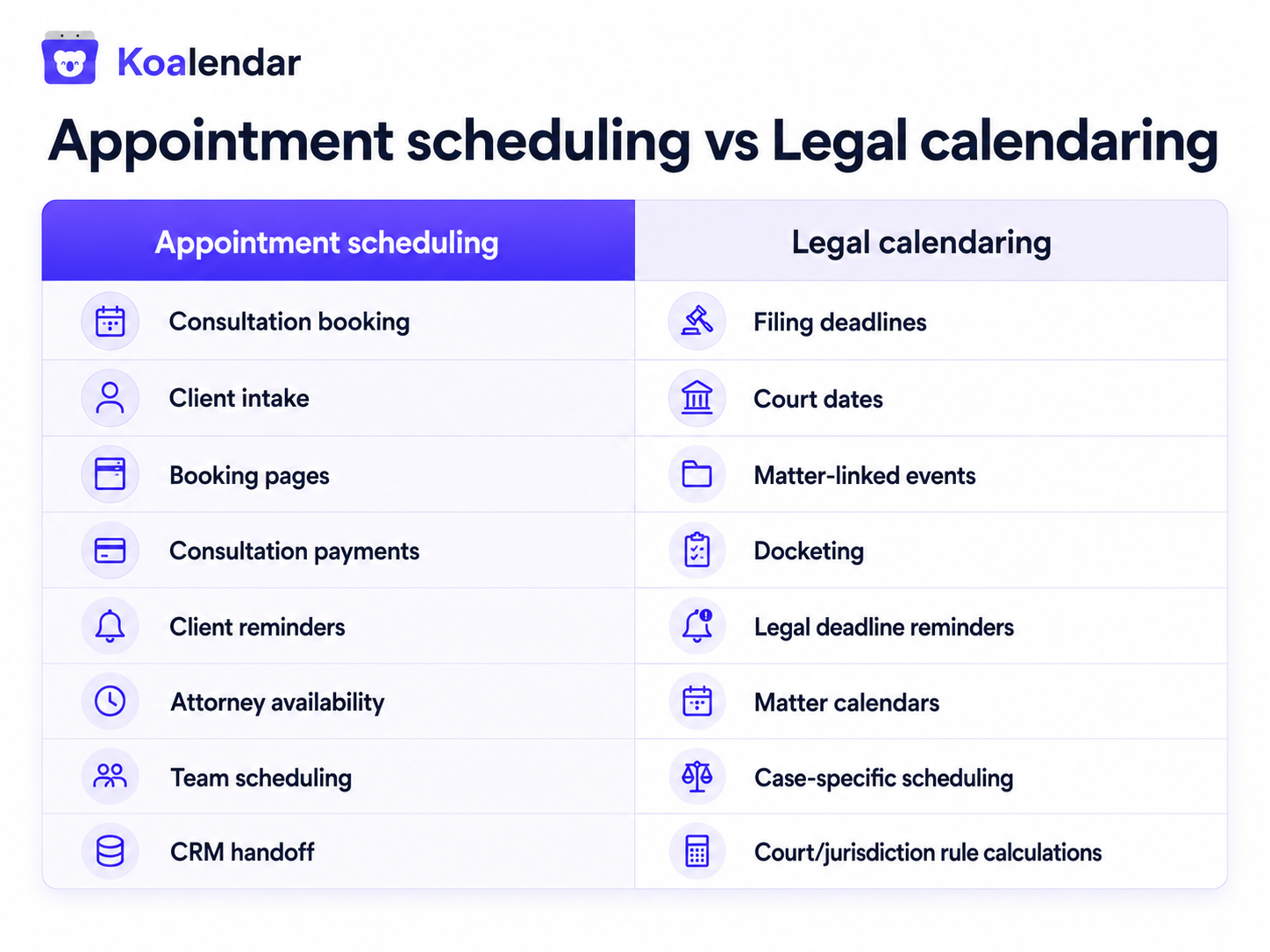
Koalendar belongs on the appointment scheduling and client workflow side.
That can include substantial functionality—intake, payments, CRM connectivity, reminders, team scheduling, and automation—but it doesn’t turn Koalendar into rules-based court-deadline software.
If you need a system that calculates procedural dates according to court rules, use specialist legal calendaring software for that job.
How to choose scheduling software for your law firm
Start by mapping the client and attorney workflow you actually want the software to support.
Decide what happens before, during, and after a booking
A useful starting point is:
Lead arrives → consultation selected → intake completed → payment taken → appointment confirmed → calendar updated → reminder sent → CRM updated → consultation takes place
Mark the steps your software needs to handle.
You may discover that scheduling is more central to your client intake process than you initially thought.
Check out this tutorial and discover how your firm can improve scheduling without rebuilding everything behind it.
Test the client experience
Don’t evaluate only the admin dashboard.
Try to schedule a consultation as if you were a prospective client.
Can you understand your options? Is intake part of the same journey? Can you pay without jumping between systems? Is the confirmation clear?
The best backend features won’t help if the client gives up before completing the booking.
Decide how much intake you need
Not every law firm needs the same intake process.
Some need a handful of qualifying questions before a consultation. Others need conditional workflows, large questionnaires, document generation, or extensive lead pipelines.
Koalendar suits the first scenario particularly well because custom forms sit directly inside the booking workflow. Firms needing a highly specialized legal CRM may prefer a platform such as Lawmatics—or use Koalendar alongside their existing CRM.
Check whether payments are part of your consultation model
If you charge for consultations, evaluate the payment experience at the same time as scheduling.
Koalendar’s Stripe integration allows firms to collect payment as part of the booking process.
Check whether it works with your CRM and existing legal tech
This is critical if you already have systems you don’t want to replace.
Look at your legal tech stack as a whole:
- CRM
- Practice-management platform
- Matter management
- Billing
- Document management
- Calendar
- Video meetings
- Automation
Then ask whether scheduling can feed information into those workflows.
Koalendar supports CRM and business-tool connections through Zapier, Make, Integrately, Pabbly, and webhooks, including workflows involving HubSpot and Salesforce.
Check calendar and meeting integrations
Court appearances, client appointments, internal meetings, and personal commitments can all affect availability.
Make sure the scheduler can use the calendars that should control what clients see.
Consider privacy and security requirements
Legal buyers should treat privacy and security as purchasing criteria, not an afterthought.
Review each provider’s current security documentation, access controls, privacy practices, data handling, and whether those arrangements fit your firm’s professional and regulatory obligations.
Also think carefully about the information you request during booking. Client intake can be useful without collecting unnecessary confidential detail before the firm has completed its normal intake and conflict procedures.
Compare cost as your firm grows
Compare the workflow you’re getting rather than just the headline price.
Consider whether you’ll need:
- Multiple calendars
- Custom intake forms
- Consultation payments
- Email/SMS reminders
- Team scheduling
- Round-robin distribution
- CRM automation
- Branding
- Custom integrations
Koalendar Pro plan adds features including custom forms, Stripe payment collection, customizable reminders, branding, and advanced team scheduling.
For further information on pricing, Koalendar’s scheduling pricing report covers the different pricing models scheduling tools usually offer and a detailed comparison of 11 tools.
Which scheduling software is best for your type of law firm?
Koalendar is particularly well suited to solo, small, and medium-sized firms that want a strong client-facing scheduling and intake process while retaining control over the rest of their legal tech stack.
| What to prioritize | Good starting point | |
| Freelance lawyer | Booking + intake + payments | Koalendar |
| Solo law firm | Client scheduling + reminders + CRM workflow | Koalendar |
| Small law firm | Intake + payments + multiple calendars + team scheduling | Koalendar |
| Medium-sized firm with existing legal software | Client-facing scheduling + CRM/workflow integrations | Koalendar |
| Intake-heavy firm needing a legal CRM | Deep legal CRM + intake automation | Lawmatics |
| Firm replacing its practice-management system | Matters + billing + documents + scheduling | Clio / MyCase |
| Firm centralizing legal operations | Matters + billing + accounting + calendar | PracticePanther / CosmoLex |
| Litigation-heavy firm | Matter deadlines + legal calendaring | Specialist legal software |
Freelance and solo lawyers
If you’re handling both legal work and admin yourself, there’s plenty of value in letting scheduling, intake, payment, and reminders happen without constant manual intervention.
Koalendar can handle those client-facing steps without requiring you to adopt a new legal operating system.
Small law firms
Once several attorneys are involved, calendar coordination and lead routing become more important.
Koalendar’s team scheduling and integration options make it possible to build a more structured process while keeping the client experience straightforward.
Medium-sized firms with an established tech stack
This is an important Koalendar use case.
A more established firm may already have perfectly good CRM, practice-management, billing, and document platforms.
It doesn’t need “less sophisticated” software.
It needs better scheduling that works with sophisticated software it already owns.
Koalendar can fill that gap by creating a cleaner client-facing workflow and connecting booking data back into the firm’s systems.
Choose the best scheduling software for your law firm
Don’t choose based on who has the longest feature list. Choose based on where scheduling fits into your client and legal workflows.
If you want scheduling to live inside the same system that manages matters, court events, time tracking, billing, accounting, and documents, an all-in-one legal platform may make sense.
But plenty of firms already have those systems.
What they need is a better way to move a prospective client from “I’d like to speak with a lawyer” to “My consultation is booked, my information is submitted, my payment is handled, and everything is in the right systems.”
That’s where scheduling software for lawyers such as Koalendar is particularly strong.
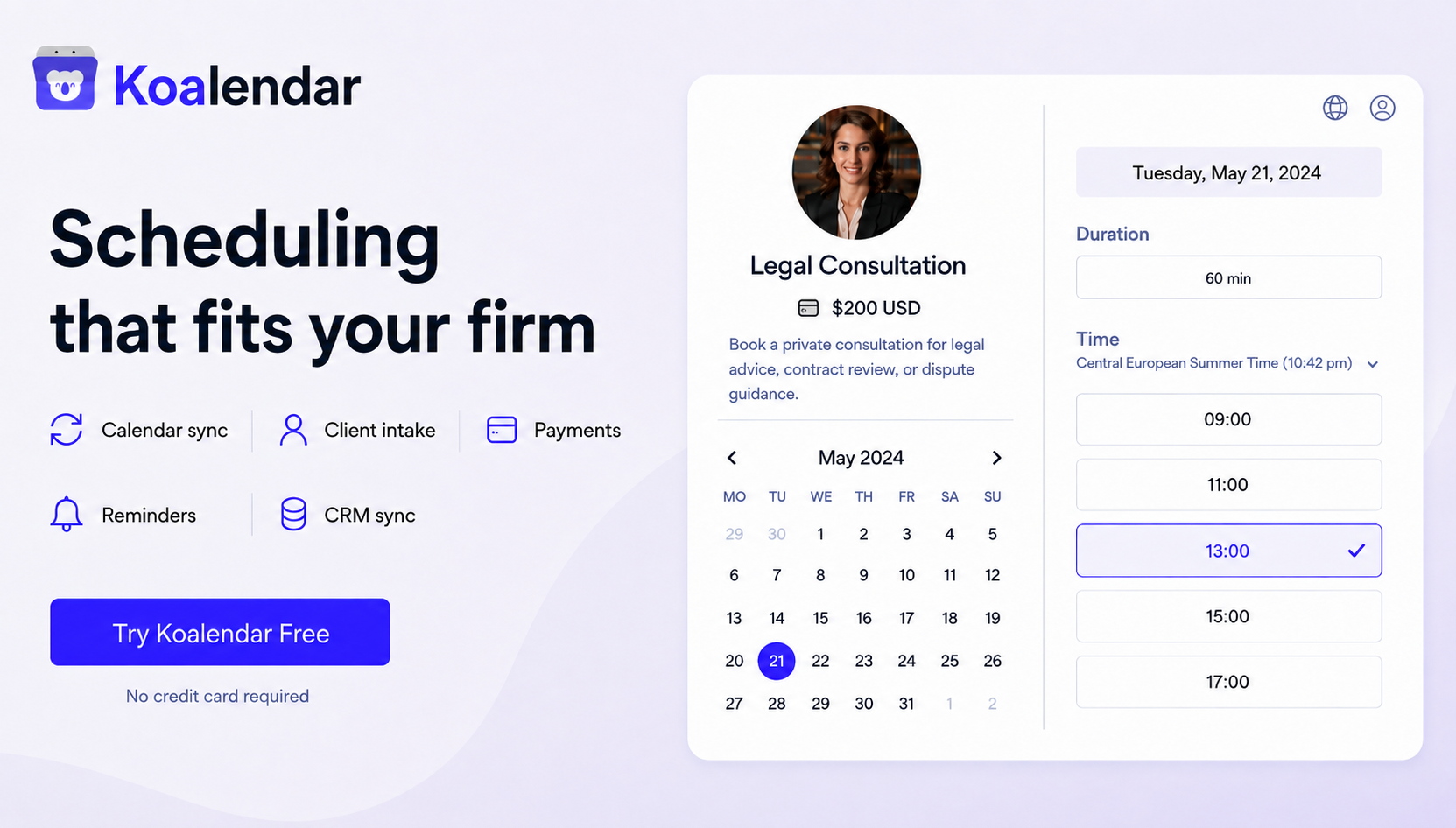
Koalendar combines client self-scheduling with intake forms, Stripe payments, calendar sync, automated reminders, team scheduling, and CRM/workflow integrations.
And you don’t have to replace the specialist legal tools your firm already relies on to use it.
Try Koalendar free and see how it complements your full business toolkit.

.png?w=800&fit=max&auto=format)

