TL;DR
Managing regular weekly slots, room availability, make-up policies, and parent updates can quickly overwhelm music educators. While dedicated studio management systems offer deep admin features, scheduling-first tools deliver fast bookings and payment collection without steep costs. Key options include Koalendar for straightforward online bookings and recurring lessons, My Music Staff for cancellation and make-up credit tracking, Teachworks for complex multi-instructor timetables, and Opus1 for high-volume room and instrument coordination.
Without the right instruments in place, managing a music teaching schedule isn’t always harmonious.
Between coordinating recurring weekly lessons, handling last-minute cancellations, managing parent communications, scheduling group classes, and avoiding room double-bookings, administrative work can easily consume valuable teaching hours.
Selecting the right music school scheduling software depends heavily on whether your studio needs an all-in-one administrative system or a streamlined scheduling tool.
This guide compares four top options based on scheduling flexibility, user ratings, pricing structures, and overall ease of use. By the end, you’ll be ready to tune up your business and reduce time wasted on admin.
Best music school scheduling software at a glance
Music school scheduling software is a specialized application designed to automate student bookings, manage instructor availability, and coordinate studio resources.
Here’s a quick overview of the platforms we’ll cover in this guide.
 | My Music Staff | Teachworks | Opus1 | |
| Best for | Simple online lesson booking | Make-up lesson management | Complex instructor timetables | Teacher and room coordination |
| Starting price | Free ($6.99/seat/mo Pro) | $16.95/month | $16.49/month (usage-based) | $98.00/month |
| User rating (Capterra) | 4.8/5 (80+ reviews) | 4.8/5 (760+ reviews) | 4.6/5 (60+ reviews) | 4.9/5 (70+ reviews) |
| User reviews (Trustpilot) | 4.9/5 (375+ review) | 2.8/5 (<5 reviews) | 3.7/5 (<5 reviews) | n/a (no reviews) |
Ratings and pricing verified as of October 2026.
How we evaluated music school scheduling software
To provide an objective comparison, we evaluated each platform using practical scenarios faced by private music teachers, independent studio owners, and multi-teacher music academies.
Our evaluation criteria focused on:
- Lesson scheduling and recurrence: Handling weekly recurring slots, single trial sessions, and group workshops
- Instructor and resource management: Coordinating multi-teacher calendars, classrooms, and shared instruments
- Self-service booking and rescheduling: Parent and student pages/portals for choosing slots or adjusting appointments
- Syncing and automated reminders: Real-time Google/Outlook calendar sync and email or SMS alerts
- Pricing transparency and value: Evaluating base fees, per-seat costs, and overall ease of setup
Disclosure: This article is published by Koalendar. While we highlight how our streamlined booking software fits music studios, we openly acknowledge its limits alongside those of specialized music school management platforms. A detailed methodology breakdown is provided at the end of this article.
The 4 best music school scheduling software tools
Here’s a deeper dive into the four platforms, including their main strengths, weaknesses, features, pricing, and overall verdict.
1) My Music Staff: Best for managing cancellations and make-up lessons
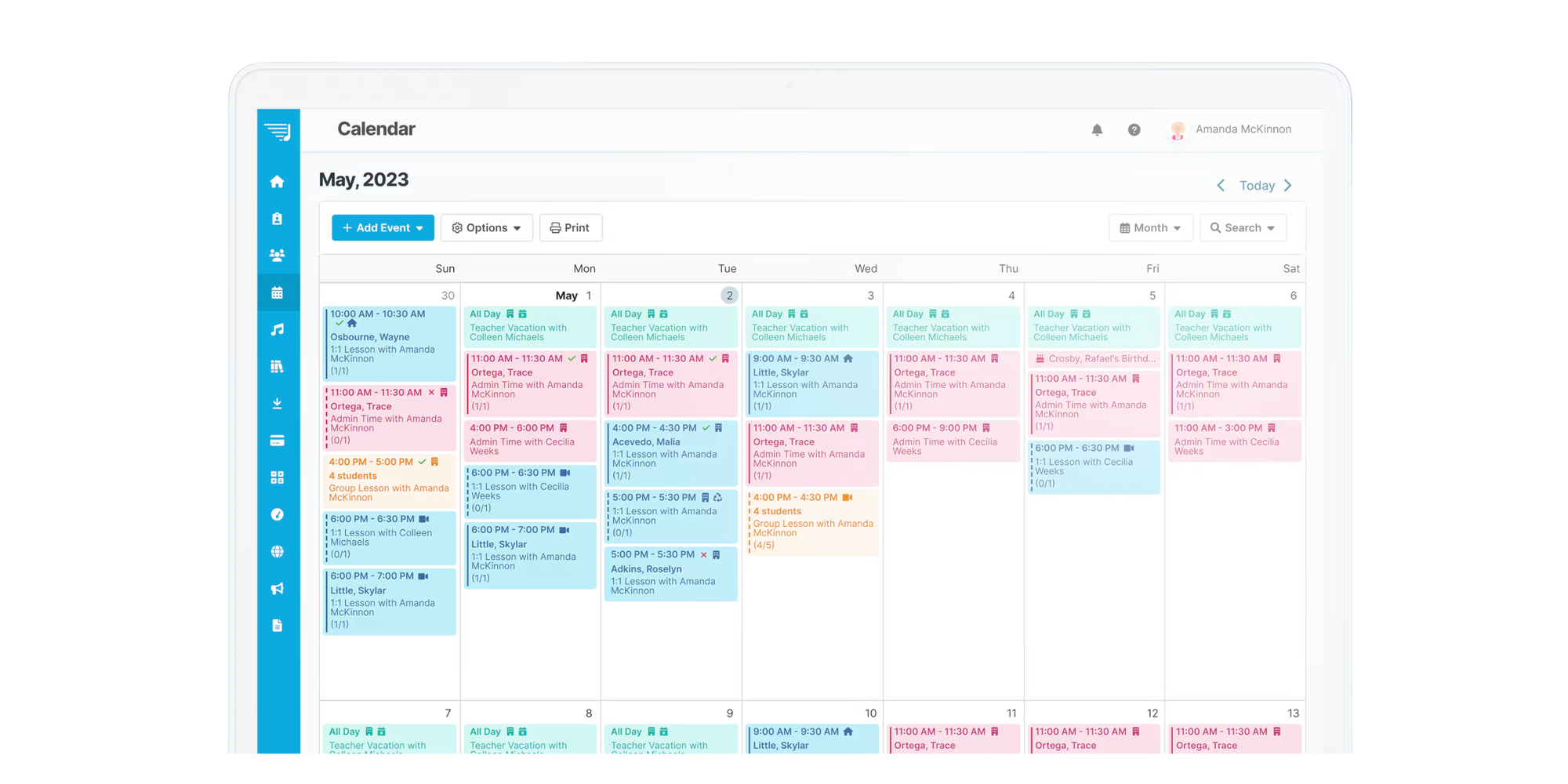
My Music Staff is an all-in-one studio management system built specifically for music education. It centralizes student records, billing, attendance tracking, and calendar management in a single dashboard.
Best for
Independent teachers and small studios needing dedicated student portals and automated cancellation policies.
Relevant scheduling features
- Automated make-up credits: Automatically generates make-up credits when students cancel within your allowed policy window
- Family portal: Gives parents access to view schedules, book open slots, pay invoices, and download lesson notes
- Recurring timetables: Easily set up repeating weekly, bi-weekly, or custom lesson schedules
What users like
Reviewers on Capterra frequently praise My Music Staff for its affordability and comprehensive student management features. Many highlight how automated monthly invoicing and make-up credit tracking save hours of manual admin work.
Potential drawbacks
The platform’s user interface feels somewhat dated, and setup can take time. Some users report that mobile access relies on web browsers rather than a fully optimized native app.
Pricing
Starts at $16.95/month flat rate per teacher. 30 day free trial available.
Verdict
An excellent, budget-friendly option for larger music studios that want full administrative control over student records and make-up credits.
2) Teachworks: Best for coordinating complex instructor timetables
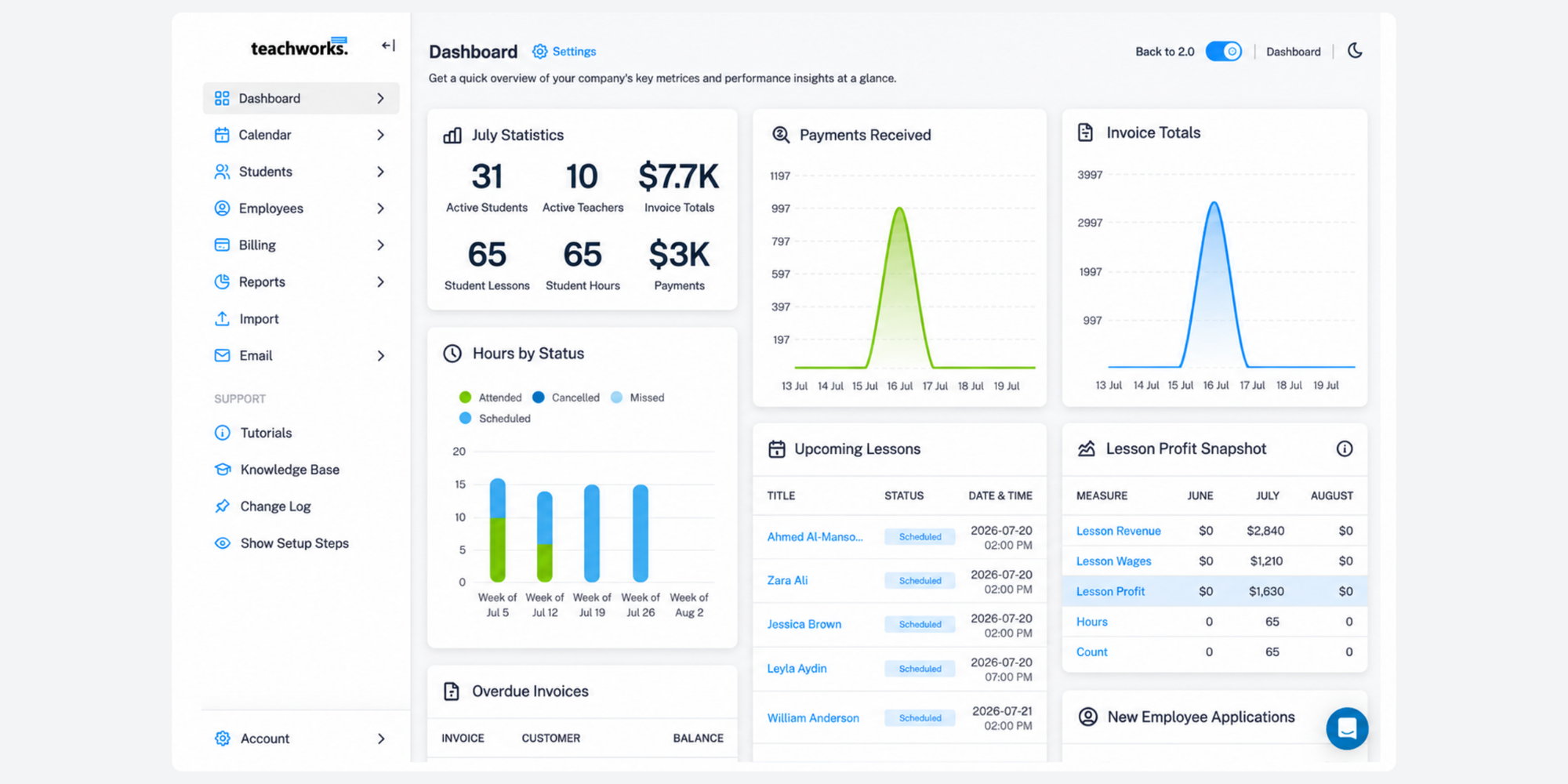
Teachworks is designed for educational businesses that need robust administrative tools, multi-location support, and flexible master calendars.
Best for
Growing tutoring centers and multi-teacher music schools managing large student bodies and varied teacher shifts.
Relevant scheduling features
- Centralized instructor calendars: Master scheduling board allows administrators to reassign instructors or move lesson blocks easily
- Conflict prevention: Built-in safeguards stop overlapping bookings across instructors and rooms
- Custom booking widgets: Embed custom registration forms directly onto your website
What users like
Capterra reviewers value Teachworks' reliability when handling large numbers of tutors and students. The ability to pull detailed payroll and attendance reports based on completed lessons is a major plus for studio owners.
Potential drawbacks
Online booking features can be complex to configure for end-users. Additionally, usage-based pricing models mean monthly costs scale upwards as student volume grows.
Pricing
Starts at $16.49/month base fee plus usage-based charges per active student or lesson. 21-day free trial available.
Verdict
A powerful system for larger centers requiring advanced instructor timetabling, though smaller studios may find the setup overly complex.
3) Koalendar: Best for straightforward music lesson booking
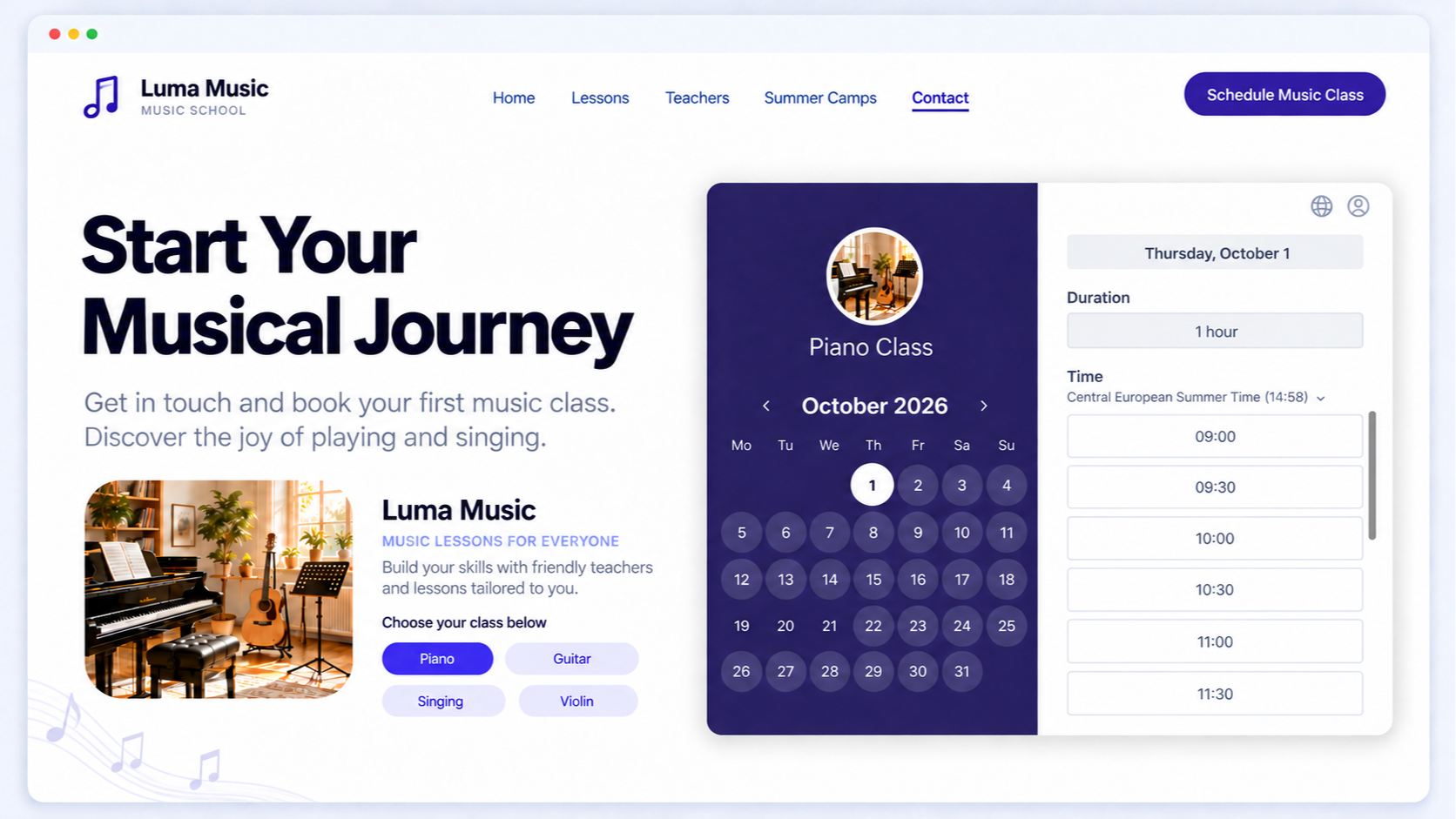
Koalendar is a dedicated scheduling software platform, and approaches scheduling from a simplicity-first perspective. Instead of forcing teachers into rigid school management software, it provides clean, custom booking pages that sync directly with your existing calendars and can be embedded into your website, social platforms or emails. .
Best for
Tutors and independent studios looking for straightforward lesson scheduling software for music school settings without heavy admin requirements.
Relevant scheduling features
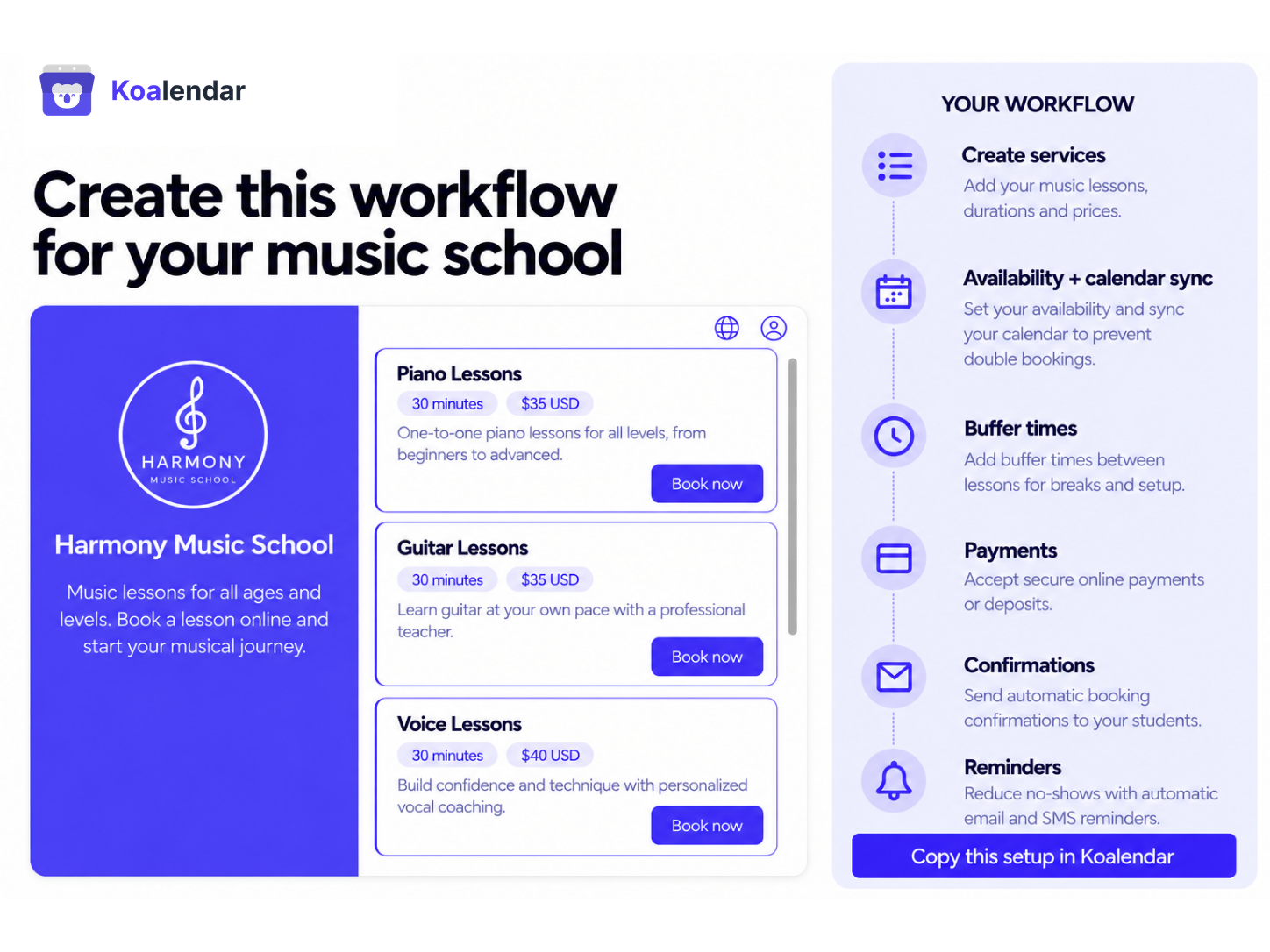
- Recurring bookings and lesson packages: Let students lock in repeating weekly slots or purchase prepaid lesson bundles upfront
- Multi-channel payments: Collect lesson fees at the moment of booking using integrated Stripe or PayPal options
- Waitlists and group sessions: Automatically fill cancelled slots via automated waitlists, or host group workshops with custom student capacity limits
- Resource and room allocation: Prevent double bookings by linking shared equipment or studio rooms directly to lesson types
What users like
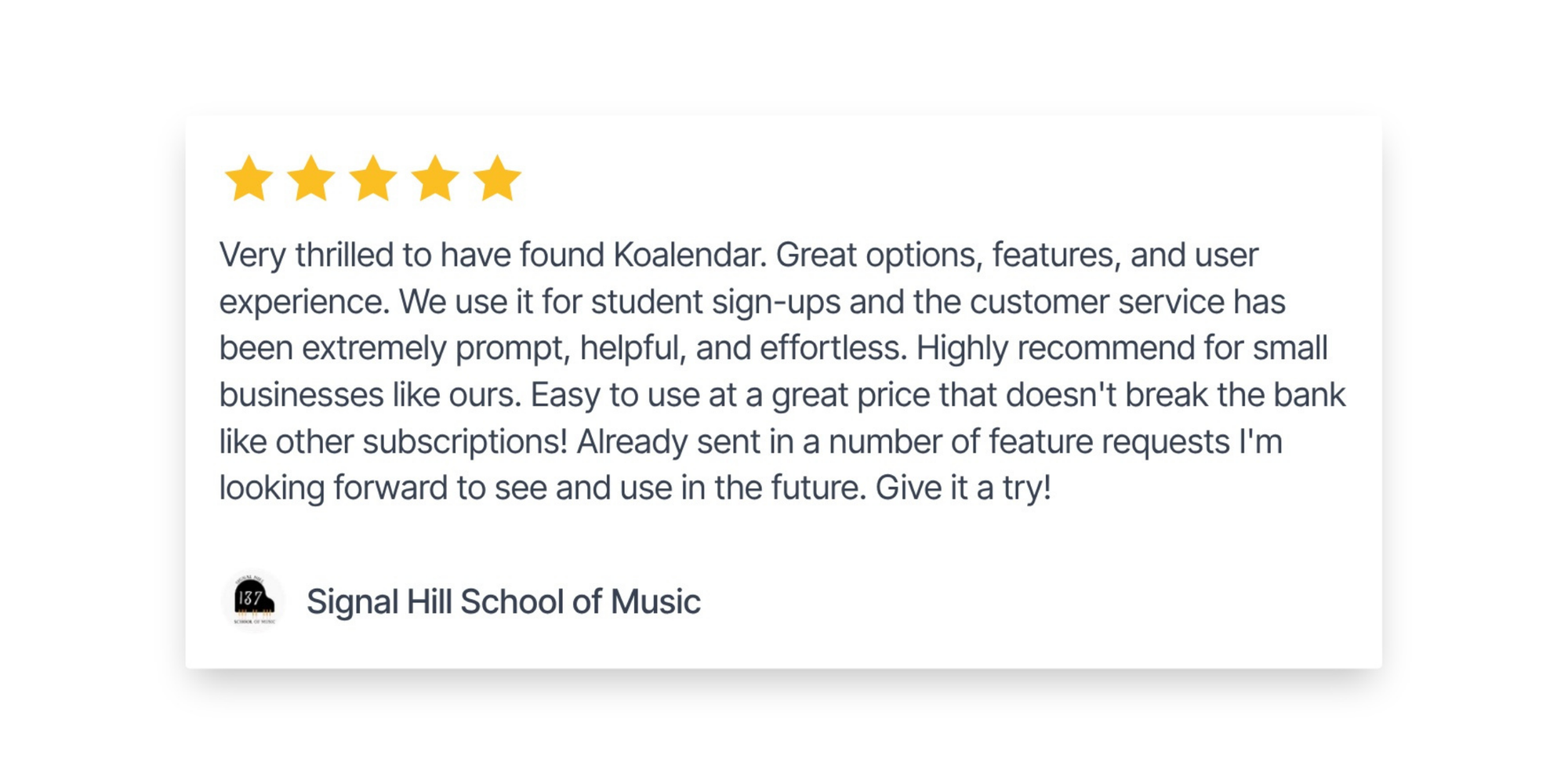
Users praise Koalendar for its fast, sub-5-minute setup and modern, mobile-friendly interface. Teachers highlight the real-time calendar sync (Google, Outlook, Apple) and flexible payment gateways as key factors in reducing missed payments and scheduling back-and-forth.
Signal Hill School of Music says:
Potential drawbacks
Koalendar is a scheduling-first tool. It does not include native student grade books, sheet music libraries, or automated teacher payroll calculations.
Pricing
Free Forever plan available. The Pro plan costs $6.99/seat/month (billed annually).
Verdict
The top choice for music educators who want fast, reliable self-service bookings, recurring slots, and payment collection without paying for heavy enterprise software.
4) Opus1: Best for coordinating teachers, rooms and instruments
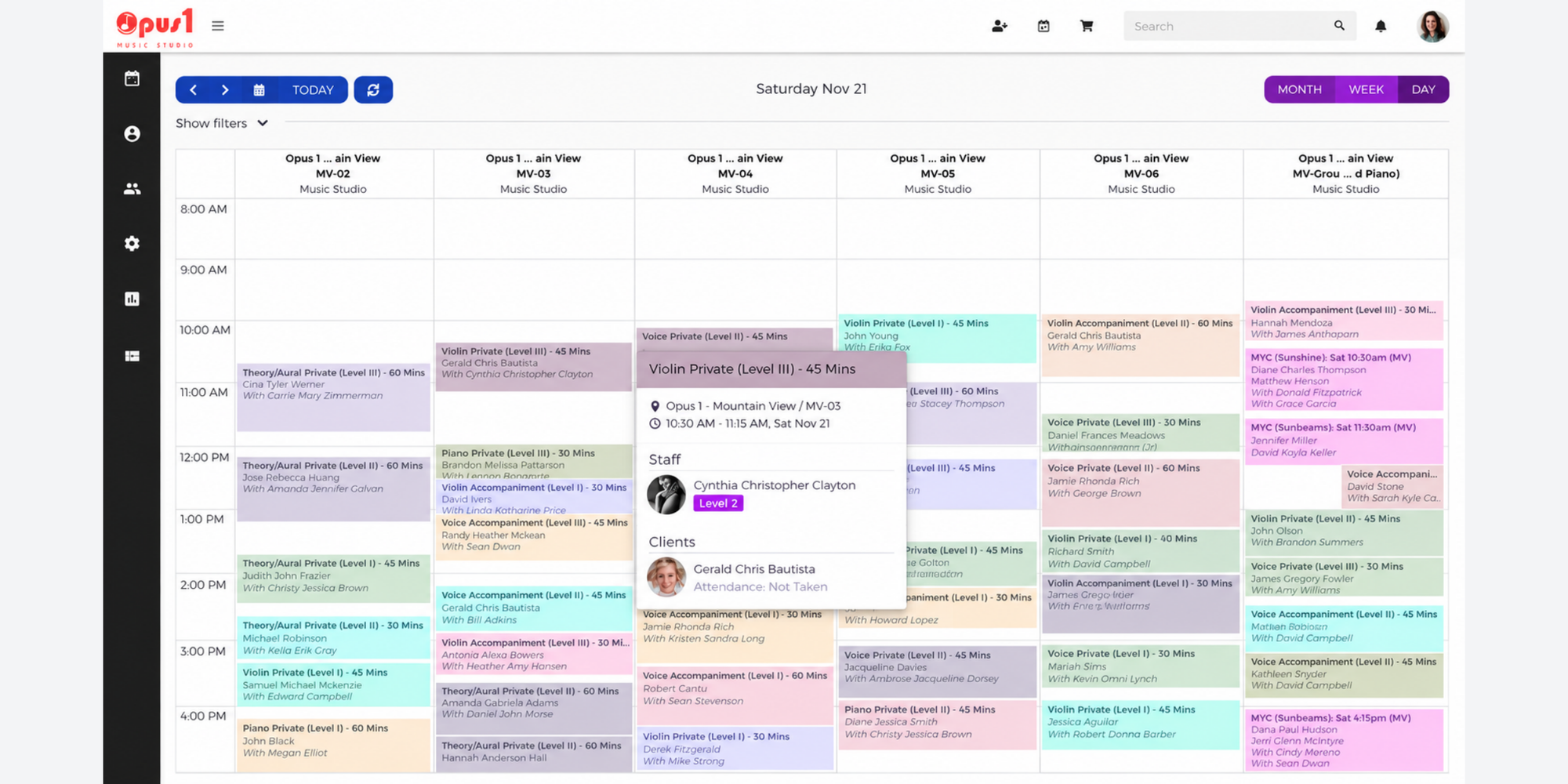
Opus1 (opus1.io) is a cloud-based studio management engine created specifically to solve complex scheduling bottlenecks in music schools.
Best for
High-volume music academies requiring granular resource management, room assignments, and automated billing workflows.
Relevant scheduling features
- Advanced resource rules: Automatically pair specific room capacities and instrument requirements with teacher availability
- Automated self-service rescheduling: Allows parents to adjust lesson times within strict studio rules without calling staff
- Intelligent waitlisting: Automatically notifies waitlisted students when a matching slot opens up
What users like
Reviewers on Capterra praise Opus1 for its deep automation, excellent customer support, and seamless management of complex multi-instructor schedules.
Potential drawbacks
It carries a significantly higher starting price than other platforms, and new users report a steep learning curve during onboarding.
Pricing
Starts at $98.00/month flat rate.
Verdict
An enterprise-grade platform that justifies its price tag for mid-to-large music academies with high room and instructor complexity.
Music school scheduling software feature comparison
Here is how the top four platforms compare on core scheduling capabilities:
Music school scheduling software feature comparison
| Scheduling capability | | My Music Staff | Teachworks | Opus1 |
| Student self-booking | ✅ | ✅ | ✅ | ✅ |
| Recurring lessons | ✅ | ✅ | ✅ | ✅ |
| Parent rescheduling | ✅ | ✅ | ⚠️ Limited | ✅ |
| Multiple instructor calendars | ✅ Pro | ✅ | ✅ | ✅ |
| Room/resource scheduling | ✅ | ⚠️ Limited | ❌ Paid Add-on | ✅ |
| Group class capacity | ✅ | ✅ | ✅ | ✅ |
| Lesson packages & waitlists | ✅ | ⚠️ Limited | ❌ Paid Add-on | ✅ |
| Google/Outlook/Apple sync | ✅ | ⚠️ Limited | ⚠️ Limited | ✅ |
| Automated email/SMS reminders | ✅ | ✅ | ✅ | ✅ |
| Payments (Stripe/PayPal) | ✅ | ✅ | ✅ | ✅ |
What features matter most in music school scheduling software?
When you’re running a music class, your software should be easy to use, both for you and your students. Here are some features to look for.
Recurring lessons and make-up sessions
Music education relies heavily on weekly recurring schedules. Your lesson scheduling software for music school programs must handle repeating slots seamlessly. When students cancel according to studio guidelines, the system should make rescheduling simple without manual phone calls.
Koalendar user Dan Cassoni, who runs DCM Guitar School, says: “With the rescheduling option… they don’t need to ring me. They can just do it themselves.”
Read how DCM Guitar School simplifies music lesson scheduling and reduces no-shows with Koalendar.
Multiple teachers and real-time availability
Managing multi-teacher studios requires visibility across individual working hours. Solid software prevents booking collisions by locking out times when instructors are marked unavailable or off-site.
Parent and student self-booking
Giving parents a simple online page to select lesson times cuts down administrative back-and-forth dramatically. Look for custom forms that capture instrument preferences, skill levels, or sheet music files during booking.
Group lessons, rooms, and resources
If your studio runs ensemble workshops, trial classes, or shares limited piano rooms, software must enforce strict capacity limits and resource tracking so two teachers never claim the same space.
Automated reminders and payments
Missed lessons directly impact income. Automated SMS and email notifications remind families of upcoming lessons, while integrated online payments (via Stripe or PayPal) allow studios to collect fees or sell lesson packages before instruction begins.
Which scheduling software is right for your music school?
Choosing your music scheduling software depends on the size and maturity of your business.
How to choose music school scheduling software in 5 steps
- Identify your teacher count and scheduling complexity.
- Decide whether you need scheduling only or full studio management.
- Check recurring lessons, make-up policies, and room booking.
- Calculate total costs based on teachers and students.
- Test self-booking and rescheduling before subscribing.
For independent music teachers
Solo tutors usually require low overhead and fast setup. A solution like Koalendar or My Music Staff allows you to manage recurring slots, sync personal Google or Apple calendars, and take online payments without paying for bloated feature sets.
For small music studios (2–5 instructors)
Studios coordinating a few teachers benefit from centralized scheduling, group bookings, and lesson package sales. Koalendar provides multi-seat flexibility at an affordable rate, while My Music Staff works well if you require dedicated student payments.
For larger music academies (6+ instructors and multiple rooms)
Large schools with dedicated front-desk staff, multiple locations, and heavy room usage should evaluate Opus1 or Teachworks. Their higher costs are offset by advanced administrative oversight and automated room routing.
How much does music school scheduling software cost?
Understanding the total cost of software requires looking beyond advertised starting prices. Here is how realistic costs compare for smaller businesses and for those with several instructors.
| Business Setup | | My Music Staff | Teachworks | Opus1 |
| Pricing model | Flat per-seat rate | Flat rate per teacher | Base + usage tiers | Flat tier rate |
| Estimated monthly cost: 1 Solo Teacher | $0 (Free) or $6.99 (Pro) | $16.95/month | ~$16.49/month | $98.00/month |
| Estimated monthly cost: 5 Instructors | $34.95/month ($6.99 × 5) | $84.75/month ($16.95 × 5) | ~$47.99+/month (depends on student count) | $98.00/month (up to 200 active students) |
One booking system for your music lessons
The best music school scheduling software is the one that makes life easier for your teachers, students, and admin team. Whether you run a music school or teach independently, the right tool should help you spend less time managing bookings and more time teaching.
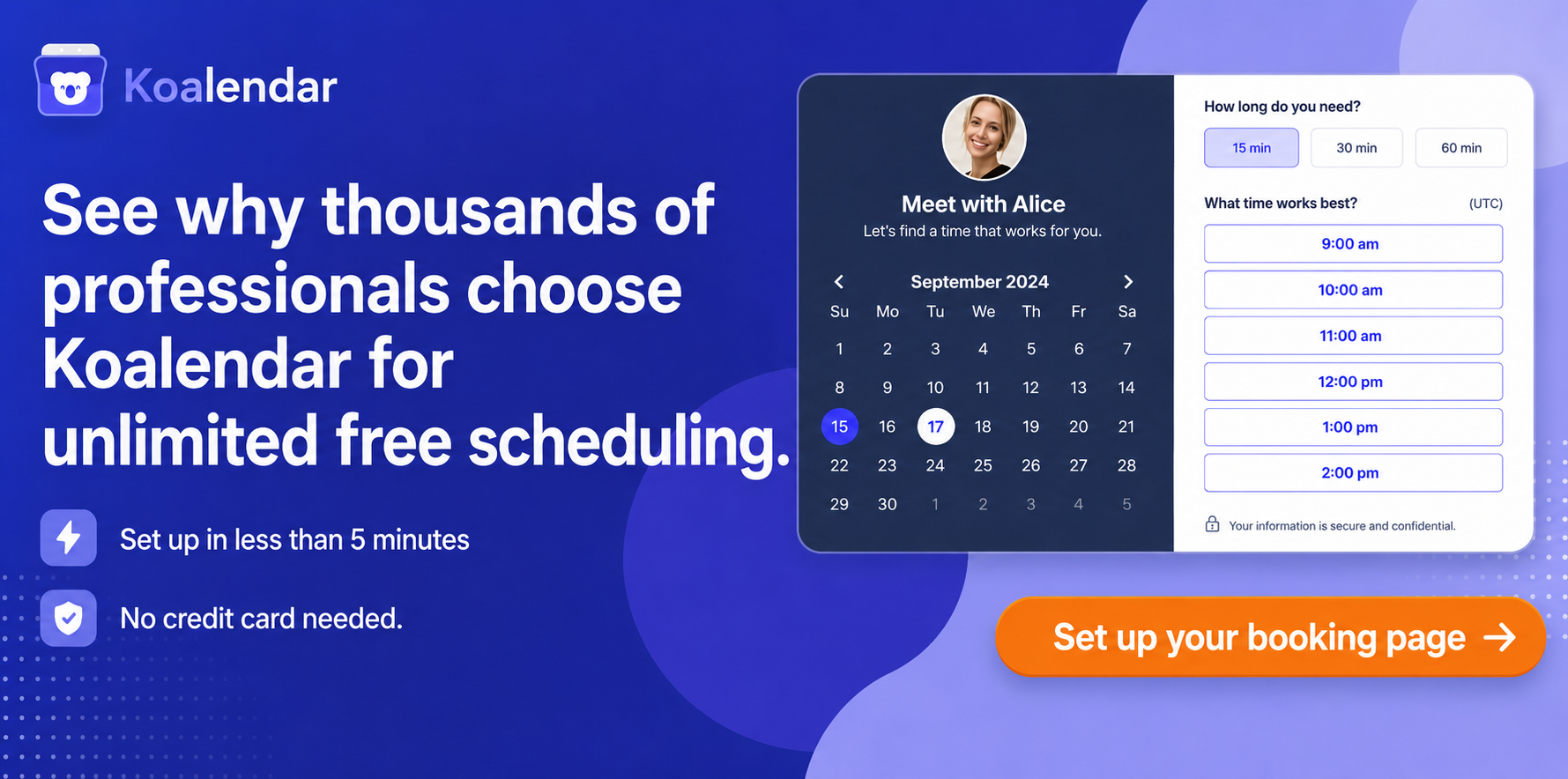
If you're looking for an affordable, easy-to-use solution without a complicated setup, Koalendar is a great place to start. Manage private music lessons, group classes, teacher availability, and payments in one place. Students and parents can book lessons themselves, and you can get everything up and running in minutes.
Evaluation Methodology and Editorial Notes
This comparative review was developed by analyzing official product specifications, publicly available documentation, pricing pages, and verified third-party user reviews from platforms such as Capterra as of late 2026. Studio policy guidelines (such as cancellation windows and make-up rules) are evaluated against professional standards published by the Music Teachers National Association (MTNA). Pricing estimates reflect standard annual billing terms where applicable.