TL;DR
The best free online calendar should do more than hold dates. It should help you share availability, avoid double bookings, reduce no-shows, and make scheduling easier for clients, teammates, and customers. For everyday use, Google Calendar is the easiest built-in option. For professionals who need free booking pages and unlimited scheduling, Koalendar is the strongest choice. For group scheduling, Doodle is useful. For Microsoft 365 teams, Outlook Calendar is the natural fit.
If you’re comparing the best online calendars for free, start with one question: do you only need a calendar, or do you need people to book time with you? That difference matters. Some online calendars are excellent for personal planning, while others are better for booking pages, calendar synchronization, group scheduling, and managing team availability.
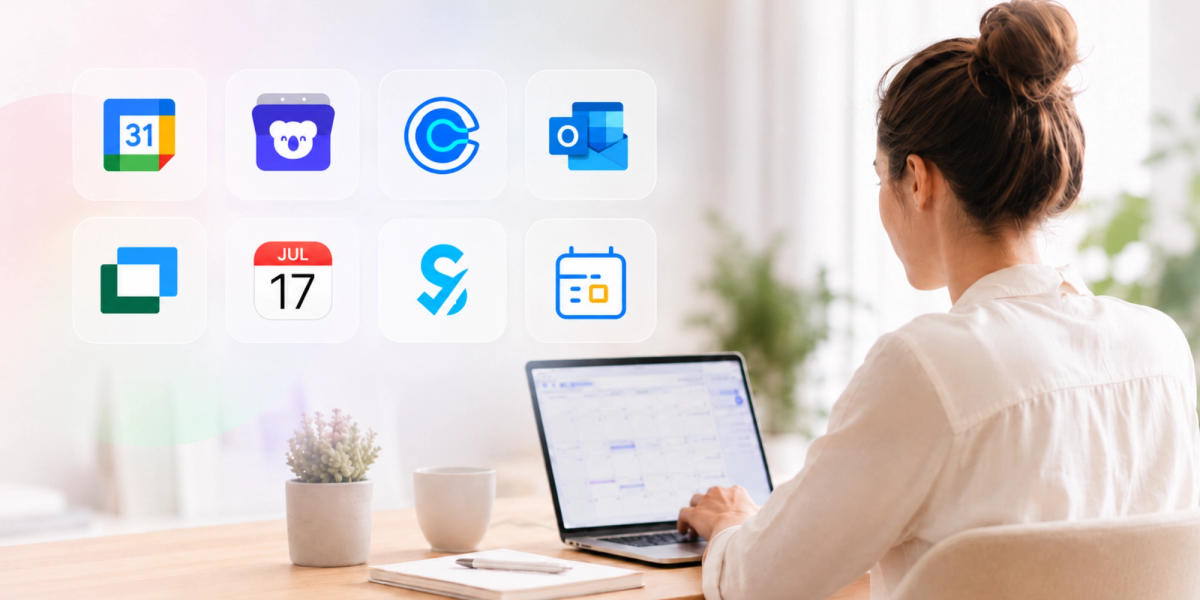
This guide compares eight tools: Google Calendar, Koalendar, Calendly, Microsoft Outlook Calendar, Doodle, Apple Calendar, SimplyBook.me, and Zoho Calendar
What is an online calendar?
An online calendar is a cloud-based tool that helps you create, manage, share, and sync events across devices. Instead of keeping your schedule in one app or on one device, an online calendar lets you access your availability from your laptop, phone, tablet, or browser.
Most online calendars help with the basics: adding events, setting reminders, creating recurring meetings, and sharing calendars with other people. More advanced tools also include booking pages, calendar synchronization, automated reminders, video meeting links, and group scheduling.
That difference matters. A simple online calendar helps you remember what’s on your schedule. A scheduling-focused calendar helps other people book time with you without the back-and-forth.
For example, Google Calendar and Apple Calendar are strong everyday online calendars. Koalendar, Calendly, Doodle, and SimplyBook.me go further by helping people book meetings, appointments, or group sessions online.
What makes the best free online calendar?
The best free online calendar should help you manage availability, prevent double bookings, and schedule meetings without endless emails.
A good free calendar gives you the essentials: event creation, reminders, calendar sharing, mobile access, and reliable sync. But if you’re a professional, freelancer, consultant, recruiter, coach, or small business owner, you’ll probably need more than that.
Look for a free online calendar that includes:
- Calendar sync so bookings don’t clash with your real availability
- Booking pages so people can choose a time without emailing you
- Automated reminders to reduce no-shows
- Group scheduling for teams, panels, classes, or collaborative meetings
- Integrations with tools like Google Calendar, Outlook, Zoom, or Microsoft Teams
- Mobile access so you can manage your schedule anywhere
- A useful free plan that does not force you to upgrade after a few bookings
The best choice depends on the job. Google Calendar is excellent for everyday planning. Doodle is useful for finding a time with a group. Outlook Calendar works well for Microsoft 365 teams. Koalendar is a strong free option for professionals who want unlimited booking pages and a client-friendly scheduling experience.
Ease of use
A free online calendar should be easy to set up in minutes.
You should not need IT support just to connect your calendar, share a link, or create a booking page. The best tools make the basics feel simple: choose your availability, connect your calendar, share your link, and you’re all set.
Calendar sync
Calendar sync is what stops your schedule from turning into a mess.
If you use both Google Calendar and Outlook, or a work calendar and a personal calendar, sync matters. Without it, you risk double bookings and manual updates. Koalendar’s Free Forever plan includes unlimited 1:1 bookings, scheduling links, and 2 calendar syncs, which makes it useful for professionals managing multiple meeting types.
Booking pages
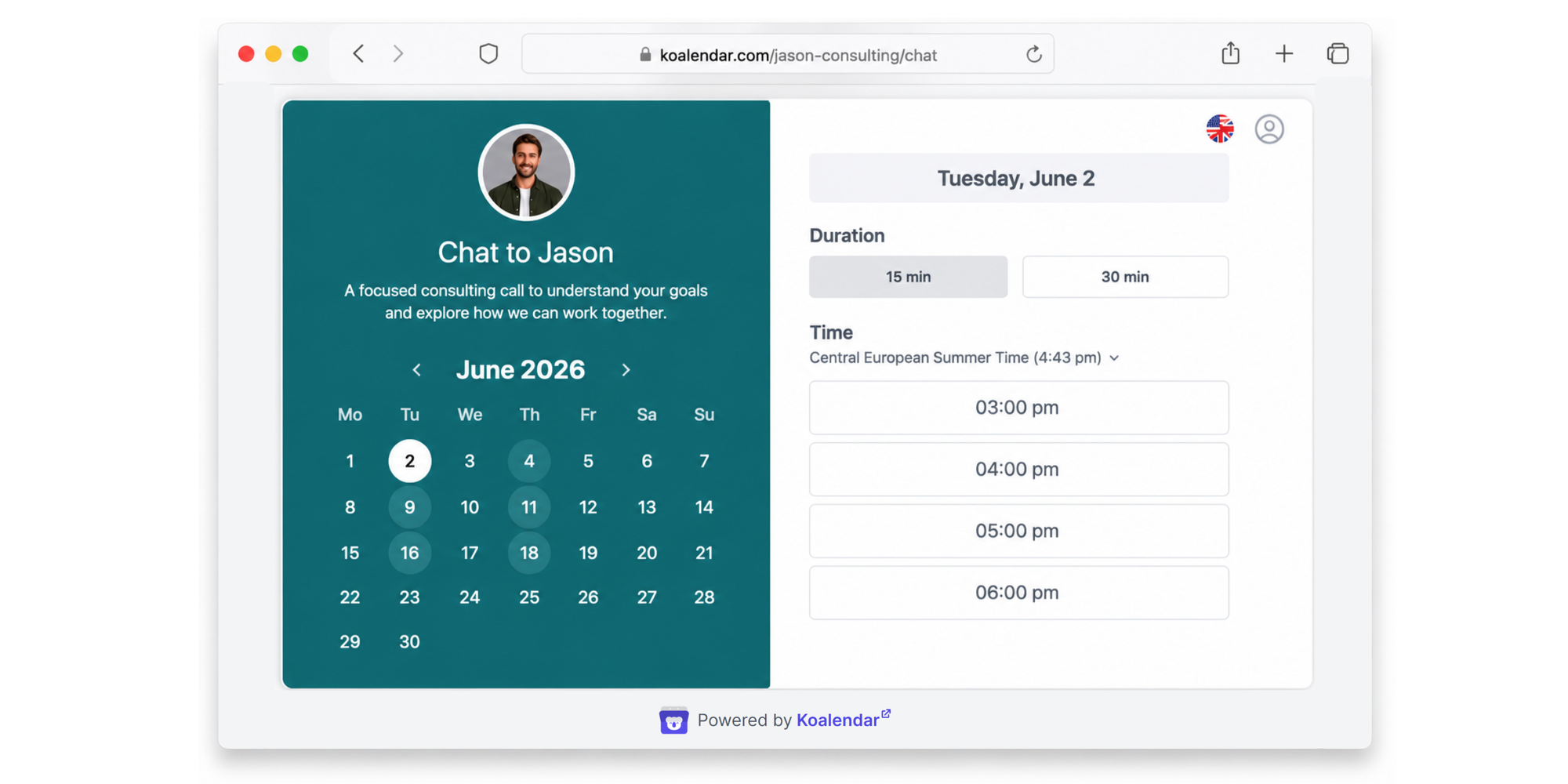
Booking pages let people choose a time from your real availability.
Instead of sending three time options over email, you send one link. Google Calendar’s appointment schedule feature, for example, lets users set appointment duration, availability, and meeting details from inside Google Calendar.
For client-facing work, booking pages are especially helpful because they create a smoother, more professional experience.
Team scheduling
Team scheduling matters when more than one person needs to be involved.
This could mean team availability, group polls, shared calendars, round robin scheduling, or resource booking. Doodle is especially useful for group polls, while Zoho Calendar supports group calendars for managing team activities in one place. Koalendar is also a strong team operations scheduling tool with the advantage of being easy to use.
Integrations
A good free online calendar should fit into the workflow you already use.
For most professionals, that means connecting with tools like Google Calendar, Outlook, Zoom, Microsoft Teams, email, and mobile apps. The fewer tools you need to update manually, the easier it is to keep your schedule accurate and avoid missed meetings.
Mobile access
A good online calendar should make scheduling easy from your phone, not just possible.
Most cloud calendars work on mobile, but the experience can vary. The best tools let you check availability, approve or edit bookings, send scheduling links, receive reminders, and manage last-minute changes without needing your laptop.
That matters if you’re a freelancer between client calls, a recruiter coordinating interviews, or a small business owner managing appointments throughout the day. Your calendar should not just sync to your phone. It should help you stay in control from anywhere.
Best free online calendar tools compared
The best free online calendar tools are built for different jobs, so the right choice depends on how you schedule.
 |  |  | Microsoft Outlook Calendar |  | Calendar |  | Zoho Calendar | |
| Positioning | Best overall free online calendar for professionals | Best built-in free online calendar | business | Best for Microsoft 365 users | Best free online calendar for groups | Best for Apple users | Best for appointment-based businesses | Best for businesses using Zoho |
| Free plan strength | Free Forever.Unlimited bookings, unlimited 1:1 event types and booking pages | Strong everyday calendar | One event type, unlimited bookings for that event type | Strong inside Microsoft ecosystem | Useful group polls | Simple iCloud calendar sharing | Free booking system with monthly limits | Free calendar for teams |
| Booking pages | ✅ | ✅ | ✅ | With Microsoft Bookings | ✅ | ❌ | ✅ | Limited |
| Group scheduling | Pro Plan | Limited | Requires paid plans | ✅ | ✅ | Shared calendars | Limited | ✅ |
| Best for | Consultants, freelancers, SMBs | Everyone | Sales, recruiting, B2B teams | Enterprises | Teams and collaborative scheduling | macOS and iPhone users | Healthcare, salons, wellness, local services | Existing Zoho customers |
Koalendar: Best for professionals looking for ease of use
Koalendar is built for professionals and small businesses that run on bookable time. If you’re still coordinating appointments through email, texts, DMs, or spreadsheets, Koalendar gives you a simple way to let people book themselves — without losing control of your calendar.
For solo operators like tutors, coaches, consultants, therapists, trainers, beauty professionals, and independent healthcare practitioners, Koalendar makes it easy to create a professional booking page clients can use on their own. You can share your link, show your real availability, reduce no-shows with reminders, and stop manually confirming every session.
For resource and team operators, Koalendar helps manage scheduling across people, spaces, sessions, and services. That makes it useful for schools, academies, legal practices, accounting firms, real estate teams, facilities, and service businesses that need to keep calendars organized, avoid double bookings, and give customers or attendees a smoother booking experience.
Koalendar’s Free Forever plan is especially useful when you want to optimize your booking process without adding software costs. You can start with unlimited bookings, unlimited scheduling pages, calendar sync, and automated reminders — then upgrade if you need more customization, control, or advanced scheduling features as your operation grows.
Koalendar features
- Create booking pages for services, sessions, classes, consultations, interviews, rooms, or resources.
- Let clients, students, patients, prospects, or attendees self-book from your real availability.
- Accept unlimited bookings on the Free Forever plan, so you can grow without hitting a booking cap.
- Use calendar sync to prevent double bookings across Google Calendar and Outlook.
- Send automated reminders to reduce no-shows and last-minute confusion.
- Customize booking pages so your scheduling experience feels clear, professional, and on-brand.
- Set up quickly without IT support, complex routing, or a long onboarding process.
Koalendar pricing
Koalendar offers a Free Forever plan with unlimited bookings, unlimited booking pages, and calendar sync.
The Pro plan ($6.99/seat/month) is a better fit for businesses that need more control, customization, limits, and advanced scheduling options across staff, services, group sessions, or resources.
If you’re a solo professional, Koalendar helps you look polished from day one. If you manage a team, venue, school, practice, or bookable resources, it gives you a simple way to keep scheduling organized as demand grows.
Best for: consultants, freelancers, SMBs, educators, recruiters, coaches, and client-facing professionals that run on bookable time.
Watch out for: advanced needs such as group sessions, payments, and reminders are better suited to Koalendar Pro. The good news: you can start free and upgrade only when you need more.
Google Calendar: best built-in free online calendar
Google Calendar is the best built-in free online calendar for everyday scheduling for Gmail users.
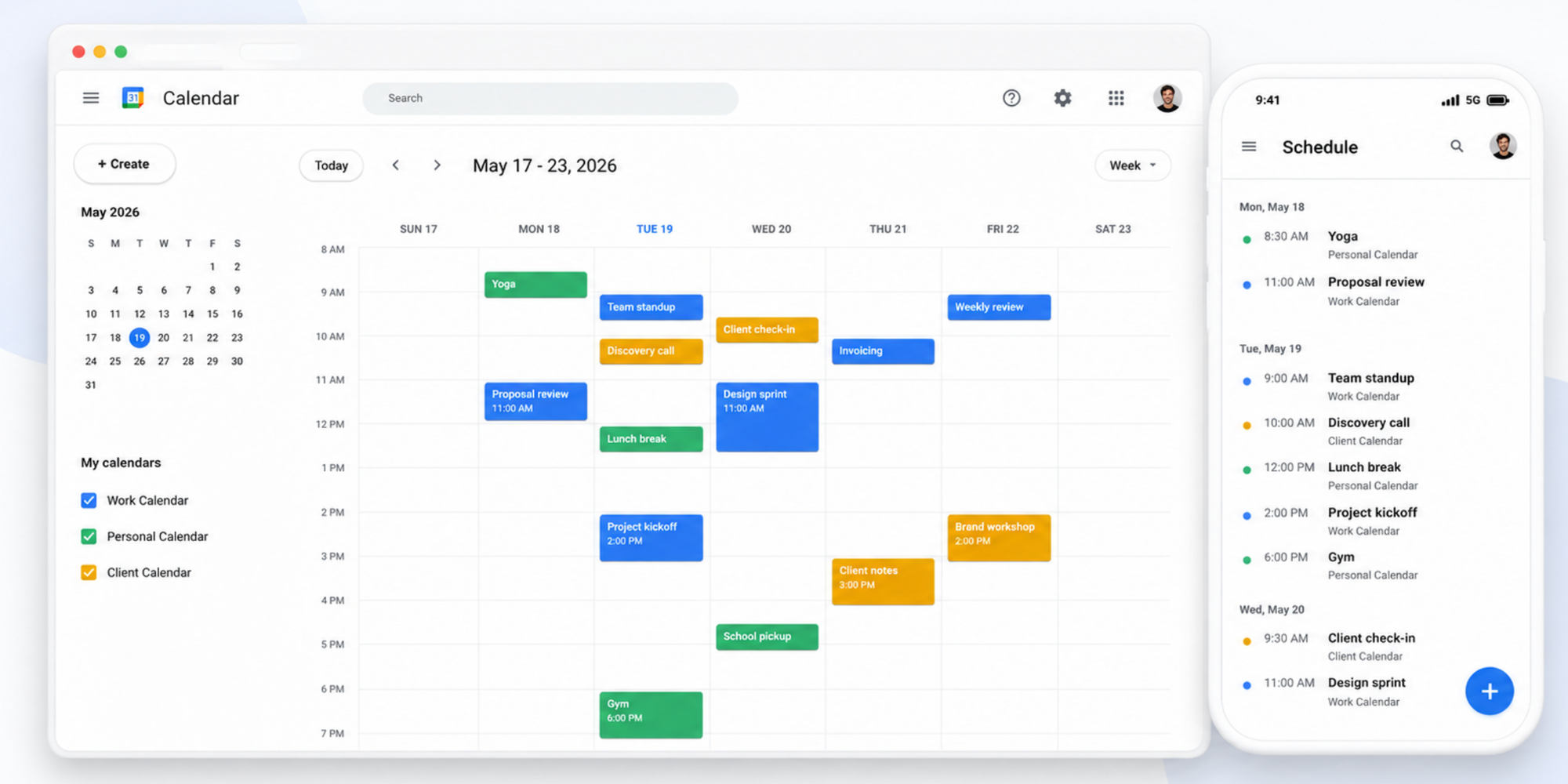
It is familiar, easy to access, and already connected to Gmail, Google Meet, and Google Workspace. For many people, it is the default place to manage meetings, reminders, recurring events, and personal schedules.
Google Calendar also offers appointment schedules, which let you define appointment duration, set availability, and customize how people meet with you.
Best for: everyone who already uses Gmail or Google Workspace.
Watch out for: Google Calendar is strong as a calendar, but it may feel limited if you need a more polished client-facing booking experience, more customization, or flexible scheduling workflows.
Calendly: best for larger organizations that want a popular tool
Calendly is a strong choice for larger organizations that want a recognizable scheduling platform with broad adoption across sales, recruiting, customer success, and B2B teams.
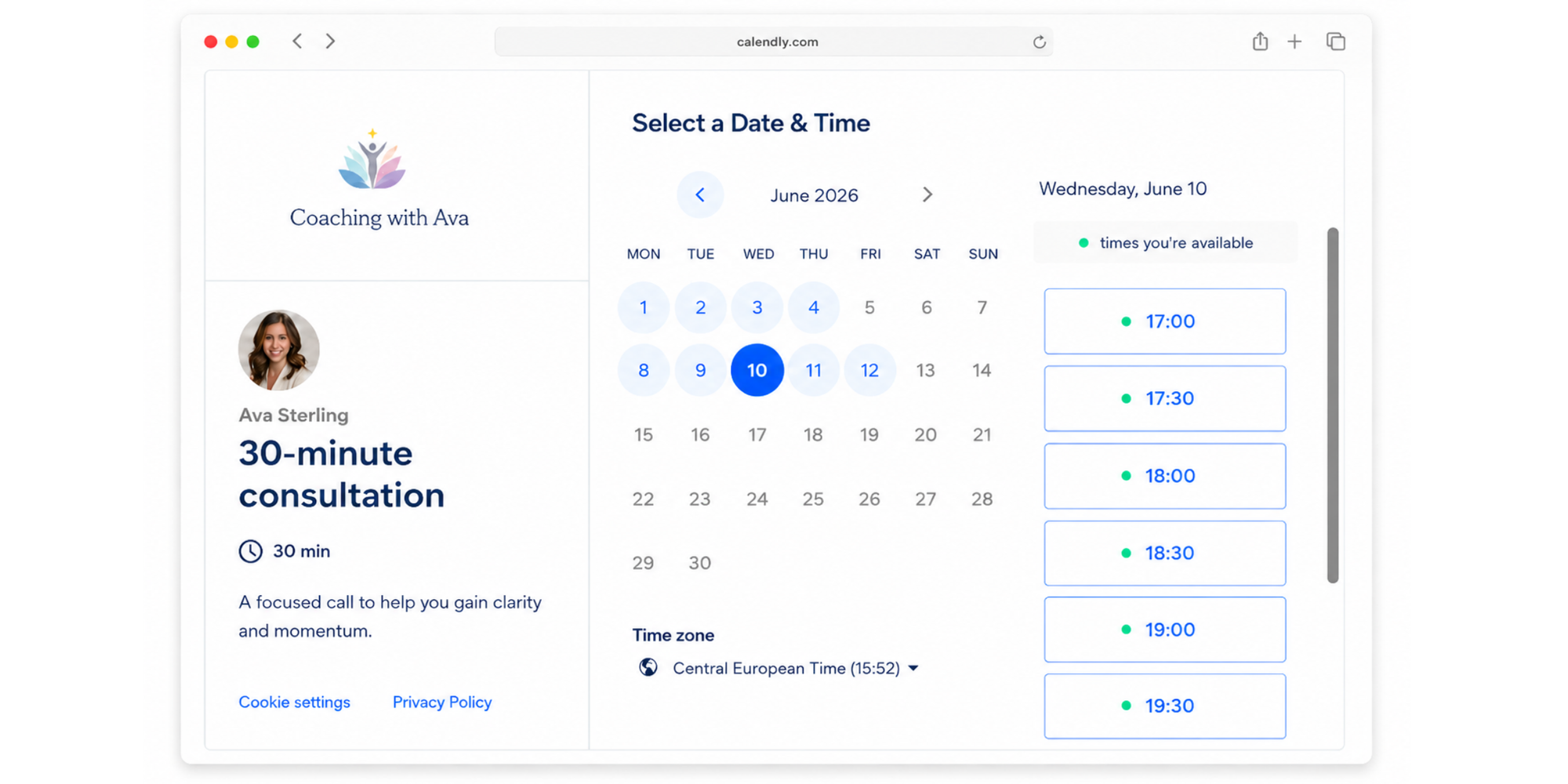
It works well for companies that need a familiar tool employees and external guests are likely to recognize. Calendly’s booking links are simple to share, and its paid plans support more advanced team scheduling needs, including routing, team pages, and admin controls.
The tradeoff is that setup can feel more complicated than Koalendar, especially for smaller teams or solo professionals who just want to create a booking page and start accepting meetings quickly. Calendly offers plenty of flexibility, but that can also mean more settings to configure before everything feels ready.
Best for: larger companies, sales teams, recruiting teams, and B2B organizations that want a recognized scheduling platform.
Watch out for: the free plan is limited to one event type and team and admin features require a paid plan.
Microsoft Outlook Calendar: best for Microsoft 365 users
Microsoft Outlook Calendar is best for businesses already using Microsoft 365.
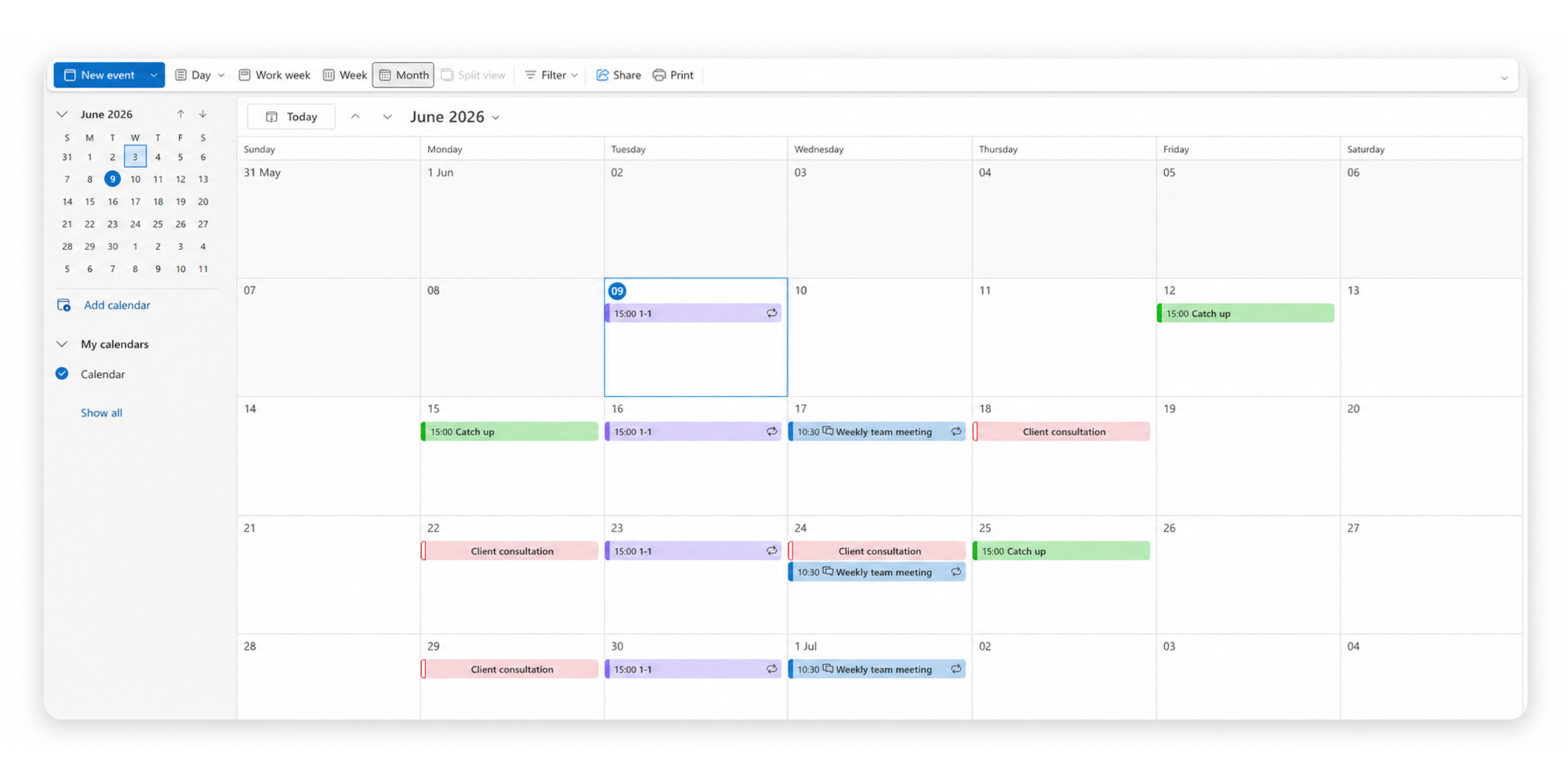
It works well for internal meetings, enterprise scheduling, shared calendars, and teams that rely on Outlook, Teams, and Microsoft 365. Microsoft Bookings adds appointment scheduling on top of Microsoft 365, helping customers find available times and avoid double bookings.
Microsoft also says Bookings is available in Teams and Outlook, where users can create booking pages, declare availability, add team members, and manage appointments.
Best for: enterprises and Microsoft 365 users.
Watch out for: it can feel heavier than simpler scheduling tools if you are a solo professional or small business owner.
Doodle: best free online calendar for groups
Doodle is the best free online calendar for groups when the main job is finding a time that works for several people.

Instead of sending a long email thread, you suggest time options and let people vote. This makes it useful for committees, internal teams, hiring panels, volunteer groups, and collaborative projects.
Doodle’s pricing page shows that paid plans unlock features such as no ads, unlimited group poll time slots, unlimited sign-up sheets, unlimited booking pages, unlimited 1:1s, custom branding, and Microsoft Teams integration.
Best for: teams and collaborative scheduling.
Watch out for: Doodle is strongest for group polls, not necessarily for an always-on professional booking page.
Apple Calendar: best for Apple users
Apple Calendar is best for people who live inside the Apple ecosystem.
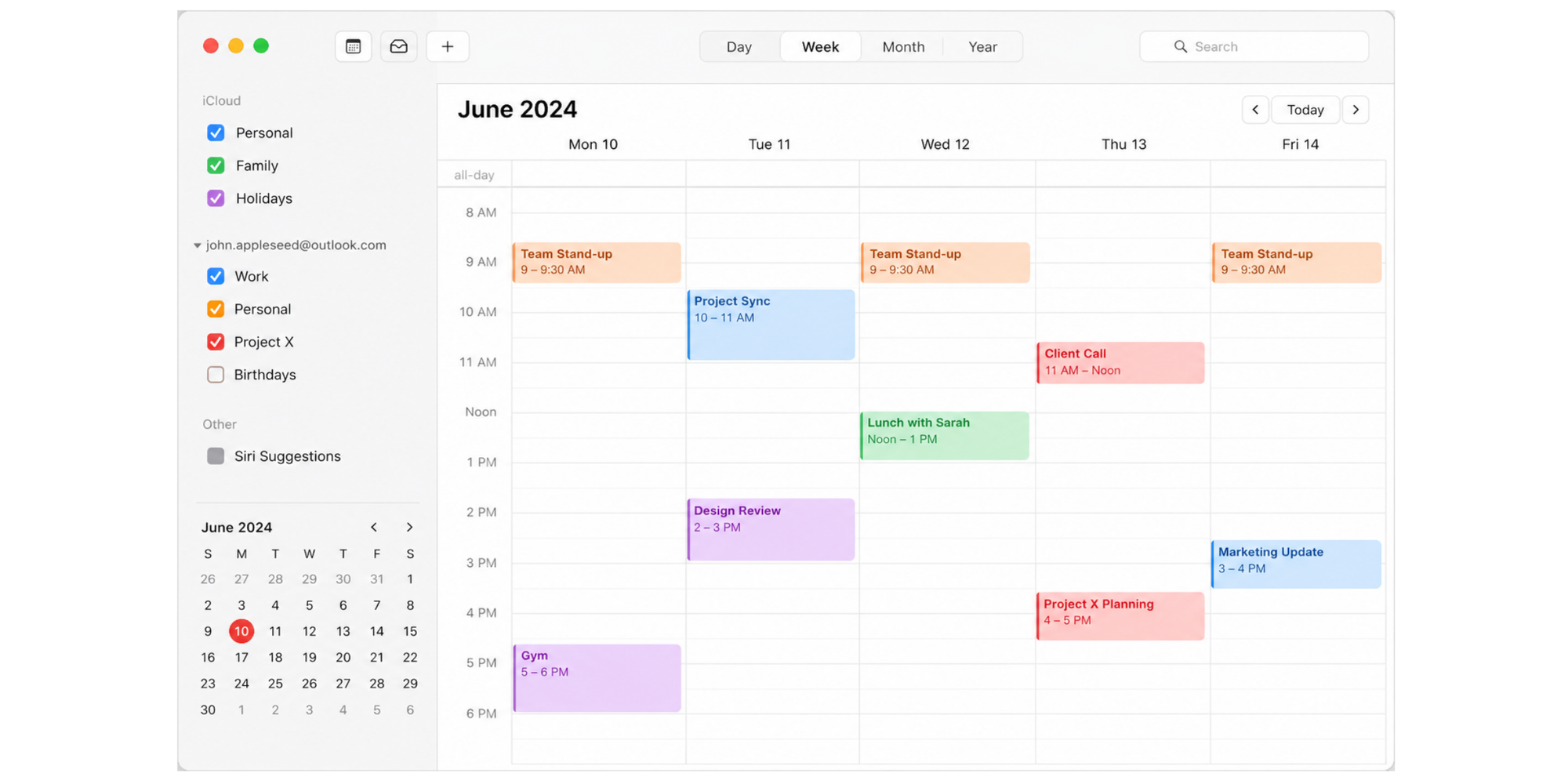
It works across iPhone, iPad, Mac, and iCloud, making it simple for Apple users to manage personal schedules, reminders, and shared calendars. Apple lets users share iCloud calendars with other people and choose whether collaborators can view or edit the calendar.
It is a strong personal calendar, especially if your devices are already Apple-first.
Best for: macOS and iPhone users.
Watch out for: Apple Calendar is not a dedicated booking-page tool, so it is less suitable for client-facing appointment scheduling.
SimplyBook.me: best for appointment-based businesses
SimplyBook.me is best for appointment-based businesses that need online booking for services.
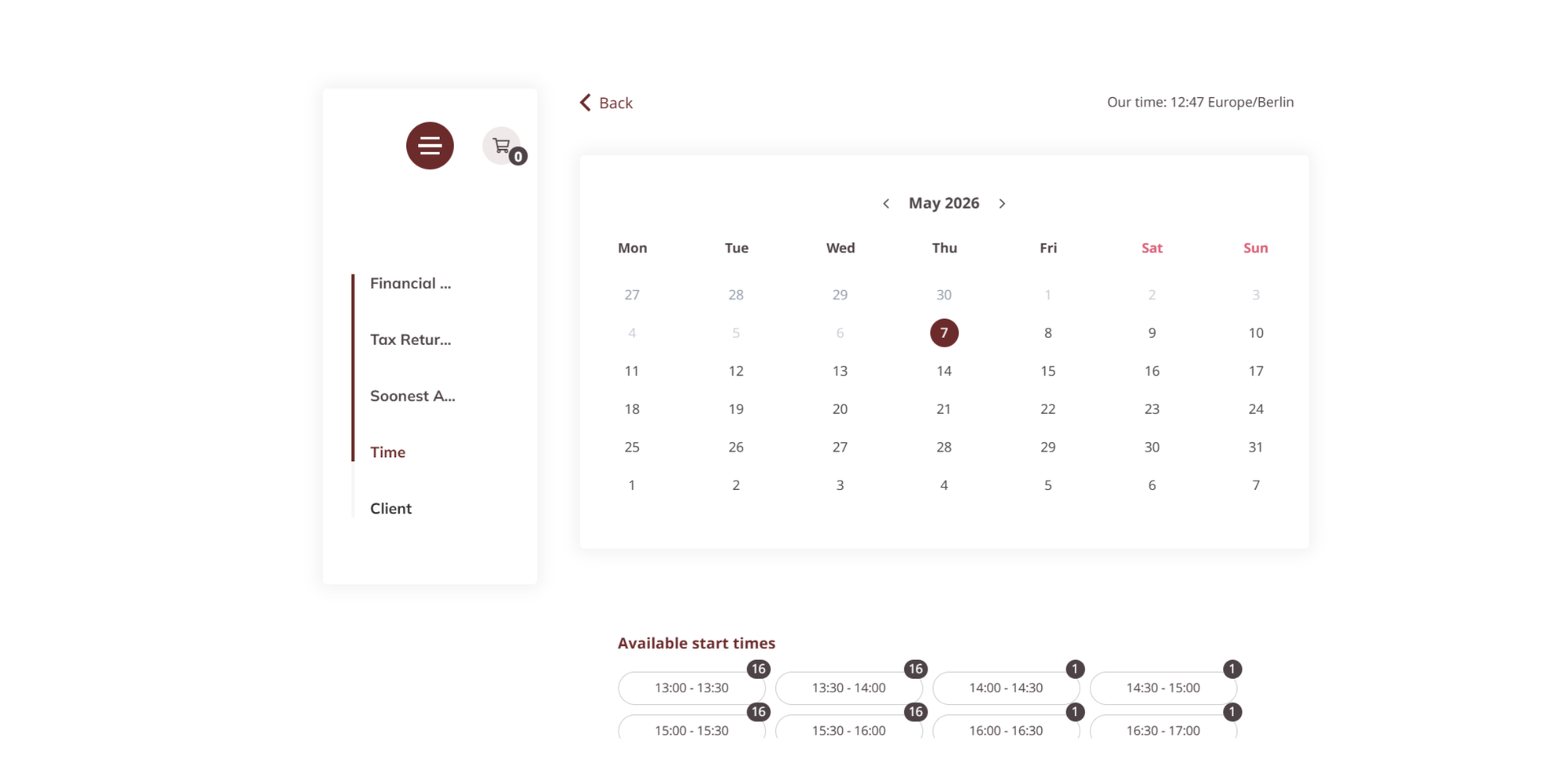
It is designed for businesses such as salons, clinics, wellness providers, consultants, and local services. SimplyBook.me’s free plan supports up to 50 bookings per month and includes a customizable booking page, email reminders, and multi-channel booking from a website.
That makes it helpful for small appointment-based businesses starting out.
Best for: healthcare, salons, wellness, and local services.
Watch out for: the free monthly booking limit may become a problem if your business grows quickly.
Zoho Calendar: best for businesses using Zoho
Zoho Calendar is best for businesses already using Zoho.
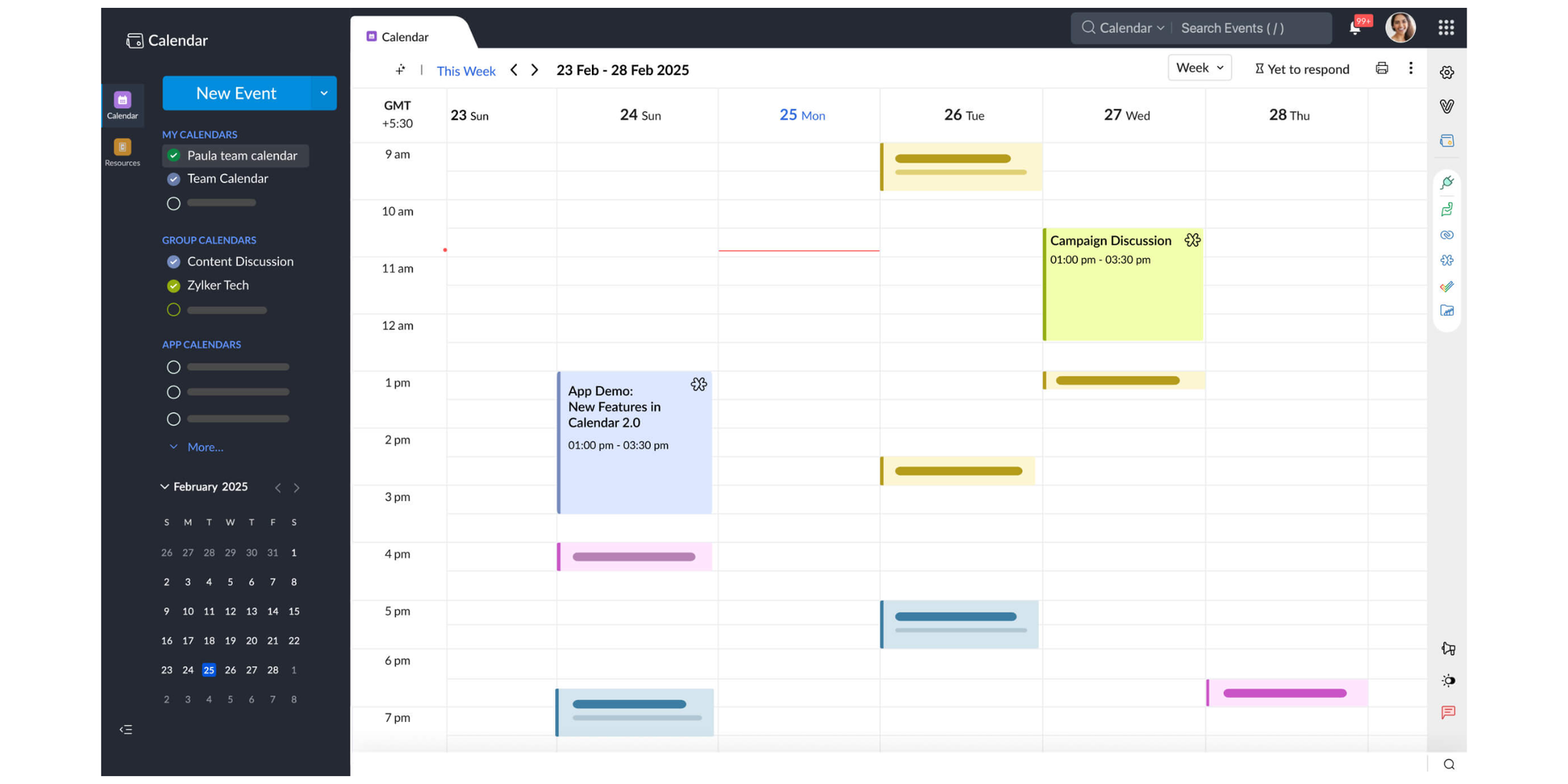
It is a free online calendar tool for individuals and teams, with event scheduling, reminders, sharing, and integrations. Zoho also offers group calendars, which let teams manage activities from a unified calendar.
If your business already uses Zoho Mail, Zoho CRM, or other Zoho apps, Zoho Calendar can fit neatly into your workflow.
Best for: existing Zoho customers.
Watch out for: it is more of a business calendar than a dedicated professional booking-page tool.
Best online calendars free for different needs
The best online calendars free depend on whether you schedule client appointments, internal meetings, group sessions, or personal events.
Freelancers
Freelancers need a calendar that makes them look professional and saves time.
Koalendar is a strong fit because it lets you create booking pages, sync calendars, and accept bookings without back-and-forth emails. Google Calendar is useful for managing your daily schedule, but Koalendar is better when clients need to book you directly.
Consultants
Consultants often need different meeting types: discovery calls, strategy sessions, onboarding calls, and recurring client check-ins.
Koalendar works well here because unlimited scheduling links let you create different booking pages for different services. Calendly can also work, but the free plan is best when you only need one event type.
Coaches
Coaches need appointment scheduling that feels personal, simple, and reliable.
Koalendar is useful for one-to-one coaching calls and client sessions. SimplyBook.me is a good option for coaches who need more service-business features, especially if they are comfortable with the free plan’s booking limit.
Sales teams
Sales teams need speed and consistency.
Calendly is a strong choice for simple sales meeting scheduling. Microsoft Outlook Calendar and Bookings make sense for enterprise sales teams already using Microsoft 365. Koalendar is a good fit for smaller sales teams and independent consultants who want a clean booking page without paying upfront.
Recruiters
Recruiters need to reduce candidate friction.
Calendly, Outlook Calendar, and Koalendar can all help candidates choose available times without long email threads. The best choice depends on your workflow: Microsoft 365 teams may prefer Outlook, while smaller recruiting teams may prefer Koalendar for easier setup.
Small businesses
Small businesses need affordable scheduling that still feels professional.
Koalendar is the strongest free option for unlimited bookings and scheduling pages. SimplyBook.me is useful for service businesses with appointment categories, while Google Calendar is helpful for internal planning.
Best free online calendars for groups
The best free online calendars for groups make it easier to coordinate people, rooms, resources, and shared availability.
Team scheduling
Team scheduling works best when everyone’s availability is easy to see.
Doodle is useful when several people need to vote on a meeting time. Zoho Calendar helps teams manage shared activities in one place. Outlook Calendar is strong for Microsoft 365 teams that already rely on shared calendars and internal meeting invites.
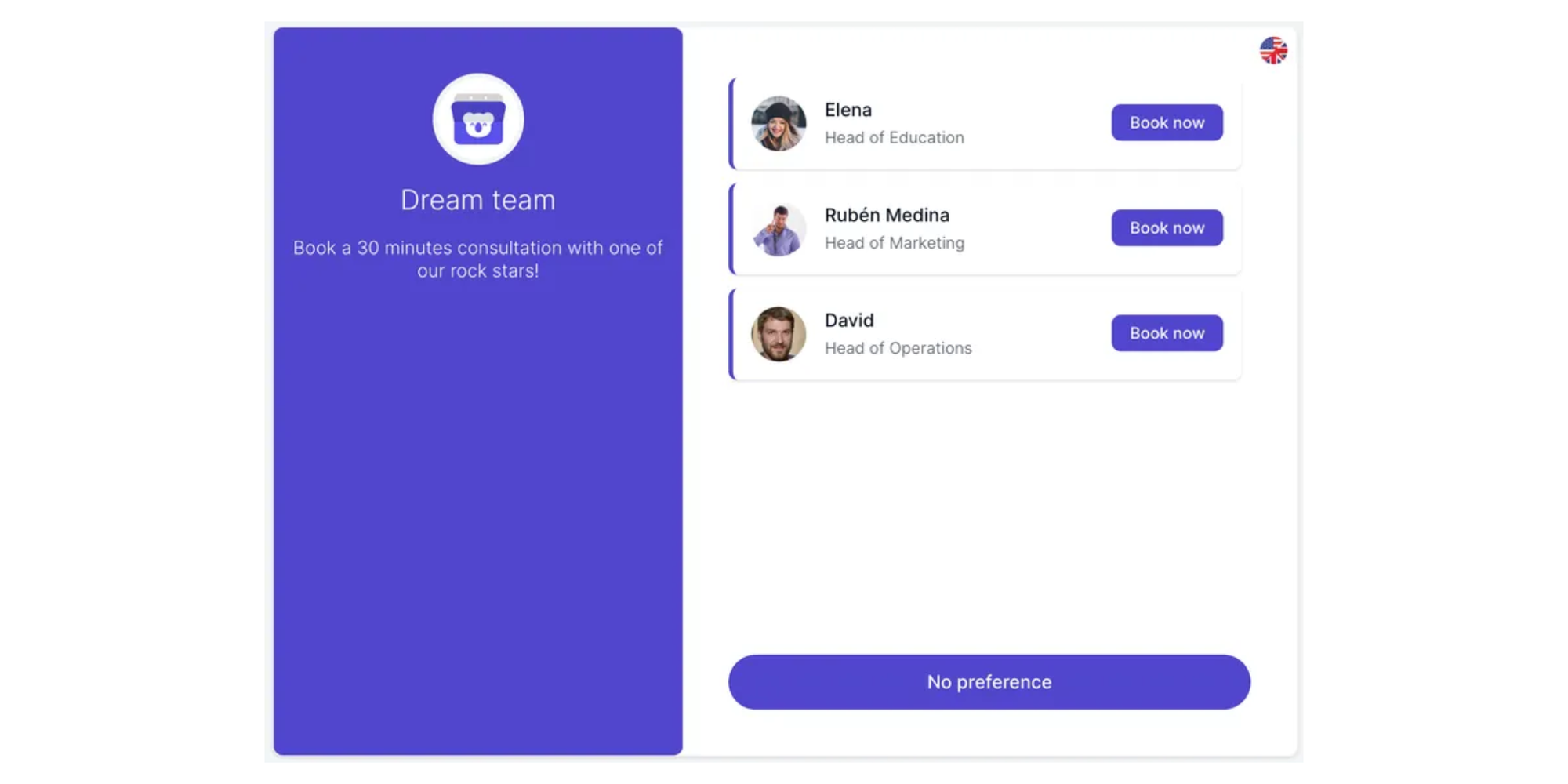
Koalendar is also great for teams as it allows you to manage your entire team from one dashboard, create shared booking pages, and distribute bookings evenly.
Shared calendars
Shared online calendars are useful when a team, family, department, or business needs one source of truth.
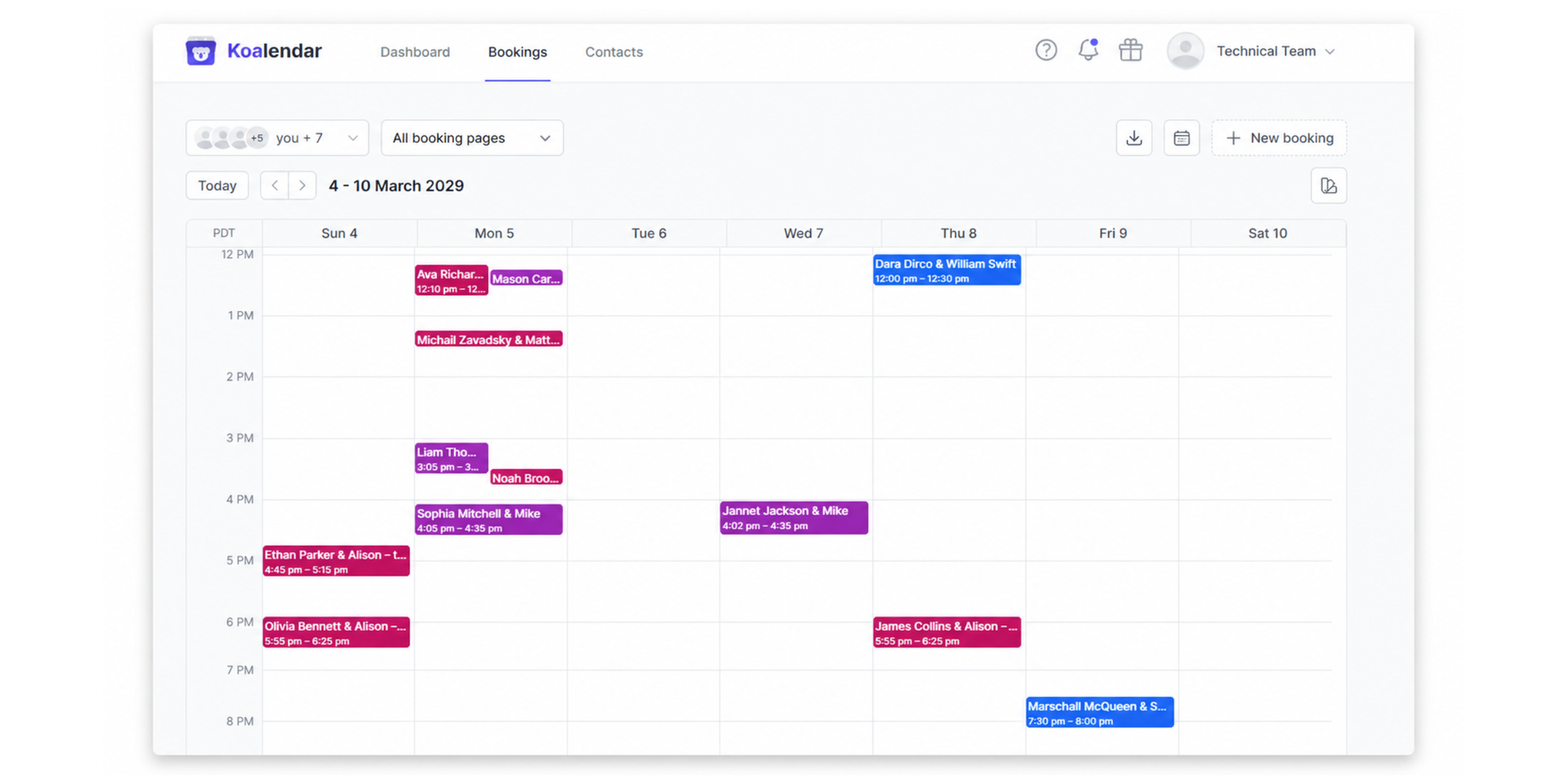
Koalendar, Google Calendar, Outlook Calendar, Apple Calendar, and Zoho Calendar all support shared calendar workflows. Apple, for example, lets iCloud users share calendars and decide whether others can view or edit them.
Round robin scheduling
Round robin scheduling assigns meetings across multiple people based on availability.
This is common for sales teams, support teams, and recruiting teams. Free calendar tools often limit advanced team routing, so businesses that need round robin scheduling should check paid plan details before choosing.
Resource booking
Resource booking helps teams manage shared spaces or assets, such as meeting rooms, consultation rooms, equipment, or office hours.
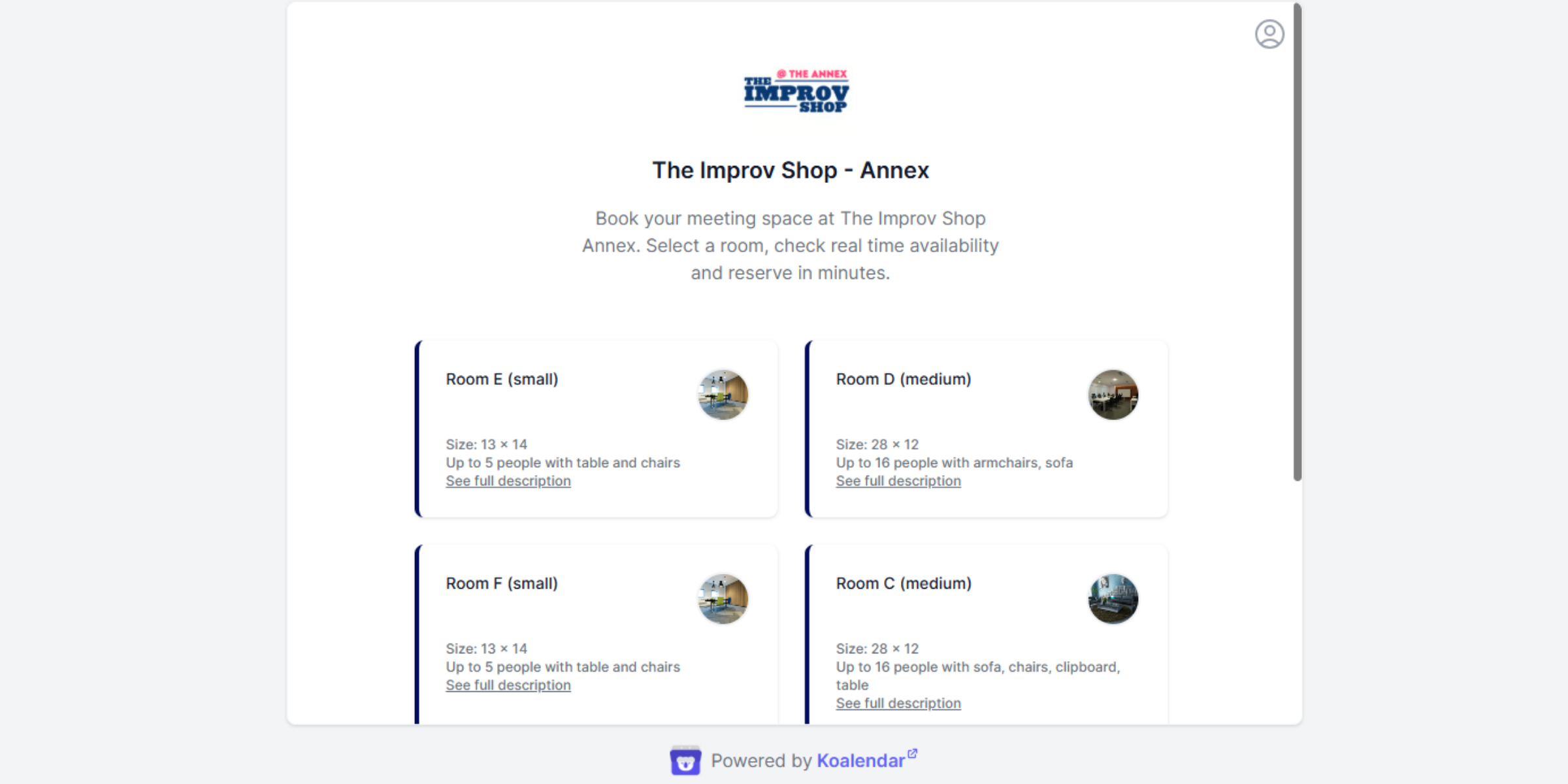
Microsoft Outlook Calendar and Bookings are strong options inside Microsoft 365. Zoho Calendar can also support team activity planning through group calendars. Koalendar lets you book different resources (rooms, tables, equipment or people) with one tool and different booking pages.
.png?w=2000&fit=max&auto=format)
How to choose the best free online calendar
Choose the best free online calendar by matching the tool to your scheduling problem.
Ask these questions before you decide:
- Do I need a calendar or a booking page?If you only need to manage your own schedule, Google Calendar, Apple Calendar, or Outlook Calendar may be enough. If you need clients or prospects to book you, choose Koalendar, Calendly, Doodle, or SimplyBook.me.
- Will the free plan stay useful?Check limits on bookings, booking pages, event types, reminders, integrations, and branding. Koalendar, for example, offers a free forever plan with unlimited 1:1 bookings and booking pages.
- Does it sync with my main calendar?Calendar synchronization helps prevent double bookings and keeps your schedule accurate.
- Does it work for groups?For group scheduling, compare Doodle, Outlook Calendar, Zoho Calendar, and Koalendar.
- Will clients understand it instantly?A good booking page should be clean, simple, and easy to use.
- Can I grow without switching tools?Start with a tool that fits today, but make sure it can support tomorrow’s needs too.
Free vs paid online calendars
Free online calendars are usually enough for basic scheduling, but paid plans tend to unlock deeper customization, advanced reminders, team routing, branding, reporting, and integrations.
| Free online calendars | Paid online calendars | |
| Basic calendar events | ✅ | ✅ |
| Shared calendars | ✅ | ✅ |
| Booking pages | Sometimes | Often |
| Unlimited bookings | Sometimes | ✅ |
| Multiple booking pages | Sometimes | ✅ |
| Automated reminders | Rare | ✅ |
| Group scheduling | Limited | ✅ |
| Round robin scheduling | Rare | ✅ |
| Custom branding | Limited | ✅ |
| Advanced integrations | Limited | ✅ |
The best free plan is one that does not force you to upgrade before you get value. Koalendar’s free plan is built around that idea, with unlimited bookings, scheduling links, and 2 calendar syncs included.
For a deeper breakdown, Koalendar’s free vs pro feature comparison helps explain when staying free makes sense and when upgrading is worth it.
Why Koalendar is one of the best free online calendars
Koalendar is one of the best free online calendars because it focuses on the real problem: scheduling should not take more time than the meeting itself.
For professionals, the pain is familiar. You send availability. The other person replies late. That time is gone. You suggest another slot. Then you check another calendar. Somewhere in the middle, a double booking sneaks in.
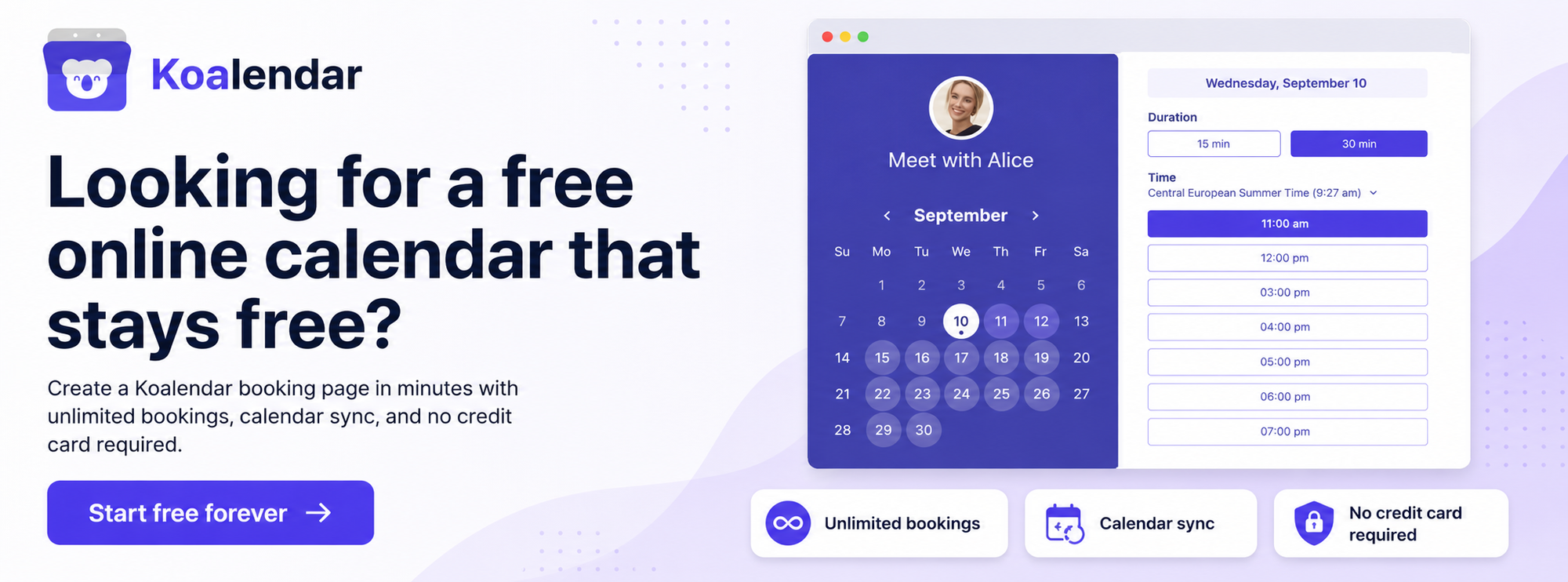
Koalendar helps remove that friction with a tool that’s very easy to use. You create a booking page, connect your calendar, share your link, and let people book a time that actually works.
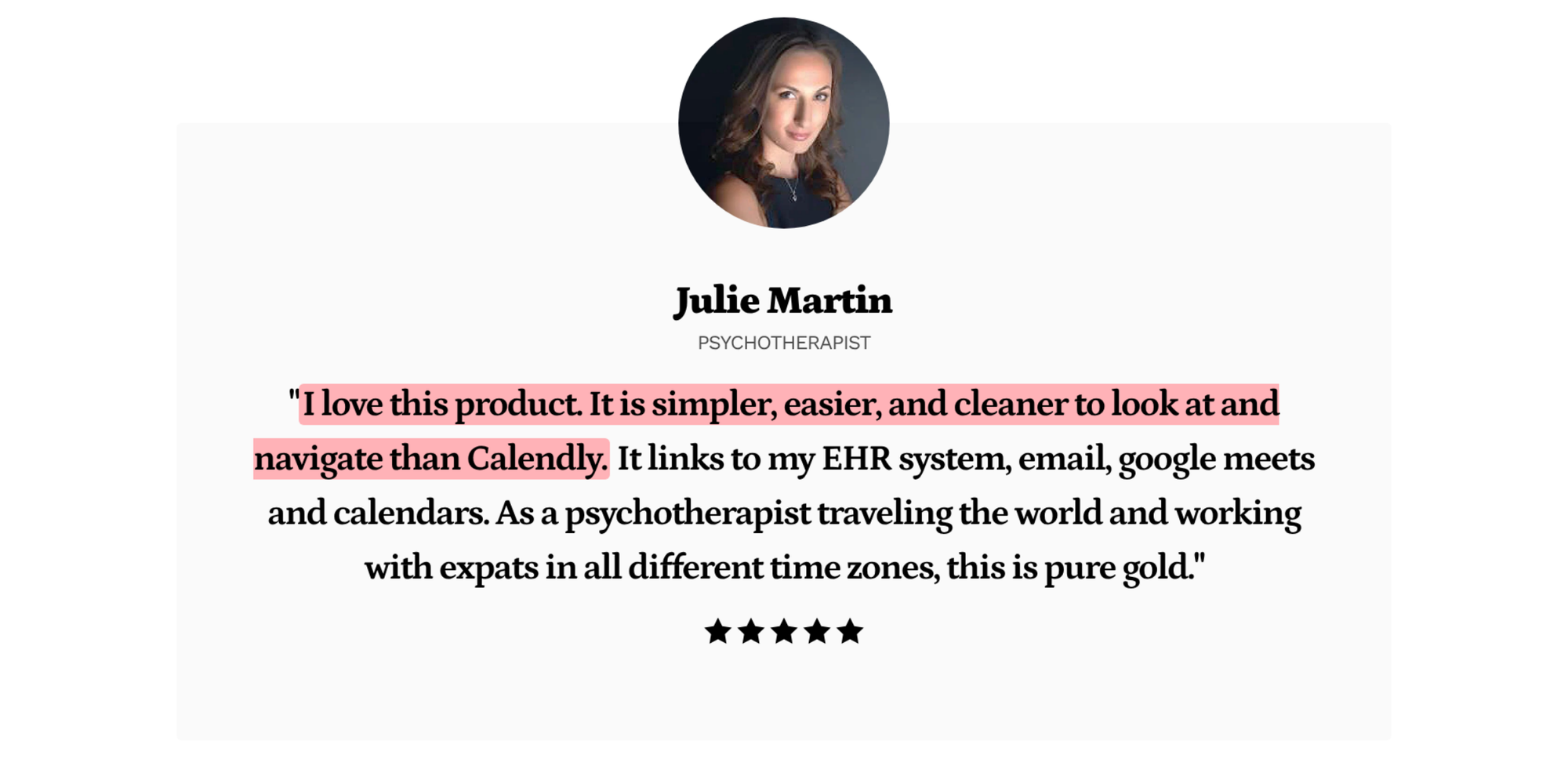
The Free Forever plan includes unlimited bookings, scheduling links, and calendar sync, with upgrades available only if you need more advanced features.
That makes Koalendar a practical choice for consultants, freelancers, coaches, recruiters, educators, and SMBs that want a professional booking experience without paying from day one.
Conclusion
The best free online calendar is the one that matches how you work without forcing you to upgrade.
Google Calendar is great for everyday planning. Outlook Calendar is ideal for Microsoft 365 teams. Doodle helps groups agree on a time. Apple Calendar works beautifully for Apple users. SimplyBook.me supports appointment-based businesses. Zoho Calendar fits Zoho teams. Calendly is useful for simple business scheduling.
But if you want the best free online calendar for professional booking pages, unlimited bookings, easy setup, and reliable calendar sync, Koalendar is the solution built to help you schedule faster without paying upfront.