
TL;DR
The best sales scheduling tool depends on how your team works. Koalendar is great for simple, affordable scheduling, Calendly offers established team workflows, and Chili Piper handles complex inbound lead routing. HubSpot Meetings works well for teams using HubSpot CRM, while RevenueHero focuses on qualified B2B demo bookings. Start with calendar sync and booking links, then add routing, reminders, and CRM automation as your team grows.
Sales teams have better things to do than chase meeting confirmations. Yet finding a time for a discovery call or product demo can still mean endless emails, calendar conflicts, and prospects losing interest.
The best scheduling software for sales teams removes those obstacles by letting prospects choose available times themselves.
And the right tool can give your team valuable time back. According to Salesforce's 2026 State of Sales report, sales reps spend 60% of their average workweek on non-selling activities.
So which is the best meeting scheduling software for sales teams? Let's compare eight options, including their features, limitations, free plans, and pricing.
Best scheduling software for sales teams: the quick answer
Koalendar, Calendly, Chili Piper, HubSpot Meetings, and RevenueHero are among the strongest options for sales scheduling in 2026. Koalendar stands out for easy setup and affordable scheduling, while Chili Piper and RevenueHero suit teams requiring advanced routing. HubSpot Meetings is a natural choice for existing HubSpot users.
Here's how all eight tools compare.
 |  |  |  |  | RevenueHero |  |  | |
| Best for | Simple, affordable scheduling | Established sales teams | Advanced inbound lead routing | HubSpot CRM users | Flexible scheduling workflows | B2B demo routing | Customizable booking pages | Personalized prospect scheduling |
| Free plan | ✅ Yes | ✅ Yes | ❌ No | ✅ Yes | ✅ Yes | ❌ No | ✅ Yes | ❌ No |
| Key sales features | Unlimited links, calendar sync, round-robin scheduling on paid plans | Team scheduling, reminders, routing | Lead qualification, CRM routing, instant booking | CRM logging, individual and team links | Team scheduling, routing forms, APIs | Lead qualification, CRM matching, routing | Booking forms, reminders, website embeds | Availability overlay, team links |
| Starting price | Free; Pro from $6.99/seat/mo annually | Free; Teams $16/seat/mo annually | From $15,000/year | Free; paid Sales Hub tiers | Free; Teams $12/user/mo annually | $79/mo platform + $25/seat/mo annually | Free; Individual $9/mo | Basic $10/user/mo annually |
Prices in USD, based on the article's November 2026 research. Annual-billing requirements apply where noted.
Best 8 tools reviewed
The best meeting scheduling apps for sales help prospects schedule calls quickly while keeping your team organized. But there's a big difference between a simple booking link and a platform that routes hundreds of inbound leads.
Here's where each option shines.
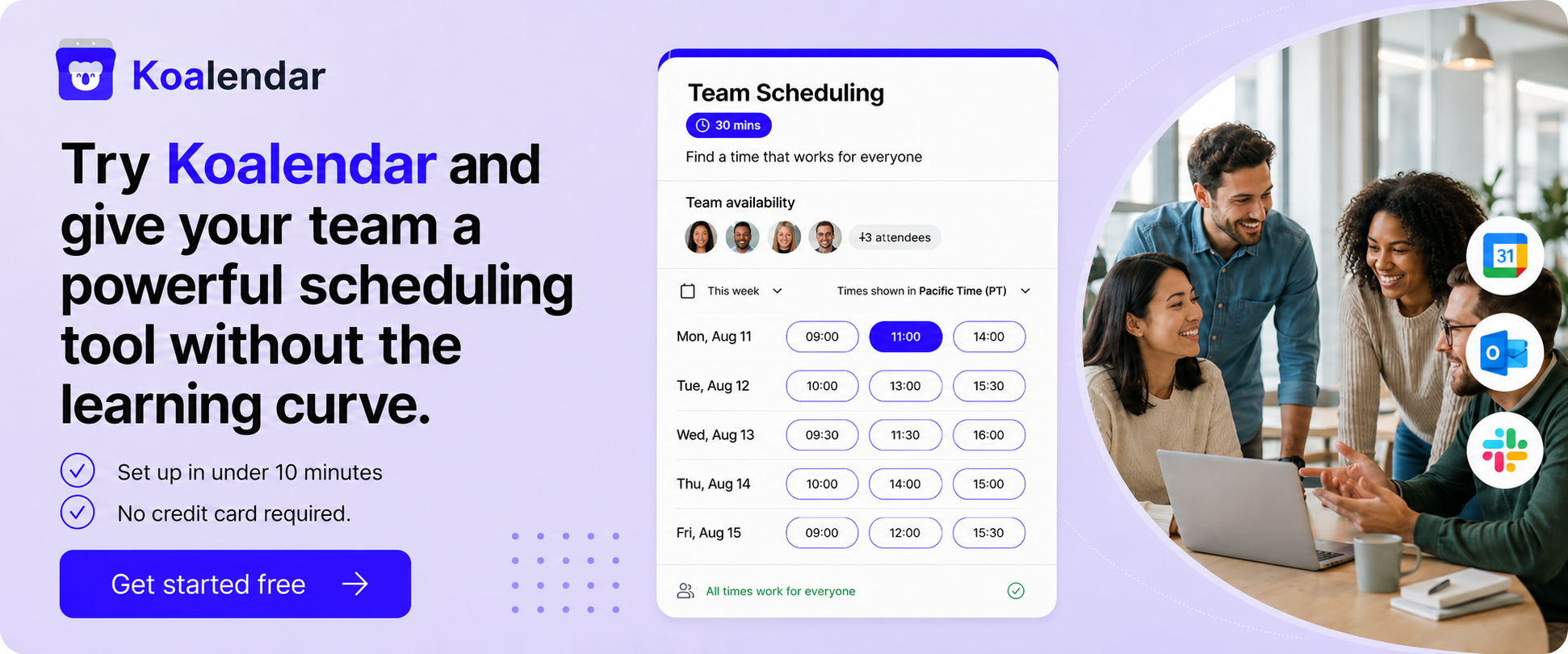
1. Koalendar — Best for simple, affordable sales scheduling
Best for: Individual sales reps, startups, and growing B2B teams that want straightforward scheduling without unnecessary complexity.
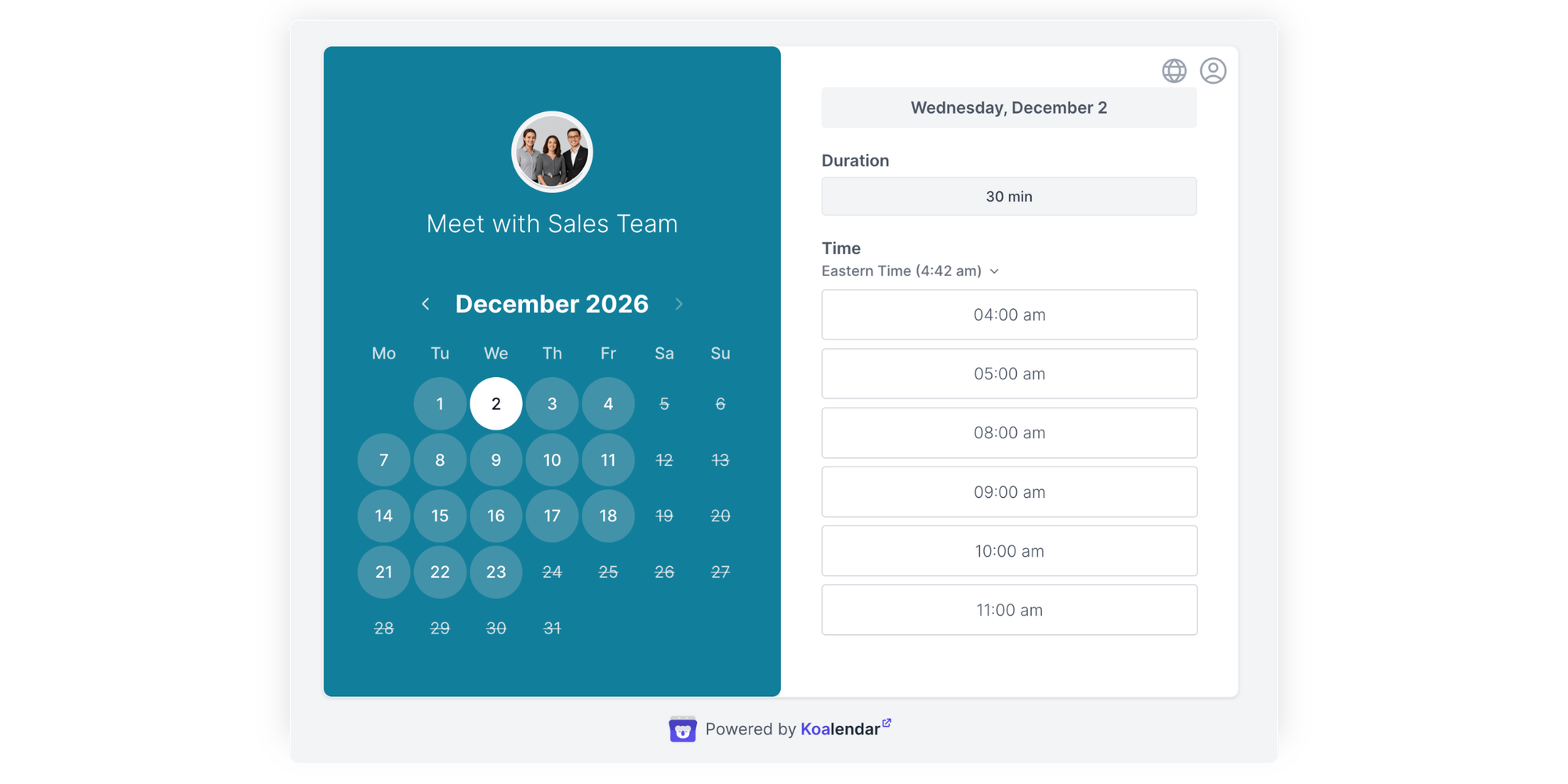
Koalendar makes it easy to turn prospect interest into a confirmed meeting. Create separate links for discovery calls, product demos, and follow-ups, then share them by email or embed them on your website.
Standout features:
- Unlimited scheduling links, event types, and bookings on the free plan.
- Google Calendar, Outlook, and iCloud sync with automatic time zone detection.
- Website scheduling embeds and video meeting links.
- Paid round-robin scheduling, collective team scheduling, customizable reminders, and booking forms.
These features are useful when multiple reps handle inbound demos or an account executive needs to join a technical specialist.
Limitations: Koalendar focuses on straightforward scheduling and team coordination. Teams needing territory-based assignment, advanced account ownership rules, or complex CRM orchestration should consider specialist platforms.
Free plan and pricing: The free plan includes unlimited one-to-one scheduling. Koalendar's Pro is $6.99 per seat/month (billed annually) or $9.99/seat/month.
Verdict: A particularly practical choice when your priority is getting more sales meetings scheduled without adding another complicated system.
2. Calendly — Best for established team scheduling
Best for: Sales organizations that want familiar scheduling software with centralized team management.
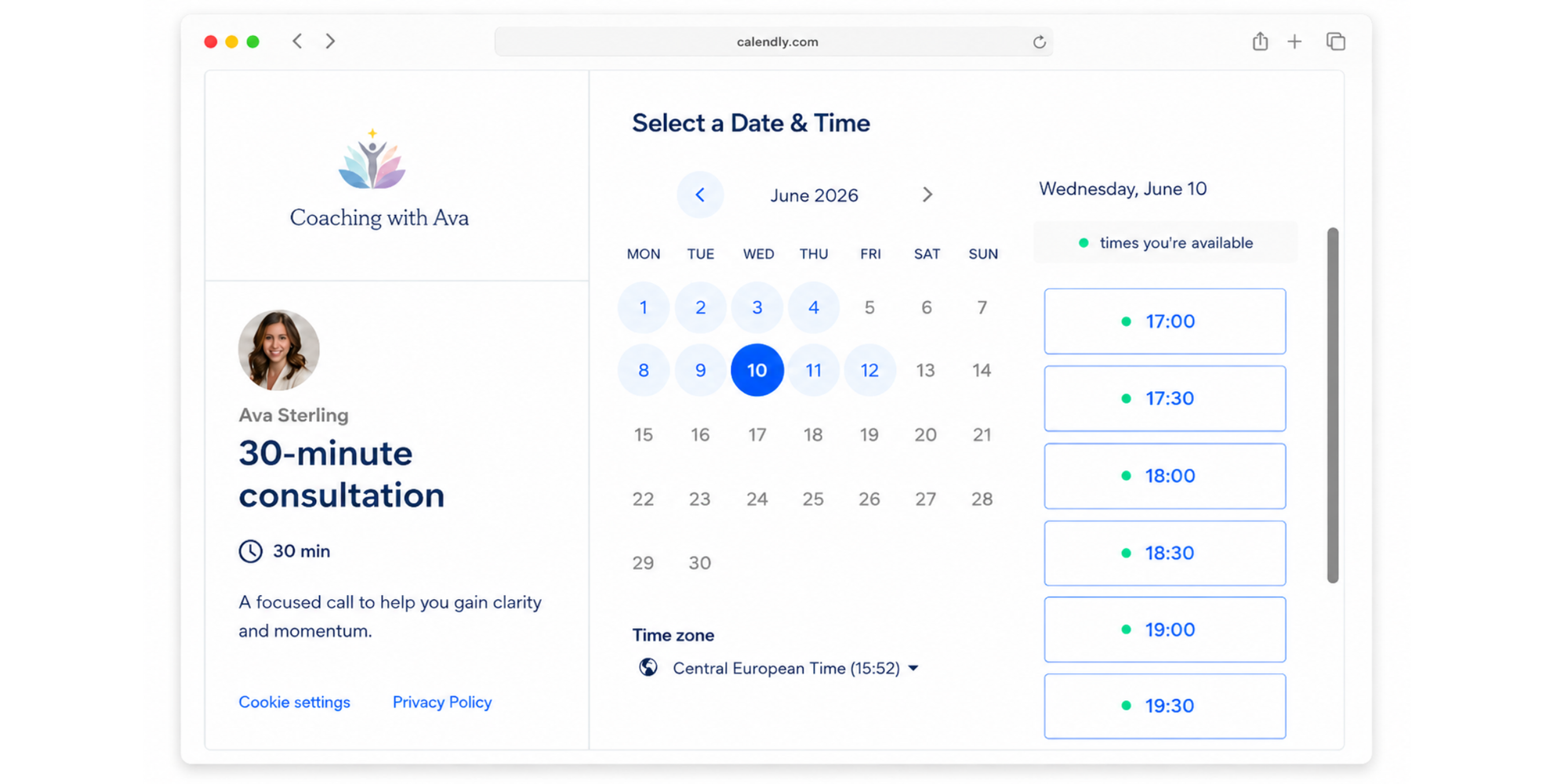
Calendly is popular for its simple booking experience and broad integration options. Reps can share individual links, while teams can coordinate shared meetings and distribute bookings.
Standout features:
- Individual, collective, and round-robin scheduling.
- Automatic reminders and workflow automation.
- Google Calendar, Outlook, HubSpot, and Salesforce integrations.
- Routing forms and centralized event management on eligible plans.
Limitations: Important sales features sit behind paid tiers. The free plan allows one event type and one calendar connection, which can feel restrictive if reps regularly schedule several meeting types.
Free plan and pricing: Free plan available. Standard costs $10 per seat/month annually, while Teams costs $16 per seat/month annually.
Verdict: A strong all-rounder for companies that want well-established team scheduling and are comfortable paying more for advanced features.
3. Chili Piper — Best for advanced inbound lead routing
Best for: Larger B2B revenue teams handling high volumes of inbound demo requests.
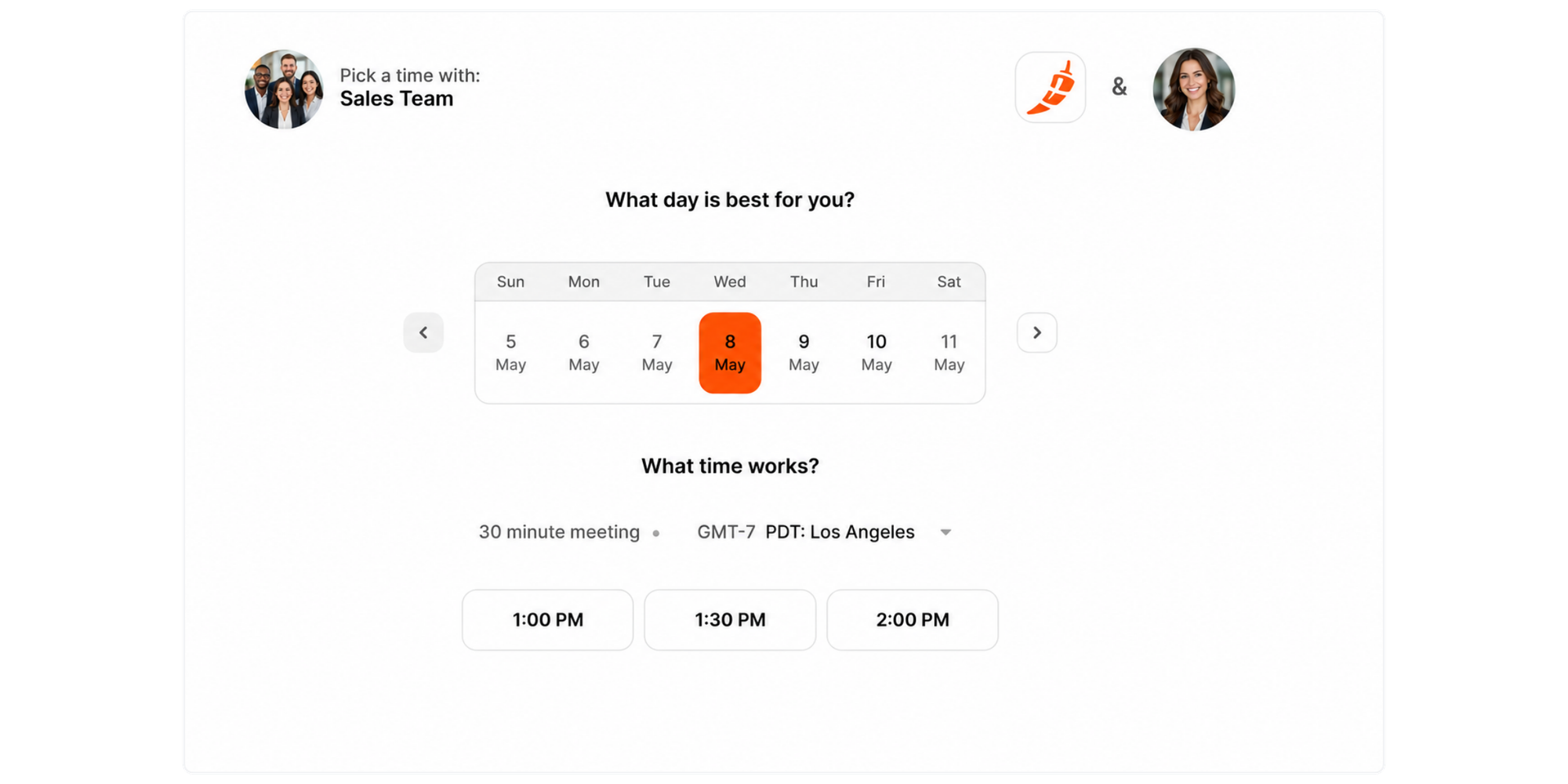
Chili Piper goes beyond traditional sales call scheduling software. It helps qualify incoming prospects, assign meetings according to routing rules, and connect buyers with the appropriate representative.
Standout features:
- Immediate meeting scheduling after form submission.
- Routing based on account ownership, territories, and qualification criteria.
- Salesforce and HubSpot CRM integrations.
- SDR-to-AE handoffs and lead distribution.
Limitations: Chili Piper brings more implementation work and a significantly higher price than lightweight scheduling apps. Its advanced capabilities may be unnecessary for smaller sales teams.
Free plan and pricing: No free plan. Growth starts at $15,000/year and includes 15 seats. Standalone ChiliCal is offered for larger deployments, with a 200-seat minimum.
Verdict: Worth considering when sophisticated routing and inbound conversion workflows are central to your sales operation.
4. HubSpot Meetings — Best for HubSpot CRM users
Best for: Sales teams already managing contacts, deals, and sales activities in HubSpot.
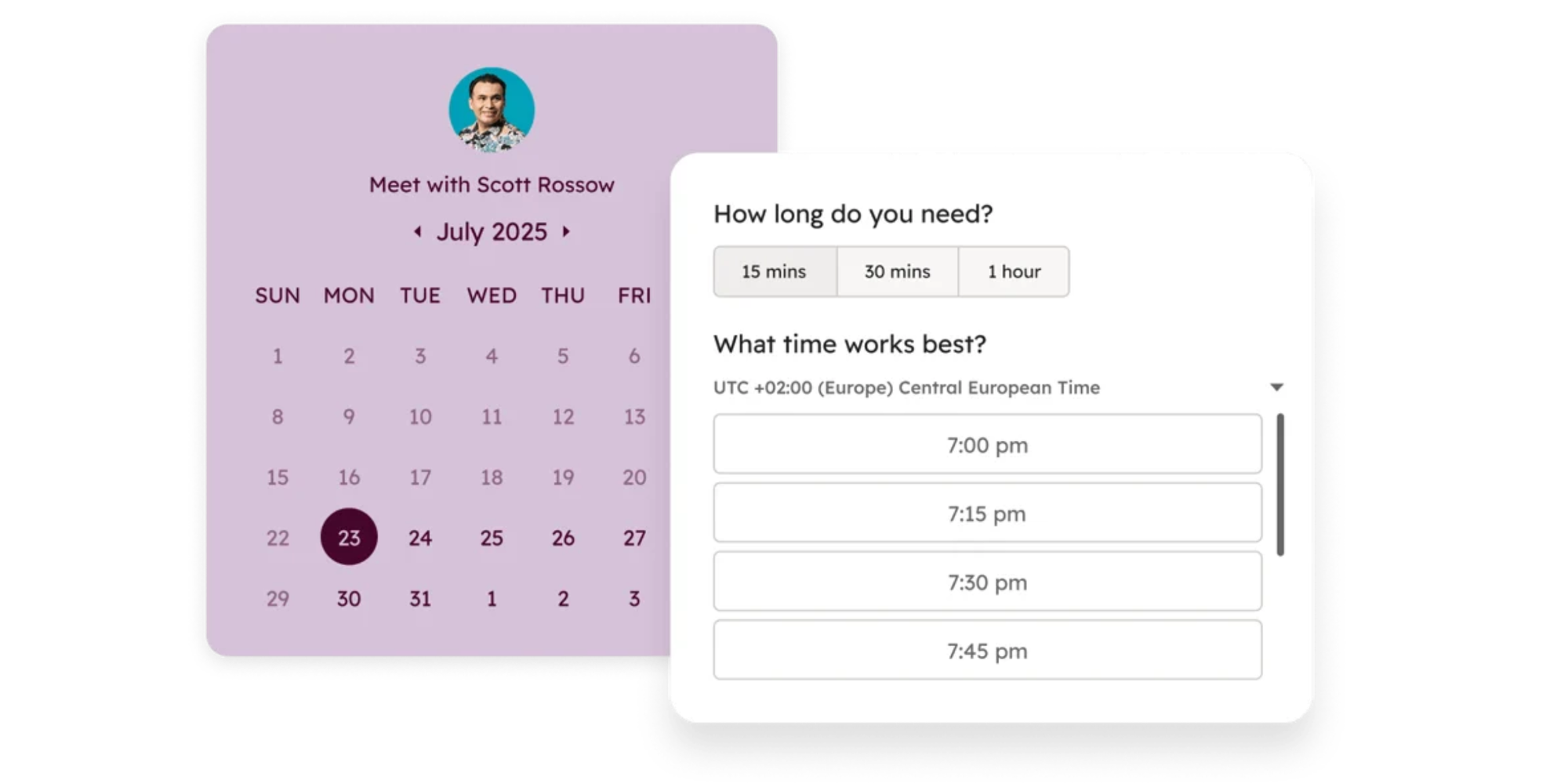
HubSpot Meetings connects scheduling directly with your CRM. Rather than maintaining separate booking and customer records, reps can schedule meetings within an existing sales workflow.
Standout features:
- Scheduling links connected to HubSpot contact records.
- Google Calendar and Microsoft Outlook integrations.
- Group and round-robin scheduling on eligible paid plans.
- CRM-based follow-ups and sales activity tracking.
Limitations: Advanced team functionality depends on your Sales Hub subscription. Businesses outside the HubSpot ecosystem may find adopting a full CRM platform excessive for basic scheduling.
Free plan and pricing: HubSpot offers free scheduling with limited personal meeting-link functionality. Paid Sales Hub plans unlock additional capabilities and vary by subscription level.
Verdict: A natural fit when HubSpot is already your team's central sales platform.
5. Cal.com — Best for flexible scheduling workflows
Best for: Startups and technical sales operations teams that want more control over scheduling.
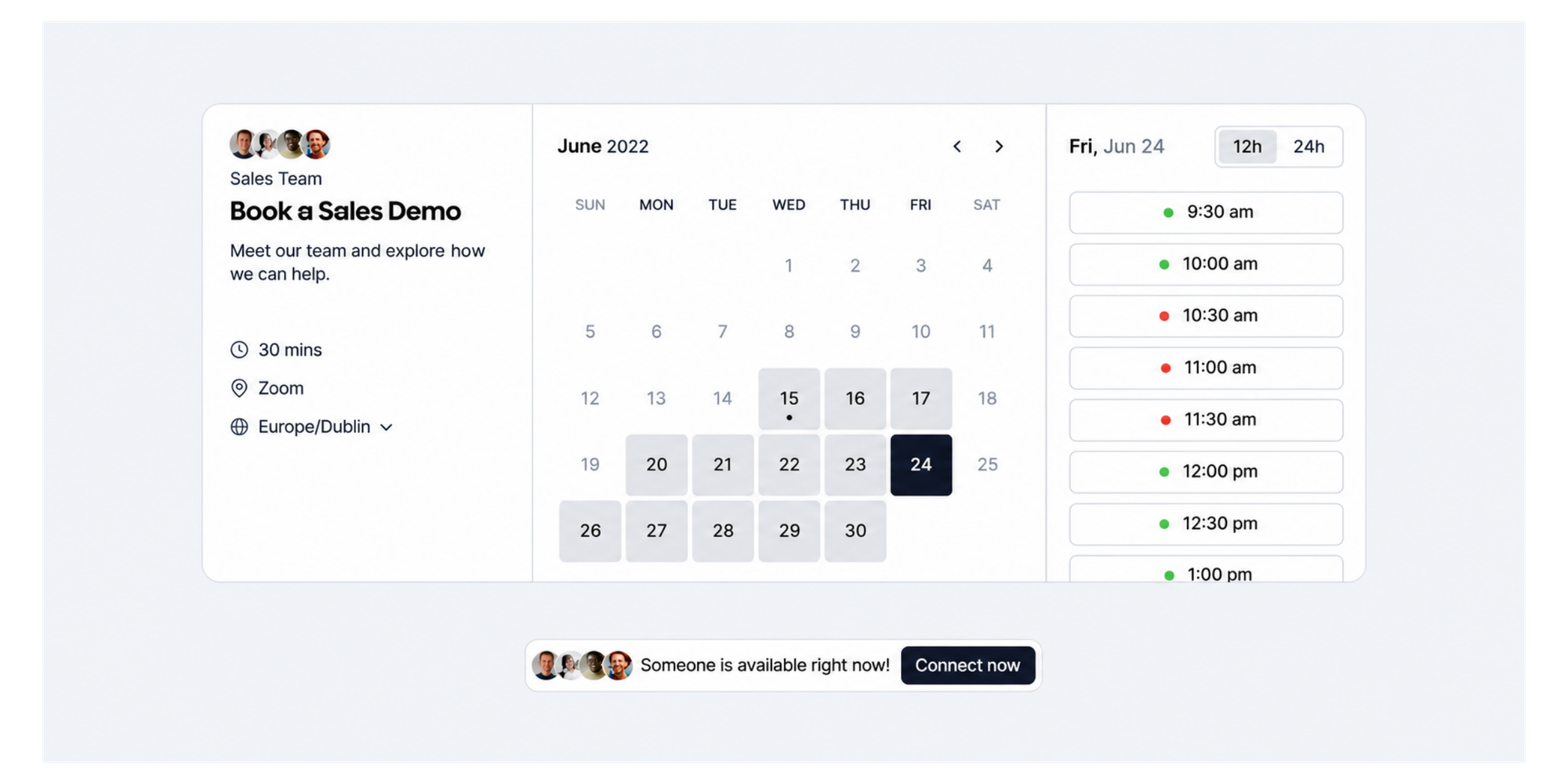
Cal.com combines accessible individual scheduling with flexible team workflows, developer tools, and customization options.
Standout features:
- Unlimited individual scheduling links and calendar connections.
- Round-robin and collective scheduling on Teams.
- Routing forms, integrations, and APIs.
- Customizable notifications and booking experiences.
Limitations: Teams wanting deeper customization may need technical resources. Some management and routing features require paid subscriptions.
Free plan and pricing: The individual plan is free. Teams starts at $12 per user/month billed annually.
Verdict: A good alternative for businesses that want an adaptable scheduling platform and may build more specialized workflows over time.
6. RevenueHero — Best for B2B demo routing
Best for: B2B SaaS companies that need to qualify inbound prospects and assign demo requests intelligently.
RevenueHero combines meeting scheduling with lead qualification and assignment logic. Prospects can move from a website form to an available meeting slot without waiting for manual follow-up.
Standout features:
- Instant scheduling directly from website forms.
- Round-robin distribution and account-domain matching.
- Lead qualification using form responses.
- CRM updates, routing logs, and advanced account matching on higher plans.
Limitations: Platform fees make RevenueHero more expensive than conventional scheduling tools. Advanced territory and CRM-property routing requires a higher tier.
Free plan and pricing: No permanent free plan. Essentials starts at $79/month platform fee plus $25 per seat/month, billed annually.
Verdict: A strong option when your sales challenge is routing qualified inbound meetings, not simply sharing availability.
7. YouCanBookMe — Best for customizable booking pages
Best for: Small sales teams, consultants, and customer-facing businesses wanting flexible booking pages.
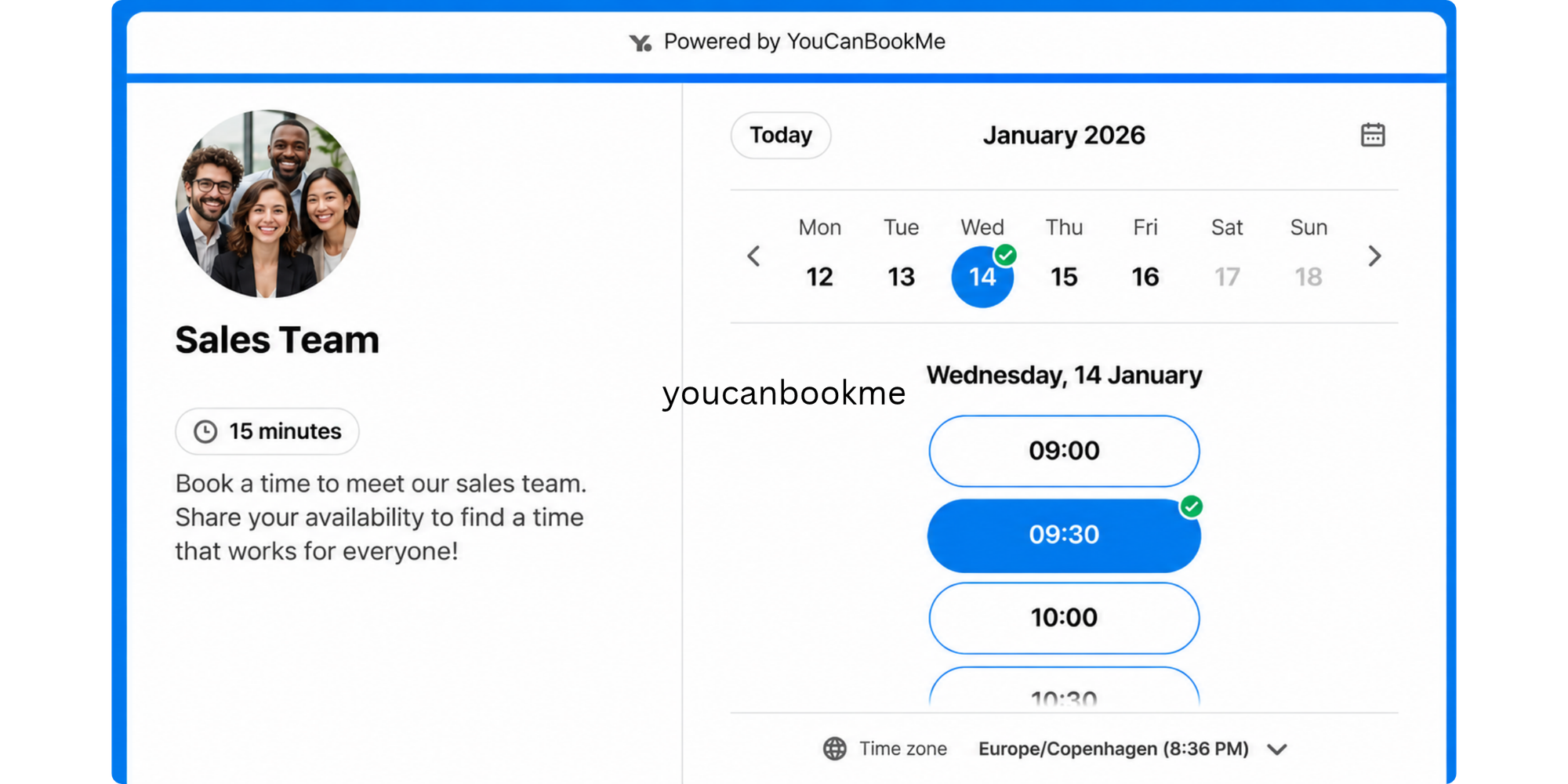
YouCanBookMe puts considerable emphasis on the prospect's scheduling experience. Reps can personalize booking pages and gather useful information before a conversation.
Standout features:
- Custom booking pages and intake questions.
- Calendar integrations and website embeds.
- Automated notifications and rescheduling.
- Team management, additional calendars, and integrations on paid plans.
Limitations: The free plan has limits, including one booking page and 30 bookings per month. More advanced team management requires paid subscriptions.
Free plan and pricing: Free version available. Individual starts at $9/month, with Team at $18 per member/month before longer-term discounts.
Verdict: A good fit when customization and a polished prospect booking experience matter more than advanced sales routing.
8. SavvyCal — Best for personalized prospect scheduling
Best for: Account executives, consultants, and relationship-led sales teams that want a thoughtful scheduling experience.
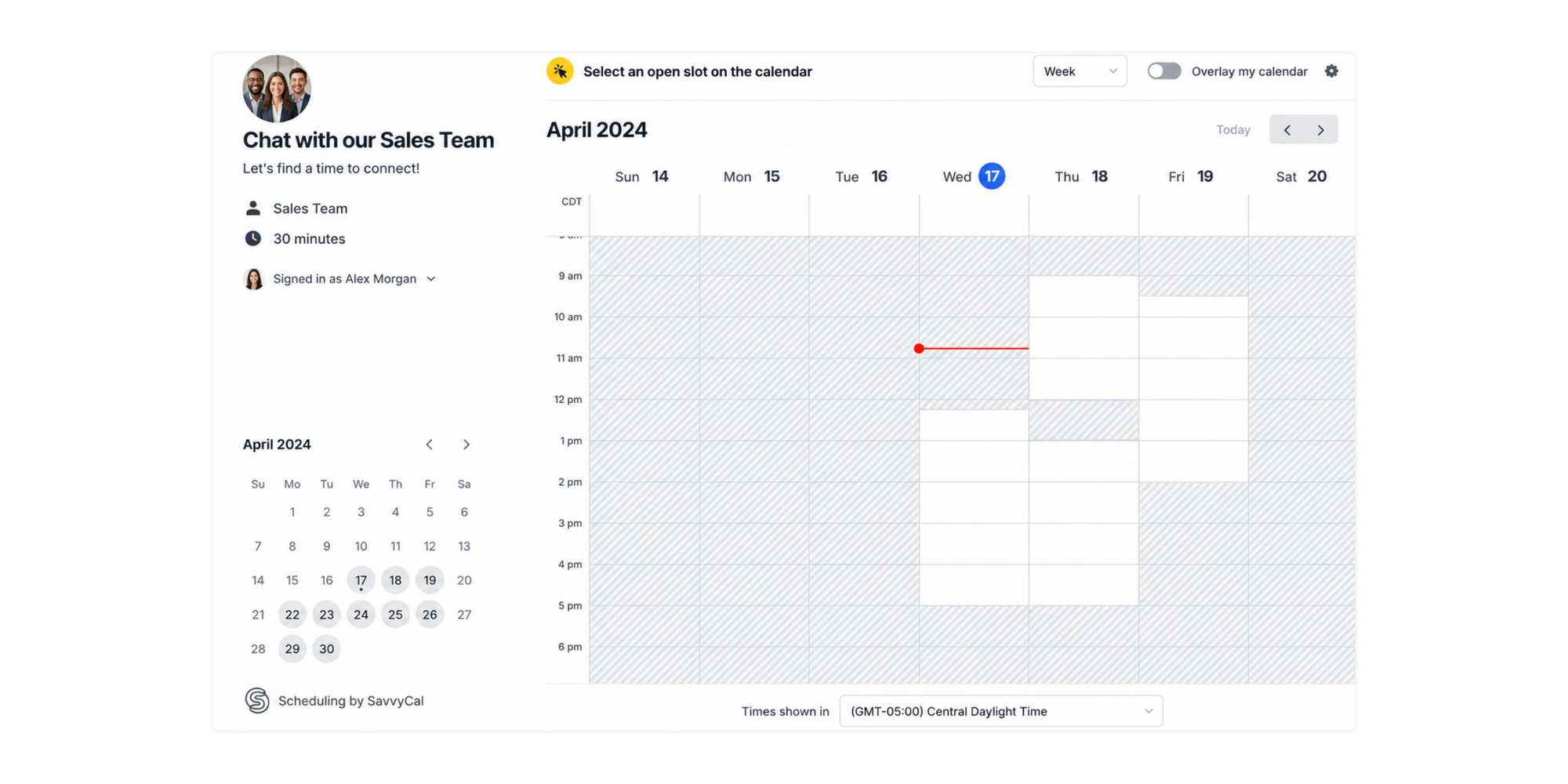
SavvyCal makes choosing a meeting time easier by allowing invitees to overlay their calendars against the host's availability. It's particularly useful for busy decision-makers.
Standout features:
- Calendar availability overlay.
- Ranked availability and focus-time controls.
- Collective and round-robin team scheduling.
- Meeting polls, reminders, and CRM integrations.
Limitations: There's no permanent free plan for sharing live booking links. Some branding and administrative capabilities require Premium.
Free plan and pricing: You can explore and set up the product for free, but active scheduling requires a subscription. Basic starts at $10 per user/month annually, with Premium at $17.
Verdict: A polished choice for teams where making scheduling convenient for prospects is a priority.
How to choose the best B2B scheduling software for sales teams
The right B2B scheduler should match your sales process, not force your reps to change how they work. Start by identifying what slows meetings down today.
As HubSpot's guide to B2B meeting scheduling tools explains, calendar synchronization, meeting routing, CRM handoffs, and automation are important considerations for revenue teams.
Calendar sync and availability management
Reliable calendar sync should be your first requirement.
Choose software that checks your team's availability and prevents double-bookings. If reps use separate personal and work calendars, verify how many calendars each plan supports.
For example, Koalendar's multi-calendar synchronization software works with Google Calendar, Outlook, and iCloud.
Round-robin scheduling and lead routing
Round-robin scheduling helps distribute incoming meetings across available reps.
Instead of directing every new prospect to one person, a shared booking page assigns meetings according to the platform's distribution settings.
For a small SDR team, this may be enough. Larger organizations may need account ownership, territories, or weighted assignment rules.
If you need to understand how shared meetings work, explore Koalendar's team scheduling tools.
CRM integration and sales workflows
A good CRM integration helps keep meetings connected to your pipeline.
Check whether your scheduler can create or update contacts, log meetings, and support follow-up workflows.
HubSpot Meetings is attractive for native HubSpot users. Koalendar offers integrations through tools such as Zapier and webhooks, while Chili Piper and RevenueHero provide more specialized CRM routing.
Before buying, test the exact data that reaches your CRM.
Automated reminders and time zone support
Reminders and automatic time zone detection make meetings easier to attend.
A prospect in London shouldn't need to calculate when a New York-based rep is available. Your software should display available times in the prospect's local zone.
Custom email or SMS reminders can also help people remember upcoming discovery calls and demos. Just remember that automated reminders can reduce scheduling friction, not guarantee attendance.
Pricing and scalability for growing teams
Compare the cost of the features your team actually needs, not just the cheapest advertised plan.
Look at per-seat fees, platform charges, annual commitments, and whether shared scheduling requires an upgrade.
Here's an illustrative five-rep comparison.
| | | | YouCanBookMe | RevenueHero | |
| Plan | Pro | Basic | Teams | Teams | Teams | Essentials |
| Price per seat/month (annual billing) | $6.99 | $10 | $12 | $16 | $16.20 | $25 + $79 platform fee |
| 5-rep monthly equivalent | $34.95 | $50 | $60 | $80 | $81 | $204 |
| Total annual cost | $419.40 | $600 | $720 | $960 | $972 | $2,448 |
All prices are in USD, based on annual billing, excluding taxes and optional add-ons. Monthly equivalents are shown for comparison; annual payments may be charged upfront.These figures compare published rates of the cheapest paid plans, not identical contracts with the same features.
For straightforward scheduling, lightweight tools generally cost less. But if advanced routing prevents valuable leads from reaching the wrong person, a specialist platform may justify its additional cost.
What is the best free scheduling software for sales teams?
Koalendar and Cal.com are particularly strong free options for individual sales reps because they offer unlimited bookings, event types, and scheduling links without a monthly booking cap.
Calendly, HubSpot Meetings, and YouCanBookMe also provide free scheduling options, though their limits differ.
Free scheduling software comparison
| Free plan feature | | | | YouCanBookMe |
| Permanent free plan | ✅ | ✅ | ✅ | ✅ |
| Unlimited bookings | ✅ | ✅ | ✅ | ❌ |
| Unlimited individual links | ✅ | ❌ | ✅ | ❌ |
| Calendar sync | ✅ | ✅ | ✅ | ✅ |
| Website embeds | ✅ | ✅ | ✅ | ✅ |
| Shared round-robin team scheduling | ❌ | ❌ | ❌ | ❌ |
Free-plan capabilities are summarized for common individual scheduling use cases. Advanced integrations and team functions vary.
What should a free sales scheduler include?
A free scheduling tool should cover the essentials before you pay for extras.
Look for unlimited or generous booking allowances, calendar synchronization, simple booking links, automatic confirmations, time zone detection, and easy cancellation or rescheduling.
For individual reps, these features often cover discovery calls, prospect follow-ups, and product introductions.
When should your team upgrade to a paid plan?
Upgrade when you need coordinated scheduling across multiple reps or more automation.
For example, a five-person SDR team might each use free individual booking links. But when prospects need one shared demo link that assigns meetings across the team, paid round-robin functionality becomes valuable.
The same applies when you need branded reminders, custom qualification forms, or integrations with your wider sales workflows.
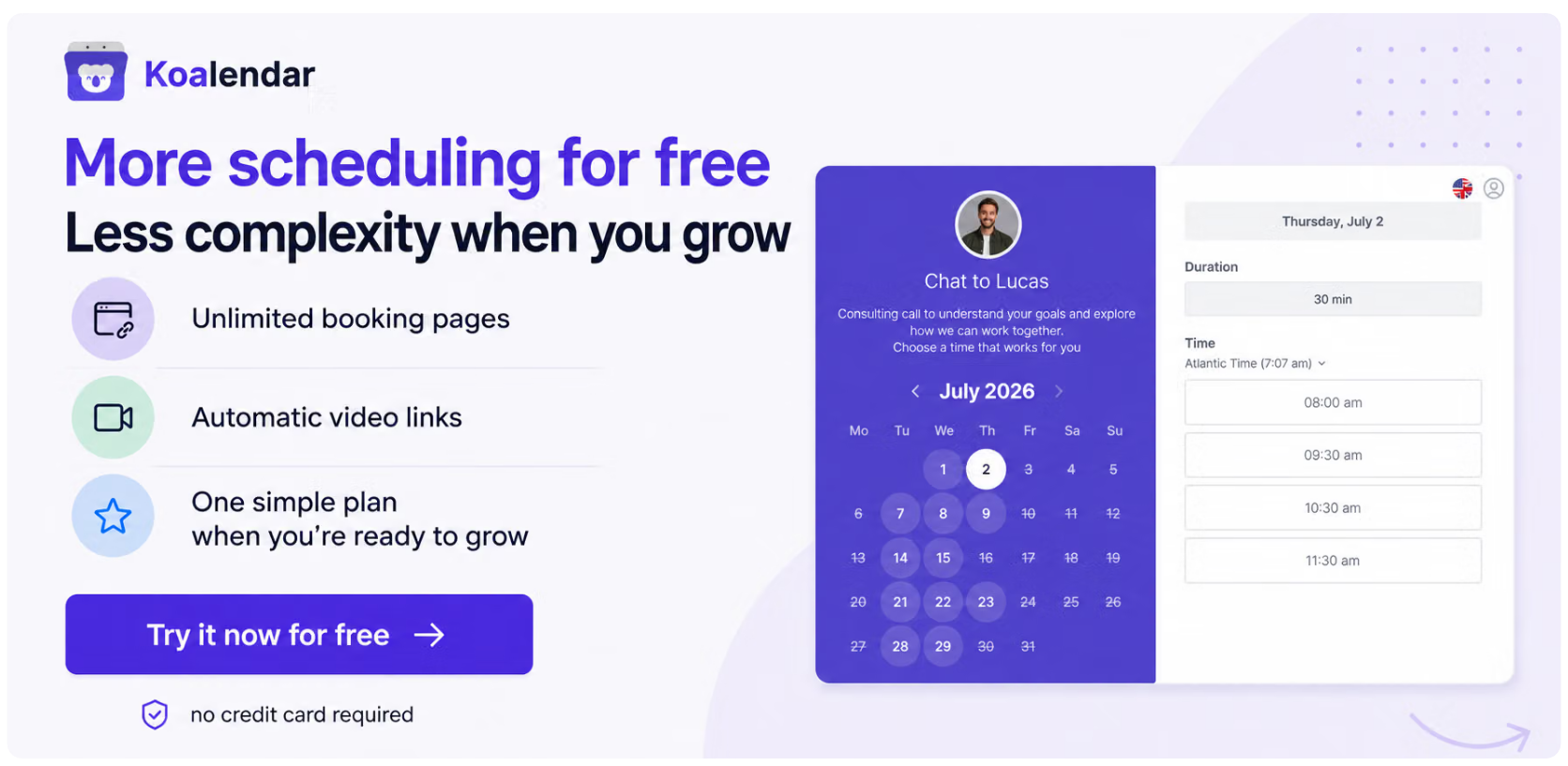
Learn more about what's included in Koalendar's free scheduling software and when upgrading makes sense.
How sales teams can automate meeting scheduling
Automating sales meetings starts with one simple change: let prospects choose an available time instead of coordinating by email.
From there, your team can connect bookings to reminders, CRM updates, and handoffs.
As Salesforce explains in its guide to building a sales process, automation can remove repetitive tasks so reps have more time to build customer relationships.
Create a scheduling link for discovery calls and demos
Start by creating a scheduling page for your most common meeting type.
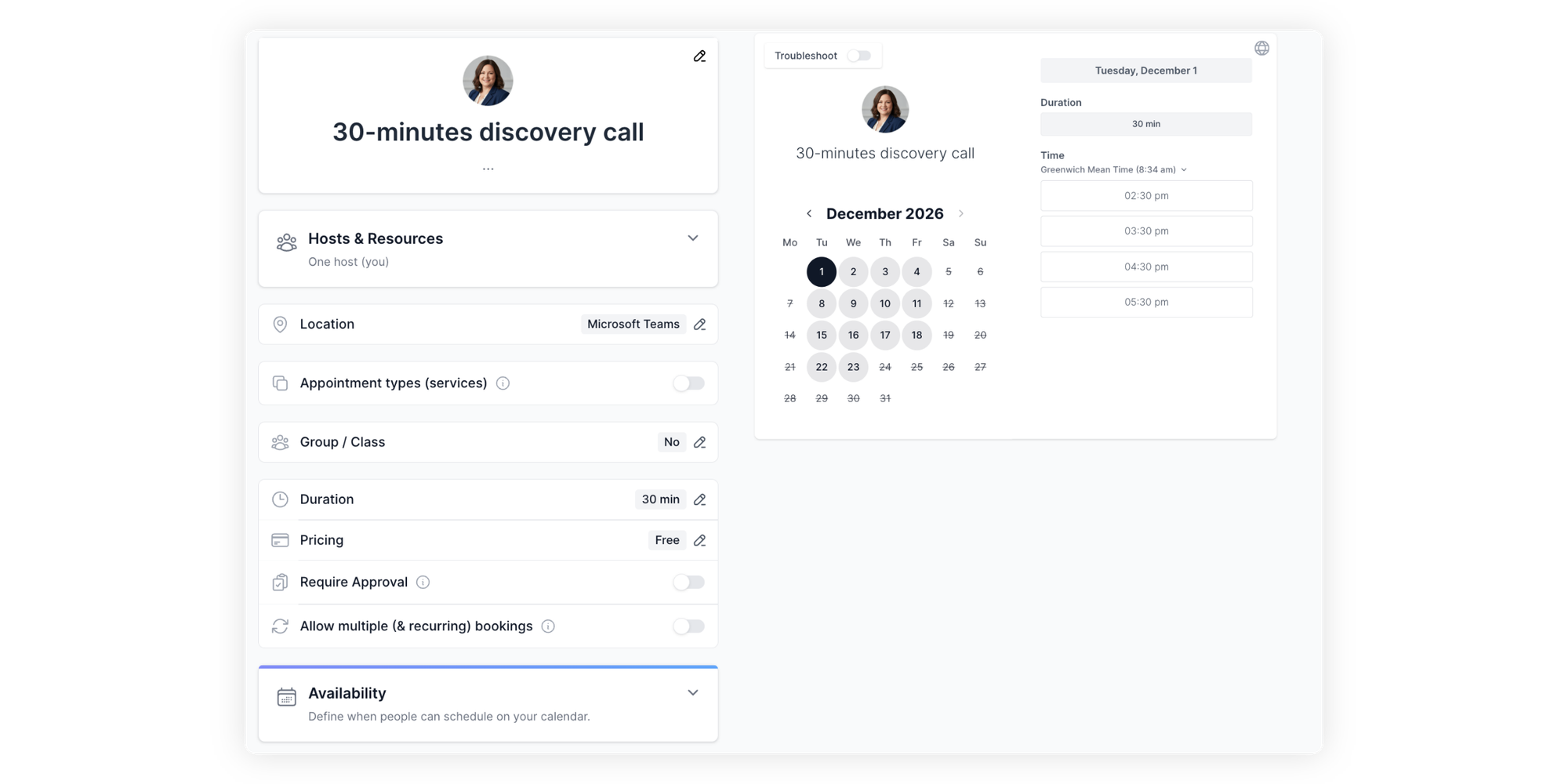
Here's a practical Koalendar setup:
- Connect your Google, Outlook, or iCloud calendar.
- Create a new scheduling page named "30-minute discovery call."
- Set working hours, meeting duration, and buffer time.
- Choose your video meeting location.
- Publish the page and copy your scheduling link.
You can create another page for 45-minute product demos or shorter follow-up conversations.
Share meeting availability in sales outreach
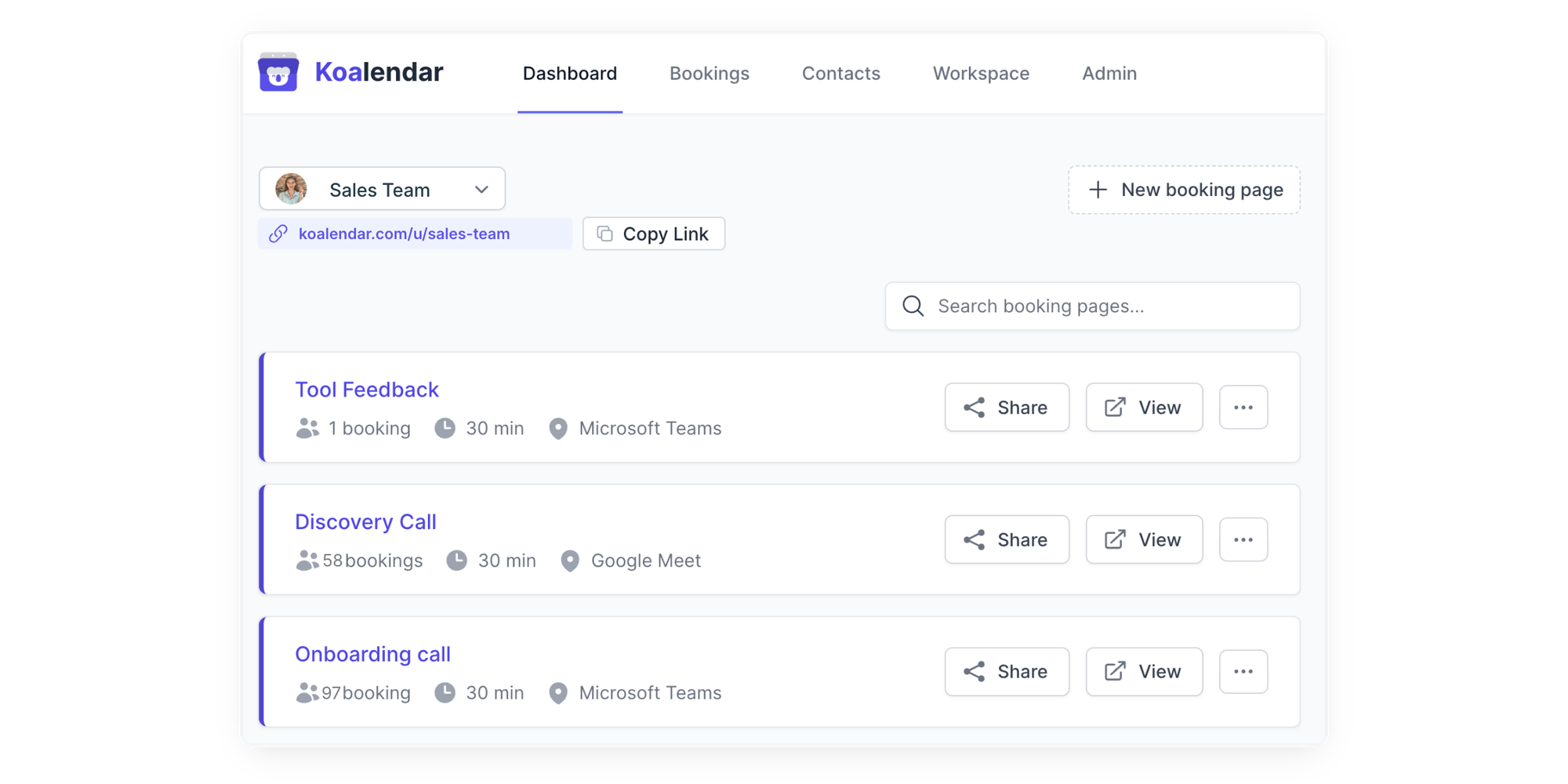
Once your scheduling link is ready, include it in personalized outreach or your email signature.
For example:
"Hi Alex, happy to show you how the platform works. You can choose a time that suits you here: [your scheduling link]. Looking forward to chatting!"
The prospect can select an available slot without exchanging multiple emails.
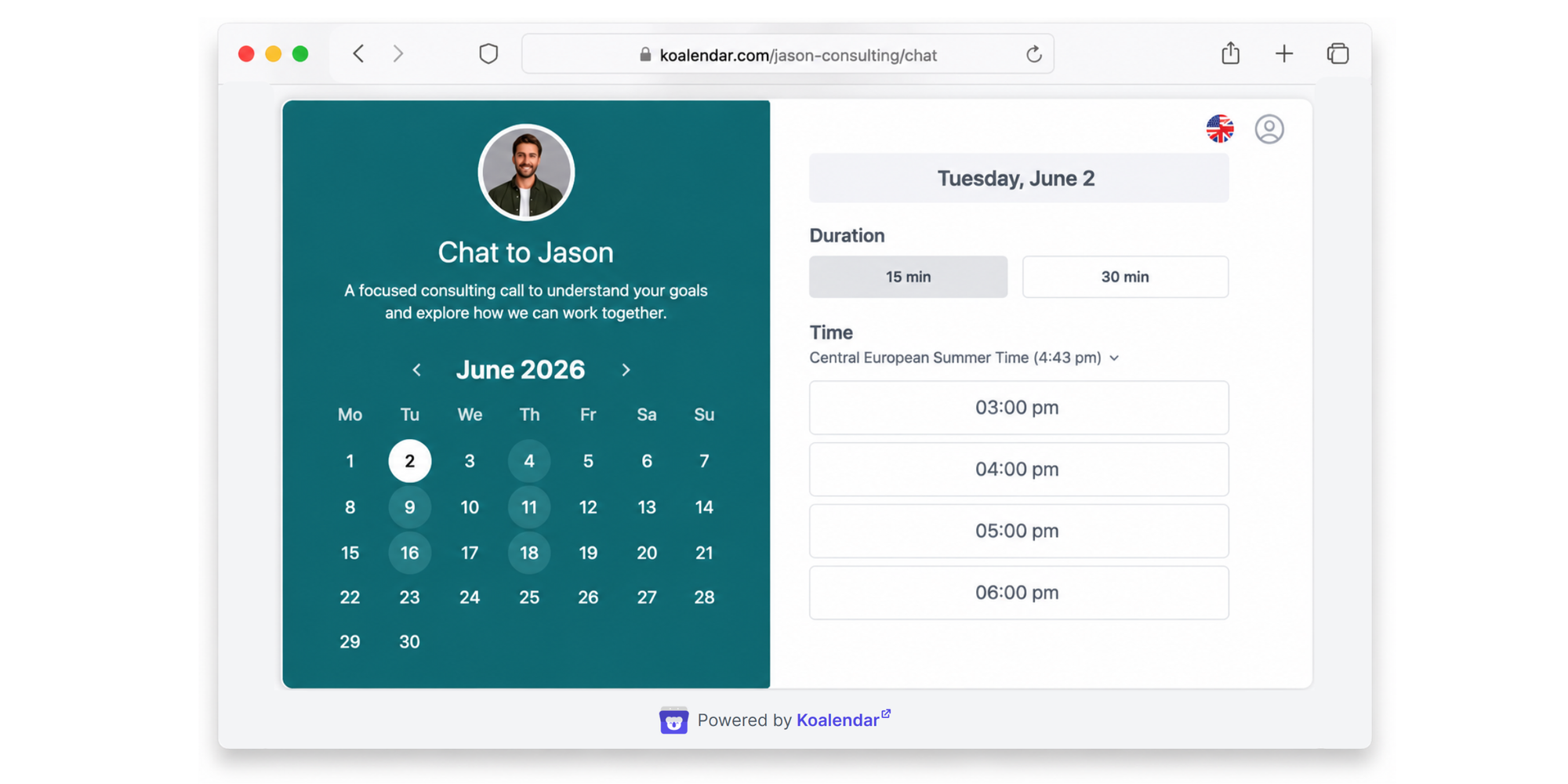
You can also add website scheduling embeds to your product or demo-request pages, allowing visitors to schedule directly from your site.
Use reminders and rescheduling to reduce missed meetings
After a meeting is confirmed, keep the process easy for both sides.
On an eligible paid plan, configure custom reminders, follow-up messages, and booking forms. Ask prospects for useful context such as company size, their biggest challenge, or what they'd like to see in the demo.
And if something changes? An easy rescheduling option can help prevent a cancellation from becoming a lost conversation.
Real-world example: How Beany saves 30 hours a week with Koalendar
Want to see what automated scheduling looks like in practice?
Online accounting firm Beany connected Koalendar with Zapier and HubSpot to automate meeting-related tasks, simplify rescheduling, and reduce manual admin.
The result? An estimated 30 hours saved every week across approximately 20 client-facing team members.
For sales teams, a similar setup can help keep prospect meetings, CRM records, and follow-up workflows connected without adding more manual admin.
See how Beany connected Koalendar, Zapier, and HubSpot to save 30 hours weekly.
Which sales scheduling software is best for your team size?
Choose scheduling software that fits the complexity of your team today, with enough room to grow.
Solo sales reps and small B2B teams
For solo sellers and small teams, prioritize straightforward booking pages, calendar sync, and affordability.
Best choices: Koalendar and Cal.com.
You probably don't need complicated routing rules yet. Start with a reliable scheduling link that prospects can use easily.
Growing SDR and account executive teams
As headcount increases, shared links and meeting distribution become more important.
Best choices: Koalendar Pro, Calendly Teams, Cal.com Teams, and HubSpot Meetings for existing HubSpot users.
Look for round-robin scheduling, collective availability, useful booking forms, and CRM connections that support your handoff process.
Enterprise sales teams with complex routing
Larger organizations may need prospects matched to account owners, specific territories, or other CRM attributes.
Best choices: Chili Piper, RevenueHero, and enterprise-level CRM-integrated scheduling platforms.
These tools can offer more sophisticated controls, but they're usually more expensive and require greater setup.
Don't pay for enterprise routing if shared booking links already solve your team's scheduling problems.
Final verdict: Choosing the best option for your needs
The best scheduling software for sales teams makes it easier for prospects to meet with your reps, without creating more work behind the scenes.
If you need advanced territory routing or account ownership rules, specialist platforms such as Chili Piper and RevenueHero deserve a closer look. If you already manage your pipeline in HubSpot, its built-in meeting scheduler may be the most natural choice.
But if your team wants simple booking pages, reliable calendar sync, and affordable sales scheduling, Koalendar is a great place to start.
Create individual discovery-call links for free. Share availability with prospects. And when your team needs more, explore paid features like round-robin scheduling and automated reminders.