TL;DR
Venue scheduling software helps facility managers manage availability, prevent double bookings and let people reserve spaces online. Koalendar is a strong fit for straightforward scheduling, while tools like Skedda, Planning Pod, Tripleseat, Momentus and Accruent EMS are better suited to more complex space, event or venue-management workflows.
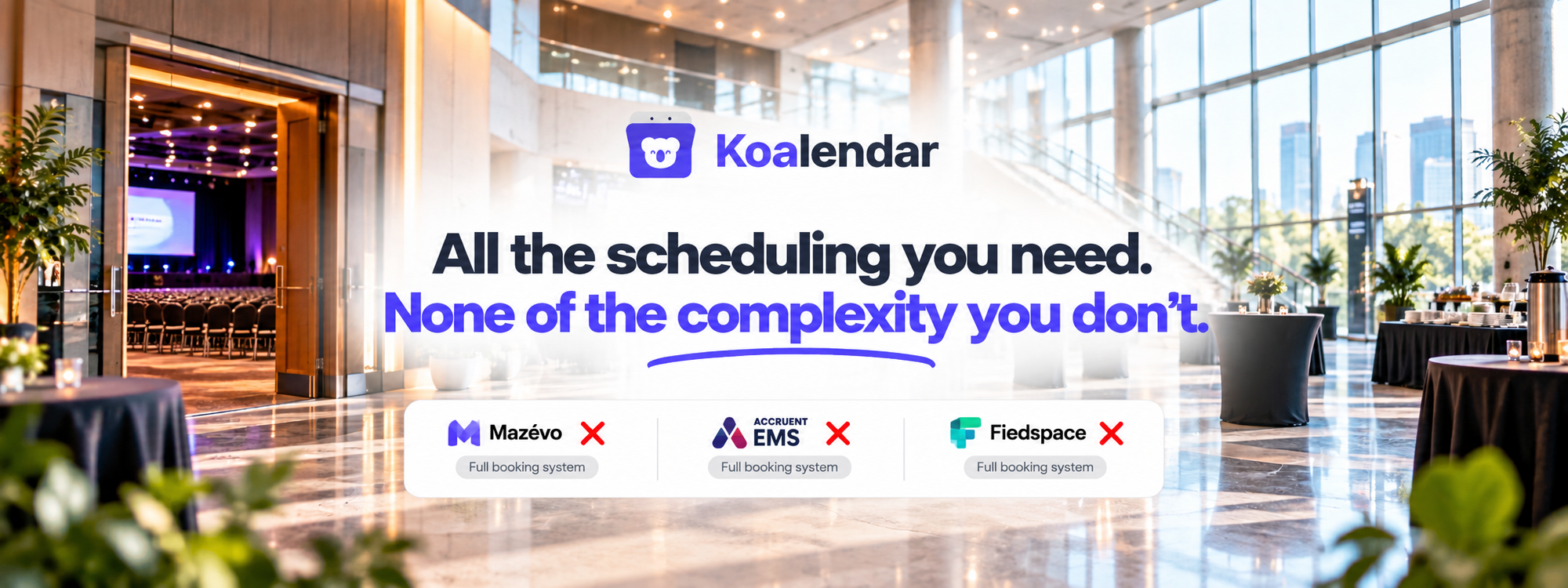
Managing one event room is easy enough. Managing halls, studios, meeting rooms, courts or community spaces across separate calendars is where things get messy.
The right venue scheduling software gives you one reliable way to manage availability, accept requests and avoid double bookings. And because most modern tools are cloud based venue scheduling software, facility managers can make updates wherever they are instead of relying on a spreadsheet saved to one office computer.
The important question isn't simply which tool has the most features? It's how much software does your venue actually need?
Best venue scheduling software at a glance
For straightforward scheduling, start with a scheduling-first tool. For complex operations involving contracts, catering, floor plans, billing or campus-wide workflows, look at a broader venue-management platform.
“Relative complexity” below is our editorial assessment of product scope and configuration requirements, not a usability score.
 |  | Mazévo | Accruent EMS | Planning Pod | Tripleseat | Perfect Venue | Fieldspace | Momentus | 25Live | |
| Consider it if you need… | Straightforward self-service venue scheduling | Advanced space rules and visual space booking | Rooms, resources, event services and approvals | Enterprise room, resource and event scheduling | Event sales, operations, contracts and payments | Hospitality event sales and venue booking | Private-event workflows for hospitality venues | Sports and recreation facility rentals | Large-scale venue and event operations | Campus-wide events, rooms and resources |
| Type | Scheduling-first | Space management | Event + facility scheduling | Enterprise | Venue management | Venue management | Venue management | Facility scheduling | Enterprise venue management | Higher education |
| Relative complexity | Lower | Medium | Medium–high | High | High | High | Medium–high | Medium | High | High |
| Calendar sync | ✅ Google, Outlook, Apple | ✅ Google Workspace, Microsoft 365 | Varies by workflow | ✅ Outlook, Exchange | ✅ | ✅ Integrations available | ✅ Event calendar | ✅ Google Calendar | ✅ Integrations | ✅ Calendar publishing and SIS integrations |
| Online booking | ✅ | ✅ | ✅ Requests | ✅ | ✅ | ✅ With DirectBook | ✅ | ✅ | ✅ | ✅ Requests |
| Multi-space/resource scheduling | ✅ | ✅ | ✅ | ✅ | ✅ | ✅ | ✅ | ✅ | ✅ | ✅ |
| Starting price* | Free; paid plans from $6.99/seat/month (billed annually) | From $249/month in US/Canada | Contact sales | Contact sales | Typically $199–$319/month for a single venue | Custom quote | From $59/month billed annually | From $50/month | Custom quote | Contact sales |
*Pricing changes frequently and may depend on region, number of spaces, users, locations or implementation requirements. Check each provider before buying.
Current pricing and product information comes from provider documentation as of 24th of September 2026.
What is venue scheduling software?
Venue scheduling software is a system for managing when rooms, halls, event spaces and related resources are available and who can reserve them. It can centralize availability, prevent conflicting reservations, collect booking information and automate confirmations, reminders, approvals or payments.
That is narrower than a full integrated workplace management system, or IWMS. IBM describes an IWMS as a platform spanning areas such as real estate, capital projects, facilities, maintenance, space utilization and sustainability.
If all you need is better control over venue availability and reservations, you may not need that much software.
The 10 best venue scheduling software tools
The strongest choice depends on whether scheduling is the job or simply one part of a much larger venue-management workflow.
1. Koalendar — for simple, flexible venue scheduling
Koalendar works well for facility managers who want to make spaces easy to schedule without adopting a heavyweight venue-management platform.
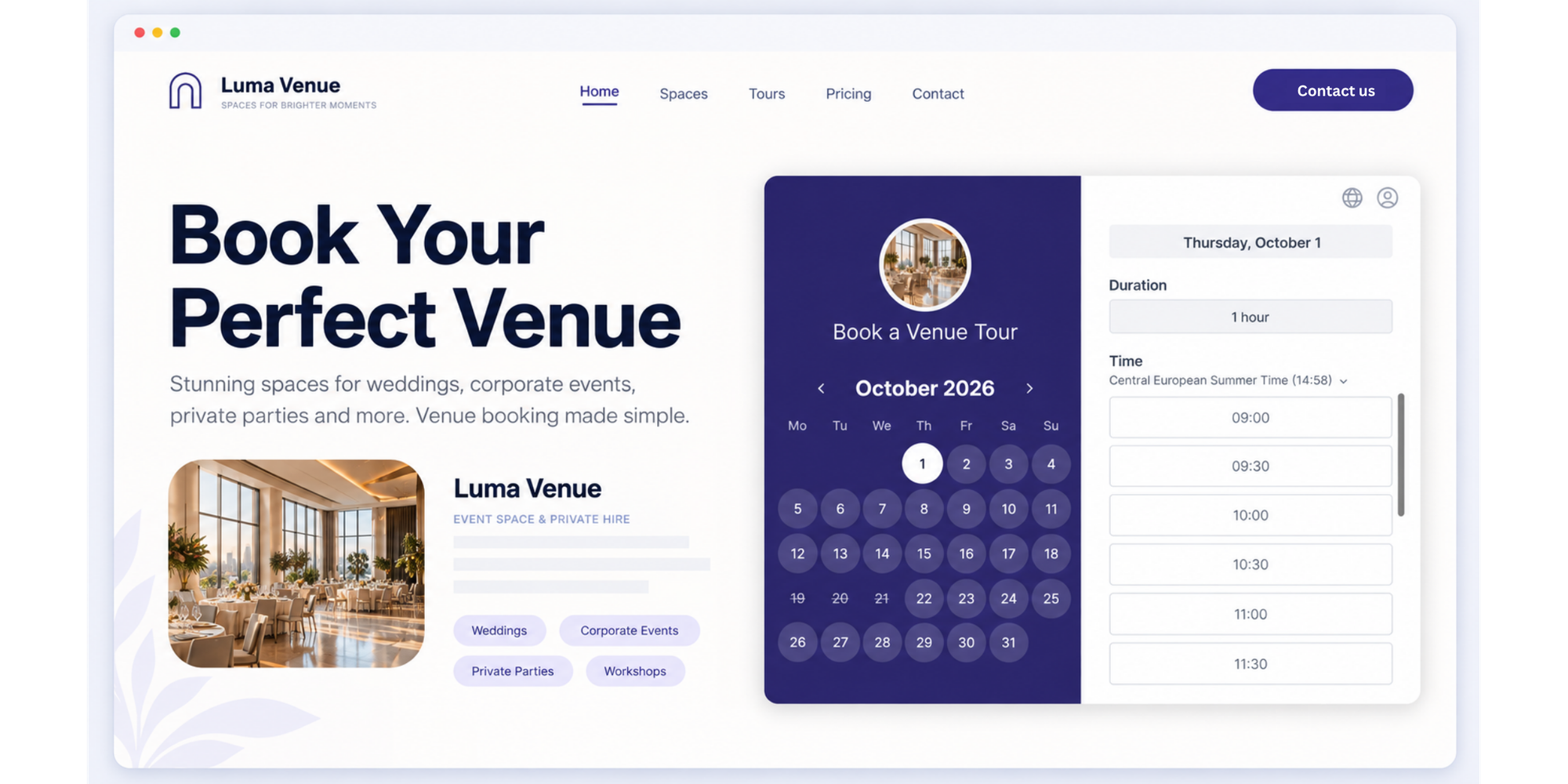
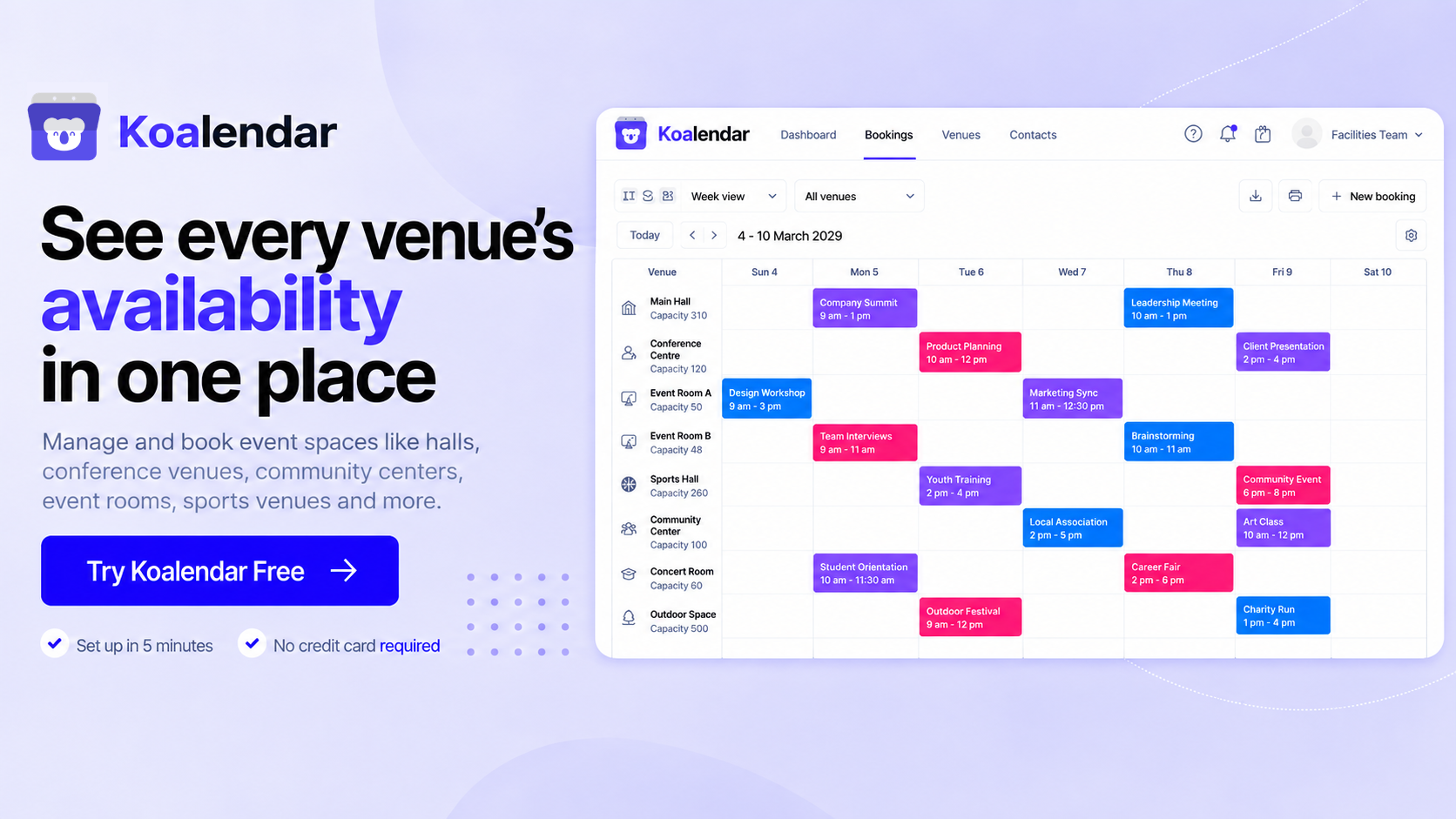
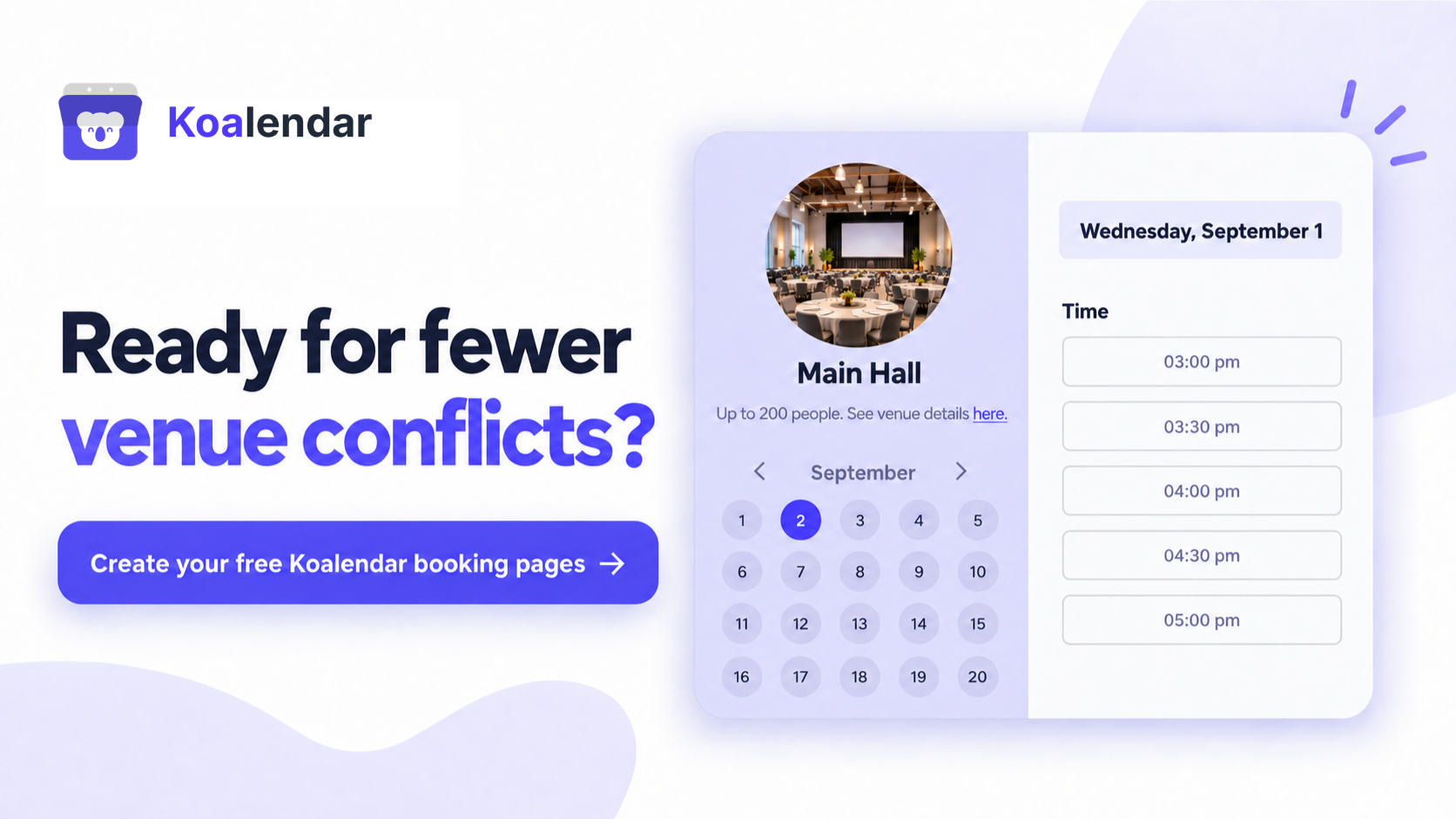
You can create individual booking pages for rooms or resources, define when each one is available and let users choose an open time online. Koalendar checks connected Google, Outlook and Apple calendars before showing availability, helping prevent conflicting bookings.
That makes it useful for spaces such as:
- Community rooms
- Studios
- Meeting and training rooms
- Small event halls
- Sports or recreation spaces
- Coworking rooms
- Equipment or other shared resources
And this works for real multi-space venues, too. HabitaMedia used Koalendar to replace a fragile WordPress booking setup for a nonprofit managing six rentable spaces, each with its own calendar and seasonal availability. The team set up separate calendars and booking rules for each room, collected detailed event requirements through intake questions, connected Stripe payments and embedded the scheduling flow into the existing website. The result was a system the client could manage independently, while HabitaMedia reported saving around two hours of admin each month.
See the full story of how HabitaMedia replaced a broken WordPress booking setup with Koalendar..
Custom booking forms let you ask for information such as expected attendance, room setup or event requirements before a reservation is confirmed. You can also require manual approval, in which case the requested slot stays blocked while you review it.
For external reservations, Koalendar can accept online payments. Automated email or SMS reminders can help reduce forgotten reservations, while custom branding makes the booking experience feel more like part of your venue than a separate tool.
Advantages: quick setup, 24/7 self-service scheduling, calendar sync, booking controls, forms, payments, reminders, waitlist, packages, mobile app, and website embedding.
Limitations: Koalendar is primarily a scheduling platform. It does not try to replace an enterprise IWMS or a full venue operations system with modules for maintenance, catering production, complex contracts or facility accounting.
Pricing: Free Forever plan available. Paid plans currently start from $6.99/seat/month with annual billing.
If your biggest problem is simply getting venue scheduling under control, that narrower scope can be an advantage.
2. Skedda — for advanced space rules and visual booking
Skedda suits organizations that need more sophisticated rules around who can use particular spaces, when and under what conditions.
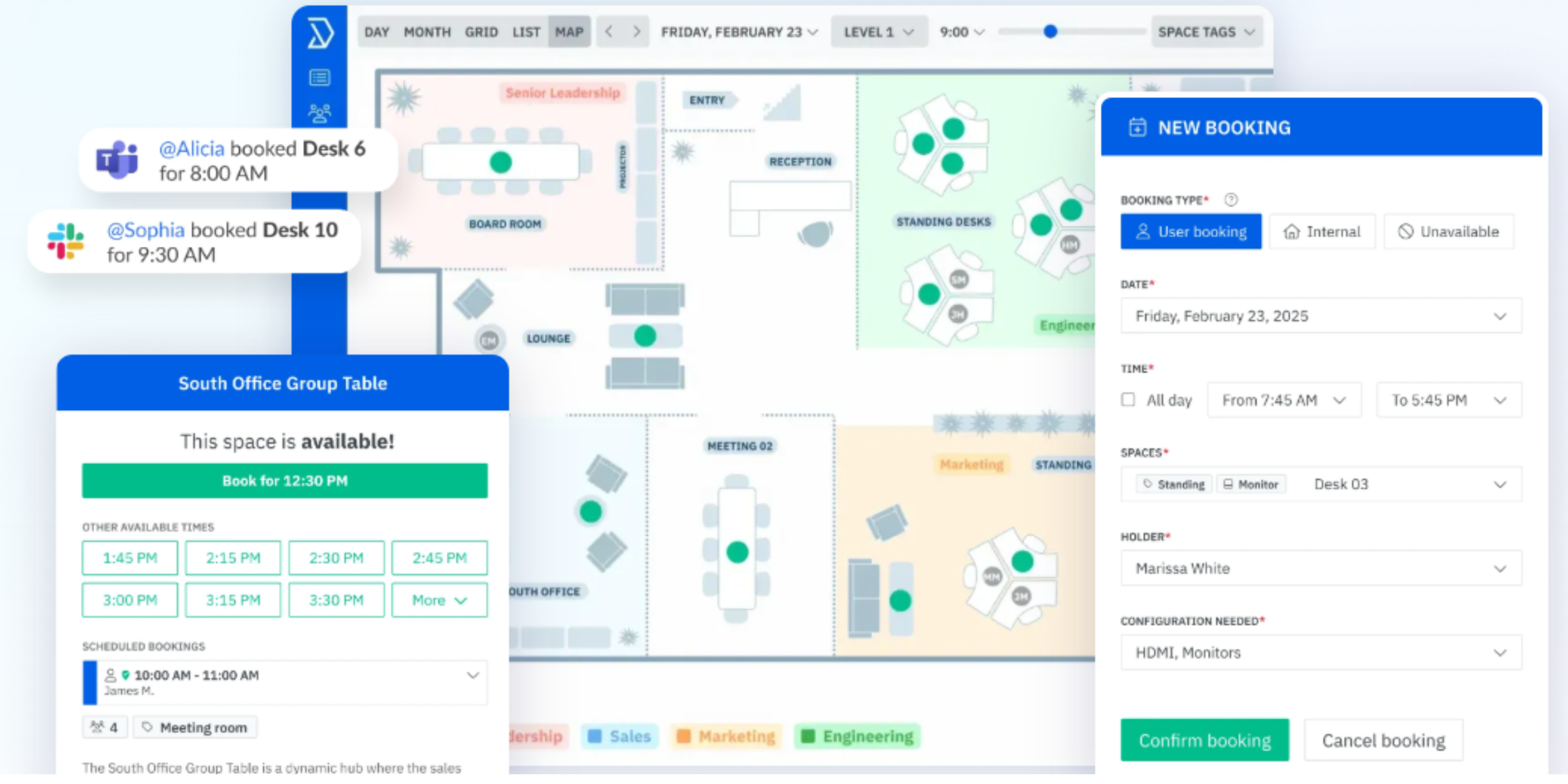
The platform combines interactive floor plans, booking rules, roles, analytics and space management. Microsoft 365 and Google Workspace integrations are available, and Skedda supports two-way syncing for relevant room resources.
Its AllBooked offering is aimed specifically at organizations such as sports venues, studios, coworking spaces and community facilities.
That extra control makes Skedda worth considering when venue scheduling has become too complicated for a basic calendar workflow.
Pricing: US and Canada pricing currently starts at $249/month for Skedda Plus. Pricing differs in other regions, and AllBooked uses sales-led pricing.
3. Mazévo — for complex event and facility scheduling
Mazévo brings room scheduling and the operational details around an event into the same system.
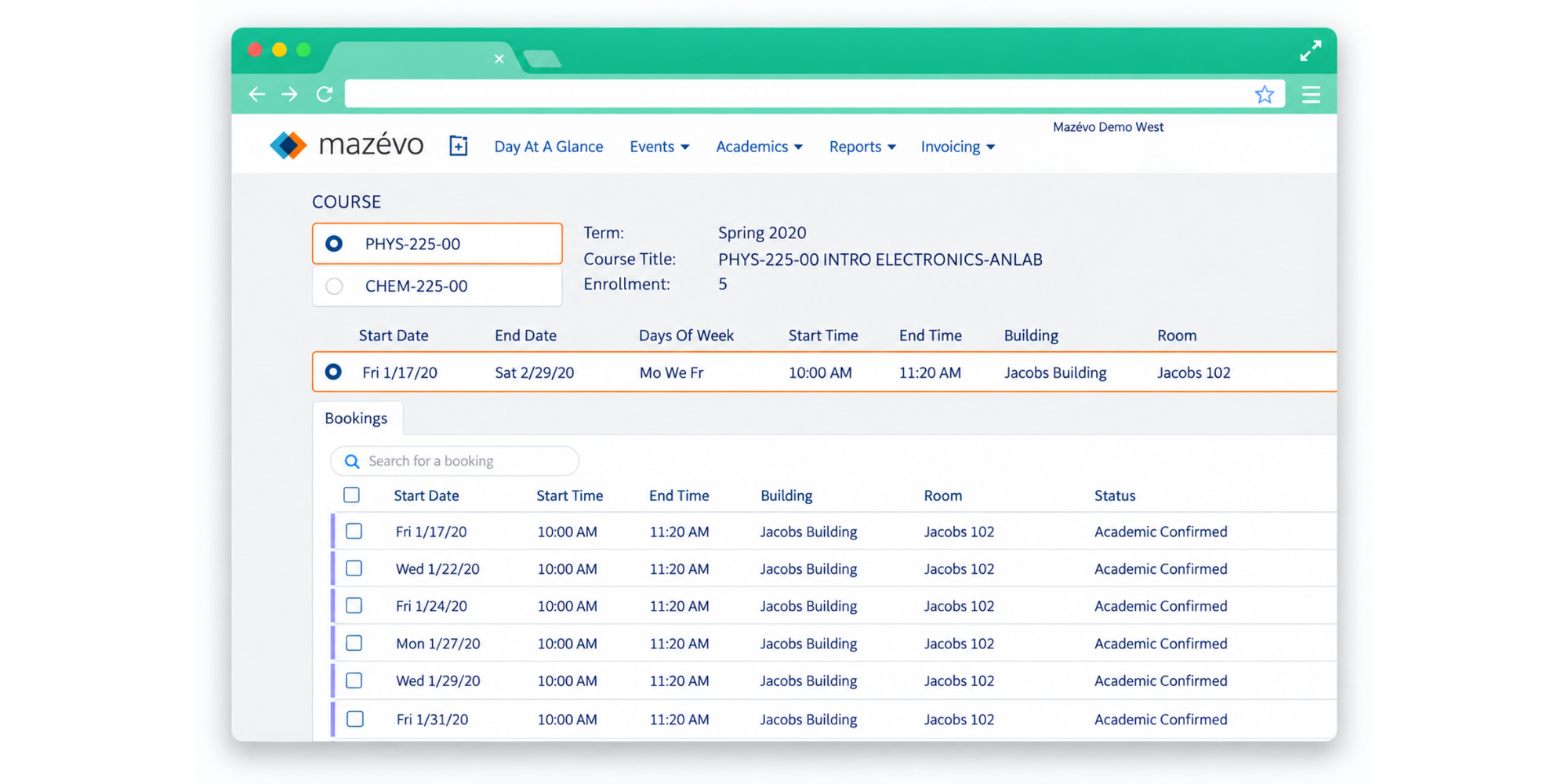
Alongside rooms, facility managers can manage resources such as AV equipment, catering and setup requirements. The system supports request workflows, approvals, event services, notifications, mobile access, pricing and invoicing.
That makes it particularly relevant to universities, schools, hospitals, libraries and organizations running many different types of events.
The University of Washington, for example, describes Mazévo as its cloud-based platform for room and resource scheduling, event billing, approvals and analytics.
Pricing: public standard pricing is not listed on Mazévo's website, so organizations should request a quote.
4. Accruent EMS — for enterprise room and resource scheduling
Accruent EMS is designed for organizations that need enterprise-level control over spaces, resources and events.
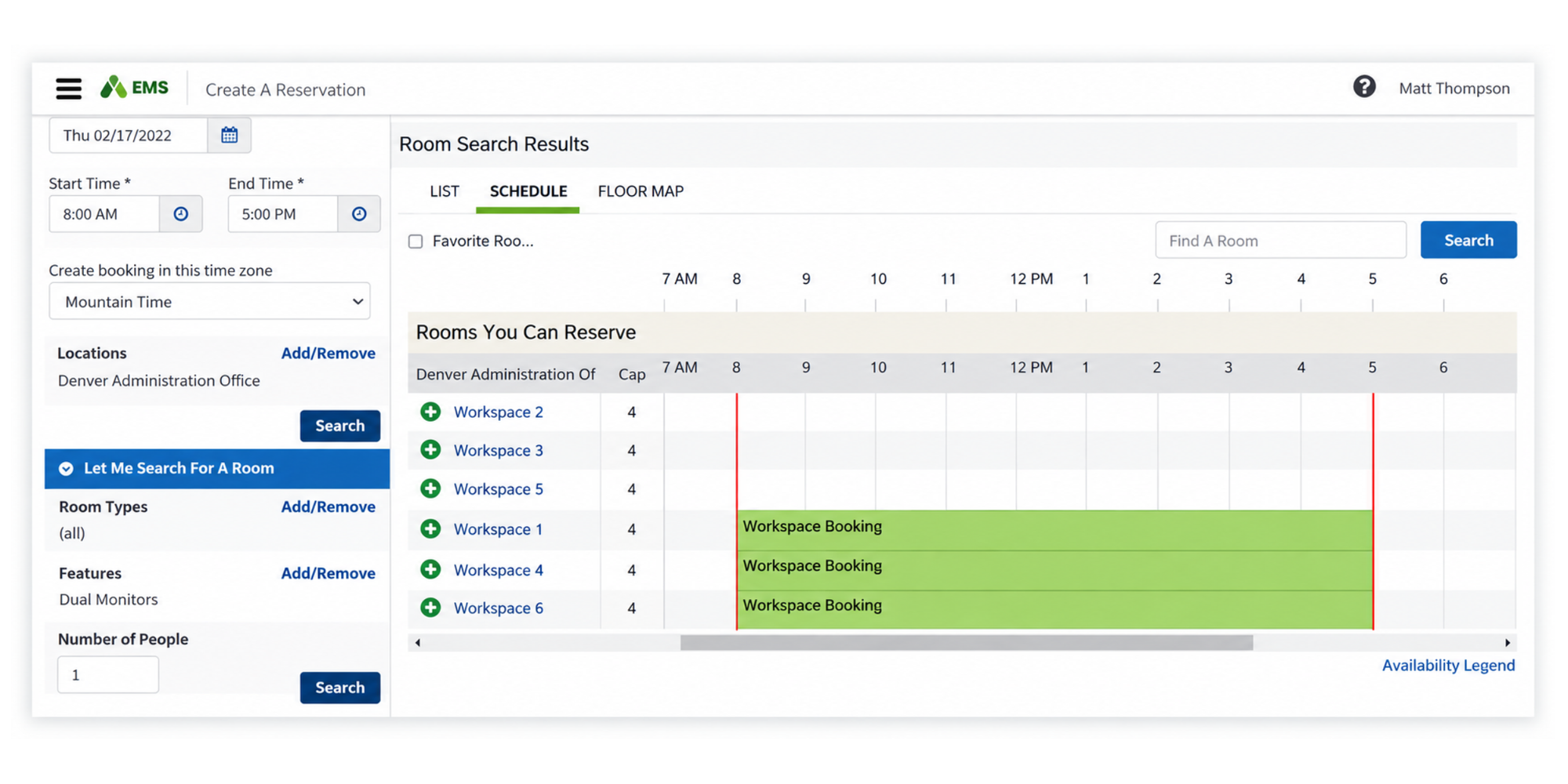
Users can reserve rooms through web, mobile, kiosks and calendar tools. EMS also integrates with Microsoft Outlook and Exchange, letting users see availability and reserve rooms without leaving familiar calendar workflows.
Facility teams can manage resources such as AV and catering, create pricing rules and analyze space utilization.
That scope makes EMS more appropriate for large campuses, corporations and institutions than for a small venue simply trying to replace email-based scheduling.
Pricing: contact Accruent for a quote.
5. Planning Pod — for full-service event venues
Planning Pod is aimed at venues that need to manage the business and operational side of events as well as the calendar.
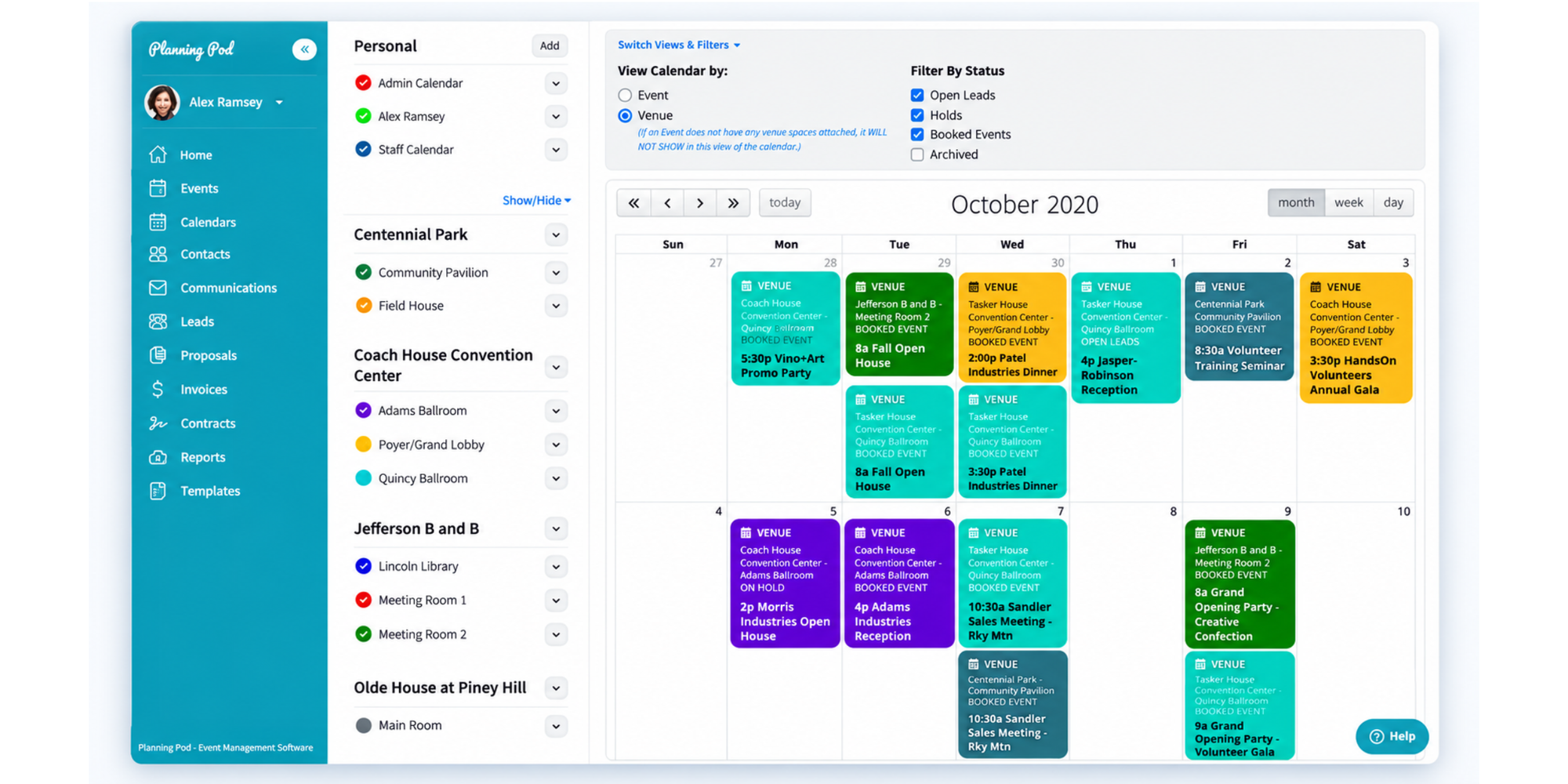
It brings lead intake, venue calendars, proposals, contracts, payments, floor plans, banquet event orders and reporting into one system. Planning Pod says most single-location venues pay between $199 and $319 per month, depending on event volume.
Consider it when you are not only reserving space but also selling and delivering events from start to finish.
For a community room or small shared facility, that may be more functionality than you need. For a wedding venue, conference space or commercial event operation, those additional workflows can be the point.
6. Tripleseat — for hospitality venues
Tripleseat is built around event sales and operations for restaurants, hotels and hospitality venues.
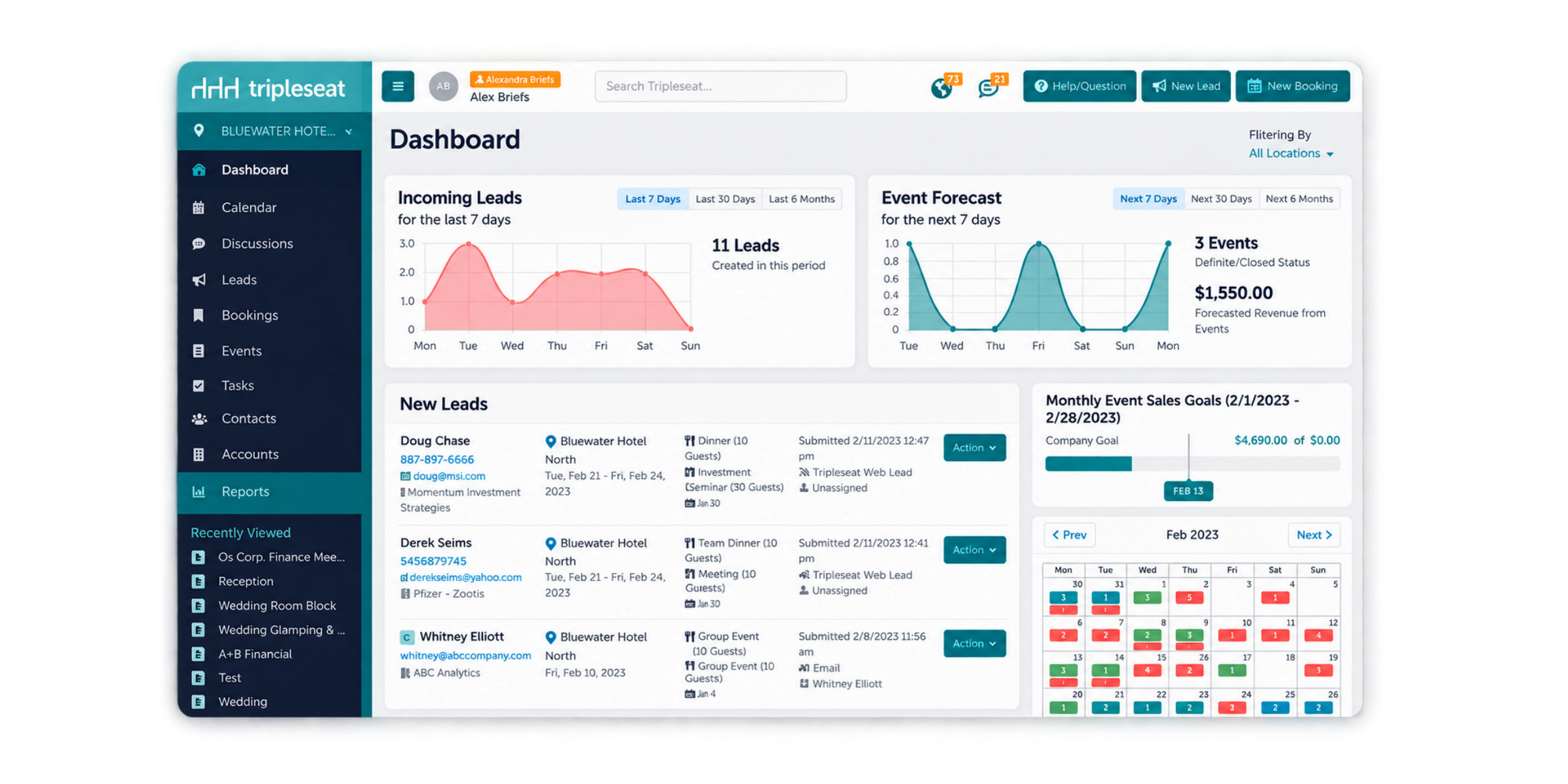
Its core platform covers capturing leads, booking events, planning them and collecting payments. Add-ons include DirectBook for 24/7 self-service reservations and floor-plan tools for spaces where event layout is part of the sales process.
That makes it a closer fit for revenue-generating private events than everyday room scheduling.
Pricing: Tripleseat uses custom pricing based on factors including location count, volume, package and add-ons.
7. Perfect Venue — for restaurants and independent event venues
Perfect Venue combines event sales, scheduling, proposals and payments in a platform designed around private events.
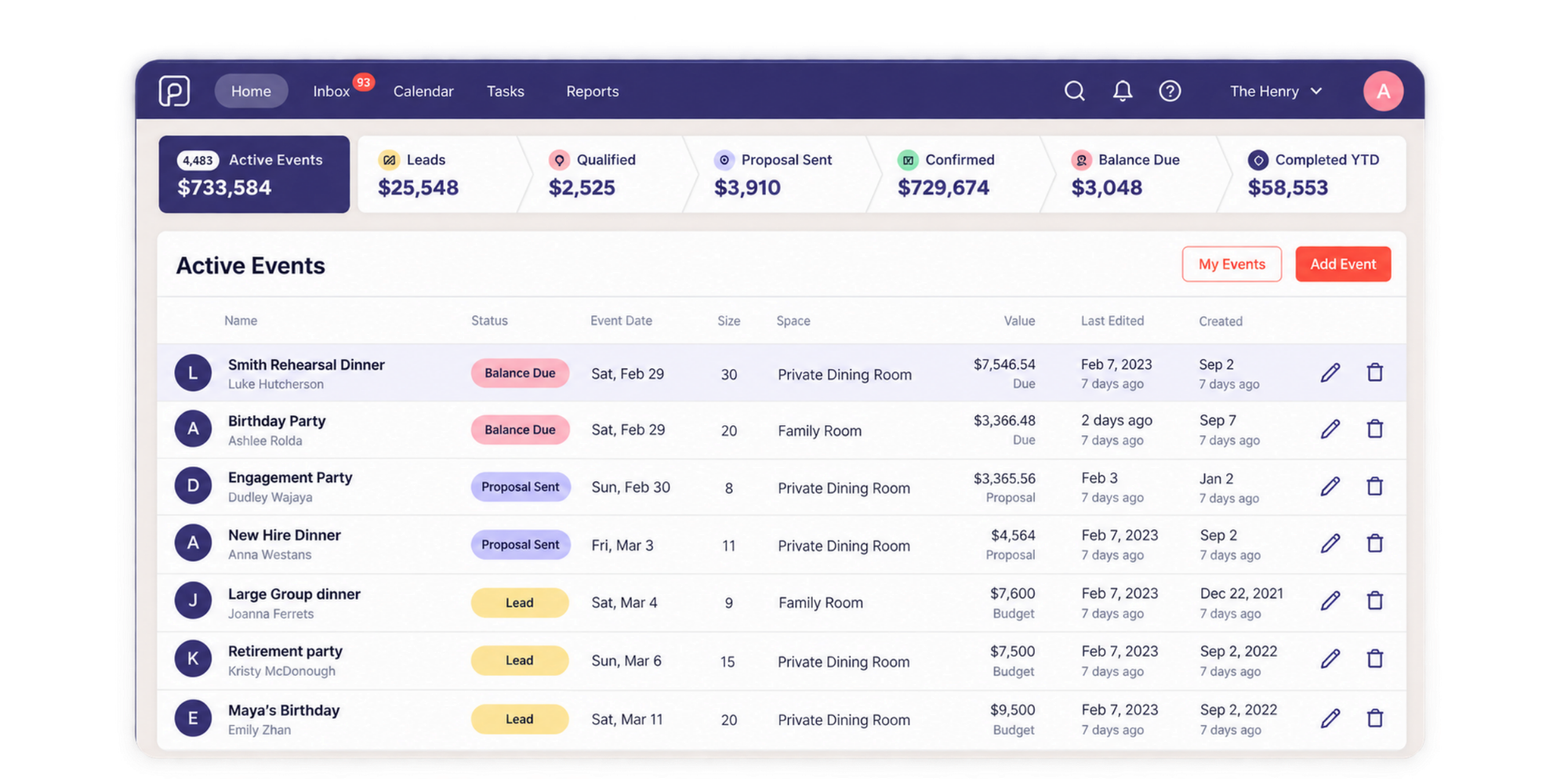
Features include an events calendar, contact forms, payments, guest portals and event-management workflows. Higher tiers add functionality such as advanced contracting and multi-day events.
It is particularly relevant to restaurants, bars and independent venues where every reservation may also involve menus, deposits and event sales.
Pricing: the Basic plan currently starts at $59/month when billed annually, with higher tiers adding more advanced event-management functionality.
8. Fieldspace — for sports and recreation venues
Fieldspace is a specialist choice for facilities renting courts, fields, cages and similar recreation spaces.
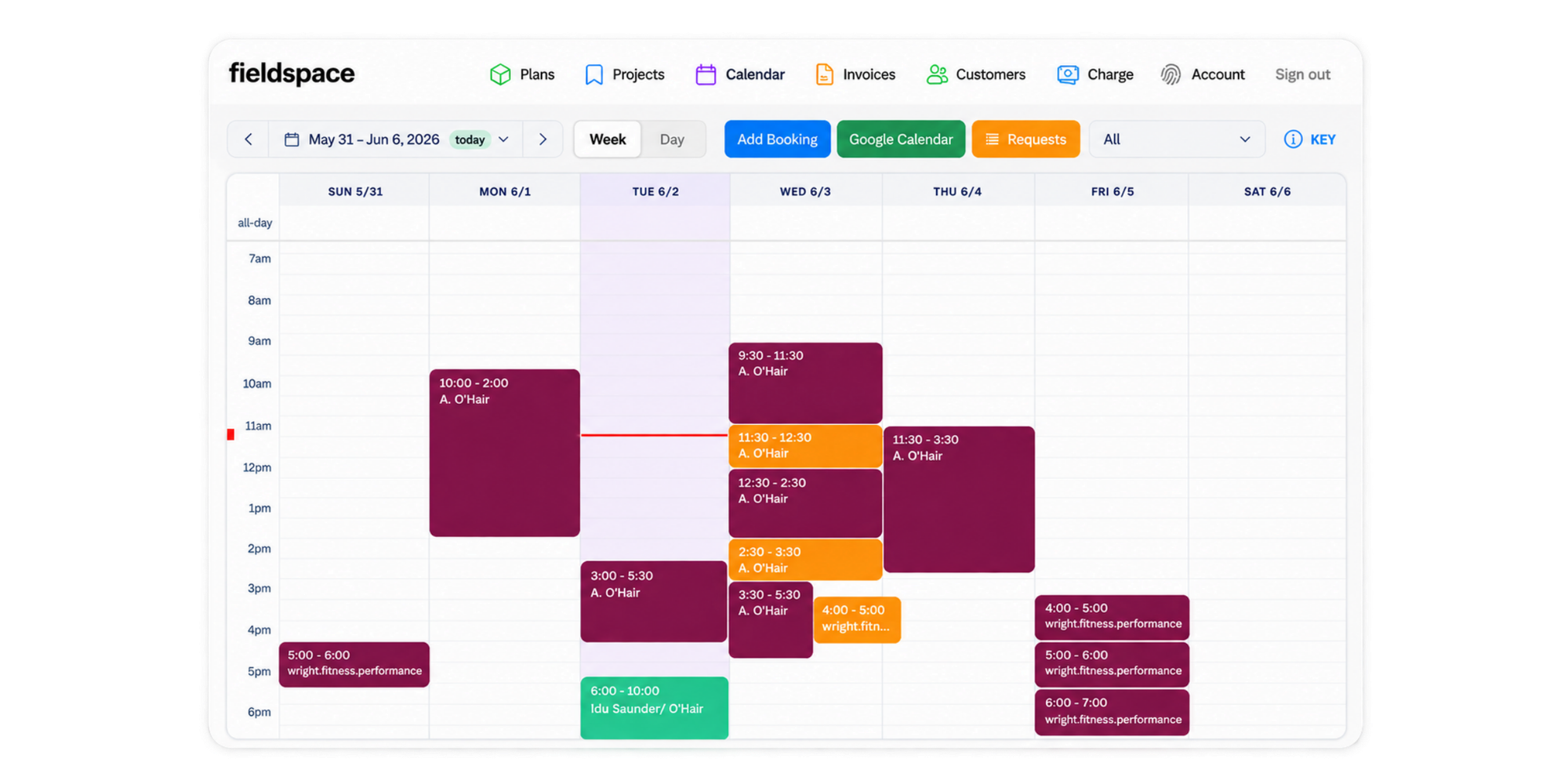
Customers can see real-time availability, select a rental duration and pay when they reserve. Facility operators can manage peak pricing, member rates, recurring billing and multiple bookable resources.
Its narrower sports focus can be valuable if your venue would otherwise require significant customization in a general scheduling system.
Pricing: Starter costs $50/month and Pro costs $100/month, with transaction fees applying to paid bookings.
9. Momentus Technologies — for large and complex venues
Momentus is built for venues where scheduling connects to a much wider operational system.
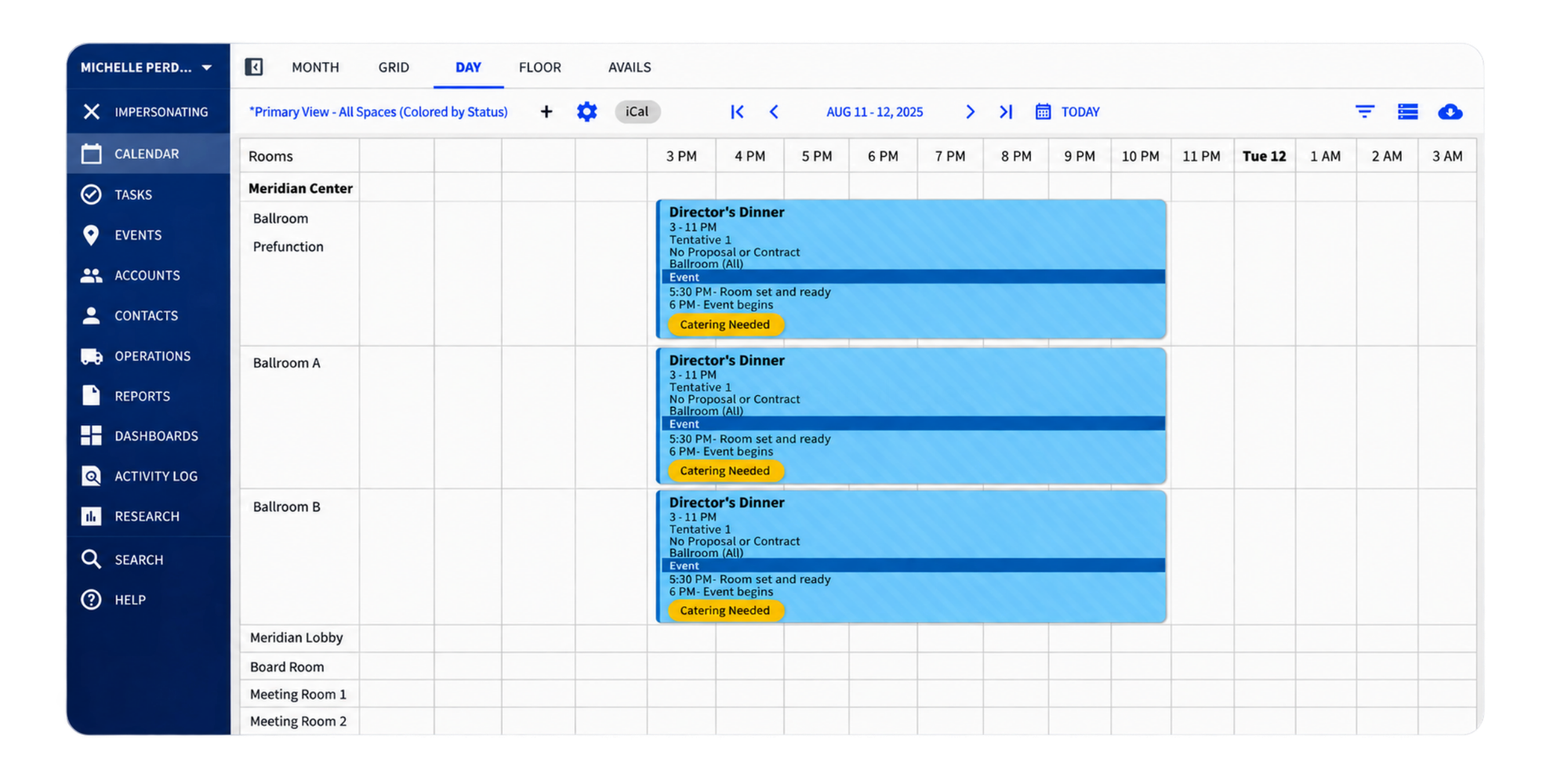
Its products target organizations including convention centers, stadiums, arenas, performing arts venues, conference centers and universities. Capabilities extend into areas such as space management, event operations, finance, inventory, catering and reporting.
This is firmly at the enterprise end of the comparison.
Pricing: custom quote based on factors such as venue count, event volume, workflow requirements and integrations.
10. 25Live — for higher education and campus venues
25Live is designed for universities that need to coordinate academic spaces, events, resources and approval workflows across an entire campus.
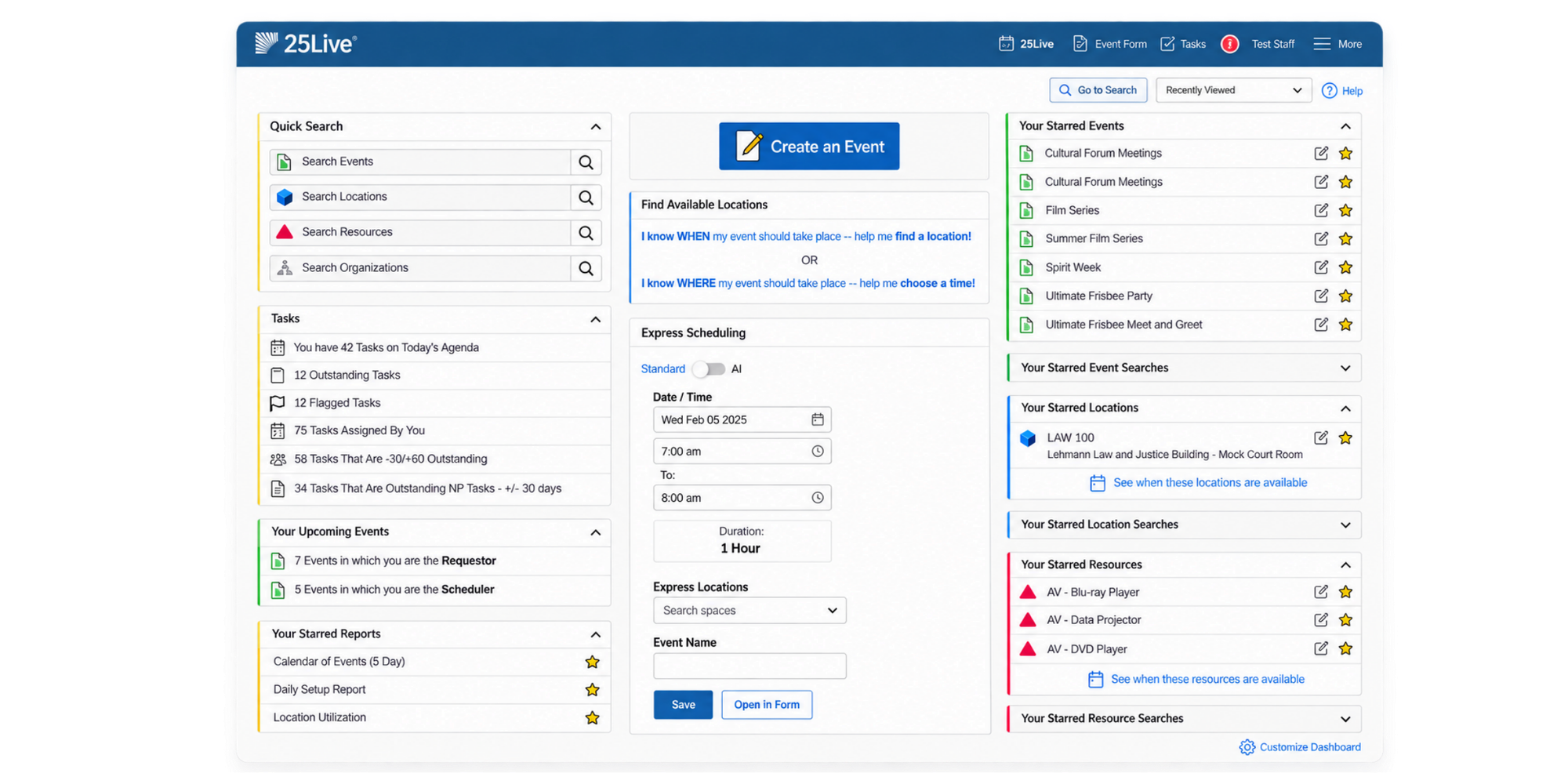
Users can search for available locations, submit space requests and request related resources through configurable forms. Facility teams can manage approvals, prevent scheduling conflicts, publish calendars and report on space use.
It also connects to the broader Series25 ecosystem for academic scheduling, utilization analytics and student information system integration.
That campus specialization is a major strength for higher education, but it also means 25Live is far more comprehensive than a typical small venue needs.
Pricing: Quote-based.
What to look for in venue scheduling software
The best system is the one that solves your scheduling problems without adding unnecessary operational complexity.
Real-time calendar and availability sync
A scheduling system only works if people trust the availability it shows.
Look for real-time updates and conflict checking. When an internal calendar changes, the time offered to external users should change too. Otherwise, you've simply replaced one double-booking risk with another.
Room and resource scheduling
Think beyond rooms.
A hall may also depend on a projector, sound system, changing room or member of staff. If those resources must be reserved alongside the venue, check whether your software can manage both.
This also matters when you evaluate utilization. IFMA distinguishes occupancy from utilization, so booking data is useful but shouldn't automatically be treated as proof that every reserved room was actively used.
Booking rules and approvals
Not every open space should be available to everyone.
Look for controls around advance notice, opening hours, maximum booking windows, user permissions and manual approvals.
For example, you might let staff instantly schedule a meeting room but require facility-manager approval before an external group can reserve your main hall.
Automated reminders and notifications
Every no-show leaves a space technically unavailable but practically unused.
Automatic confirmations, reminders and change notifications keep both users and facility staff informed without another round of manual emails.
Custom booking forms
Collect the information you normally chase later.
Useful fields might include:
- Number of attendees
- Event type
- Required room layout
- Accessibility requirements
- Equipment
- Catering
- Setup and teardown time
- Billing information
The more complete the original request, the less admin your team has to do afterwards.
Integrations with your existing tools
Your scheduling tool should fit the calendars and systems people already use.
Google Calendar and Microsoft Outlook integrations are especially important when internal staff schedule spaces from their normal calendars while external users schedule through a booking page.
Cloud and mobile access
Facilities rarely run from one desk.
A cloud-based system lets you check a reservation from the venue, update availability while walking between spaces or deal with a last-minute cancellation without returning to the office.
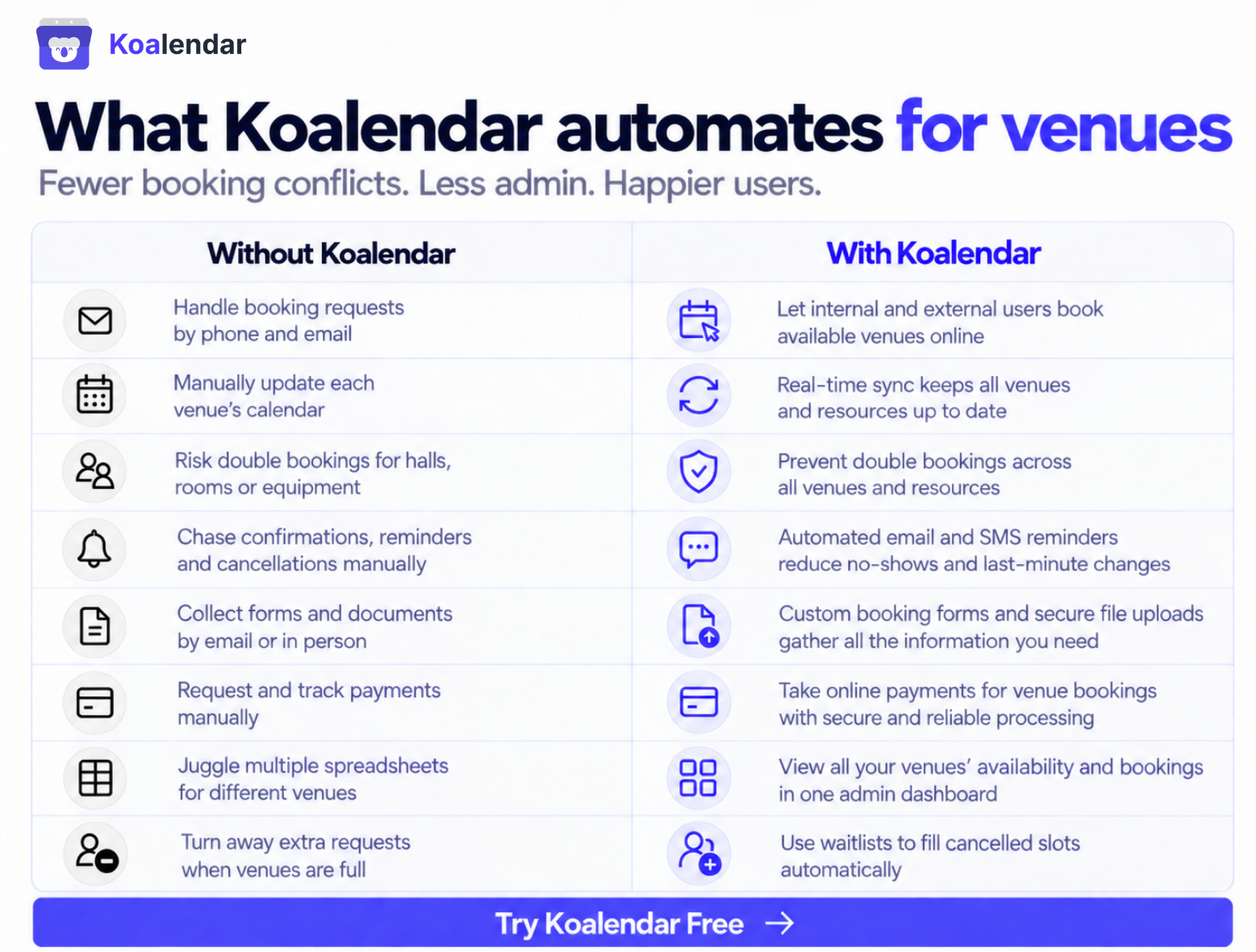
Why Koalendar works as venue scheduling software for facility managers
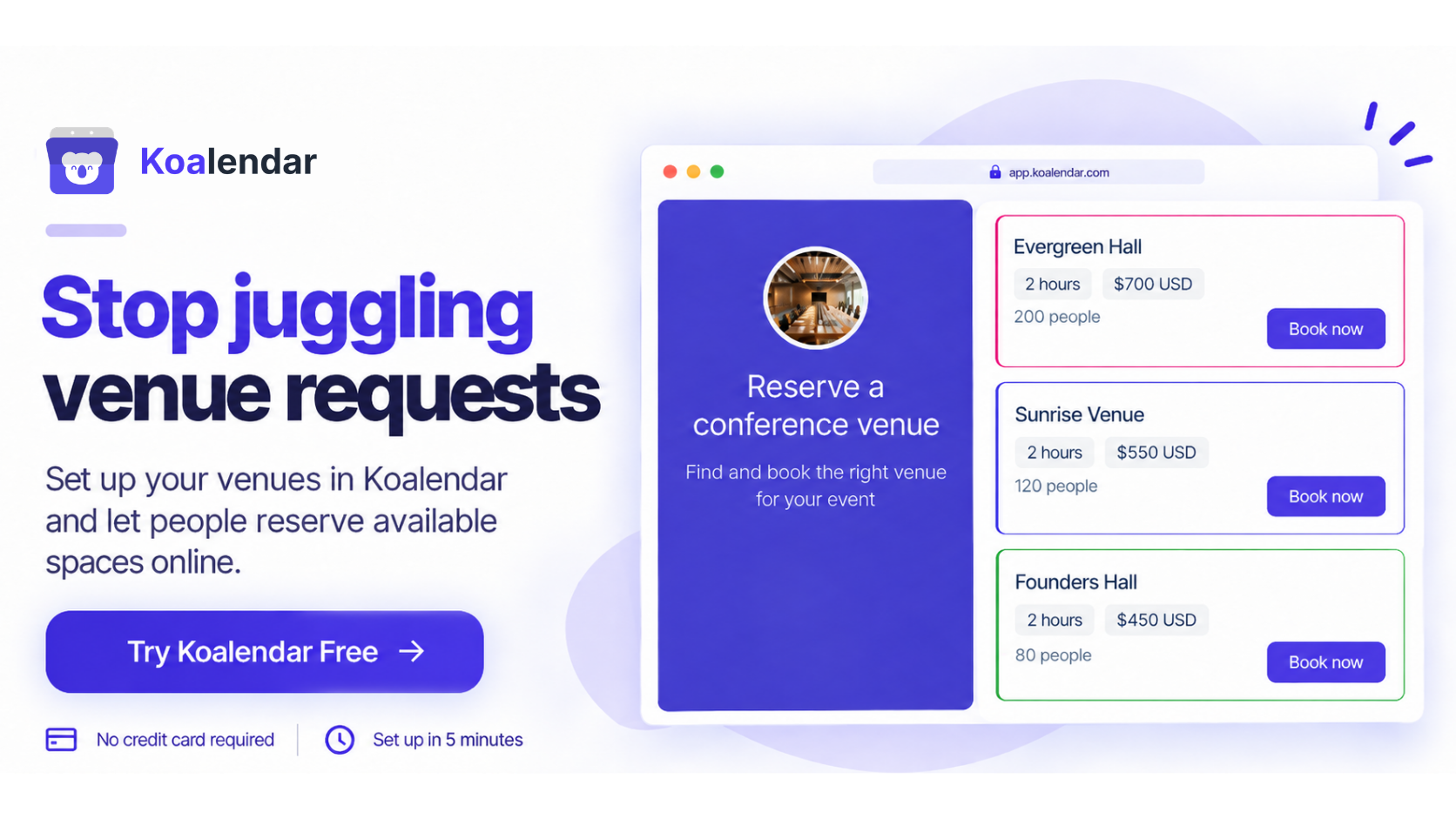
Koalendar is useful when you need a simpler scheduling layer rather than an all-in-one facility-management suite.
Let people schedule available spaces themselves
Create a booking page for a venue or resource and share the link.
People see available times and choose one themselves, 24/7. You can also embed the scheduling experience directly on your website.
That means fewer “Is the hall free on Thursday?” emails landing in your inbox.
Miners’ Nine uses this setup to manage bookings for two Trackman simulator bays without connecting another calendar system. Customers can see availability across both spaces before choosing a time, while the Pro Shop team manages online bookings, walk-ins and schedule changes from one place.
“Koalendar is remarkably smooth, easy to implement and use to manage online and in-person bookings. It gives us the visibility we need without adding another layer of software. ”
Adam Holroyd
General Manager at Miner’s Nine
See how Miners’ Nine runs its golf simulator bookings entirely with Koalendar.
Prevent scheduling conflicts with calendar sync
Koalendar checks connected Google, Outlook and Apple calendars before displaying available times.
Once a slot becomes unavailable, it disappears from the booking page, reducing the risk of two people reserving the same time.
Explore how Koalendar calendar sync works.
Control when spaces can be scheduled
You stay in charge of availability.
Set your normal schedule, control notice periods and booking windows, or require approval before a request is confirmed.
That gives users self-service without turning your venue calendar into a free-for-all.
Collect venue requirements before confirming
Custom questions help you gather the practical details upfront.
Instead of confirming the room and then discovering the group needs extra setup, you can ask about attendance, equipment or requirements directly in the scheduling flow.
Alternatively, you can offer equipment and extra setup as add ons that clients need to ask and pay for.
Reduce no-shows with automated reminders
Automatic reminders give people a useful nudge before their reservation.
That means fewer forgotten bookings occupying space that somebody else could have used.
Add scheduling directly to your website
A venue booking experience does not have to start with “email us for availability.”
Embed a Koalendar booking page into your existing website so people can move from checking your venue to selecting a time without another communication step.
For facilities that charge for reservations, Koalendar's booking payment system can also collect payment as part of that flow.
What is the difference between cloud-based and web-based venue scheduling software?
In practice, cloud based venue scheduling software and web based venue scheduling software often describe the same basic benefit: you can access the system online instead of relying on software installed on one local computer.
Cloud-based products store the application and data on hosted infrastructure, while users generally access them through a browser or mobile app.
For facility managers, the practical advantages are straightforward:
- Availability can update across users and devices
- Staff can manage reservations away from the office
- External users can submit requests online
- Teams don't need to maintain separate local scheduling files
- Changes can be reflected for everyone using the same system
Enterprise products may still require more extensive configuration, integrations or IT involvement, even when they are cloud hosted.
So “cloud based” doesn't automatically mean “simple.” Compare the workflow, not just the hosting model.
How to choose the right venue scheduling software
Start with the operational problem you need to solve, then choose the smallest system that solves it reliably.
- List the spaces and resources you need to schedule.
Count rooms, halls, courts, studios, equipment and anything else that can create a scheduling conflict. - Decide whether reservations are internal, external or both.
Internal staff may need different permissions from customers or community groups. - Identify calendar and integration requirements.
Check whether you need Google Calendar, Microsoft Outlook, an SIS, accounting tools or other systems. - Decide whether reservations need approval.
Some spaces can be instantly confirmed. Others may require review before anyone gets the keys. - Check reminder and notification requirements.
Work out who needs confirmation, reminders, cancellation notices and internal alerts. - Compare pricing against the number of spaces, resources and administrators.
A low headline subscription can become expensive if every room requires a separate paid license. Conversely, a larger platform may be worth the cost if it replaces several other systems. - Test the actual booking experience.
Try making a reservation as a user. If finding an available room feels difficult during the trial, it probably won't become easier when hundreds of people use it.
The goal is not to buy the biggest system. It's to remove the friction between “I need this space” and “it's scheduled correctly.”
Simplify venue scheduling with Koalendar
Venue scheduling software should make availability easier to trust—not give facility managers another complicated system to maintain.
If your priority is giving people a simple way to find available spaces, submit the information you need and schedule without creating conflicts, Koalendar gives you those core workflows without pretending to be a full IWMS or enterprise venue-management platform.
You can sync calendars, create custom booking pages, control availability, require approval, collect payments and send automated reminders—all while keeping the scheduling experience easy for the people reserving your space.