TL;DR
Doodle has a free plan, while paid plans start with Pro at $11 per seat per month when billed annually in the U.S. Team costs $16 per seat per month billed annually, and Enterprise starts at $15,000 per year. Monthly billing costs more, and prices can vary by region. Doodle Free works for occasional scheduling, but limits booking pages, 1:1 events and some advanced features. If you mainly need ongoing client or business scheduling, it is worth comparing the Doodle cost with alternatives such as Koalendar before upgrading.
Figuring out Doodle Pricing is not quite as simple as picking a plan and looking at one monthly number. Your actual Doodle cost depends on the plan, how many people need seats, whether you pay monthly or annually, and your location.
Below, we break down Doodle pricing for 2026, what each tier includes, what a small team may actually spend over a year, and how Doodle compares with Koalendar for everyday appointment scheduling.
Doodle pricing at a glance
Doodle offers Free, Pro, Team and Enterprise plans. In the U.S., Pro costs $11 per seat per month with annual billing, Team costs $16 per seat per month with annual billing, and Enterprise starts at $15,000 per year.
Doodle currently lists a single Pro subscription at $15 per month when paid monthly, compared with $132 per year on an annual subscription. Team costs $21 per user per month when billed monthly.
| Plan | Price | Best for | Key features | Main limits |
| Free | $0 | Occasional scheduling | Group Poll, one Booking Page, one 1:1, basic Sign-up Sheets | Limited advanced settings and scheduling capacity |
| Pro | $11/seat/month billed annually | Freelancers, consultants and solo professionals | Unlimited Group Polls, Booking Pages, 1:1s and Sign-up Sheets, reminders, no ads | Primarily designed for individual professionals |
| Team | $16/seat/month billed annually | Teams of 2+ | Admin Console, roles, co-host events, booking on behalf of others, custom branding | Cost increases with every paid seat |
| Enterprise | From $15,000/year | Larger organizations | SSO, MFA, analytics, branded scheduling, dedicated support | Significant annual commitment |
Prices shown are current U.S. prices as of the 1st of October 2026. Doodle says pricing can vary by location, subscription size and billing frequency, so check the price displayed for your account before purchasing.
Is Doodle free?
Yes. Doodle has a free plan with no subscription fee.
The free tier lets organizers create meetings and use Doodle's core scheduling tools, but it comes with restrictions. Doodle's Help Center currently lists a limit of one 1:1 event and one Booking Page for free organizers. It includes one group poll limited to 10 time slots and Sign-up Sheets to 20 sessions.
Free users can connect calendars, use Google Meet and Zoom, collect Stripe payments and sync meetings to their calendar. However, features such as automated reminders, custom branding, Zapier, Microsoft Teams, Webex and an ad-free experience require a paid plan.
That makes Doodle Free practical if you schedule occasionally and do not need much customization or automation.
How much does Doodle cost per month?
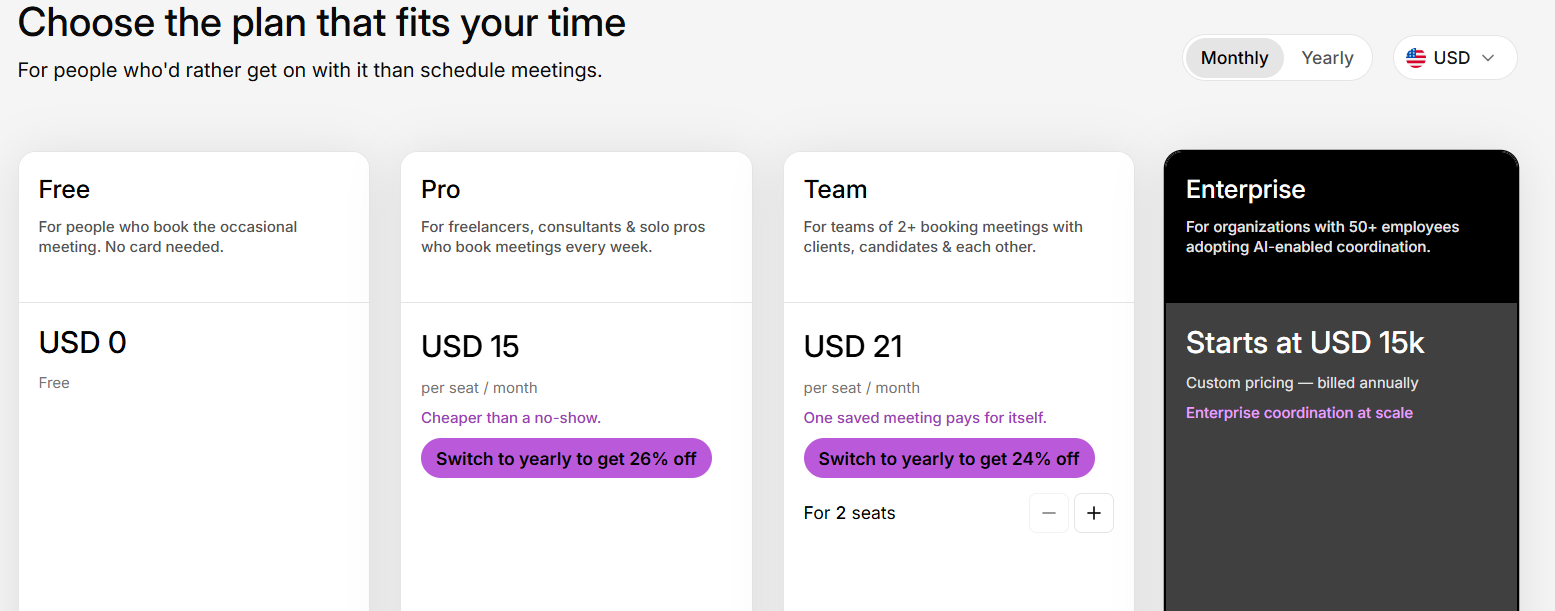
For a single professional in the U.S., Doodle Pro costs $15 if you pay month to month. Choose annual billing and the total is $132 per year, equivalent to $11 per month.
Doodle Team costs $21 per user per month with monthly billing or $16 per user per month when billed annually.
The annual price can therefore look much lower on a pricing page, but remember that you are committing to a full year.
Does Doodle charge per user?
Paid Doodle plans use seat-based pricing.
For Team, every user who needs a paid seat adds to the total subscription cost. That difference becomes important for small businesses because a manageable per-user figure can turn into a four-figure annual expense once several employees need access.
Doodle pricing plans explained
The right plan depends less on the plan name and more on how frequently you schedule, how many people need access, and whether features such as reminders, branding and team administration matter to you.
Doodle Free plan
Doodle Free is aimed at people who need straightforward scheduling without paying a monthly fee.
It includes core tools such as Group Polls, a Booking Page, 1:1 scheduling, Sign-up Sheets, calendar connections and integrations with Google Meet and Zoom.
The main issue is scale.
Free organizers are limited to one 1:1 and one Booking Page. Group Polls have a 10-time-slot limit, while Sign-up Sheets are limited to 20 sessions. You also miss features including automated reminders, custom branding, Zapier, Microsoft Teams and Webex.
Free does include Stripe payments but charges free users a 3% commission for transactions powered by Stripe, or minimum of one unit of your local currency (e.g. $1, €1, etc.).
If you only organize the occasional meeting, those restrictions may never become a problem. If you use scheduling as part of your daily client or sales workflow, you may reach them quickly.
Doodle Pro pricing and features
Doodle Pro is designed for freelancers, consultants and solo professionals who schedule meetings regularly.
The current U.S. price is $11 per seat per month on annual billing, or $132 for the year. Doodle lists monthly billing at $15 per month.
Pro removes several Free-plan restrictions. It includes:
- Unlimited Group Polls
- Unlimited Booking Pages
- Unlimited 1:1 events
- Unlimited Sign-up Sheets
- Automated reminders and deadlines
- Options to hide participant information
- Microsoft Teams and Webex integrations
- An ad-free experience
This is the point where Doodle becomes substantially more suitable for recurring professional scheduling.
Doodle Team pricing and features
Doodle Team is built for organizations where multiple people need scheduling functionality.
It costs $16 per user per month when billed annually or $21 per user per month when billed monthly. Doodle says Team plans are available for groups of 2 to 100 users.
Team includes Pro features plus tools such as:
- Admin Console
- Roles and permissions
- Co-host events
- Booking on behalf of other people
- Activity reports
- Custom branding
- Stripe payments
These features are useful when scheduling moves from an individual activity to a shared business process.
The trade-off is that the bill grows with your headcount.
Doodle Enterprise pricing
Doodle Enterprise starts at $15,000 per year and is positioned toward organizations requiring more centralized security, administration and support.
Enterprise adds capabilities including SSO through SAML or OIDC, MFA, role-based access, organization-wide analytics, branded Booking Pages and emails, a dedicated Customer Success Manager, and priority support backed by a 99.9% SLA.
For smaller businesses, this is likely beyond what is needed. Larger organizations may value the security, deployment and governance options more than the scheduling features alone.
How much does Doodle cost for a team?
A Doodle Team subscription costs $192 per paid seat per year at the current U.S. annual-billing rate.
That makes team size one of the most important variables when evaluating Doodle Poll pricing.
| Team size | Annual rate per user | Approx. monthly team cost | Annual bill |
| 2 users | $16/month | $32 | $384 |
| 5 users | $16/month | $80 | $960 |
| 10 users | $16/month | $160 | $1,920 |
| 20 users | $16/month | $320 | $3,840 |
These examples use Doodle's current $16 per-user annual-billing rate and exclude taxes or regional pricing differences.
Doodle pricing for 2 users
Two Team seats cost approximately $384 per year when billed annually.
That may be reasonable if both people need co-hosting, group meetings, centralized administration, payments, and shared scheduling tools. If each person simply needs an individual booking link, compare whether all of the Team-specific features are necessary before upgrading.
Doodle pricing for 5 users
Five seats bring the annual cost to approximately $960.
At this size, feature usage matters. If your team regularly uses co-host events, permissions, centralized billing and custom branding, Team may fit naturally. If most employees simply need their own appointment pages, it is worth comparing alternative scheduling platforms.
Doodle pricing for 10+ users
Ten Doodle Team seats cost about $1,920 per year on annual billing. Twenty seats would cost around $3,840 per year.
At this point, small differences in per-seat pricing create meaningful annual differences, so compare both functionality and the total bill rather than focusing on the advertised monthly rate.
Doodle Free vs. paid plans: what do you actually get?
The biggest reasons to move from Doodle Free to a paid plan are higher scheduling limits, automated reminders, more integrations, branding and team management.
| Feature | Doodle Free | Pro | Team |
| Group Polls | 1 with 10 limited time slots | ✅ Unlimited | ✅ Unlimited |
| Booking Pages | 1 | ✅ Unlimited | ✅ Unlimited |
| 1:1 scheduling | 1 | ✅ Unlimited | ✅ Unlimited |
| Calendar sync | ✅ | ✅ | ✅ |
| Google Meet / Zoom | ✅ | ✅ | ✅ |
| Microsoft Teams / Webex | ❌ | ✅ | ✅ |
| Automated reminders | ❌ | ✅ | ✅ |
| No ads | ❌ | ✅ | ✅ |
| Custom branding | ❌ | Limited/plan dependent | ✅ |
| Zapier | ❌ | ✅ | ✅ |
| Admin Console | ❌ | ❌ | ✅ |
| Roles and permissions | ❌ | ❌ | ✅ |
| Co-host events | ❌ | ❌ | ✅ |
Doodle's current Help Center confirms that free users still get several valuable core features, including calendar connections and Stripe payments. The upgrade becomes more compelling when scheduling volume, automation or team coordination grows.
Is Doodle worth the price?
Doodle's value depends on whether its particular mix of group polling, appointment scheduling and team administration matches how you schedule.
There is no universal answer. A feature that matters every day to one business may be irrelevant to another.
When Doodle Free may be enough
Stay on Free if you:
- Schedule relatively few meetings
- Only need one Booking Page
- Only need one recurring 1:1 setup
- Can work within Group Poll and Sign-up Sheet limits
- Do not need automated reminders or custom branding
For occasional coordination, paying simply to remove limits may not be necessary.
When Doodle Pro makes sense
Pro becomes easier to justify when scheduling is part of your weekly work.
A consultant who uses multiple booking pages, sends recurring reminders and needs unlimited 1:1 scheduling will get more practical value from the upgrade than someone organizing one meeting every few weeks.
The annual-versus-monthly decision also matters. Paying annually reduces the effective U.S. monthly Pro cost from $15 to $11, but requires a longer commitment.
Discover how this financial consultant saves 2-3 hours a week and has increased his meetings attendance rate to 99% for $6.99 per month (yearly)
When teams may outgrow Doodle
Teams should look beyond the headline price and consider how the platform will scale.
Ask:
- How many employees need paid seats?
- Do we need an Admin Console?
- Will we use co-host events or booking on behalf of others?
- Do we need payments?
- How important is custom branding?
- What will the subscription cost if the team doubles?
The best scheduling setup is the one that still makes financial and operational sense after your booking volume or headcount increases.
Doodle pricing vs. Koalendar
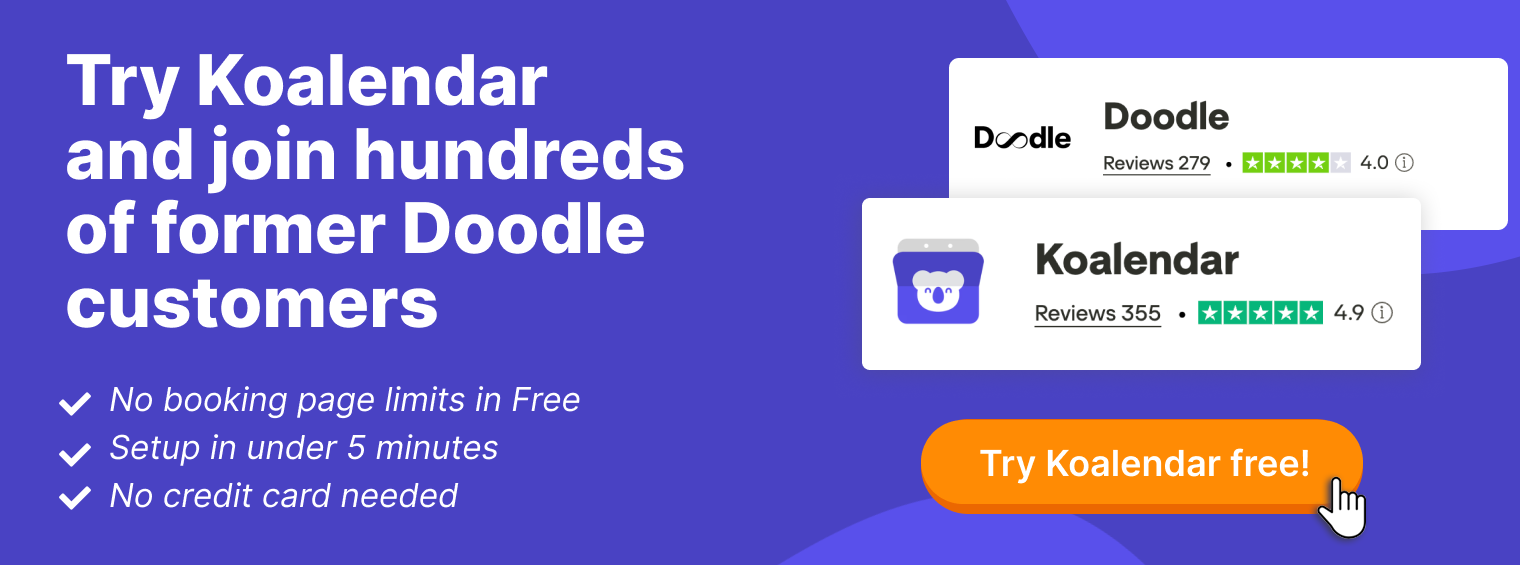
Doodle is particularly recognizable for group polling, while Koalendar focuses heavily on straight-forward appointment booking and gives solo users a fully functional scheduling engine on its free forever plan, and paid users a simple plan with everything they need.
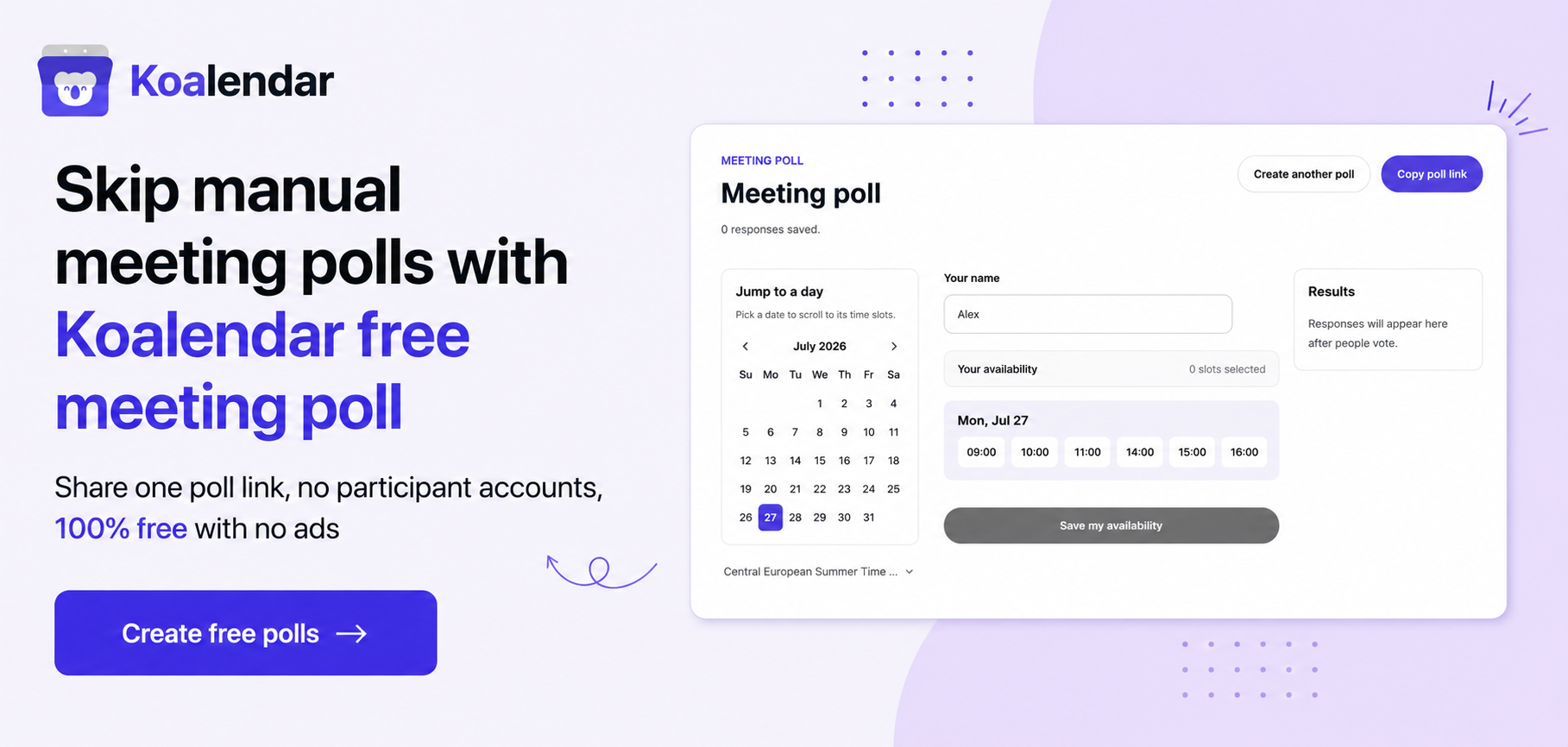
If your main goal is finding one time that works for a group, Doodle's Group Poll remains a central part of its product. However, it’s worth noticing that polling tools are currently also available for free, without limits.
If your priority is letting clients, students, candidates or customers book time with you continuously, with Doodle you need to compare the everyday booking limits before choosing a paid plan, whereas with Koalendar there’s only one with all you may need.
| Feature |  |  |
| Free plan | ✅ | ✅ |
| Unlimited bookings on free plan | Just 1 | ✅ |
| Unlimited booking pages on free plan | ❌ Just 1 | ✅ |
| Calendar sync | ✅ | ✅ Google, Outlook and iCloud |
| Automated reminders | ✅ In Pro and beyond | ✅ in Pro |
| Payments | ✅ Free charges a 3% commission In Free and beyond | ✅ in Pro |
| Team scheduling | ✅ Team plan | ✅ Pro plan |
| Customization | Pro and beyond | Free basics, advanced customization on paid plans |
| Integrations | Varies by plan | Google/Outlook/iCloud/Meet free, advanced integrations on Pro |
| Group polling | ✅ Core strength | Meeting poll available open and free |
| Paid plans costs | Pro is $11/seat/month (yearly billed) Teams is $16/seat/month (yearly billed) | $6.99/seat/month (yearly billed) |
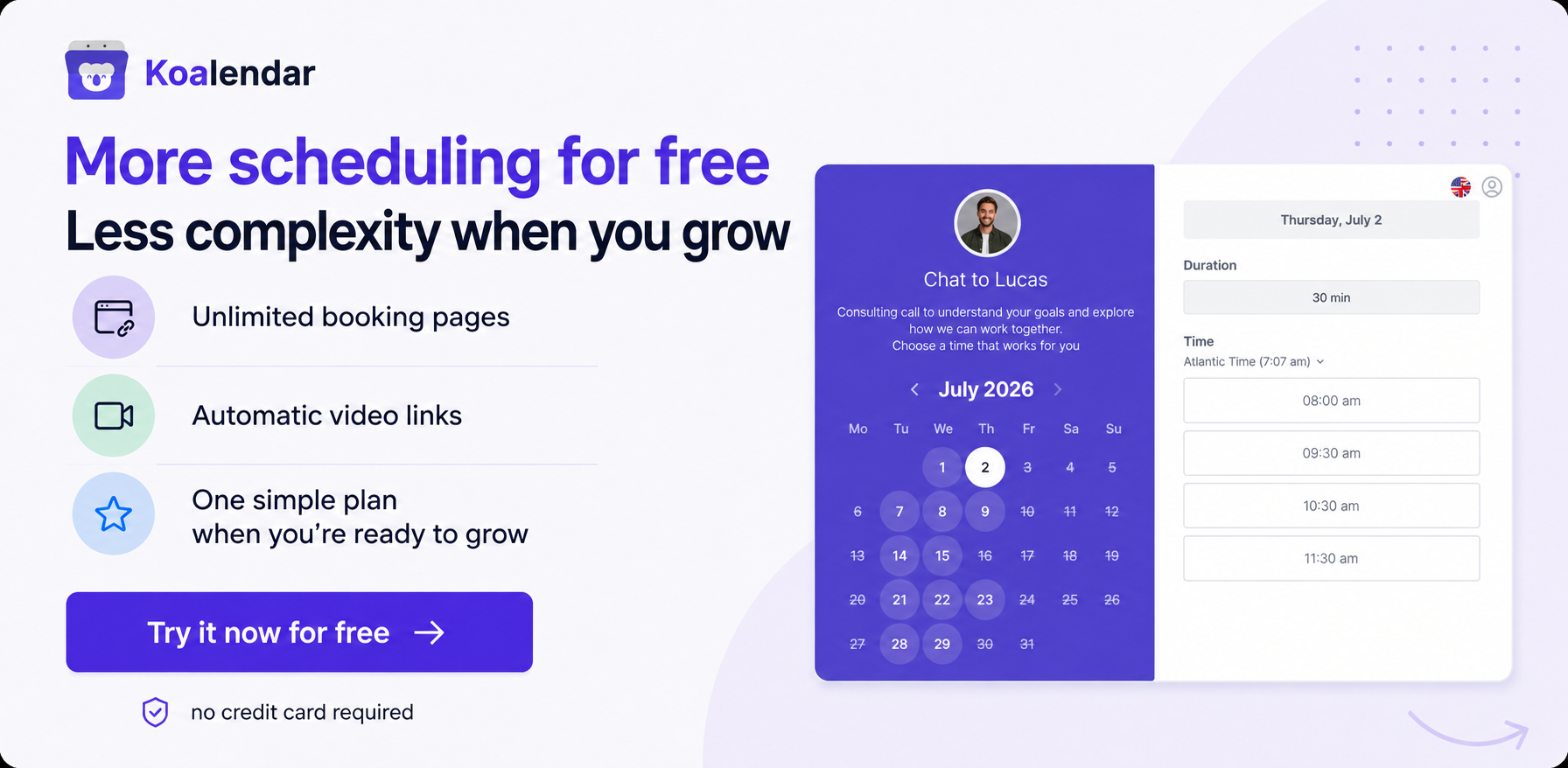
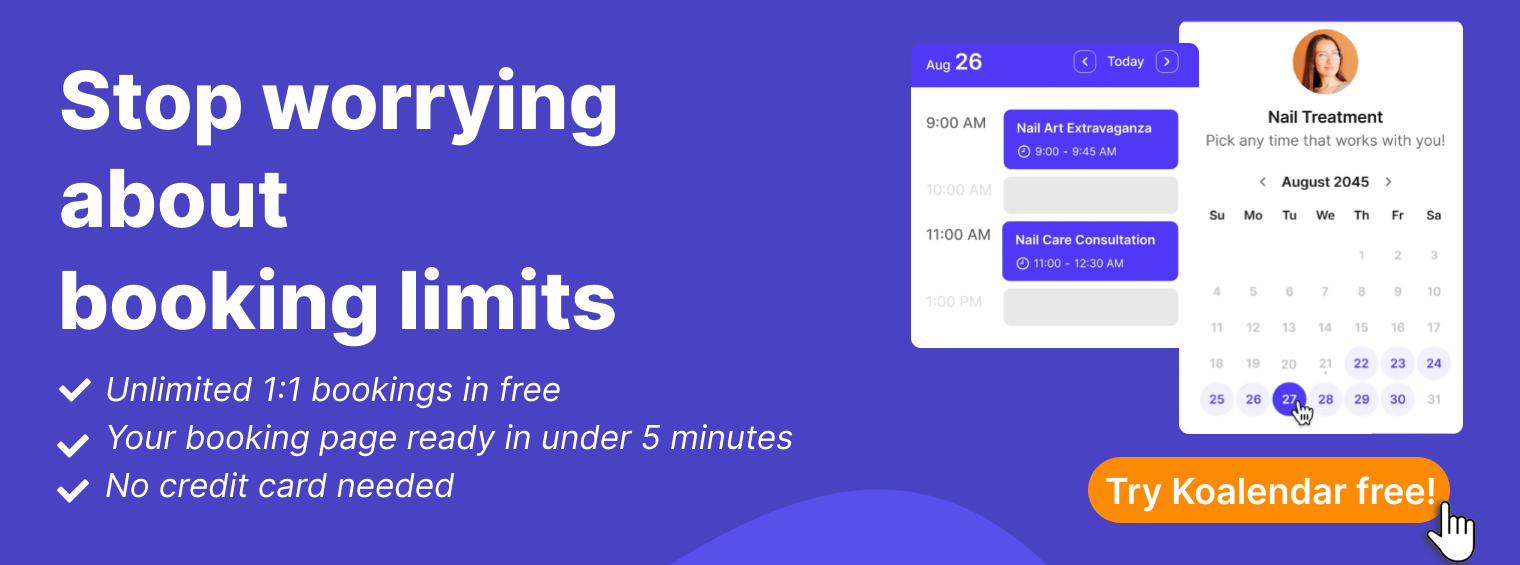
Koalendar's Free Forever plan includes unlimited bookings, unlimited 1:1 event types and unlimited scheduling links, plus calendar synchronization with Google, Outlook and iCloud, time-zone detection, video conferencing and website embeds.
That difference is especially relevant if the limitation pushing you toward a paid Doodle plan is simply the number of booking pages or scheduling links you need.
For advanced workflows, Koalendar's paid plans add capabilities such as automated reminders, payments, group sessions, multi-host scheduling, admin controls and deeper customization.
Which Doodle pricing plan should you choose?
Choose your Doodle plan according to your scheduling workflow, not simply the lowest available price.
For occasional scheduling
Start with Doodle Free.
It gives you the core product without a subscription and lets you see whether the limits on Booking Pages, 1:1 scheduling and polls actually affect you.
For freelancers and consultants
Doodle Pro is the natural Doodle tier for professionals who schedule frequently and want unlimited Booking Pages, reminders and an ad-free experience.
Before paying, calculate the annual cost and compare it with the specific features you use most often.
For small businesses and teams
Team is designed for businesses that genuinely need multiple seats, shared administration, roles, co-hosting and centralized controls.
At $16 per user per month on annual billing, calculate the total for your current headcount and for the size you expect to reach next year.
For larger organizations
Enterprise is intended for organizations that need more substantial security, reporting, governance and support.
Its starting price of $15,000 per year means the buying decision is less about basic scheduling and more about organization-wide deployment requirements.
A Doodle alternative for professionals and small and medium-size businesses
Koalendar is worth considering if your priority is giving people an easy way to book you online without quickly running into booking-page limits.
Its Free Forever plan includes unlimited bookings and unlimited scheduling links, along with calendar connections, automatic time-zone handling, video conferencing, website embeds, and a mobile app.
That gives freelancers, consultants and small businesses room to set up multiple scheduling workflows before deciding whether advanced paid functionality is necessary.
When you do need more, paid Koalendar features include custom reminders, payments, group sessions, multi-host scheduling, booking-page customization and advanced integrations.
In practical terms, compare both platforms based on the work you actually do:
| Practical need | | |
| Coordinate availability across a group | ✅ Free, Limited. Doodle Free includes 1 Group Poll, with up to 10 proposed time slots. Pro at $11/seat/month billed annually unlocks unlimited time slots plus features such as automatic reminders and hidden polls. | ✅ Free, Unlimited. Koalendar offers its Meeting Poll for finding a suitable time across a group. Regular scheduling links are also unlimited on the Free plan. |
| Offer 24/7 client booking | ✅ Free, Limited. One Booking Page. Pro at $11/seat/month billed annually gives you unlimited Booking Pages. | ✅ Free, Unlimited. Koalendar Free includes unlimited bookings and unlimited scheduling links, so you do not need Pro just to offer continuous client booking. |
| Reduce no-shows with reminders | ✅ Reminders are available from Pro at $11/seat/month billed annually. | ✅ Reminders are available in Pro at $6.99/seat/month billed annually. |
| Connect several calendars | ✅ Free. Doodle supports calendar connections on its Free plan, including Google Calendar, Microsoft Outlook 365 and Apple iCloud. Paid plans from $11/seat/month allow up to 10 connected calendars. | ✅ Free, with up to 2 connected calendars across Google, Outlook and iCloud. Pro at $6.99/seat/month billed annually unlocks unlimited connected calendars. |
| Create a branded client experience | ✅ Available from Pro at $11/seat/month billed annually. | ✅ Free includes basic booking-page customization such as image, color and link. Pro at $6.99/seat/month billed annually adds full booking-page customization and lets you remove Koalendar branding. |
| Collect payments when clients book | ✅ In Free but charges 3% commission, with a minimum of one unit of the local currency per transaction. Doodle Pro users are not charged this Doodle commission. | ✅ Available in Pro at $6.99/seat/month billed annually. Koalendar does not take a commission on Stripe payments. |
| Grow a team | ✅ Team starts at $16/user/month billed annually for 2 to 5 seats. Doodle per-seat pricing drops for larger teams, with lower rates for 6 to 20 and 21+ seats. Team adds centralized billing, admin controls and shared scheduling tools. | ✅ Pro costs $6.99/seat/month billed annually and includes multi-host events such as round robin and collective scheduling. Organizations with 10+ seats can use the Teams plan with custom pricing. |
This approach gives you a much more useful answer than simply asking which platform has the cheapest advertised plan.
Conclusion: Is Doodle pricing right for you?
Doodle Pricing can make sense when its polling, scheduling and collaboration features closely match the way you organize meetings.
Doodle can be a good fit, especially if group polling is central to how you schedule. Its Free, Pro, Team and Enterprise plans cover a wide range of use cases, from occasional meeting coordination to larger organizations with more advanced admin and security needs.
But Doodlepricing is not the only thing worth comparing. The bigger question is what you get before you have to pay, and how simple the upgrade path feels once you do.
Some scheduling tools offer more generous free plans, with fewer limits on booking pages, scheduling links or bookings. Others also keep their paid plans more straightforward, so it is easier to understand what you are paying for and when you actually need to upgrade.
That is where Koalendar is worth a closer look. Its free plan is designed to give professionals and small businesses more room to schedule before paying, while its paid plans keep pricing and feature access relatively simple as your needs grow.
So if Doodle’s Group Poll workflow matches your needs, it may be a strong option. But if your priority is ongoing client booking, fewer free-plan restrictions and a simpler path from free to paid, it makes sense to compare alternatives before committing.