
TL;DR
The best booking software for photographers depends on your size and needs. Large commercial studios with multiple shooters, complex contracts, and accounting workflows usually need a full CRM built for that scale. But for solo photographers, new photographers, and small studios, a simple booking page with deposits, calendar sync, and reminders is usually all you need, without paying for CRM features you will not touch. This article compares nine tools by free plan, online payments, and fit, so you can pick one and start taking bookings without the back-and-forth.
Booking a shoot should take your client thirty seconds and cause you zero admin. Sadly the booking process is still long-winded and clunky for most photographers, stitching together a DM here, a Google Form there, a PayPal request, and a calendar they hope is right. What you need is the best booking app for photographers you can find, one that shows your real availability, takes a deposit, and updates your calendar on its own.
With the right setup, choosing one is straightforward. Here are the tools worth your time.
Why photographers outgrow email and Google Calendar
Most photography businesses start with the tools already on their laptop. Gmail handles inquiries, a Google Form collects shoot details, a Venmo or PayPal invoice takes the deposit, and Google Calendar holds the date. It works until you get busy.
Then the cracks show. An inquiry lands during a shoot, you reply hours later, and a ready-to-book client cools off. You hold a Saturday for someone who never sends the retainer, then turn down a paying couple. You forget the location, the form, or the reminder. Every booking means hopping between Google Calendar, a payment link, a contract tool, and your DMs.
Add a second shooter and two calendars that cannot see each other cause double bookings. None of these tools were built to take a booking. Google Calendar's own appointment scheduling comes closest, but our guide to Google Calendar appointment scheduling shows it suits only light booking before the limits show. Online scheduling software is built for exactly this purpose: it shows clients only your open slots, takes a deposit at booking, and writes the appointment to your calendar.
What to look for in photography booking software
Before comparing names, get clear on the features that matter for a photography business. Five questions decide most of it.
Free plan and pricing
Start with what a tool costs to run in a normal month, not the sticker price. A real free plan lets a new photographer take live bookings at zero cost; a free trial only delays the bill. Watch the limits that bite: a cap on monthly bookings, a single session type, or a paywall on the calendar sync you need. Clear pricing means no surprise jump to a paid tier the month your volume picks up. For a wider look at how scheduling tools price their plans, our comparison of meeting scheduling software breaks them down.
Deposits, retainers, online payments
Taking money at booking separates a real booking system for small businesses from a glorified calendar. Look for online payments through a processor you trust, usually Stripe, PayPal, or Square, and the choice to charge a deposit, a retainer, or the full payment by shoot type. A deposit filters out flaky inquiries and protects the date, your best defense against no-shows.
Calendar sync and double-booking protection
A booking page is only as honest as the calendars behind it. Two-way calendar sync reads every calendar you keep, personal, business, and any second shooter, and blocks a slot the instant it fills anywhere. One-way sync, common on free tiers, only pushes events out and can still let two clients grab the same time.
Reminders, intake forms, no-show prevention
Confirmations and reminders are how nobody forgets. The strongest tools send an automatic confirmation email the moment a booking lands, then nudge the client before the shoot by email or text. Pair that with an intake form that captures the brief, the address, and the must-have shots, and most no-shows disappear.
Branded booking pages and website embeds
Your booking page is part of your portfolio, so it should look like you. A customizable booking page carries your logo, your colors, and your own link, not a generic form. The best tools also add no-code website embeds, an inline calendar or a popup widget you drop onto your site without code. Here is how to add a booking calendar to your website in minutes.
To make the differences clearer, the table below compares the main tools. Where a tool offers two-way calendar sync (meaning it reads your other calendars and blocks slots in both directions, which is what stops double bookings), the table flags it.
 |  |  |  |  | Bookedin |  | Pixieset Studio Manager | CloudSpot Studio | |
| Best for | Solo photographers or small teams, gallery-led studios | Solo + small teams | Discovery calls & consults | Service packages with deposits | Intake forms & session packages | No-show prevention | Contracts, invoices & booking in one | Photographers already on Pixieset | Gallery-led studios |
| Free plan | Yes, free forever (unlimited) | Yes, 4 staff, 200 appointments | Yes, one event type | Yes, 50 bookings/month | No, trial | Yes, 50 bookings/month | No, trial | Yes, 1 session type | Trial |
| Deposits | Yes, Stripe on paid plan | Square free; Stripe paid | Paid only | Yes, paid plans | Yes (paid plans only) | Paid plans only | Yes (paid plans only) | Yes, on free plan | Yes |
| Calendar sync | Google, Outlook, iCloud (2-way) | Google 1-way free, 2-way on Pro; iCloud 1-way | Google, Outlook, iCloud, Office 365 | Google (two-way) | Google, Outlook, iCloud | Two-way on paid plans | Google, Outlook, iCloud | Google 2-way; Outlook/Apple feed | Google, iCloud, Outlook+ via Cronofy |
| Reminders | Confirmations free, reminders paid | Email free, SMS paid | Reminders paid | Email; SMS pay-per-credit | Email; SMS paid | Confirmations free; reminders paid | Automated emails; SMS paid | Client emails on booking | Email via workflow |
Booking app vs. studio CRM: which one fits your workflow
The biggest decision is the category of tool. A booking app captures bookings and payments; a studio CRM runs your whole client workflow. Picking the wrong size means paying for features you barely use.
When a simple booking app is enough
A simple booking app for photographers is plenty when your day is mostly book, pay, show up, deliver. If you shoot portraits, mini sessions, or solo events and handle contracts and galleries elsewhere, you want a fast booking page with deposits and calendar sync, nothing heavier. New and solo photographers almost always belong here: setup takes minutes, the cost is often zero, and the page looks professional on day one, which is what a growing business needs.
When a full photography CRM makes sense
A full photography CRM earns its keep once client management becomes the daily bottleneck. If you send contracts on every job, run payment plans, deliver galleries, and book dozens of weddings a year, a CRM ties booking, contract signing, invoicing, and delivery into one service. The trade-off is real money and a longer setup, so it suits established studios. Many photographers begin with a lightweight scheduling app for photographers and graduate later.
Best free booking apps for photographers
These tools all have a genuine free plan, the natural starting point for solo and new photographers. The best booking app for photographers here lets clients self-book and syncs your calendar without asking for a card.
Koalendar
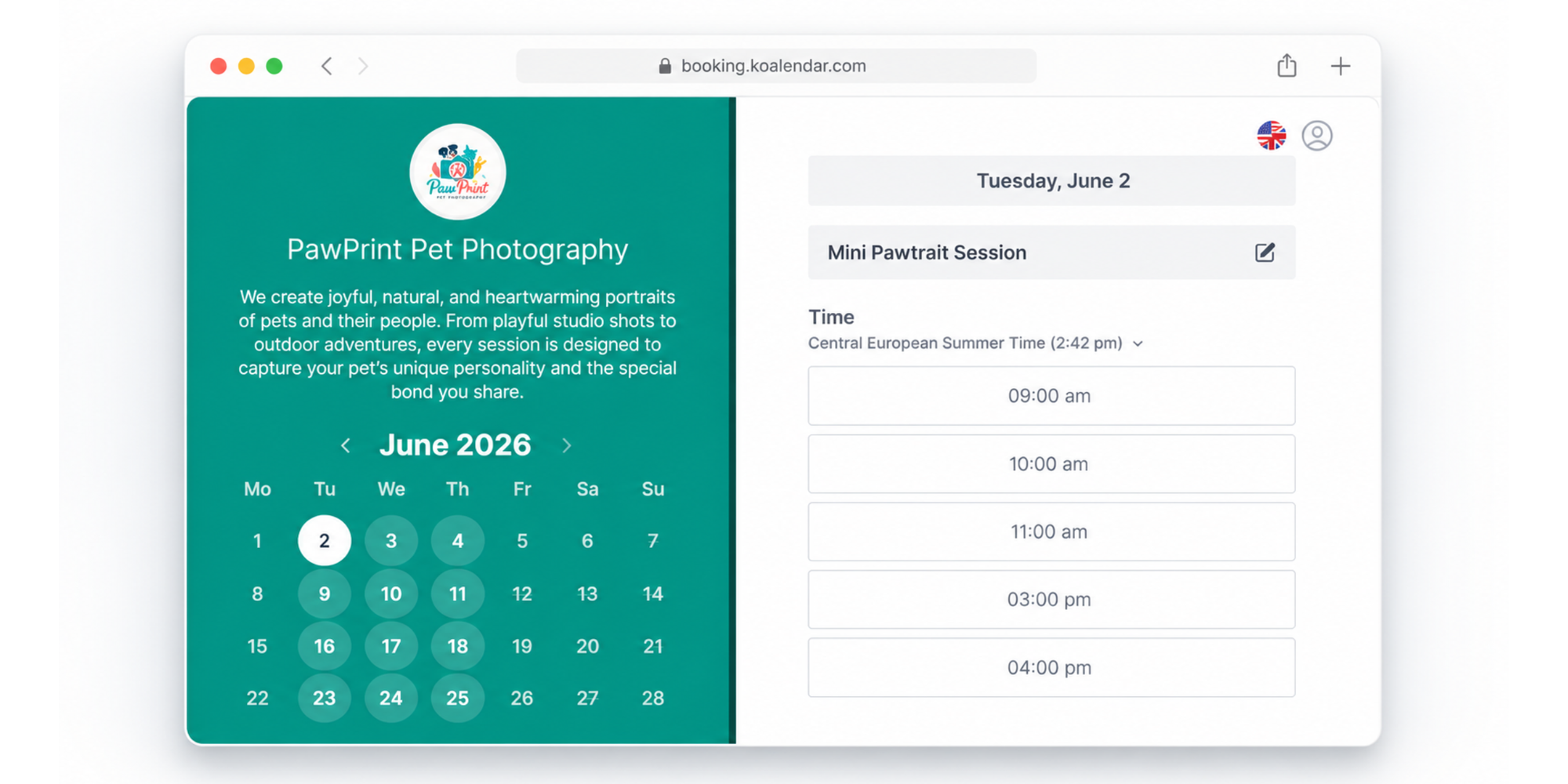
Koalendar is a user-friendly booking tool for professionals who want a clean booking engine without a CRM. It offers a very generous Free Forever Plan.
Pros
- Free forever plan covers unlimited bookings, unlimited 1:1 event types, and unlimited scheduling links, with no time limit and no credit card.
- Real-time sync with Google, Outlook, and iCloud, so clients see only your truly open slots and can book 24/7.
- Free tier sends automatic booking confirmations.
- Booking page available in 30+ languages for international clients.
- No-code embeds on any site: inline calendar, popup widget, or popup text link.
- Very easy to use, no learning curve.
- The affordable paid plan ($6.99/seat/month billed annually) unlocks intake forms, payments, and reminders.
Cons
- Booking software, not a full studio CRM, so galleries and contracts live elsewhere.
Pricing: Free forever for core scheduling. The Pro plan ($9.99/seat/month) adds custom branding, Stripe payments and deposits at booking, plus automated email and SMS reminders and follow-up emails.
Setmore
Setmore is a free scheduling app with team calendars for up to four staff and Square payments built in, so a small crew can take up to 200 bookings without a paid plan.
Pros
- Free plan covers up to four staff and 100 reminder emails a month.
- Square payments are built into the free plan.
Cons
- Two-way Google sync, Outlook sync, and SMS reminders are reserved for Pro; the free tier syncs Google one-way only.
- iCloud sync is one-way at every tier, so a second shooter on iCloud can still cause a double booking.
- Stripe and PayPal sit behind the paid tier.
Pricing: Free with the limits above; Pro unlocks two-way sync, Stripe, PayPal, and SMS. If the free plan pinches, this Setmore alternative comparison helps, and Setmore’s help center lists the limits.
Calendly
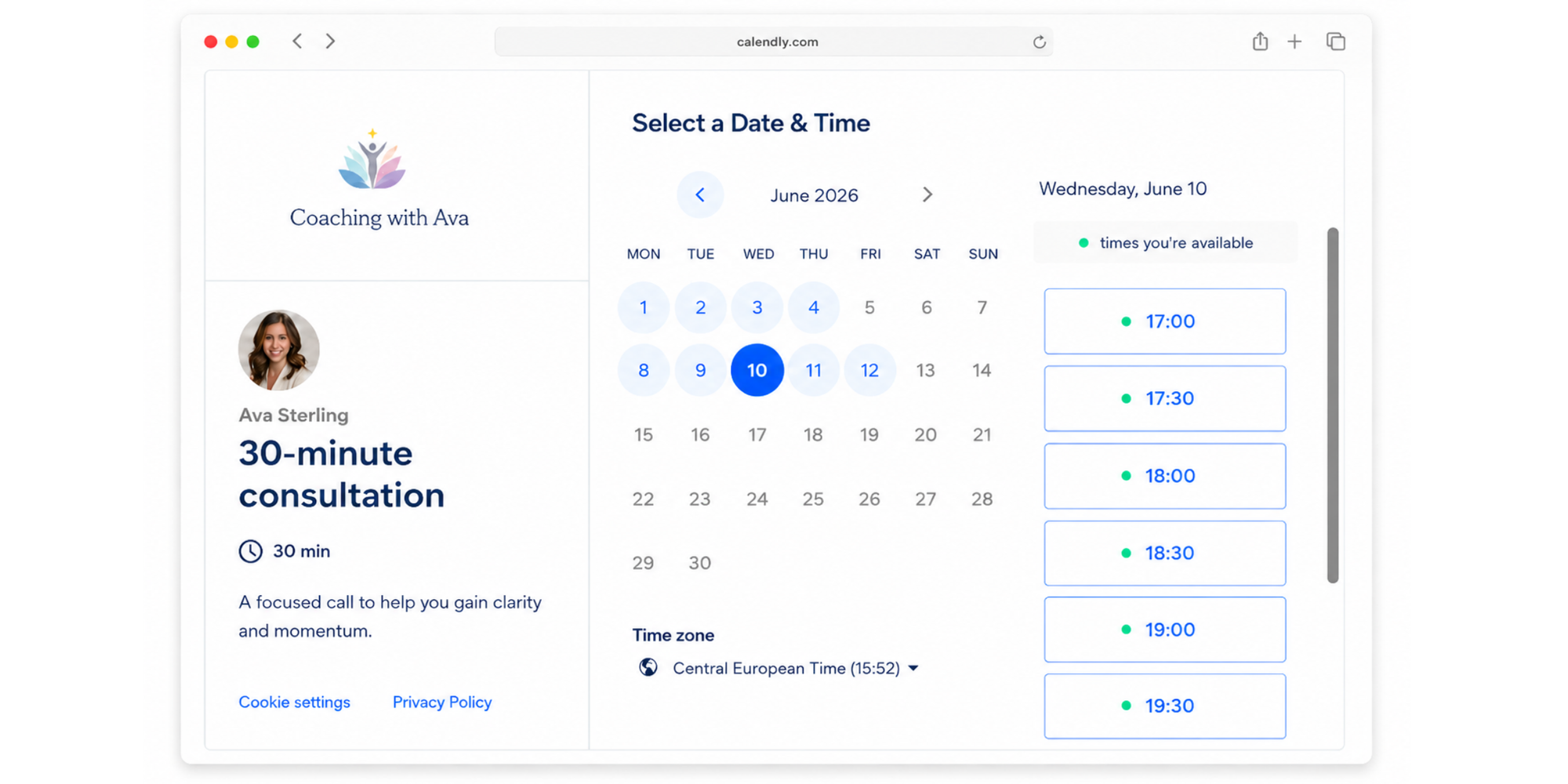
Calendly is a well-recognised name in scheduling, with a clean booking link clients already know how to use.
Pros
- Connects to Google, Outlook, iCloud, and Office 365 calendars.
- Clean, fast booking page that most clients recognise.
Cons
- Free tier is capped at one event type, awkward if you sell minis, portraits, and consults from the same page.
- Online payments through Stripe or PayPal, plus reminders, arrive only on paid plans.
- A scheduler more than a photography tool, with no shoot-specific intake or packages.
Pricing: Free for one event type; paid tiers add multiple event types, payments, and reminders. This look at Calendly’s free vs paid plans shows the line, and the Calendly community covers setup.
SimplyBook.me
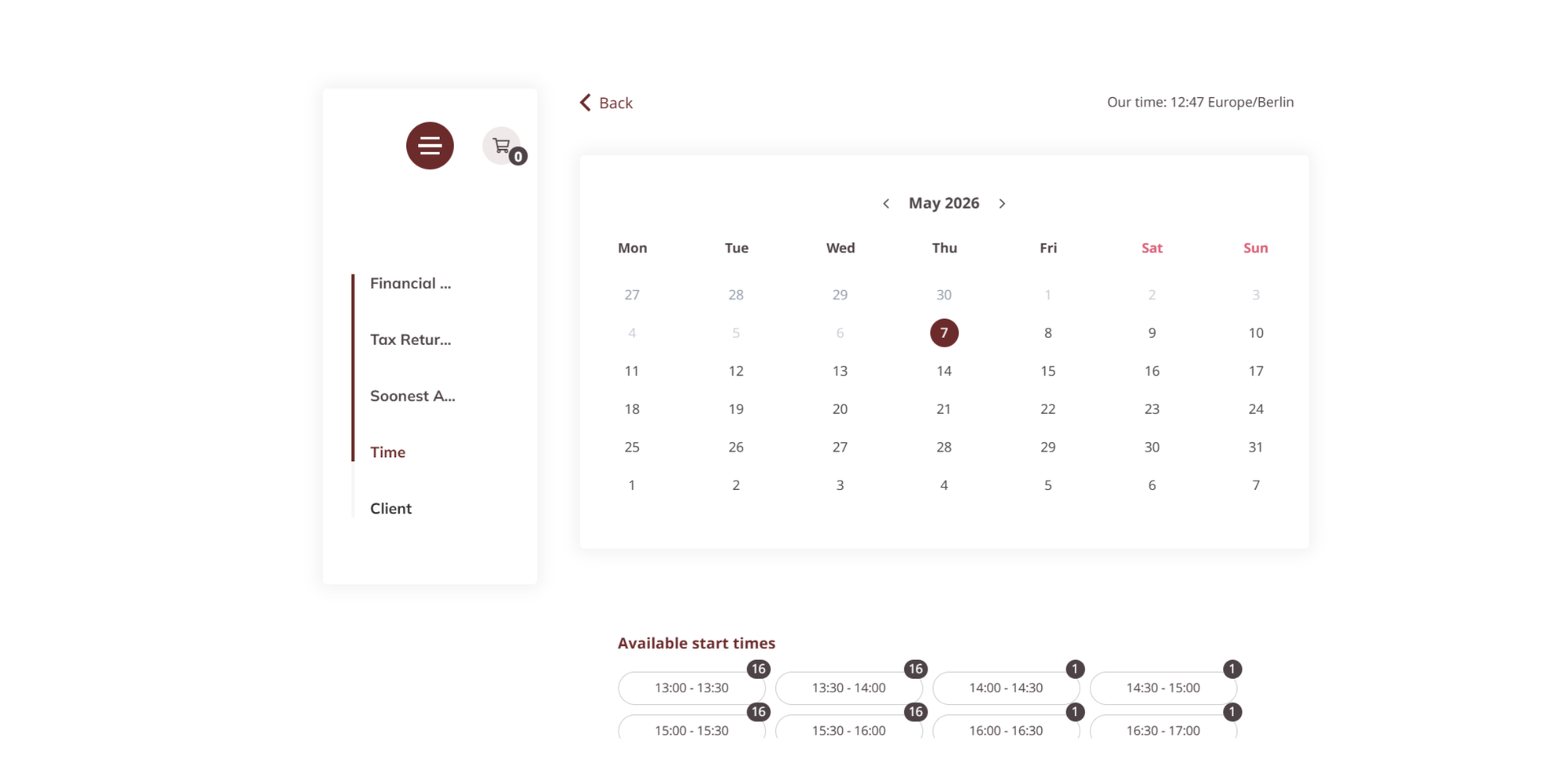
Simpliybooke.me is a highly customizable booking platform with a marketplace of 70+ add-ons like deposits, packages, and intake forms, built for service businesses.
Pros
- Free plan covers 50 bookings a month, decent for a low-volume month.
- Online payments through several gateways, with deposits and packages built in.
Cons
- The booking cap is low, the account must be manually renewed each month, and the credit system takes time to learn.
- One custom feature slot on Free, so you can enable either online payments or Google two-way calendar sync, not both at once.
Pricing: Free with the caps above; paid tiers lift the booking limit and unlock more custom features, as its help center shows.
Best booking apps for payments, forms, and packages
Deposits, detailed intake forms, and session packages drive bookings for some photographers, and two paid tools stand out. They suit photographers who have outgrown a basic free page but do not want a full CRM, with a fair claim to the best appointment app for photographers title.
Acuity Scheduling
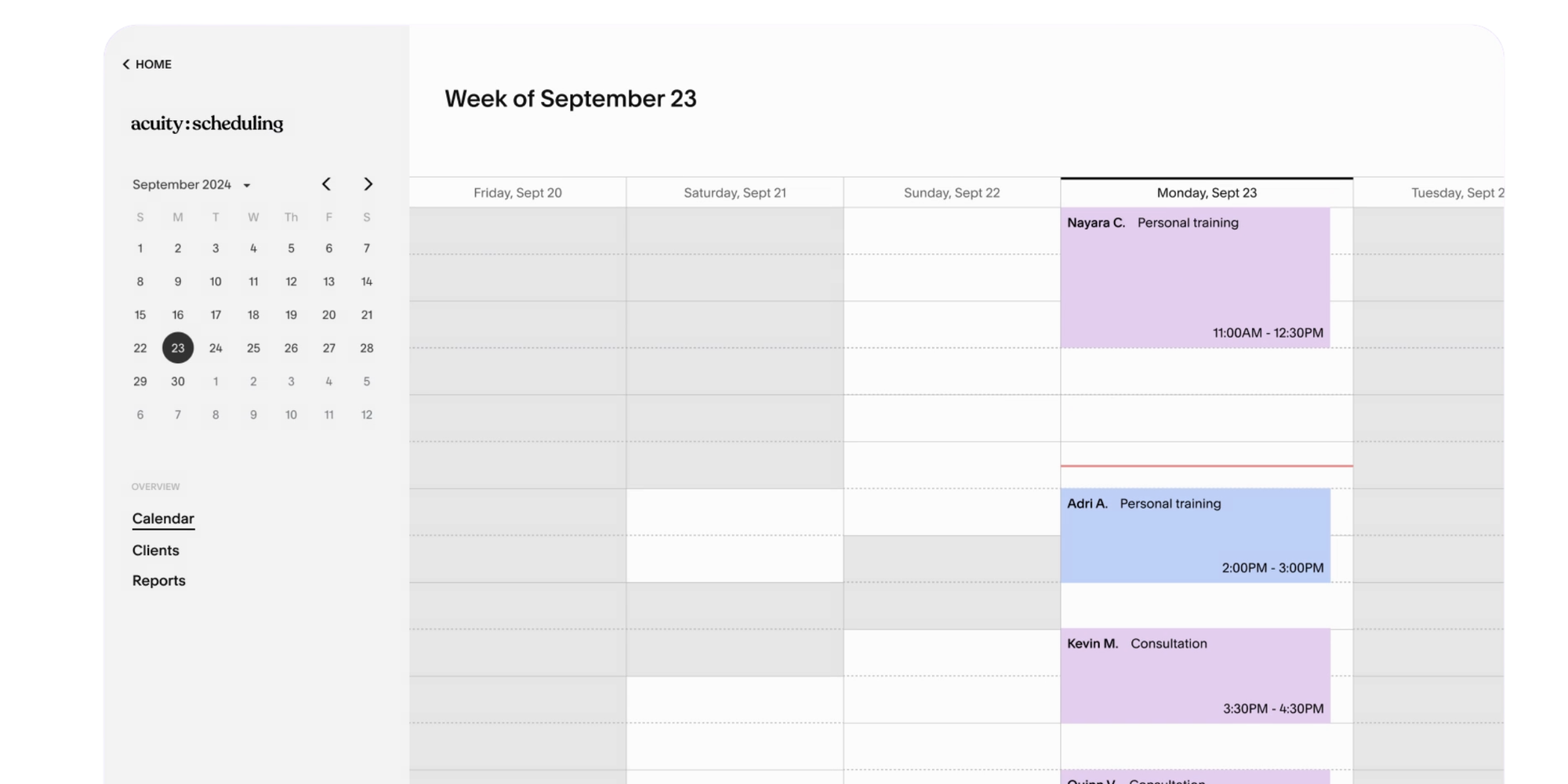
Acuity Scheduling is a scheduling software with detailed intake forms, customizable session packages, and payment collection through Stripe, PayPal, and Square, built for photographers who need a thorough pre-shoot workflow.
Pros
- Collects deposits or full payments through Stripe, PayPal, and Square.
- Syncs with Google, Outlook, and iCloud.
- Detailed intake forms and session packages built in.
- Email and SMS reminders on higher tiers.
Cons
- There is no free plan, only a 7-day trial.
- Price climbs with the features photographers actually want.
Pricing: Paid only, trial available. Koalendar’s look at Acuity’s plans and costs explains the plans.
Bookedin
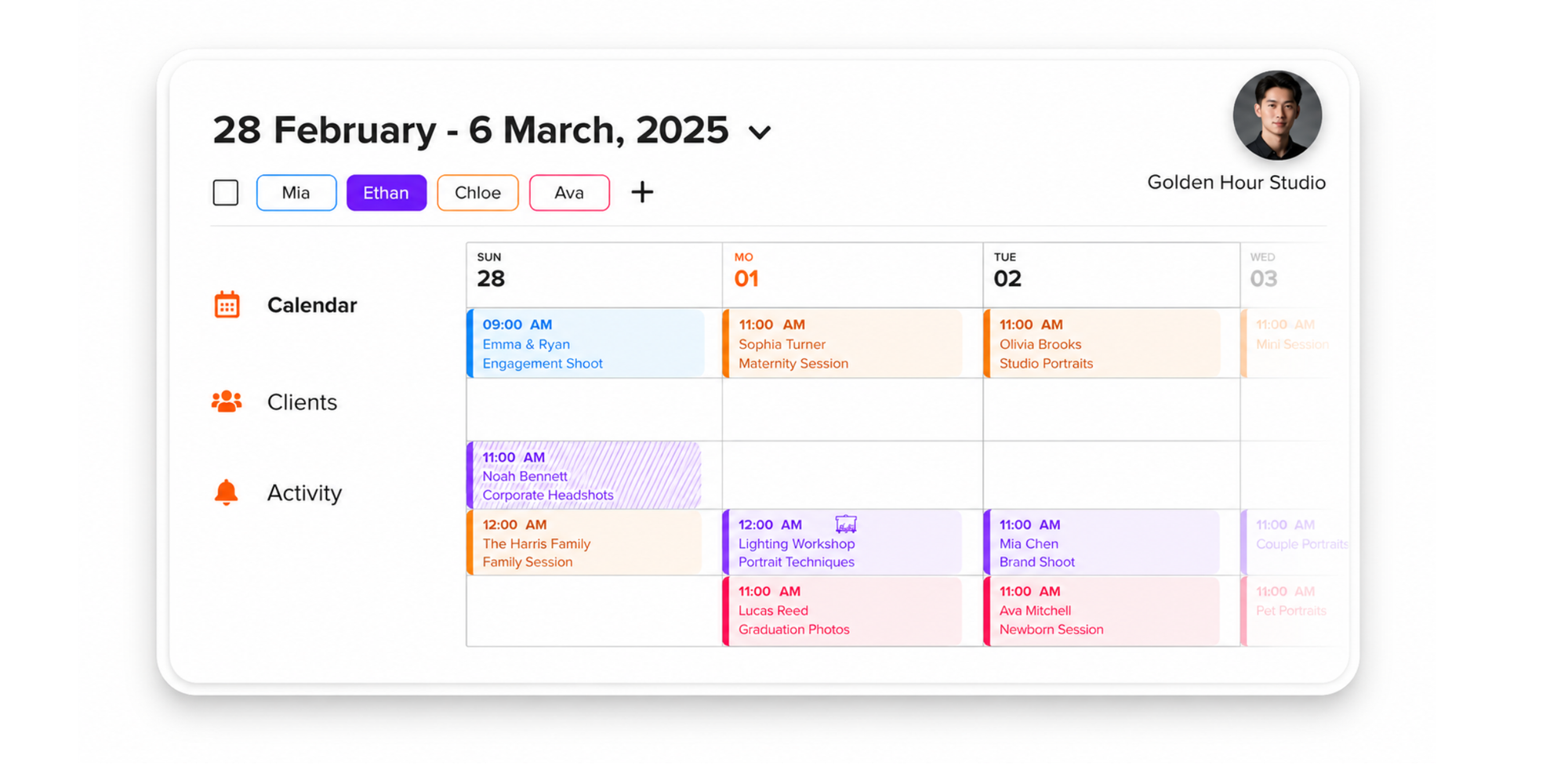
Bookedin is a booking tool built around deposits and reminders, handy for photographers fighting no-shows.
Pros
- Paid plans take a deposit or full payment through Square, Stripe, or PayPal.
- Two-way calendar sync with Google, iCloud, and Outlook on paid plans.
- Automatic email and text reminders on every booking, on paid plans.
- Free plan covers up to 50 bookings a month (raised from 20 in April 2026), with confirmation emails.
Cons
- Payments, two-way sync, and reminders all sit behind paid tiers.
- Per-staff pricing on paid plans climbs fast for a studio with multiple shooters.
Pricing: Free with the cap above; paid plans unlock deposits, two-way sync, and SMS reminders, as its support center details.
Best studio CRMs for photographers
If contracts, invoices, galleries, and client management are your daily work, a studio CRM does what a booking app cannot. These cost more and take longer to set up, so they fit established studios.
HoneyBook
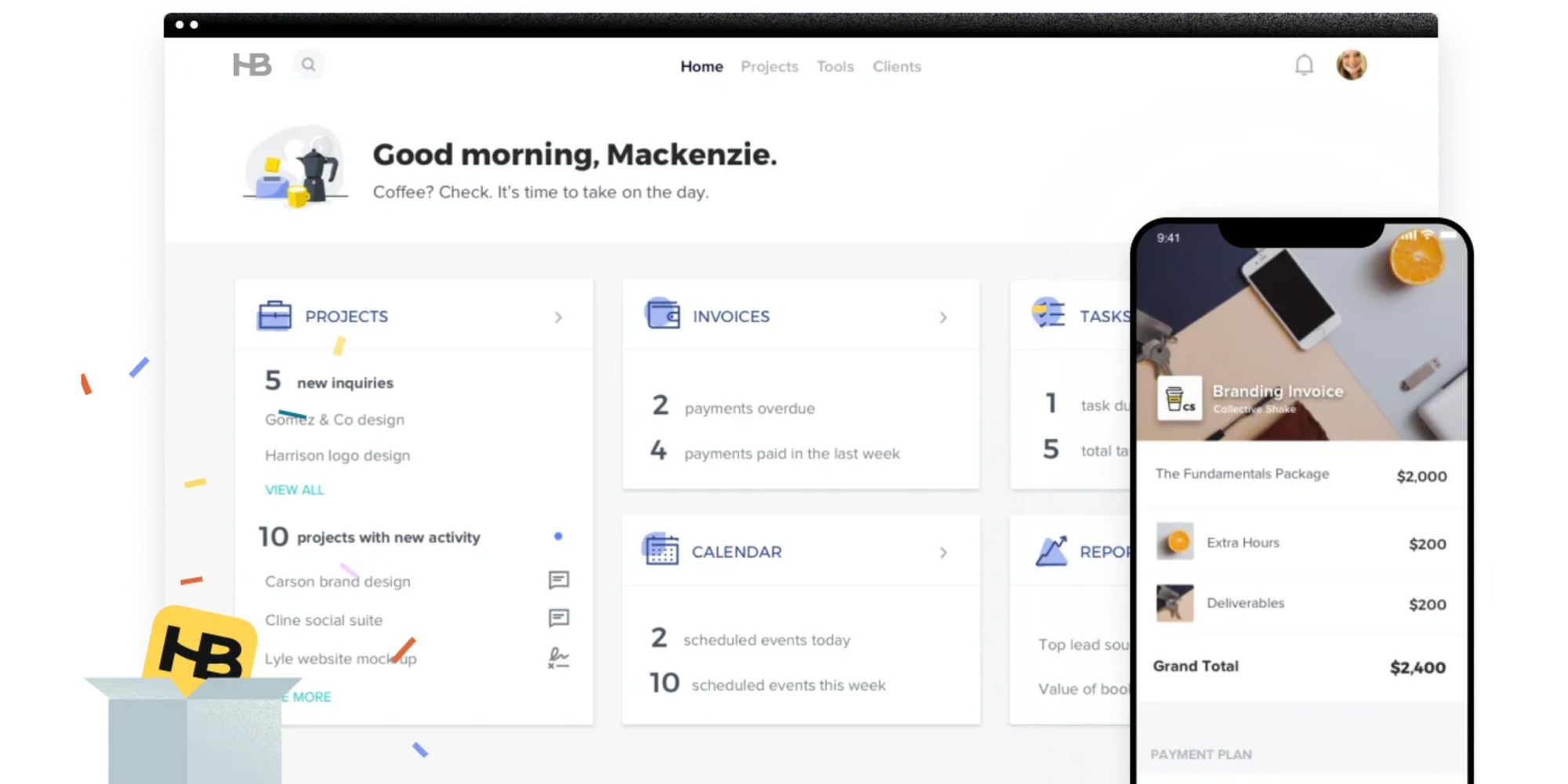
HoneyBook is an all-in-one for photographers who want proposals, contracts, invoices, payments, and scheduling in one place.
Pros
- Clients sign and pay in one flow.
- Automation handles follow-ups and payment reminders.
- Syncs with Google, Outlook, and iCloud calendars.
- SMS reminders on the Essentials plan and above.
Cons
- No free plan, only a trial.
- Full-CRM pricing follows, more than a booking-only photographer will use.
Pricing: Paid only, trial available, per its help center.
Pixieset Studio Manager
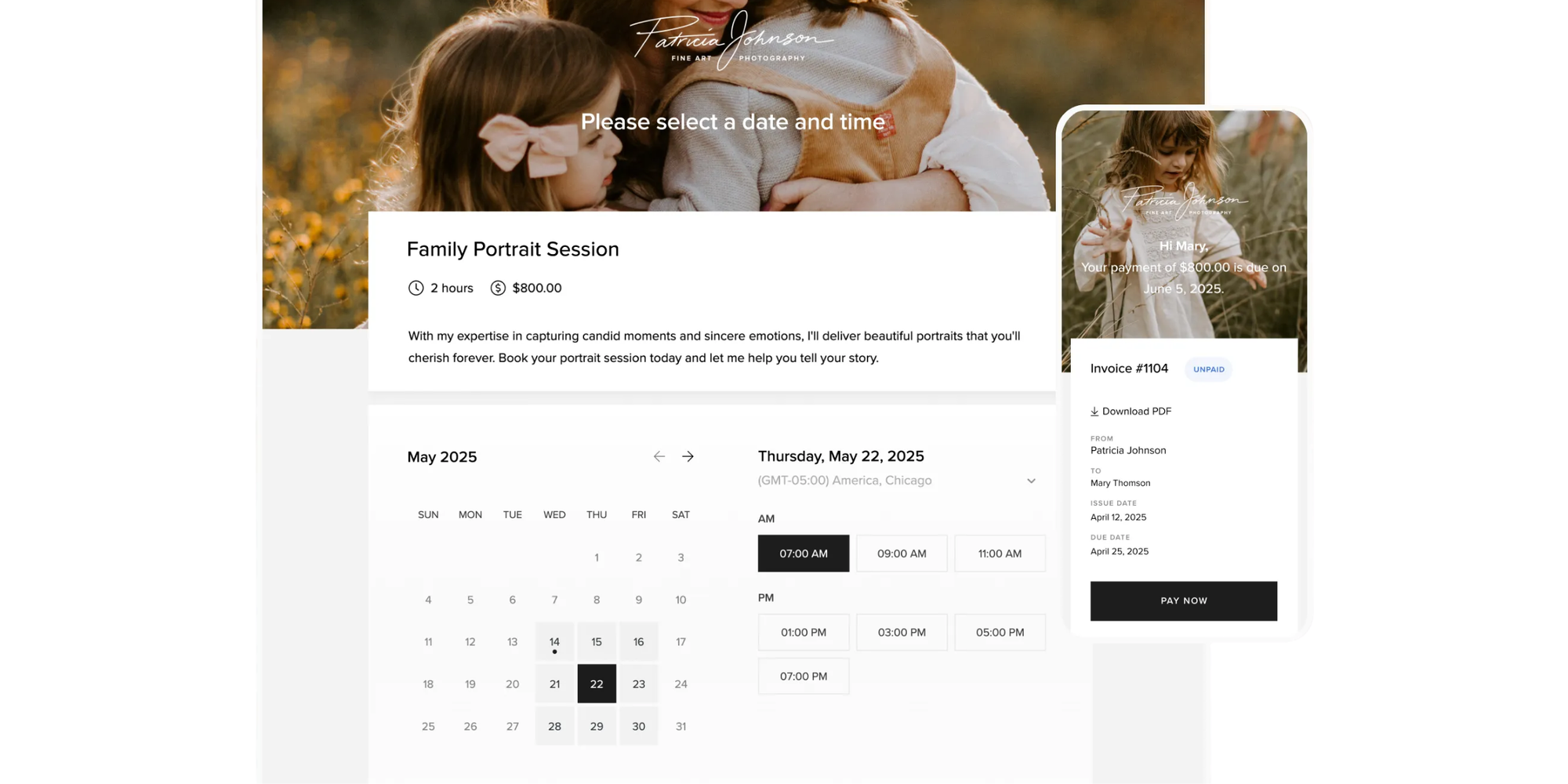
Pixieset Studio Manager is a CRM with client galleries under one brand, ideal for photographers already on Pixieset.
Pros
- Free tier is generous for a CRM: unlimited invoices, three contracts, one active session type, plus booking and payments through several methods.
- Sessions sync two-way with Google Calendar to block conflicts.
- Outlook or Apple Calendar can subscribe via a one-way read-only feed.
- Paid tiers add unlimited contracts and three active session types.
Cons
- Scheduling is newer than its galleries, so the booking flow is less polished than the gallery side.
- Free tier caps active session types at one.
Pricing: Free plan with the caps above; paid tiers expand contracts and session types from 8/month to 40/month, depending on plan.
CloudSpot Studio
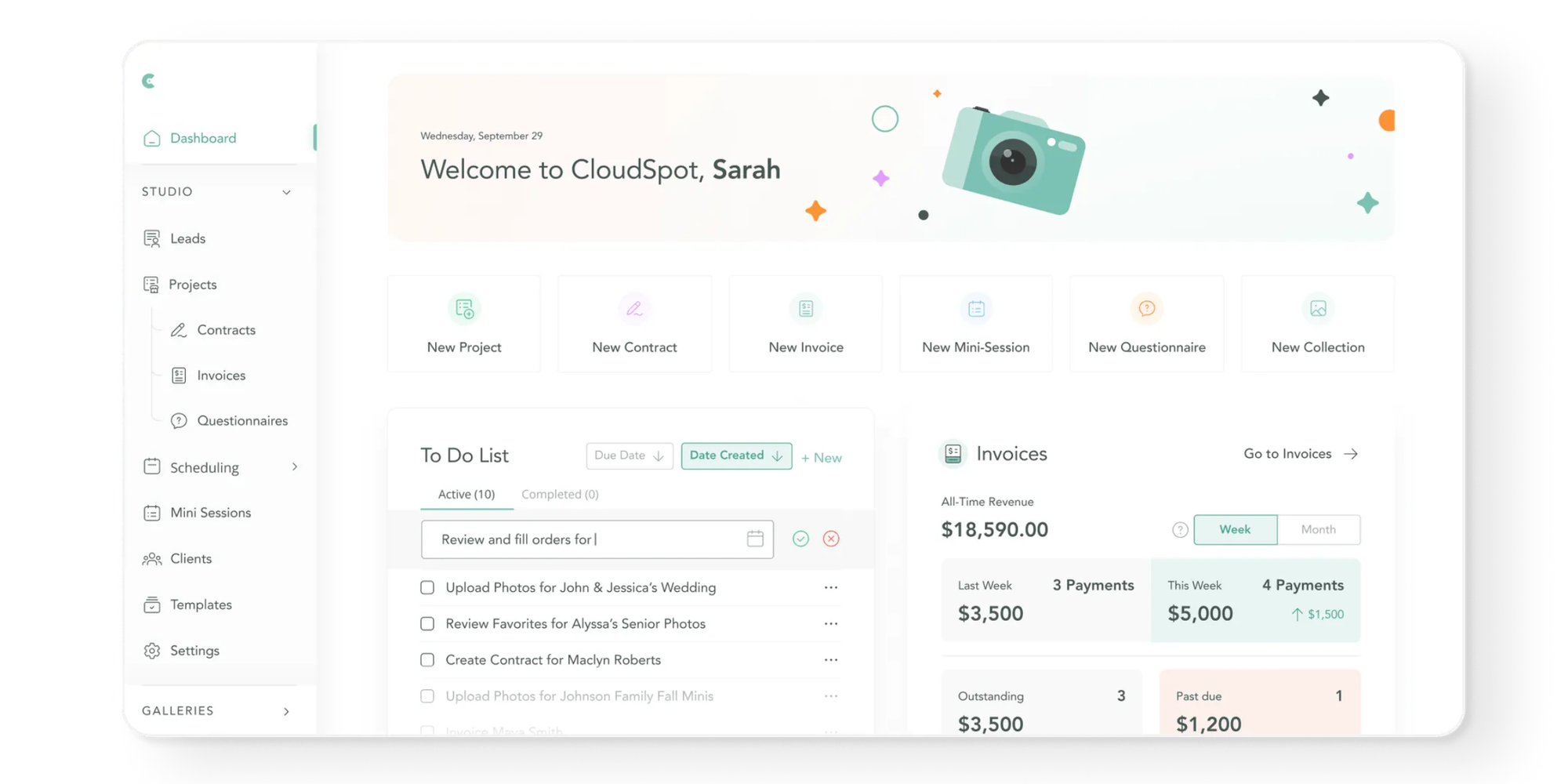
Cloudspot Studio is a platform pairing client galleries with a CRM, so booking, contracts, invoices, and delivery share one home.
Pros
- New clients can see availability, sign a contract, and pay at booking.
- Connects Google, iCloud, Outlook, Office 365, or Exchange calendars through Cronofy.
- Charges a low fee on payments.
- Built by photographers, which shows in the gallery-first design.
Cons
- Booking is a newer addition, so the scheduling side is less mature than the gallery one.
- Payments are US-based, which limits the fit outside the US.
Pricing: Trial available; paid plans range from $7 to $50 a month.
Other studio CRMs: ShootQ, Dubsado, Tave, Studio Ninja, 17hats, and Pixifi
Several other full studio CRMs cover the same ground. ShootQ, Dubsado, Tave, Studio Ninja, 17hats, and Pixifi all bundle contracts, invoices, workflow automation, and client management, and most include booking. They are paid tools for studios running real volume, heavier than a booking app by design, and more than you need while taking your first bookings.
Best picks by photography niche
The right tool also depends on what you shoot, since a mini-session photographer and a wedding studio have different needs.
Portrait, family, and lifestyle sessions
Portrait, family, and lifestyle photographers mostly need fast booking with a deposit. Koalendar’s free plan covers the booking and calendar sync with unlimited session types, and its Pro plan ($9.99/seat/month) adds the deposit so clients pay when they book. Keep the page simple so clients book in under a minute.
Wedding photographers
Wedding photographers carry contracts, payment plans, and long timelines, so they lean toward a CRM. HoneyBook or a photography-first CRM handles retainers, contract signing, and delivery across a year-long engagement. For a handful of weddings, a booking app plus a separate contract tool still works.
Real estate and commercial projects
Real estate and commercial shoots run on volume and tight turnarounds, so booking speed and calendar sync matter most. A booking app that takes recurring bookings, syncs every calendar, and lets an agent self-book keeps the pipeline moving. Koalendar’s free plan handles the volume with unlimited bookings and two-way calendar sync; its Pro plan adds deposits to guard against last-minute cancellations.
Mini-sessions and seasonal campaigns
Mini-sessions sell many short slots in a single day, so you need a page that fills itself without back-and-forth. Look for one bookable session type, automatic confirmations, and a deposit to lock each slot. Watch free-plan booking caps, since a busy fall day can blow past a 20 or 50 booking limit. Koalendar’s free plan has no booking cap, so a packed mini-session day fills without hitting a ceiling; add Koalendar Pro for deposits.
Small studios, teams, and second shooters
Small studios and teams add the hardest problem: several calendars that must agree. You want two-way sync across every shooter, shared availability, and clear handoffs so two photographers never get booked for the same hour. Where contracts, invoices, and client management are the daily work, a full studio CRM usually fits best. But when the team mainly needs shared scheduling and reliable two-way sync across shooters, without the cost or setup of a CRM, Koalendar Pro covers that with team scheduling and multi-shooter calendar sync.
How to set up a photographer booking page in under 15 minutes
Getting live is faster than most photographers expect, often about a quarter of an hour with a focused booking tool.
1. Connect your calendar. Sign up, then link Google, Outlook, or iCloud so the tool reads your real availability.
2. Build one session type. Set the name, length, price, and a deposit, for example a 30-minute mini session with a retainer.
3. Add an intake form. Ask for the basics: shoot location, contact details, and any must-have shots.
4. Turn on payments. Set up the Stripe integration so the deposit is collected the moment a client books.
5. Brand and share the page. Add your logo and colors, publish, then embed it on your site or add a Book Now button to Instagram, Facebook, Google Business, and your website.
That is the whole integration: one link that shows your availability, takes a deposit, and lands the booking on your calendar.
Final recommendation
For most solo and new photographers, the best photography booking software is a free booking page that syncs your calendar and lets clients self-book, with no CRM to learn. Koalendar fits that description: unlimited bookings, two-way sync, and a clean booking page on its free plan, with deposits, reminders, and custom branding on its Pro plan at $9.99/seat/month. If intake forms and packages drive your bookings, Koalendar Pro Plan, Acuity or Bookedin step up. If contracts, invoices, and galleries become daily work, a CRM like HoneyBook, Pixieset Studio Manager, or CloudSpot Studio earns its cost. Start with the lightest tool that lets clients schedule themselves, and upgrade only when your workflow outgrows it.
Power your photography booking workflow with Koalendar. Create a page where clients self-book, pay a deposit, and your calendar updates automatically.