
TL;DR
If you run a cleaning business, the best scheduling app is the one that saves admin time, prevents double bookings, and lets clients book without texting you back and forth. For startups and solo cleaners, Koalendar stands out because it’s simple, quick to set up, and offers unlimited bookings on its free plan. For cleaning teams that need dispatching, job management, and more advanced field-service workflows, tools like Jobber, Housecall Pro, ZenMaid, and ServiceTitan are a better fit.
The right choice depends on your stage: simple booking software to help you stay organized, or more robust operations software for managing crews at scale.
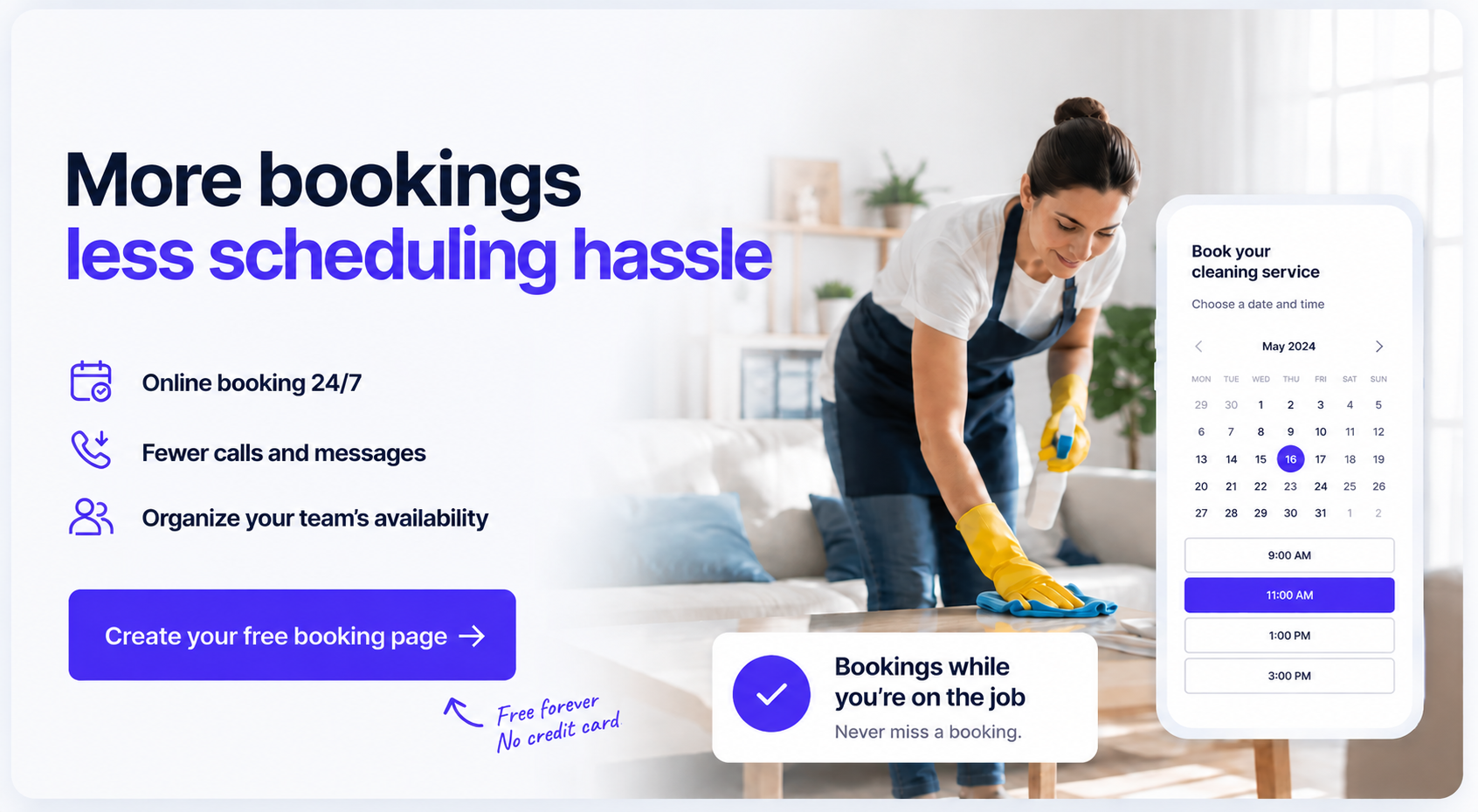
If you run a cleaning business you probably know that you need more than a full calendar to be profitable. It requires a schedule that feels clear, manageable, and easy to run so you don’t fall into missed appointments, double bookings, and missed payments.
That’s where the right scheduling tool makes a real difference. It helps you stay organized, gives clients an easier way to book, and takes pressure off your day-to-day operations. In this guide, we’ll break down the best tools for solo cleaners, startups, and growing teams, including the best scheduling app for cleaning business owners who want fewer headaches and more bookings.
Quick comparison: best scheduling software for cleaning business
Pricing and plan details below are based on official vendor pages available on April 6, 2026. ServiceTitan uses quote-based pricing rather than public flat-rate plans.
 |  |  | Jobs |  | ServiceTitan |  | |
| Best for | Solo cleaners, startups, small teams wanting simple and affordable online booking | Service businesses wanting customization | Small teams wanting affordable appointment booking | Growing cleaning teams needing scheduling + invoicing | Home service companies wanting all-in-one ops | Larger operations requiring dispatch plus advanced FSM workflows | Cleaning businesses wanting industry-specific workflows |
| Ease of use | Very easy | Medium | Easy | Medium | Medium | harder | Medium |
| Setup time | Under 5 minutes | 20–40 minutes | 10–20 minutes | 30–60 minutes | 30–60 minutes | Longer setup | 20–40 minutes |
| Automation level | Moderate | High | Moderate | High | High | Very high | High |
| Pricing | Free Forever plan available (unlimited bookings); Pro is $6.99/seat/month | Free plan available; paid plans from $9.90/month and Premium at $49.90/month | Limited (200 bookings) free plan for up to 4 users; paid plans from $5/user/month annually | Plans from $29/month annually; higher tiers go much higher | Plans from $59/month | Quote-based pricing | Starter $19/month, Pro $39/month |
The real problem: why scheduling is so hard for cleaning businesses
Cleaning businesses deal with a unique kind of scheduling pressure.
You’re not just filling calendar slots. You’re matching the right cleaner to the right job, working around recurring appointments, travel time, client preferences, cancellations, and last-minute changes. When you’re doing that by phone, text, spreadsheets, or memory, things slip.
Here’s what that usually looks like in real life:
- A client asks for a weekly clean, but it never gets set up properly as a recurring appointment
- Two cleaners assume the other person is handling a job
- A loyal client forgets their booking because nobody sent a reminder
- You spend your evening replying to availability messages instead of quoting new work
- A cleaner is free, but your calendar doesn’t reflect it fast enough
The truth is that small business admin can be a real drag on growth. The good news is that modern scheduling tools fix a lot of this without adding more complexity.
What good cleaning scheduling software should actually do
The best scheduling software for cleaning business owners should help you book faster, stay organized, and look more professional without turning setup into a second job.
Let clients book instantly (no calls needed)
A good app should give you a client self-booking portal or booking page where customers can pick a time themselves.
That means fewer calls, fewer DMs, and less back-and-forth. It also helps you capture bookings after hours, when plenty of people are finally sitting down to book a cleaner.
Even better if you can:
- share a simple booking link in WhatsApp, SMS, Instagram, or email
- embed the page on your website
- collect job details before the appointment
- accept payments upfront or at booking
Keep your team organized automatically
Once you have more than one cleaner, manual scheduling gets risky fast.
The right tool should help you:
- see everyone’s availability in one place
- avoid scheduling conflicts
- manage recurring appointments
- assign jobs cleanly
- sync with Google Calendar or Outlook
That calendar sync piece matters a lot. If your work calendar and personal calendar live in separate places, you need them talking to each other in real time to avoid scheduling chaos.
Reduce no-shows with reminders
92% of businesses report seeing a direct loss in revenue from no-shows. And the cost of a missed booking goes far beyond the lost hourly income.
Automated reminders are one of the simplest wins in scheduling. For a cleaning business, that means fewer awkward “We forgot you were coming” messages and fewer empty slots in your week.
Work on mobile for cleaners in the field
You and your team are not sitting at desks all day. You’re driving, cleaning, locking up, and moving to the next property.
So your scheduling system should work well on mobile, especially if you need to:
- check today’s jobs
- confirm changes quickly
- message cleaners
- view customer details on the go
If mobile access is clunky, the system becomes one more headache.
7 Best scheduling Apps for cleaning businesses
Koalendar
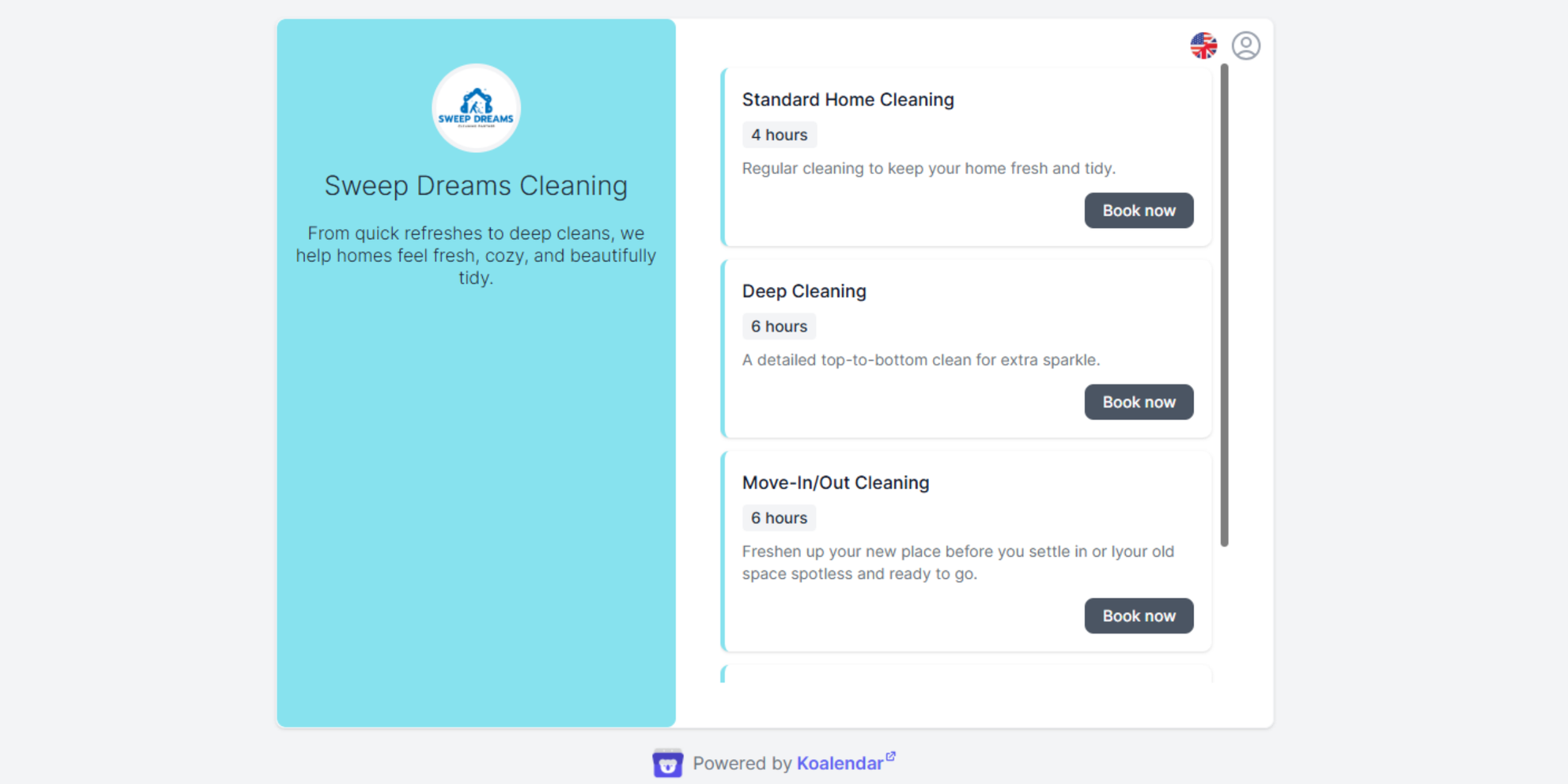
Best for: Start-ups, solo cleaners, and SMBs that want simple scheduling without the learning curve at an affordable price.
Pros
- Very fast setup
- Unlimited bookings on the free plan
- Simple booking links you can share anywhere (website, social media, Google My Business…)
- Google Calendar, Outlook and iCal sync
- Custom availability settings
- Embeddable booking pages
- Payments, email and SMS reminders on paid plans
- Multilingual support for diverse client bases
- Round robin
Koalendar’s biggest advantage is its friendly user experience. It helps cleaning businesses get rid of back-and-forth booking in minutes, without forcing them into a bulky field-service platform. That makes it especially strong if your immediate goal is more bookings, less admin, and a more professional client experience.
Its Free Forever Plan includes unlimited bookings and calendar sync, while paid plans add features like reminders and payments.
Cons
- Not a full field service management suite
- Bigger teams may eventually want deeper dispatch or route tools
Pricing
Free Forever plan available. Pro starts from $6.99/seat/month billed annually.
Verdict
If you want the easiest path from “people keep messaging me for slots” to “clients can book instantly,” Koalendar is hard to beat.
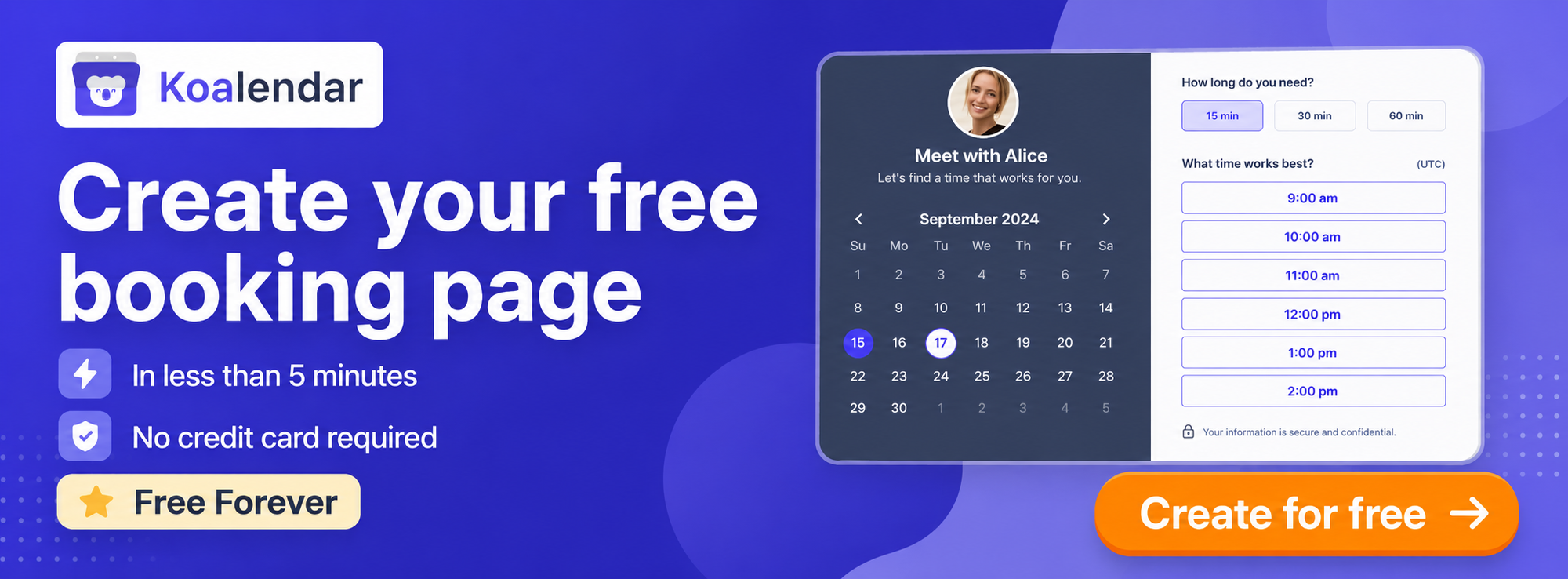
SimplyBook.me
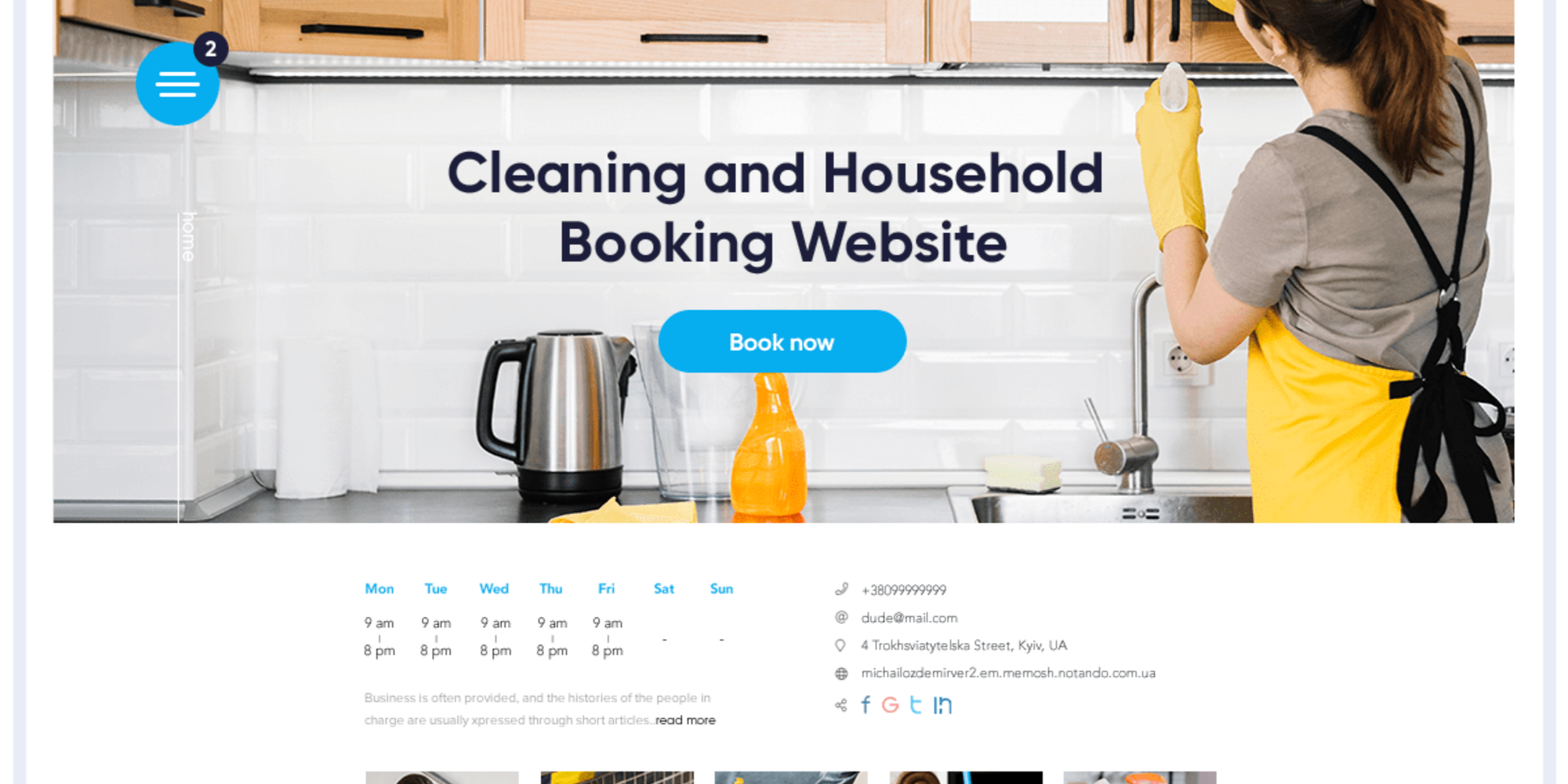
Best for: Cleaning businesses that want lots of custom booking features
Pros
- Strong customization
- Built for appointment-based businesses
- Supports payments, memberships, packages, and extras
- Flexible enough for more complex service setups
SimplyBook.me is feature-rich and can be shaped around different service models. Its strength is flexibility. If you want more customization than a lightweight scheduler offers, this can be appealing. The trade-off is that it can feel heavier to configure.
Cons
- More setup than simpler tools
- Can feel like a lot if you just need straightforward booking
Pricing
Free plan available. Paid plans start at $9.90/month; Premium is listed at $49.90/month.
Verdict
A solid choice if you want customization and do not mind spending more time setting things up.
Setmore
Best for: Small cleaning teams that want affordable booking
Pros
- Easy to start with
- Free plan supports up to 4 users
- Budget-friendly paid plans
- Good fit for appointment-heavy businesses
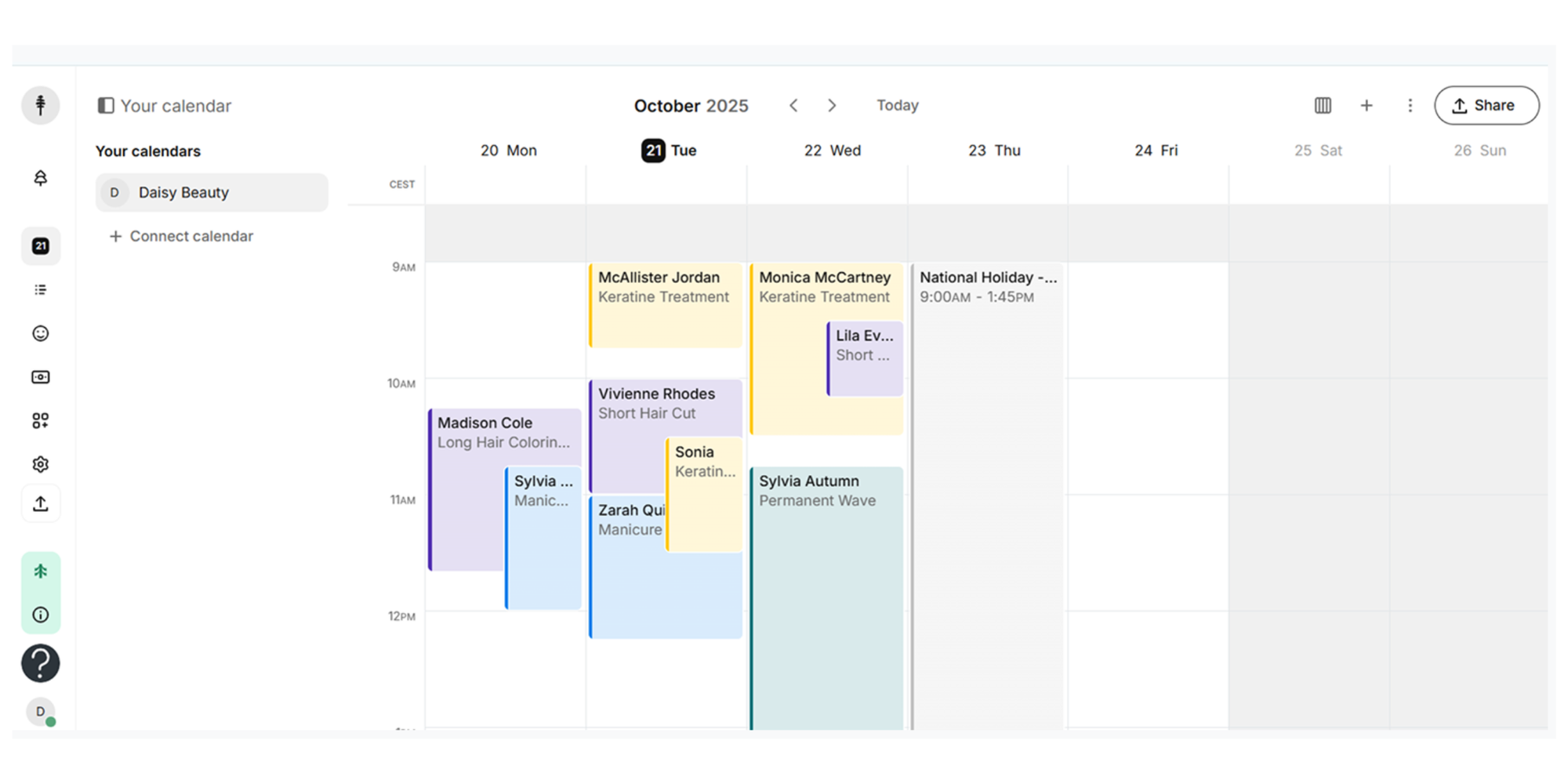
Setmore is one of the friendlier options for small teams that want a simple home cleaning appointment app without a big monthly commitment. It works well when you need online booking, a clean calendar, and a tool your team can actually adopt. Its published pricing includes a free plan up to four users, plus Pro and Team plans at $5 per user monthly with annual billing.
Cons
- Less cleaning-specific than other options
- Less operations depth than Jobber or Housecall Pro
- Free plan has a limit of 200 appointments
Pricing
Free for up to 4 users. Pro and Team from $5/user/month when billed annually.
Verdict
A good middle ground for smaller businesses that want affordability and simplicity.
Jobs
Best for: Growing cleaning teams that need quoting, invoicing, and operational control
Pros
- Built for service businesses
- Combines scheduling with invoicing and payments
- Better fit for scaling operations than a pure booking tool
- Strong reputation in home services
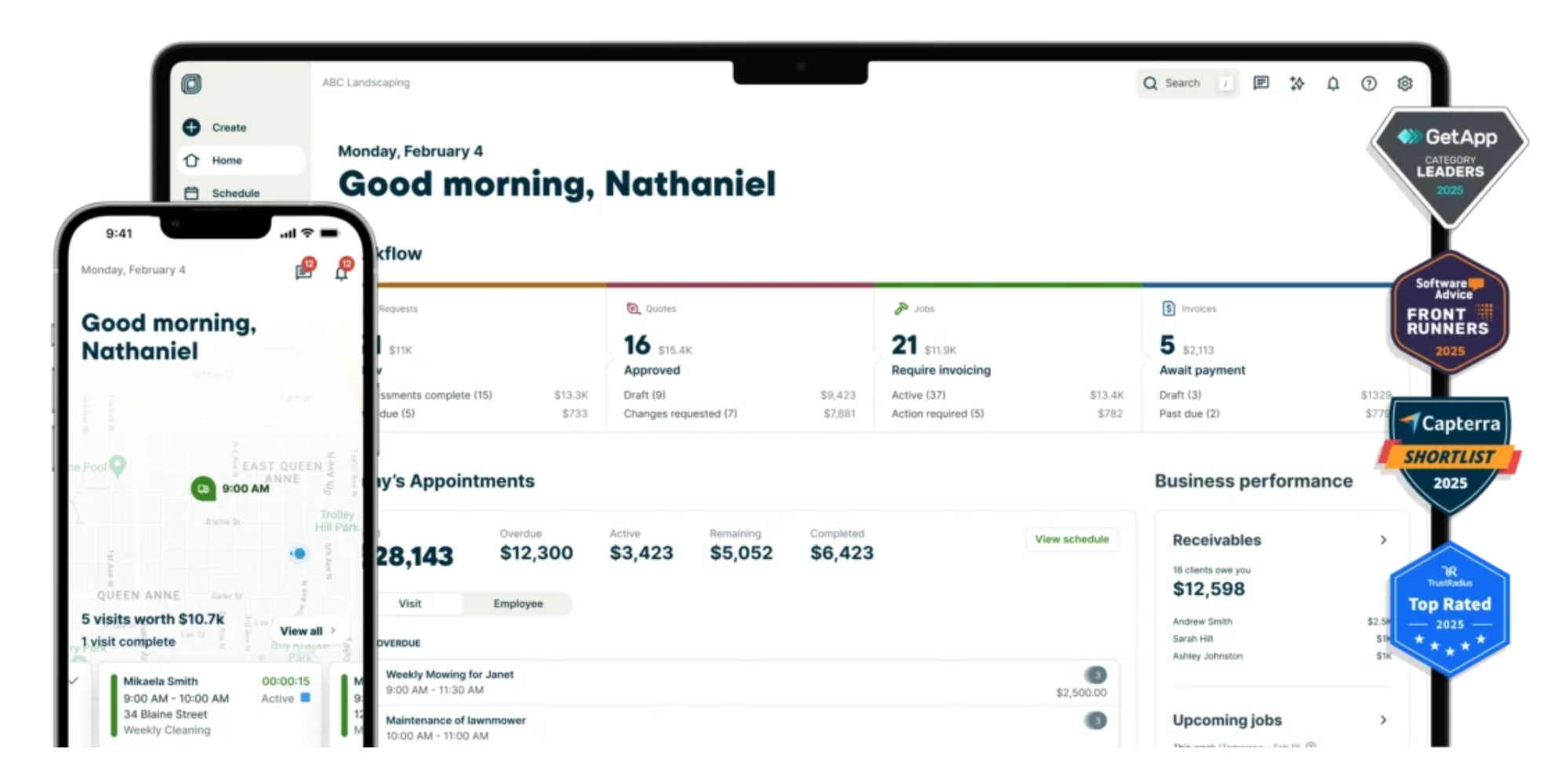
Jobber becomes attractive when your problem is no longer just booking. It helps when you also need to manage jobs, quotes, invoices, and customer communication in one place. Jobber’s public pricing plans start at $29/month when billed annually, with higher tiers available for more advanced workflows.
Cons
- More expensive than lightweight schedulers
- More setup and training than startup-friendly tools
Pricing
From $29/month annually, with higher-tier plans scaling significantly above that
Verdict
Excellent for growing teams, but probably overkill if you just want easy online booking.
Housecall Pro
Best for: Home service businesses that want scheduling plus broader business workflows.
Pros
- Strong all-in-one approach
- Scheduling, payments, and customer management in one platform
- Industry pages specifically highlight cleaning business use cases
- Supports recurring jobs and reminders
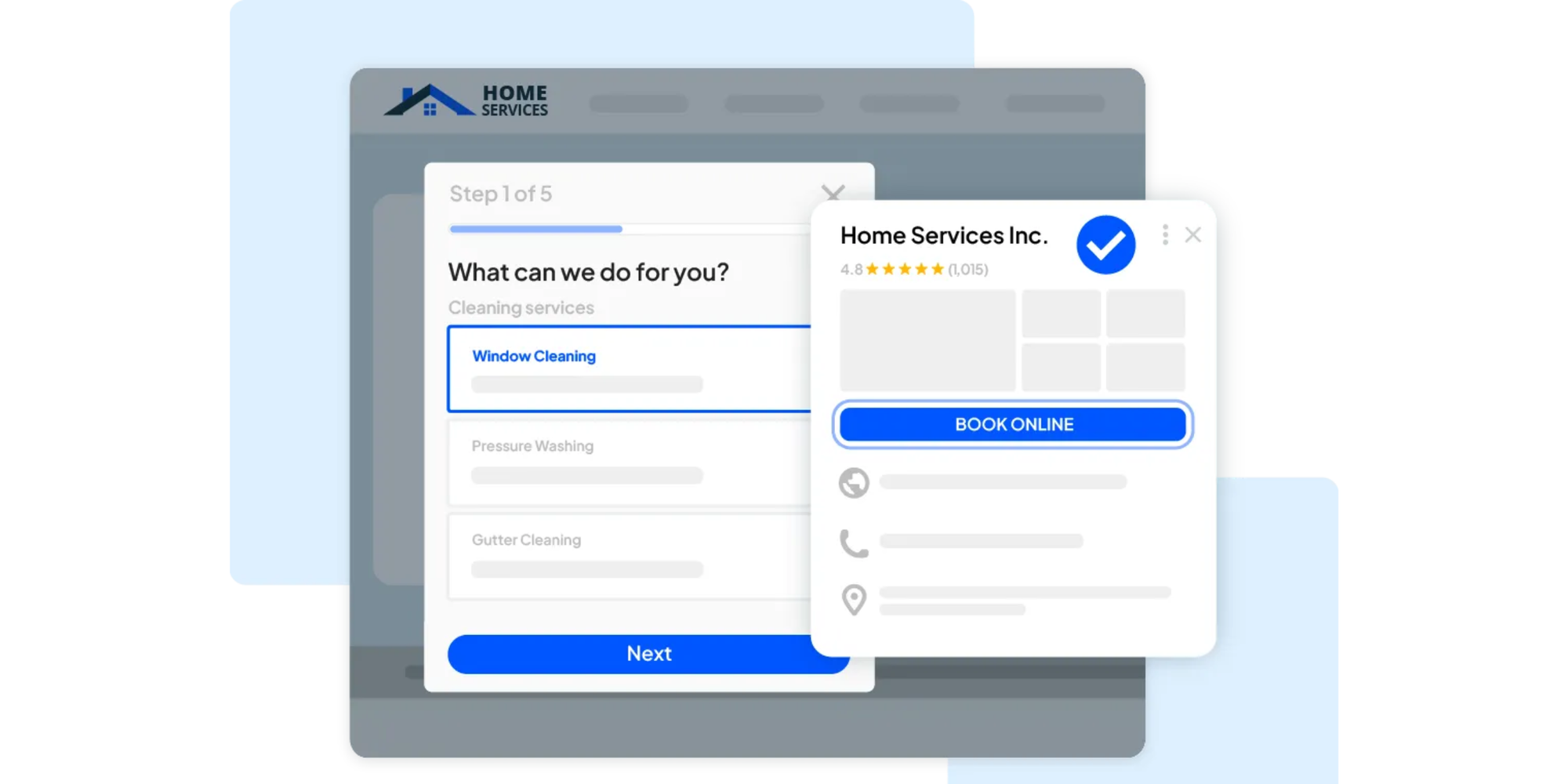
Housecall Pro is more of an operations platform than a basic scheduler. For cleaners they offer real-time scheduling, reminders, recurring jobs, and customer updates, which makes it a strong option if your business is becoming more operationally complex. Pricing starts at $59/month.
Cons
- Higher price point
- Heavier than many startups need
- May feel like too much software early on
Pricing
From $59/month.
Verdict
Great for service businesses that want an all-in-one engine, not just a booking page.
ServiceTitan
Best for: Larger service operations that need advanced dispatching, reporting, and field-service workflows.
Pros
- Powerful scheduling and dispatching
- Strong for complex teams
- Built for operational depth
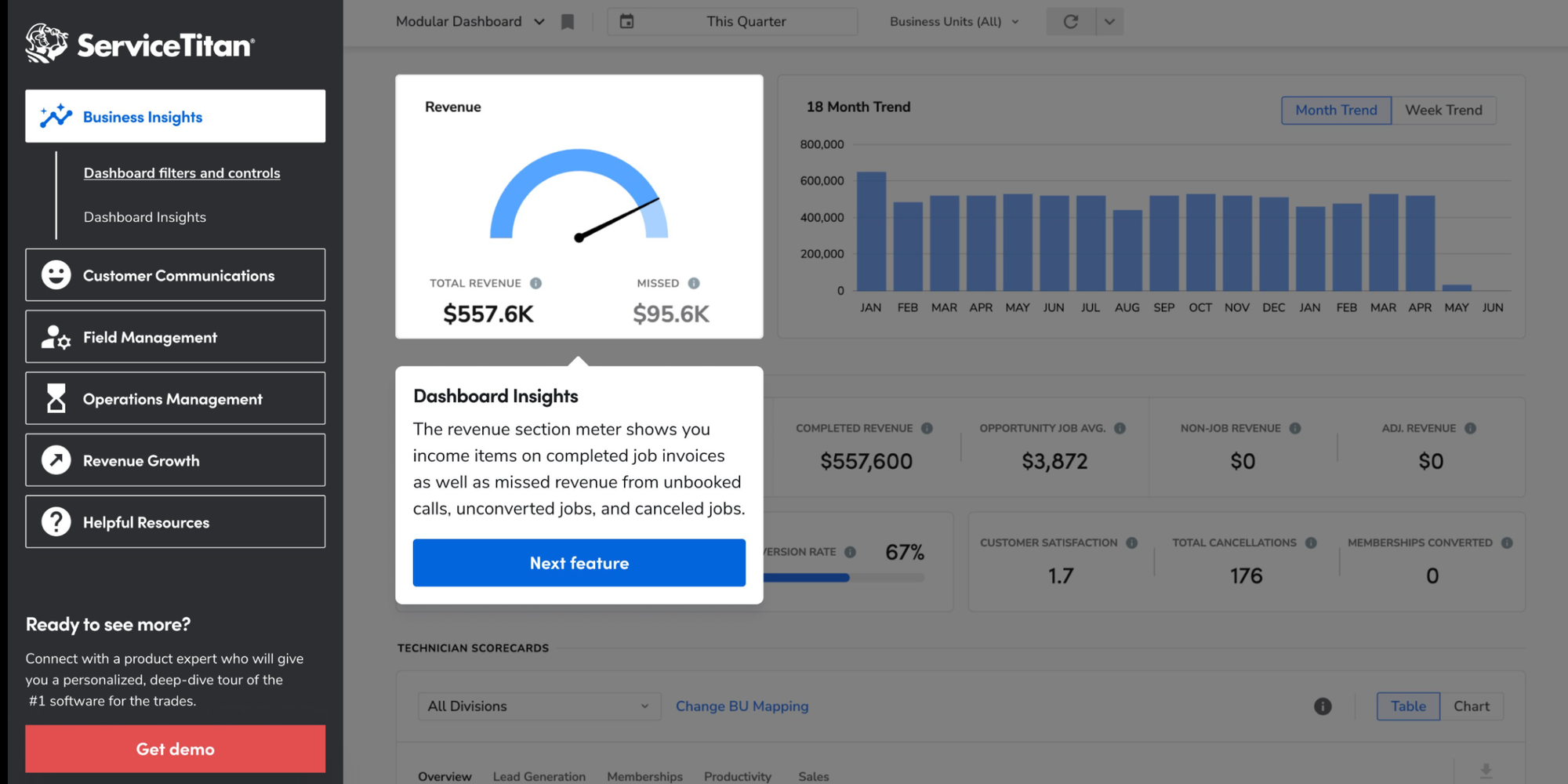
ServiceTitan is designed for companies running serious field-service operations. Pricing isn’t specified, but it does position packages around per-technician pricing and a quote-based sales process. That tells you a lot about who it is for: established businesses that need scale, not startups looking for a quick fix.
Cons
- Pricing is not transparent
- Longer setup
- Too complex for many small cleaning businesses
Pricing
Custom quote.
Verdict
Powerful, but rarely the first tool a startup cleaning service should buy.
ZenMaid
Best for:Cleaning companies that want software built specifically for maid services
Pros
- Tailored to cleaning businesses
- Scheduling and dispatch views
- Mobile apps for cleaners
- Service rating
- Strong fit for recurring residential cleaning
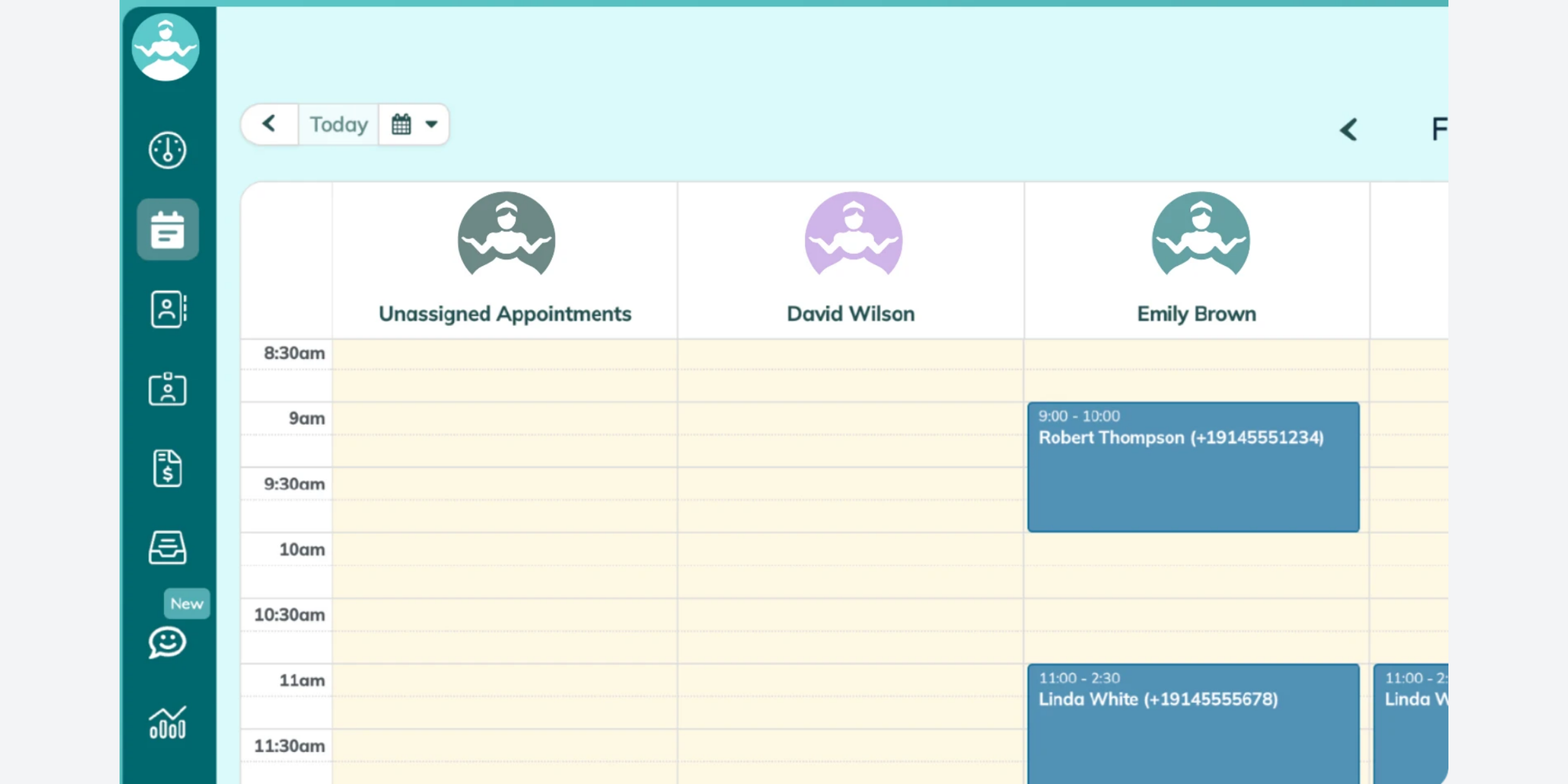
ZenMaid is explicitly aimed at maid services and its features cover everything from booking forms to CRM, checklists, and ratings. Its Starter plan is positioned for newer businesses and includes up to 40 appointments per month, while Pro targets established businesses ready to scale. That industry focus can be a big plus if you want something more cleaning-specific than a general booking app.
Cons
- Limited appointments on Starter
- Less attractive than Koalendar if you mainly want unlimited simple booking on a free plan
- Not as broad as some all-in-one FSM tools
Pricing
Starter $19/month; Pro $39/month.
Verdict
A smart option if you want a cleaning-specific platform and are ready for something more structured.
Free booking software: best start-up picks
If you are new, your needs are different.
You do not need enterprise dispatching on day one. You need three things:
- A way for clients to book you without texting back and forth
- A clean calendar that prevents overlap
- A setup you can finish today, not next month
That is why the best booking app for start-up cleaning service owners is usually the simplest one, not the biggest one.
Best startup picks
Koalendar — best overall for simplicity and value
Koalendar is the standout for startups because it removes friction fast.
You can set up a booking page in under five minutes, share one link anywhere, sync with Google Calendars, Outlook or iCal and start taking unlimited bookings on the free plan. If you later want to reduce no shows using reminders or take payments, you can upgrade without switching systems. Koalendar also supports embeddable pages and multilingual booking, which is useful if you’re trying to look polished from day one.
For an early-stage cleaning business, that’s the sweet spot: low cost, low complexity, fast payoff.
Setmore — a decent free option for small teams
Setmore is a good choice if you already have a few people but not many bookings, and want a free plan that supports multiple users. Its interface is approachable but the free plan is limited to 200 bookings so as you grow you’ll need to upgrade. .
SimplyBook.me — good if you want more customization early
SimplyBook.me is worth a look if your service model is more custom and you don’t mind a bit more setup. It gives you room to configure more, but that flexibility can also slow you down.
Startup verdict
For most new cleaning businesses, Koalendar is the best booking app for start-up cleaning service teams because it gives you the essentials right away: unlimited bookings, simple links, calendar sync, custom availability, and an easy, affordable upgrade path when you’re ready for reminders or payments. It helps you look organized without forcing you to become a software expert first.
You can also explore cleaning scheduling software, compare the free forever plan, and see how appointment reminder software helps reduce missed visits.
How scheduling software actually works in a cleaning business
This is where a lot of comparison posts fall short. They tell you what the tools have, but not how they help in a normal week.
Here’s a simple example.
Before automation
A client messages you on Facebook asking for a biweekly clean. You reply three hours later. They ask whether Tuesday morning works. You check your phone calendar. Then you text a cleaner to confirm availability. The client goes quiet. Two days later, they book someone else.
After automation
The client clicks your booking link. They choose the service, date, and time that match both their needs and your availability. The appointment lands in your calendar automatically. Your cleaner gets the job details. The client receives a confirmation. A reminder goes out before the visit. You show up on time, get paid, and keep the slot full.
That’s what good cleaning service calendar software does. It turns scheduling from a conversation into a system.
A simple workflow usually looks like this:
- Client books online through your booking page or website
- Availability is checked automatically against your synced calendar
- Cleaner gets assigned or the job is added to your workflow
- Reminder is sent automatically before the appointment
- Job gets completed and you collect payment or follow up for the next recurring clean
The payoff is bigger than convenience. You improve customer experience, reduce admin, and create a business that can actually grow.
Check exactly how easy it is to create your booking system for your cleaning business.
How to choose the right scheduling app (Based on your business stage)
Not every cleaning business needs the same software.
Solo cleaner
Your priority is speed and simplicity.
Look for:
- easy setup
- online booking
- calendar sync
- reminders
- mobile-friendly access
- affordable or free pricing
Best fit: Koalendar
Why? Because you can get organized without paying for dispatch features you will not use yet.
Small team (2–10 cleaners)
Your priority is coordination.
Look for:
- shared calendar visibility
- recurring appointments
- reminder automation
- customer info in one place
- cleaner assignment workflows
Best fit: Koalendar, ZenMaid, or Jobber
Why? At this stage, you need more than booking. You need a smoother handoff between office admin and cleaners in the field.
Growing company
Your priority is operational scale.
Look for:
- dispatching
- invoicing and payments
- quoting
- stronger reporting
- deeper workflow automation
- mobile team tools
Best fit: Jobber, Housecall Pro, or ServiceTitan
Why? Once you are juggling larger crews, route logic, and more complex operations, a basic scheduler may stop being enough.
| | | Jobs | | ServiceTitan | | |
| Scheduling & booking | |||||||
| Online booking page | ✅ | ✅ | ✅ | ✅ | ✅ | ✅ | ✅ |
| Calendar sync | ✅ | ✅ | ✅ | ✅ | ✅ | ✅ | ✅ |
| Recurring appointments / jobs | ✅ | ✅ | ✅ | ✅ | ✅ | ✅ | ✅ |
| Custom availability settings | ✅ | ✅ | ✅ | ✅ | ✅ | ✅ | ✅ |
| Embeddable booking page | ✅ | ✅ | ✅ | ❌ | ❌ | ❌ | ✅ |
| Automation & reminders | |||||||
| Automated reminders | ✅ | ✅ | ✅ | ✅ | ✅ | ✅ | ✅ |
| Reduce double bookings | ✅ | ✅ | ✅ | ✅ | ✅ | ✅ | ✅ |
| Cleaner / team scheduling support | ✅ | ✅ | ✅ | ✅ | ✅ | ✅ | ✅ |
| Payments & business tools | |||||||
| Payments | ✅ | ✅ | ✅ | ✅ | ✅ | ✅ | ✅ |
| Access & usability | |||||||
| Mobile app / mobile access | ✅ | ✅ | ✅ | ✅ | ✅ | ✅ | ✅ |
| Startup-friendly | ✅ | ✅ | ✅ | ❌ | ❌ | ❌ | ❌ |
| Good for growing teams | ✅ | ✅ | ✅ | ✅ | ✅ | ✅ | ✅ |
| Review score | |||||||
| Trustpilot score | 5.0/5 | 4.4/5 | 4.9/5 | 3.9/5 | 2.9/5 | 4.5/5 | 2.5/5 |
Conclusion
Choosing the right tool does not have to be complicated.
If you’re a solo cleaner or early-stage business, the smartest move is usually to start with software that helps you save admin time, avoid double bookings, and let clients book instantly without adding more work to your plate. For many owners, that makes Koalendar the practical answer.
If you need deeper field-service workflows, team dispatching, or full operations management, Jobber, Housecall Pro, ZenMaid, and ServiceTitan may be a better fit. But if your goal is to find the best scheduling app for cleaning business owners who want fewer headaches and more bookings, Koalendar hits the balance many small businesses actually need: simple, fast, affordable, and easy to use.
Stop chasing clients for availability. Let them book you instantly with one simple link. Ready to simplify your cleaning schedule? Try Koalendar free—no card needed.
.png?w=800&fit=max&auto=format)