Instructor scheduling software that keeps classes on track
Bring classes, trainers, and availability into one clear calendar with instructor scheduling software that keeps bookings moving. This friendly instructor booking software cuts admin, prevents double bookings, and lets learners reserve the right session anytime.
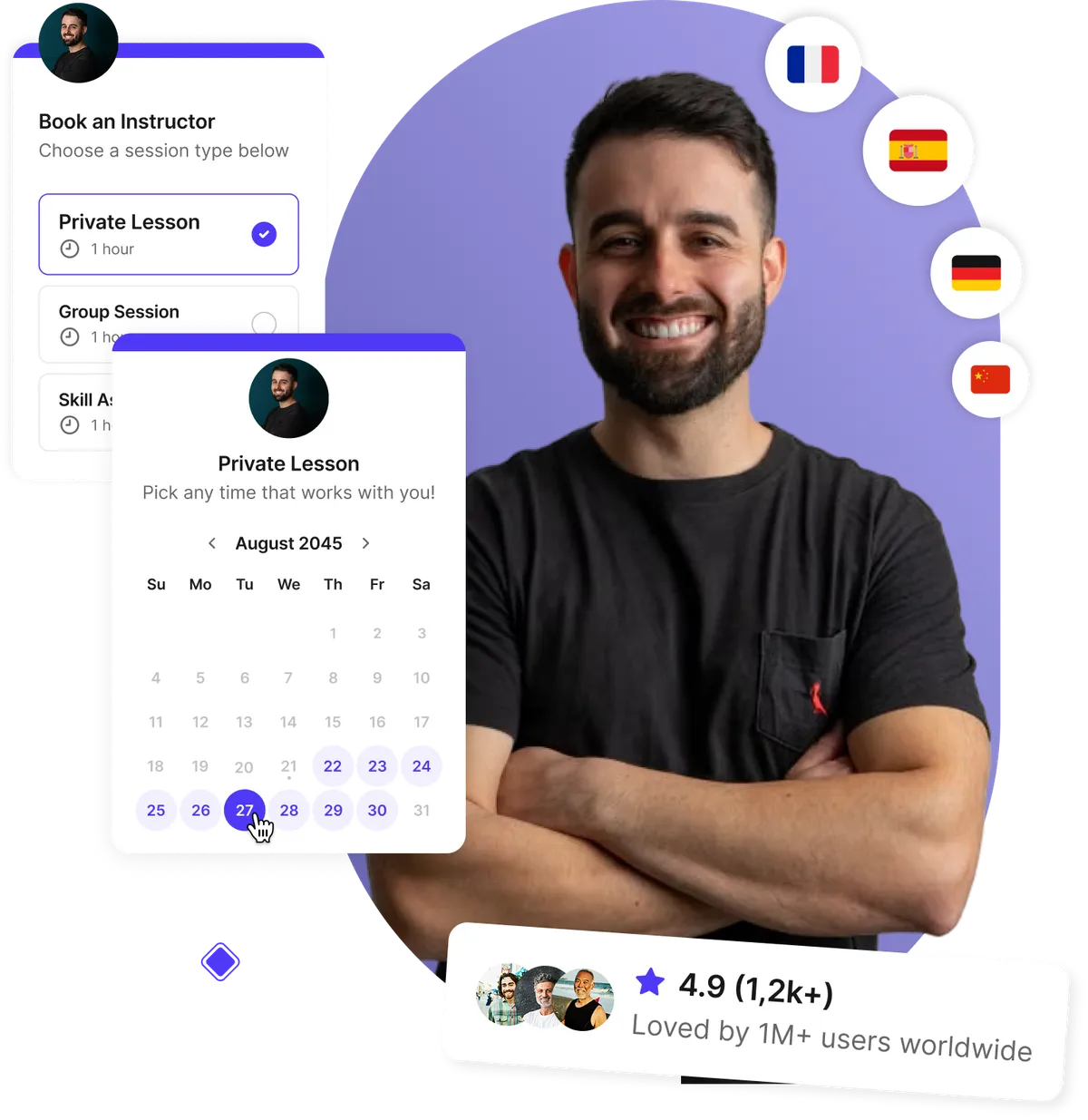
Independent instructors, training teams, and education providers rely on simpler scheduling





“We’ve doubled our attendance rates and number of bookings, reduced the time we spent on scheduling by like 12 hours per person, per week, and everything is completely customized with our school’s colors and logo.”
It used to be a very manual back-and-forth process and now we’re empowering students by giving them the autonomy to go in and book themselves. As soon as someone book, they have the option to select Zoom or in-person. So it's totally seamless. It automatically appears on the Google calendar. Everything is great.

“We’re saving 10 hours, per teacher, per Parent-Teacher Conference — and attendance is up 50%!”
The booking process between teachers and parents is much more clear. This is really important for us because we really value providing a great experience.
Because it’s so much easier for parents to book meetings with every teacher, parents can now get a full picture of how their child is developing and that’s priceless.

Let learners book the right instructor anytime
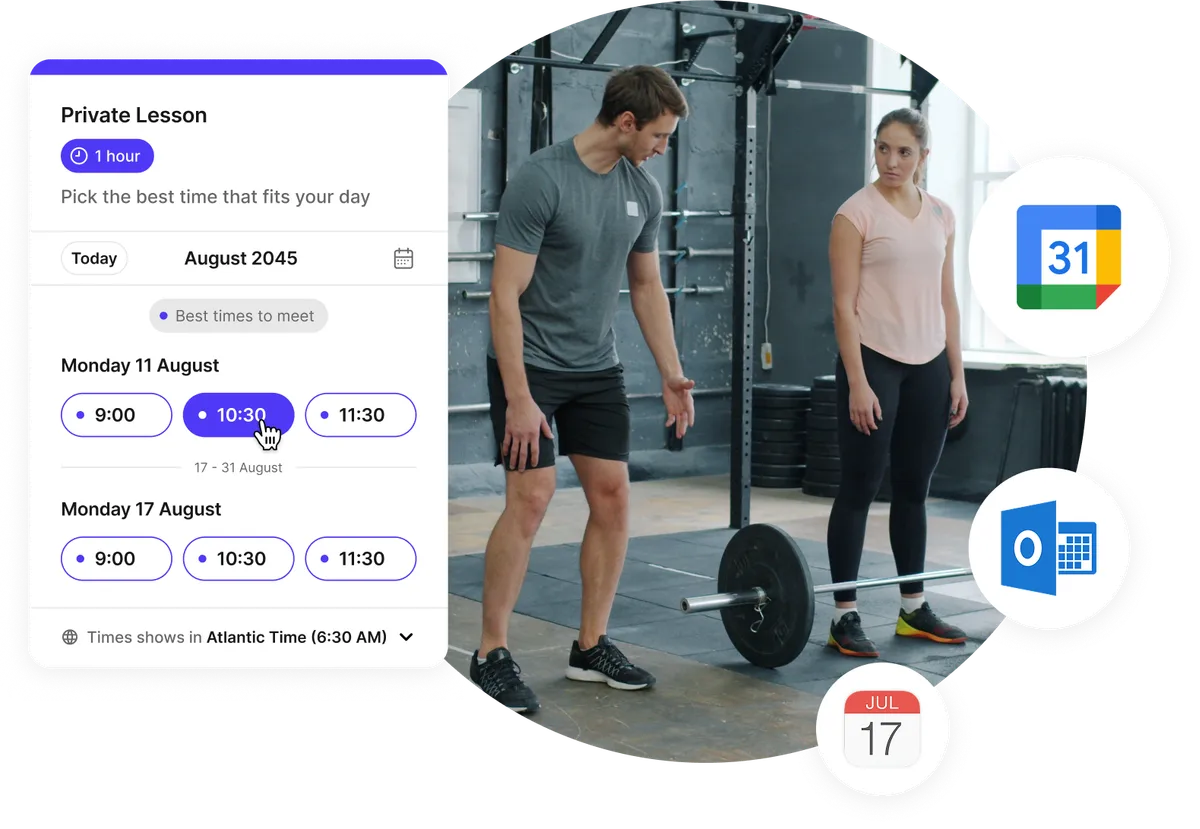
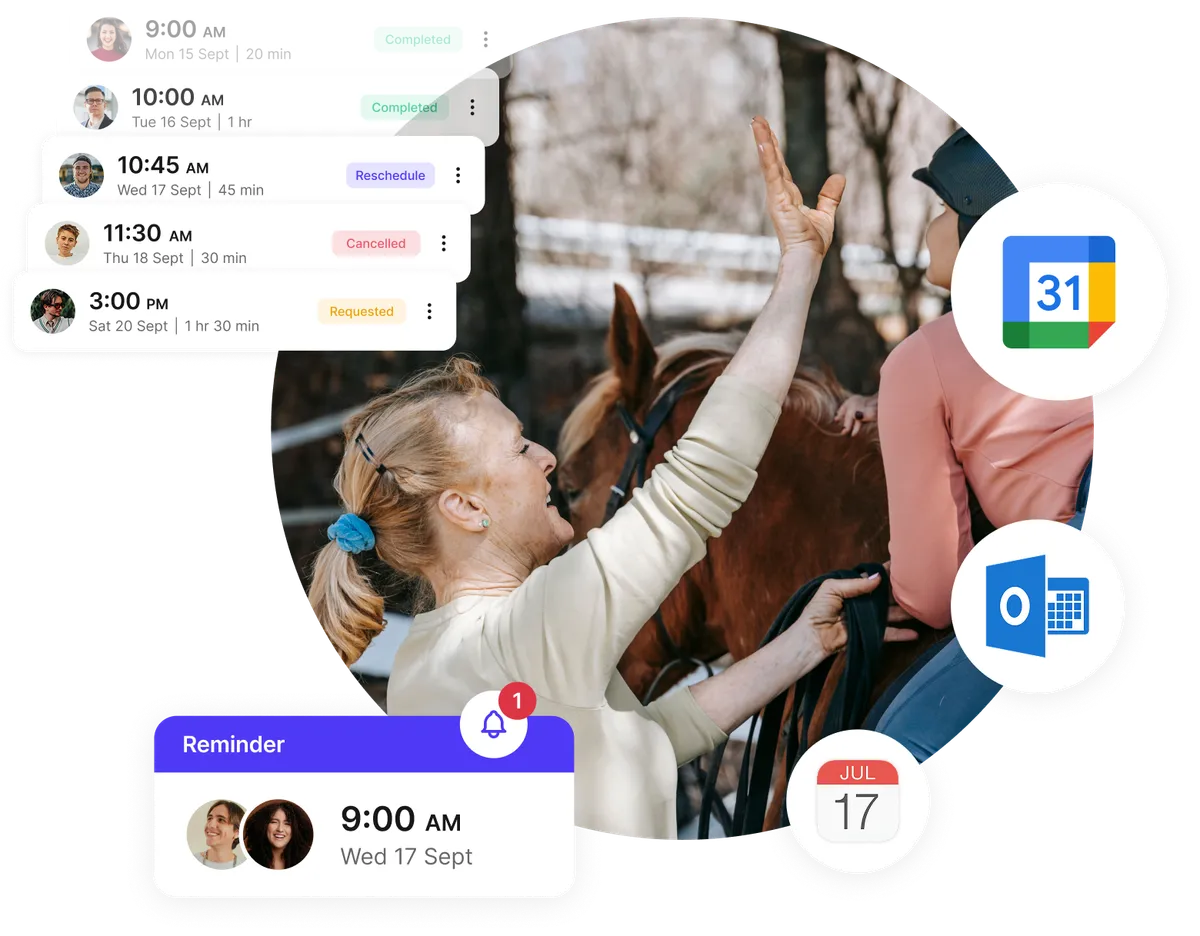
Share a booking page that shows only the classes, times, and instructors that are ready to book. Connected calendars sync automatically, so learners can choose a convenient slot without waiting for a reply.
- 24/7 self-service booking on desktop and mobile
- Automatic sync with Google, Outlook, and iCloud calendars
- Weekly, date-specific, and calendar-based availability
- Instant confirmations for learners and instructors
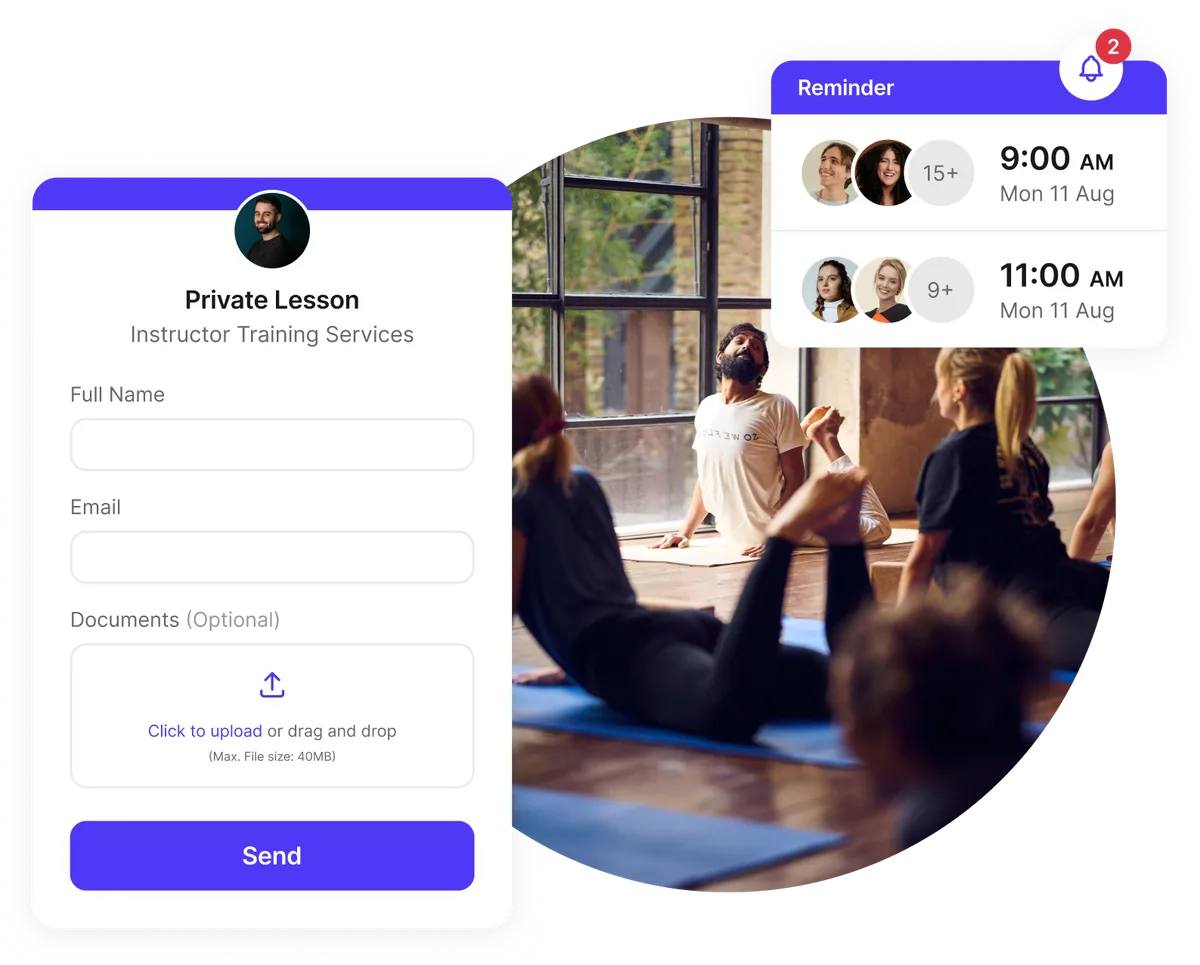
Collect class details before the session
Use your instructor scheduling tool to ask the right questions before anyone arrives. Custom and conditional fields, file uploads, and automated reminders help instructors prepare materials, understand learner needs, and start each class with confidence.
- Custom intake questions for goals and experience levels
- Conditional fields for relevant follow-up questions
- File uploads for assignments, forms, or reference material
- Automatic email and SMS reminders before class
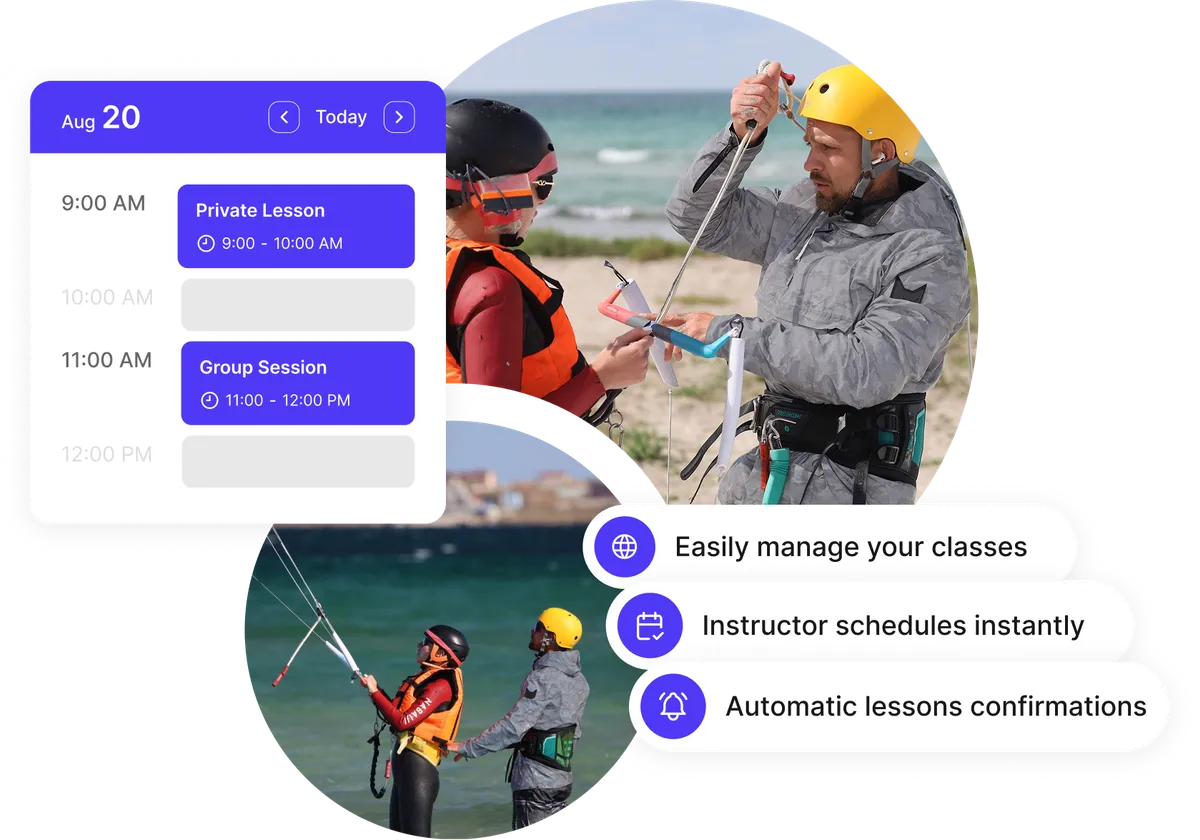
Keep every class clear and organized
Give coordinators and instructors a reliable agenda for upcoming lessons, workshops, and training sessions. Trainer scheduling software keeps dates, locations, attendees, and reminders together, so everyone knows what is next and last-minute surprises are easier to avoid.
- Clear class details in every calendar event
- Flexible durations for lessons, workshops, and multi-day training
- Email, SMS, and calendar reminders
- Fast updates for rescheduled or canceled sessions
Fill group classes and reduce no-shows
Open one time slot to multiple learners, set a clear attendance limit, and keep every invitee informed. Calendar invitations and automatic reminders make it easier to run workshops, webinars, and recurring classes without chasing people manually.
- Multiple invitees can reserve the same class time
- Spot limits keep group sizes manageable
- Recurring and multi-date booking options
- Calendar sync and reminders keep everyone aligned
Testimonials
Instructors ❤️ Koalendar
From independent trainers to growing education teams, instructors use Koalendar to spend less time coordinating and more time teaching.
“It's an easy way for my students to sign up for virtual tutoring. After sharing Koalendar with my teammates, they use it for tutoring as well because of how well it worked. We even implemented it to have parents sign up for virtual conferences on Parent Teacher Conference Night. It worked extremely well.”


“I trialled the free version of Koalendar for staff to book meeting with the Head teacher and found it really simple and easy to integrate into our Google suite of apps. We as a school wanted more flexibility to book shorter appointments for virtual parents' evenings, so I purchased and upgraded version for staff. The customer service through out this process was exceptional. I was able to make enquiries on the chat facility of the website that were followed up with email communication that were clear, prompt and helpful. Once staff opened their Koalendar accounts, the customer service team upgraded the account automatically and I was able to pay for all subscription on one invoice. Great value, great service, great product.”
“I use Koalendar to schedule tutoring session with students. I was able to get it set up and sent to students in about 5 minutes. Support was extremely friendly and is a real person rather than a robot or outsourced.”
“I use this app to schedule my office hours for distance learning. It is so much easier to have a streamlined system for appointments than simply sitting on zoom and hoping someone shows up. I have multiple classes that I am in charge of, so on this app, I am able to have students state which class and projects they need to talk about. I love how I can set my availability at the beginning of the week, but then as I make various appointments on google calendar, the app recognizes those and does not double-book me.”
“I like how I can personalize my sign up times for student and parent appointments both for distance learning and conferences. It is easy for students and parents to navigate and create an appointment during available times. It is nice to allow others to sign up for the appointment they feel is best for them rather than going back and forth trying to find an available time.”
“I absolutely am very fond of the ease of setting up the appointments, and I have had no complaints with students or parents on how easy it is for them to access and use the appointment page.”
“It's been a great tool to use and eliminates the back and forth of seeing when I'm available for meetings. When someone books, I get a notice, and it automatically populates on my calendar and the guest gets a notice for the meeting as well. This add on is so user friendly. Even my parents who are not used to technology are able to schedule their own appointments with me. I have shared it with many on my staff and they allow their students to schedule appointments for face to face time during the Pandemic. It's been a lifesaver. Literally.”


Everything you need to run classes smoothly
A scheduling tool for group class instructors and growing training teams
Multi-instructor calendar and smart assignment

Build collective or round-robin booking pages, let learners choose a trainer, or assign whoever is free. Multi-instructor scheduling software helps coordinators share demand fairly and fill open teaching time.
Real-time instructor availability

Connect Google, Outlook, or iCloud calendars to block busy time automatically. Your instructor scheduling software shows bookable slots without exposing private calendar details.
Group classes and recurring sessions

Set the number of available spots, allow extra guests to count toward capacity, and let learners reserve several dates or a recurring series.
Instructor and equipment scheduling

Assign instructors and resources to specific services, then let availability determine what can be booked. It is a simpler way to coordinate trainers, rooms, and equipment together.
Scheduling conflict detection through calendar sync

Connected calendars block unavailable times before a learner books, helping prevent overlapping classes, office hours, and personal commitments.
Custom forms and file uploads

Collect learning goals, experience levels, consent forms, assignments, or reference files before class, with conditional questions when you need more detail.
Automated confirmations and reminders

Send calendar invitations, email confirmations, email or SMS reminders, and follow-ups automatically to keep learners and instructors prepared.
Multi-location instructor scheduling

Offer in-person, phone, Zoom, Google Meet, or Microsoft Teams options on one page. Automatic time zone detection helps distributed trainers and learners meet at the right time.
Payments for classes and add-ons

Collect payment through Stripe or PayPal by session, service, hour, or attendee, and offer add-ons such as materials, equipment, or extra time.
Centralized control for coordinators

Centralize instructor schedules, manage teammate roles and booking pages, and review bookings from one workspace. It is practical training coordinator scheduling software for busy teams.
Integrations
Connect your instructor scheduling system with tools you already use
Sync Google, Outlook, and iCloud calendars, add Zoom, Google Meet, or Microsoft Teams links, collect payments with Stripe, and connect 8,000+ apps through Zapier.
















Frequently asked questions
Have a different question and can't find the answer you're looking for? Reach out to our support team by sending us an email and we'll get back to you as soon as we can.
It is an online booking solution that helps instructors and training coordinators organize availability, classes, resources, and learner reservations in one place. Instead of coordinating every session by email, you share a booking page where learners choose an available time and receive confirmations automatically. A clear instructor booking software workflow saves time for both learners and teaching teams.
Yes. You can invite teammates, create collective or round-robin booking pages, assign instructors and resources to services, and let availability determine what learners can reserve. This gives an instructor scheduling system a shared view of the people and resources needed for each class.
Yes. As a scheduling tool for group class instructors, Koalendar lets multiple learners reserve the same time slot while you control capacity. Learners can also book several dates at once or set up a recurring series, which works well for workshops, cohorts, and ongoing lessons.
Koalendar checks connected Google, Outlook, or iCloud calendars and blocks busy time from your booking page. This keeps real-time instructor availability accurate and makes scheduling conflict detection automatic for bookable classes and sessions.
Yes. Add custom or conditional questions, accept file uploads, and use Stripe to collect payment when someone books. You can charge by time slot, service, hour, or attendee, and include optional add-ons such as materials or equipment.
For class-based instructor shift scheduling, you can set weekly or date-specific availability for each teammate, block time through connected calendars, and offer several meeting locations on one page. The group instructor scheduling tool also detects each person's time zone, which helps when instructors or learners are in different regions.
Practical scheduling tips for instructors
Learn how to simplify class booking, improve attendance, and spend less time coordinating your teaching calendar.

Best free AI tools for teachers in 2026
Discover the best free AI tools for teachers in 2026 that save time, cut admin stress, and keep your classroom engaging
- Published
- Education

Automation in education: How to apply it, benefits & tips
A practical guide to applying automation in schools: explore benefits, tools, and real-world tips to streamline your school’s workflows
- Published
- Education

12 best class scheduling software for education professionals
Discover the 12 best software out there for scheduling classes. From simple powerful tools, to all-in-one ones
- Published
- EducationTool Comparisons
Spend less time scheduling and more time teaching
Give learners an easier way to book while Koalendar keeps instructors, calendars, and class details in sync.
Start free today
Library
Organize library rooms, events, staff, and services with ease.
Online Classes
A simple, powerful online class booking system for teachers, coaches, and virtual instructors.
Parent Teacher Conference
Make scheduling parent teacher conferences simple, fast, and stress-free.
Private Lessons
Let students book private lessons online while you keep every teaching day organized.
School Event
Plan, manage, and simplify every school event with one intuitive platform.
University
Streamline academic scheduling across your entire campus.