Library scheduling software that manages every booking
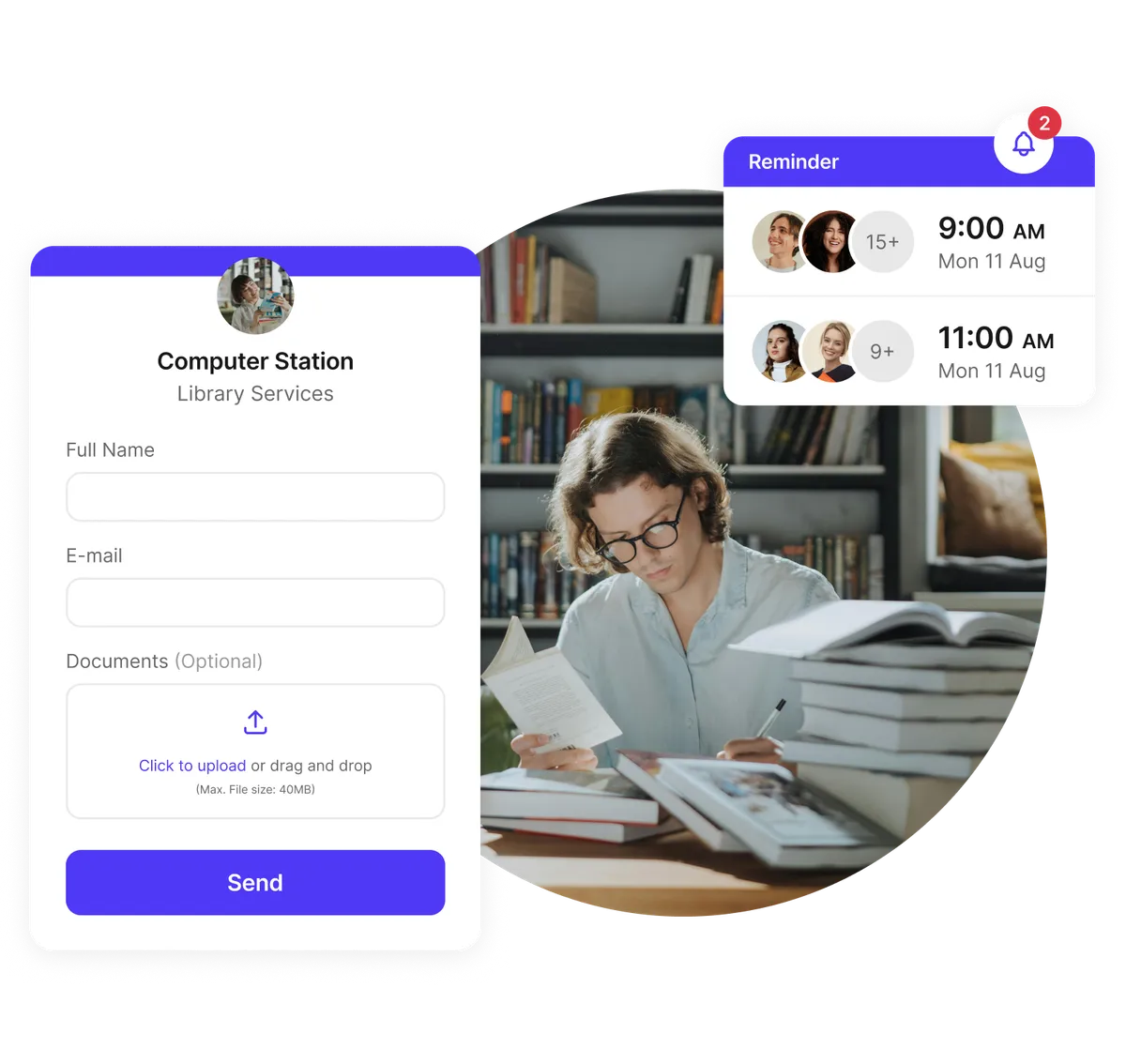
This calendar software lets patrons book study rooms and equipment online at any time. Staff can automatically schedule research consultations and event registrations. It works for public and academic libraries.
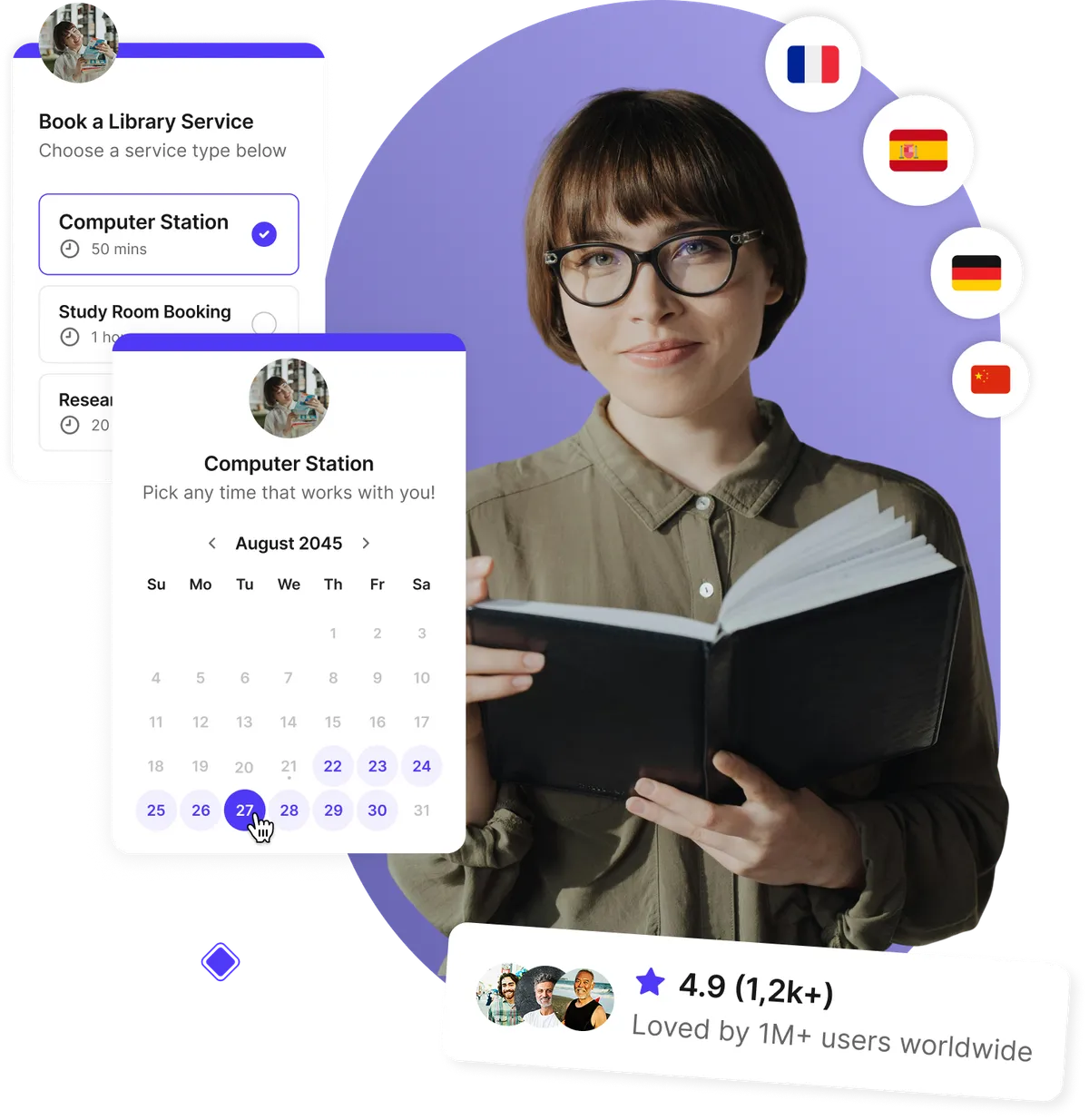
Trusted by public, academic, and community libraries to simplify bookings and reduce administrative workload





“We’ve doubled our attendance rates and number of bookings, reduced the time we spent on scheduling by like 12 hours per person, per week, and everything is completely customized with our school’s colors and logo.”
It used to be a very manual back-and-forth process and now we’re empowering students by giving them the autonomy to go in and book themselves. As soon as someone book, they have the option to select Zoom or in-person. So it's totally seamless. It automatically appears on the Google calendar. Everything is great.

“We’re saving 10 hours, per teacher, per Parent-Teacher Conference — and attendance is up 50%!”
The booking process between teachers and parents is much more clear. This is really important for us because we really value providing a great experience.
Because it’s so much easier for parents to book meetings with every teacher, parents can now get a full picture of how their child is developing and that’s priceless.

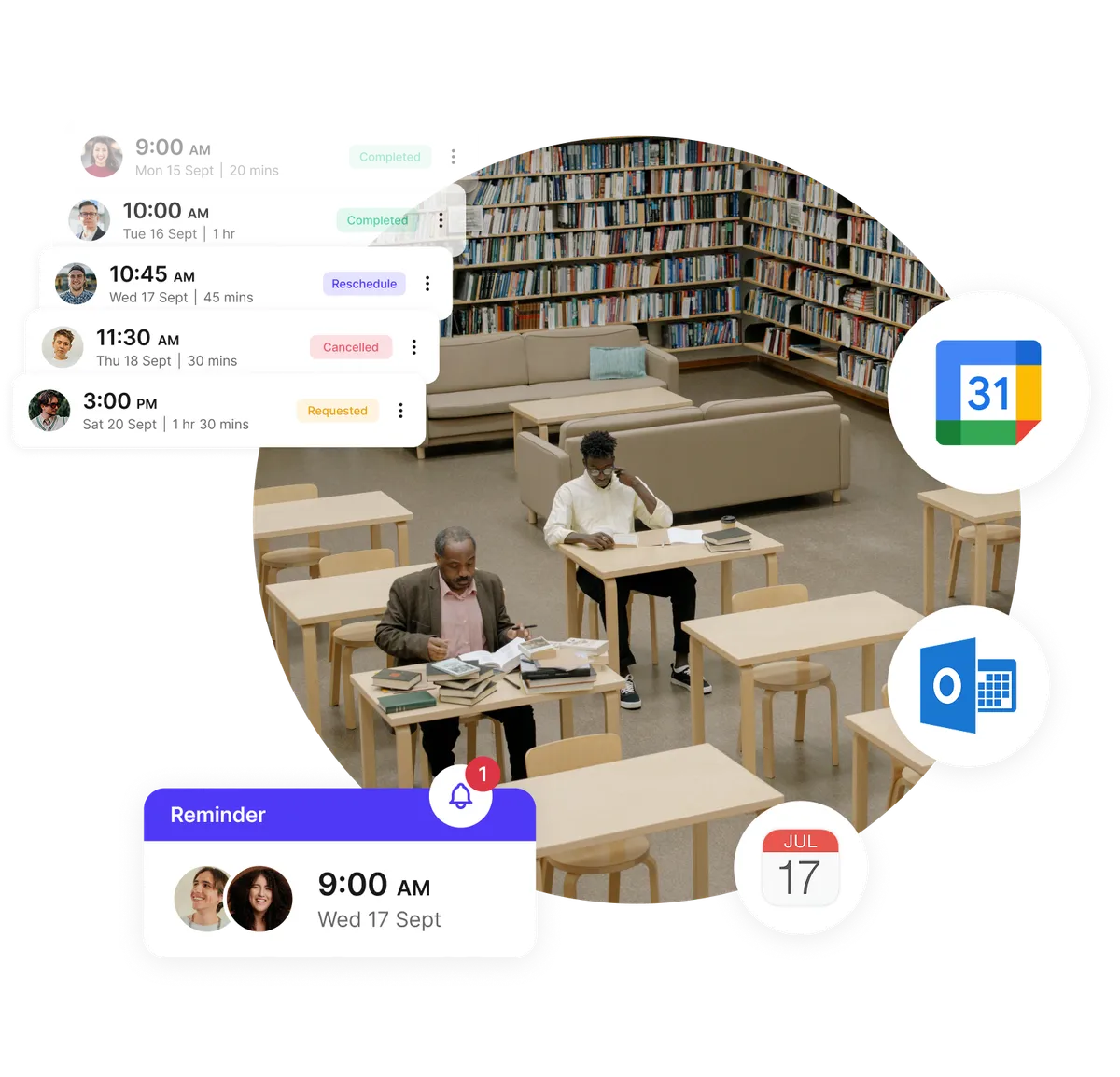
Real-time room availability for every library space
No more spreadsheets or juggling multiple calendars. With a clear room availability checker for libraries, staff and patrons instantly see what’s free — whether it's a study room, makerspace, or computer station. Our library calendar software prevents double-bookings and keeps every space running smoothly.
- Prevent overlaps with real-time scheduling
- Manage study rooms, event spaces, and equipment
- Sync with Google, Outlook, or iCloud calendars
- Ideal for public and academic library room scheduling
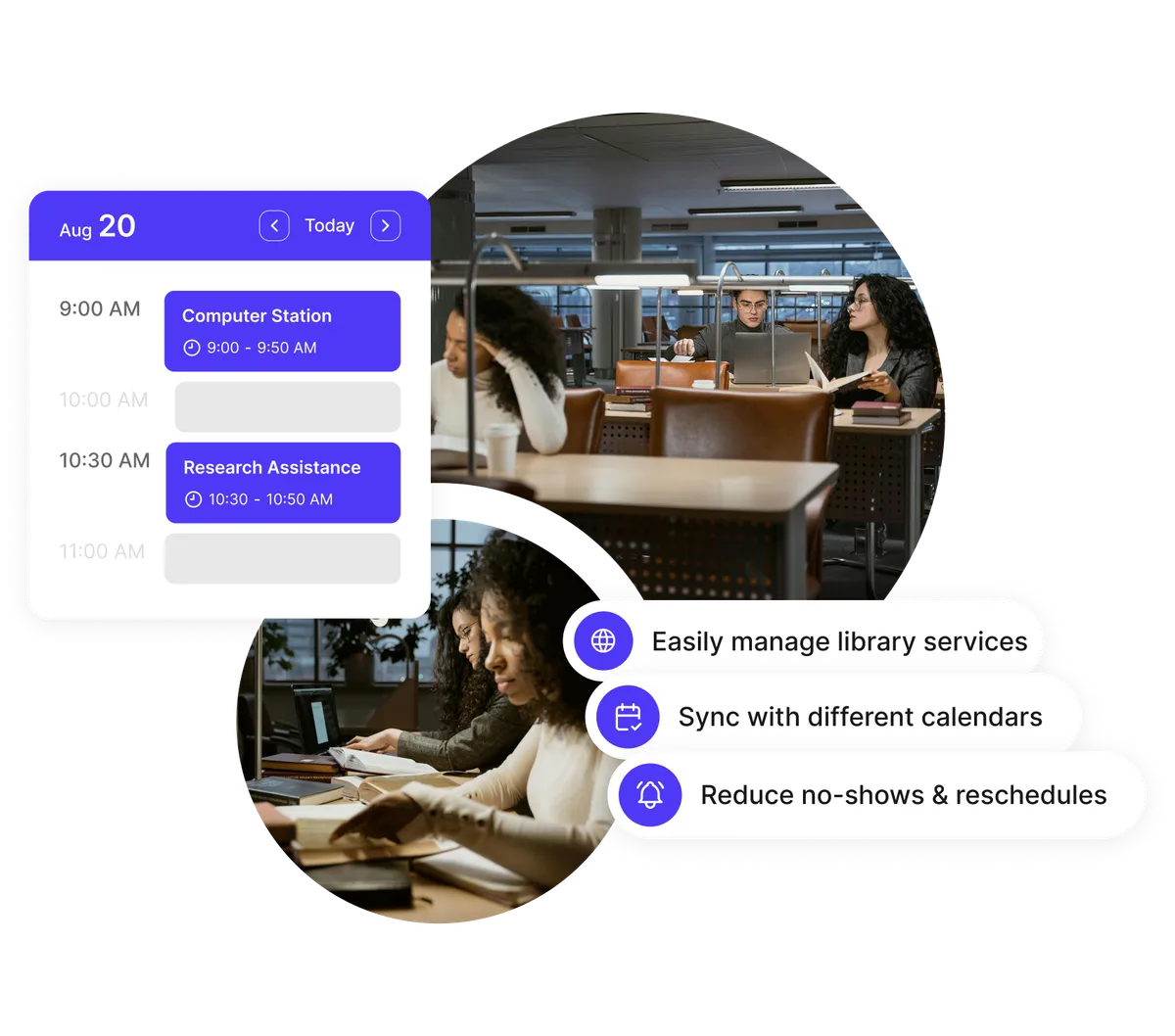
Higher attendance for classes and library events
Workshops, author talks, and tutoring sessions see higher turnout when reminders handle themselves. Automated confirmations reduce time wasted on emailing confirmations and reminders — helping your library increase attendance effortlessly.
- Automated email and SMS reminders
- Smart time-zone support for virtual programs
- Branded confirmations and follow-ups
- Easy rescheduling reduces cancellations
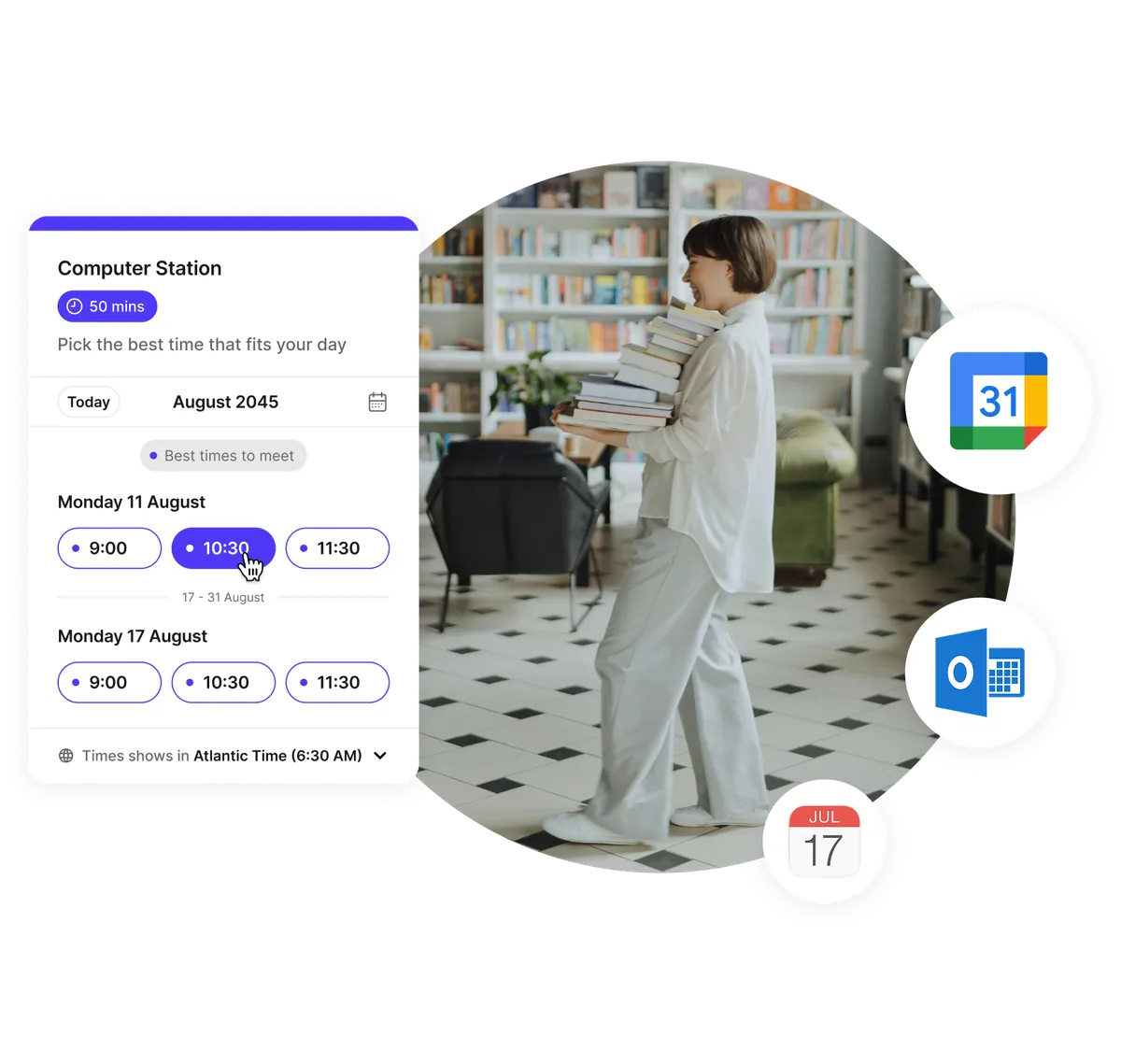
Let patrons book services and rooms anytime
From research assistance to equipment checkout, your patrons can self-book through a simple online booking page for library services — no phone calls or desk lineups needed. Perfect for public library calendar systems, university library room booking systems, and everything in between.
- 24/7 online booking from any device
- Custom pages for rooms, services, and events
- Instant confirmations keep everyone informed
- Supports multi-branch library scheduling systems
Collect forms, files, and details in advance
Whether you’re preparing for research consultations, equipment checkout, or community programs, custom intake forms help you gather everything ahead of time. Great for academic library scheduling systems that require context before appointments.
- Custom forms for service-specific needs
- File uploads for research prep or documents
- Share materials automatically after booking
- Follow-up reminders keep services on track
Testimonials
Libraries ❤️ Koalendar
Public, university, and community libraries use Koalendar to simplify reservations, boost event attendance, and streamline staff and service scheduling.
“It's an easy way for my students to sign up for virtual tutoring. After sharing Koalendar with my teammates, they use it for tutoring as well because of how well it worked. We even implemented it to have parents sign up for virtual conferences on Parent Teacher Conference Night. It worked extremely well.”


“I trialled the free version of Koalendar for staff to book meeting with the Head teacher and found it really simple and easy to integrate into our Google suite of apps. We as a school wanted more flexibility to book shorter appointments for virtual parents' evenings, so I purchased and upgraded version for staff. The customer service through out this process was exceptional. I was able to make enquiries on the chat facility of the website that were followed up with email communication that were clear, prompt and helpful. Once staff opened their Koalendar accounts, the customer service team upgraded the account automatically and I was able to pay for all subscription on one invoice. Great value, great service, great product.”
“I use Koalendar to schedule tutoring session with students. I was able to get it set up and sent to students in about 5 minutes. Support was extremely friendly and is a real person rather than a robot or outsourced.”
“I use this app to schedule my office hours for distance learning. It is so much easier to have a streamlined system for appointments than simply sitting on zoom and hoping someone shows up. I have multiple classes that I am in charge of, so on this app, I am able to have students state which class and projects they need to talk about. I love how I can set my availability at the beginning of the week, but then as I make various appointments on google calendar, the app recognizes those and does not double-book me.”
“I like how I can personalize my sign up times for student and parent appointments both for distance learning and conferences. It is easy for students and parents to navigate and create an appointment during available times. It is nice to allow others to sign up for the appointment they feel is best for them rather than going back and forth trying to find an available time.”
“I absolutely am very fond of the ease of setting up the appointments, and I have had no complaints with students or parents on how easy it is for them to access and use the appointment page.”
“It's been a great tool to use and eliminates the back and forth of seeing when I'm available for meetings. When someone books, I get a notice, and it automatically populates on my calendar and the guest gets a notice for the meeting as well. This add on is so user friendly. Even my parents who are not used to technology are able to schedule their own appointments with me. I have shared it with many on my staff and they allow their students to schedule appointments for face to face time during the Pandemic. It's been a lifesaver. Literally.”


Everything libraries need in one simple platform
Built for library rooms, services, programs, and staff — all in one place.
Booking pages for every room, service, or program

Create intuitive booking pages for study rooms, makerspaces, equipment checkout, research consultations, or community events. Real-time availability helps increase room and facility utilisation across your library.
Automated confirmations & reminders

Reduce no-shows with automated notifications and reminders for room reservations, events, and appointments. Perfect for busy branches managing dozens of bookings per day.
Custom intake forms & file uploads
Collect ID documents, research topics, project files, or service needs before appointments. Ideal for academic consultations, study room policies, and community program requirements.
Multi-branch management

Manage multiple library locations from one dashboard. Each branch gets its own booking rules, staff permissions, and booking pages, while administrators stay in full control.
Staff scheduling & shift management

Use Koalendar as lightweight library staff scheduling software. Enable shift swapping and time-off requests, assign service providers for appointments, and coordinate front-desk coverage with ease.
Embed anywhere

Add your online booking page for library services directly to your website, catalog, or intranet so patrons can book without navigating away.
Privacy and access controls
Protect sensitive bookings such as staff meetings or research consultations using password protection or restricted access pages.
Sync with your existing tools

Connect Google Calendar, Outlook, Zoom, Teams, Stripe, Zapier, and more to keep your library's operations aligned and automated.
Analytics for smarter planning

Understand which rooms, services, and events are most in demand so you can plan programming, staffing, and resources more effectively.
Set flexible booking rules

Adjust buffers, limits, booking windows, or time-based rules to fit your library’s policies — including peak/off-peak hours and equipment-use rules.
Integrations
Sync your library scheduling system with tools you already use
Connect seamlessly with Google Calendar, Zoom, Gmail, Stripe, and hundreds more to keep bookings, reminders, and communications in perfect sync.















Frequently asked questions
Have a different question and can't find the answer you're looking for? Reach out to our support team by sending us an email and we'll get back to you as soon as we can.
Library calendar software helps libraries organize room reservations, appointments, and events in a single, user-friendly system. Patrons and staff can reserve spaces or services online, while automated reminders, calendar syncing, and room availability tools prevent double-bookings and reduce administrative work.
Yes. Koalendar works perfectly as library scheduling software for events, study rooms, tutoring sessions, research consultations, community programs, and equipment checkout. Each booking page displays real-time availability, and automated reminders help increase attendance.
Absolutely. You can embed Koalendar directly on your library’s website or catalog so patrons can reserve rooms or services without leaving the page. It works on all devices and supports public library calendar systems and academic library scheduling systems alike.
Yes. You can manage study rooms, meeting rooms, multimedia spaces, and specialty areas with real-time availability, automated reminders, and customizable booking rules. This makes Koalendar a powerful library room scheduling software alternative.
Yes. Staff can manage shift swaps, time-off requests, internal meetings, and service appointments. Administrators can assign permissions, manage teams, and coordinate across branches using our library staff scheduling software capabilities.
Yes. Koalendar offers a free plan with unlimited booking pages, automated reminders, and calendar sync. Libraries can use it to manage rooms, services, and programs at no cost. Upgrading unlocks advanced features like branding, payments, and custom booking rules.
Smart scheduling strategies for modern libraries
Learn how to streamline room reservations, reduce staff workload, organize events, and create a better patron experience with practical, time-saving tips.

Best free AI tools for teachers in 2026
Discover the best free AI tools for teachers in 2026 that save time, cut admin stress, and keep your classroom engaging
- Published
- Education

Automation in education: How to apply it, benefits & tips
A practical guide to applying automation in schools: explore benefits, tools, and real-world tips to streamline your school’s workflows
- Published
- Education

12 best class scheduling software for education professionals
Discover the 12 best software out there for scheduling classes. From simple powerful tools, to all-in-one ones
- Published
- EducationTool Comparisons
Library calendar software made simple
From public libraries to university campuses, streamline room reservations, staff scheduling, and patron services with Koalendar’s easy-to-use platform.
Start free today
Language School
Schedule language classes, private lessons, teachers, rooms, and student bookings from one simple system.
Online Classes
A simple, powerful online class booking system for teachers, coaches, and virtual instructors.
Private Lessons
Let students book private lessons online while you keep every teaching day organized.
School Event
Plan, manage, and simplify every school event with one intuitive platform.
Schools
Simplify and streamline your school's scheduling system.
University
Streamline academic scheduling across your entire campus.