TL;DR
For most small appointment-based service businesses, Koalendar is the best overall pick because it combines simple 24/7 client booking, calendar sync, unlimited bookings and event types on its free plan, plus optional payments, reminders, forms, branding, and team features on Pro. Acuity Scheduling is stronger when you need advanced appointment customization, Square Appointments makes sense if payments and POS are central to your business, and Jobber or Housecall Pro are better suited to businesses that dispatch technicians to customer locations.
When clients book your time, you're managing much more than a scheduling calendar. You're juggling availability, appointments, rescheduling, client information, reminders, and sometimes payments too.
The best scheduling software for service business owners brings those jobs together and lets clients book without starting another email thread. Good booking software for small business should also protect your calendar from conflicts and make the experience easy for the person booking.
This guide focuses on appointment-based service businesses where clients book your time, sessions, lessons, consultations, or services. If you need to dispatch technicians, optimize routes, or manage field jobs, we'll show you when field-service software makes more sense.
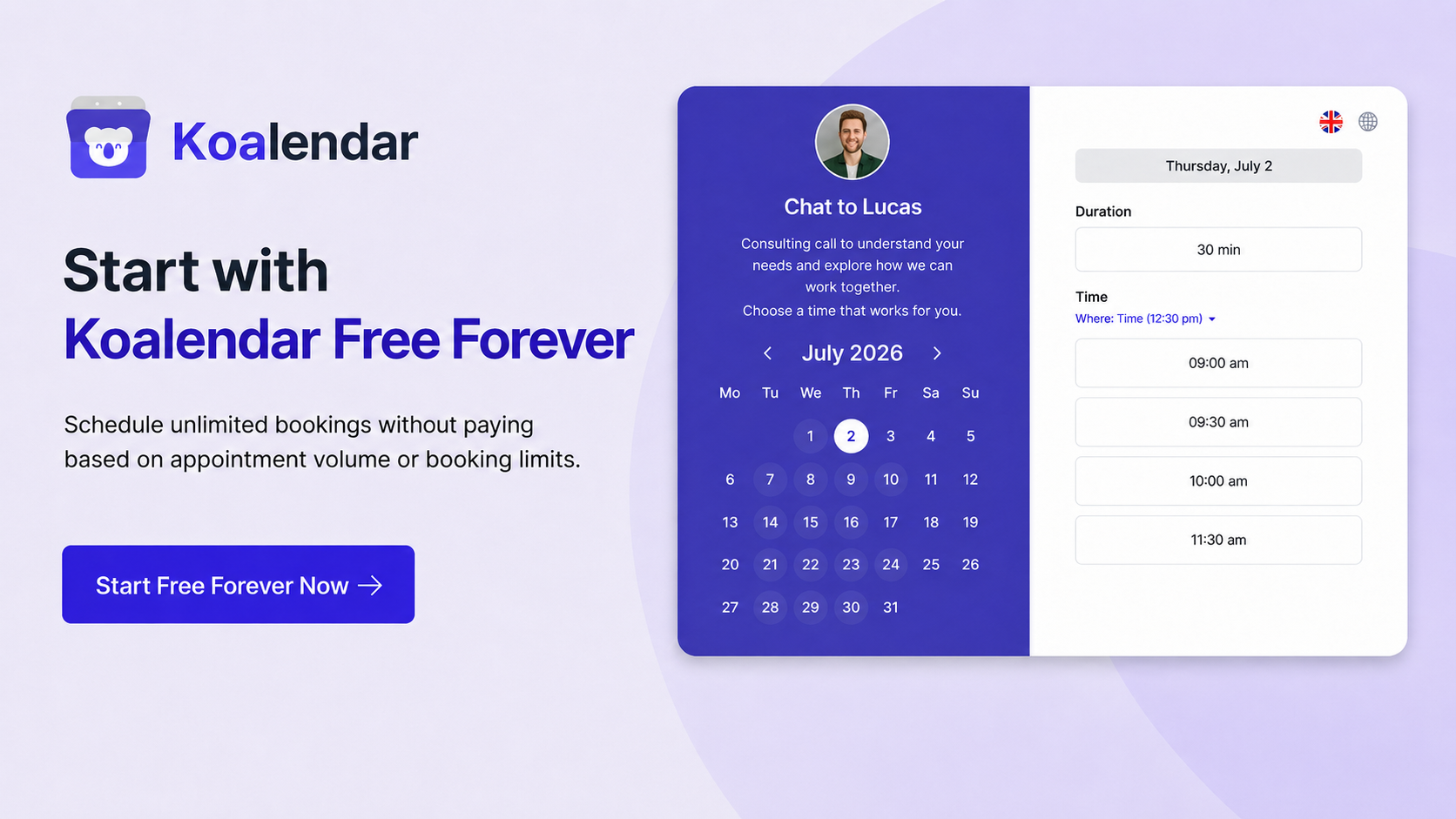
Best scheduling software for service business: quick comparison
For most small appointment-based businesses, Koalendar offers the best balance of simplicity, useful free features, and room to grow. The other tools below become stronger choices when you have a more specialized requirement.
Pricing and features checked September 2026. Prices are in USD where applicable and may change.
| Feature |  |  |  |  |  | YouCanBookMe |  |  |  |  |
| Best for | Best overall for small appointment-based service businesses | Advanced appointment customization | Integrated POS and appointment scheduling | Extensive booking-page customization | Advanced routing and meeting automation | Granular availability customization | Marketplace discovery for beauty and wellness | Job management and field-service workflows | Technician dispatch and field operations | Native Microsoft 365 integration |
| Free plan | ✅ | ❌ Trial | ✅ | ✅ | ✅ | ✅ | ❌ Trial | ❌ Trial | ❌ Trial | ❌* |
| Client self-booking | ✅ | ✅ | ✅ | ✅ | ✅ | ✅ | ✅ | ✅ | ✅ | ✅ |
| Payments | ✅ Pro | ✅ | ✅ | ✅ Paid | ✅ Paid | ✅ | ✅ | ✅ | ✅ | ❌ Native |
| Reminders | ✅ Pro | ✅ | ✅ | ✅ | ✅ Paid | ✅ | ✅ | ✅ | ✅ | ✅ |
| Multiple services | ✅ | ✅ | ✅ | ✅ | ✅ Paid | ✅ | ✅ | ✅ | ✅ | ✅ |
| Team scheduling | ✅ Pro | ✅ | ✅ | ✅ | ✅ Teams | ✅ Paid | ✅ | ✅ | ✅ | ✅ |
*Microsoft Bookings is included with eligible Microsoft 365 business subscriptions rather than offered as a standalone free booking product.
What should service scheduling software actually do?
Good service scheduling software should remove work from both sides of the appointment. Your client should be able to find a suitable time and book quickly; you should receive a confirmed appointment without manually checking calendars, sending reminders, or copying information between tools.
Let clients book services themselves
Your booking page should work even when you don't.
With 24/7 online booking, a client can see genuine availability, choose a service, and confirm a time without asking, "Are you free Tuesday afternoon?"
That matters when someone discovers you outside business hours. Instead of waiting for a reply, they can book while they're ready to act.
Manage different services and appointment types
A 15-minute discovery call shouldn't have the same rules as a 90-minute paid consultation.
Your appointment scheduling software should let you create services with different:
- Durations
- Available hours
- Locations
- Booking questions
- Buffers
- Prices
- Staff
- Notice periods
- Cancellation rules
That flexibility is especially useful when your business offers a mix of consultations, sessions, lessons, classes, and follow-ups.
Prevent double bookings
A booking page is only useful when the availability on it is accurate.
Calendar synchronization lets scheduling software check your existing work and personal commitments before offering times. Google Calendar's guide to checking availability across calendars explains how appointments can check connected calendars and remove busy periods from bookable availability.
Reduce no-shows and last-minute cancellations
Automated reminders save you from manually nudging every client.
There's solid evidence behind the idea, too. A systematic review indexed by PubMed found consistent evidence that appointment reminder systems improve attendance across healthcare settings. While your coaching session or consultation isn't a medical appointment, the behavioral principle is useful: people are more likely to remember something when they're reminded before it happens.
Easy cancellation and rescheduling can help as well. A client who can quickly release a slot is better than one who simply doesn't show up.
Collect client information before appointments
Ask for the information you need while the client is already booking.
A consultant might ask about the client's main goal. A tutor might need the student's grade level. A photographer may need a preferred location. A wellness professional might have a short intake form.
Custom booking forms turn appointment setup into part of the booking process, rather than another email you need to send later.
Collect payments or deposits
If you charge for appointments, separating payment from booking creates another admin job.
Payment-enabled scheduling lets you collect the full fee or, depending on the platform, a deposit as the appointment is booked. Koalendar, for example, supports Stripe payments on the Pro plan to simplify billing and discourage last-minute cancellations.
Coordinate availability across a small team
As soon as more than one person takes appointments, scheduling gets trickier.
Look for the ability to manage individual calendars, assign services to specific people, define staff availability, or distribute bookings using round-robin or collective scheduling.
You want enough coordination to keep everyone organized — not an enterprise implementation project.
10 best service scheduling software tools for appointment-based businesses
The right tool depends less on the length of its feature list and more on how closely it matches the way you deliver your service.
1. Koalendar — Best overall for small appointment-based service businesses
Best for: Solopreneurs and small service businesses that want straightforward client booking without unnecessary complexity.
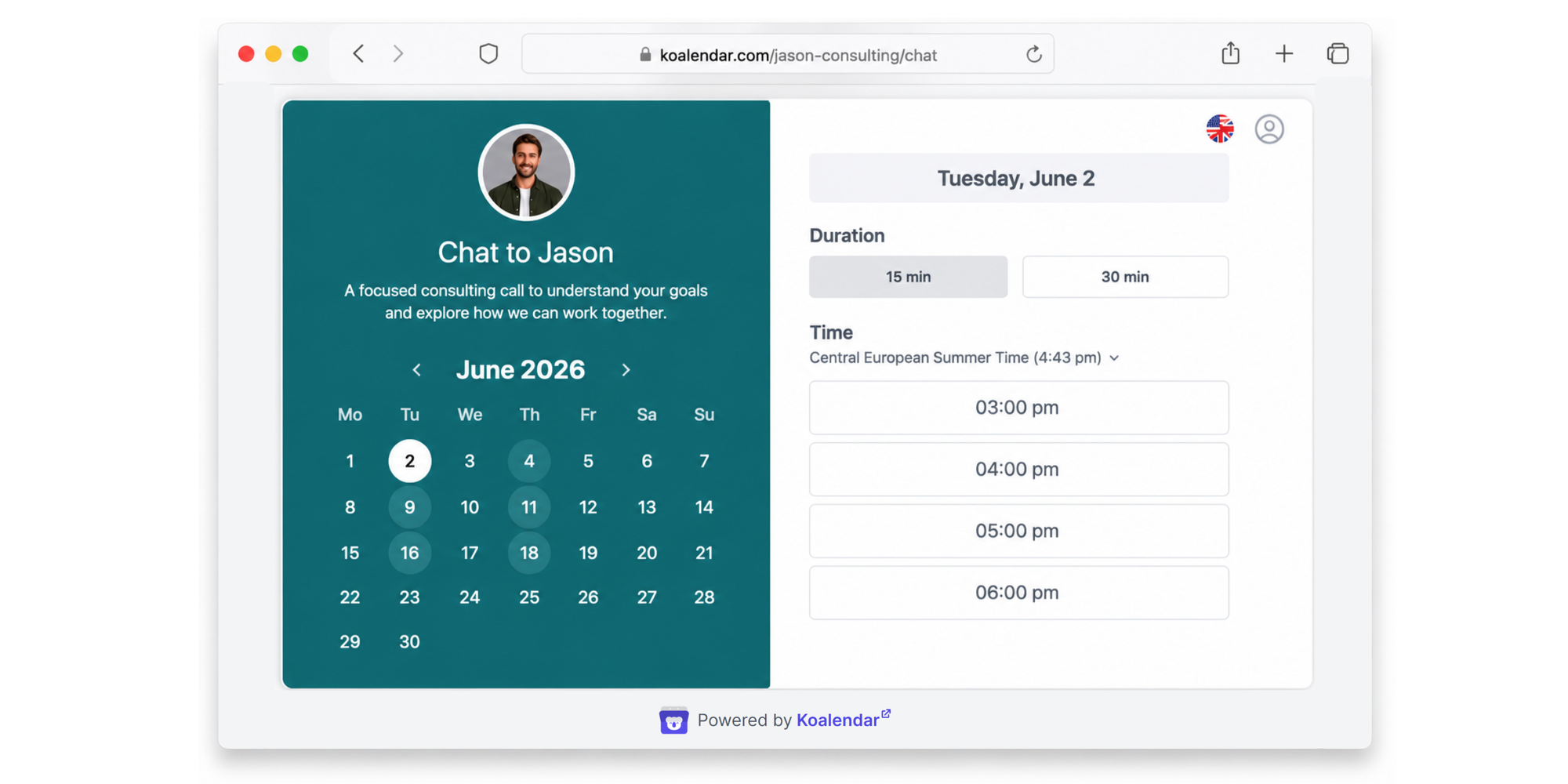
Why we picked it: Koalendar covers the core workflow most appointment-based businesses need: a simple booking page, calendar sync, reminders, and optional payments without forcing you into a complex setup.
The Free plan currently includes unlimited bookings, unlimited event types, unlimited scheduling links, website embeds, and synchronization with Google, Outlook, and Apple calendars. Pro costs $6.99 per seat/month with annual billing and adds features such as payments, group sessions, custom booking questions, custom email and SMS reminders, branding controls, round-robin scheduling, and more integrations.
Key service-business features:
- 24/7 client self-booking
- Unlimited bookings and event types on Free
- Google, Outlook, and Apple calendar sync
- Custom availability and durations
- Website booking embeds
- Payments with Stripe on Pro
- Custom booking questions on Pro
- Custom email and SMS reminders on Pro
- Group sessions and classes on Pro
- Round-robin and collective team scheduling on Pro
- Custom branding and integrations
Pros:
- ✅ Very quick to set up
- ✅ Strong free plan for solo service providers
- ✅ Simple client-facing experience
- ✅ Easy upgrade path when you need payments, forms, or team features
- ✅ Useful without forcing you into a larger business-management suite
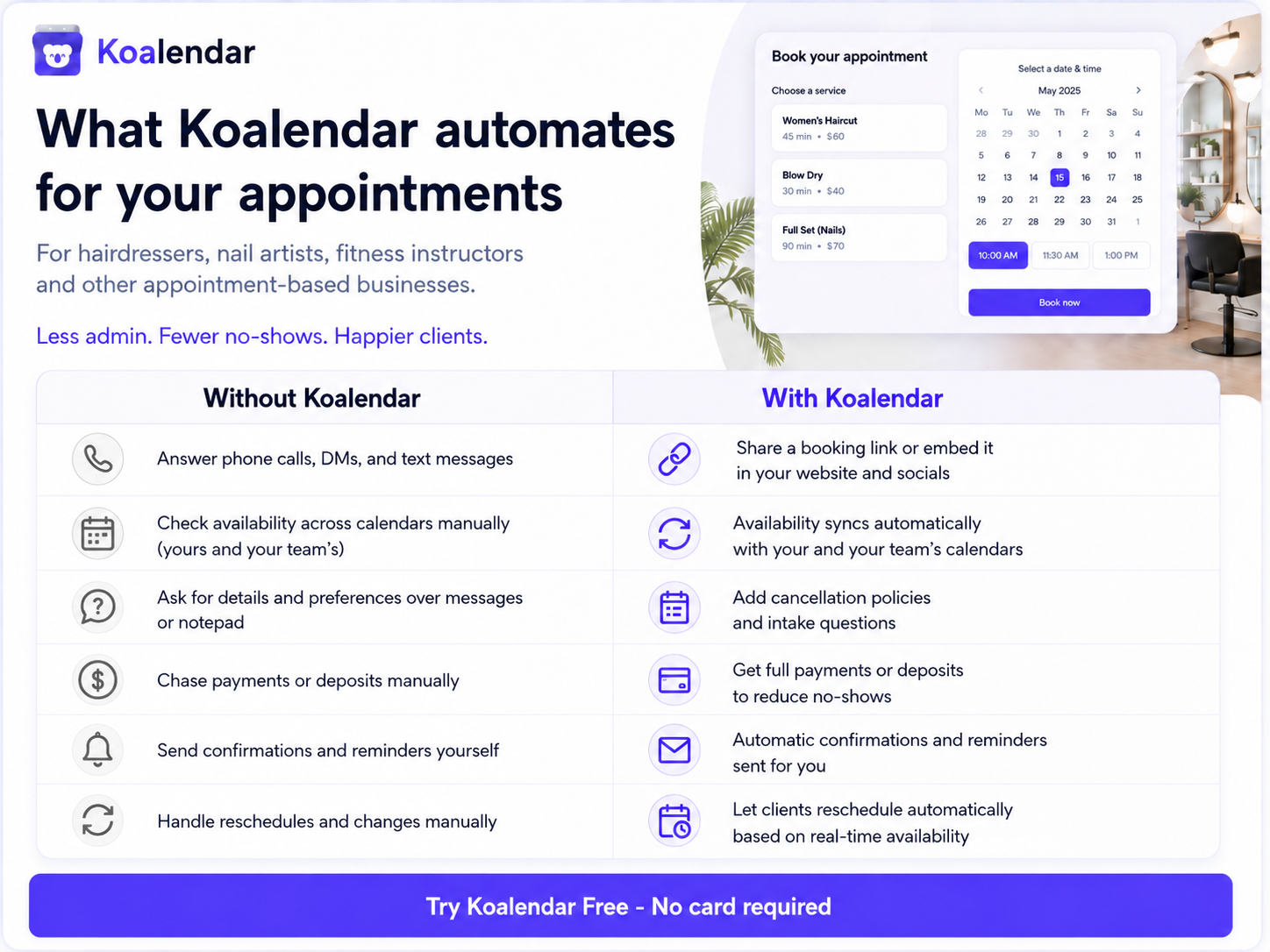
Cons:
- Payments and custom reminders require Pro
- Not designed for technician dispatch, GPS tracking, or work orders
Pricing: Free forever; Pro from $6.99/seat/month billed annually.
Final verdict: If clients mainly book your time, sessions, or services, Koalendar is the strongest all-round starting point for a small service business.
Compare Koalendar’s free scheduling software features or see the Koalendar Free vs Pro plan guide.
2. Acuity Scheduling — Best for advanced appointment customization
Best for: Service providers with more complex appointment types, intake requirements, packages, or memberships.
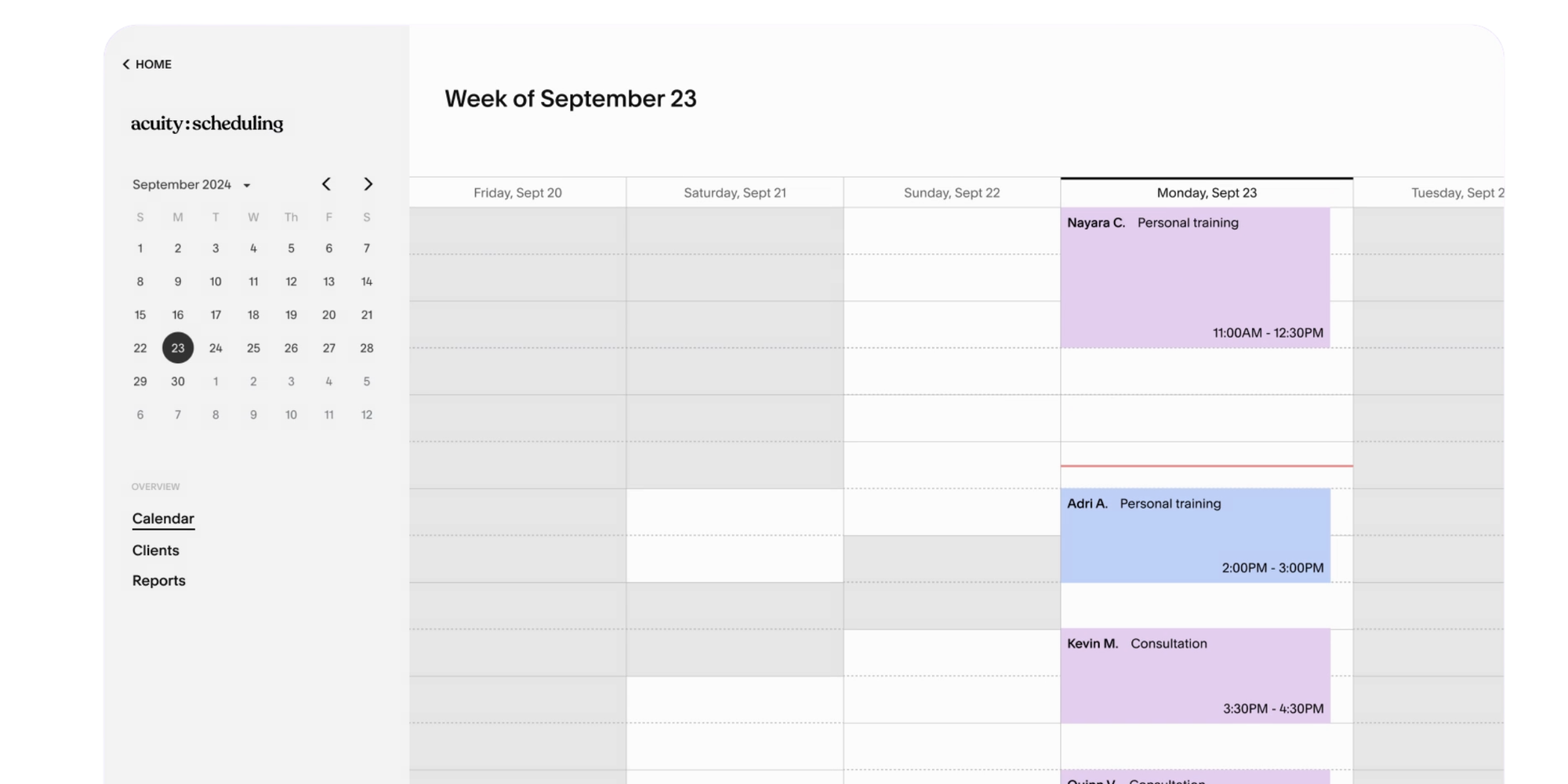
Why we picked it: Acuity goes deeper into service-specific appointment configuration. Its Starter plan includes client forms, email reminders, payments, and one calendar; Standard adds features such as SMS reminders, waitlists, memberships, packages, and up to six calendars.
Pros: Strong forms, payments, packages, and service customization.
Cons:
- No permanent free plan.
- Can feel more complex than necessary for simple appointment booking
Pricing: From $16/month billed annually; seven-day trial available.
Final verdict: Pick Acuity when your booking workflow needs more configuration than a typical consultation or session.
3. Square Appointments — Best for integrated POS and appointment scheduling
Best for: Service businesses already taking payments through Square.
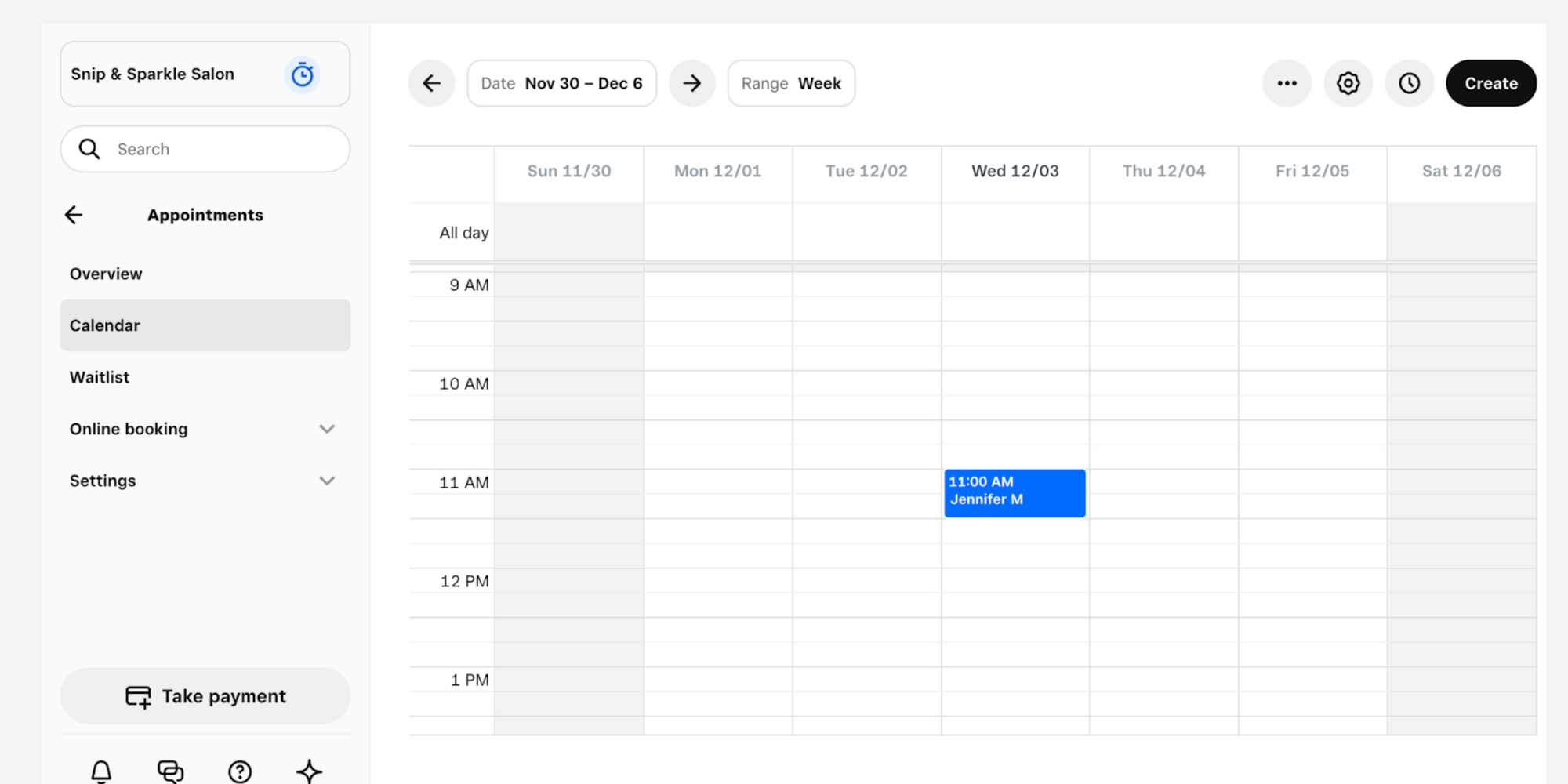
Why we picked it: Square combines online appointments with its broader payments and point-of-sale ecosystem. Clients can book online, while businesses can manage deposits, prepayments, reminders, customer records, calendars, and in-person checkout in the same system.
Pros: Excellent connection between scheduling and payments; useful for businesses that also sell in person.
Cons:
- The free plan charges a payment processing fee
- Can be more than a simple service business needs if payments/POS aren’t central
Pricing: Square currently offers a $0 plus payment-processing fees plan, depending on the services you use. Paid tiers range from $49 to 149/location/month.
Final verdict: A natural choice when Square is already the financial hub of your business.
4. SimplyBook.me — Best for extensive booking-page customization
Best for: Businesses that want lots of ways to customize how services are booked and presented.
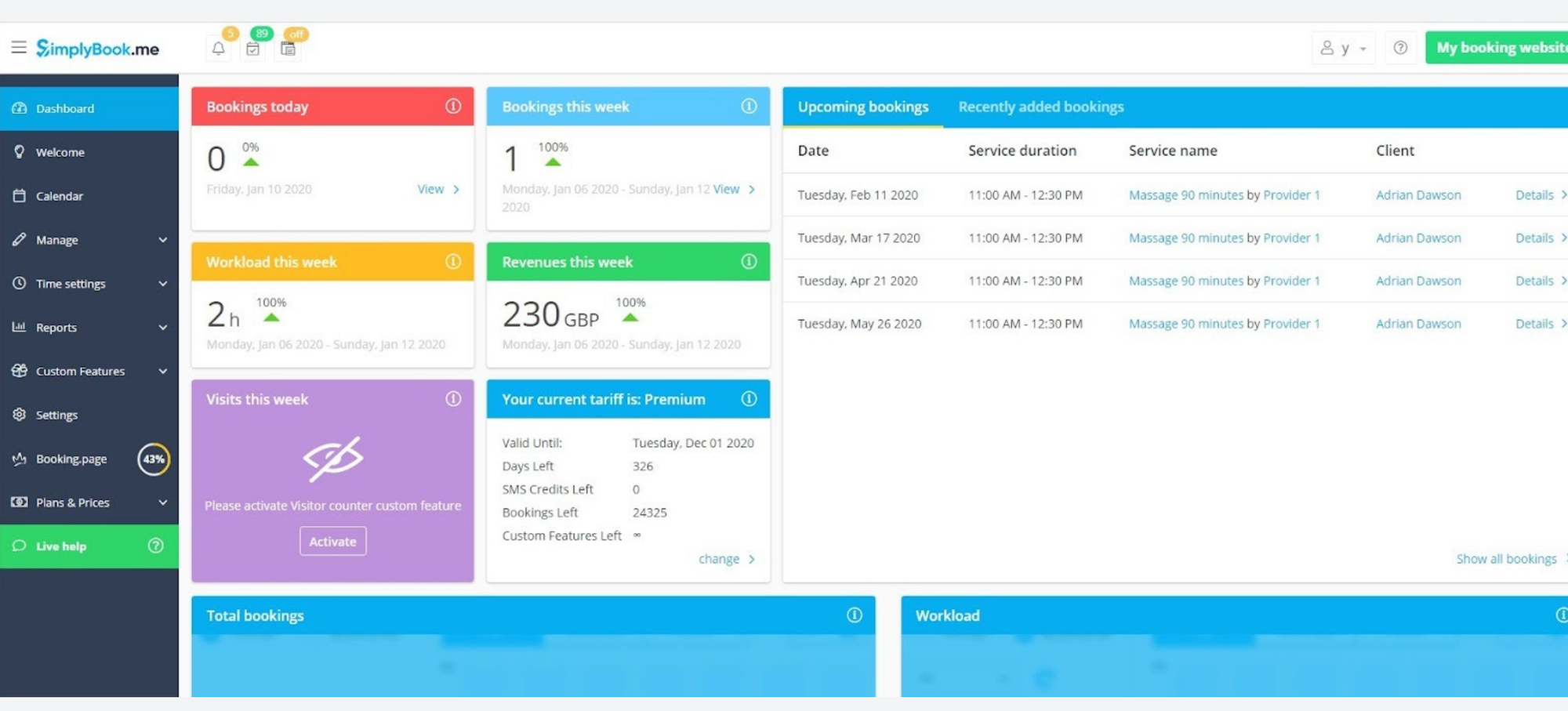
Why we picked it: SimplyBook.me offers a broad set of configurable features covering booking websites, reminders, payments, deposits, Google and Outlook calendar sync, widgets, social booking, multiple locations, and branding.
Pros: Highly configurable and supports a wide variety of service-business workflows.
Cons:
- Free plan has booking and feature limits.
- Its “custom feature” model and larger feature set can take more time to configure.
Pricing: Free for up to 50 bookings per month with one provider and one custom feature. Paid plans currently start at $11.90/month billed annually.
Final verdict: Worth considering when customization matters more than keeping setup minimal.
5. Calendly — Best for advanced routing and meeting automation
Best for: Businesses with lead routing, sales workflows, or more sophisticated meeting distribution.
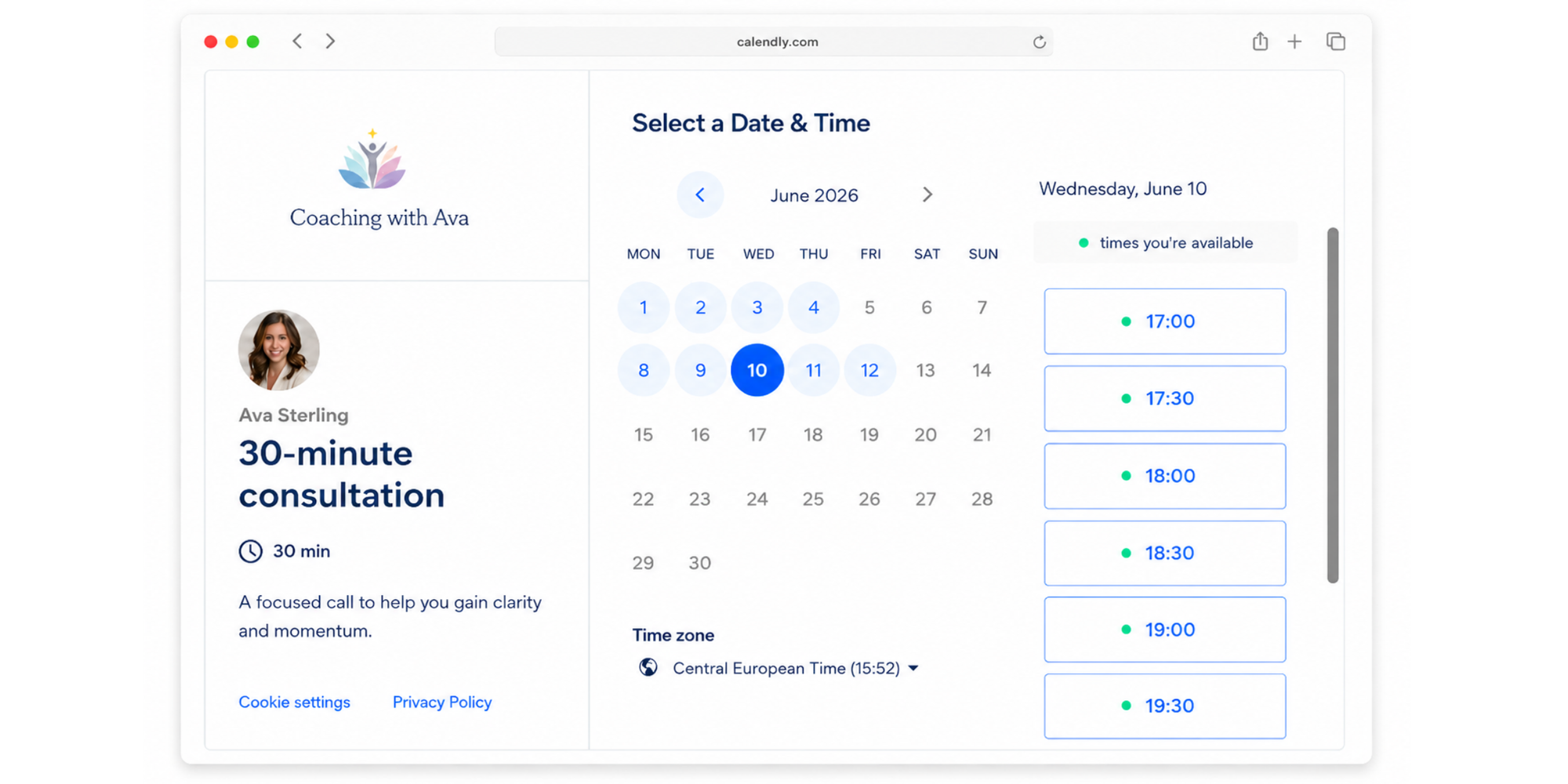
Why we picked it: Calendly is particularly strong around routing and team meeting automation. Its Teams plan adds round-robin scheduling and lead qualification/routing, making it useful when appointments need to flow to the right person based on rules.
Pros: Strong automation, routing, integrations, and team meeting management.
Cons:
- Many service-business essentials — including multiple event types, automated reminders, and payments — sit on paid plans.
- More meeting-focused than service-focused for businesses with complex appointment workflows
Pricing: Free plan available. Standard is currently $10/seat/month billed annually and Teams $16/seat/month billed annually.
Final verdict: Good option when routing logic matters. For a smaller appointment-based service business that mainly wants clients to book services, simpler options may provide a better fit.
6. YouCanBookMe — Best for granular availability customization
Best for: Businesses that want fine control over booking pages, availability, notifications, and appointment rules.
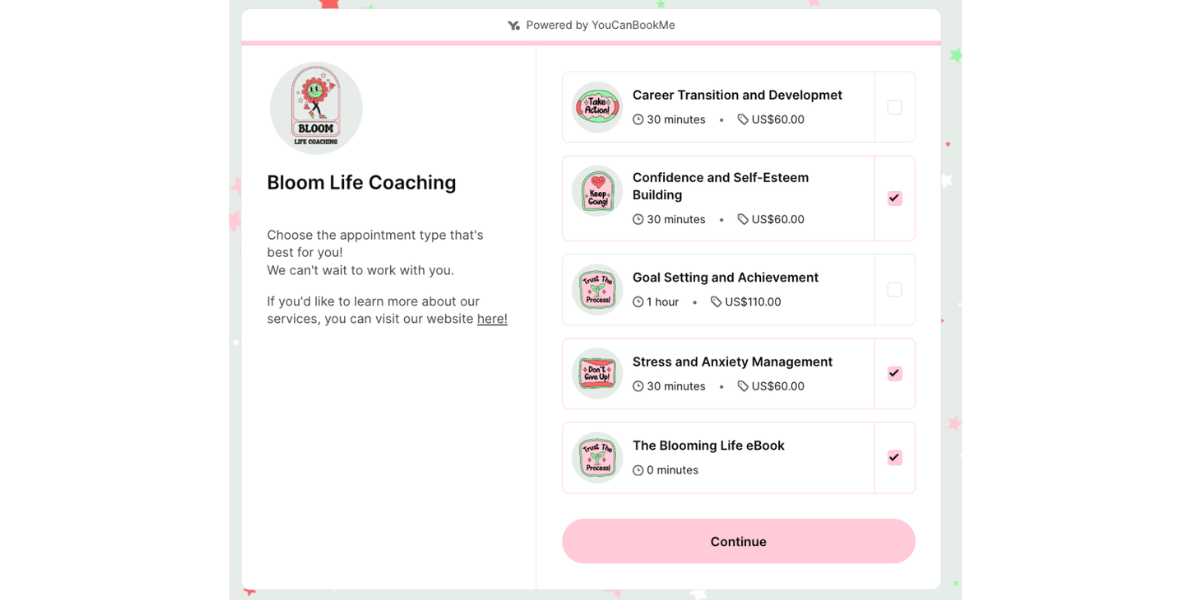
Why we picked it: Even YouCanBookMe’s Free tier supports customizable booking forms, payments through Stripe, cancellation and rescheduling links, video conferencing, website embeds, and detailed availability settings. Paid tiers expand calendar connections, booking pages, reminders, group sessions, and team functionality.
Pros: Lots of control over the booking experience and availability.
Cons:
- Free only lets you one calendar connection and one booking page.
- The number of settings may be more than a business looking for a quick, simple setup needs.
Pricing: Free plan available, with Individual, Professional, and Team paid tiers. Check YouCanBookMe’s current pricing page for billing-specific rates.
Final verdict: A good fit when controlling the details of how and when people can book is your priority.
7. Fresha — Best for built-in marketplace discovery
Best for: Salons, beauty, wellness, and self-care businesses that want clients to discover them through a marketplace as well as book directly.
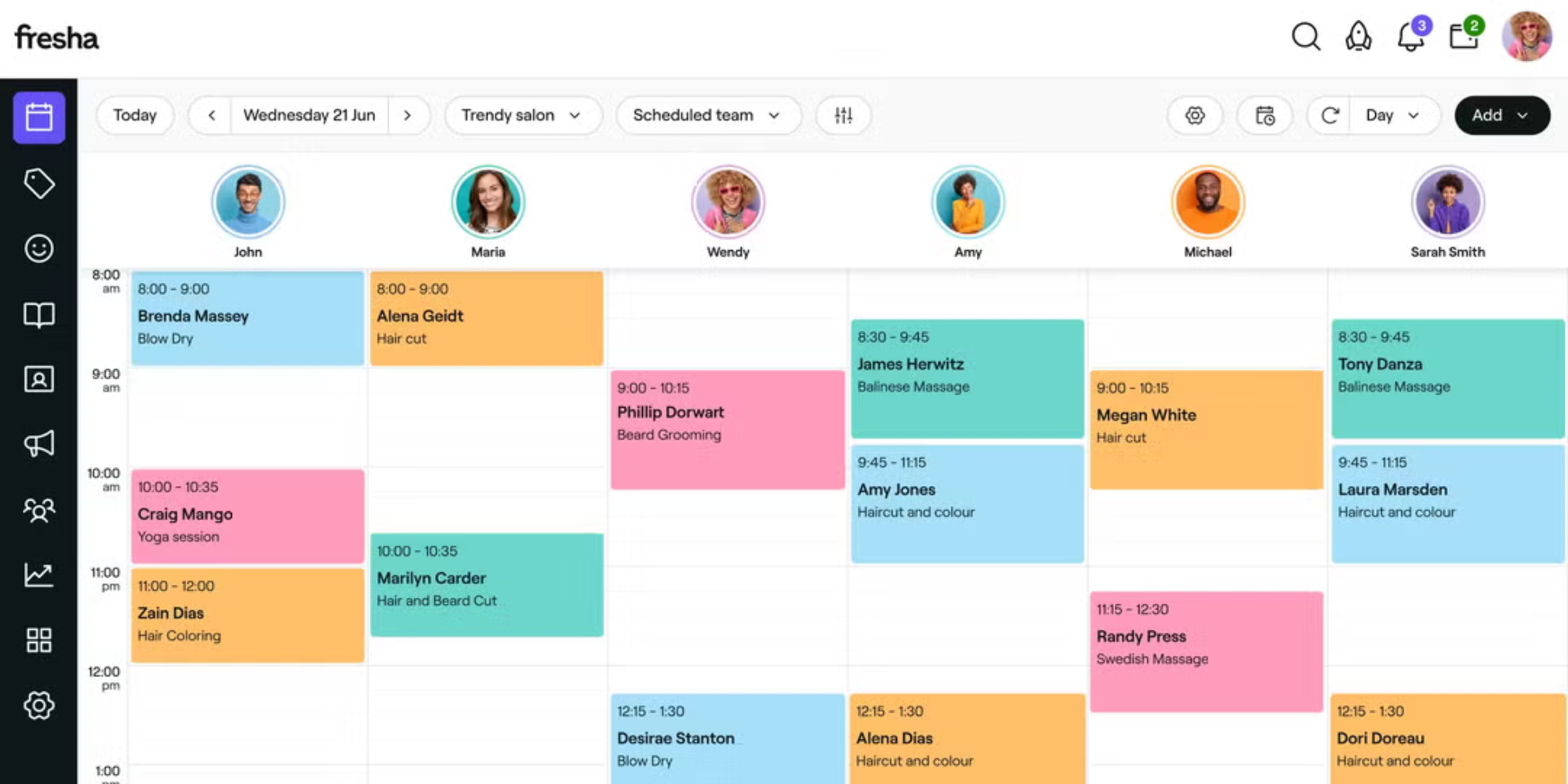
Why we picked it: Fresha combines scheduling, reminders, client management, forms, payments, team tools, and a consumer marketplace designed to generate new-client discovery.
Pros: Marketplace discovery plus strong salon and wellness management features.
Cons:
- Best suited to beauty and wellness rather than general service businesses
- Marketplace fees can apply when new clients find you through Fresha
Pricing: Independent plan currently $19.95/month; Team is $14.95 per bookable team member/month.
Final verdict: Best when marketplace visibility is an important acquisition channel, rather than simply needing an appointment link.
8. Jobber — Best for job management and field-service workflows
Best for: Home and field-service businesses managing jobs, quotes, invoices, and crews.
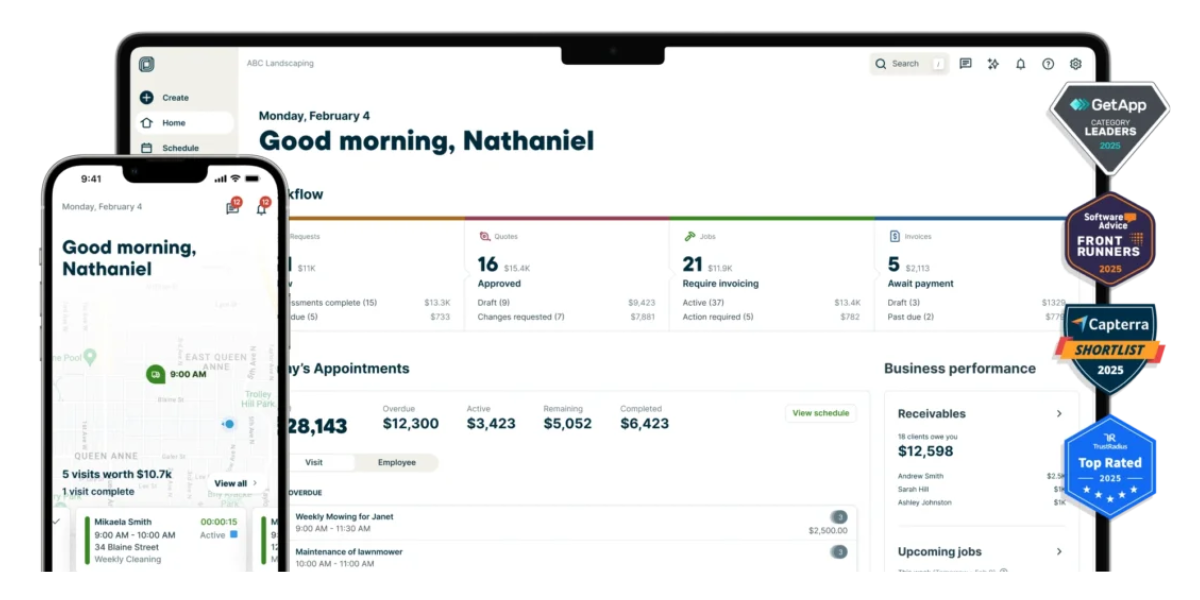
Why we picked it: Jobber moves beyond appointment scheduling into client management, job scheduling, quoting, invoicing, online payments, and field-service operations. Its Core plan includes online job booking, quotes, invoicing, and payments.
Pros: Strong operational toolkit for businesses delivering work at customer locations.
Cons:
- Overkill for a coach, consultant, tutor, or other professional primarily selling appointments.
- More expensive than a basic appointment scheduler
Pricing: Core currently starts from $29/month when billed annually, with higher tiers for automation and larger teams.
Final verdict: Choose Jobber when appointments turn into jobs that need to be managed operationally.
9. Housecall Pro — Best for technician dispatch and field operations
Best for: Home-service companies dispatching technicians to multiple customer locations.
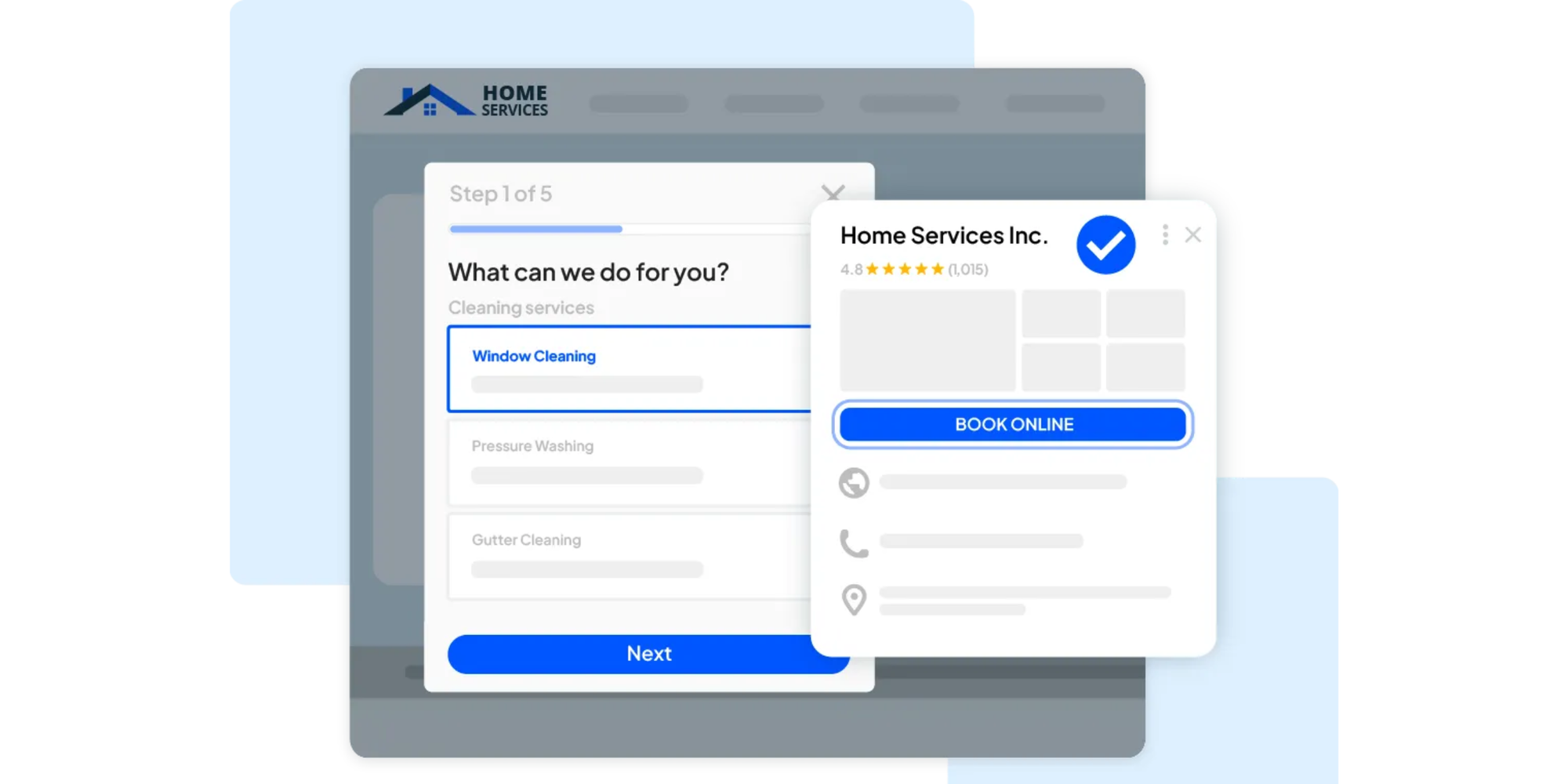
Why we picked it: Housecall Pro combines online booking with scheduling, dispatch, GPS tracking, route planning, invoices, payments, and customer updates. Its route tools can optimize a technician’s stops using job locations and live road conditions.
Pros: Purpose-built for crews in the field.
Cons:
- Significantly more software — and cost — than a typical appointment-based solo business needs.
- Too operationally complex for solo professionals selling simple appointments or sessions
Pricing: Basic starts at $59/month billed annually and includes one user.
Final verdict: A much better fit than an appointment calendar when dispatching workers is part of your daily workflow.
10. Microsoft Bookings — Best for native Microsoft 365 integration
Best for: Businesses already running their day in Outlook, Teams, and Microsoft 365.
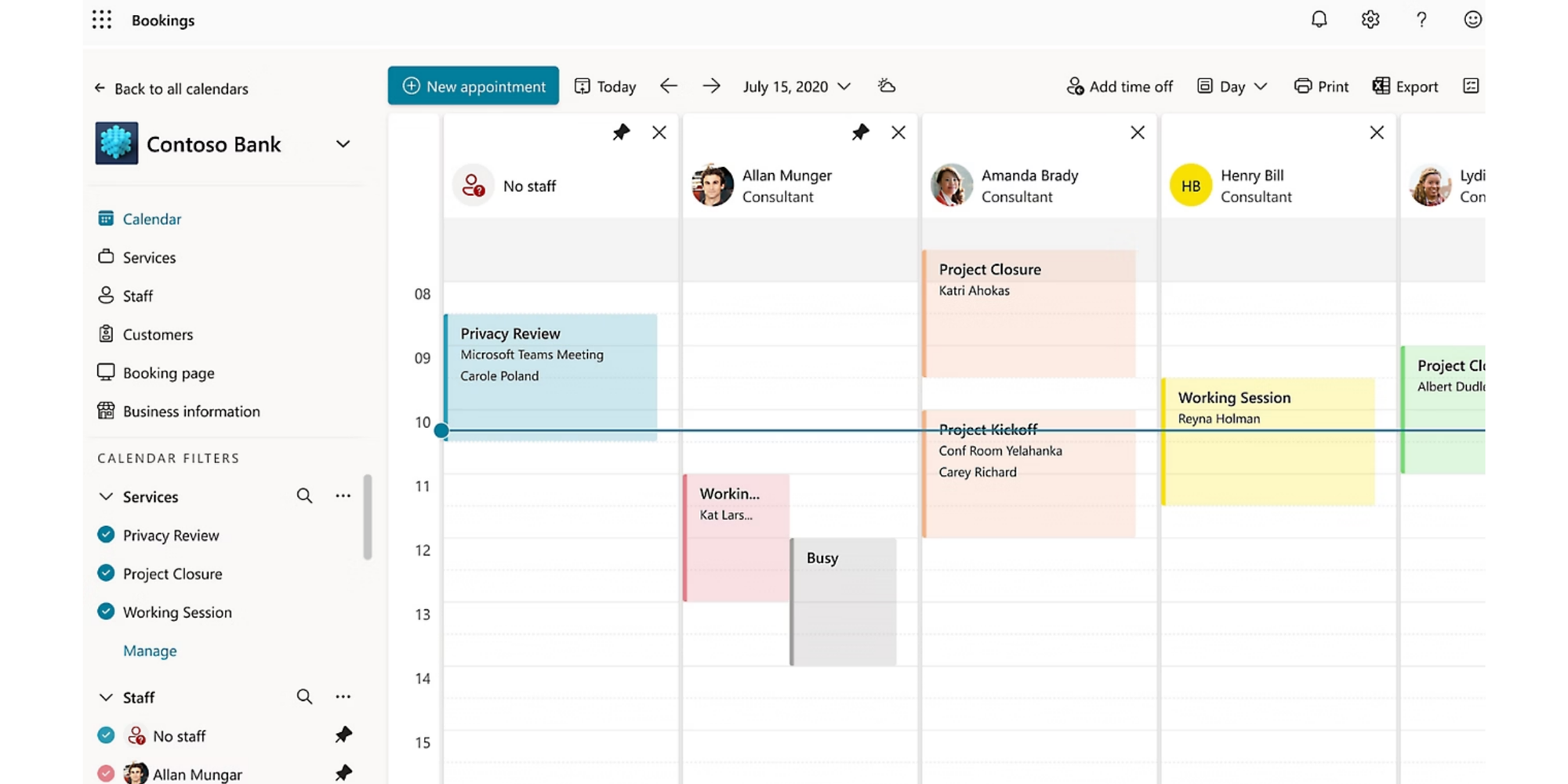
Why we picked it: Microsoft Bookings integrates with Outlook and supports customer-facing booking pages, services, staff availability, email and SMS notifications, shared booking pages, and Microsoft Teams meetings. Microsoft’s overview of Bookings
Pros: Fits naturally into an existing Microsoft environment.
Cons:
- Less compelling as a standalone choice if you aren’t already paying for Microsoft 365
- Native service-payment functionality is limited compared with payment-focused alternatives.
Pricing: Included in eligible Microsoft 365 subscriptions. Microsoft 365 Business Basic currently starts at $7/user/month billed annually with Teams in the US.
Final verdict: Sensible for Microsoft-first organizations that want scheduling inside tools they already use.
What type of service scheduling does your business need?
Choose software around what the customer is actually booking. A tutoring lesson, paid consultation, group class, and plumbing visit can all involve a calendar, but the workflow behind each one is different.
One-to-one client appointments
Consultants, coaches, freelancers, photographers, and wellness professionals usually need a simple combination:
- Client self-booking
- Calendar synchronization
- Intake questions
- Automated reminders
- Easy rescheduling
This is where a straightforward appointment scheduling software such as Koalendar fits naturally.
Paid consultations and sessions
If the appointment itself is the product, add payments or depositsto your requirements.
You may also need a cancellation window, custom booking questions, and follow-up messages.
Recurring services and lessons
Tutors, coaches, and other providers with repeat clients should look for recurring appointments or an easy way to recreate regular bookings.
The goal is simple: your regular clients shouldn’t create regular admin.
Classes and group services
For classes, workshops, webinars, or group coaching, check whether your software supports multiple attendees per time slot and capacity limits.
A standard one-to-one booking page won’t be enough.
Small service teams
If several people can deliver the same service, look at how the platform manages staff calendars.
Round-robin scheduling can distribute appointments automatically. Collective scheduling is useful when several team members need to attend the same booking.
Services delivered at the customer’s location
Here’s the important dividing line.
If customers simply choose an available time for you to meet them, appointment scheduling can still work.
But if you need to assign workers to jobs, optimize driving routes, monitor technicians, or manage work orders, you’re looking for field-service software.
How to choose booking software for a small business
The best booking software for small business owners is the one that matches today’s workflow without becoming expensive or complicated as you grow.
Use these six questions to narrow the list.
1. Define what clients can book
Write down the actual services you sell.
Do clients book consultations? Lessons? Classes? Paid sessions? On-site visits?
Then check that the platform can create each one with the right duration and rules.
2. Map your availability and booking rules
Think beyond working hours.
You may need:
- Buffer time between appointments
- Minimum booking notice
- Maximum advance booking windows
- Different hours for different services
- Daily appointment limits
- Cancellation cutoffs
3. Decide whether you need payments or deposits
If clients normally pay before a session, make this part of the booking flow.
If you invoice after completing a larger job, field-service or business-management software may make more sense.
4. Consider how many people take bookings
A solo business doesn’t need the same setup as a five-person team.
Check whether adding people changes the price and whether the platform supports the scheduling method you need.
5. Check your calendar and business integrations
At minimum, connect the calendar you already trust.
Depending on your workflow, you may also need Zoom, Google Meet, Microsoft Teams, Stripe, PayPal, Zapier, or a CRM.
6. Compare free plans and the cost of growing
A free plan can be generous at first and restrictive later.
Check what happens when you want to add:
- More appointment types
- Extra calendars
- More staff
- Payments
- Reminders
- Forms
- Branding
- Team routing
If your needs extend beyond client appointments into employee shifts and workforce planning, see our separate guide to the best scheduling software for small businesses.
Appointment scheduling vs. field service scheduling
Appointment scheduling manages when clients meet you; field-service scheduling manages how employees reach and complete jobs in the field.
That difference matters because “service scheduling software” can describe two very different categories.
| Requirement | Appointment scheduling | Field service scheduling |
| Clients book available times | ✅ | ✅ |
| Online booking page | ✅ | ✅ Often |
| Calendar sync | ✅ | ✅ |
| Appointment reminders | ✅ | ✅ |
| Payments/deposits | ✅ | ✅ Often |
| Client intake questions | ✅ | ✅ Varies |
| Technician dispatch | ❌ | ✅ |
| Route optimization | ❌ | ✅ |
| GPS/field-worker tracking | ❌ | ✅ |
| Work-order/job management | ❌ | ✅ |
Housecall Pro illustrates the second category well: its field-service tools cover technician assignment, live GPS tracking, shared dispatch calendars, and route optimization.
So use this rule:
Clients primarily book your time → choose appointment scheduling software.
You primarily assign employees to jobs at customer locations → choose field-service scheduling software.
How to set up a scheduling calendar for your service business
A useful scheduling calendar starts with your real services and availability, then automates everything around them.
Here’s a simple setup using Koalendar as an example.
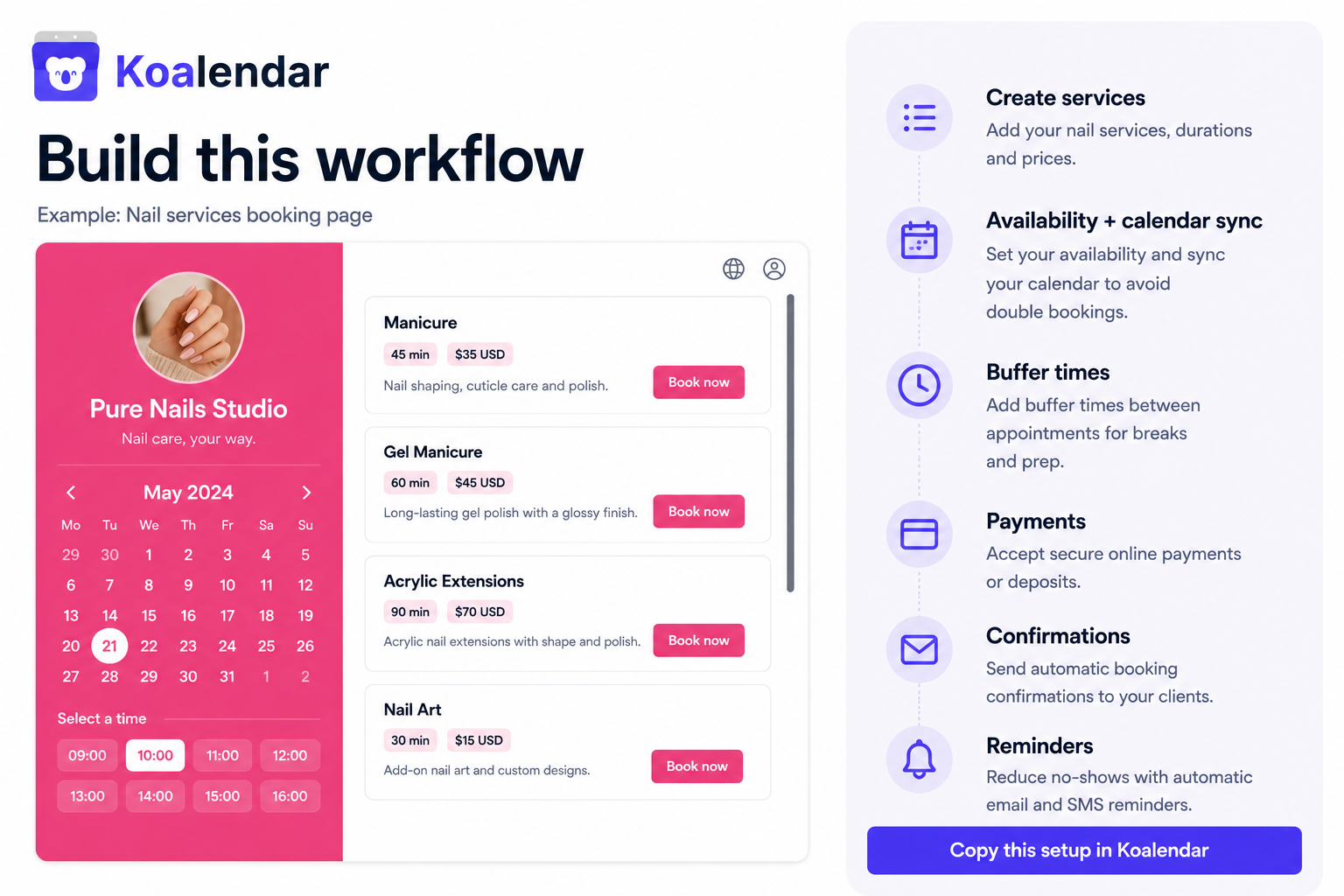
Step 1: Create your services and appointment types
Start with what people can actually book.
For example:
- 30-minute discovery call
- 60-minute consultation
- Weekly tutoring lesson
- 90-minute photography planning session
Give each option a clear name so clients immediately understand what they’re choosing.
Step 2: Set your availability
Add the hours you genuinely want to offer appointments.
Then use buffers and booking limits where needed so your calendar still gives you time to prepare, travel, eat lunch, or finish notes.
Step 3: Connect your existing calendars
Connect Google Calendar, Outlook, or Apple Calendar so existing commitments are taken into account.
Koalendar’s Free plan can synchronize with Google, Outlook, or Apple calendars, helping you keep bookings and existing commitments in one view.
Step 4: Add booking questions and payments
Ask only for information that helps you deliver the service.
If the appointment is paid, connect payments so booking and checkout happen together.
Step 5: Set reminders and cancellation rules
Decide when clients should hear from you before the appointment.
Clear reminders plus an easy way to reschedule can reduce manual follow-up and give you more warning when plans change.
Step 6: Share or embed your booking page
Now put the link where clients already find you:
- Your website
- Email signature
- Contact page
- Social profiles
- Direct messages
- Proposal or onboarding emails
With Koalendar, you can also embed the booking experience directly on your website.
One link. Real availability. Less back-and-forth.
Choose the best scheduling software for your service business
The best scheduling software for service business owners depends primarily on how your service is delivered — not which platform has the longest feature list.
If clients book your time, appointments, classes, or sessions, start with an appointment scheduler. For most small appointment-based businesses, Koalendar gives you the core tools you need without adding unnecessary complexity.
If you have an unusually specialized workflow, a platform such as Acuity, Square Appointments, SimplyBook.me, Calendly, Fresha, or YouCanBookMe may offer the specific feature that matters most.
And if you’re dispatching technicians or crews to customer locations, look toward Jobber, Housecall Pro, or another dedicated field-service platform.
If clients book your time, sessions, or services, Koalendar keeps the process simple: share your availability, let clients choose a time, and spend less of your day managing appointments.
.png?w=2000&fit=max&auto=format)